AI Zootopia Photo Fliter
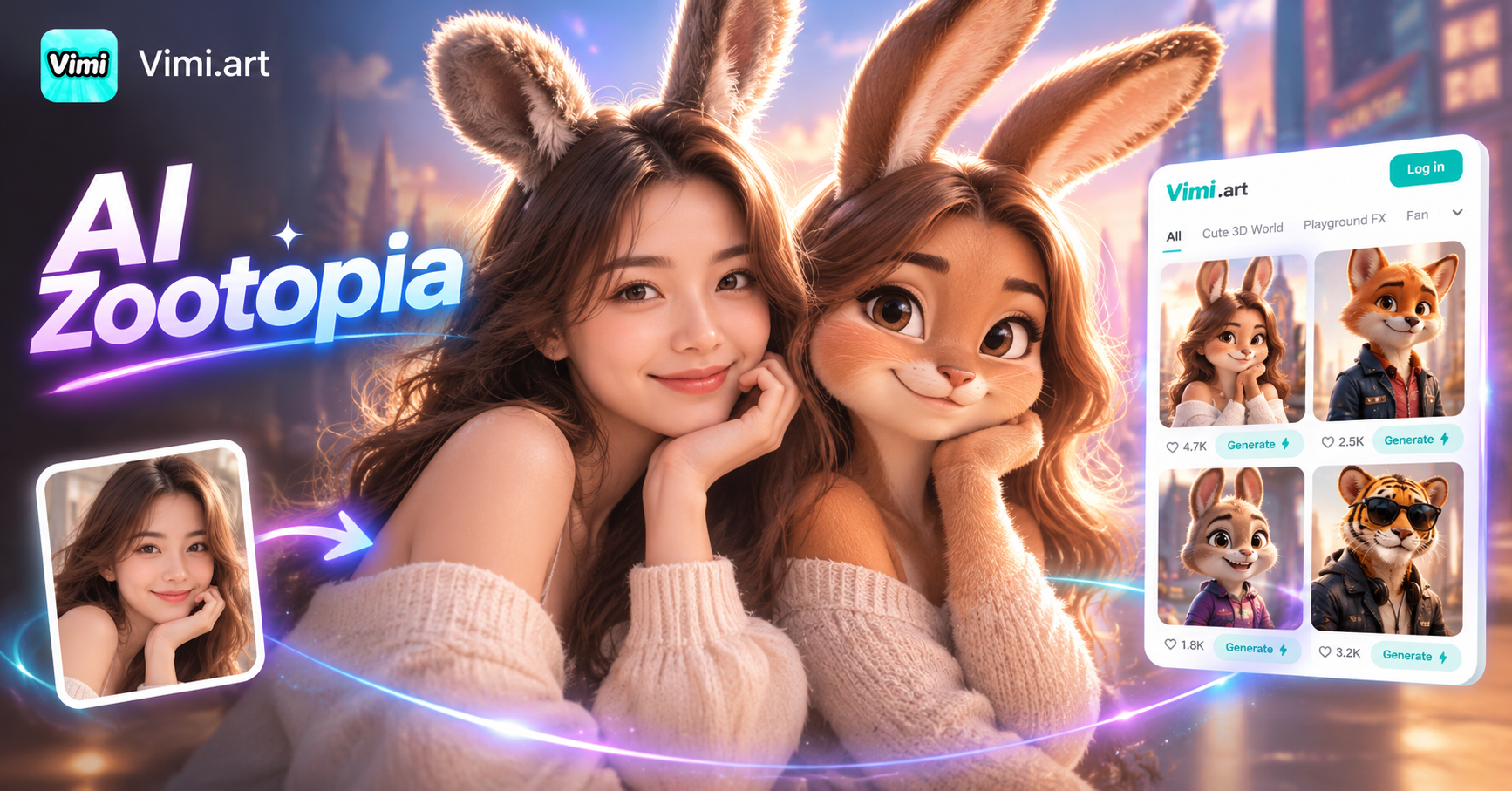
Take photo in Zootopia !


Why Choose Vimi for AI Zootopia Photo Filter
Discover how Vimi turns your everyday photos into Zootopia style animal characters with one tap.
Fast Animal Style Change
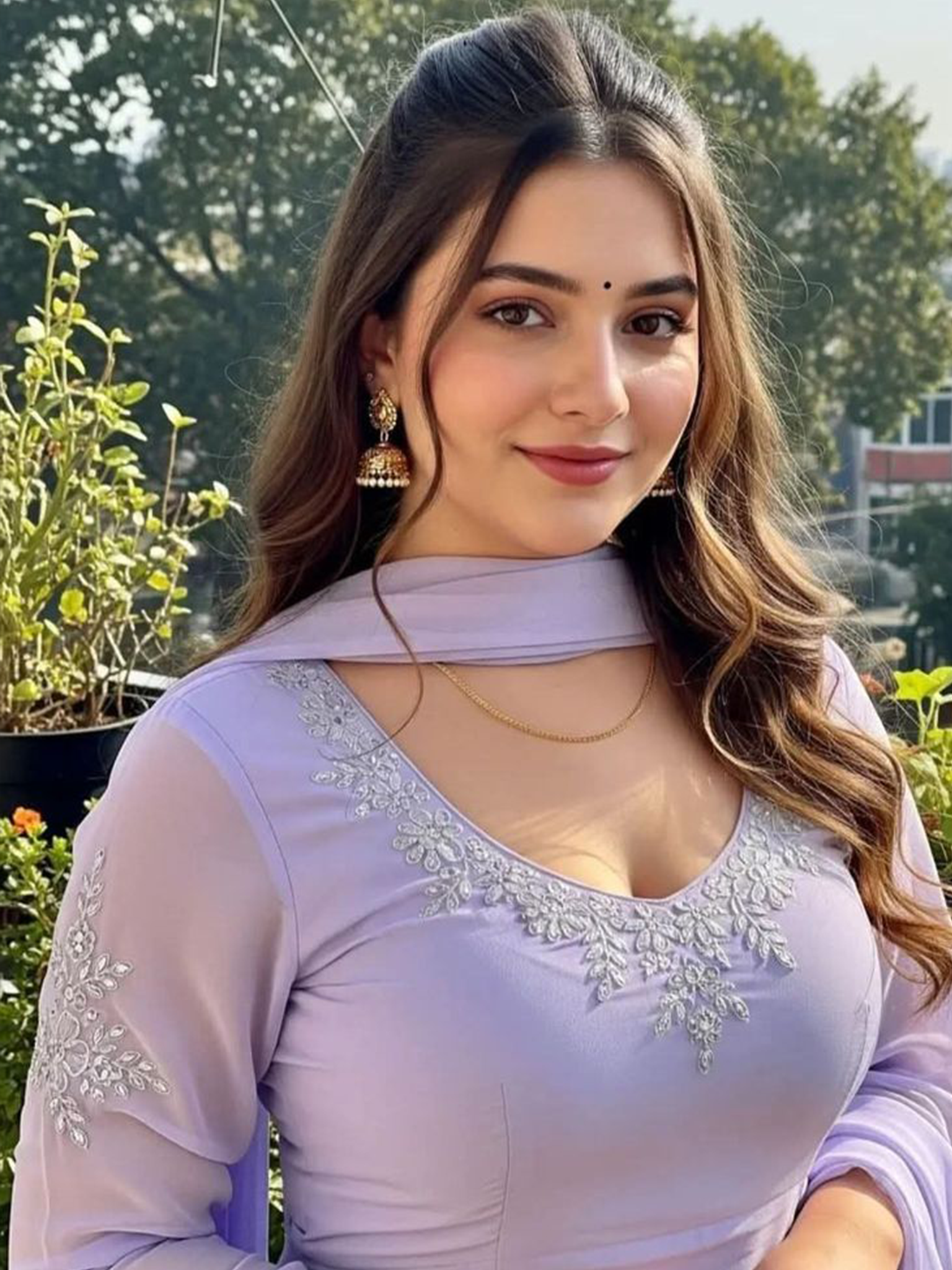
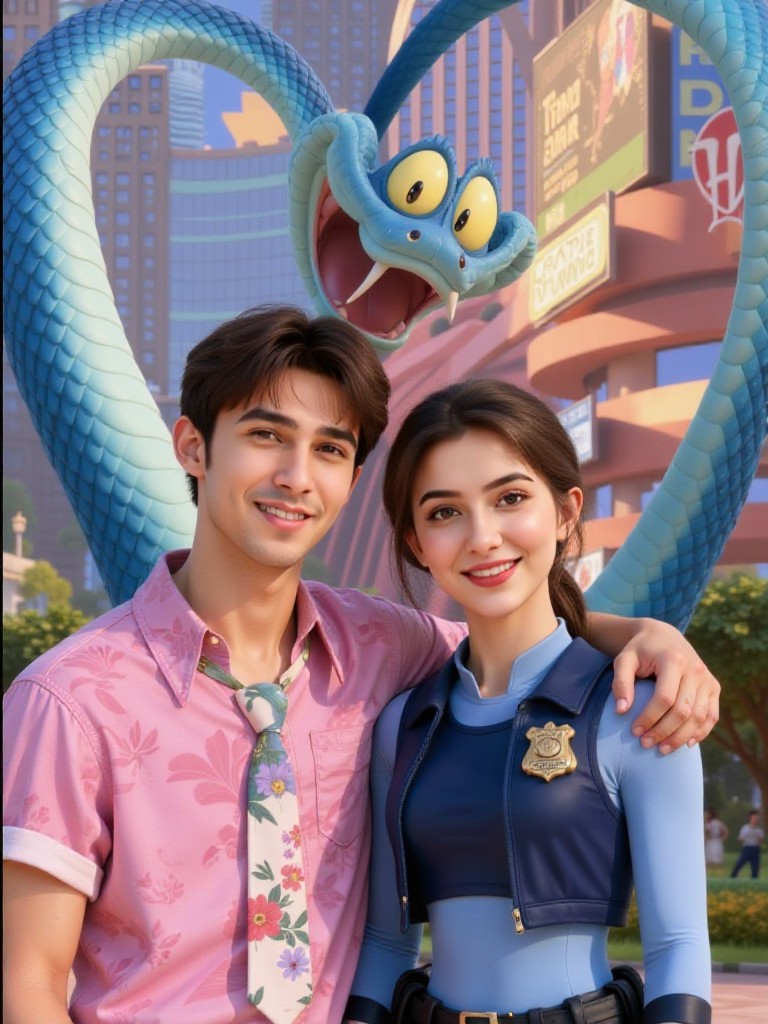
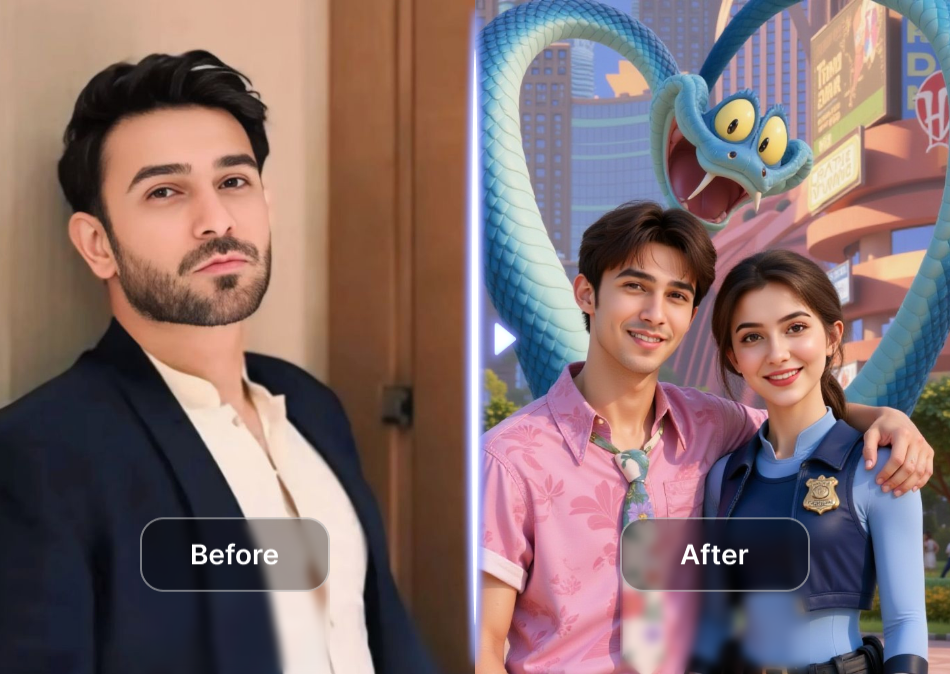
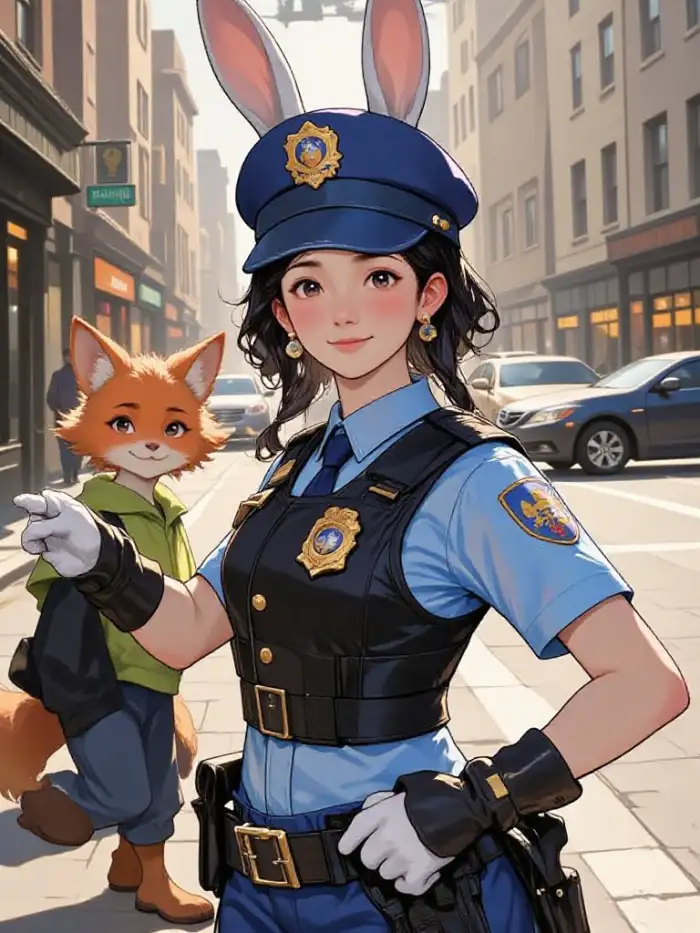
Vimi applies the Zootopia filter while keeping your original facial features and expressions. You get a cartoon version with fur, animal ears, and a snout. The process takes only 10 to 20 seconds. You do not need any editing skills. Just select the template and tap generate.
Fast Animal Style Change
Vimi applies the Zootopia filter while keeping your original facial features and expressions. You get a cartoon version with fur, animal ears, and a snout. The process takes only 10 to 20 seconds. You do not need any editing skills. Just select the template and tap generate.
Explore Use Cases of Vimi AI Filter
Find some fun and practical ways to use your Zootopia style portraits in daily life.
 Before
 After
AfterSocial Media Animal Avatars
Use the Zootopia filter to create a unique profile picture for Instagram, TikTok, or Facebook. Your followers will recognize your face but see you as a cartoon fox or bunny. This style attracts more attention and comments. You can also use it for story stickers or cover images. Many users say these avatars get higher engagement rates.
 Before
 After
AfterCustom Gift Animal Portraits
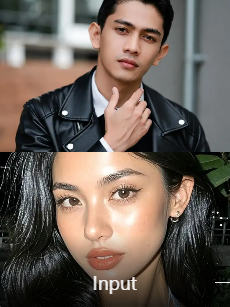
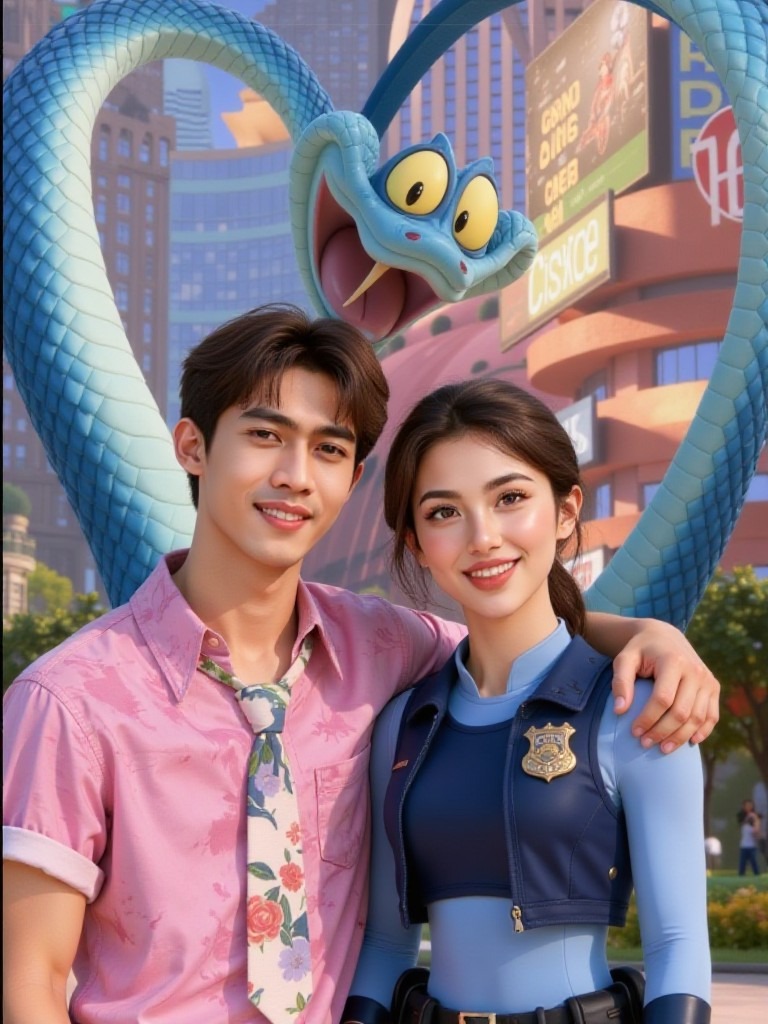
Turn your family or friend photos into Zootopia style animal portraits for birthday or holiday gifts. Print them on canvas or frame them for a personal touch. Each person becomes a different animal such as rabbit, fox, or bear. You can match each animal to the person's personality. This gift is unique and often brings smiles.
 Before
 After
AfterSingle Portrait Animal Art
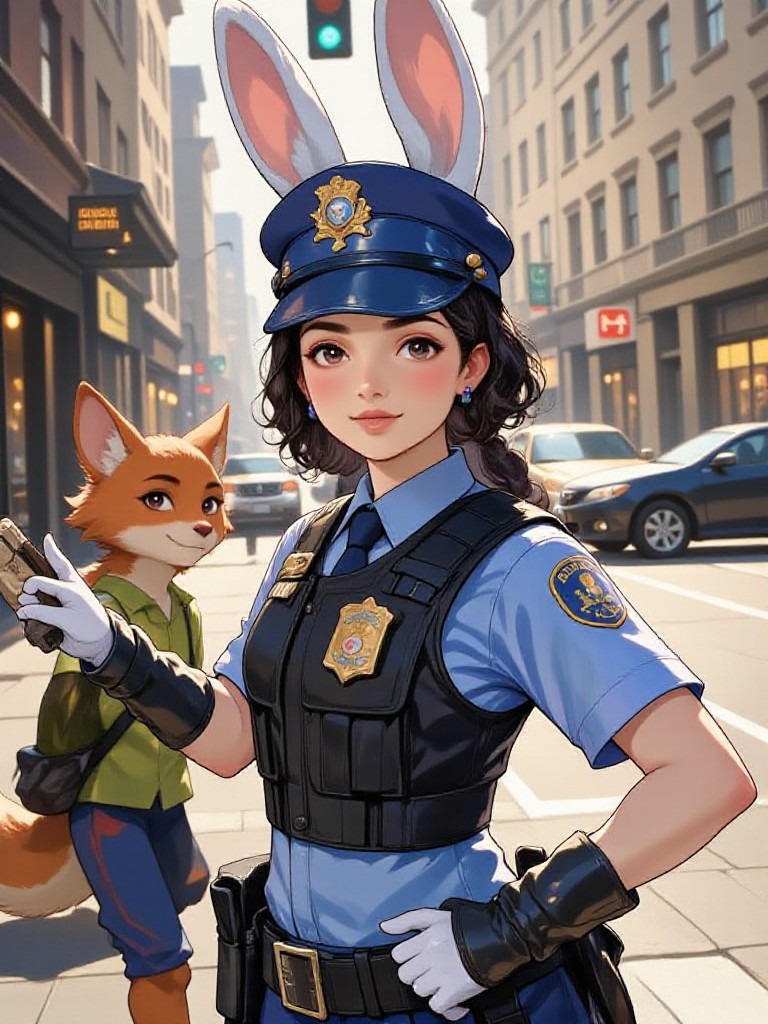
Turn your individual photo into Zootopia style art for personal use. Print it on canvas for wall decoration or keep it as a digital collection. Each portrait captures your facial features with animal ears and fur. You can generate multiple styles from the same photo and choose your favorite.
How to Create a Zootopia Photo with Vimi AI Filter?
Making a Zootopia style photo with Vimi is simple. Just follow these three steps to get your animal portrait.

Step 01.
Open your app store, search for Vimi, and download the app to your phone.

Step 02.
Browse the template library, pick the Zootopia filter, upload your photo, and tap generate.

Step 03.
After generation, tap download to save the image or share it directly to social media.
Frequently Asked Questions
Find clear answers to common questions and get the guidance you need to make the most of our platform, faster and easier.
More Topics You May Like
Explore more topics you may like and discover fresh ideas tailored to your interests.

Ai Muslim Couple Photo
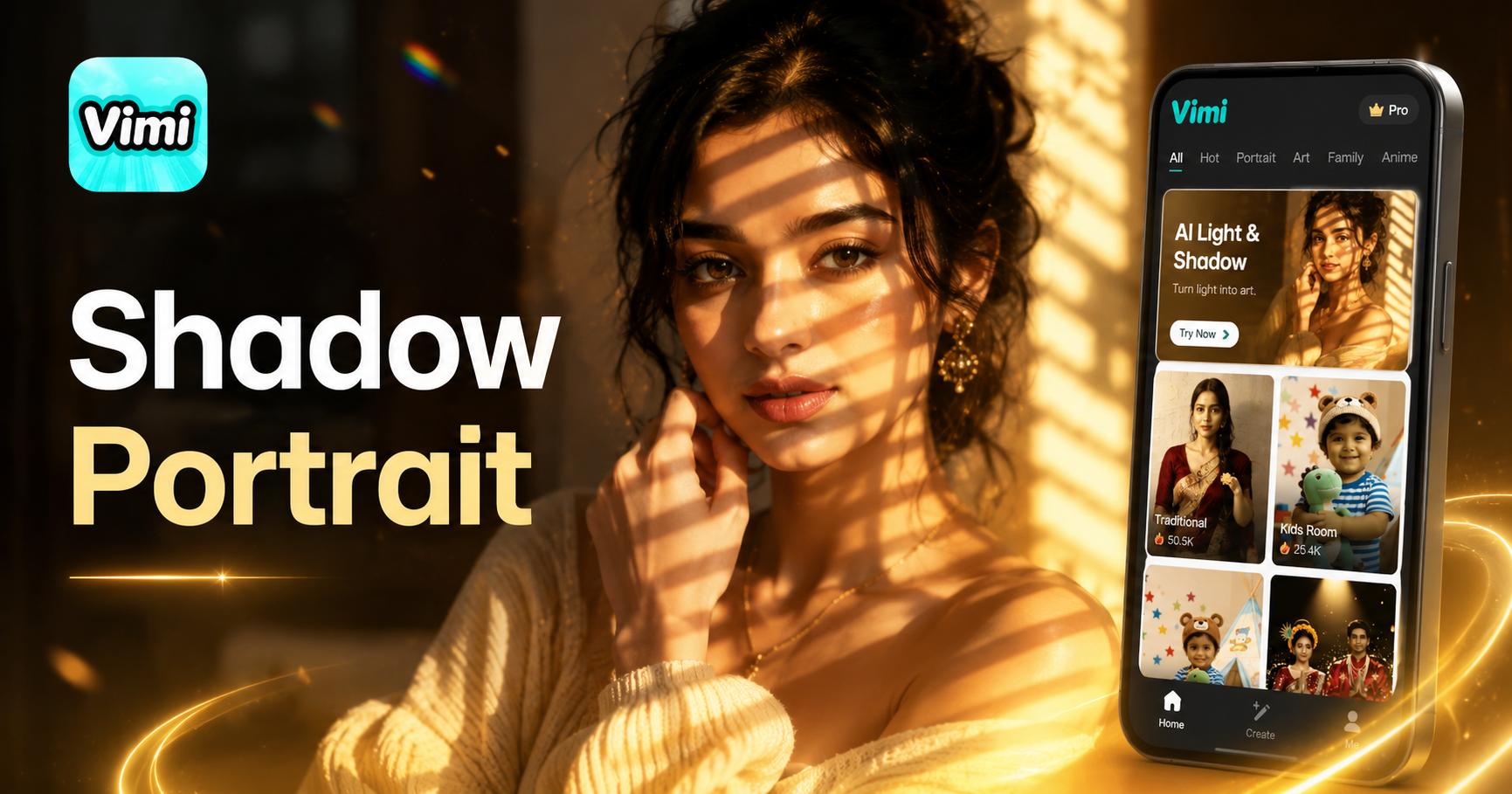
Ai Light And Shadow Portrait
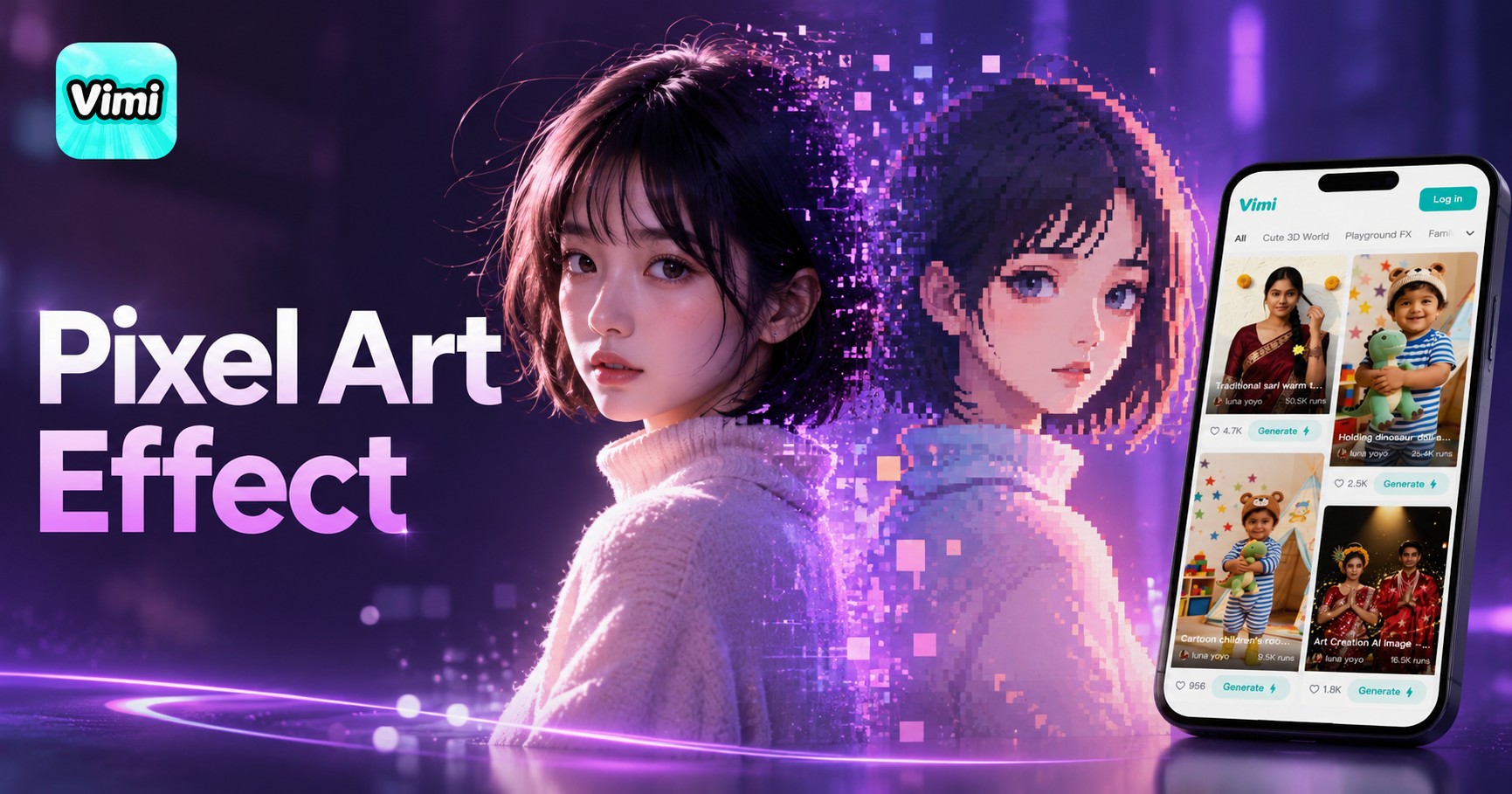
Ai Pixel Art Effect
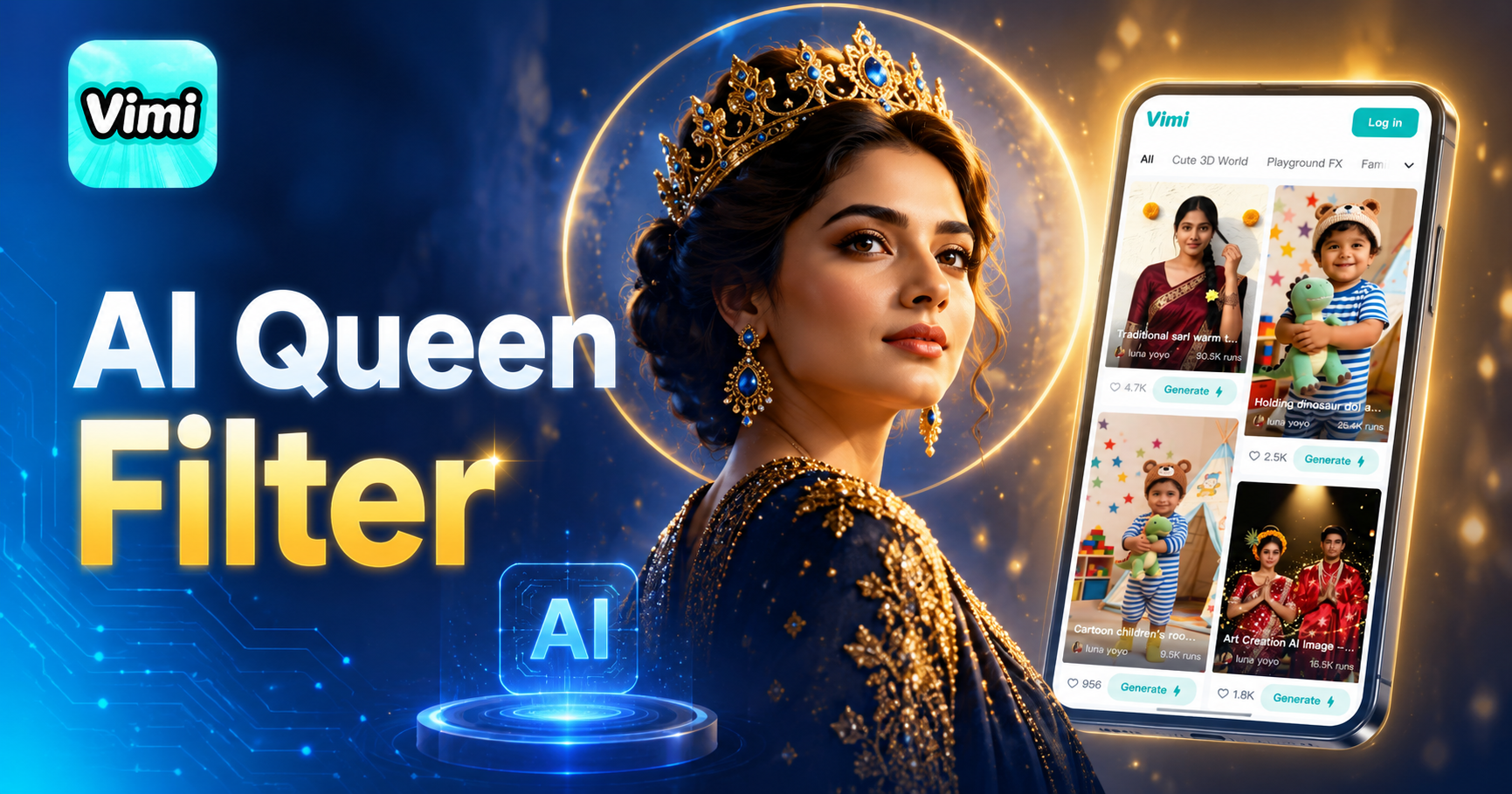
Ai Queen Filter
Ai Muslim Couple Photo
Ai Light And Shadow Portrait
Ai Pixel Art Effect
Ai Queen Filter
Download Vimi And Create Your Zootopia Portrait Now
Get the app now. Turn your photos into animal art in minutes.
Download Vimi And Create Your Zootopia Portrait Now
Get the app now. Turn your photos into animal art in minutes.