AI Pixel Art Effect
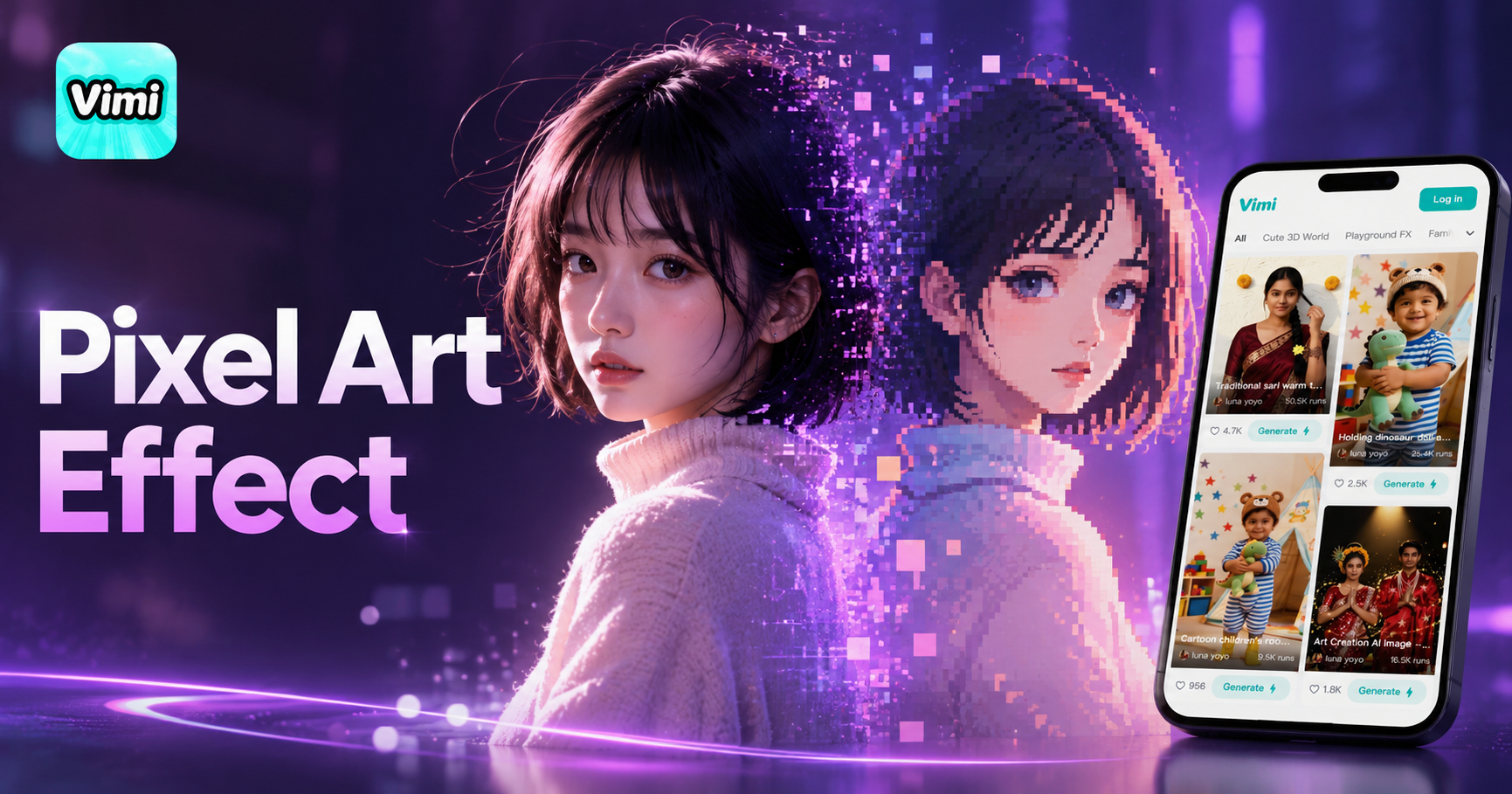
Photo Easy to Pixel
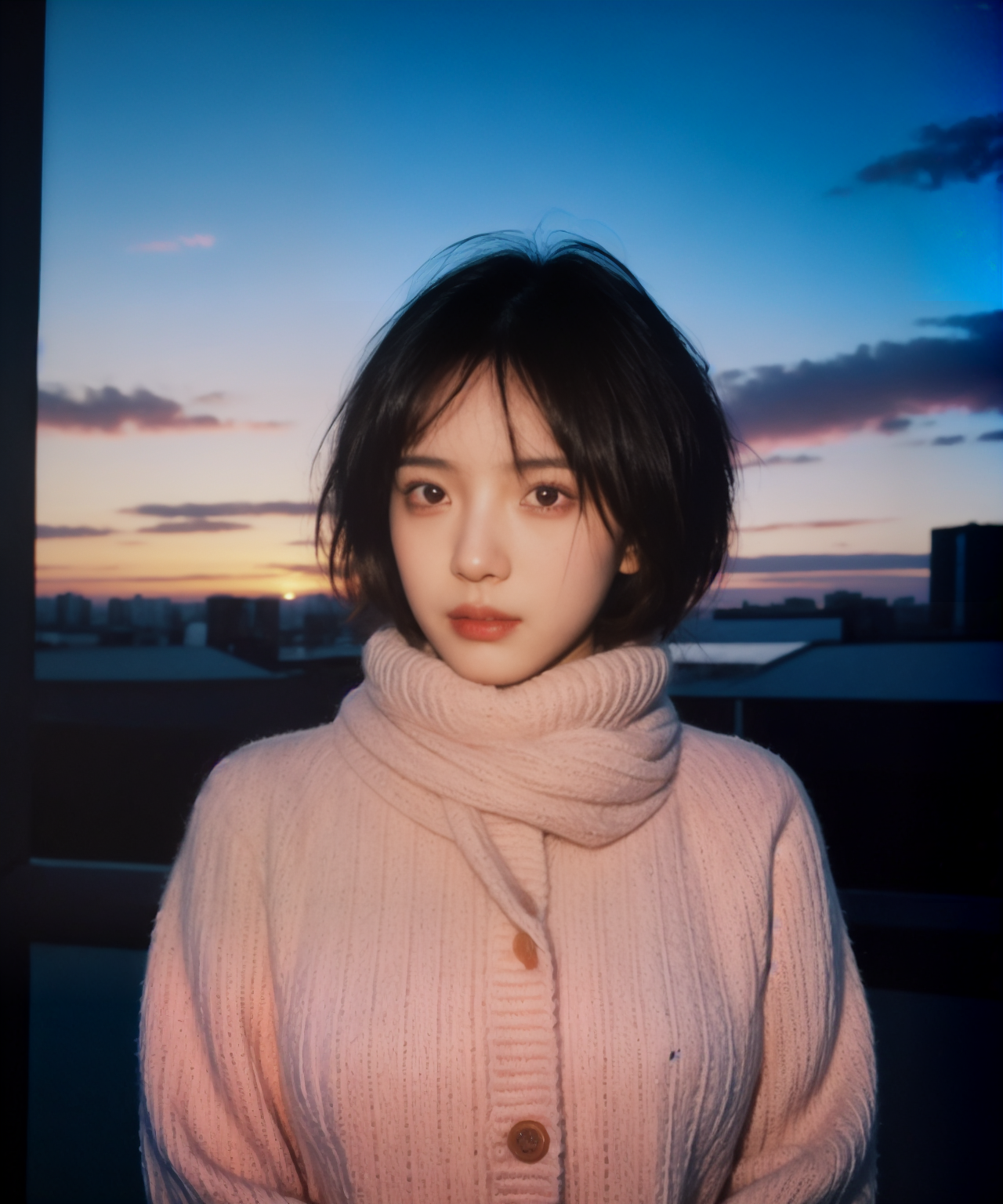
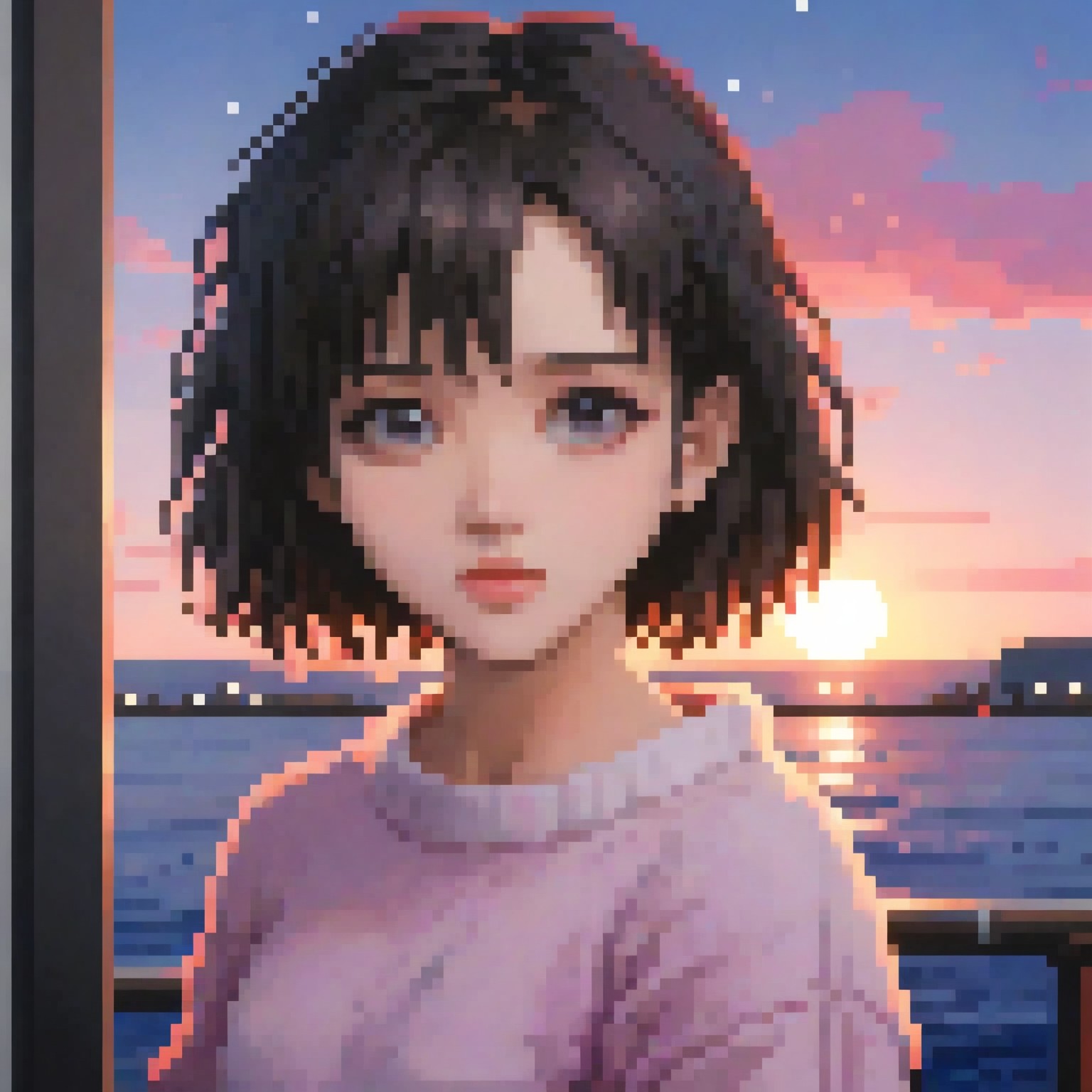

Key Features of Vimi AI Pixel Art Effect for Retro Style
Explore the main features that make Vimi AI Pixel Art Effect a useful tool for creating game style images.
One Tap Template Access
You do not need to write any prompts. Open the Vimi app and go to the template library. Pick the AI Pixel Art Effect template and upload your photo. The app processes your image in seconds. This makes pixel art creation available to everyone.
One Tap Template Access
You do not need to write any prompts. Open the Vimi app and go to the template library. Pick the AI Pixel Art Effect template and upload your photo. The app processes your image in seconds. This makes pixel art creation available to everyone.
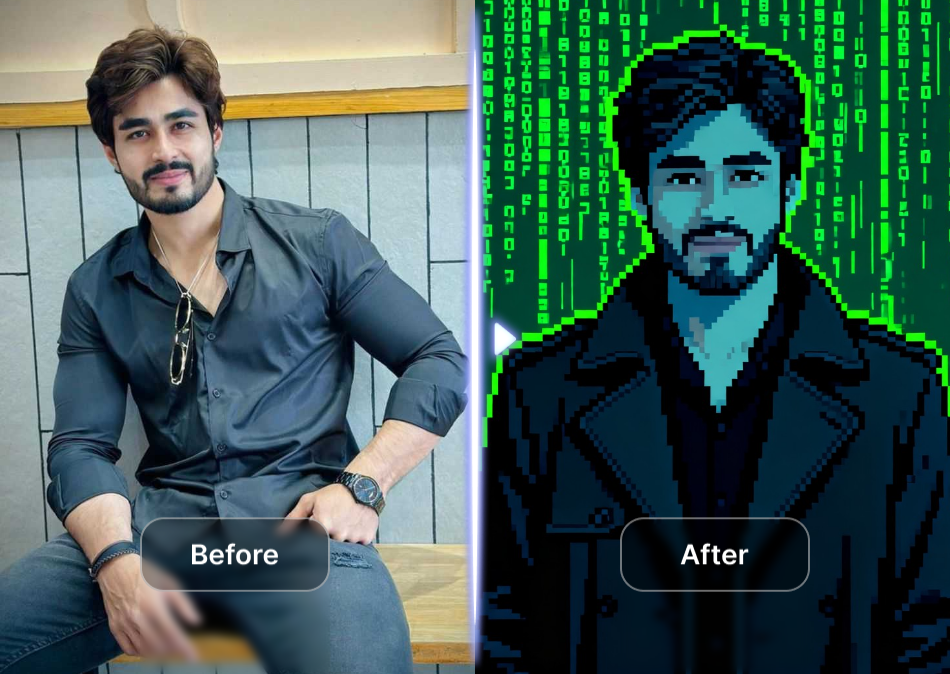
Multiple Pixel Density Options
The app offers different pixel sizes for your output. You can choose a coarse 8 bit look or a finer 16 bit style. Each setting changes the block size in your final image. This gives you control over how retro or detailed your pixel art appears.
Multiple Pixel Density Options
The app offers different pixel sizes for your output. You can choose a coarse 8 bit look or a finer 16 bit style. Each setting changes the block size in your final image. This gives you control over how retro or detailed your pixel art appears.
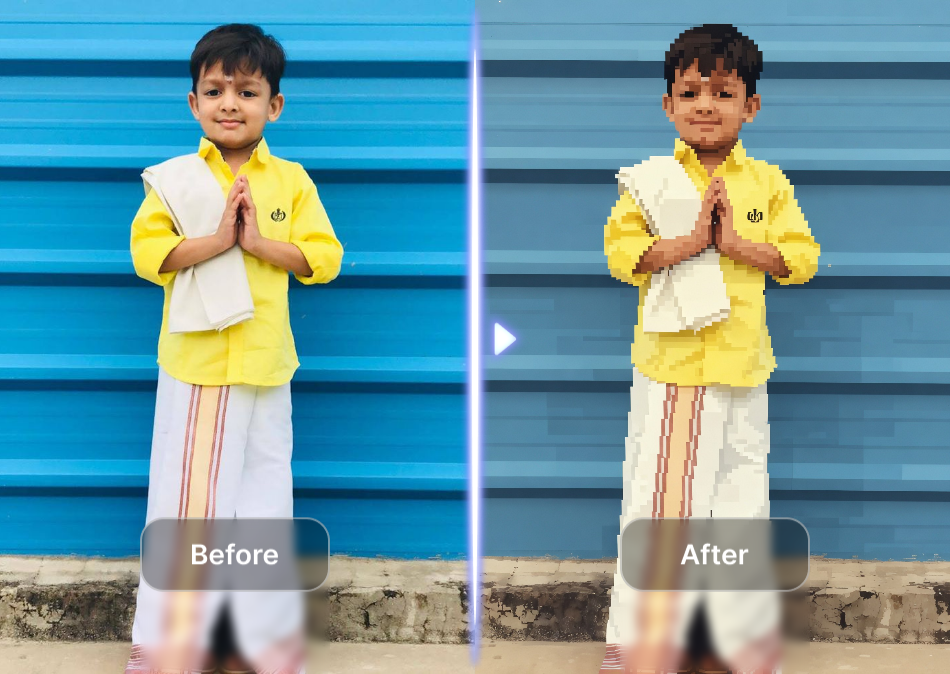
Clear Subject Recognition
The AI identifies the main subject in your photo. It applies the pixel effect to your face or body while keeping your shape clear. The background also gets pixelated. This produces a complete pixel art image where the subject remains easy to recognize.
Clear Subject Recognition
The AI identifies the main subject in your photo. It applies the pixel effect to your face or body while keeping your shape clear. The background also gets pixelated. This produces a complete pixel art image where the subject remains easy to recognize.
Explore the Use Cases for AI Pixel Art Effect
Find the practical situations where this Vimi app can help you create pixel style images.
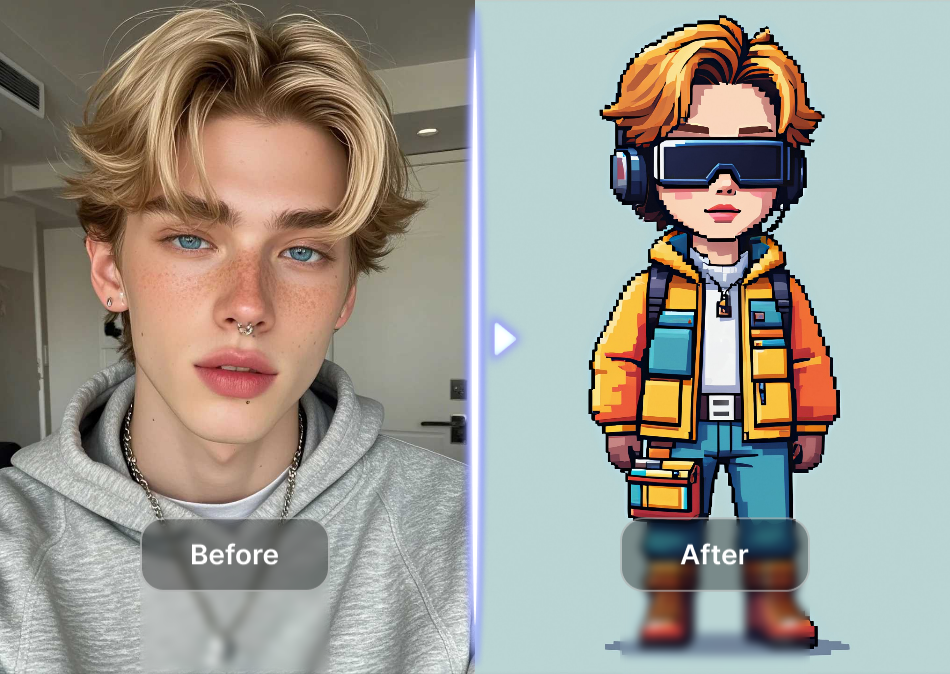
 Before
 After
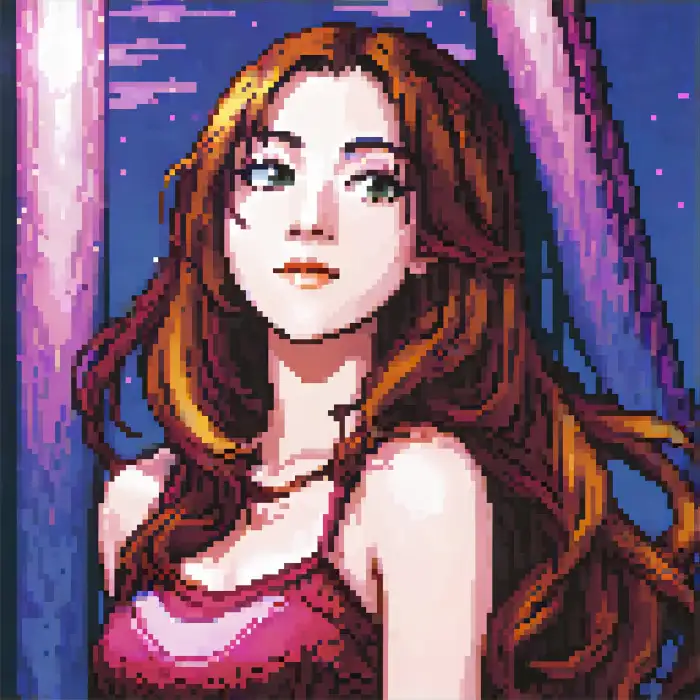
AfterGaming Profile Pictures
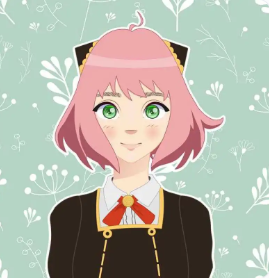
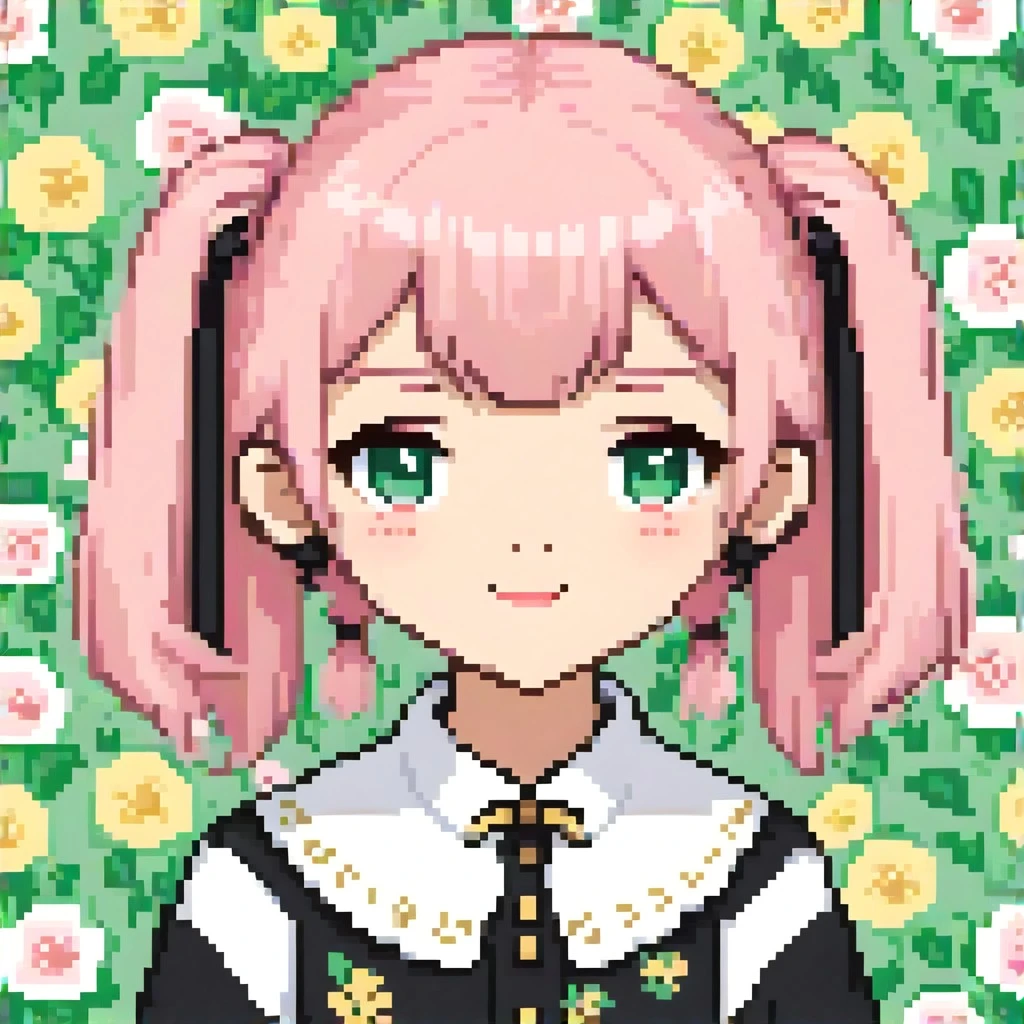
Create a unique profile picture for your gaming accounts. Upload a selfie and apply the pixel art filter. The resulting image matches the retro game aesthetic. This gives your gaming profile a consistent look that fits the gaming community style.
 Before
 After
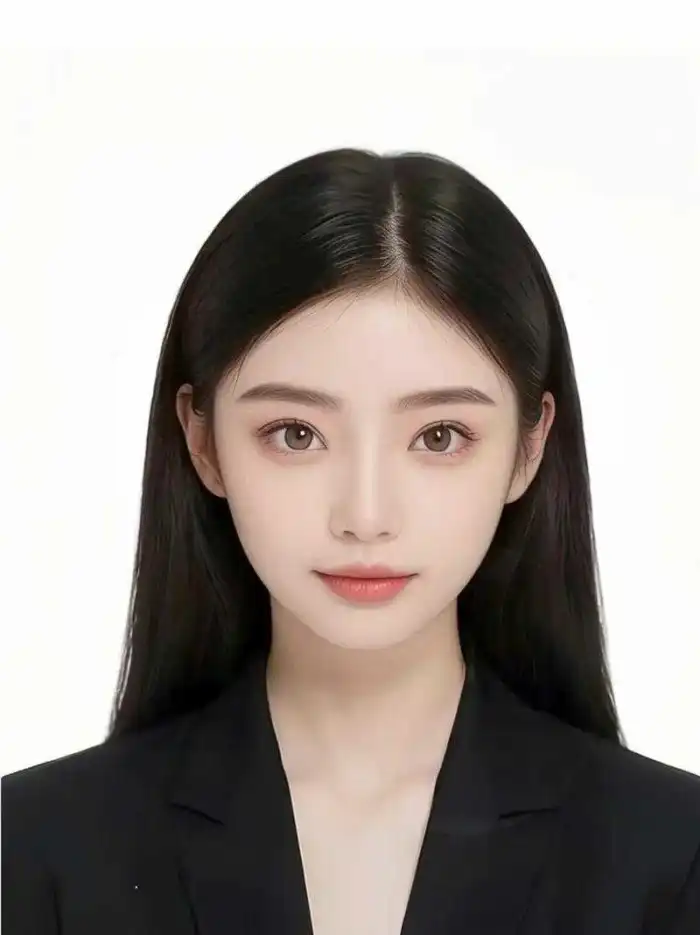
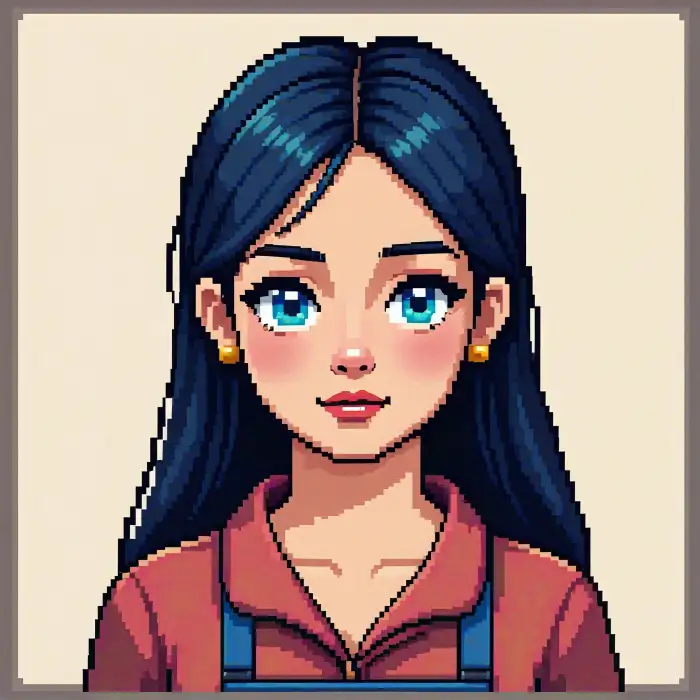
AfterNostalgic Social Media Posts
Share pixel art versions of your photos on social media. Apply the effect to travel pictures, food photos, or group shots. The retro style stands out in regular feeds. Friends and followers will notice the unique game like appearance of your posts.
 Before
 After
AfterCustom Merchandise Designs
Use pixel art images for custom T shirts, stickers, or posters. Generate a pixel version of a team logo or a personal portrait. The blocky style works well for printing on physical items. This gives you a retro design that feels original and handmade.
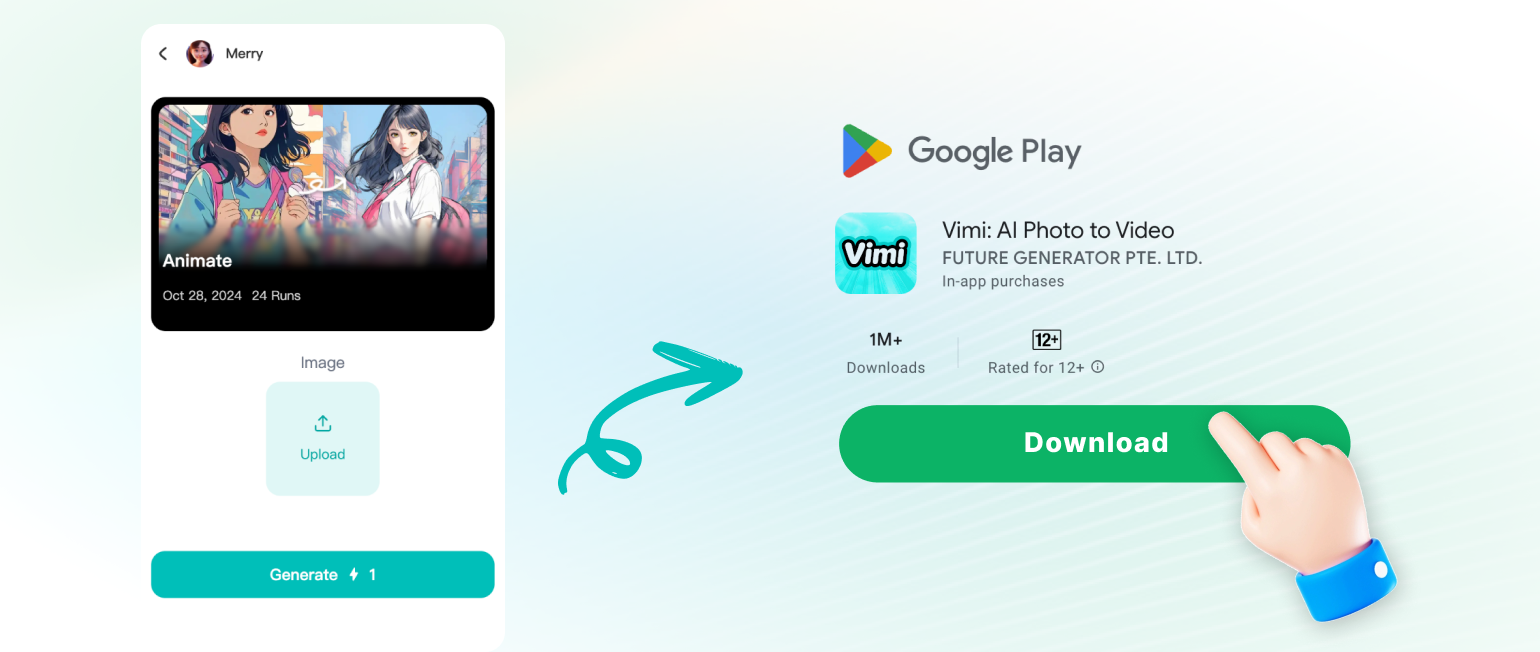
How to Create Pixel Art with Vimi AI?
Follow these three steps to turn your photos into pixel art using the Vimi app.
Frequently Asked Questions
Find clear answers to common questions and get the guidance you need to make the most of our platform, faster and easier.
More Topics You May Like
Explore more topics you may like and discover fresh ideas tailored to your interests.
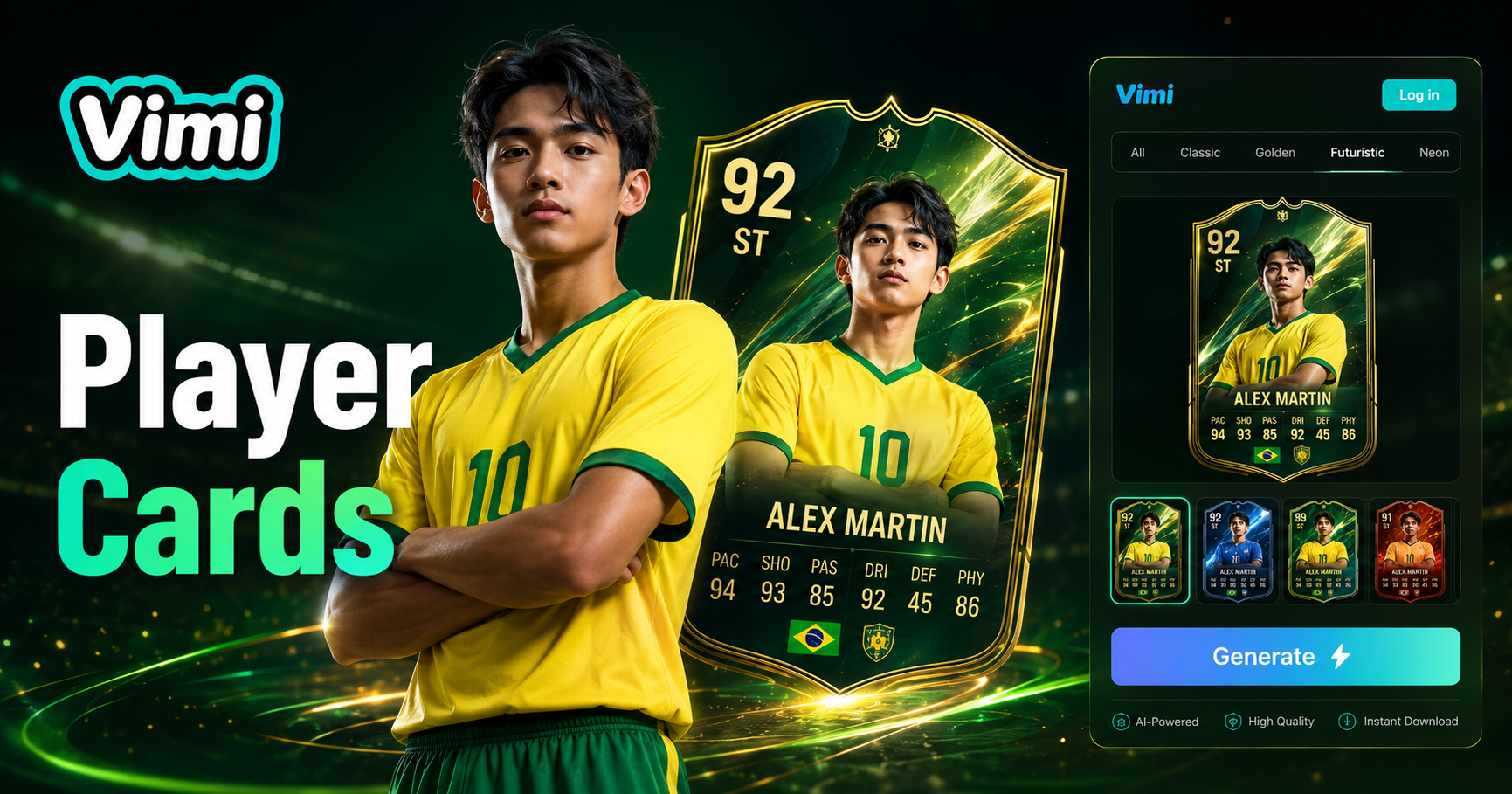
AI Football Player Card Generator
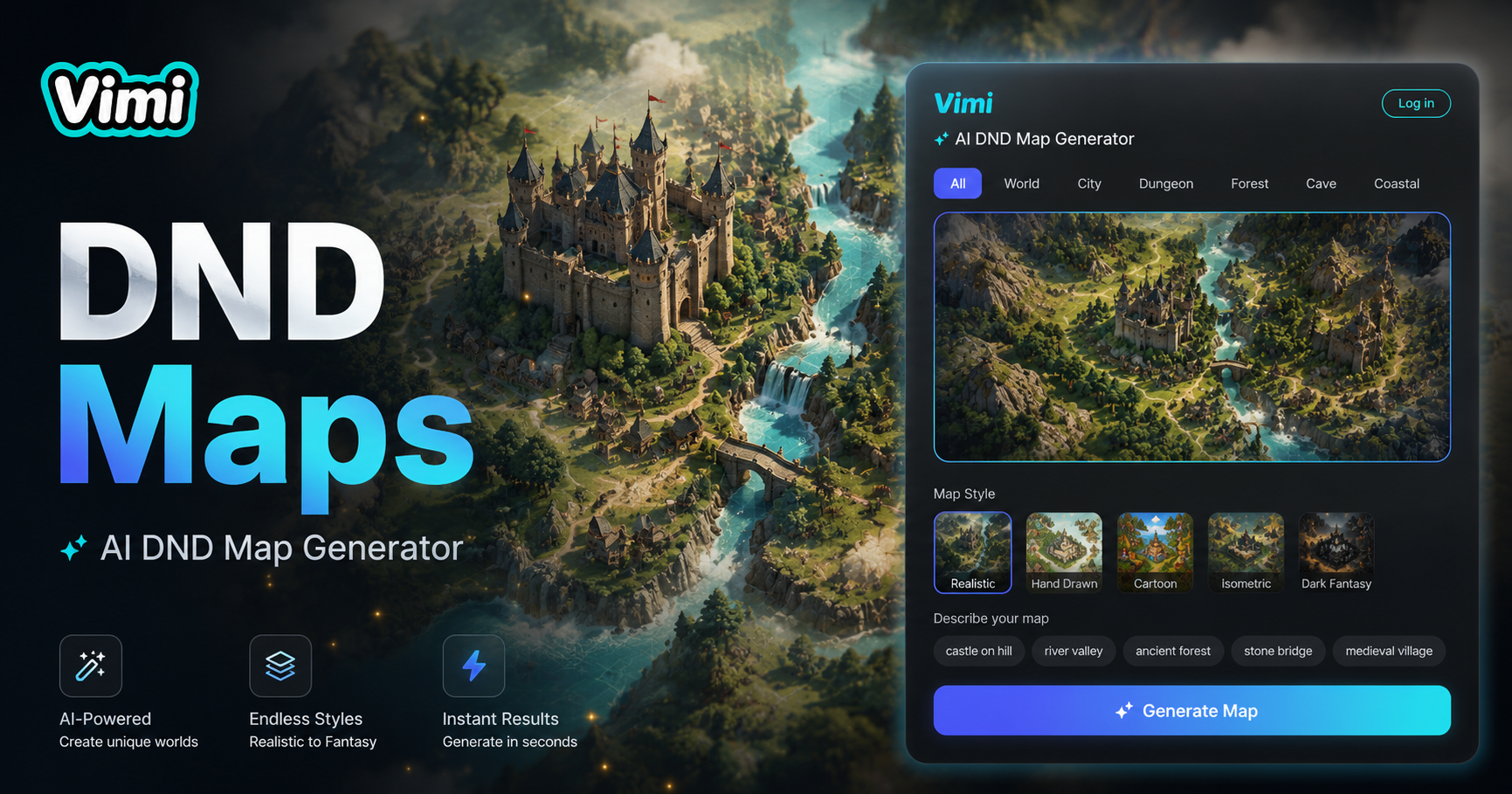
AI Dnd Map Generator
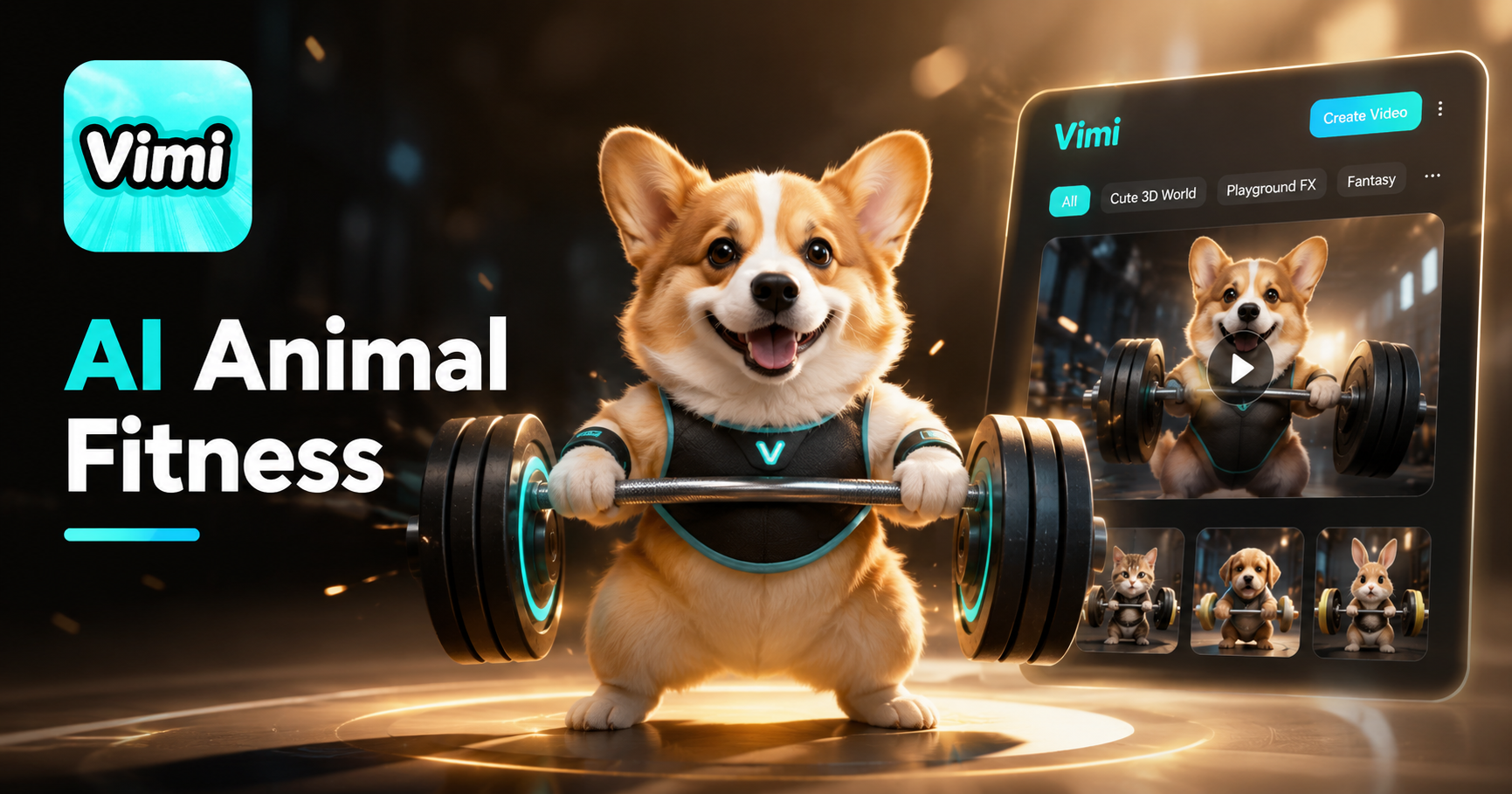
AI Animal Weight lifting Video Generator
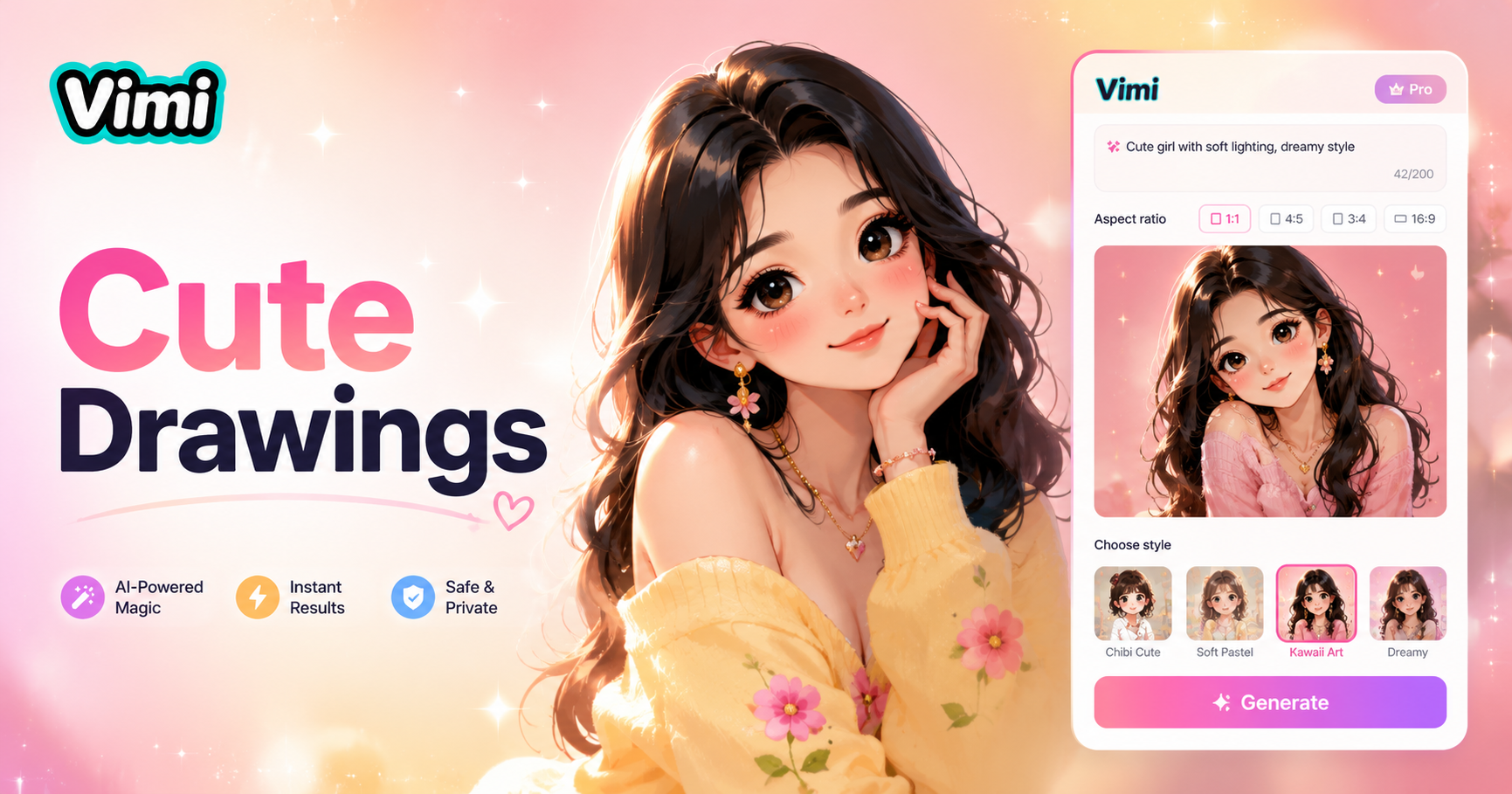
Cute Drawings
AI Football Player Card Generator
AI Dnd Map Generator
AI Animal Weight lifting Video Generator
Cute Drawings
Create Your Pixel Art Images Now
Start with the Vimi AI Pixel Art Effect. Turn your photos into retro game style art in seconds.
Create Your Pixel Art Images Now
Start with the Vimi AI Pixel Art Effect. Turn your photos into retro game style art in seconds.