AI Queen Filter
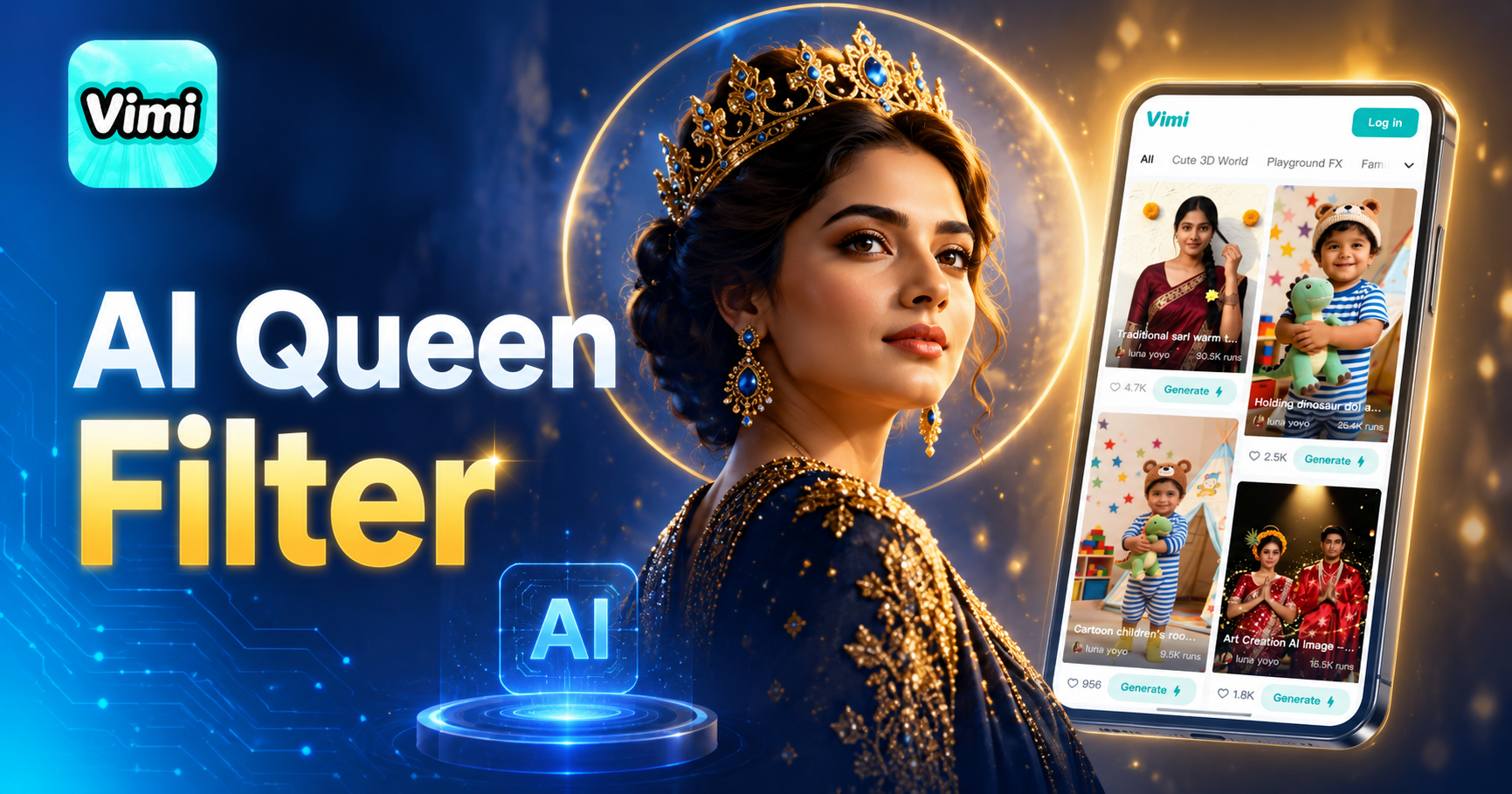
A beautiful woman with double exposure sitting on the subtitle



Key Features of Vimi AI Queen Filter: Style Transfer Made Simple
Find the main features that make Vimi AI Queen Filter a useful tool for creating royal style portraits.
One Tap Template Selection
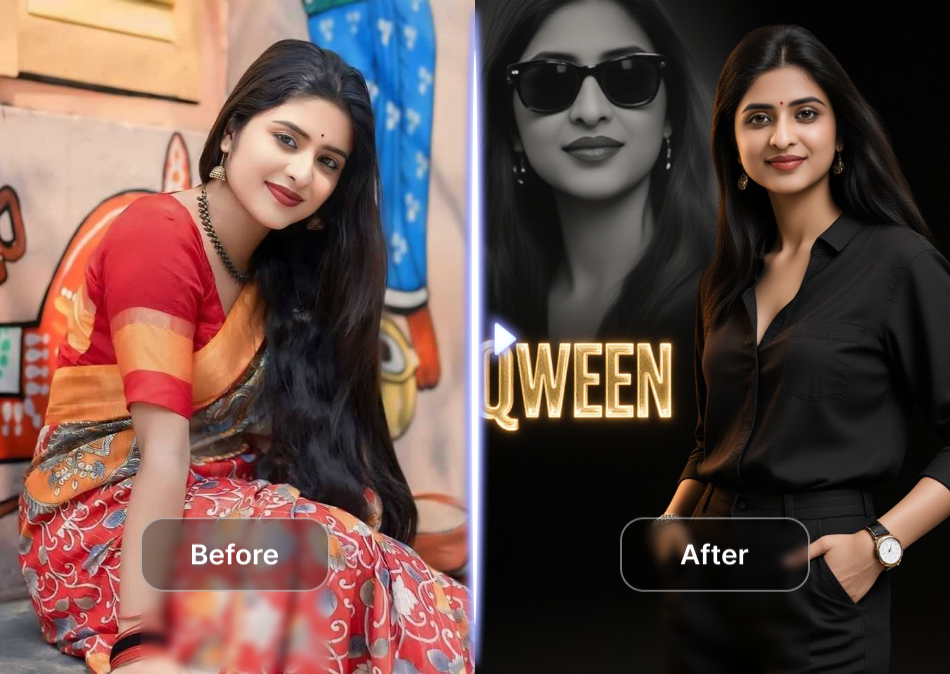
You do not need to write long prompts. Just browse the template library in the Vimi app. Pick the AI Queen Filter and upload your photo. The app handles the rest. This makes the creation process fast and easy for every user.
One Tap Template Selection
You do not need to write long prompts. Just browse the template library in the Vimi app. Pick the AI Queen Filter and upload your photo. The app handles the rest. This makes the creation process fast and easy for every user.
Smart Style Transfer Technology
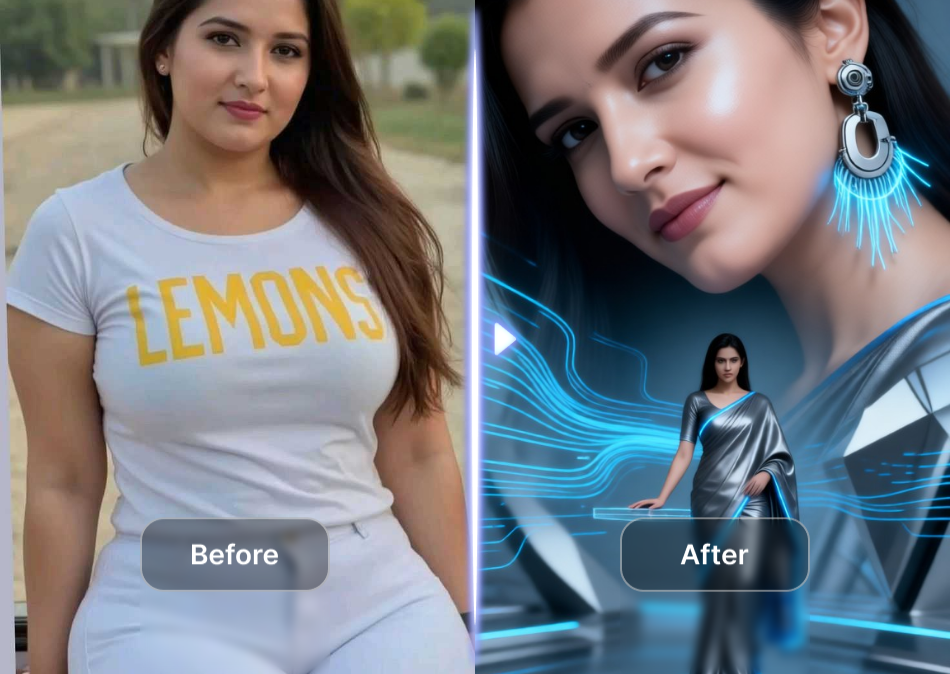
The AI looks at your uploaded photo and applies the queen style filter. It keeps your facial features clear. The app changes the background, lighting, and clothing style. You get a royal portrait that still looks like you.
Smart Style Transfer Technology
The AI looks at your uploaded photo and applies the queen style filter. It keeps your facial features clear. The app changes the background, lighting, and clothing style. You get a royal portrait that still looks like you.
Multiple Portrait Style Options
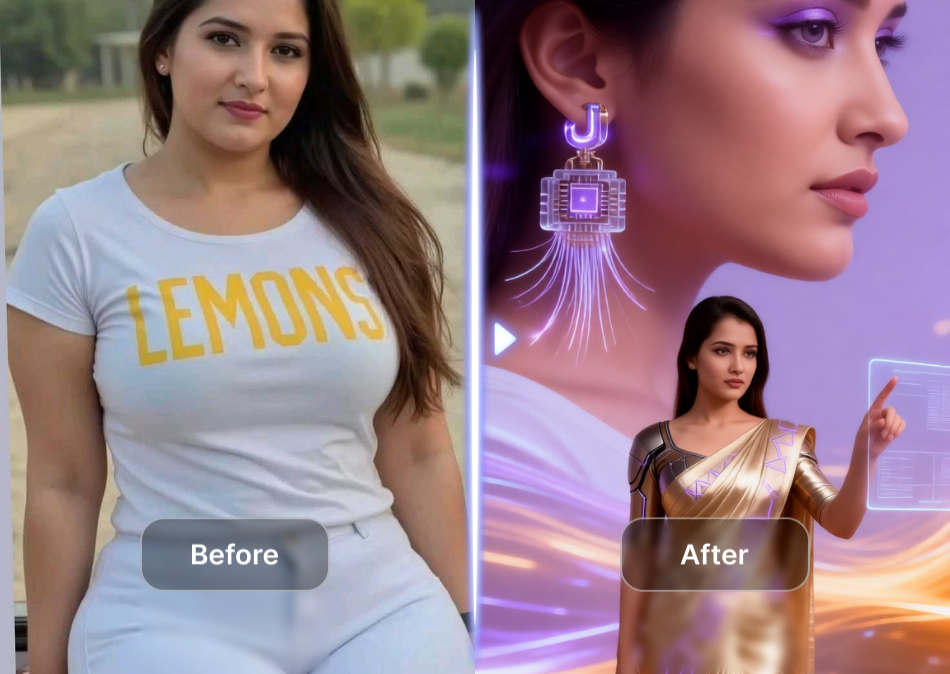
The AI Queen Filter offers several style variations. You can choose from classic royal paintings, modern queen portraits, or fantasy queen styles. Each template gives you a different look. This lets you explore different versions of your royal image.
Multiple Portrait Style Options
The AI Queen Filter offers several style variations. You can choose from classic royal paintings, modern queen portraits, or fantasy queen styles. Each template gives you a different look. This lets you explore different versions of your royal image.
Explore the Use Cases for Vimi AI Queen Filter
Discover the practical situations where you can use this app to create royal style portraits.
Personal Profile Pictures
Make your social media profiles stand out with a unique queen portrait. Upload a clear photo of yourself and apply the filter. The resulting image works well for Instagram, Twitter, or LinkedIn. You get a profile picture that starts conversations.
Personal Profile Pictures
Make your social media profiles stand out with a unique queen portrait. Upload a clear photo of yourself and apply the filter. The resulting image works well for Instagram, Twitter, or LinkedIn. You get a profile picture that starts conversations.
How to Use Vimi AI Queen Filter for Portraits?
Follow these simple steps to create your royal style portrait using the Vimi app.

Step 01.
Open the app store on your phone. Search for Vimi and download the app to your device.

Step 02.
Open the app and browse the template library. Locate the AI Queen Filter option. Upload your chosen photo.

Step 03.
Tap the generate button. Wait a moment for the AI to process. Download your new queen portrait.
Frequently Asked Questions
Find clear answers to common questions and get the guidance you need to make the most of our platform, faster and easier.
More Topics You May Like
Explore more topics you may like and discover fresh ideas tailored to your interests.
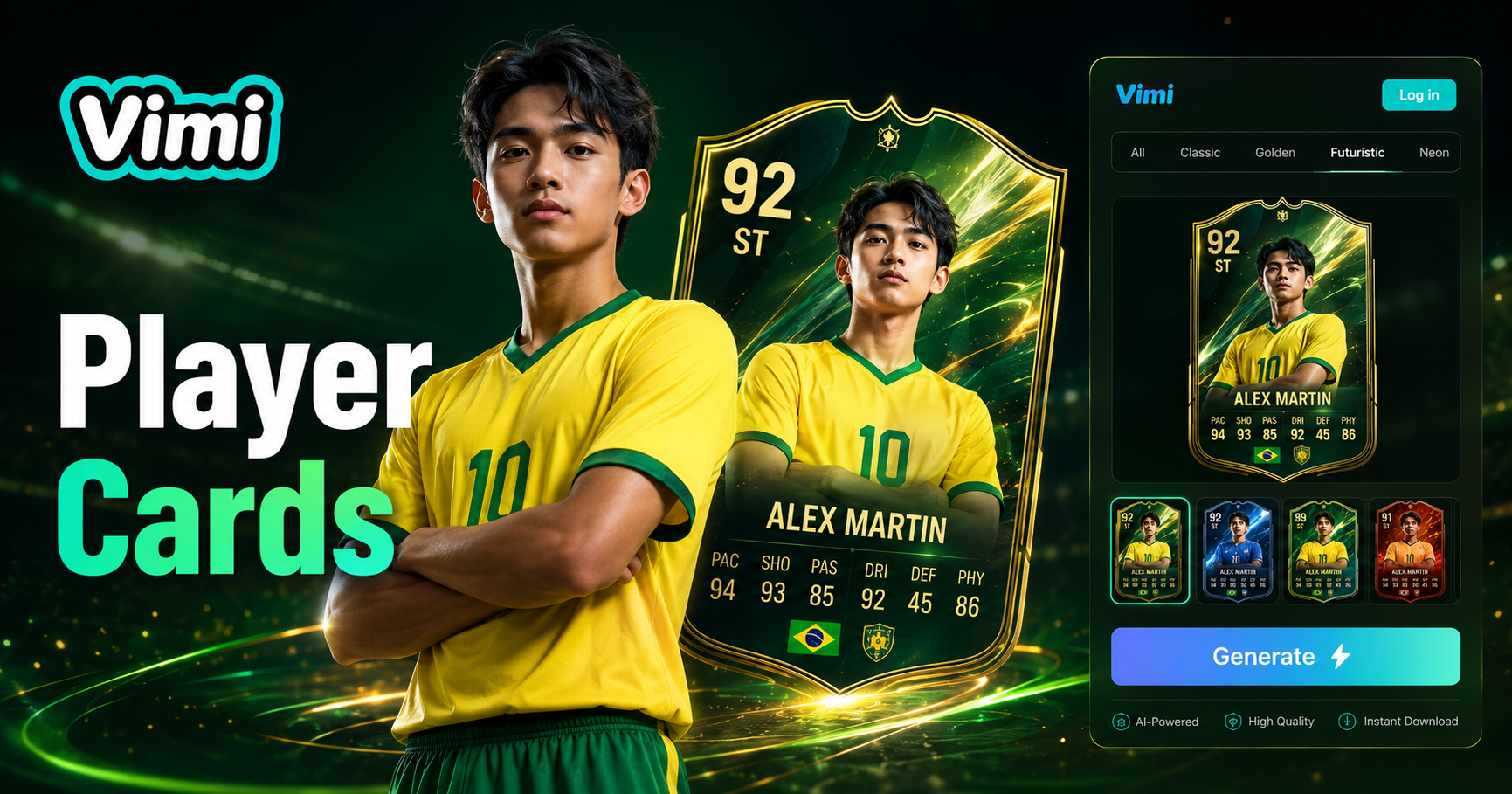
AI Football Player Card Generator

AI Dnd Map Generator

AI Animal Weight lifting Video Generator
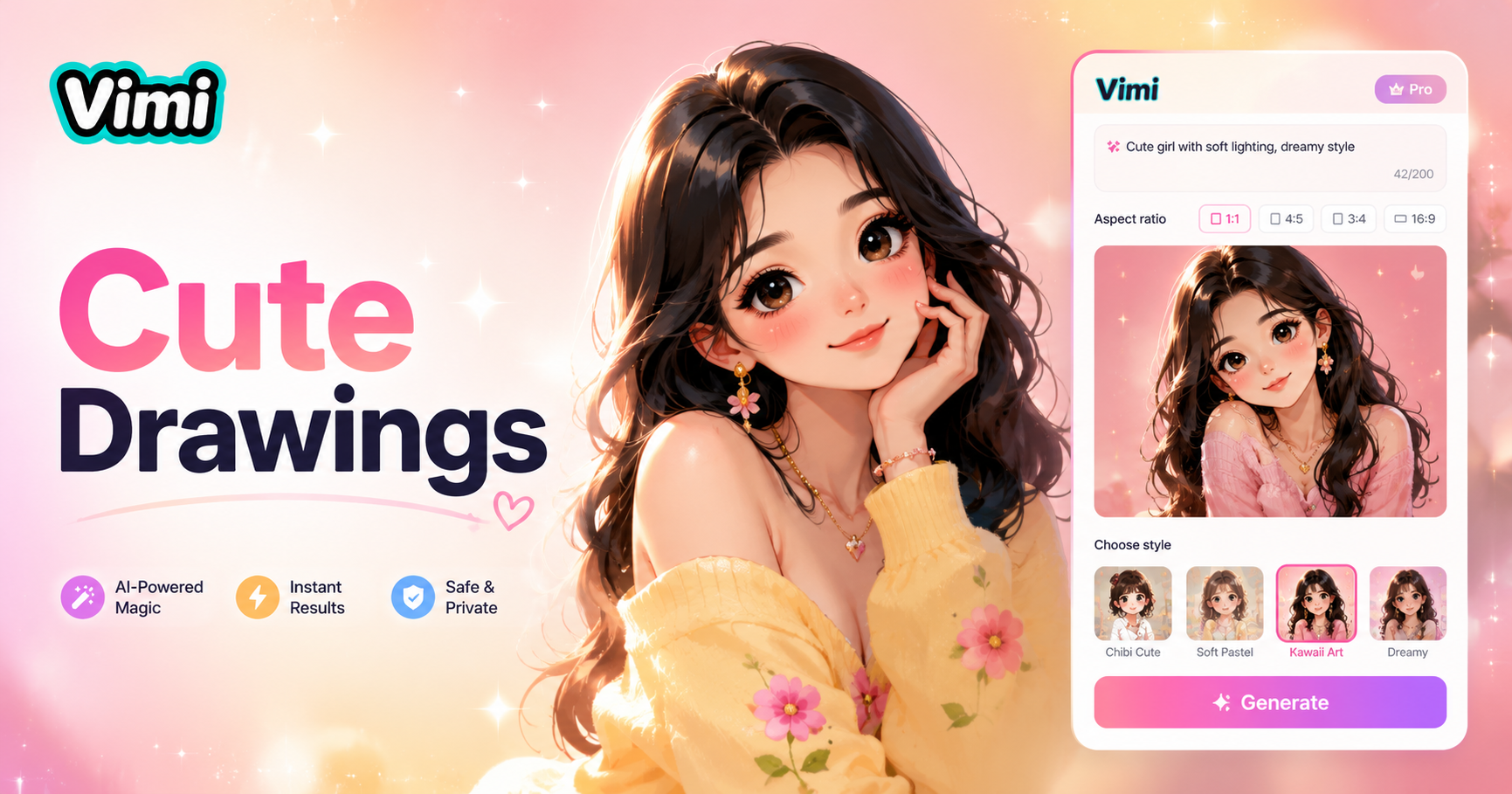
Cute Drawings
AI Football Player Card Generator
AI Dnd Map Generator
AI Animal Weight lifting Video Generator
Cute Drawings
Create Your Royal Portrait Now
Start with the Vimi AI Queen Filter. Upload your photo and see the transformation in seconds.
Create Your Royal Portrait Now
Start with the Vimi AI Queen Filter. Upload your photo and see the transformation in seconds.