AI Skeleton Video
Vimi turns a simple photo into an AI Skeleton Video with ready to use templates. Choose a skeleton style, upload one or more images, and let the app generate a short clip in seconds. The result keeps facial details, supports dance poses, and fits social sharing. Download Vimi to try the filter and post your own skeleton video.
 Before

Vimi Studio
Switch to Vimi Studio on APP for advanced control and unlimited exports.

Choose the AI Skeleton Video Filter
Discover the filter that perfectly matches your style and mood.
Vimi AI Skeleton Video Filter Recommendations
Vimi offers ready to use skeleton templates for photos and short clips. You can pick a style, upload an image, and tap Generate. The app adds motion, timing, and background effects. No prompt writing is needed.
Explore Vimi AI Skeleton Video Use Cases for Creators
Discover how Vimi AI Skeleton Video turns simple photos into moving skeleton clips for fun, dance, social posts, and story scenes.
 Before
Party and Halloween Clips
Use Vimi to turn birthday, party, or Halloween photos into short skeleton videos. Pick a template with pumpkins, fog, or neon lights. Upload one clear photo. The app keeps facial details and adds walking, waving, or dancing motion. Post the clip or keep it private. It fits seasonal events and group fun.
 Before
Dance and Music Videos
Vimi can turn a still photo into a skeleton dance clip for music posts. Choose a dance template and upload a full body image. The app maps arm swings, spins, and head turns onto the skeleton. You can keep the original face shape and hair color. Then share it or keep it private.
 Before
Story and Character Tests
Writers and game fans can test skeleton characters with Vimi. Upload a character photo and pick a story template. The app adds small motions like blinking, smiling, or turning. It keeps the same face, hair, and clothing across clips. You can build a short scene and share it in the Vimi community.
YouTube Videos About AI Skeleton Video Generator
Explore in-depth YouTube tutorials and demos that showcase the power and reliability of our AI Generator.
Here is What People Think About Us
Fast Skeleton Clips for My Dance Page
I use Vimi to turn student photos into skeleton dance clips. The app keeps each face clear and adds motion in a few seconds. My followers like the short loops, and I can post them the same day.
Group Halloween Posts Made Simple
I tested Vimi with team photos for a Halloween campaign. The group template kept every face separate and added skeleton moves. We shared the clips across our social accounts without extra editing.
Character Tests for Game Ideas
I use Vimi to test skeleton poses for early character ideas. The app keeps hair and clothing details across clips. It helps me show motion concepts to my team before full production.
Frequently Asked Questions
Find clear answers to common questions and get the guidance you need to make the most of our platform, faster and easier.
More Topics You May Like
Explore more topics you may like and discover fresh ideas tailored to your interests.
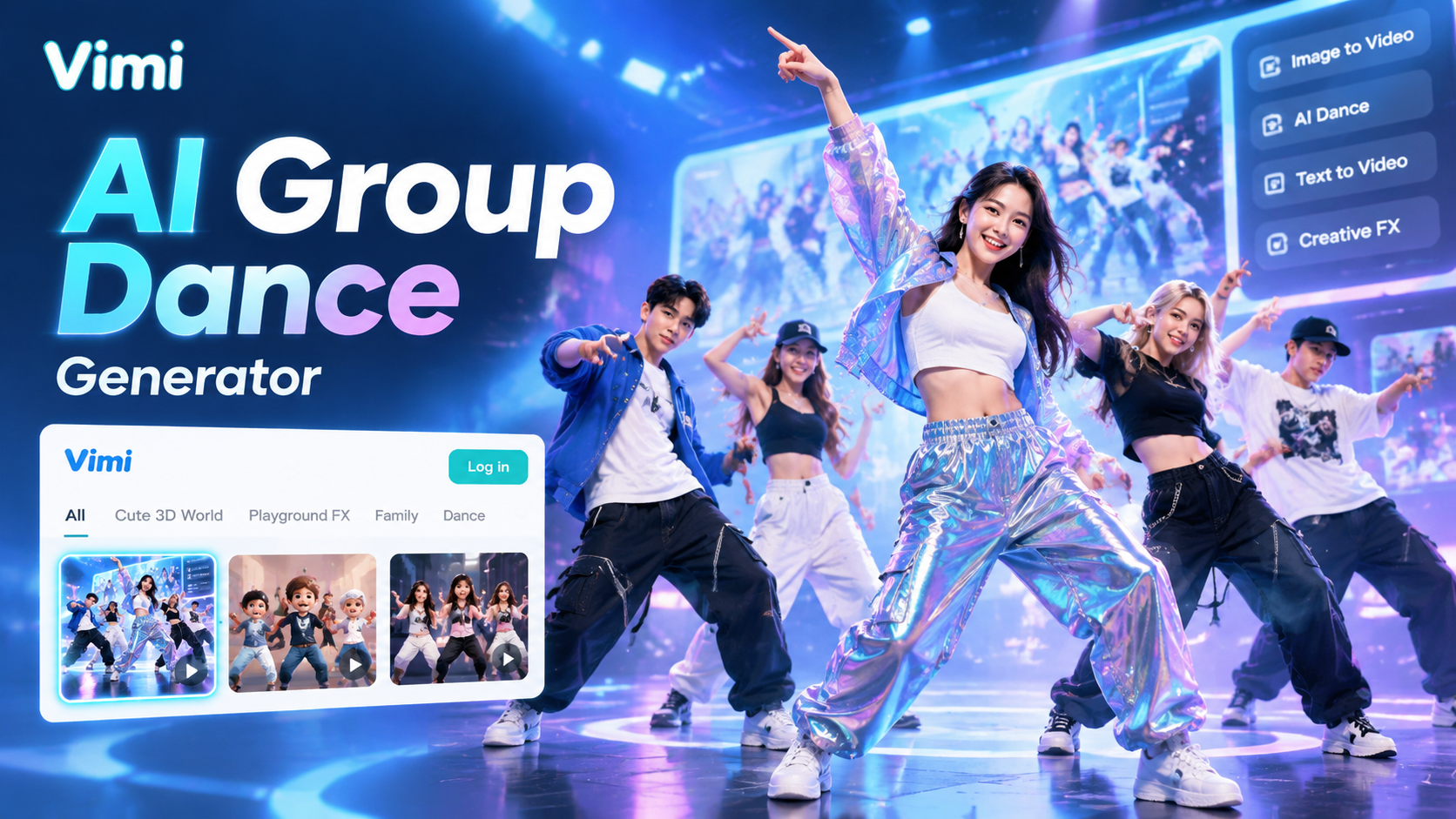
Vimi AI Group Dance Generator: Turn Group Photos Into Dance Videos
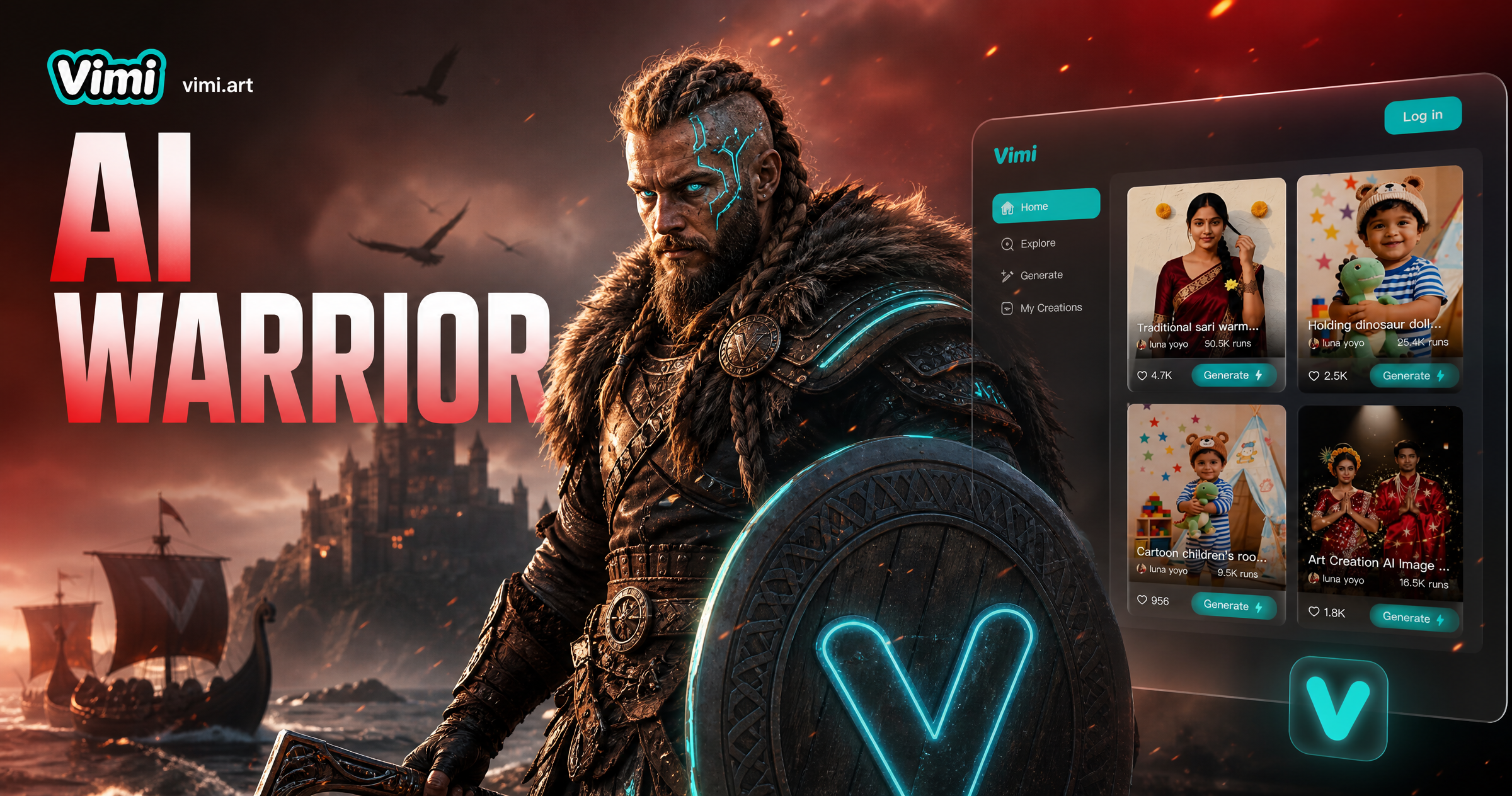
AI Viking Warrior Filter: Create Norse Warrior Portraits in Vimi
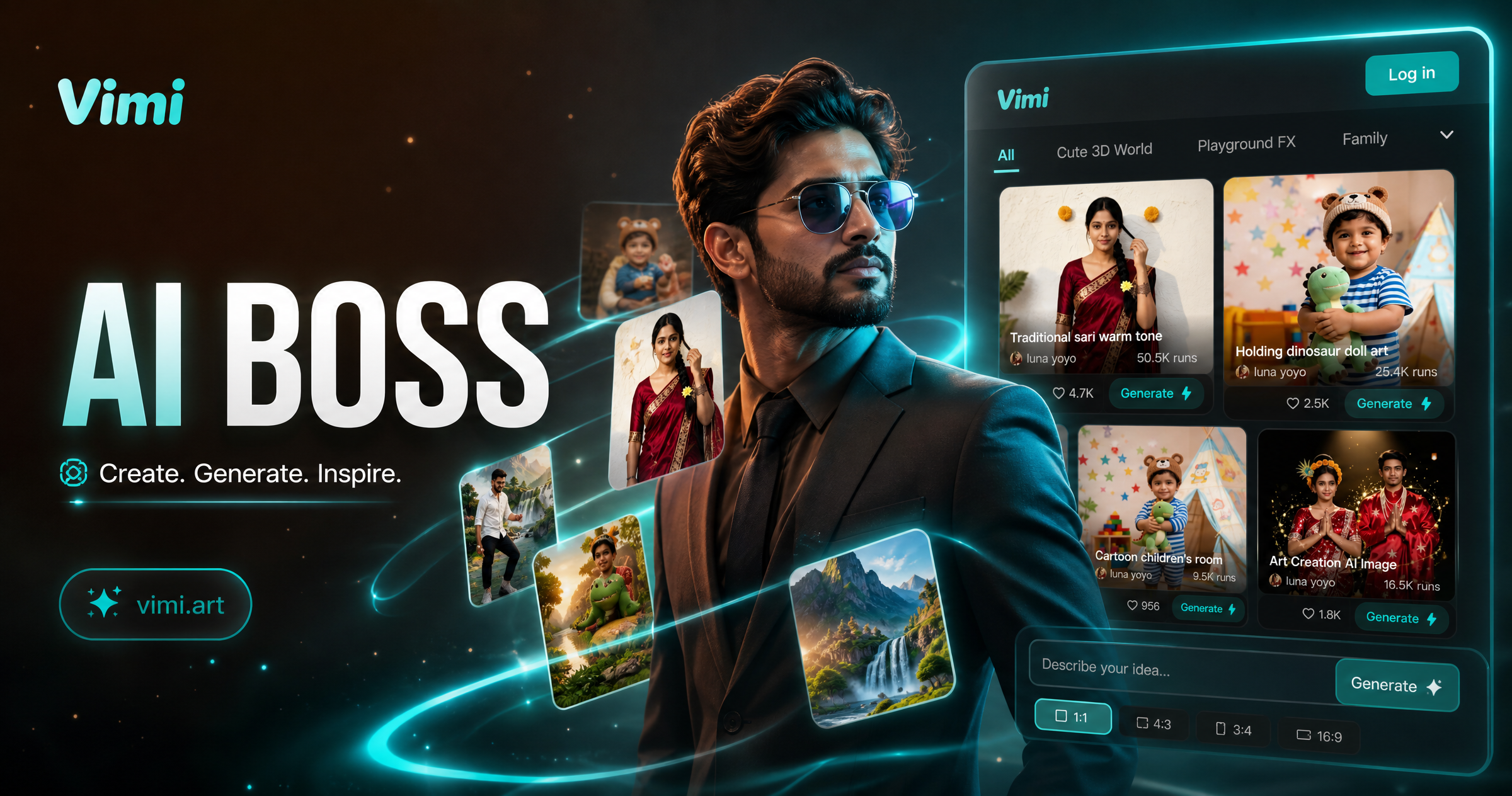
Vimi AI Boss Generator: Create Professional Boss Portraits In Minutes
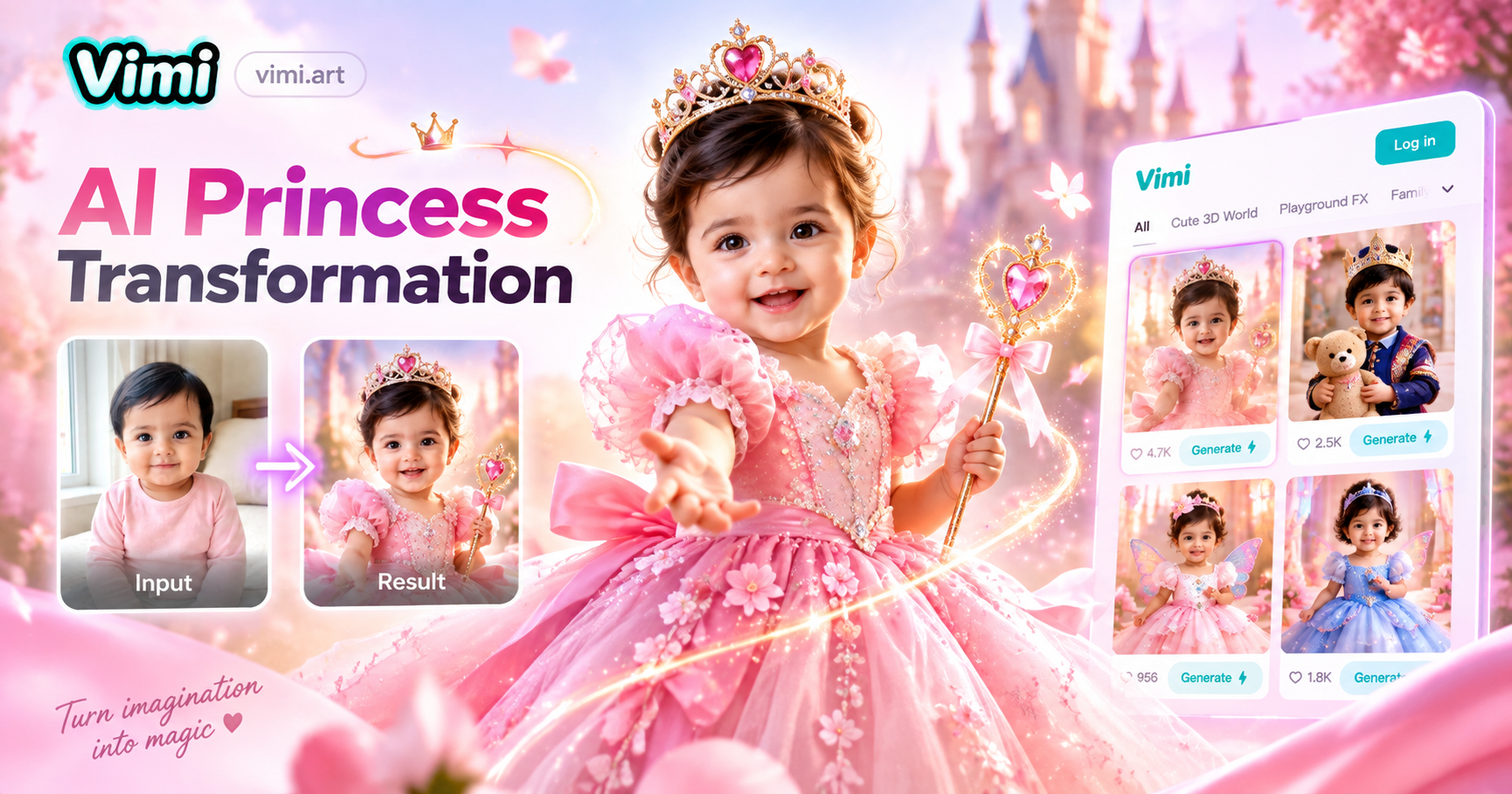
AI Princess Dress Transformation: Turn Photos into Royal Looks with Vimi
Vimi AI Group Dance Generator: Turn Group Photos Into Dance Videos
AI Viking Warrior Filter: Create Norse Warrior Portraits in Vimi
Vimi AI Boss Generator: Create Professional Boss Portraits In Minutes
AI Princess Dress Transformation: Turn Photos into Royal Looks with Vimi
Create Your Skeleton Video Today
Turn one clear photo into a moving skeleton clip. Pick a template, upload, generate, and share in minutes.
Create Your Skeleton Video Today
Turn one clear photo into a moving skeleton clip. Pick a template, upload, generate, and share in minutes.