AI Map To Video
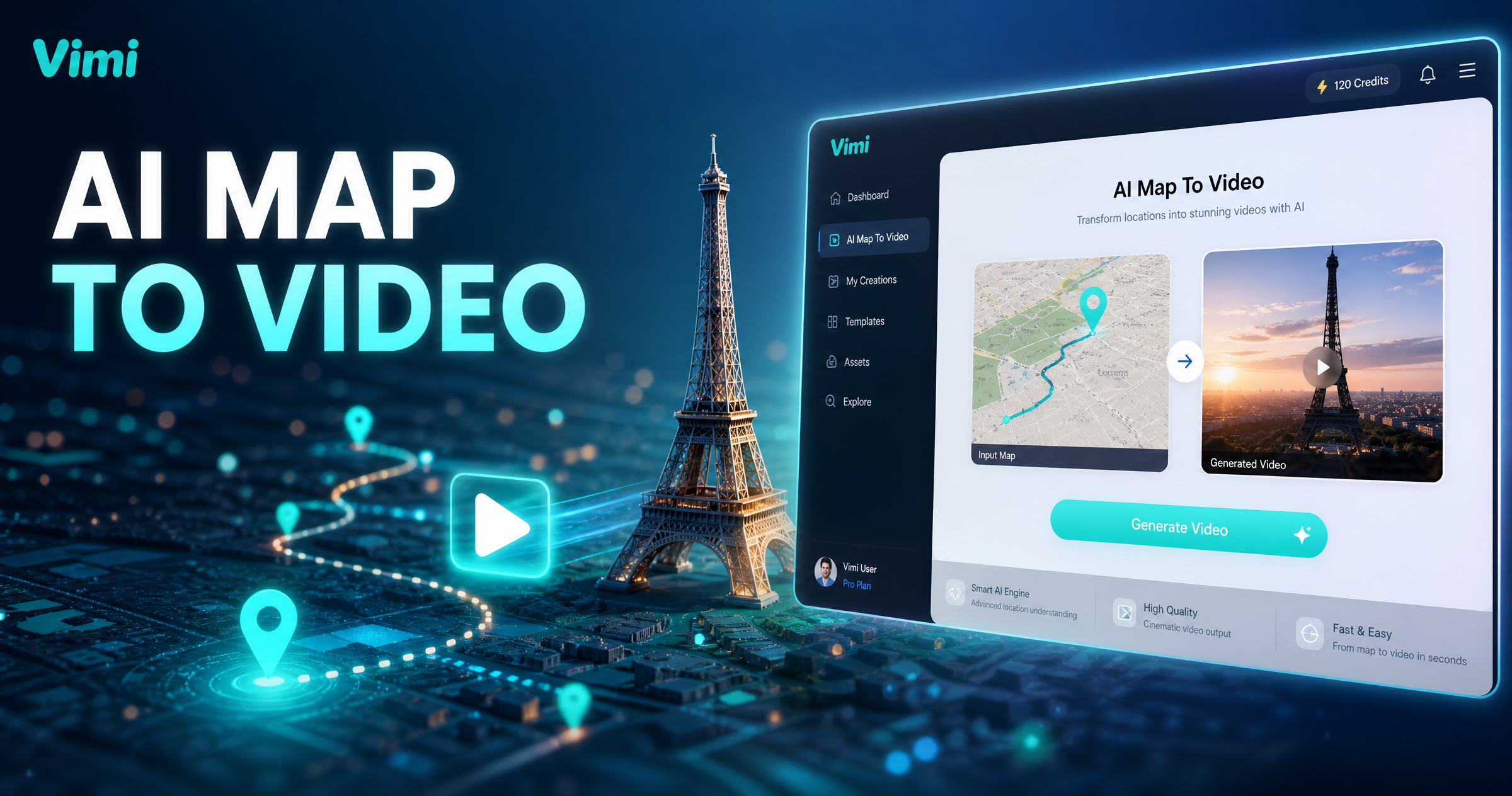
Find the AI Map To Video Filter
Discover the filter that perfectly suits what you want.
Vimi AI Map To Video Filter Recommendation
This filter is made for map screenshots, route plans, and location photos. It adds motion to static paths and turns them into short videos. You can use it for travel recaps, event guides, and memory posts. The app offers ready templates for many map styles.
Key Features of Vimi AI Map To Video Generator
Find the core tools inside Vimi for turning map routes and location images into short and shareable videos with simple taps.
 Before
Map Image to Motion
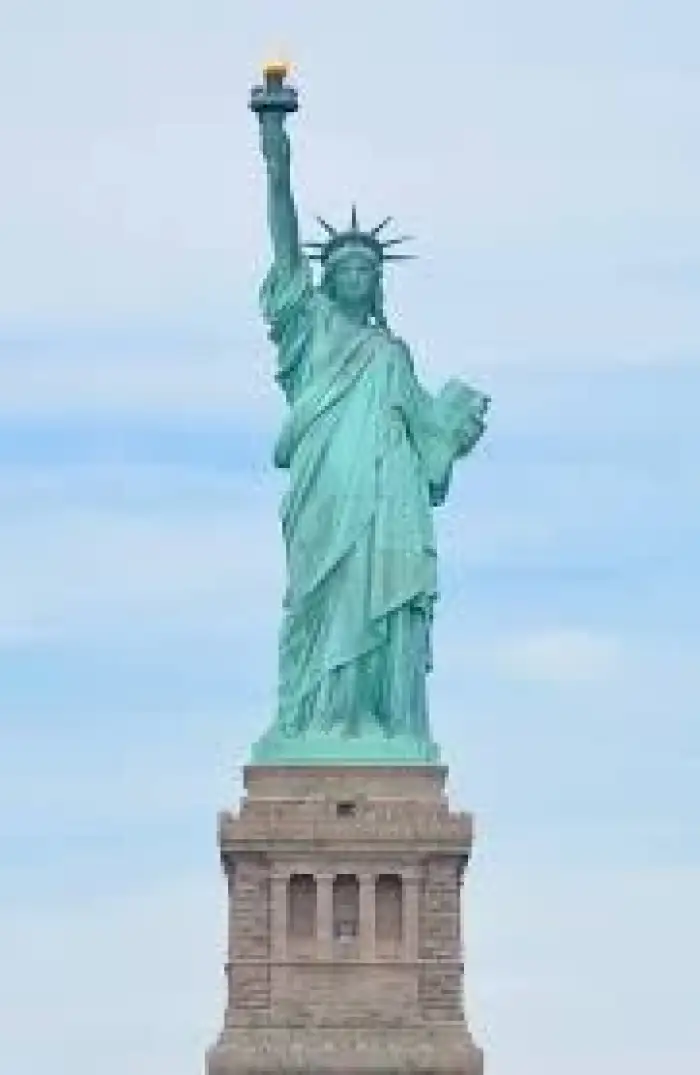
Upload a map screenshot, route plan, or location photo. Vimi reads key visual elements and turns them into moving scenes. Add a short text prompt if you want a specific mood or camera path. The app handles timing, motion, and export in one flow. Then you can review it.
BeforeMap Image to Motion
Upload a map screenshot, route plan, or location photo. Vimi reads key visual elements and turns them into moving scenes. Add a short text prompt if you want a specific mood or camera path. The app handles timing, motion, and export in one flow. Then you can review it.
 Before
Built In Route Templates
Choose from ready made templates for travel routes, city walks, road trips, and delivery paths. Each template sets motion speed, camera angle, and scene length. You only upload your map image and tap generate. Vimi returns a short video in 10 to 20 seconds. It is simple.
BeforeBuilt In Route Templates
Choose from ready made templates for travel routes, city walks, road trips, and delivery paths. Each template sets motion speed, camera angle, and scene length. You only upload your map image and tap generate. Vimi returns a short video in 10 to 20 seconds. It is simple.
 Before
Character And Place Consistency
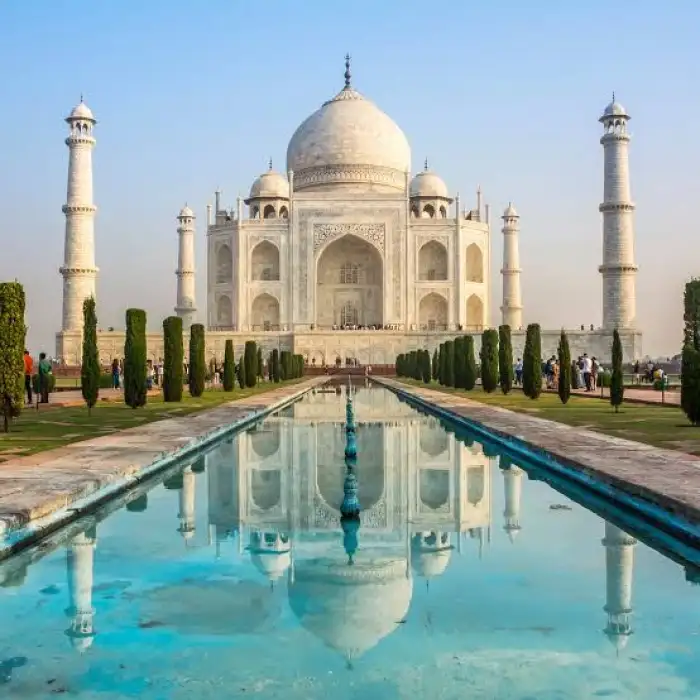
Keep a person, car, or landmark consistent across map scenes. Vimi holds facial features, clothing, and key object shapes when you generate a series. This helps create digital postcards, travel diaries, and route stories with the same visual identity. Results stay clear across shots. You save time.
BeforeCharacter And Place Consistency
Keep a person, car, or landmark consistent across map scenes. Vimi holds facial features, clothing, and key object shapes when you generate a series. This helps create digital postcards, travel diaries, and route stories with the same visual identity. Results stay clear across shots. You save time.
Why Use Vimi for AI Map To Video
Discover the practical gains from turning maps and location photos into short videos inside the Vimi app for travel, events, and daily posts.
Fast Travel Story Videos
Vimi turns a static map into a moving clip in seconds. You can post travel updates, event routes, or memory maps without editing software. The app handles motion, music slots, and export. You just pick a template and upload your image. It saves time. Every step stays simple.
Fast Travel Story Videos
Vimi turns a static map into a moving clip in seconds. You can post travel updates, event routes, or memory maps without editing software. The app handles motion, music slots, and export. You just pick a template and upload your image. It saves time. Every step stays simple.
How to Use Vimi AI Map To Video?
Vimi makes map videos in three simple steps. You can finish the whole flow inside the app.
YouTube Videos About AI Map To Video Generator
Explore in-depth YouTube tutorials and demos that showcase the power and reliability of our AI Generator.
Who Uses AI Map To Video Enhancement Online

Maya R
I used the AI Map To Video filter for a weekend road trip. Vimi turned my route screenshot into a short clip with smooth motion. I posted it the same day.

Daniel K
The route templates are easy to follow. I uploaded a city map and got a video in about 15 seconds. The camera movement made the path clear.

Sofia L
I make travel diaries for my family. Vimi keeps faces consistent across map scenes. My daughter loved the digital postcard style.

Ethan P
I used group photos with a location map. Vimi kept each friend separate and no faces were mixed. The final clip looked clean.
Maya R
I used the AI Map To Video filter for a weekend road trip. Vimi turned my route screenshot into a short clip with smooth motion. I posted it the same day.
Daniel K
The route templates are easy to follow. I uploaded a city map and got a video in about 15 seconds. The camera movement made the path clear.
Sofia L
I make travel diaries for my family. Vimi keeps faces consistent across map scenes. My daughter loved the digital postcard style.
Ethan P
I used group photos with a location map. Vimi kept each friend separate and no faces were mixed. The final clip looked clean.
Maya R
I used the AI Map To Video filter for a weekend road trip. Vimi turned my route screenshot into a short clip with smooth motion. I posted it the same day.
Daniel K
The route templates are easy to follow. I uploaded a city map and got a video in about 15 seconds. The camera movement made the path clear.
Sofia L
I make travel diaries for my family. Vimi keeps faces consistent across map scenes. My daughter loved the digital postcard style.
Ethan P
I used group photos with a location map. Vimi kept each friend separate and no faces were mixed. The final clip looked clean.
Frequently Asked Questions
Find clear answers to common questions and get the guidance you need to make the most of our platform, faster and easier.
More Topics You May Like
Explore more topics you may like and discover fresh ideas tailored to your interests.

Vimi AI Group Dance Generator: Turn Group Photos Into Dance Videos

AI Viking Warrior Filter: Create Norse Warrior Portraits in Vimi

Vimi AI Boss Generator: Create Professional Boss Portraits In Minutes

AI Princess Dress Transformation: Turn Photos into Royal Looks with Vimi
Vimi AI Group Dance Generator: Turn Group Photos Into Dance Videos
AI Viking Warrior Filter: Create Norse Warrior Portraits in Vimi
Vimi AI Boss Generator: Create Professional Boss Portraits In Minutes
AI Princess Dress Transformation: Turn Photos into Royal Looks with Vimi
Create Your Map Video Today
Download Vimi and pick AI Map To Video. Upload a map image and generate a clip in seconds.
Create Your Map Video Today
Download Vimi and pick AI Map To Video. Upload a map image and generate a clip in seconds.