AI Kungfu Video Generator
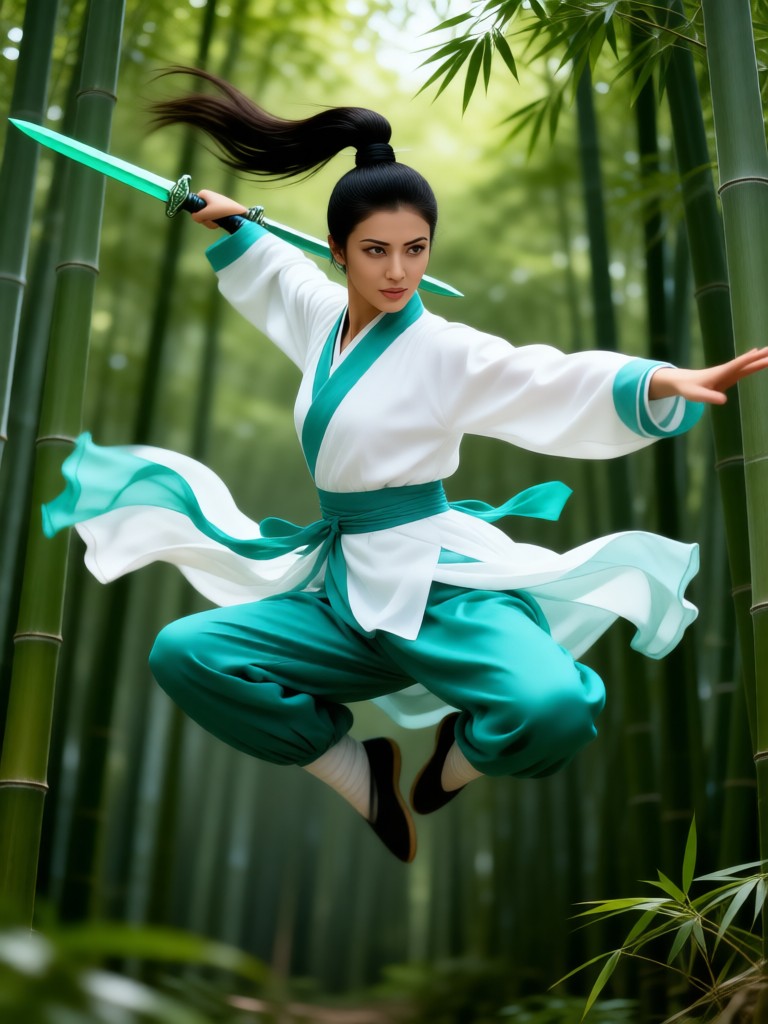
Chinese Kung Fu-Ancient Chinese heroine


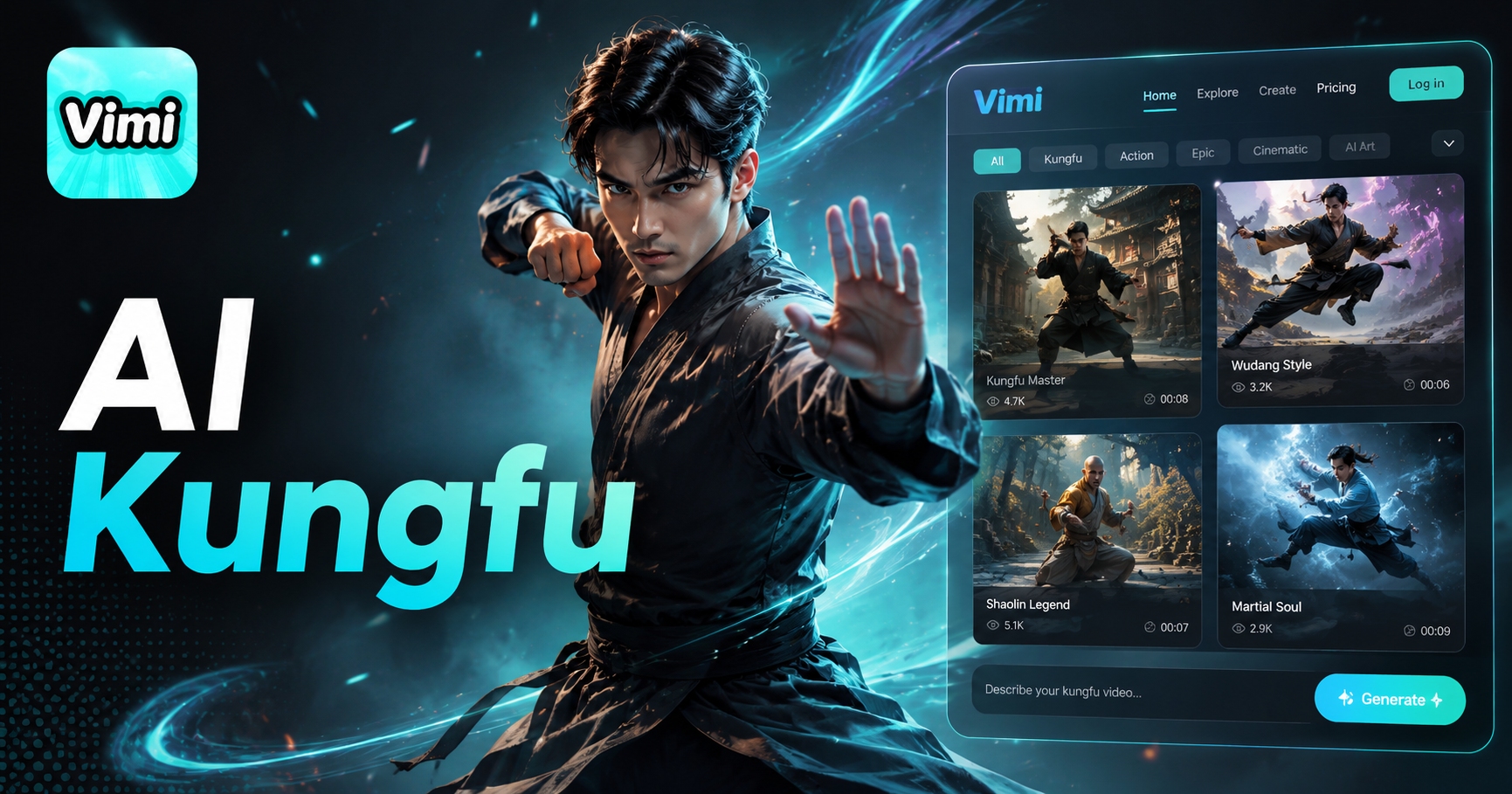
Vimi AI Kungfu Video Generator Motion Transfer Templates
Vimi offers a growing library of motion transfer templates built for kungfu action videos. You can choose a preset move like a punch, kick, or dodge. You can also upload your own video as a reference. The AI applies that motion to your photo and creates a short clip.
Explore the Use Cases of Vimi AI Kungfu Video Generator
Find how this template turns your ordinary photos into exciting martial arts action sequences that are ready to share.
 Before
Single Person Action Clips
Upload a selfie and Vimi generates a video where your face appears on a fighter performing a kungfu routine. The AI animates a series of moves including a front kick, a straight punch, and a defensive block. The final 5 second clip keeps your facial features clear and shows your face throughout the action. This gives you a personalized action clip that looks like you are the star.
 Before
Continuous Motion Flow
For a single person photo, Vimi creates a video where your face guides a flowing kungfu routine. The AI connects each move, from a rising kick to a spinning strike, with smooth transitions. There are no abrupt stops or frozen poses. The 5 second clip keeps your face clear throughout. The result looks like a natural performance rather than a series of separate still poses.
 Before
Transform Existing Videos with Kungfu Effects
Upload a short video of any movement, like walking or jumping, and Vimi applies kungfu movie effects. It adds slow motion, impact flashes, and a cinematic color tone. The AI analyzes the motion and enhances it with martial arts style. You get a transformed clip in about 15 seconds. This works well for repurposing old footage into something new.
How to Generate with Vimi AI Kungfu Video Generator?
Creating a kungfu video takes only a few taps. Follow these three steps to get your action clip ready.

Step 01.
Get the Vimi app from your app store and launch it on your phone.

Step 02.
Find the AI Kungfu Video Generator, upload a photo or video, and tap the generate button.

Step 03.
Download the video to your device or post it directly to your Vimi profile.
Who Uses AI Kungfu Video Generator Online

John D
This template made me look like a real action star. My friends loved the video and asked how I made it.

Sarah K
I used a group photo and the AI created a funny fight scene. The whole process was very straightforward.

Mike L
The video quality is good and the motion looks smooth. I posted it on my profile and got many likes.

Emily R
I love that I can share directly to social media. The entire generation took less than a minute from start to finish.
John D
This template made me look like a real action star. My friends loved the video and asked how I made it.
Sarah K
I used a group photo and the AI created a funny fight scene. The whole process was very straightforward.
Mike L
The video quality is good and the motion looks smooth. I posted it on my profile and got many likes.
Emily R
I love that I can share directly to social media. The entire generation took less than a minute from start to finish.
John D
This template made me look like a real action star. My friends loved the video and asked how I made it.
Sarah K
I used a group photo and the AI created a funny fight scene. The whole process was very straightforward.
Mike L
The video quality is good and the motion looks smooth. I posted it on my profile and got many likes.
Emily R
I love that I can share directly to social media. The entire generation took less than a minute from start to finish.
Frequently Asked Questions
Find clear answers to common questions and get the guidance you need to make the most of our platform, faster and easier.
More Topics You May Like
Explore more topics you may like and discover fresh ideas tailored to your interests.

AI Horse Riding Generator

AI Animated Football Player Generator
AI Taper Fade Haircut Generator
AI Change Dress Clothes
AI Horse Riding Generator
AI Animated Football Player Generator
AI Taper Fade Haircut Generator
AI Change Dress Clothes
Download Vimi And Create Your Kungfu Action Now
Turn your photos into action packed videos in seconds. Share them with friends and family easily.

Download Vimi And Create Your Kungfu Action Now
Turn your photos into action packed videos in seconds. Share them with friends and family easily.