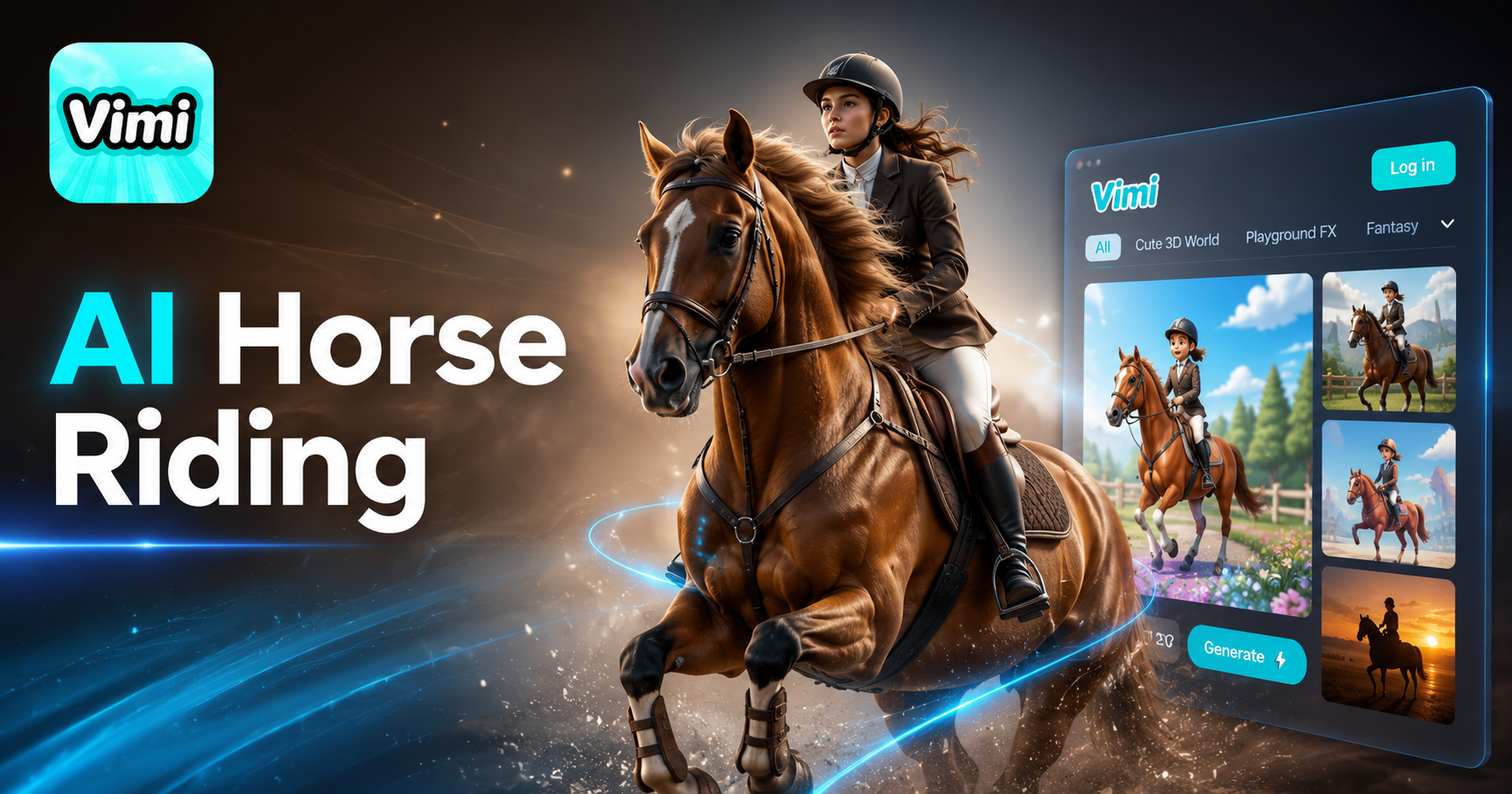
AI Horse Riding Generator
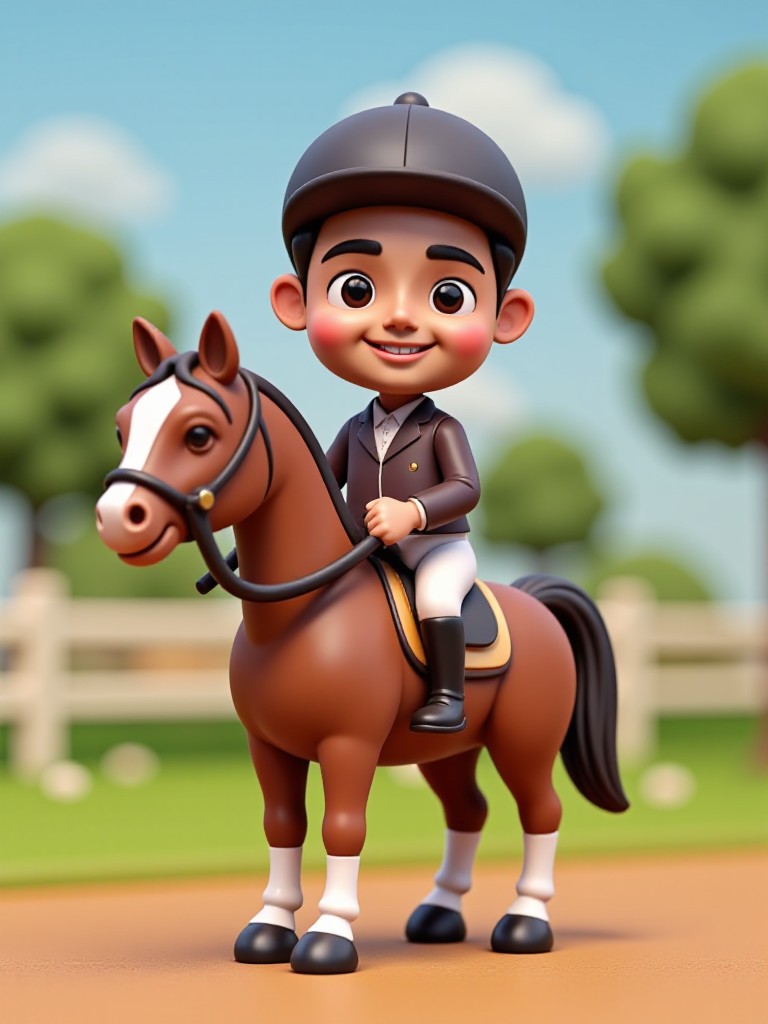
3D equestrian figure(Video)


Why Vimi AI Horse Riding Generator Stands Out for Equestrian Fans
Find the simplest way to animate your horseback riding photos using Vimi's mobile app and thousands of horse themed templates.
Equestrian Template Collection
Vimi provides over 21000 templates including horse riding specific styles. Choose from galloping animations, show jumping scenes, western riding looks, or equestrian portraits. Each template applies professional motion effects to your uploaded photos with a single tap on your phone.
Equestrian Template Collection
Vimi provides over 21000 templates including horse riding specific styles. Choose from galloping animations, show jumping scenes, western riding looks, or equestrian portraits. Each template applies professional motion effects to your uploaded photos with a single tap on your phone.
Explore the Application Scenarios of Vimi AI Horse Riding Generator
See how horse owners, riders, and content creators use Vimi to bring equestrian images to life.
 Before
Social Media Content for Horse Lovers
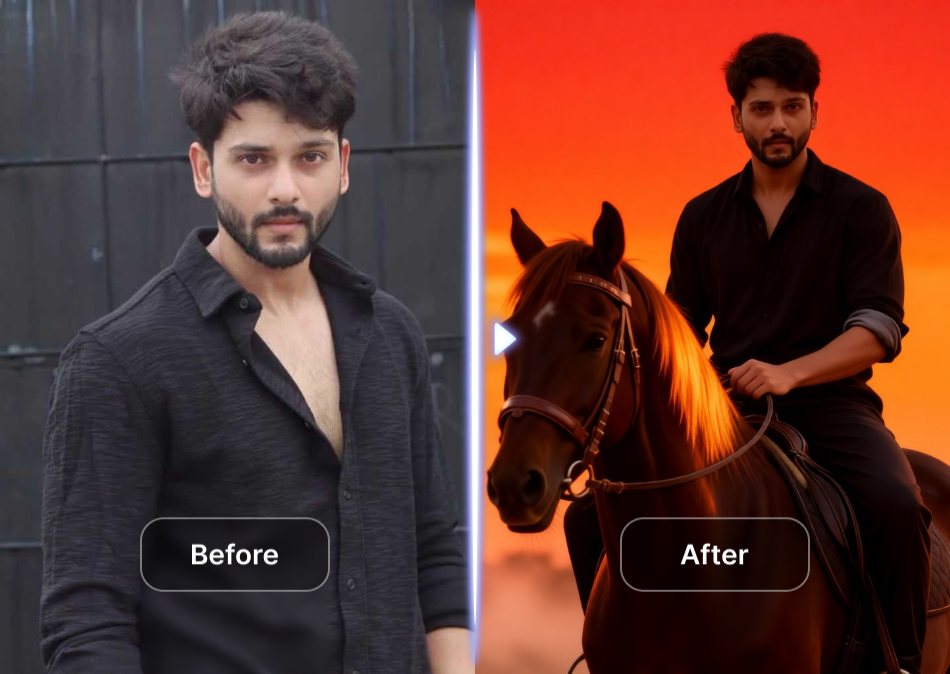
Equestrian fans enjoy sharing animated riding videos on Instagram and TikTok. Vimi makes it easy to turn stable selfies or competition photos into shareable clips. Post your animated horse and rider video. Friends and followers can use the same template to join the trend.
Personal Riding Portfolios
Turn your own riding photos into animated digital keepsakes. Whether you compete in shows or ride for leisure, Vimi transforms your images into dynamic clips. Share your animated riding portfolio with trainers, family members, or fellow riders. It is a fresh way to celebrate your passion for horseback riding.
 Before
Tribute Videos for Favorite Horses
Create animated tribute videos for your favorite horse. Upload a photo of your own horse or a famous equine star. Vimi adds smooth motion effects that make the image feel alive. These videos work perfectly for personal memories, celebration posts, or fan pages dedicated to horses.
How to Generate AI Horse Riding Video with Vimi?
Follow this quick guide to create your animated horse riding video using the Vimi mobile app.

Step 01.
Open your phone's app store. Search for Vimi and install the app. Registration takes less than one minute. You are now ready to start creating animated horse content.

Step 02.
Browse the template library and find the horse riding animation style you like. Upload your equestrian photo or riding scene image. Tap the Generate button and wait a few seconds for your video.

Step 03.
Preview your animated horse riding video. Tap Download to save it to your device. You can also share directly to social media platforms like Instagram, TikTok, or Twitter.
Frequently Asked Questions
Find clear answers to common questions and get the guidance you need to make the most of our platform, faster and easier.
More Topics You May Like
Explore more topics you may like and discover fresh ideas tailored to your interests.
AI Disney Poster Generator
AI DnD Character Generator
AI Nail Art Generator
Cinematic Noir Portrait
AI Disney Poster Generator
AI DnD Character Generator
AI Nail Art Generator
Cinematic Noir Portrait
Download Vimi and Bring Your Horse Riding Photos to Life
Download the app, choose an equestrian template, upload your photo, and share your dynamic riding clip with the horse community.

Download Vimi and Bring Your Horse Riding Photos to Life
Download the app, choose an equestrian template, upload your photo, and share your dynamic riding clip with the horse community.