AI Childhood Encounter Video Generator
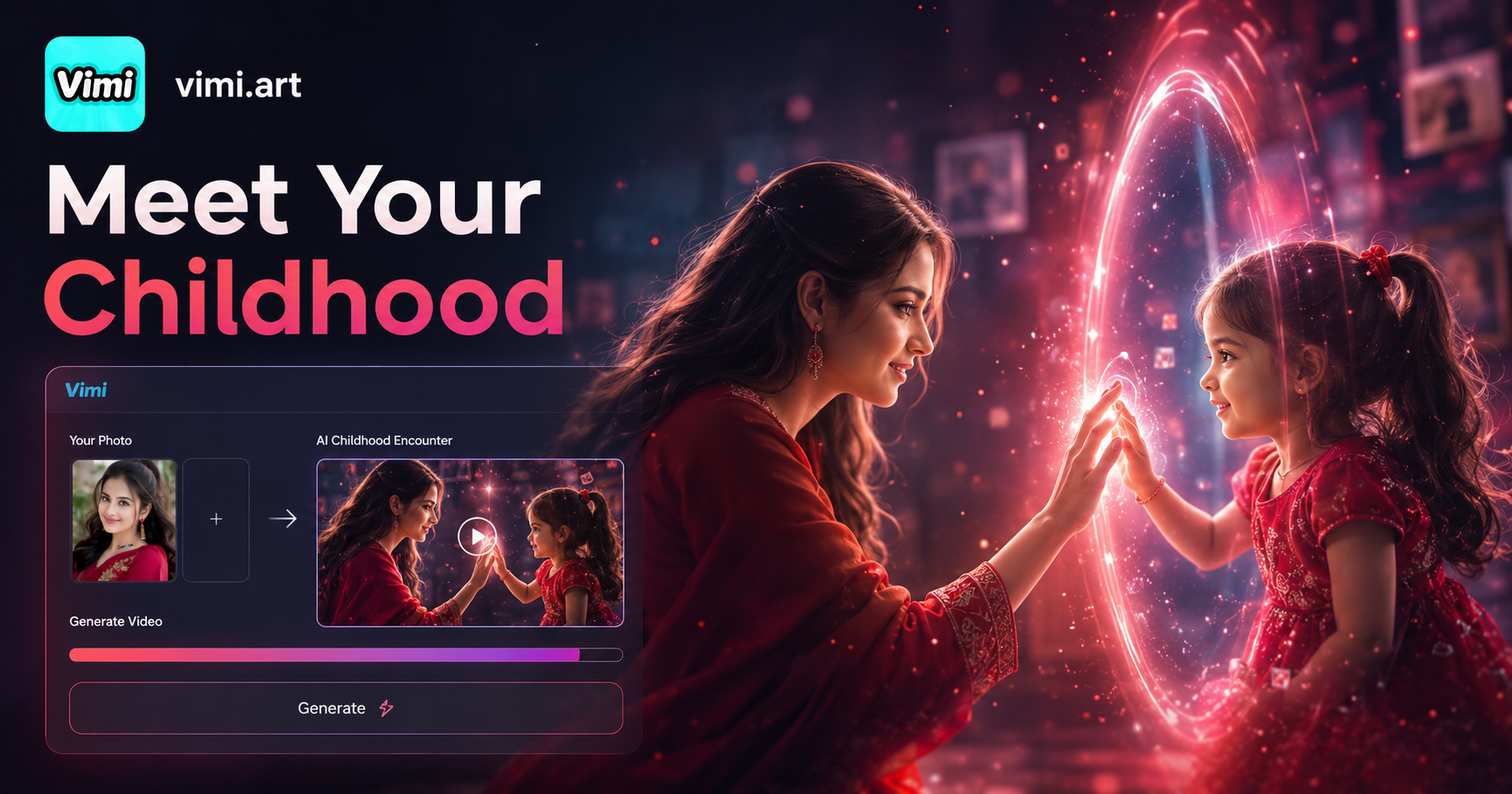
Parallel World: Childhood Photo Studio
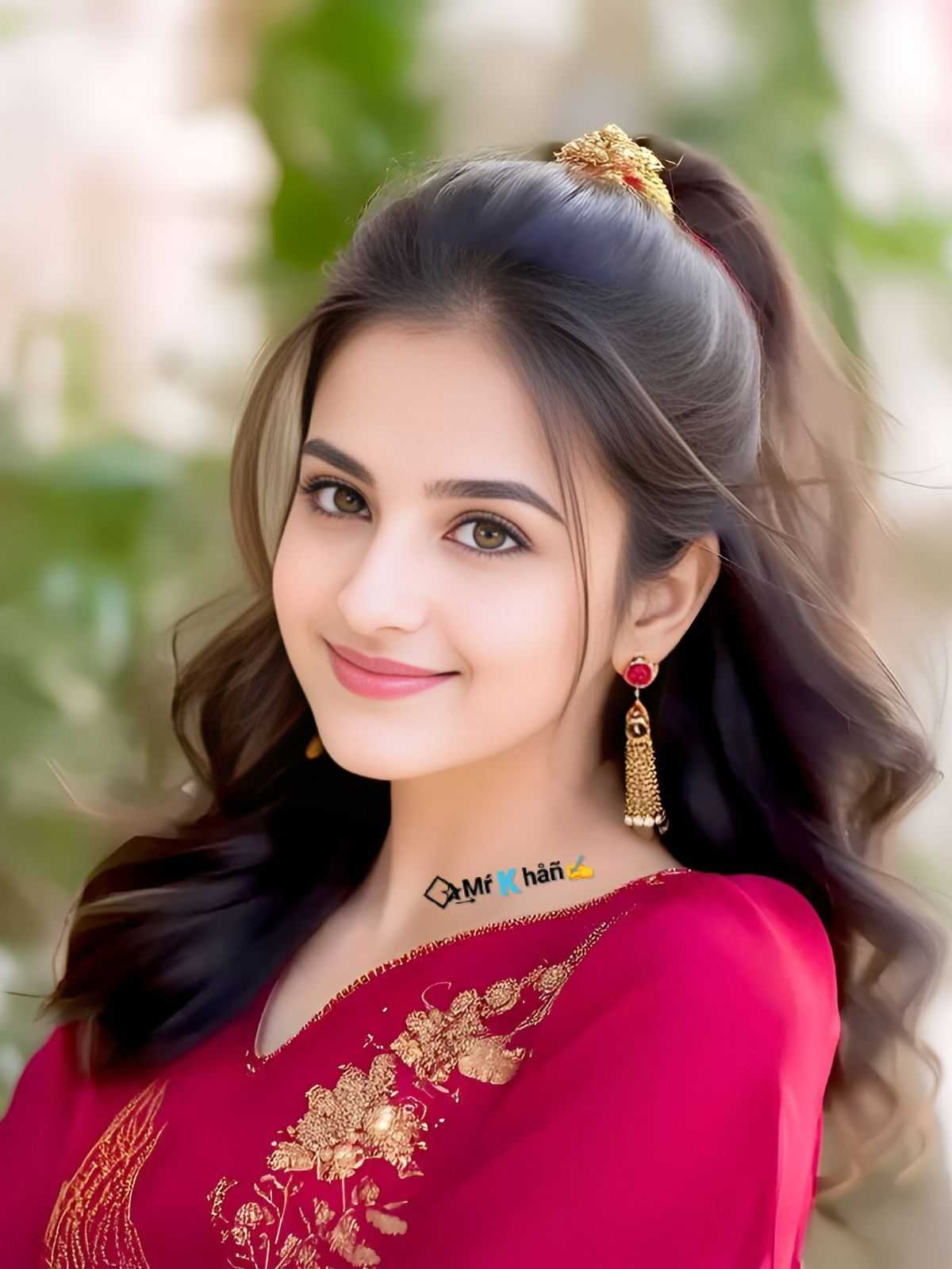
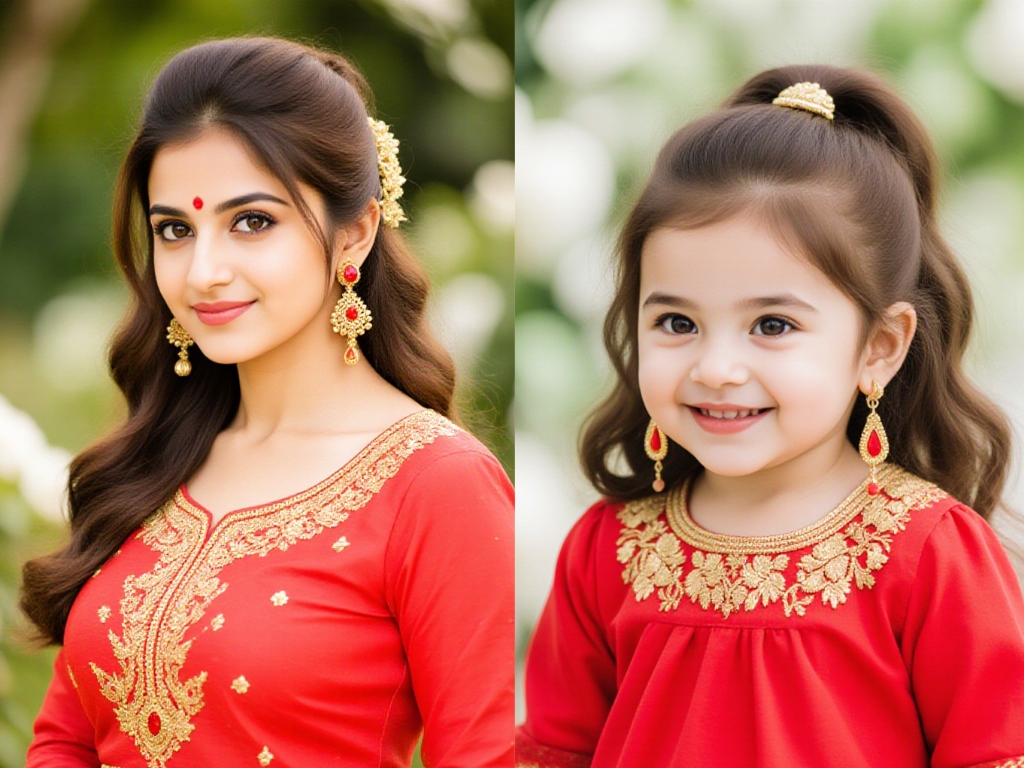

Benefits of Using Vimi AI Youthful Rejuvenation Video Generator
Discover the features that make the Vimi AI Childhood Generator. And explore the advantages of using this filter for a fun personal project.
Creative Self Expression
This tool lets you explore how you might have looked in a different decade. It is a creative way to play with your appearance. You can make videos for your own enjoyment. It adds a new layer of fun to your photo collection.
Creative Self Expression
This tool lets you explore how you might have looked in a different decade. It is a creative way to play with your appearance. You can make videos for your own enjoyment. It adds a new layer of fun to your photo collection.
Social Media Engagement
Younger version videos often get high engagement online. They are interesting to friends and followers. You can share your rejuvenation clip on platforms like Instagram or TikTok. It invites comments and questions, boosting your profile activity.
Social Media Engagement
Younger version videos often get high engagement online. They are interesting to friends and followers. You can share your rejuvenation clip on platforms like Instagram or TikTok. It invites comments and questions, boosting your profile activity.
Easy To Use Process
You do not need any editing experience. Vimi removes all the technical work. You pick a style, upload one photo, and click generate. The app does everything else. This simplicity makes the tool accessible to users of all ages.
Easy To Use Process
You do not need any editing experience. Vimi removes all the technical work. You pick a style, upload one photo, and click generate. The app does everything else. This simplicity makes the tool accessible to users of all ages.
How to Create Your Youthful Rejuvenation Video with Vimi?
Create an adorable AI Childhood Encounter Video using our powerful platform. Follow these simple steps inside the Vimi app.

Step 01.
Download Vimi from your app store. Open the app and look through the main screen. Find the Youthful Rejuvenation filter under the trending or popular templates section.

Step 02.
Tap the filter to enter the creation screen. Upload one clear photo of your face. Make sure your face is well lit and visible. The AI works best with a front facing picture.

Step 03.
Tap the generate button to begin. Wait 10 to 20 seconds for processing. After the video is ready, preview it. Then tap the download icon to save it to your device.
Frequently Asked Questions
Find clear answers to common questions and get the guidance you need to make the most of our platform, faster and easier.
More Topics You May Like
Explore more topics you may like and discover fresh ideas tailored to your interests.
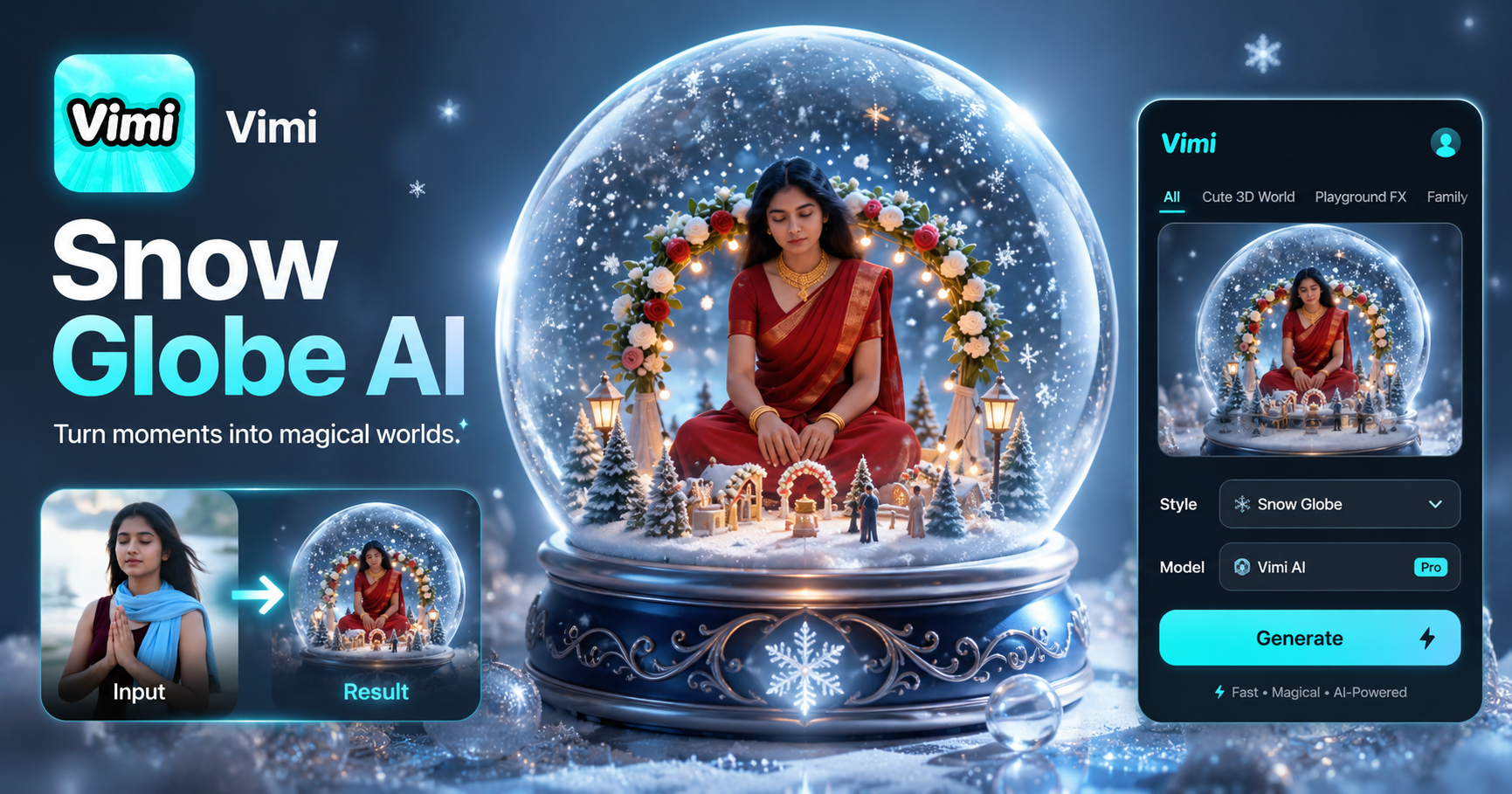
AI Snow Globe Generator
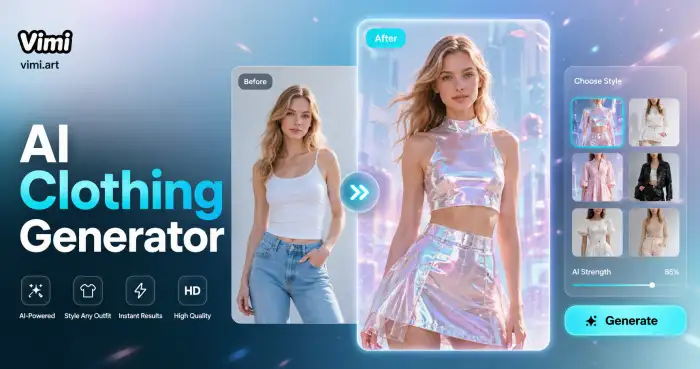
AI Costume Generator
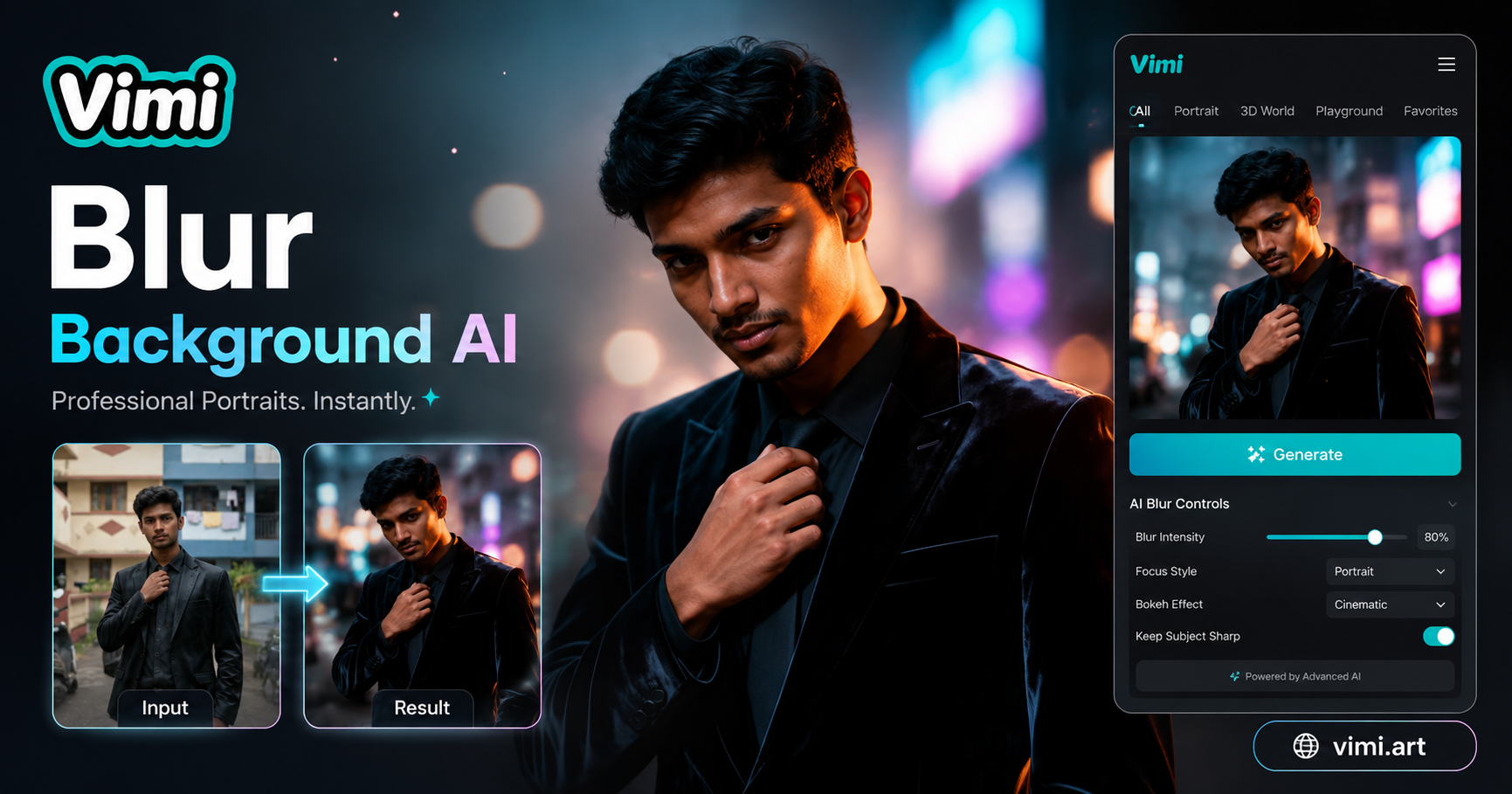
AI Blurred Background Generator
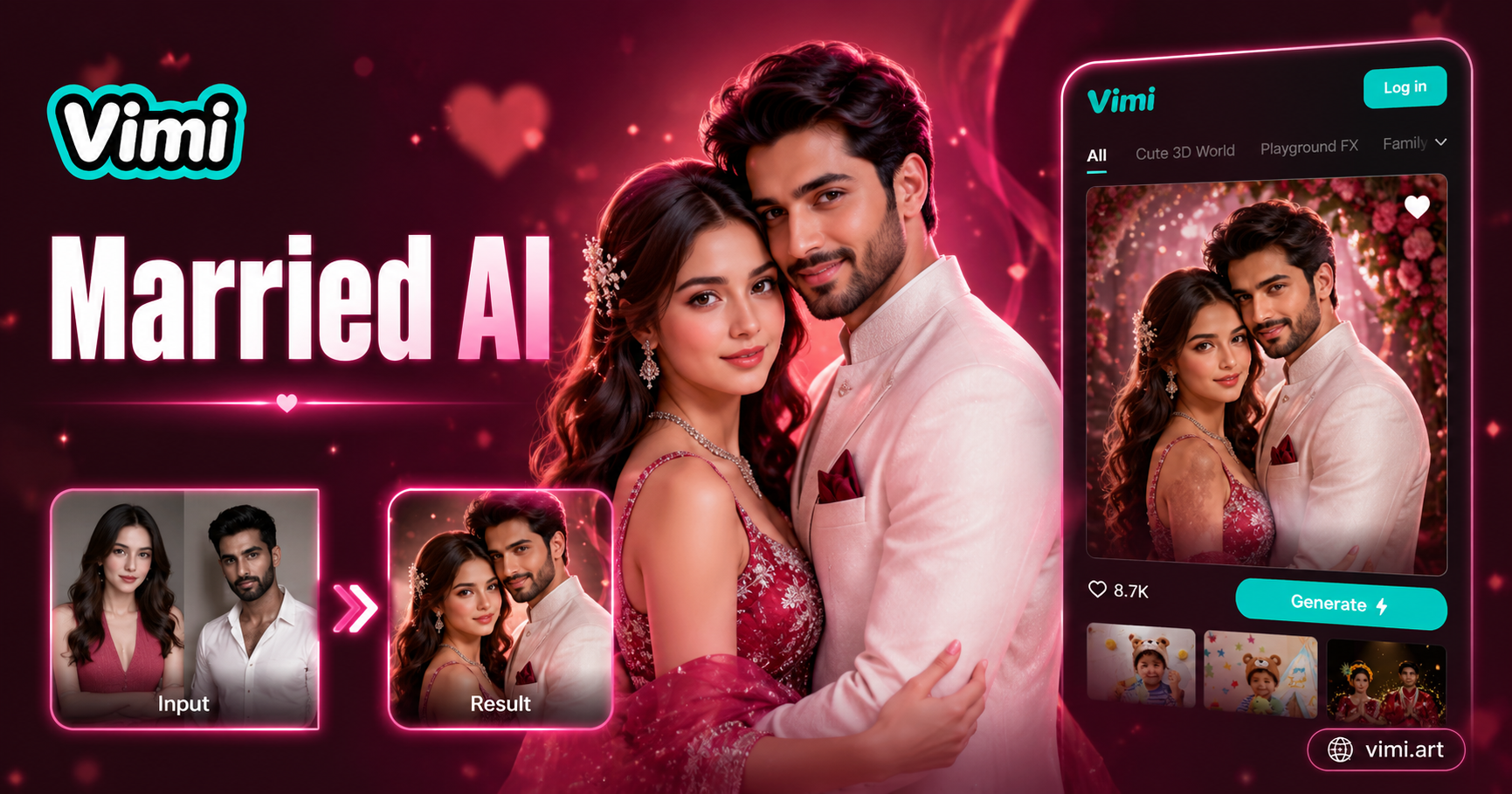
AI Married Couple Generator
AI Snow Globe Generator
AI Costume Generator
AI Blurred Background Generator
AI Married Couple Generator
Turn Back Time With Vimi
Download Vimi to create your youthful video today. See a fresh version of yourself in seconds.
Turn Back Time With Vimi
Download Vimi to create your youthful video today. See a fresh version of yourself in seconds.