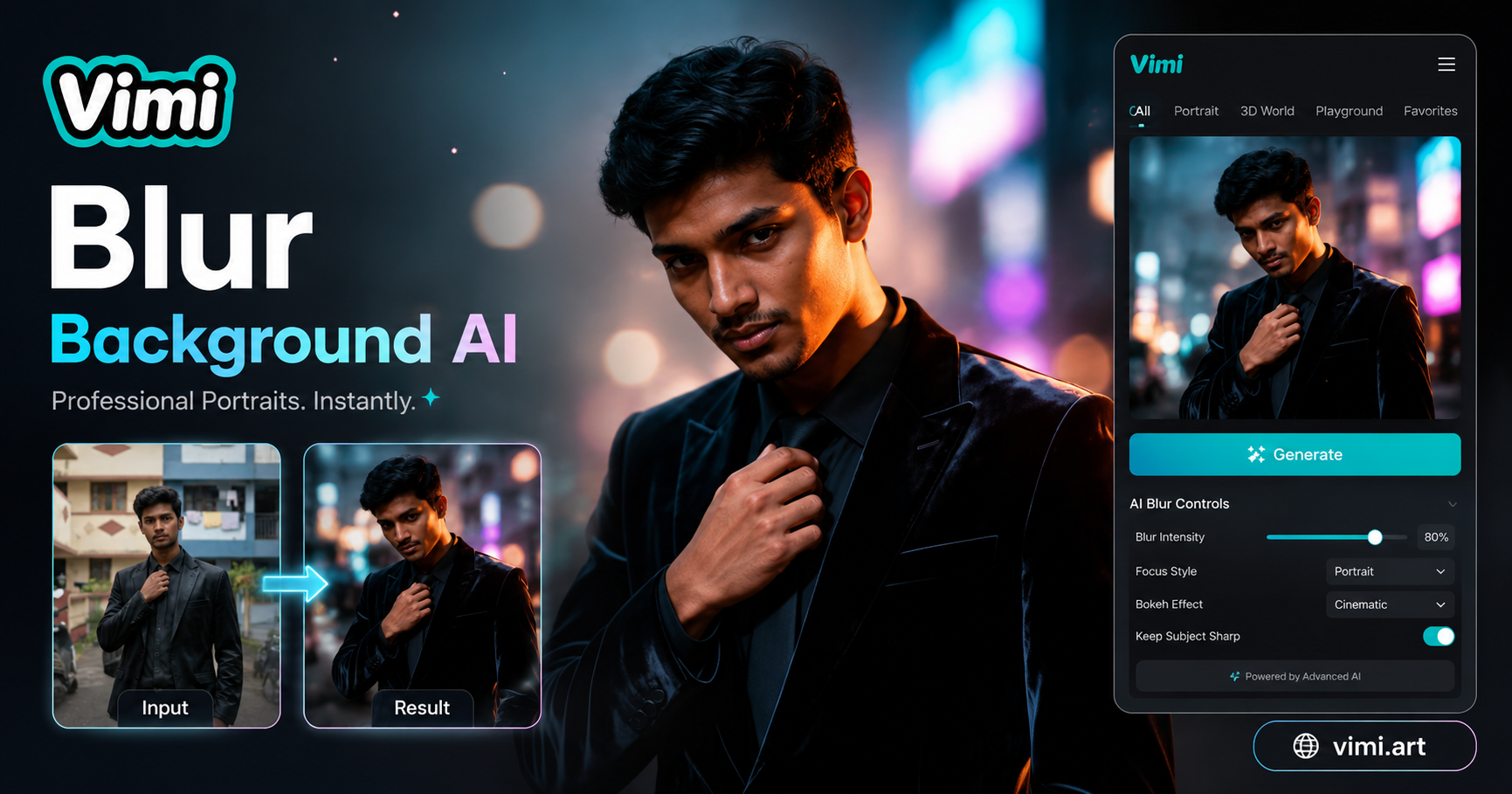
AI Blurred Background Generator
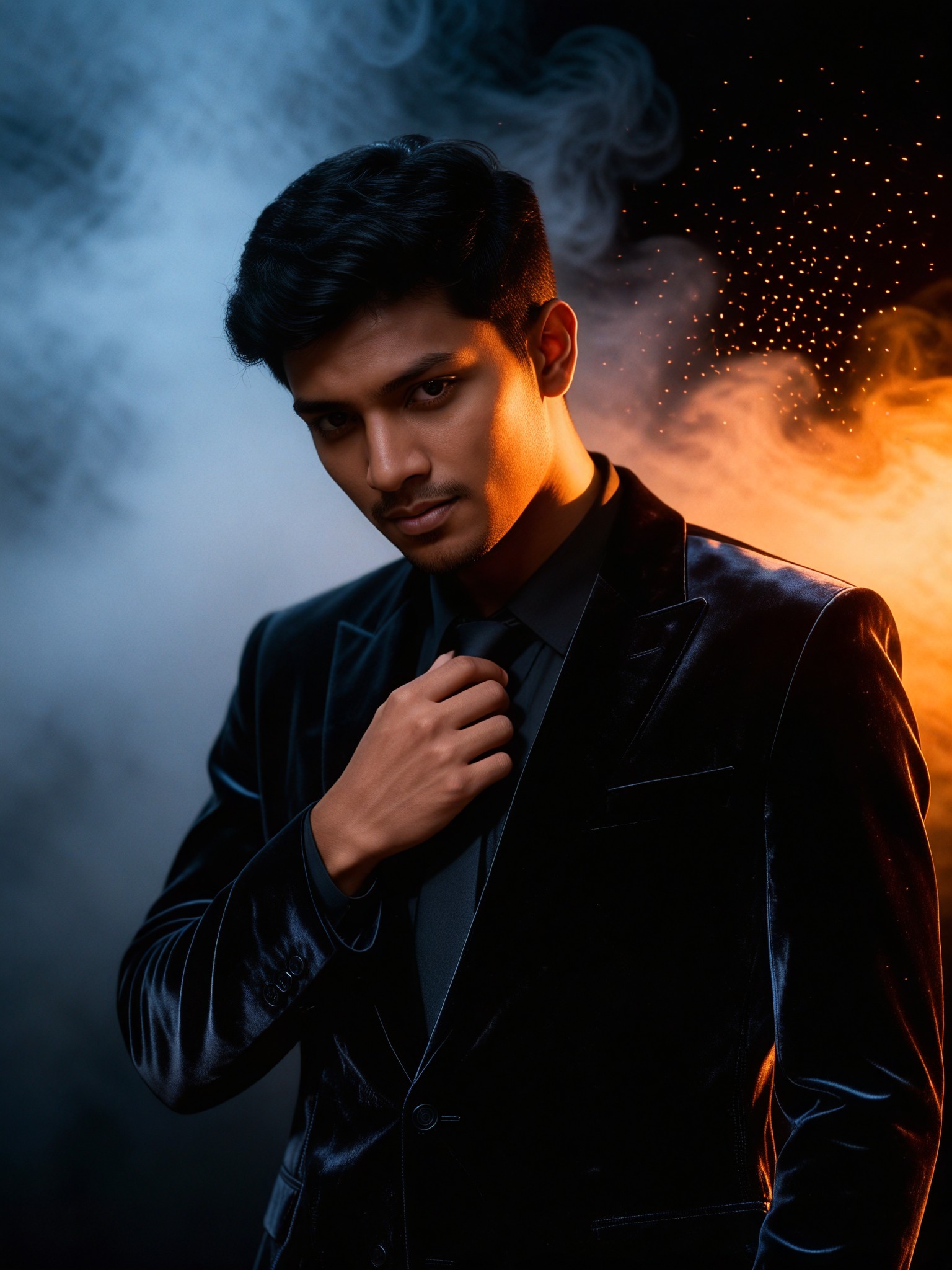
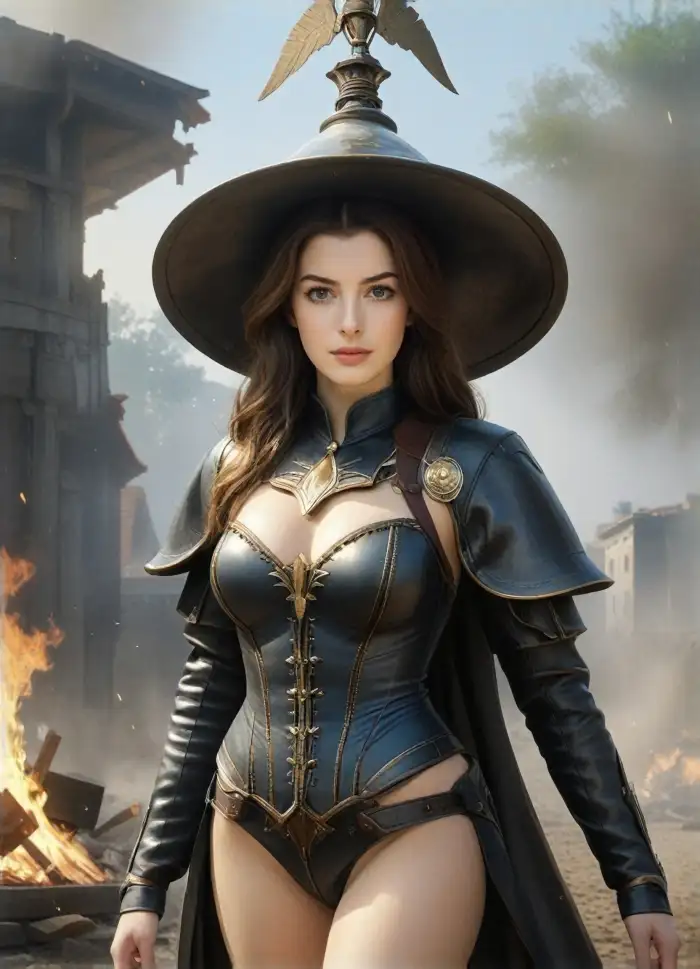
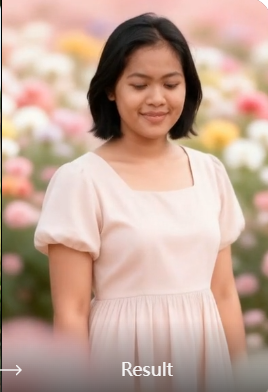
Smoke Particle Background Artistic Portrait


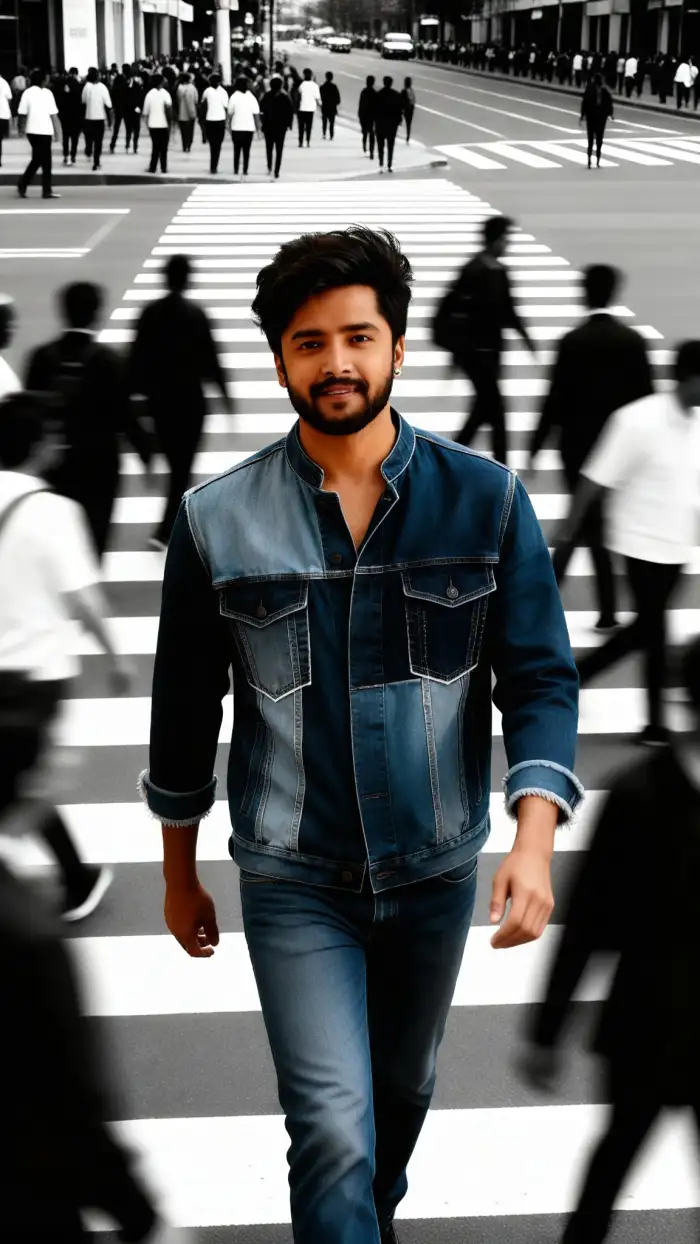
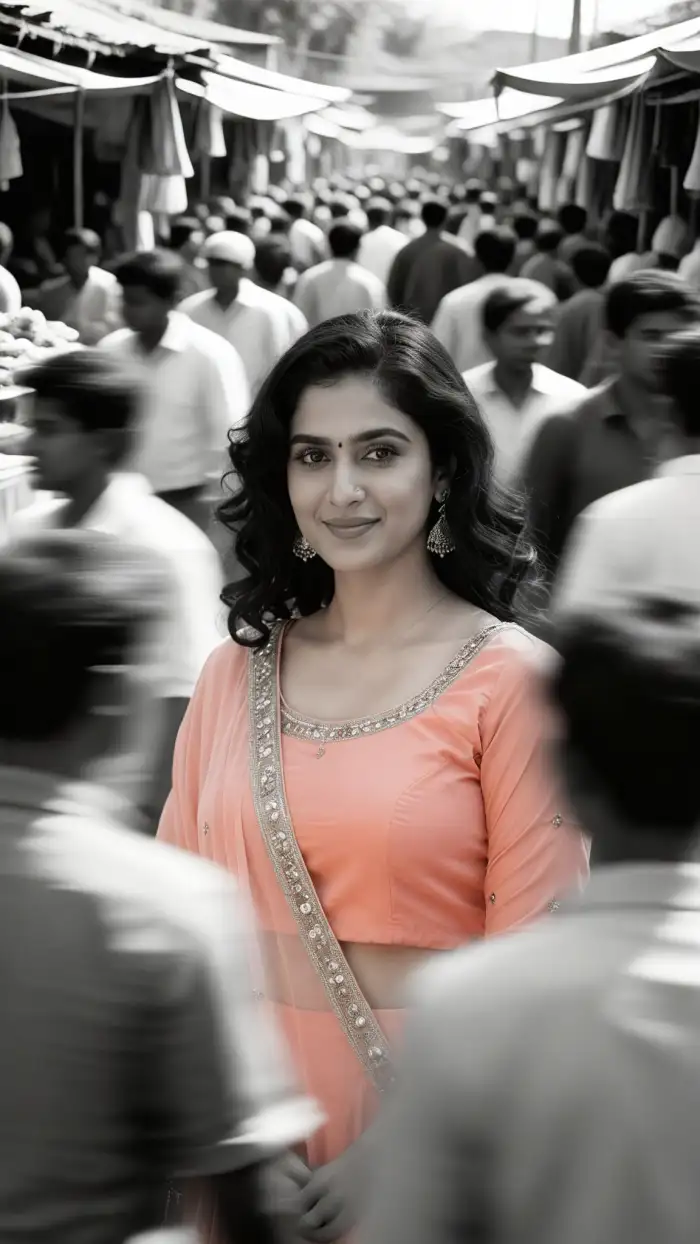
Explore AI Blurred Background Generator Gallery
Browse real examples made with Vimi. See how background blur works on portraits, group photos, and pets. Start creating your own.

How to Make AI Blurred Background Images?
3 Simple Steps To Use Vimi AI Blurred Background Generator

Step 01.
Visit Vimi official website from your phone, scan the QR code, or go directly to your Google Play store. Install the free app.
Step 02.
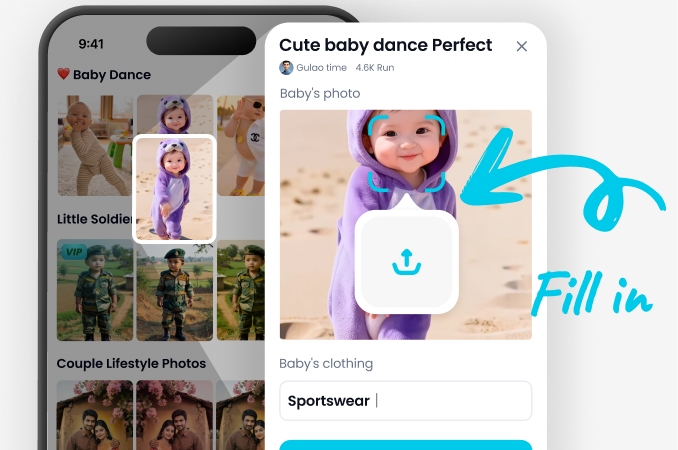
Open Vimi, browse the template library. Search for Blur Background. Tap the template and upload your photo from your gallery.
Step 03.
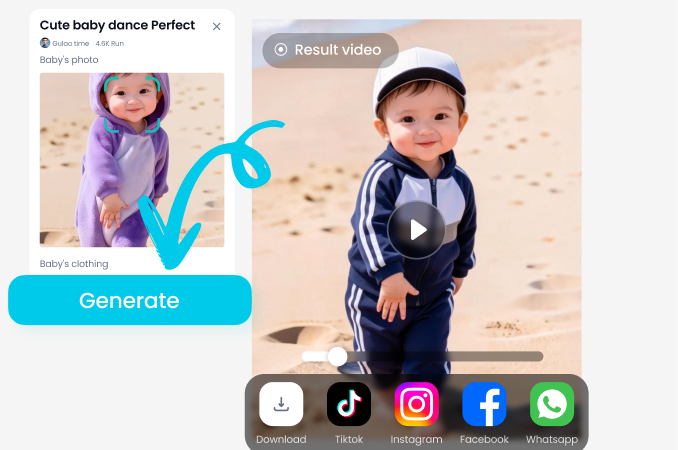
Tap Generate. Wait a few seconds. Preview the blurred result. Tap Download to save to your camera roll or share directly to social media.
Why Choose Vimi AI Blurred Background Generator
Find how Vimi simplifies background blur in seconds.
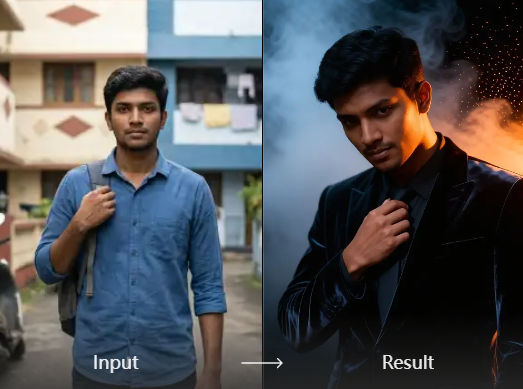
One Tap Subject Detection
Vimi automatically separates people, pets, or objects from cluttered backgrounds. No manual brushing or masking. The AI identifies edges down to hair strands and small details. You get a clean cutout ready for blur in under 3 seconds without losing fine edges.
One Tap Subject Detection
Vimi automatically separates people, pets, or objects from cluttered backgrounds. No manual brushing or masking. The AI identifies edges down to hair strands and small details. You get a clean cutout ready for blur in under 3 seconds without losing fine edges.
Frequently Asked Questions
Find clear answers to common questions and get the guidance you need to make the most of our platform, faster and easier.
More Topics You May Like
Explore more topics you may like and discover fresh ideas tailored to your interests.
Couple Mirror Selfie

World Cup Baby Effects
Ai Digital Avatar Generator

Ai Raksha Bandhan Card Design Generator
Couple Mirror Selfie
World Cup Baby Effects
Ai Digital Avatar Generator
Ai Raksha Bandhan Card Design Generator
Try Vimi AI Blurred Background Generator Now
One tap removes background clutter. Focus on what matters in your photos.
Try Vimi AI Blurred Background Generator Now
One tap removes background clutter. Focus on what matters in your photos.