AI Aging Filter Tools
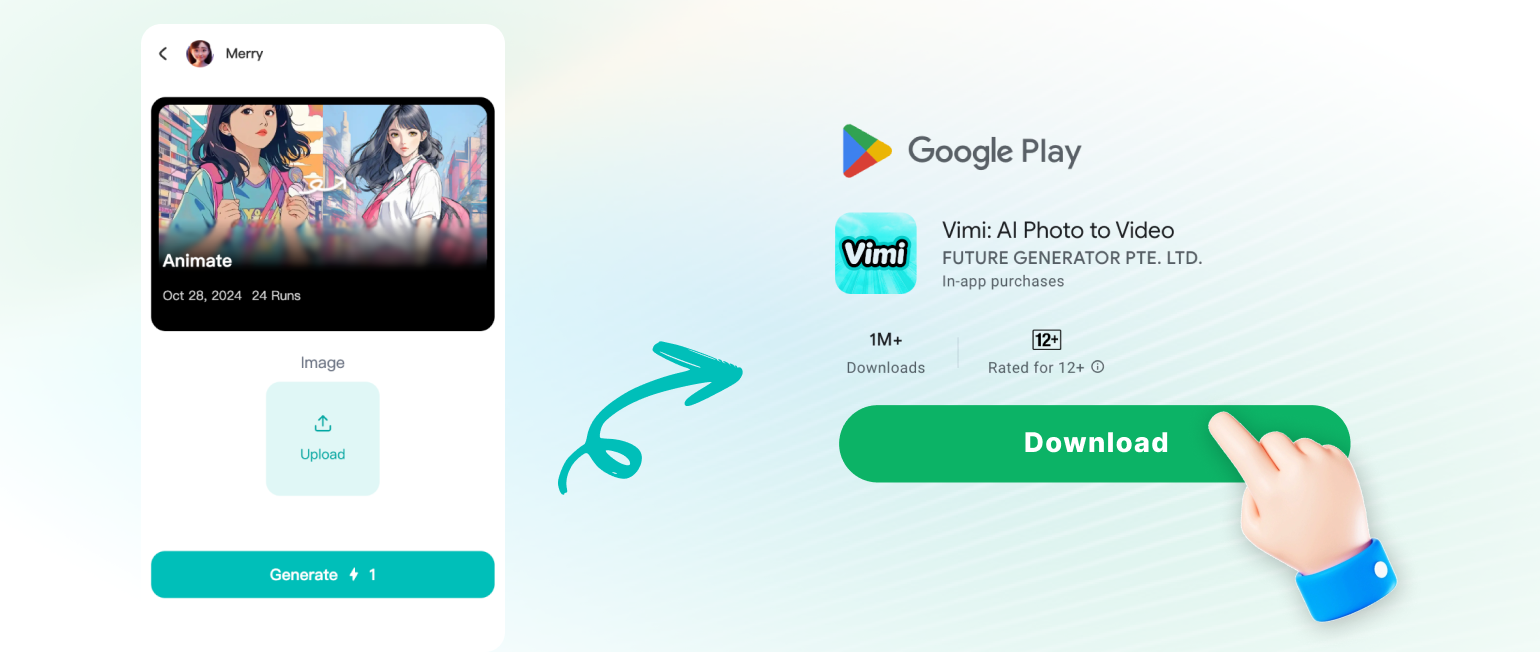
Vimi AI Aging Filter Tools help you see a future face, an older self, or a family timeline in minutes. Open the Vimi app, pick a template, upload one photo, and tap Generate. Download the result and share it. Search Vimi, find the official download code, and scan it to get the app.
 Before
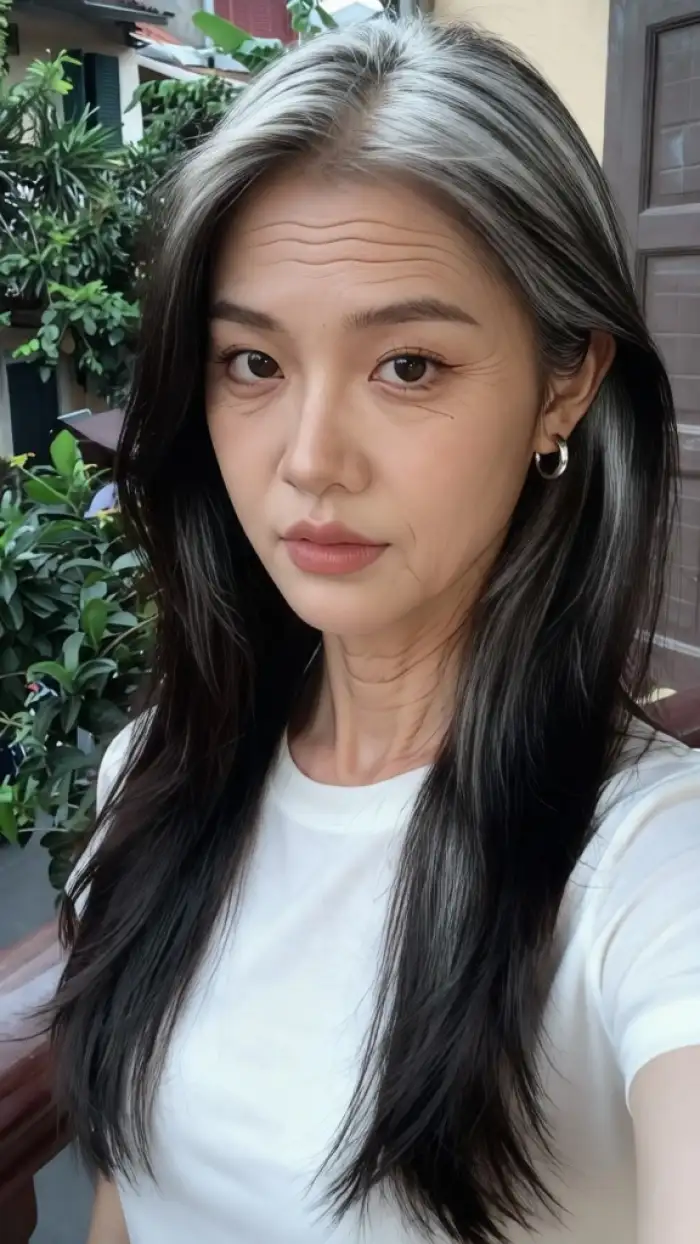 After

Vimi Studio
Switch to Vimi Studio on APP for advanced control and unlimited exports.

Choose the AI Aging Filter Tools Filter
Discover the filter that perfectly matches your style and mood.
Vimi Filter Recommendations for AI Aging Filter Tools Templates
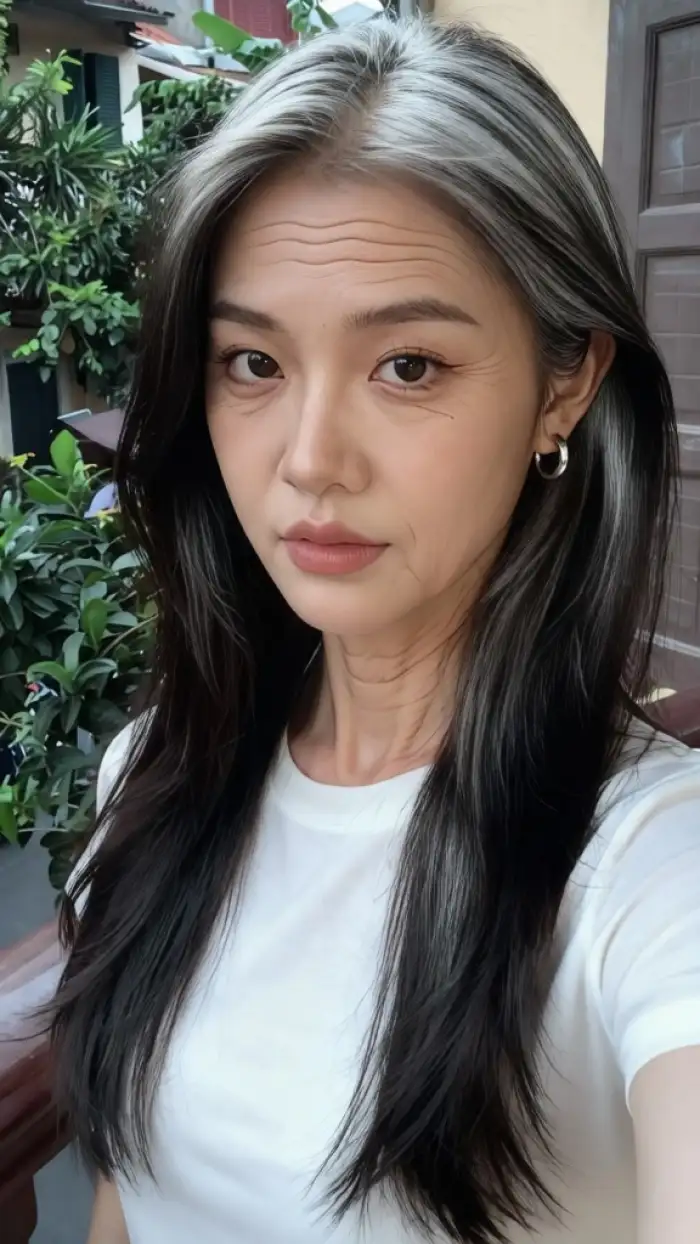
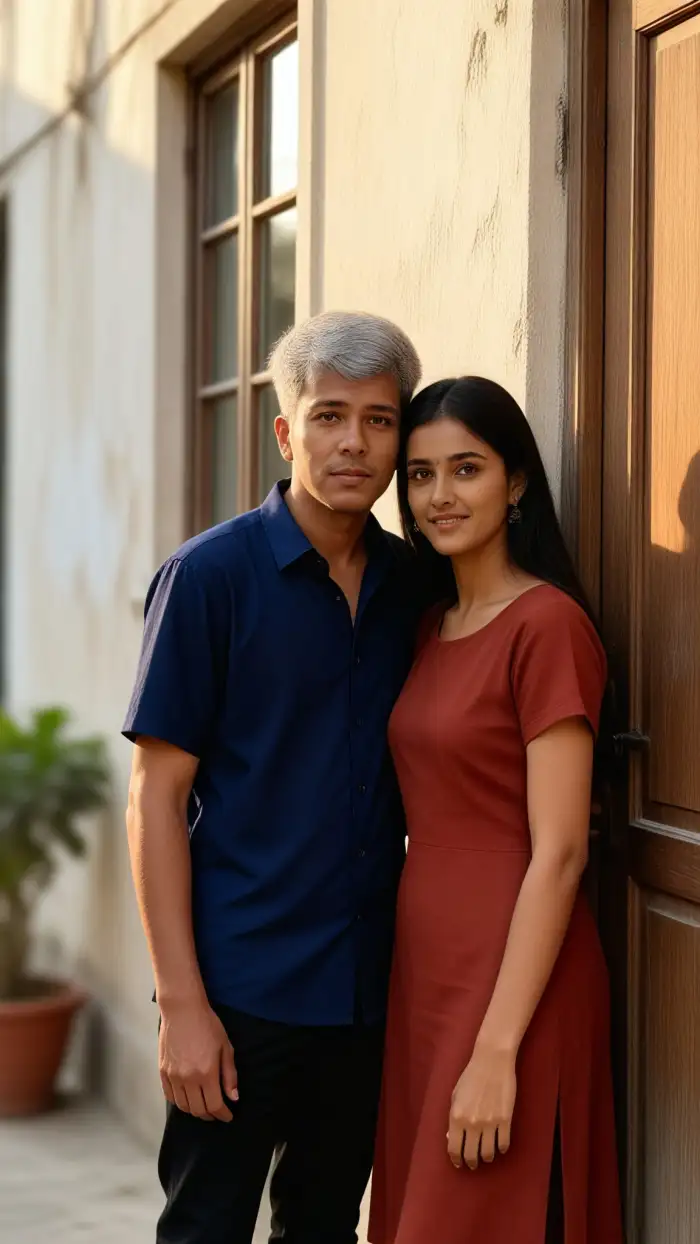
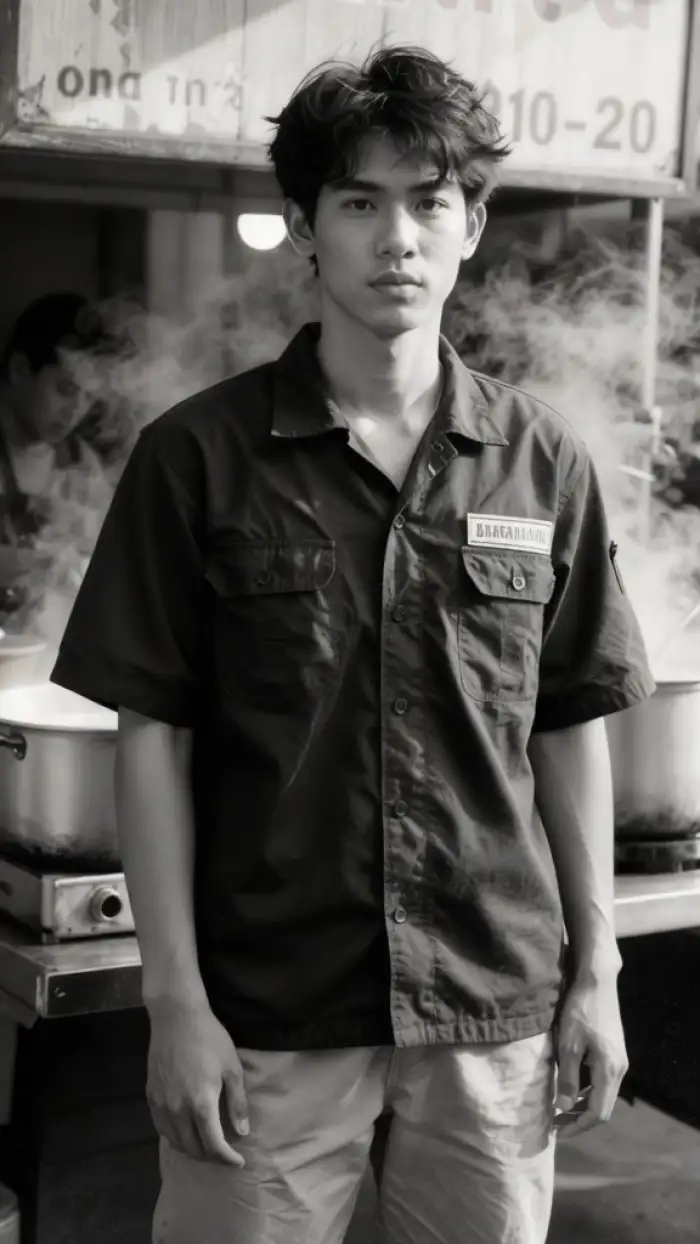
Vimi groups aging tools as templates, so you do not write prompts. Older Self Portrait turns one clear face into a calm older look. Family Timeline keeps each relative distinct in a group photo. Grandparent Memory Video adds small blinks and smiles to a still portrait. Age Progress Series keeps hair and glasses consistent across several images.
Explore Vimi AI Aging Filter Tools Use Cases
Discover the everyday scenes where Vimi AI Aging Filter Tools help people share family stories, test a new look, and create gifts.
 Before
 After
Family Timeline Photo Gifts
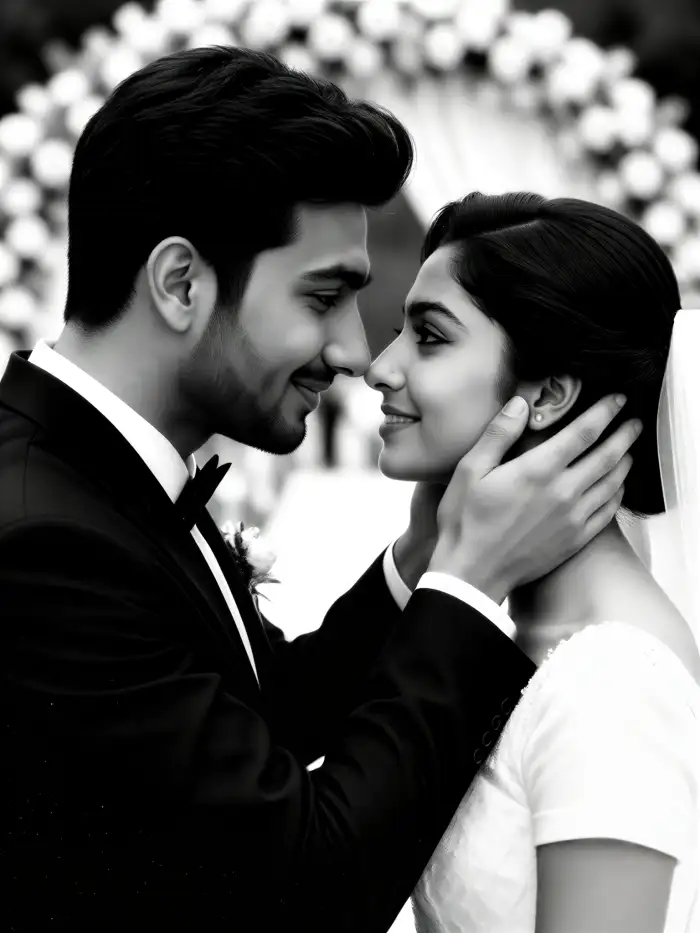
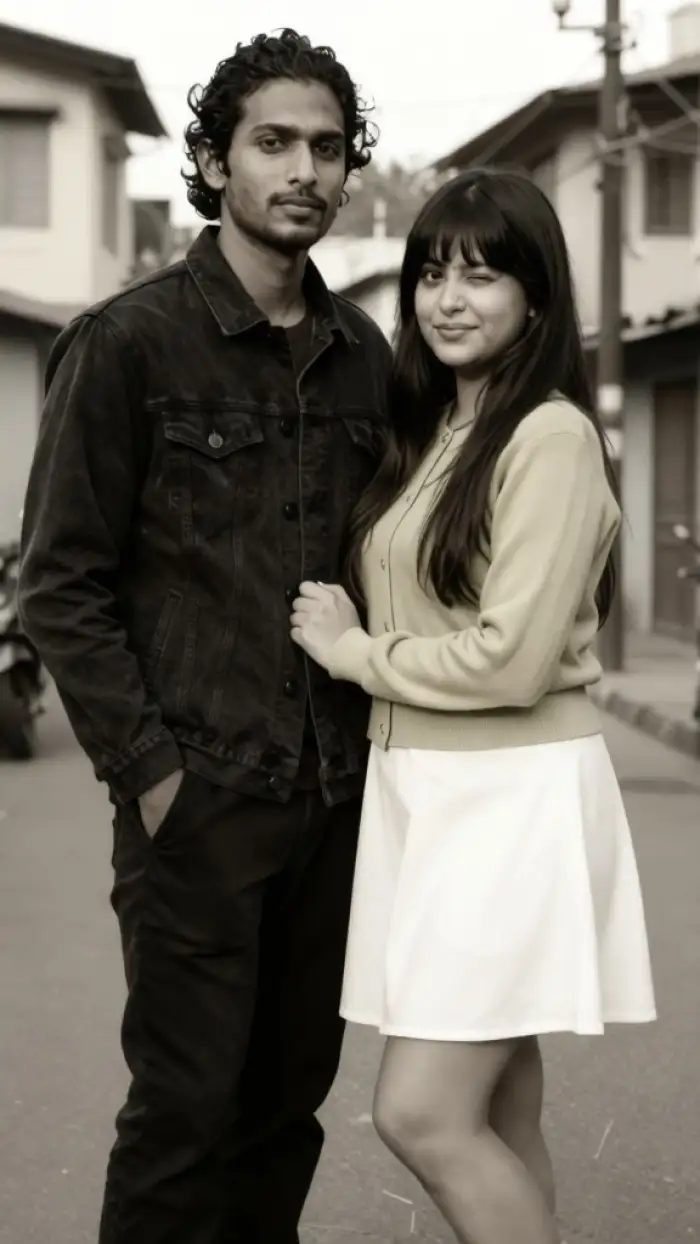
Use one family photo or a set of portraits to preview a shared timeline. Vimi separates faces and applies age changes to each person. The app keeps each face distinct. Print the result for a birthday gift. Or post a short video that shows how relatives may look years later.
 Before
 After
Older Self Look Previews
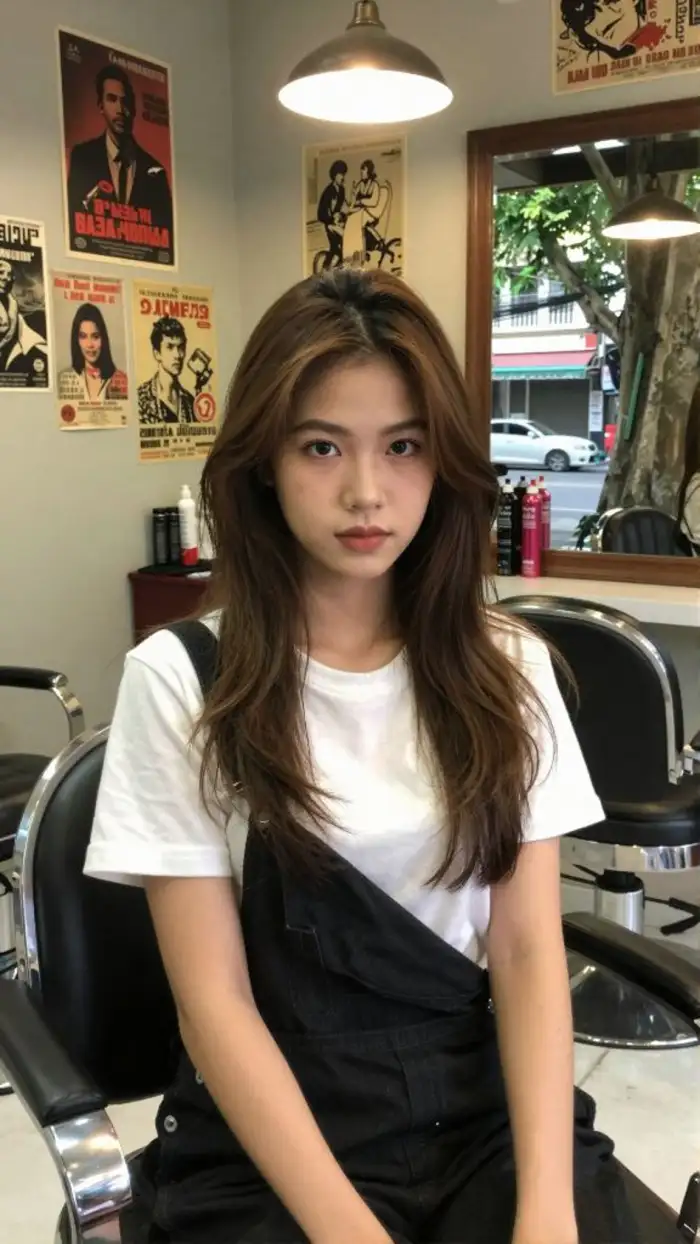
Try a new hairstyle, glasses, or a calm older face before a salon visit. Upload a clear portrait and choose an aging template. Vimi keeps the main facial structure and changes age details. Compare three results. Save the one you like best and share it with friends for honest feedback.
 Before
 After
Grandparent Memory Videos
Turn a still portrait into a short video with small expressions. Choose an aging or memory template. The person can blink, smile, or turn the head. Vimi keeps the face stable across frames. This works for anniversaries, family reunions, and quiet tribute clips. Download the clip and keep it with your family archive.
Why Choose Vimi for AI Aging Filter Tools
Discover the Vimi app tools that turn one portrait into an older self, a family timeline, or a short aging video.
Templates Built for Faces
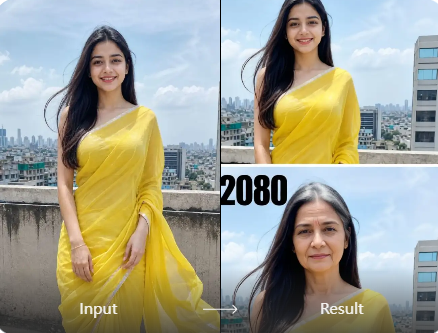
Vimi offers 21000 ready to use templates. Choose an older self look, a family timeline, or a short aging video. The app keeps facial features, hair, and clothing consistent across a series. You upload one photo, tap Generate, and get a result in seconds.
Templates Built for Faces
Vimi offers 21000 ready to use templates. Choose an older self look, a family timeline, or a short aging video. The app keeps facial features, hair, and clothing consistent across a series. You upload one photo, tap Generate, and get a result in seconds.
How to Use VimiAI Aging Filter Tools?
The process takes three short steps in the Vimi app. You download the app, pick an aging template, upload a photo, generate, then save or share.
Who Uses AI Aging Filter Tools Enhancement Online
Maya R
I used the family timeline template on a photo of my parents. Vimi kept both faces clear and changed the age details separately. The result looked like a real pair of portraits. I downloaded both images and printed one for a birthday gift.

Daniel K
I wanted to test a silver hair look before a salon visit. The older self template gave me three clear options in under a minute. I shared them with my barber and we picked a cut. The app saved each image to my phone.

Priya S
My sister lives abroad and we made a two person aging video for our mother. Vimi recognized both faces and did not blend them. The clip had small smiles and blinks. We posted it to our family group and everyone asked how we made it.

Marcus T
I tried the grandparent memory video with an old portrait of my grandfather. The app added a slow smile and a head turn. The face stayed stable. I downloaded the clip and played it at our reunion. It was a quiet and personal moment.
Maya R
I used the family timeline template on a photo of my parents. Vimi kept both faces clear and changed the age details separately. The result looked like a real pair of portraits. I downloaded both images and printed one for a birthday gift.
Daniel K
I wanted to test a silver hair look before a salon visit. The older self template gave me three clear options in under a minute. I shared them with my barber and we picked a cut. The app saved each image to my phone.
Priya S
My sister lives abroad and we made a two person aging video for our mother. Vimi recognized both faces and did not blend them. The clip had small smiles and blinks. We posted it to our family group and everyone asked how we made it.
Marcus T
I tried the grandparent memory video with an old portrait of my grandfather. The app added a slow smile and a head turn. The face stayed stable. I downloaded the clip and played it at our reunion. It was a quiet and personal moment.
Maya R
I used the family timeline template on a photo of my parents. Vimi kept both faces clear and changed the age details separately. The result looked like a real pair of portraits. I downloaded both images and printed one for a birthday gift.
Daniel K
I wanted to test a silver hair look before a salon visit. The older self template gave me three clear options in under a minute. I shared them with my barber and we picked a cut. The app saved each image to my phone.
Priya S
My sister lives abroad and we made a two person aging video for our mother. Vimi recognized both faces and did not blend them. The clip had small smiles and blinks. We posted it to our family group and everyone asked how we made it.
Marcus T
I tried the grandparent memory video with an old portrait of my grandfather. The app added a slow smile and a head turn. The face stayed stable. I downloaded the clip and played it at our reunion. It was a quiet and personal moment.
Frequently Asked Questions
Find clear answers to common questions and get the guidance you need to make the most of our platform, faster and easier.
More Topics You May Like
Explore more topics you may like and discover fresh ideas tailored to your interests.
Vimi AI Dream Job Photo: Create Professional Headshots in Minutes
Vimi Camera Movement Filters for AI Photos and Videos

Vimi Mountain Travel Poster Filter for Travel Art on Mobile

Vimi Travel YouTube Thumbnail Maker for Clear Travel Covers
Vimi AI Dream Job Photo: Create Professional Headshots in Minutes
Vimi Camera Movement Filters for AI Photos and Videos
Vimi Mountain Travel Poster Filter for Travel Art on Mobile
Vimi Travel YouTube Thumbnail Maker for Clear Travel Covers
Download Vimi And Try Aging Filters
Pick a template and upload one clear photo. Save the result and share it.Stay ahead of trends and create content everyone will notice.
Download Vimi And Try Aging Filters
Pick a template and upload one clear photo. Save the result and share it.Stay ahead of trends and create content everyone will notice.