AI Abandoned Video
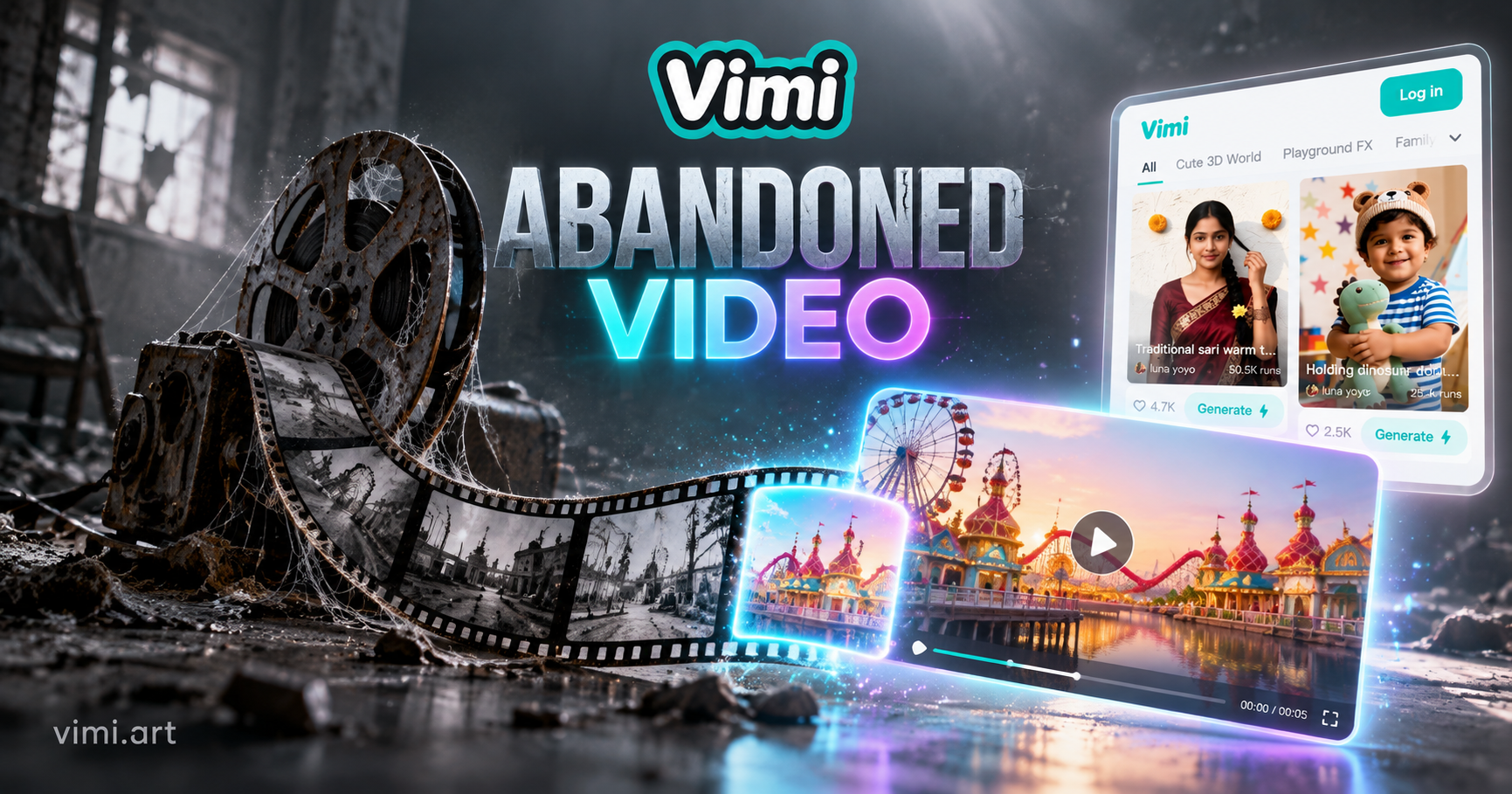
Choose the AI Abandoned Video Filter
Discover the filter that perfectly matches your style and mood.
Vimi Filter Recommendation: AI Abandoned Video
Vimi AI Abandoned Video is a template for turning still photos into short clips with a quiet, empty, or ruined setting. It adds slow camera moves, drifting dust, fading light, and small character motion. You can use it for portraits, old family photos, or group shots.
Key Features of Vimi AI Abandoned Video
Discover the main features that help you turn a single photo into a short abandoned world video inside the Vimi app.
 Before
Photo to Video Motion
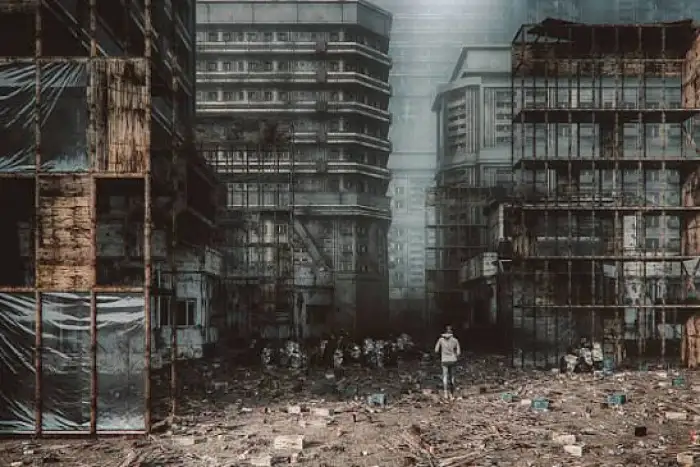
Upload one clear photo. Vimi AI Abandoned Video adds slow camera push, floating dust, dim light, and small body motion. The subject stays recognizable while the background becomes an empty street, old room, or ruined building. Choose a mood template like cold dawn or fading dusk.
BeforePhoto to Video Motion
Upload one clear photo. Vimi AI Abandoned Video adds slow camera push, floating dust, dim light, and small body motion. The subject stays recognizable while the background becomes an empty street, old room, or ruined building. Choose a mood template like cold dawn or fading dusk.
 Before
Start with One Photo
You do not need a long prompt. Open Vimi, pick AI Abandoned Video, and upload one portrait or group photo. The app reads faces, clothing, and posture, then builds a short clip around them. It works for solo shots, couple photos, family pictures, and pet images.
BeforeStart with One Photo
You do not need a long prompt. Open Vimi, pick AI Abandoned Video, and upload one portrait or group photo. The app reads faces, clothing, and posture, then builds a short clip around them. It works for solo shots, couple photos, family pictures, and pet images.
 Before
Style and Mood Control
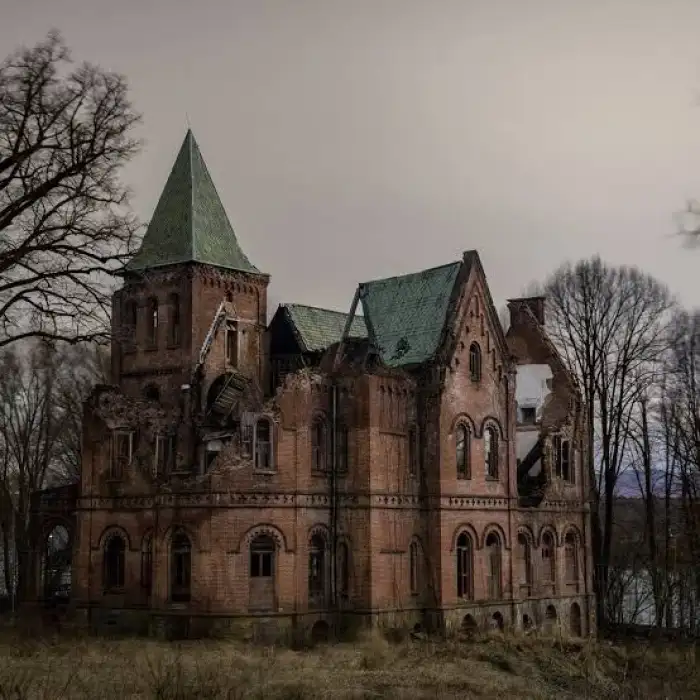
Pick from cold ruins, dusty towns, quiet hospitals, empty malls, or forgotten parks. Vimi adds light, fog, grain, and camera timing to match the chosen template. Your result feels like a short film scene. You can keep faces, hair, and clothing consistent across several clips.
BeforeStyle and Mood Control
Pick from cold ruins, dusty towns, quiet hospitals, empty malls, or forgotten parks. Vimi adds light, fog, grain, and camera timing to match the chosen template. Your result feels like a short film scene. You can keep faces, hair, and clothing consistent across several clips.
Why Use Vimi for AI Abandoned Video
Explore the benefits that make Vimi AI Abandoned Video simple for beginners and useful for daily content creation on mobile.
No Long Prompt Needed
You choose a template instead of writing a complex prompt. Vimi handles motion, scene, lighting, and timing for you. The app keeps the person clear while the world turns empty and quiet. This helps new users make a clip in minutes and post it the same day.
No Long Prompt Needed
You choose a template instead of writing a complex prompt. Vimi handles motion, scene, lighting, and timing for you. The app keeps the person clear while the world turns empty and quiet. This helps new users make a clip in minutes and post it the same day.
How to Make Vimi AI Abandoned Video in Minutes?
Learn the simple path from photo to finished clip. Vimi keeps the process short and clear.

Step 01.
Go to Vimi to view filters, then tap the download link and install Vimi on your phone.
Step 02.
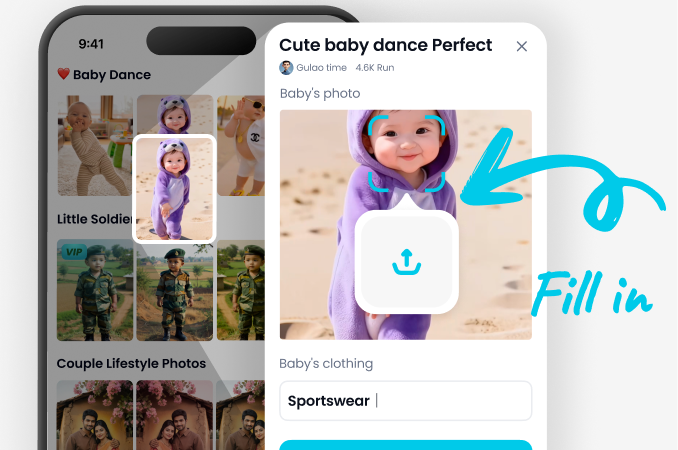
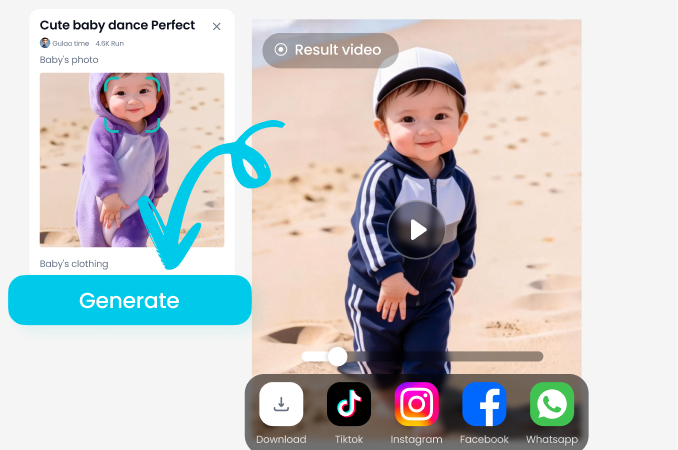
Open Vimi, pick the AI Abandoned Video filter, upload your photo or clip, then tap Generate.
Step 03.
After 10 to 20 seconds, check the result. Tap Download to save it, then share it to social platforms.
YouTube Videos About AI Abandoned Video Generator
Explore in-depth YouTube tutorials and demos that showcase the power and reliability of our AI Generator.
Frequently Asked Questions
Find clear answers to common questions and get the guidance you need to make the most of our platform, faster and easier.
More Topics You May Like
Explore more topics you may like and discover fresh ideas tailored to your interests.

Vimi AI Group Dance Generator: Turn Group Photos Into Dance Videos

AI Viking Warrior Filter: Create Norse Warrior Portraits in Vimi
Vimi AI Boss Generator: Create Professional Boss Portraits In Minutes
AI Princess Dress Transformation: Turn Photos into Royal Looks with Vimi
Vimi AI Group Dance Generator: Turn Group Photos Into Dance Videos
AI Viking Warrior Filter: Create Norse Warrior Portraits in Vimi
Vimi AI Boss Generator: Create Professional Boss Portraits In Minutes
AI Princess Dress Transformation: Turn Photos into Royal Looks with Vimi
Create Your AI Abandoned Video Today
Download Vimi And Start Your First Clip. Pick a template and upload a photo. Let Vimi build your abandoned world clip in seconds.

Create Your AI Abandoned Video Today
Download Vimi And Start Your First Clip. Pick a template and upload a photo. Let Vimi build your abandoned world clip in seconds.