AI 360 Rotation Video Generator
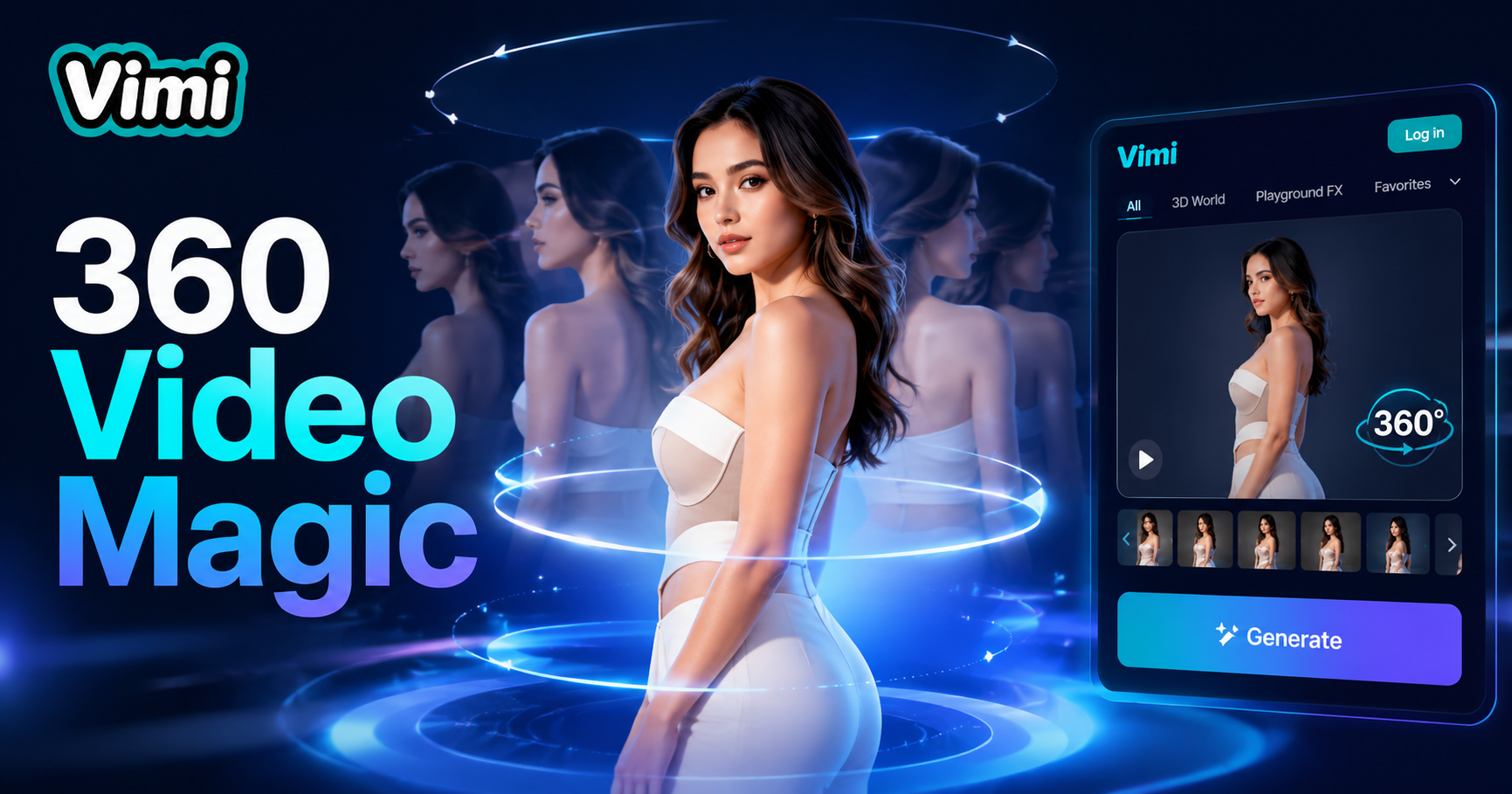
360 Turn Dress Up

Key Features of Vimi AI 360 Rotation Video Generator
Explore the main features that make Vimi a simple tool for 360 rotation videos.
 Before
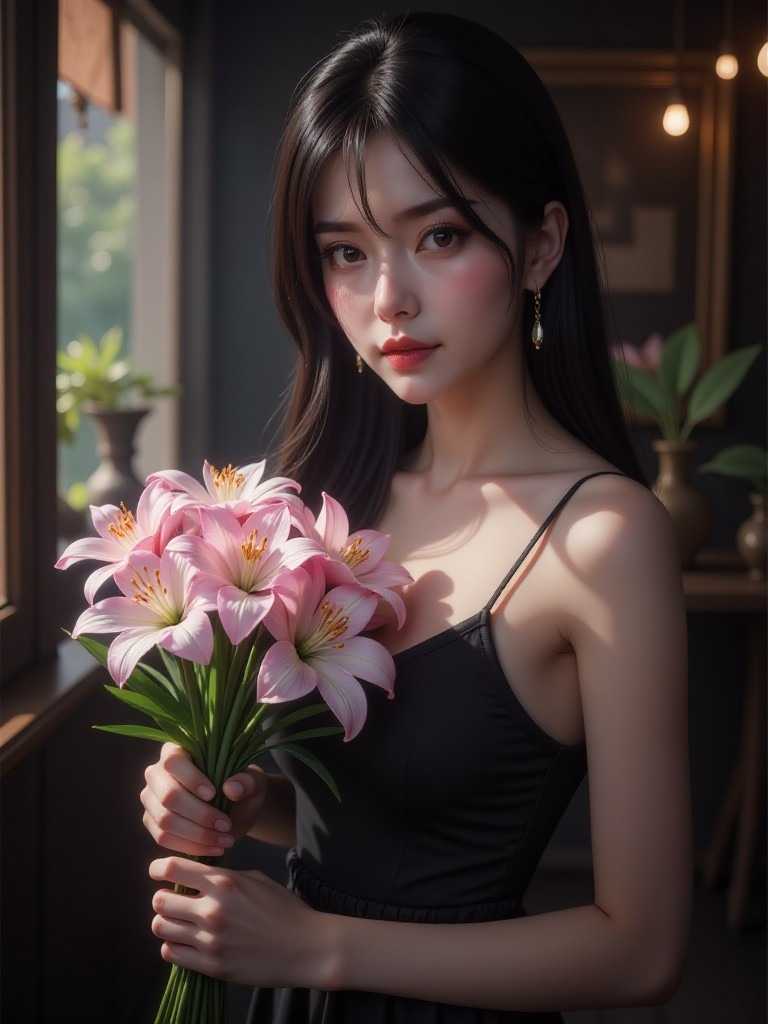
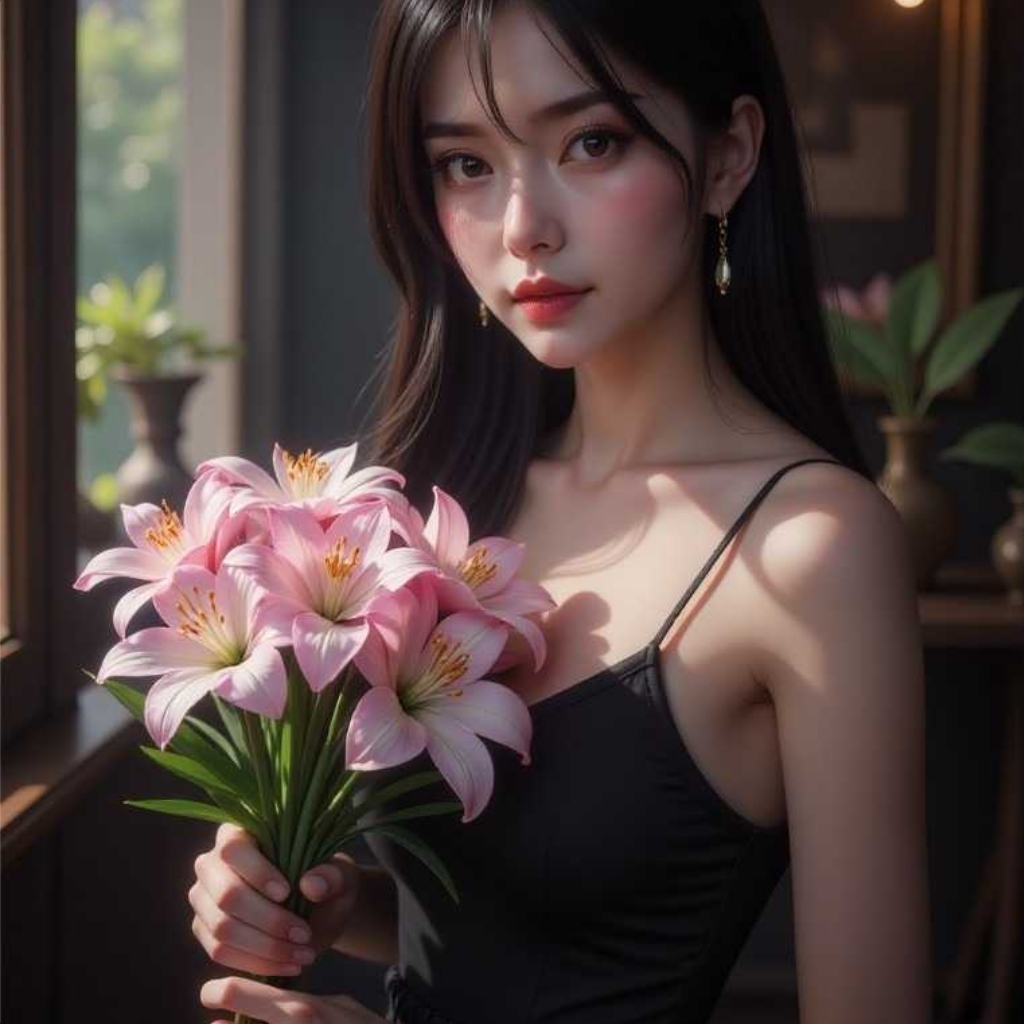
Multi Angle Frame Creation
The AI takes your single photo and creates multiple frames from different angles. It analyzes the subject and generates views from the front, sides, and back. This produces a full rotation effect that looks like a video taken from a camera moving around the subject.
 Before
Smooth Transition Animation
Vimi creates smooth motion between each angle in the rotation. The frames flow together without jumps or pauses. This makes the rotation look natural and continuous. The video loops seamlessly to show the subject from every direction in one smooth clip.
 Before
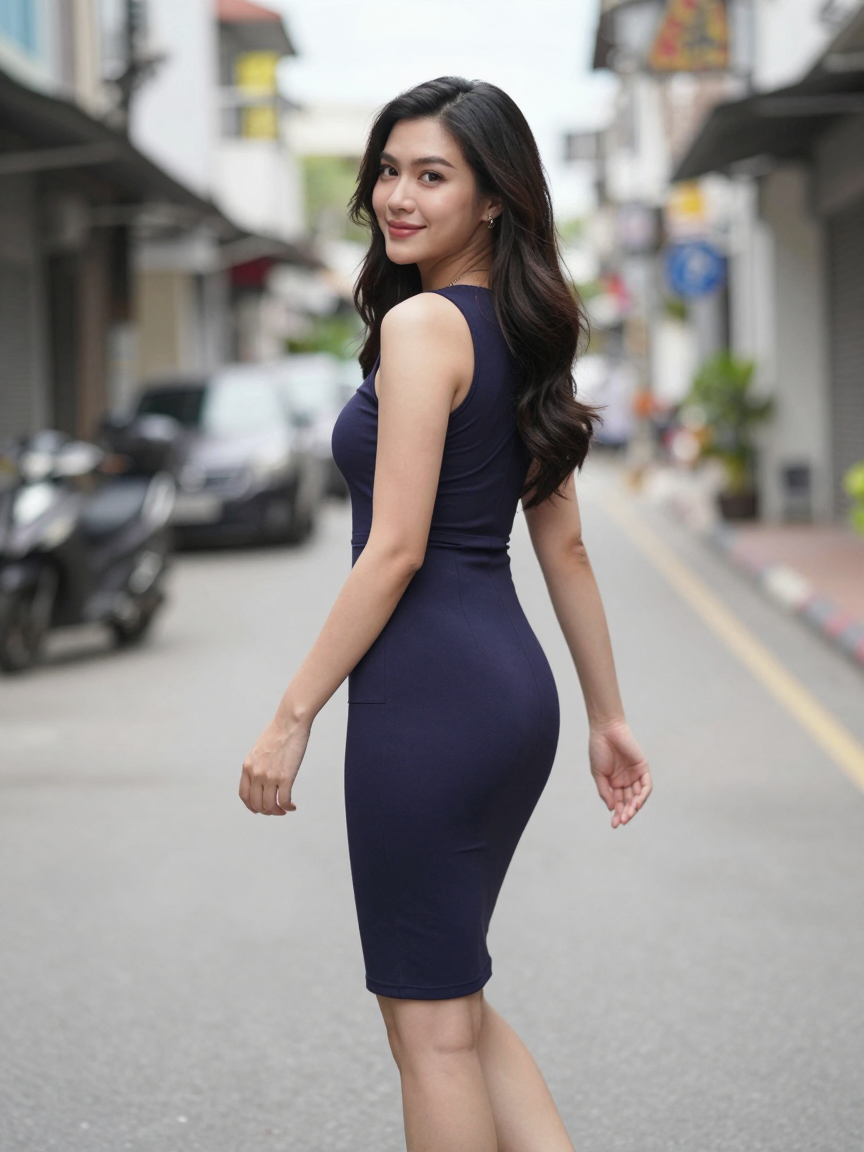
Subject Background Separation
The AI separates the main subject from the background in your photo. It keeps the subject clear and sharp during rotation. The background may stay fixed or rotate with the subject. This depends on the template you choose. The subject remains the focus of the video.
How to Make a 360 Rotation Video with Vimi?
Follow these steps inside the Vimi app to generate your rotation video.

Step 01.
Download Vimi and open the app. Then find the 360 rotation filter you want to use.

Step 02.
Open the app and browse the template feed. Look for the 360 Rotation filter in the trending or video category section.

Step 03.
Tap the 360 filter to start. Upload a clear photo of your subject. Make sure the subject is centered and clearly visible.
Frequently Asked Questions
Find clear answers to common questions and get the guidance you need to make the most of our platform, faster and easier.
Who Uses AI 360 Rotation Video Generator Online

Louis Yule
Great for showing products online. My customers love the 360 view.

Mandy Sander
Made a fun video of my collectible figure. Very easy to do.

Orville Garcia
The rotation is smooth and clear. No jumps between angles.

Sam Green
Quick generation time. I made several videos in a few minutes.
Louis Yule
Great for showing products online. My customers love the 360 view.
Mandy Sander
Made a fun video of my collectible figure. Very easy to do.
Orville Garcia
The rotation is smooth and clear. No jumps between angles.
Sam Green
Quick generation time. I made several videos in a few minutes.
Louis Yule
Great for showing products online. My customers love the 360 view.
Mandy Sander
Made a fun video of my collectible figure. Very easy to do.
Orville Garcia
The rotation is smooth and clear. No jumps between angles.
Sam Green
Quick generation time. I made several videos in a few minutes.
More Topics You May Like
Explore more topics you may like and discover fresh ideas tailored to your interests.
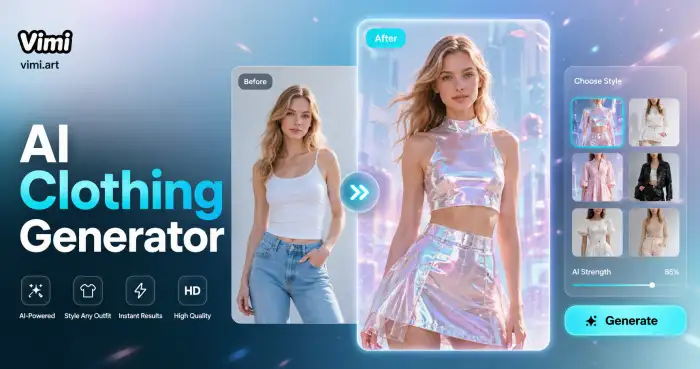
AI Costume Generator
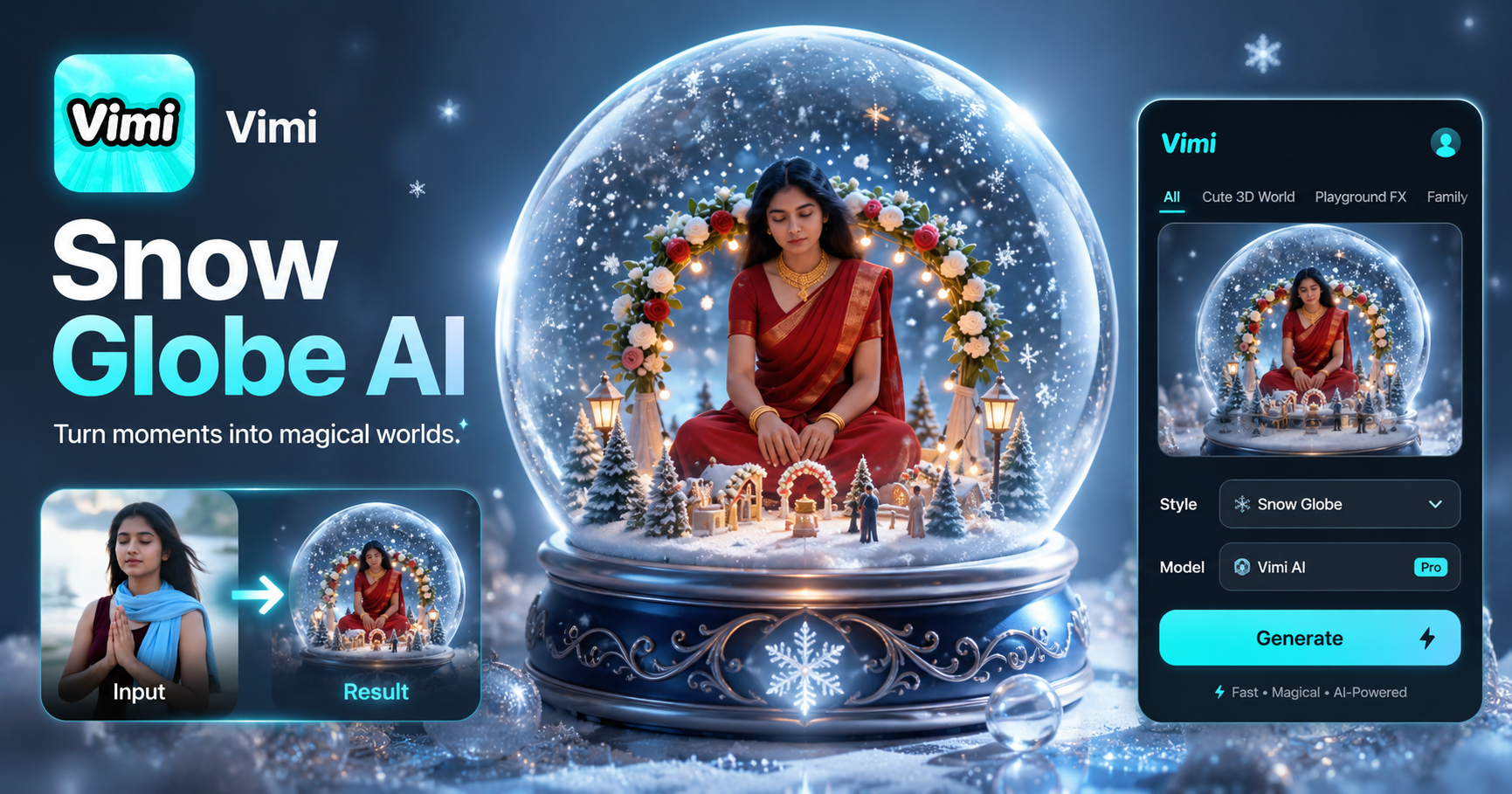
AI Snow Globe Generator
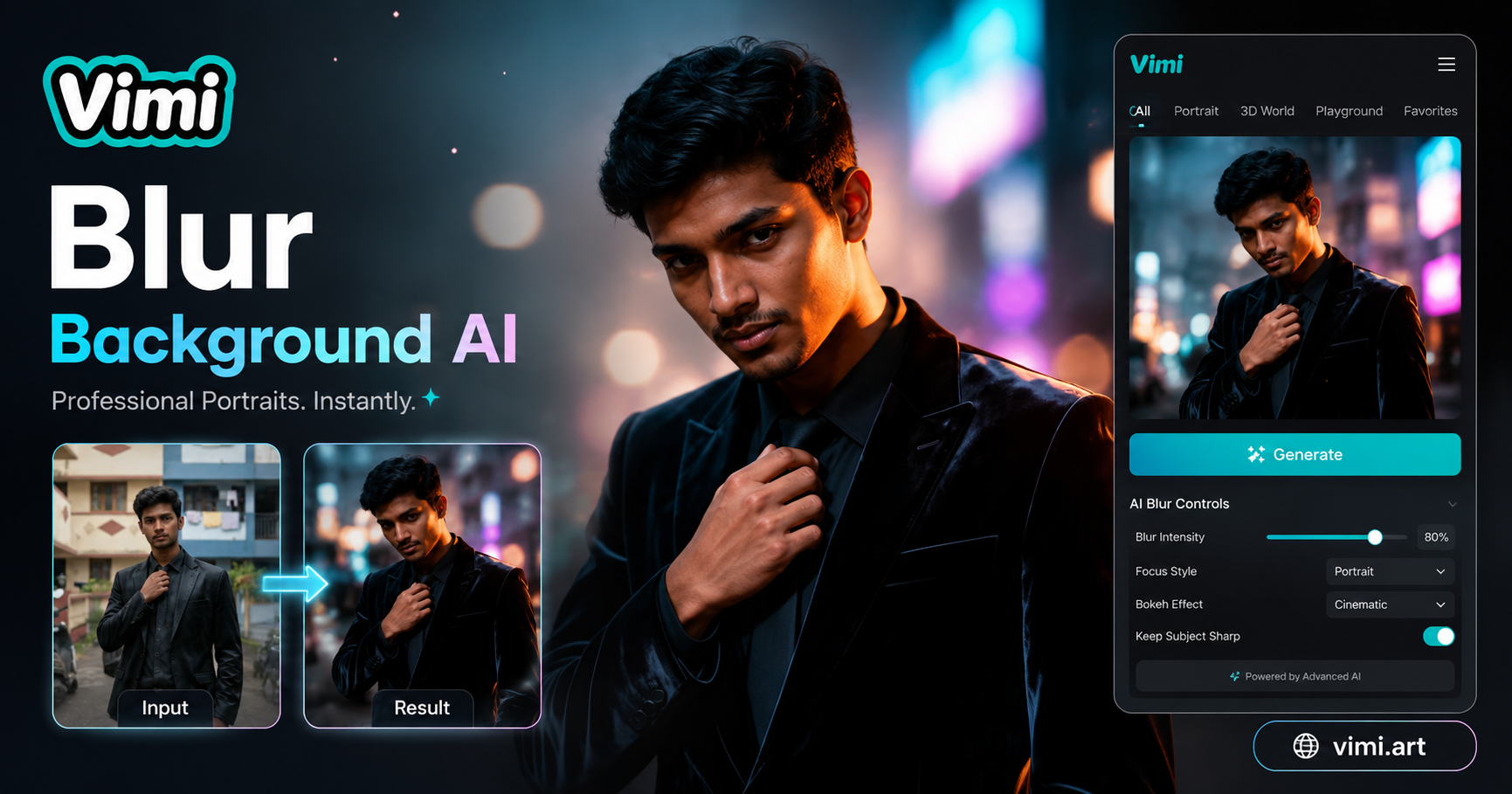
AI Blurred Background Generator
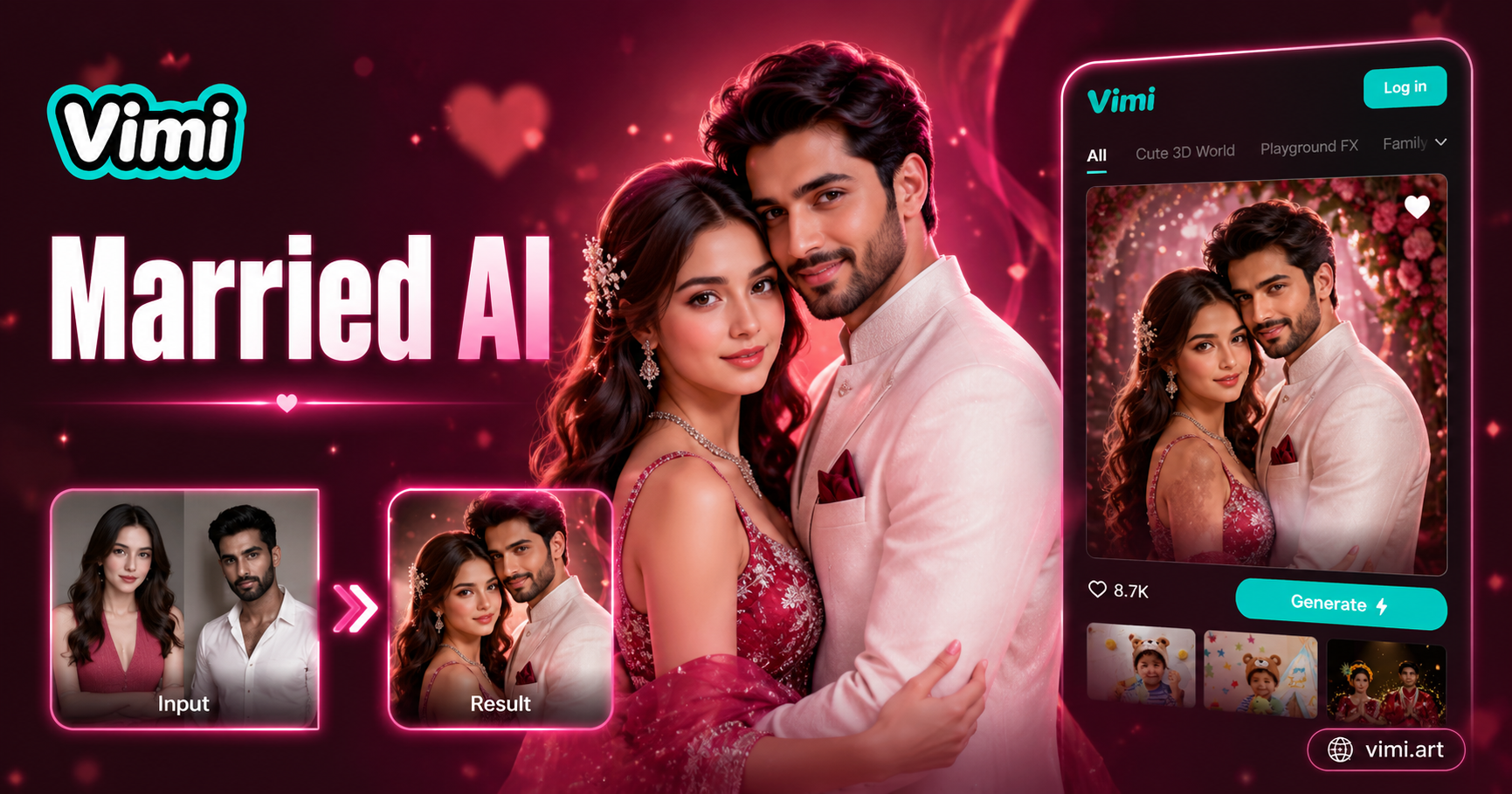
AI Married Couple Generator
AI Costume Generator
AI Snow Globe Generator
AI Blurred Background Generator
AI Married Couple Generator
Start Your 360 Video Creation Now
Download Vimi to make your object rotate. See every side in one smooth clip.
Start Your 360 Video Creation Now
Download Vimi to make your object rotate. See every side in one smooth clip.