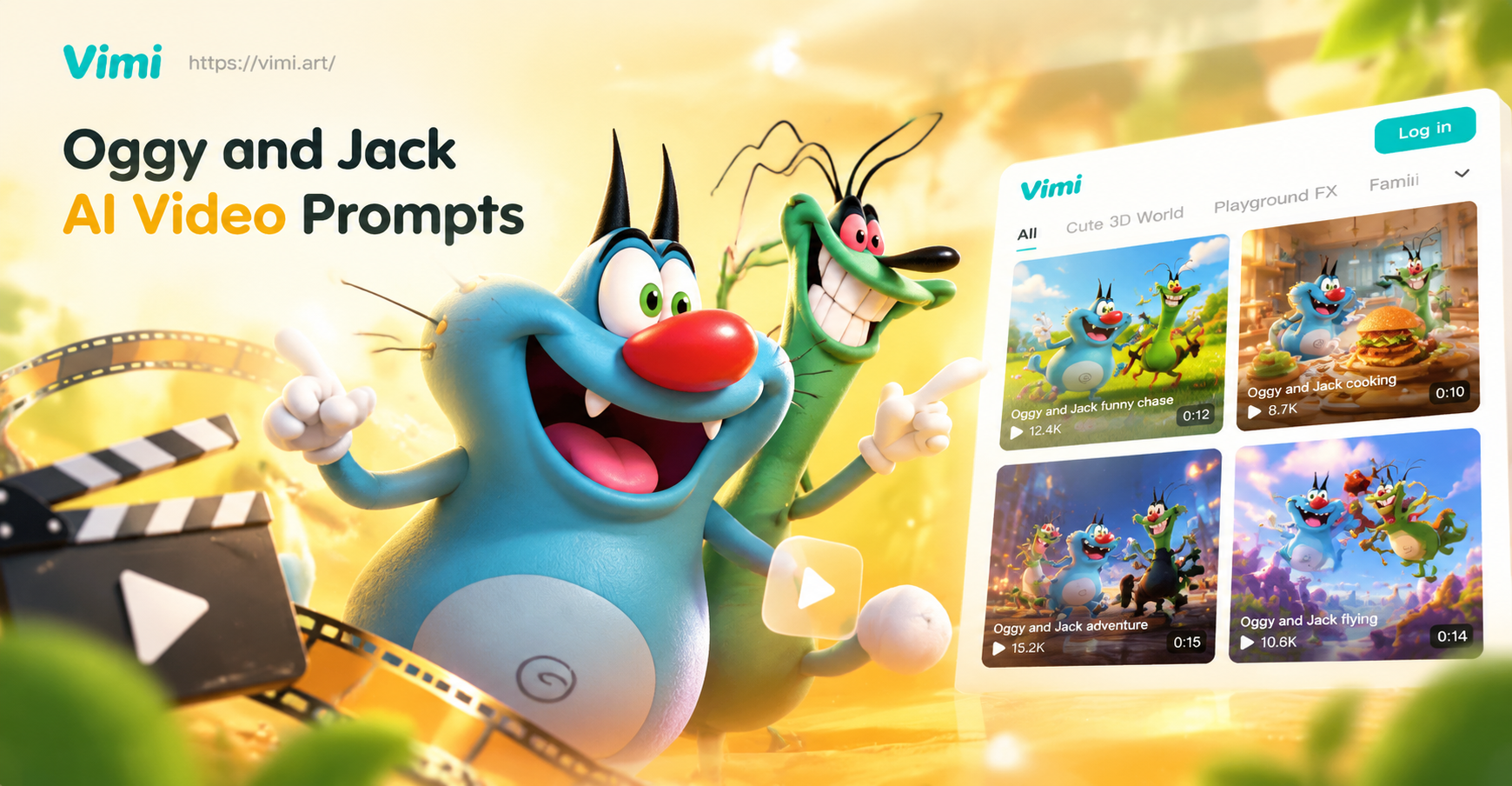
If you have been searching for Oggy and Jack AI video prompts, you are in the right place. These two characters from the classic animated series have a playful, slapstick energy that works beautifully in AI generated videos. This guide gives you specific, ready to use prompts that capture their personalities and the playful chaos of the show. You can copy them, tweak them, and run them in vimi or any AI video tool that supports text to video.
Why Oggy and Jack Make Great AI Video Subjects
Oggy and Jack are simple, expressive characters. Their exaggerated reactions, round shapes, and classic cartoon dynamics give AI video models a clear direction. Whether you want a short chase scene, a funny kitchen disaster, or a calm moment in the garden, the right prompt can produce surprisingly lively results.
When writing prompts, focus on the characters visual traits. Oggy is a blue cat with a white belly, often wearing a red collar. Jack is a green cat with a tan belly and a thick neck. Mention the cockroaches Dee Dee, Marky, and Joey if you want the classic rivalry. Add camera movement, lighting, and style keywords to shape the clip.
How to Write Strong Oggy and Jack Video Prompts
AI video models respond well to prompts that combine subject, action, setting, and style. For Oggy and Jack, you can follow this simple structure:
- Subject: Oggy and Jack, or one of them with the cockroaches.
- Action: chasing, cooking, hiding, dancing, panicking.
- Setting: kitchen, living room, garden, street, laboratory.
- Style: 2D cartoon, 3D animation, claymation, storybook illustration.
- Camera: close up, wide shot, tracking shot, first person.
Keep prompts under 60 words for most tools. If your first result looks off, add a phrase like cartoon physics or exaggerated slapstick to push the model toward the right tone.
Oggy And Jack AI Video Prompts for Slapstick Chase Scenes
Chase scenes are the heart of Oggy and Jacks comedy. Use these prompts to generate fast, energetic clips.
Classic Kitchen Chase
Prompt: Oggy, a blue cat with a red collar, and Jack, a green cat, chase three small cockroaches through a bright kitchen. The cockroaches slide under the fridge, Oggy crashes into a stack of plates, plates fly everywhere, slapstick cartoon style, fast motion, 4k video.
Garden Sprint
Prompt: Jack runs after Dee Dee in a sunny backyard. Jack trips over a garden hose, water sprays into the air, Oggy laughs from the porch, exaggerated cartoon physics, vibrant colors, cinematic camera pan.
Rooftop Dash
Prompt: Oggy and Jack chase Marky and Joey across a red tiled rooftop at sunset. The cats leap between chimneys, Joey slides down a drainpipe, dynamic tracking shot, 2D animation style, high energy.
Prompts for Funny Household Chaos
These prompts focus on everyday scenes that spiral into comedy. They work well for short looping videos or social media clips.
Pancake Disaster
Prompt: Oggy flips a pancake in a cozy kitchen. The pancake sticks to the ceiling, then falls on Jacks head. Jack frowns comically, syrup drips down his face, three cockroaches giggle on the counter, 3D cartoon, soft lighting, close up reaction.
Vacuum Trouble
Prompt: Jack vacuums the living room but accidentally sucks up a curtain. Oggy tries to help and gets his tail caught. The vacuum inflates and explodes in a puff of dust, both cats covered in soot, classic cartoon comedy, slow motion.
Birthday Surprise
Prompt: Oggy and Jack prepare a surprise birthday cake for each other in secret. They both hide behind the sofa and pop out at the same moment, two cakes collide midair, frosting splatters everywhere, heartwarming yet chaotic, storybook animation style.
Oggy And Jack AI Video Prompts for Wholesome Moments
Not every clip needs chaos. Oggy and Jack have plenty of quiet, friendly scenes. These prompts produce calm, expressive videos.
Reading Together
Prompt: Oggy and Jack sit side by side on a green sofa reading a large storybook. Oggy points at a page and smiles, Jack adjusts his glasses, warm lamp light, soft pastel background, gentle 2D animation, cozy atmosphere.
Fishing at the Pond
Prompt: Jack teaches Oggy to fish at a quiet pond. Oggy holds the fishing rod wrong, the line tangles around his ears, Jack pats his back, dragonflies hover over the water, peaceful nature setting, watercolor cartoon style.
Rainy Day Nap
Prompt: Oggy and Jack nap under a blanket on a rainy afternoon. Rain taps on the window, a small cockroach peeks from behind a pillow, both cats breathe softly, cinematic slow zoom, warm indoor lighting, 3D animated film.
Prompts for Character Introductions and Short Clips
If you need a quick hero shot or character intro, these prompts work well for 3 to 5 second videos.
Oggy Hero Shot
Prompt: Close up of Oggy, a blue cartoon cat with a white belly and red collar, looking surprised, big expressive eyes, simple teal background, 3D animation, studio lighting, slow push in.
Jack Hero Shot
Prompt: Close up of Jack, a green cartoon cat with a tan belly, confident smile, one eyebrow raised, dark green background, 3D animation, dramatic rim light, subtle head turn.
Duo Intro Card
Prompt: Oggy and Jack stand back to back with arms crossed, the three cockroaches peeking from behind their shoulders, bold comic book style, halftone dots, dynamic diagonal composition, 2D animation, 4k.
How to Improve Weak Oggy and Jack Video Results
Sometimes the first generated video misses the mark. The characters may look generic, the motion may be stiff, or the style may feel wrong. Here are practical fixes.
First, repeat the character descriptions in the prompt. Write Oggy, a blue cat with a red collar and Jack, a green cat instead of just their names. This helps the model understand the visual identity.
Second, specify the animation style. Add terms like 2D cartoon, 3D animation, claymation, or storybook illustration to steer the output. If the video looks too realistic, add cartoon rendering or non photorealistic.
Third, describe the camera and timing. Phrases like fast motion, slow zoom, tracking shot, and 5 second loop give the model direction for motion and duration.
Fourth, keep the prompt focused. Avoid loading one prompt with too many actions. If you want a chase followed by a crash, split it into two prompts and edit the clips together.
Finally, experiment with the same prompt across different style filters in vimi. The app includes thousands of templates from 2D animation to cinematic realism, so a small filter change can completely transform the result.
Using These Prompts in vimi
vimi is a mobile AI design app that turns text into images and videos. After you download the app, open the text to video tool, paste any prompt from this page, choose a style filter, and generate. You can also upload an image of Oggy and Jack as a reference and use the image to video feature for even more consistent character motion.
The app runs entirely on your phone, so you can create and share short videos without switching to a desktop editor. Start with the chase scene prompts, then move to the wholesome clips to build a small series of test videos.
Common Questions About Oggy And Jack AI Video Prompts
Here are quick answers to the questions people ask most about this topic.
Can AI generate videos with copyrighted cartoon characters?
AI tools can often reproduce the general style of Oggy and Jack when you describe them as original characters with similar traits. For personal projects and fan art, this is usually fine. For commercial use, you should create original characters inspired by the same visual style instead of copying copyrighted designs.
How long should an AI video prompt be?
Most text to video models perform best with prompts between 20 and 60 words. Include subject, action, setting, style, and camera in that range. Longer prompts can confuse the model, while shorter prompts may lack detail.
What style works best for Oggy and Jack videos?
2D cartoon and 3D animation styles usually give the most faithful results for this type of slapstick comedy. Claymation and storybook styles add a warm, handmade feel. Avoid photorealistic prompts unless you want a parody look.
Can I use these prompts on free AI video tools?
Yes, these prompts are tool agnostic. They work with most text to video generators. However, vimi is optimized for mobile creation and includes style filters that pair well with cartoon prompts.
Final Thoughts
Oggy And Jack AI video prompts offer a fun way to test AI video generation while creating short, shareable clips. The key is to describe the characters consistently, choose a clear action, and specify the animation style. With the prompts above, you can generate chase scenes, household chaos, and wholesome moments in minutes. Download vimi and start experimenting with a kitchen chase or a rainy day nap today.