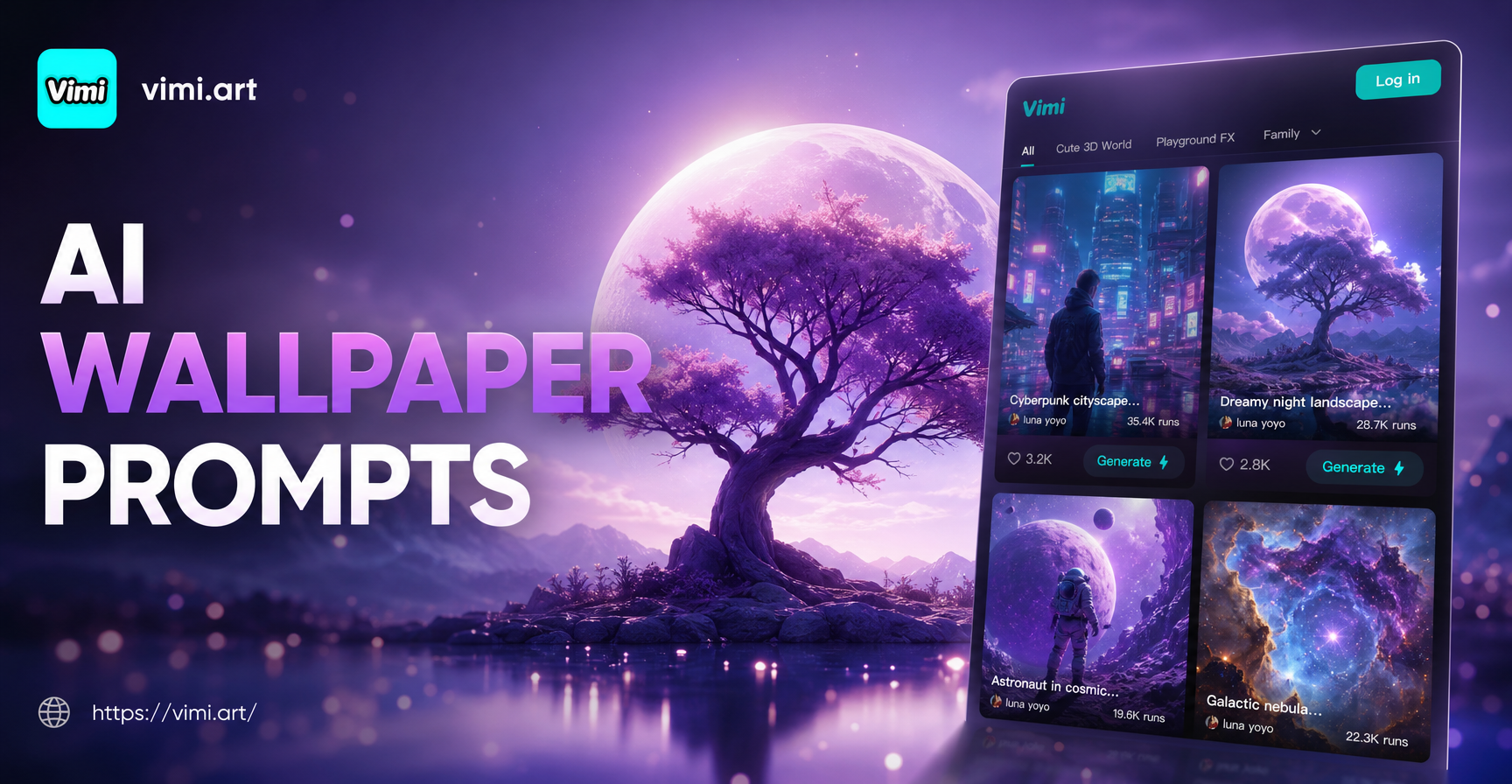
AI wallpaper prompts are the quickest way to turn a blank screen into a personal design. Instead of browsing through wallpaper apps and hoping for the right match, you can describe exactly what you want and let an AI image generator create a high resolution background for your phone, tablet, or desktop. This guide gives you a practical set of AI wallpaper prompts across popular visual styles. You will also learn how to adapt each prompt, correct weak results, and use the same ideas directly inside the vimi app.
Why AI Wallpaper Prompts Work Differently
Wallpapers need more than a beautiful image. They need a clear focal point, breathing room near the edges, and a color scheme that does not compete with app icons. A strong prompt describes the subject, the overall style, the color palette, the lighting, and the composition. This matters more for phone backgrounds because a vertical orientation changes the way the eye moves across the screen.
A Simple Prompt Structure for Phone Wallpapers
Use this basic order when writing your own prompts:
- Subject or scene
- Visual style
- Color palette
- Lighting and mood
- Composition or aspect ratio
For example, instead of typing "beach," try "A calm beach at sunrise, soft pastel tones, minimalist style, one small sailboat in the lower third, vertical 9:16 phone wallpaper." This gives the AI enough direction to produce a usable background instead of a busy snapshot.
AI Wallpaper Prompts for Six Popular Styles
Minimalist and Clean Wallpapers
These prompts work well for lock screens because they keep the center clear and the colors gentle.
- Prompt: 'A soft beige minimal phone wallpaper with one small rounded arch in the center, subtle grain, warm off white background, lots of negative space.'
- Prompt: 'A simple line art sun and wave pattern for a phone lock screen, thin black lines on cream, uncluttered and elegant.'
- Prompt: 'A muted lavender background with a tiny white paper plane in the lower third, dreamy flat color, no text.'
- Prompt: 'A clean espresso brown wallpaper with a single thin golden circle on the right edge, high resolution, suede texture.'
Nature and Landscape Wallpapers
Use these when you want a calm outdoor mood that still feels open and uncluttered.
- Prompt: 'A misty pine forest at dawn with soft blue fog and a narrow path in the center, cinematic phone wallpaper, vertical composition.'
- Prompt: 'A quiet Japanese garden with a wooden bridge over still water, pink sakura petals, early morning light, 9:16 wallpaper.'
- Prompt: 'A mountain range at twilight with soft orange and indigo gradient sky, tiny birds along the horizon, minimalist landscape.'
- Prompt: 'A calm ocean waves wallpaper with cyan water and white foam curls, top down view, soft daylight, fresh summer mood.'
Anime and Ghibli Style Wallpapers
Anime wallpapers often look best when the prompt includes a specific lighting phrase and a simple character or scene anchor.
- Prompt: 'Studio Ghibli inspired wallpaper of a small seaside village at sunset, cobblestone path, warm lantern glow, whimsical clouds.'
- Prompt: 'Anime phone wallpaper with a girl sitting on a rooftop at night, city lights bokeh, purple and teal palette, gentle stars.'
- Prompt: 'A cozy anime interior with a cat asleep by a round window, rain outside, warm lamp light, storybook style.'
- Prompt: 'Charming forest spirit with glowing mushrooms, hand drawn anime wallpaper, soft green light, vertical layout for a phone.'
Cyberpunk and Futuristic Wallpapers
These prompts create high contrast backgrounds that make icons stand out, but keep the focal point to one side to avoid visual noise.
- Prompt: 'A neon lit alley in a rainy cyberpunk city, large holographic signs, reflective streets, teal and magenta palette, vertical phone wallpaper.'
- Prompt: 'Futuristic phone wallpaper of a lone figure walking through a data corridor, glowing blue lines, cinematic depth, dark background.'
- Prompt: 'A chrome sphere floating above a neon grid, retro futurism style, pink and cyan, clean composition, high detail.'
- Prompt: 'Urban cyberpunk rooftop at night with a massive digital moon, cables and antennas in silhouette, moody purple fog.'
Abstract and Dreamy Wallpapers
Abstract prompts are forgiving and easy to adapt with your own colors and shapes.
- Prompt: 'A flowing marble texture with pastel pink, blue, and gold veins, soft translucent layers, phone wallpaper, no focal object.'
- Prompt: 'A surreal sky with floating islands and a giant pale moon, pastel clouds, dreamlike soft light, vertical fantasy background.'
- Prompt: 'Abstract 3D shapes with frosted glass, soft shadows, pastel coral and cream palette, minimalist premium wallpaper.'
- Prompt: 'A living ink cloud dissolving into tiny birds on a white background, black and gold brush strokes, elegant negative space.'
Cozy and Warm Wallpapers
These prompts are perfect for autumn or winter phone backgrounds with a soft, lived in feeling.
- Prompt: 'A warm autumn window with rain drops on glass, a small cup of coffee on the sill, orange leaves outside, soft film grain.'
- Prompt: 'A cozy reading nook with a brown leather chair, string lights, thick blanket, window showing snow, warm golden lamp light.'
- Prompt: 'A rustic kitchen table with a basket of apples, candlelight, linen curtain, soft morning glow, still life phone wallpaper.'
- Prompt: 'A tiny cabin in a snowy forest at night, warm orange window glow, dark blue sky with stars, quiet winter atmosphere.'
How to Adapt These Prompts for Your Own Wallpaper
You do not need to copy the prompts exactly. Change one or two elements to make the result feel personal. Replace the subject, adjust the palette, or switch the time of day. For a desktop wallpaper, replace "phone wallpaper" or "9:16" with "wide desktop wallpaper" or "16:9 macbook background." For a tablet, say "tablet wallpaper with a slightly wider vertical composition."
You can also combine ideas. Take the calm ocean prompt and change the color words to coral and lavender, or take the cozy interior prompt and replace rain with autumn leaves. The more specific your description, the more control you keep over the result.
How to Improve Weak AI Wallpaper Results
If your generated wallpaper looks cluttered, has unwanted text, or places the focal point behind your clock, add one of these fixes to the end of the prompt:
- Add "no text, no watermark, clean background" if the AI adds letters or logos.
- Add "minimal, one focal point, empty upper half" if the center is too busy.
- Add "vertical 9:16 composition" if the image comes out square or landscape.
- Add "soft bokeh background, low detail background" if icons become hard to read.
- Add "sharp focus, high resolution, crisp details" if edges look soft or compressed.
- Add "saturated pastel palette, high contrast" if colors look dull or washed out.
For example, a weak result from "a forest" might arrive as a dense photo with small branches near the top. Adding "minimalist composition, empty upper half, soft morning fog, no text, 9:16 phone wallpaper" turns it into a usable lock screen background.
Turning These Prompts Into Wallpapers in vimi
Once you have a prompt you like, open vimi on your Android device. Tap the image generation tool, paste the prompt into the text field, and choose a style filter that matches your target mood. vimi includes a large library of style templates, so you can generate a realistic photo, an anime scene, a 3D clay background, or a watercolor wallpaper from the same prompt. Preview the result as a vertical wallpaper, save it to your phone, and set it as your home or lock screen. This workflow keeps the wallpaper creation process inside one mobile app.
Prompt Checklist for Consistent AI Wallpapers
- Describe a specific subject or scene instead of a single word.
- Name a visual style such as minimal, cinematic, anime, or watercolor.
- Add two or three color words to guide the palette.
- Include lighting and mood words like soft morning light, neon glow, or warm lamp light.
- End with composition words like vertical 9:16 phone wallpaper.
- Add negative space notes if you need icons to remain readable.
With these AI wallpaper prompts, you can move away from generic backgrounds and create a screen that matches your mood. Choose one style, copy a prompt into vimi, and experiment with small changes until the wallpaper feels right. The more you practice, the easier it becomes to write prompts that produce a clean, high resolution wallpaper on the first try.