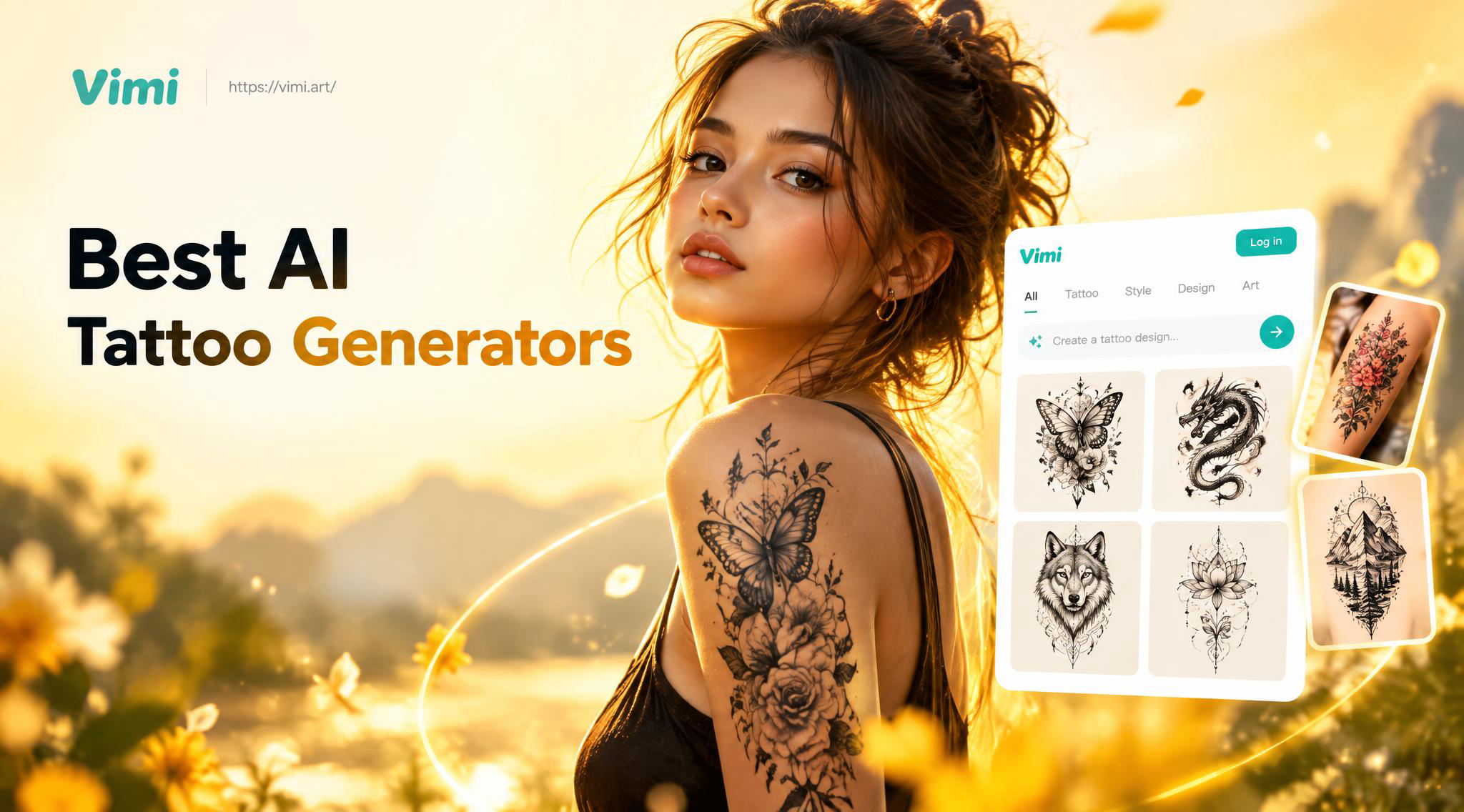
Why Use an AI Tattoo Generator?
Finding the right tattoo design is a deeply personal journey. It involves balancing artistic vision, personal meaning, and aesthetic appeal. An AI tattoo generator serves as a powerful creative catalyst. It allows you to explore concepts, styles, and placements you might not have considered, providing a visual starting point for a conversation with your tattoo artist. The best generators turn abstract ideas into tangible designs, making the entire process more collaborative and less intimidating.
Top AI Tattoo Generators for 2025
With numerous options available, we've tested and evaluated the leading platforms based on design quality, style variety, user experience, and collaboration features.
1. InkHunter Pro
InkHunter Pro stands out for its augmented reality try on feature. You can visualize how a design will look on your actual body using your phone's camera. It also boasts a robust library of user generated designs and allows for detailed custom prompts. The ability to see size, placement, and color variations in real time makes it a top choice for practical planning.
2. Tattly AI
Tattly AI focuses on generating highly artistic and original designs. It excels in understanding complex, descriptive prompts to create intricate linework, geometric patterns, and watercolor style tattoos. The platform offers a "refine" feature, letting you iteratively adjust elements like shading, complexity, and motif size until the design perfectly matches your vision.
3. Tattoo AI by Vimi
For those who want to work directly from their own ideas, Tattoo AI by Vimi offers powerful image to image transformation. Upload a sketch, a photo, or even a rough doodle, and the AI can reinterpret it into a polished tattoo design in various artistic styles, from traditional American to fine line blackwork. This makes it ideal for personalizing existing concepts.
Key Features to Look For
Not all AI tattoo generators are created equal. When choosing a platform, prioritize these essential features.
Style Variety and Customization
The best tools offer a wide range of tattoo styles. Look for generators that include categories like Neo Traditional, Japanese Irezumi, Blackwork, Geometric, Fine Line, and Realism. Beyond style presets, customization sliders for detail level, shading intensity, and color palette are crucial for fine tuning results.
User Friendly Prompt System
A good generator understands natural language. Instead of requiring technical art terms, it should interpret prompts like "a wolf howling at a geometric moon with forest silhouette" accurately. Some platforms offer prompt builders or keyword suggestions to help articulate your idea.
Collaboration and Export Tools
Your AI generated design is just the beginning. The tool should allow you to easily save, share, and export high resolution images. Some advanced platforms provide a shareable link you can send directly to your tattoo artist, along with notes on desired modifications, creating a seamless workflow from digital concept to physical ink.
How to Get the Best Results from an AI Tattoo Generator
To maximize the potential of these tools, follow a strategic approach.
Start with Clear Inspiration: Gather reference images, keywords, and mood boards before you start. Knowing you want a "floral sleeve" is good, but specifying "peonies and chrysanthemums with flowing vines in a Japanese style" is far better.
Use Iterative Prompts: Don't expect perfection on the first try. Use the initial output as a base. Then, refine your prompt. For example, if the first design is too busy, your next prompt could be "simplify the previous design, use only linework, and make the central flower larger."
Combine and Edit: You might generate several designs you like. Use simple editing tools (or even show multiple images to your artist) to combine elements you love from different AI concepts into one cohesive final design.
Integrating AI Designs with Your Tattoo Artist
This is the most critical step. An AI generated design is a proposal, not a final stencil. Always bring your AI concepts to a consultation with a professional tattoo artist. A skilled artist will assess the design for technical tattooability, suggest adjustments for longevity and body flow, and add their unique artistic flair. The AI design becomes a collaborative blueprint, saving time and ensuring you and your artist are perfectly aligned on the creative direction.
FAQs on AI Tattoo Generators
Are AI generated tattoo designs unique?
Yes and no. The AI creates a new image based on its training data and your prompt. While it's unlikely someone will generate the exact same image, elements may be similar to existing art. A tattoo artist can make it truly unique.
Should I tattoo an AI design exactly as generated?
It is not recommended. Always have a professional artist redraw and adapt the design. They will optimize line weights, shading, and placement for your skin and body contours, ensuring it ages well and looks its best.
Are these generators free to use?
Many offer free trials or a limited number of free generations. For unlimited access, higher resolution exports, and advanced features, most operate on a subscription or credit based payment model.
Can I copyright an AI generated tattoo design?
Copyright law regarding AI generated art is complex and evolving. Typically, the user who created the prompt may have some rights, but it's a gray area. The most secure copyright comes from the final artwork produced and modified by a human tattoo artist.