What Makes a Photo Aesthetic?
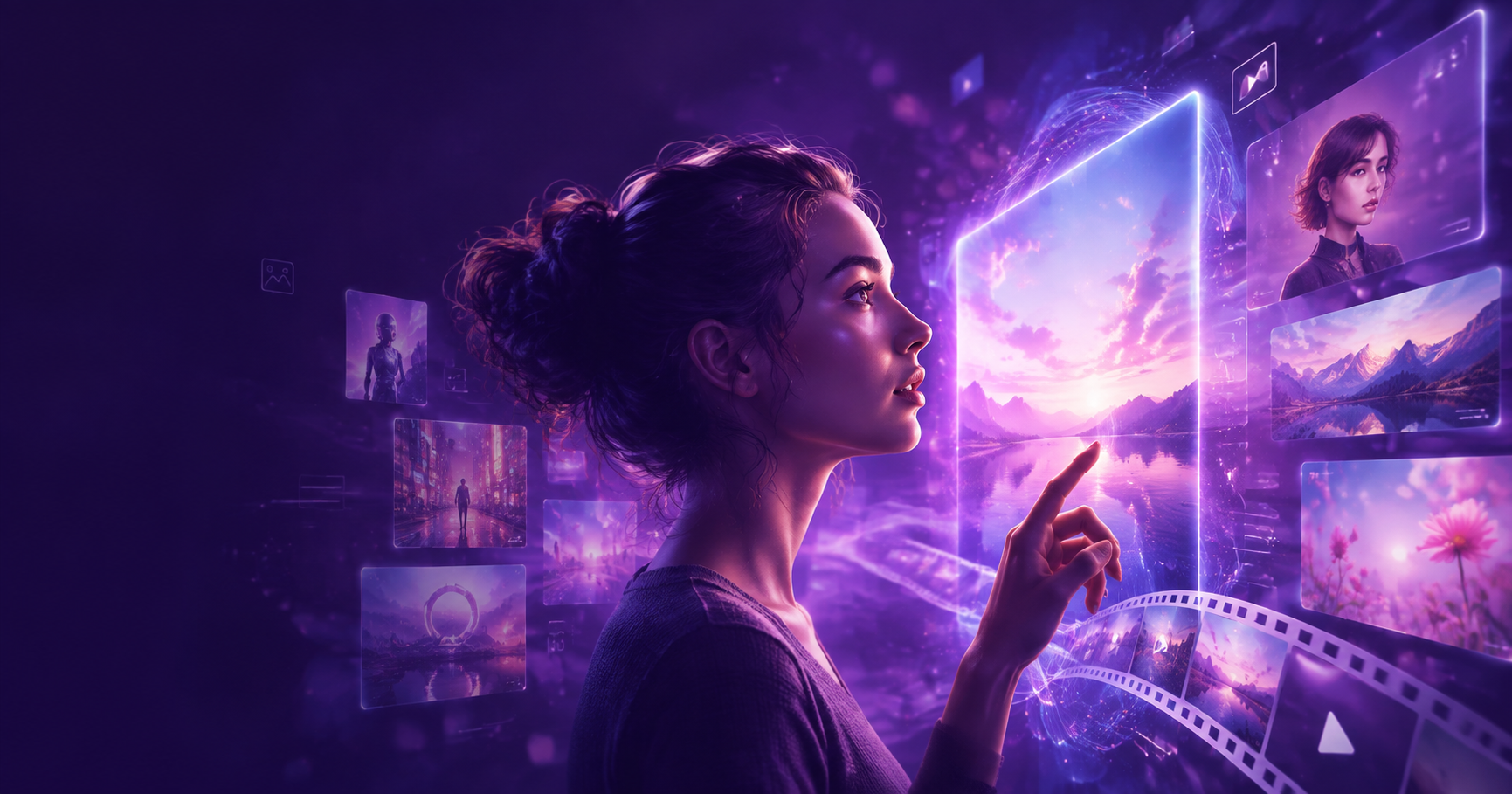
An aesthetic photo usually has a clear visual identity. It may use soft light, muted colors, intentional grain, or a limited palette. The goal is cohesion, not perfection. When you edit with AI, you can guide the output by describing the feeling you want instead of just the changes you need.
The Core Prompt Formula for Aesthetic Edits
Use this simple structure for every prompt: [edit command] plus [subject or area] plus [style or aesthetic] plus [color and lighting details] plus [texture or mood]. For example, "Edit this photo into a soft film aesthetic with warm muted tones and fine grain." This formula keeps your request specific enough for the AI to follow because it matches the visual and the technical side of the edit.
25 Aesthetic AI Photo Editing Prompts
Each prompt below is ready to copy. Upload your photo inside vimi, paste the prompt, and generate. You can adjust any detail to match your original image.
Soft Film and Analog Aesthetic
- Edit this photo to look like a soft film photograph with gentle grain, muted warm tones, and a slightly faded color palette. Keep the main subject sharp but soften the background.
- Apply an analog 35mm film aesthetic with a subtle magenta shift, creamy highlights, and a soft vignette around the edges.
- Transform this image into a nostalgic film snapshot with soft contrast, lifted blacks, and a hazy light leak in the top corner.
- Give this portrait a dreamy film look with airy skin tones, pastel shadows, and fine grain that feels natural.
Dreamy Pastel and Ethereal Aesthetic
- Edit this photo with a dreamy pastel aesthetic using blush pink, lavender, and baby blue tones. Add a soft glow and reduce harsh shadows.
- Create an ethereal look with bright pastel colors, a gentle bloom, and a slight overexposure in the highlight areas.
- Turn this outdoor scene into a fairytale pastel edit with soft green and cream tones, a hazy atmosphere, and a subtle glow around the subject.
- Apply a soft pastel matte finish with desaturated greens and warm peachy skin tones for a calm and airy feel.
Moody Cinematic and Film Noir Aesthetic
- Edit this image with a moody cinematic grade inspired by teal and orange. Deepen the shadows, add a dark vignette, and introduce fine film grain.
- Apply a film noir aesthetic with high contrast black and white, deep blacks, and selective softening on the subject's face.
- Give this photo a dark academia feel with desaturated warm browns, a candlelight glow, and a matte finish.
- Transform this street photograph into a rain soaked cinematic shot with cool blue shadows, wet reflections, and a lonely atmosphere.
Minimal Clean and Airy Aesthetic
- Edit this photo in a minimal clean style with bright white balance, soft neutral tones, and reduced background clutter.
- Create an airy minimalist aesthetic with a slight fade, high key lighting, and a calm beige and grey palette.
- Apply a clean studio edit with soft even lighting, true to life colors, and a seamless white background feel.
Golden Hour Warm Tones
- Transform this photo to feel like golden hour with warm amber sunlight, a soft lens flare, and glowing skin tones.
- Apply a warm sunset grade with orange and honey tones, a soft backlight, and a nostalgic warmth across the image.
- Edit this outdoor portrait into a late afternoon golden hour shot with long soft shadows and a gentle golden rim light.
Vintage Retro and 90s Aesthetic
- Edit this image in a retro 90s style with slightly faded colors, a subtle cyan shift, and a grainy lo-fi texture.
- Give this photo a vintage Polaroid look with instant film borders, soft contrast, and a warm yellow cast.
- Apply an old camcorder aesthetic with date stamp vibes, slight blur at the edges, and a light leak effect.
Cyberpunk Neon and High Fashion Aesthetic
- Transform this portrait into a cyberpunk neon edit with magenta and cyan rim lighting, deep shadows, and a futuristic street atmosphere.
- Edit this photo in a high fashion editorial style with a bold color grade, crisp contrast, and a clean studio background.
- Apply a soft grunge indie aesthetic with muted greens, a slight film scratch effect, and a faded matte look.
- Create a surreal double exposure edit combining this portrait with delicate floral silhouettes and a hazy pastel overlay.
How to Adapt These Prompts for Your Own Photos
Replace generic words like "photo" or "image" with what you actually see. If your photo is a selfie, say "portrait" or "face". If it is a landscape, say "mountain scene" or "city street". Add one detail from your original photo such as clothing color, background, or time of day. You can also combine two aesthetics from different sections, for example a dreamy pastel with a soft film grain. The more specific your prompt, the more intentional the result will look.
Common Mistakes and How to Fix Weak Results
A prompt that only says "make it aesthetic" is too vague. Always attach a concrete style term like soft film, pastel matte, or golden hour. Another mistake is stacking too many conflicting references, such as cyberpunk and vintage Polaroid. Pick one dominant style and at most one secondary influence. If the AI edit looks overdone or unnatural, reduce the intensity by adding words like "subtle", "gentle", or "slight". Finally, keep the original composition in mind. A prompt about a warm sunset will work better on a photo that already has some warm light or outdoor context.
Why Use vimi for Aesthetic Photo Editing
vimi is an all in one AI design app available on Google Play. It combines image to image editing with over one million style filters and templates. You do not need to master complex prompt engineering. Upload a photo, choose a style or paste one of the prompts above, and generate. The app also supports text to image, image to video, and multi person photo processing, so you can extend your aesthetic edits into short videos or group shots without leaving the same workflow.
Final Thoughts
Aesthetic photo editing is about intention, not just filters. These 25 prompts give you a strong starting point for soft film, pastel, cinematic, vintage, and minimal looks. Copy the ones that fit your style, adapt the details to your own images, and experiment inside vimi. The more you combine specific style words with your original photo details, the more cohesive your edits will become.