Royal King AI Photo
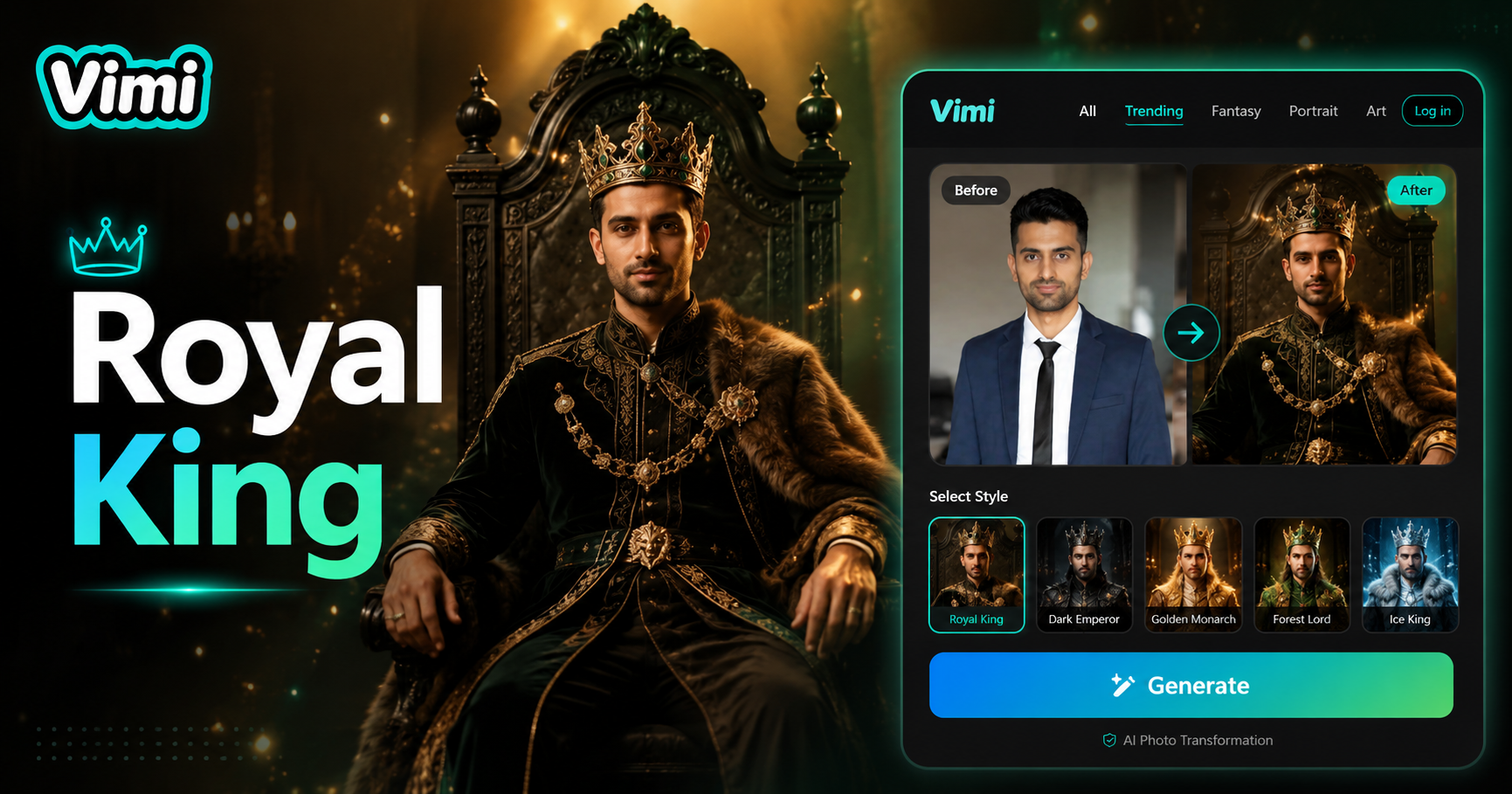
Why Choose Vimi for Royal King AI Photo
Find out why Vimi helps you create royal portraits faster than traditional photography or complex editing software, all from your mobile device.
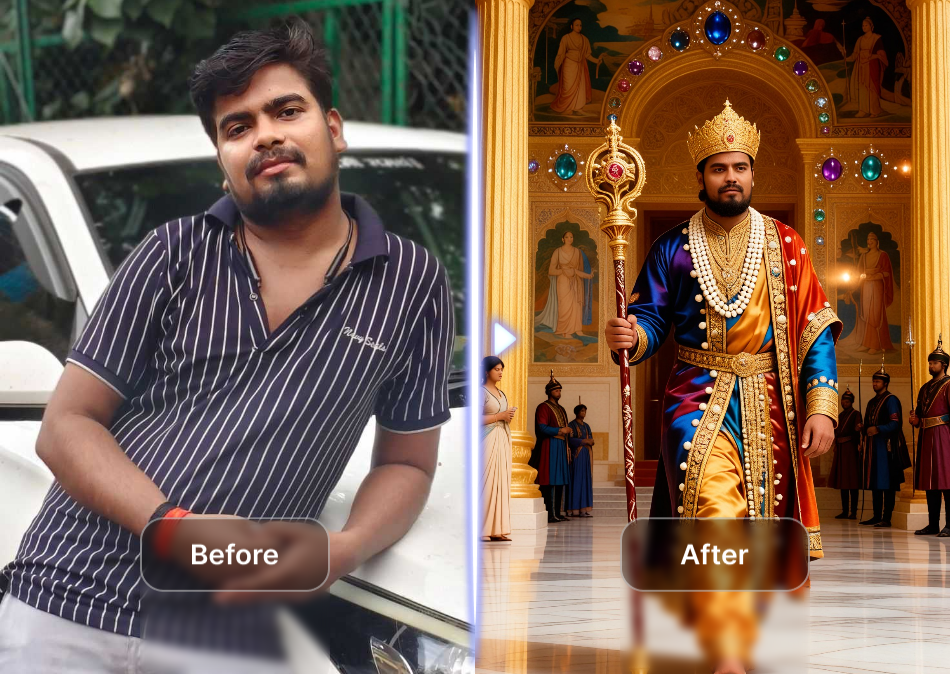
Quick and Easy Royal Portraits
You do not need professional photography skills or expensive studio equipment. Simply select a template from the library, upload your photo, and generate within 20 seconds. This saves you hours of editing work and eliminates costume rental costs. Anyone can create a high quality royal portrait from anywhere using just their mobile phone. The process is straightforward and requires no prior experience.
Quick and Easy Royal Portraits
You do not need professional photography skills or expensive studio equipment. Simply select a template from the library, upload your photo, and generate within 20 seconds. This saves you hours of editing work and eliminates costume rental costs. Anyone can create a high quality royal portrait from anywhere using just their mobile phone. The process is straightforward and requires no prior experience.
Use Cases for Vimi Royal King AI Photo
Discover the various ways people use Vimi's royal photo generator for personal fun, family keepsakes, social media, and unique gift ideas.
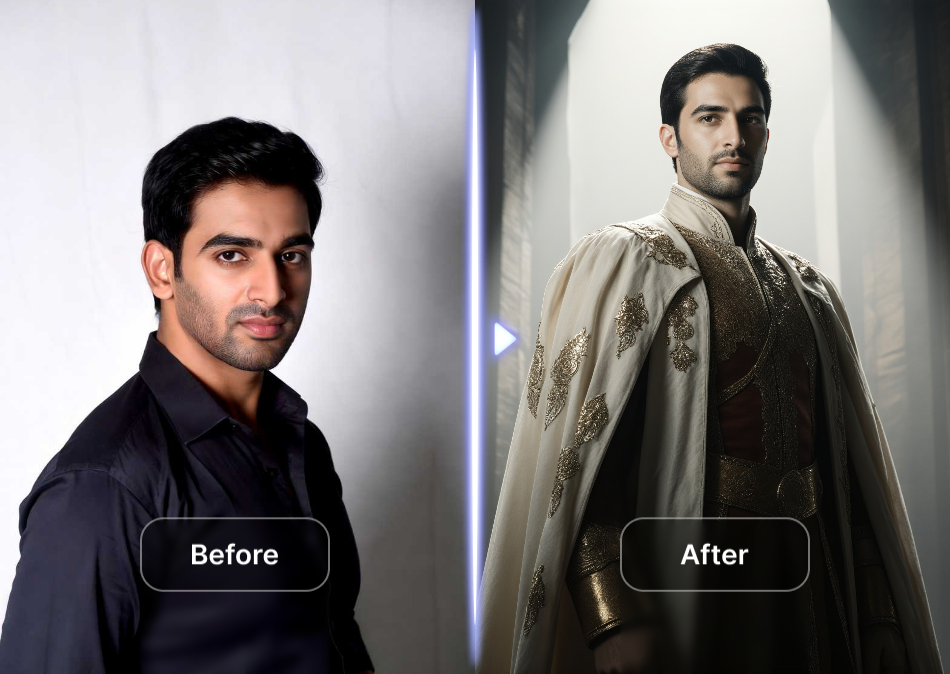
Social Media Profile Pictures
Many users create royal portraits for their social media profiles to stand out from regular selfies. A king or queen avatar attracts attention and sparks conversations among followers. It works well for birthday posts, holiday greetings, or just for fun. The generated image looks professional and adds a unique personality. You can change your profile picture weekly with different royal styles to keep your feed fresh.
Social Media Profile Pictures
Many users create royal portraits for their social media profiles to stand out from regular selfies. A king or queen avatar attracts attention and sparks conversations among followers. It works well for birthday posts, holiday greetings, or just for fun. The generated image looks professional and adds a unique personality. You can change your profile picture weekly with different royal styles to keep your feed fresh.
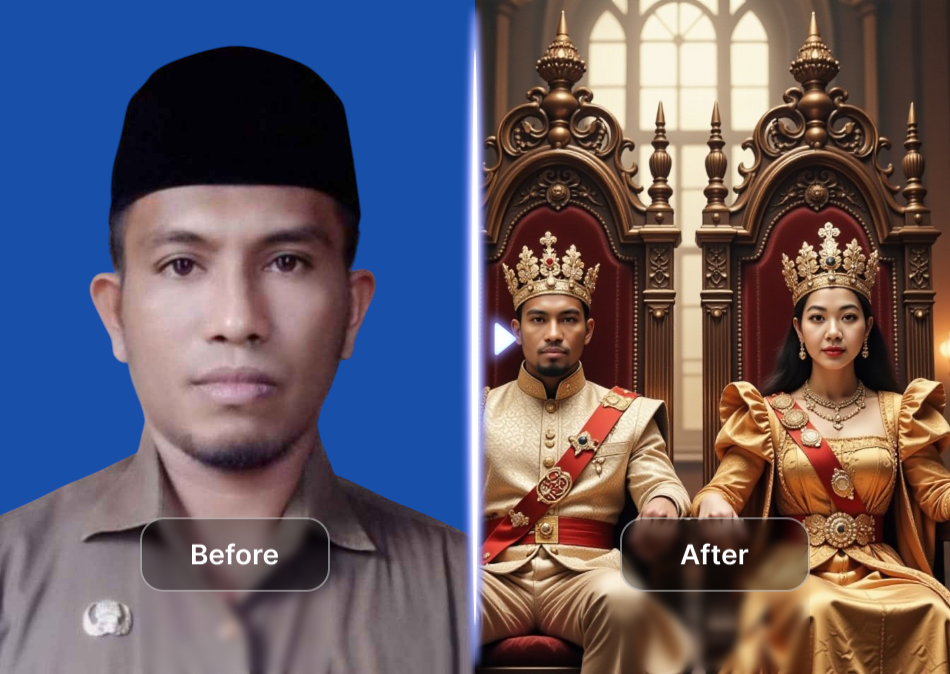
Family Keepsake Portraits
Families often turn their group photos into royal court scenes for memorable keepsakes and gifts. Grandparents become kings and queens, while children become princes and princesses. These generated portraits are printed for reunions, anniversaries, or framed at home. The app preserves every face accurately for a personal and recognizable result. This creates a fun family heirloom that everyone will treasure.
Family Keepsake Portraits
Families often turn their group photos into royal court scenes for memorable keepsakes and gifts. Grandparents become kings and queens, while children become princes and princesses. These generated portraits are printed for reunions, anniversaries, or framed at home. The app preserves every face accurately for a personal and recognizable result. This creates a fun family heirloom that everyone will treasure.
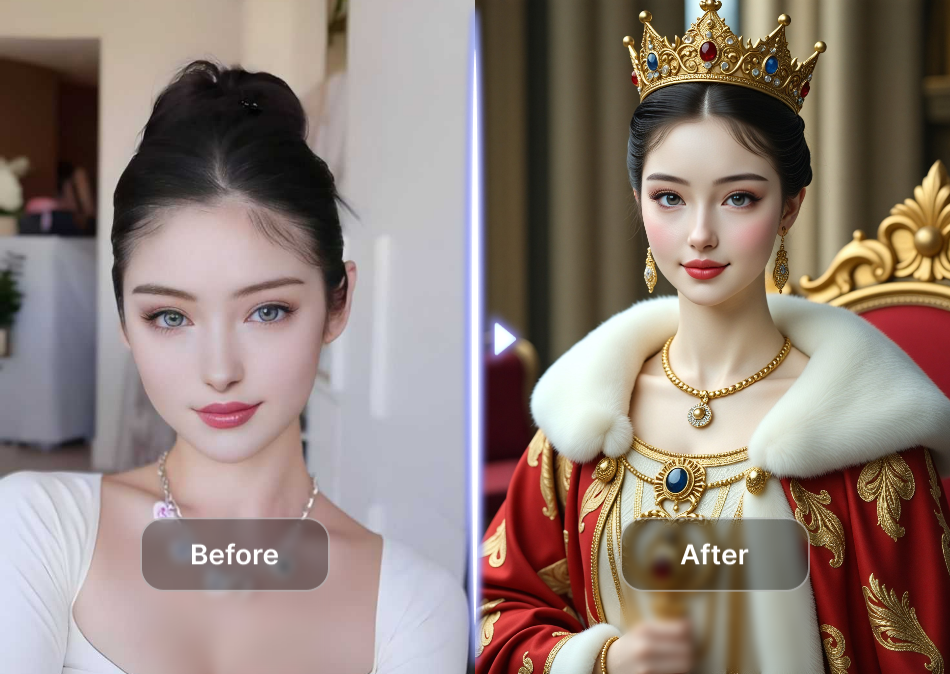
Fantasy and Roleplay Avatars
Gamers and roleplayers use Vimi to create royal avatars for their fantasy characters. They generate a king or queen persona that matches their tabletop game or online gaming profile. Various templates fit different fictional worlds, from medieval castles to steampunk cities. This adds visual depth to roleplaying and makes sessions more engaging. Players often share these avatars with their groups for extra fun.
Fantasy and Roleplay Avatars
Gamers and roleplayers use Vimi to create royal avatars for their fantasy characters. They generate a king or queen persona that matches their tabletop game or online gaming profile. Various templates fit different fictional worlds, from medieval castles to steampunk cities. This adds visual depth to roleplaying and makes sessions more engaging. Players often share these avatars with their groups for extra fun.
How to Generate Royal King AI Photo with Vimi?
Creating your royal portrait takes only a few minutes. Follow these three simple steps to get your king or queen image.

Step 01.
Open your phone's app store, search for Vimi, and install the free app.

Step 02.
Browse the royal templates, choose your favorite style, upload a photo, and tap Generate.

Step 03.
Tap Download to save the image or share it directly to your social media.
Frequently Asked Questions
Find clear answers to common questions and get the guidance you need to make the most of our platform, faster and easier.
More Topics You May Like
Explore more topics you may like and discover fresh ideas tailored to your interests.
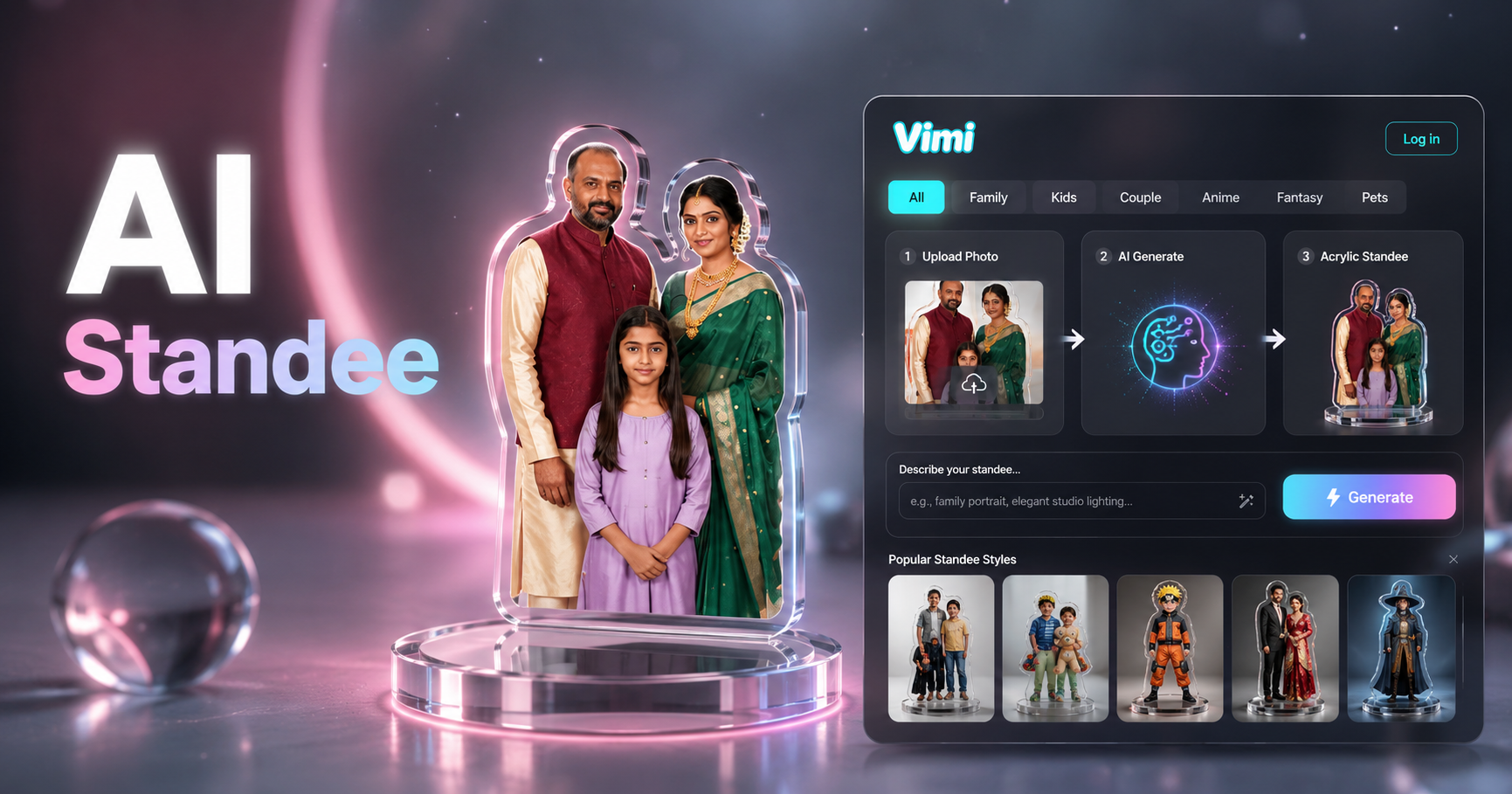
AI Acrylic Standee Generator

AI Kungfu Video Generator
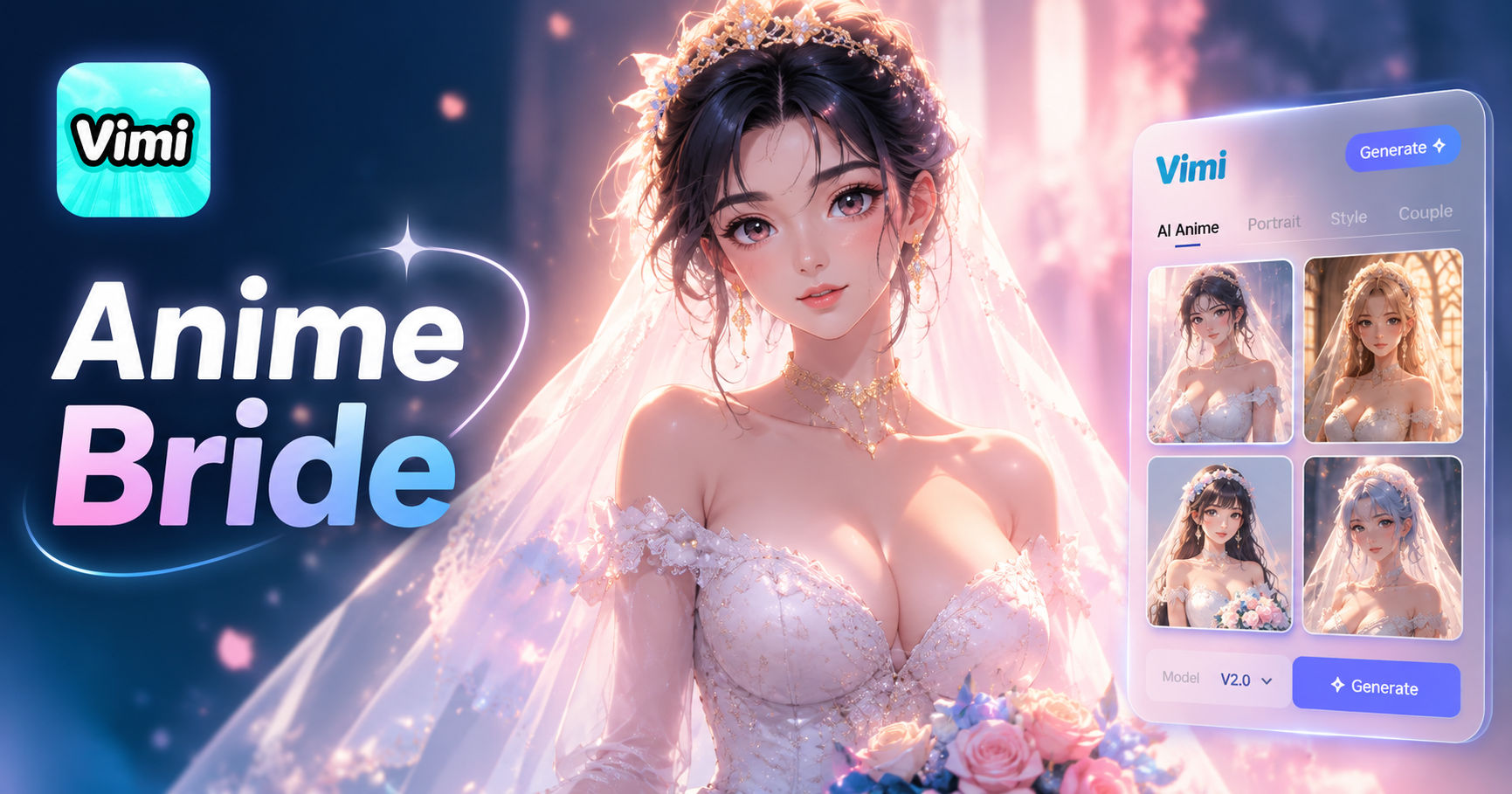
Ai Anime Bride Generator
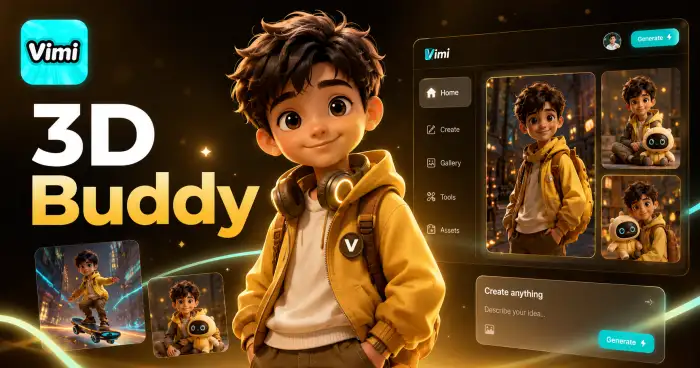
3D Buddy
AI Acrylic Standee Generator
AI Kungfu Video Generator
Ai Anime Bride Generator
3D Buddy
Download Vimi And Rule Your Photos
Create your royal portrait in seconds. Get the Vimi app from your store now.

Download Vimi And Rule Your Photos
Create your royal portrait in seconds. Get the Vimi app from your store now.