Onam Photo Editor
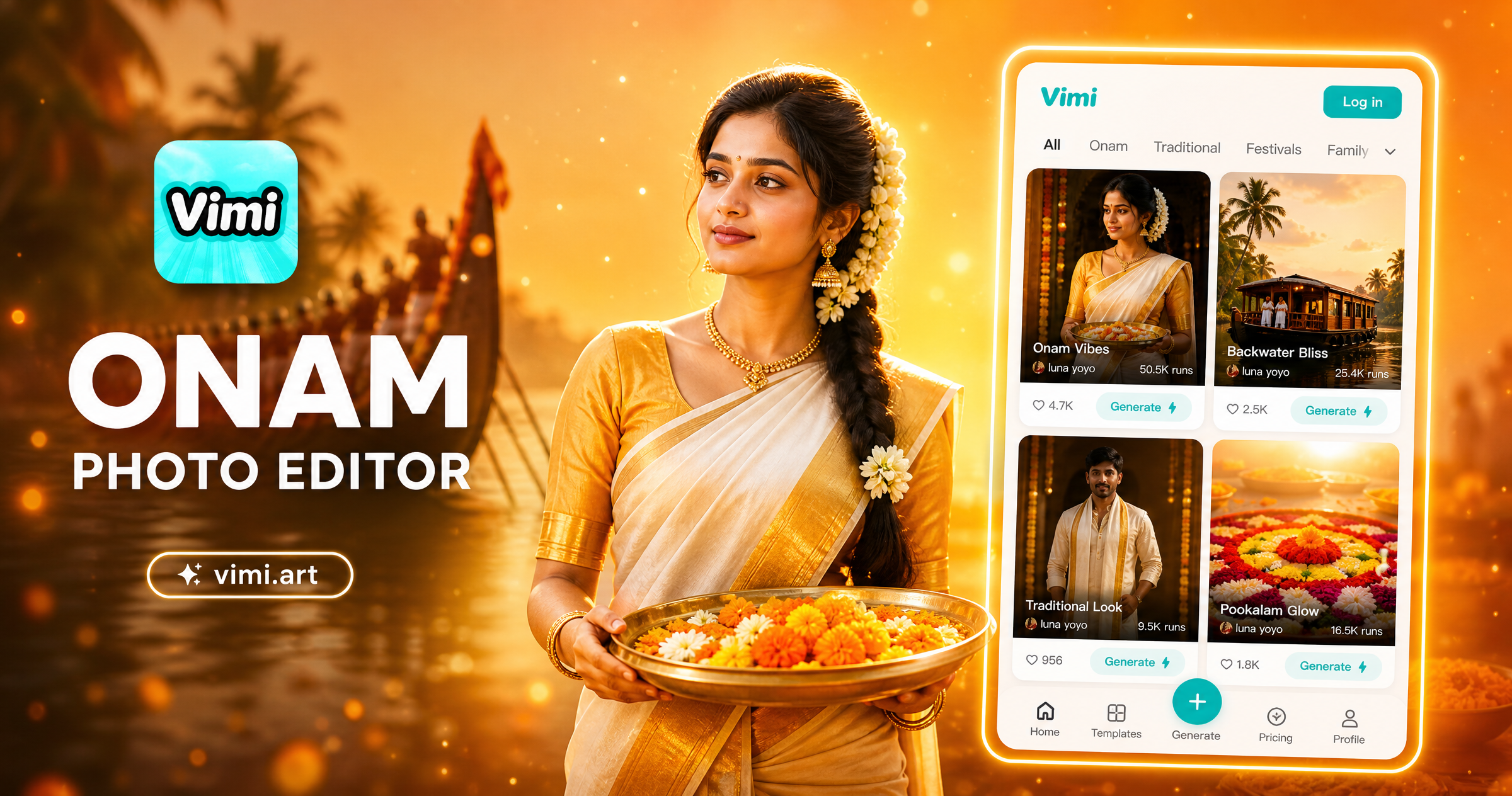
Choose the Filter That Suits You Best
Discover the onam photo editor filter that perfectly matches your style and mood.
Key Features of Vimi for Onam Photo Editor Creations
Find the core functions that make Vimi the ideal Onam photo editor for your festival portraits and traditional art projects.
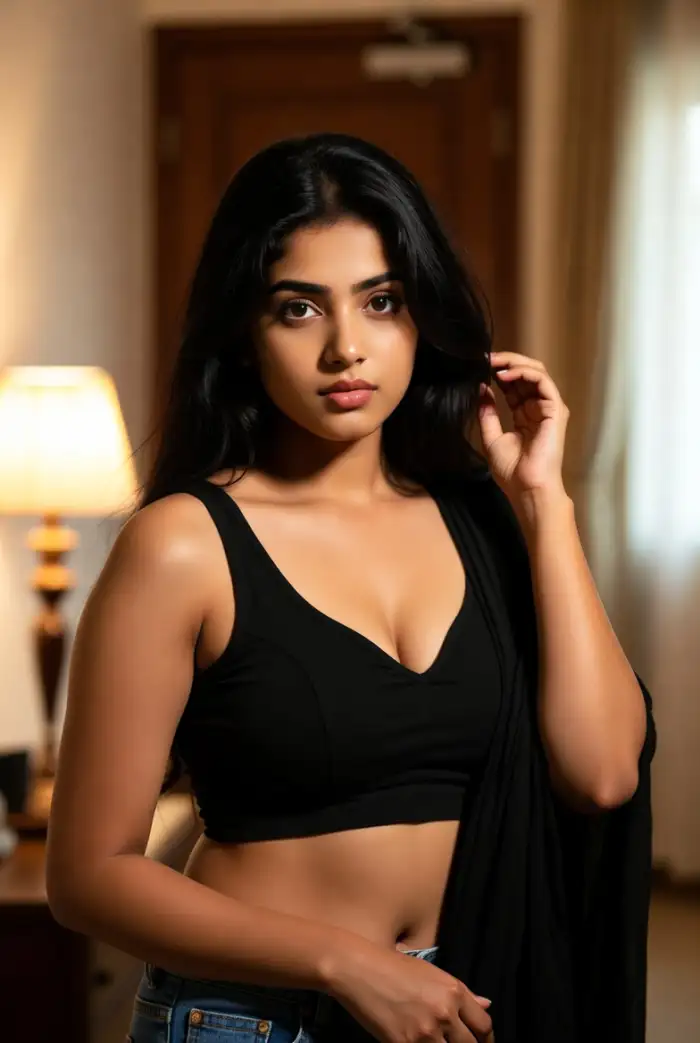 Before
Quick Festival Video Creation
Transform your Onam photos into short videos. Make family members wave, smile, or turn their heads. The AI adds natural movement to still images. You can also create videos from text descriptions. Describe an Onam scene and watch it come to life instantly.
BeforeQuick Festival Video Creation
Transform your Onam photos into short videos. Make family members wave, smile, or turn their heads. The AI adds natural movement to still images. You can also create videos from text descriptions. Describe an Onam scene and watch it come to life instantly.
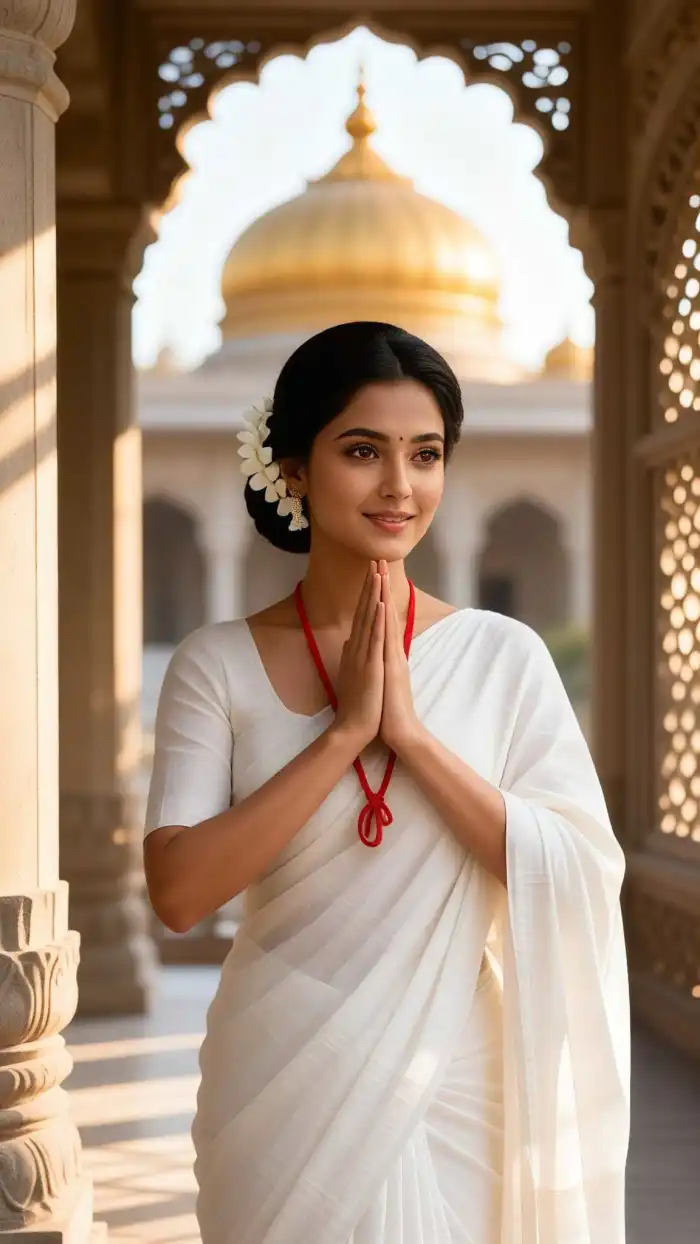 Before
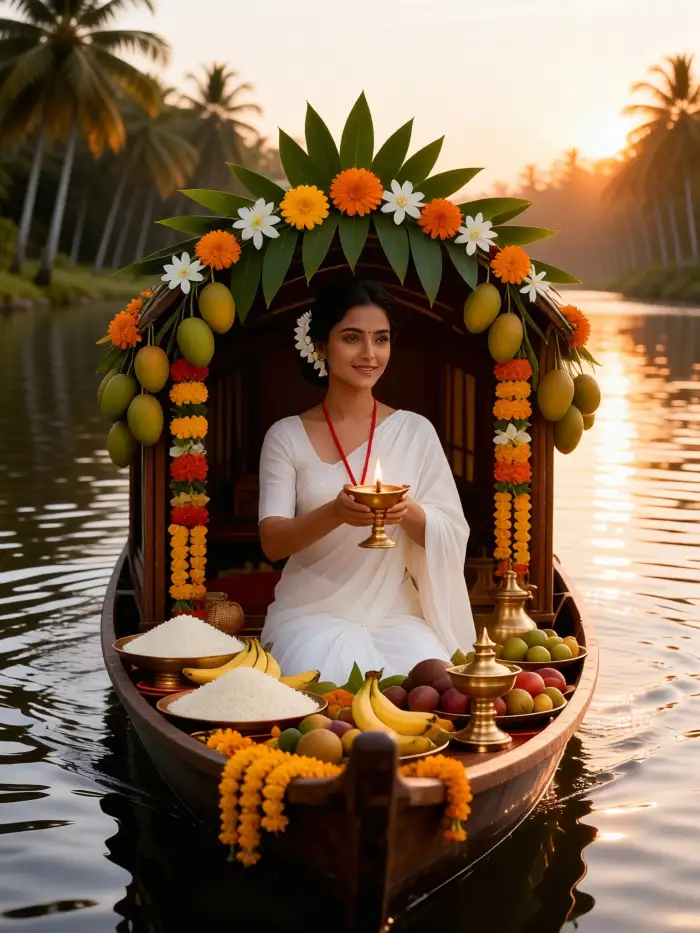 After
AfterOne Tap Style Transfer
Select any style from the template library and apply it to your photos with one tap. Choose from watercolor, oil painting, cinematic, or traditional art looks. The AI preserves your facial features while changing the artistic style. No complex settings or adjustments needed.
BeforeAfterOne Tap Style Transfer
Select any style from the template library and apply it to your photos with one tap. Choose from watercolor, oil painting, cinematic, or traditional art looks. The AI preserves your facial features while changing the artistic style. No complex settings or adjustments needed.
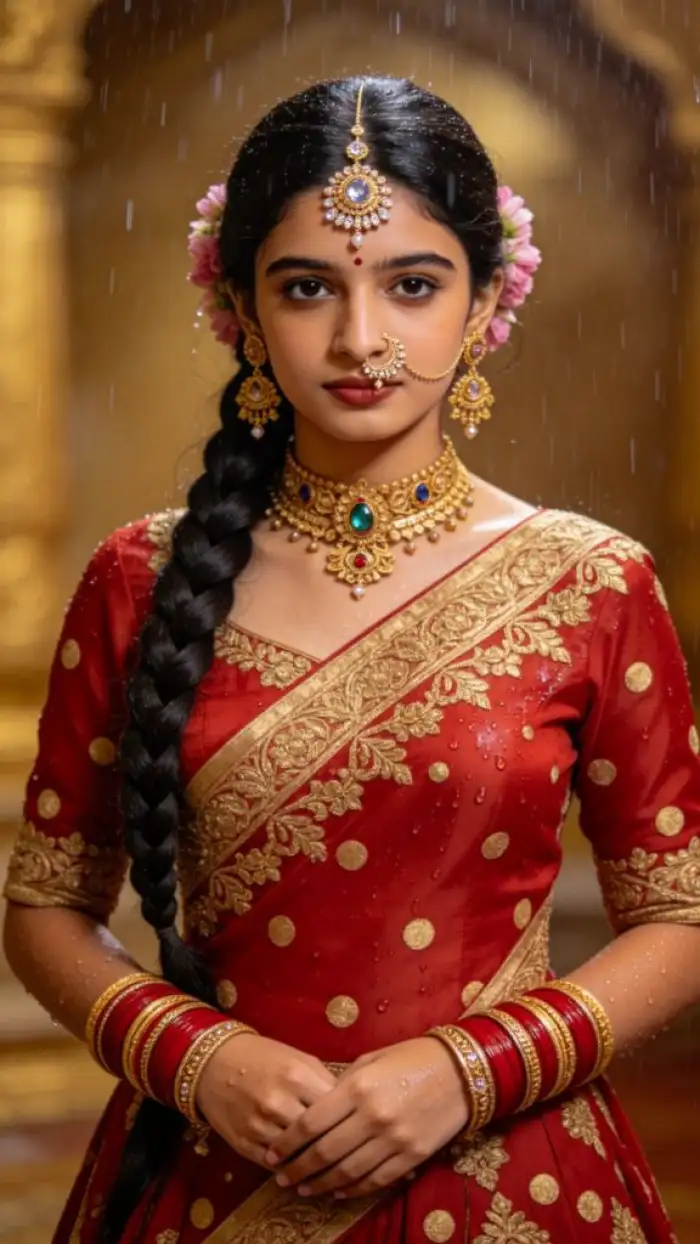 Before
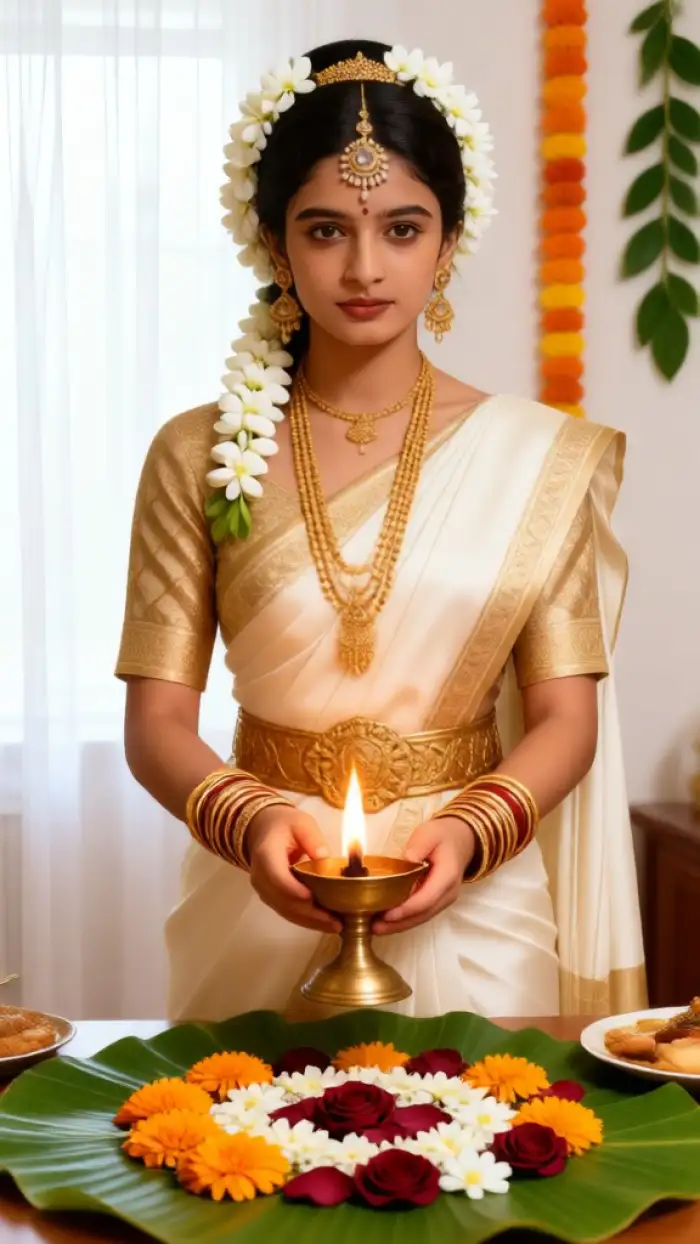 After
AfterDaily Updated Template Feed
The Vimi team adds new templates every day based on social media trends. You will always find fresh Onam styles and festival designs. Popular templates appear first so you can join the latest trends. Check the app daily for new creative options.
BeforeAfterDaily Updated Template Feed
The Vimi team adds new templates every day based on social media trends. You will always find fresh Onam styles and festival designs. Popular templates appear first so you can join the latest trends. Check the app daily for new creative options.
Why Vimi Outshines Other Onam Photo Editor Apps
Explore the advantages that make Vimi the smarter choice for creating memorable Onam festival photos and videos.
Save Time and Effort
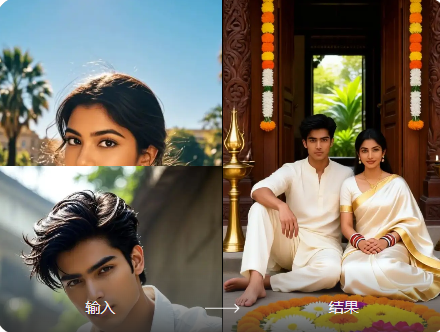
Most photo editors require manual adjustments for each effect. Vimi automates everything through templates. Pick a style, upload your photo, and generate. The AI handles all the technical work. You get professional quality results without learning complex tools. Create multiple designs in just a few minutes.
Save Time and Effort
Most photo editors require manual adjustments for each effect. Vimi automates everything through templates. Pick a style, upload your photo, and generate. The AI handles all the technical work. You get professional quality results without learning complex tools. Create multiple designs in just a few minutes.
How to Use Vimi Onam Photo Editor?
Follow these steps to create beautiful Onam themed photos and videos with the Vimi app.

Step 01.
Open your app store, search for Vimi, and download the app to your mobile device. The app is free to install and works on both iOS and Android phones.

Step 02.
Browse the template library and find the Onam or festival style you like. Upload your photo or video, then tap the Generate button to start AI processing.

Step 03.
After generation finishes, tap Download to save your creation to your device. You can also share directly to social media platforms from the app.
YouTube Videos About Onam Photo Editor Generator
Explore in-depth YouTube tutorials and demos that showcase the power and reliability of our AI Generator.
Who Uses AI Onam Photo Editor Online
Priya Nair
Vimi made my Onam photos look professional. I created beautiful family portraits in minutes. The traditional styles are authentic and well designed.

Arun Kumar
The AI video feature amazed me. My old Onam photos came to life with natural movements. My family loved the results.
Meera Menon
I used Vimi for our Onam group photo. All 10 family members appeared clearly. No face mixing at all. Highly recommended.
Suresh Pillai
The template library is huge. I found exactly what I wanted for my Onam celebrations. Daily updates keep things fresh.
Priya Nair
Vimi made my Onam photos look professional. I created beautiful family portraits in minutes. The traditional styles are authentic and well designed.
Arun Kumar
The AI video feature amazed me. My old Onam photos came to life with natural movements. My family loved the results.
Meera Menon
I used Vimi for our Onam group photo. All 10 family members appeared clearly. No face mixing at all. Highly recommended.
Suresh Pillai
The template library is huge. I found exactly what I wanted for my Onam celebrations. Daily updates keep things fresh.
Priya Nair
Vimi made my Onam photos look professional. I created beautiful family portraits in minutes. The traditional styles are authentic and well designed.
Arun Kumar
The AI video feature amazed me. My old Onam photos came to life with natural movements. My family loved the results.
Meera Menon
I used Vimi for our Onam group photo. All 10 family members appeared clearly. No face mixing at all. Highly recommended.
Suresh Pillai
The template library is huge. I found exactly what I wanted for my Onam celebrations. Daily updates keep things fresh.
Frequently Asked Questions
Find clear answers to common questions and get the guidance you need to make the most of our platform, faster and easier.
More Topics You May Like
Explore more topics you may like and discover fresh ideas tailored to your interests.
Vimi Kebaya Photo Edit: Transform Your Traditional Photos with AI Style
Vimi Cinematic Character Intro AI Photo: Create Movie Style Portraits in Seconds
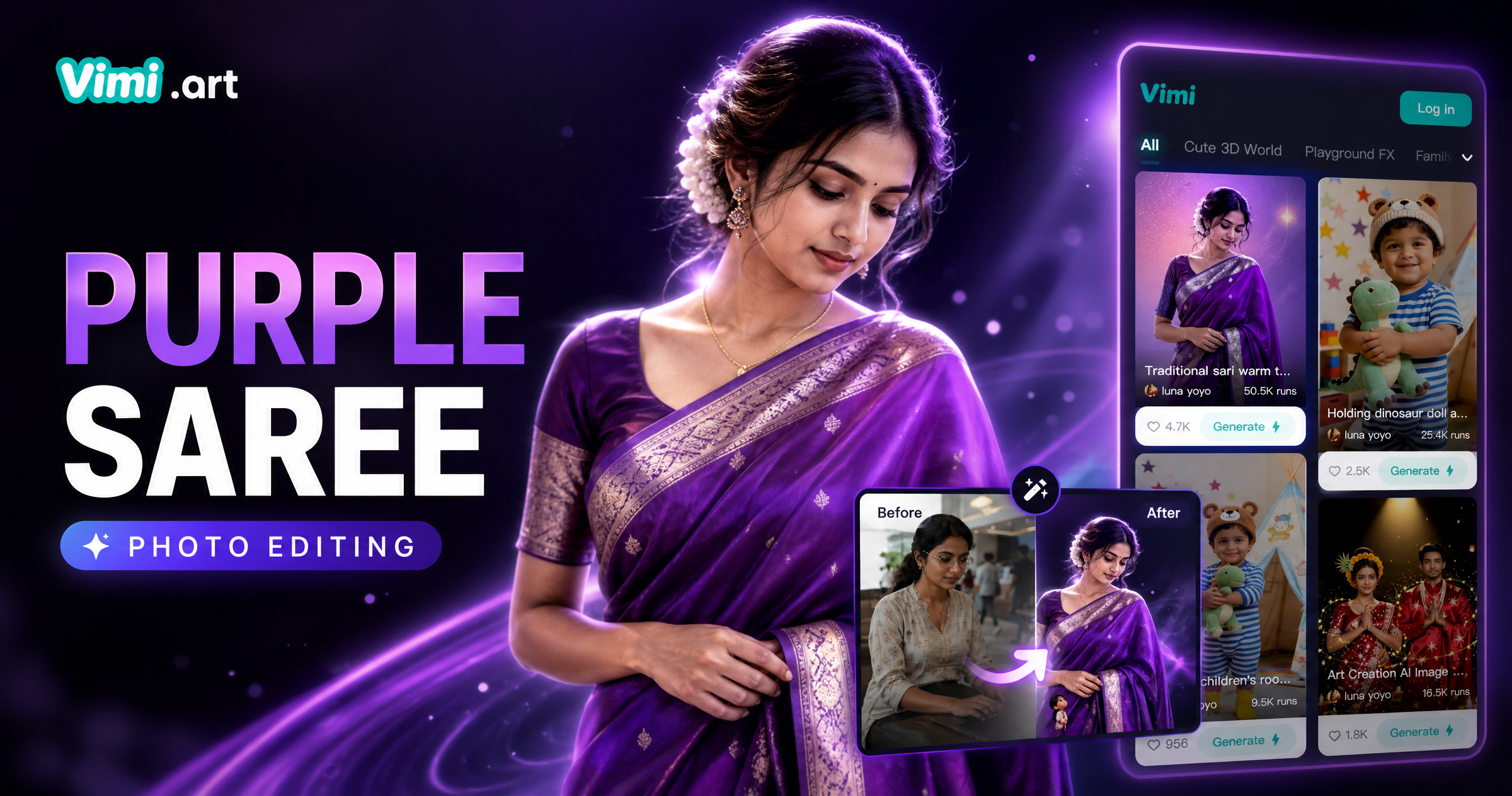
Purple Saree Photo Editing: Turn Your Traditional Look Into AI Art
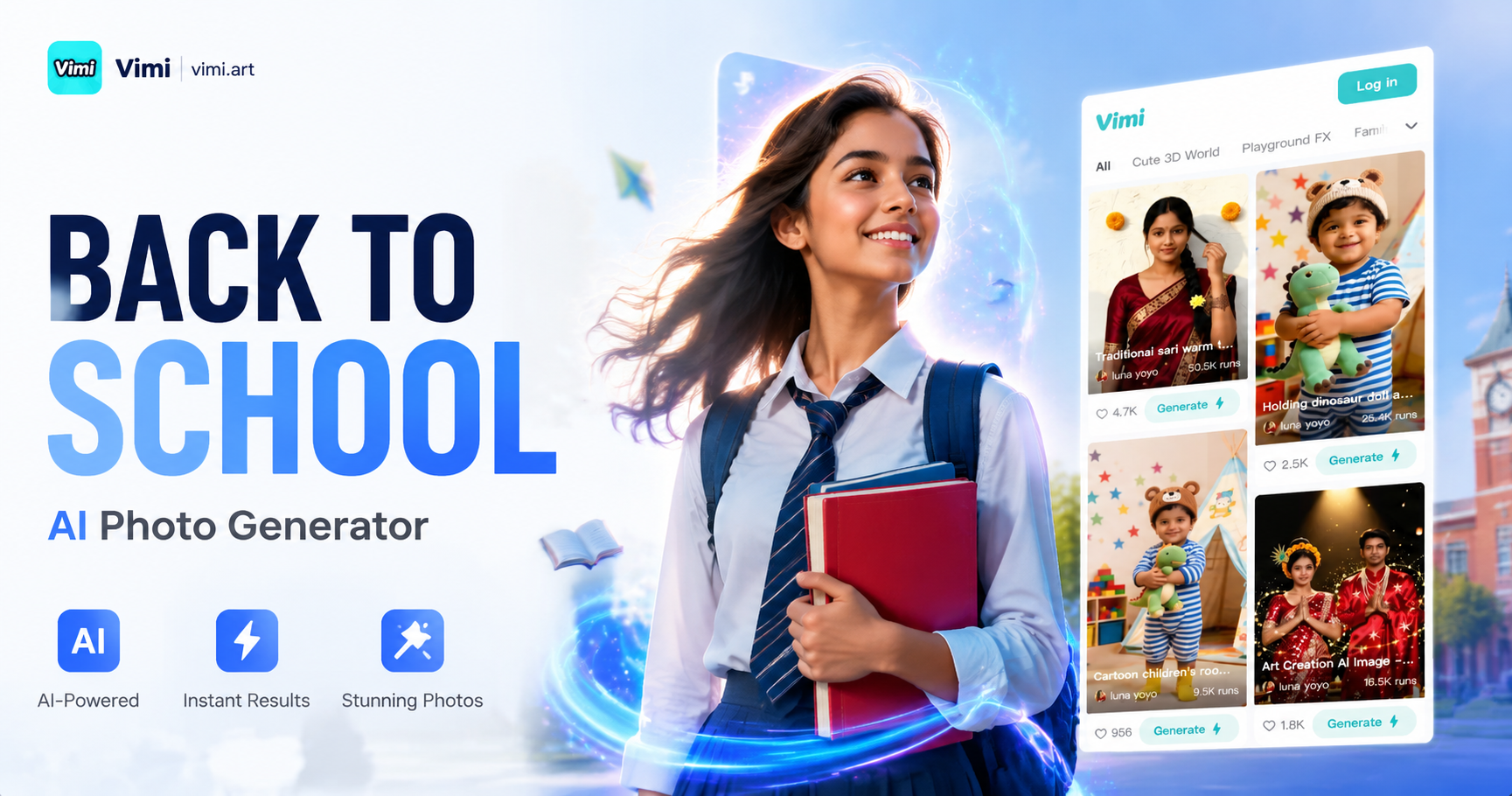
Back to School AI Photo Generator: Create Your Perfect School Look with Vimi
Vimi Kebaya Photo Edit: Transform Your Traditional Photos with AI Style
Vimi Cinematic Character Intro AI Photo: Create Movie Style Portraits in Seconds
Purple Saree Photo Editing: Turn Your Traditional Look Into AI Art
Back to School AI Photo Generator: Create Your Perfect School Look with Vimi
Download Vimi Now and Create Your Onam Masterpiece
Turn your festival photos into beautiful artworks. Download the app and explore thousands of Onam templates right now.

Download Vimi Now and Create Your Onam Masterpiece
Turn your festival photos into beautiful artworks. Download the app and explore thousands of Onam templates right now.