Purple Saree Photo Editing
Vimi is an AI design app that turns your purple saree photos into artistic portraits, cinematic videos, and animated clips. Choose from thousands of style templates, upload your image, and let AI handle the rest. No prompt writing or complex settings required. Everything happens inside the mobile app.
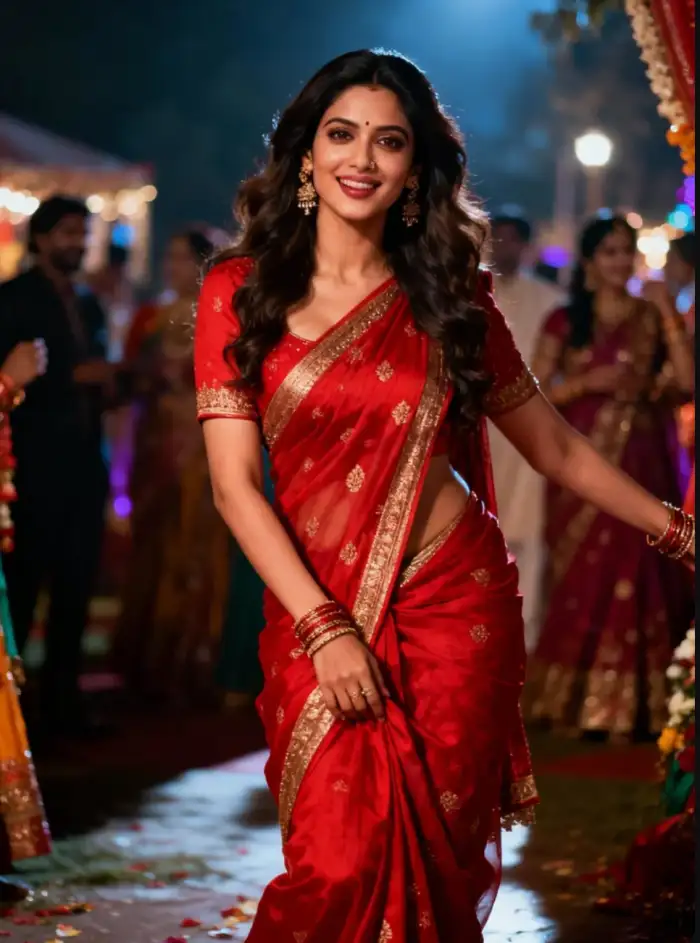 Before
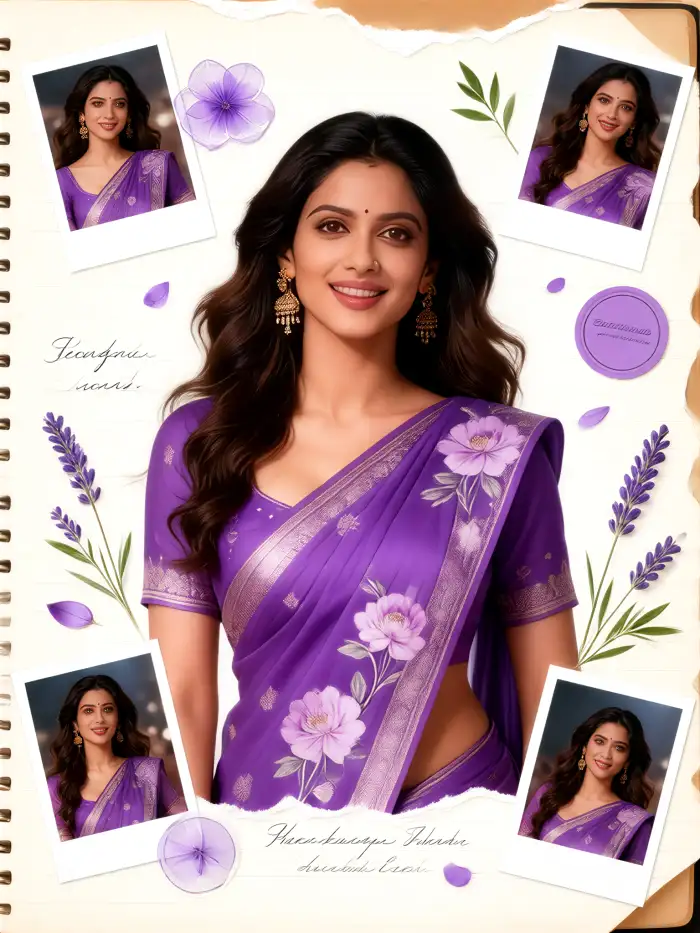 After
After
Vimi Studio
Switch to Vimi Studio on APP for advanced control and unlimited exports.

Choose the Purple Saree Photo Editing Filter
Discover the purple saree photo editing filter that perfectly matches your style and mood.
Why Use Vimi for Purple Saree Photo Editing
Find the easiest way to transform your purple saree photos with Vimi's AI templates.
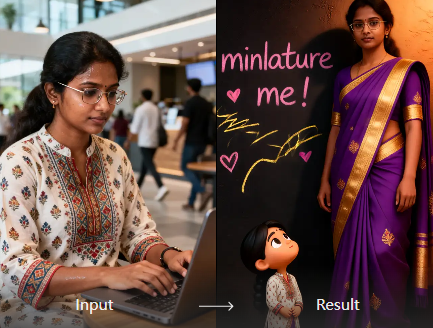
Keep Your Face Consistent
The AI recognizes your face across different templates and generations. When you create multiple versions of your purple saree photo, your facial features, hairstyle, and outfit details stay the same. This makes Vimi ideal for creating a series of coordinated portraits or a consistent digital persona.
Keep Your Face Consistent
The AI recognizes your face across different templates and generations. When you create multiple versions of your purple saree photo, your facial features, hairstyle, and outfit details stay the same. This makes Vimi ideal for creating a series of coordinated portraits or a consistent digital persona.
Explore the Use Cases of Vimi Purple Saree Photo Editing
Discover the many ways Vimi helps you style, share, and enjoy your purple saree photos across different situations.
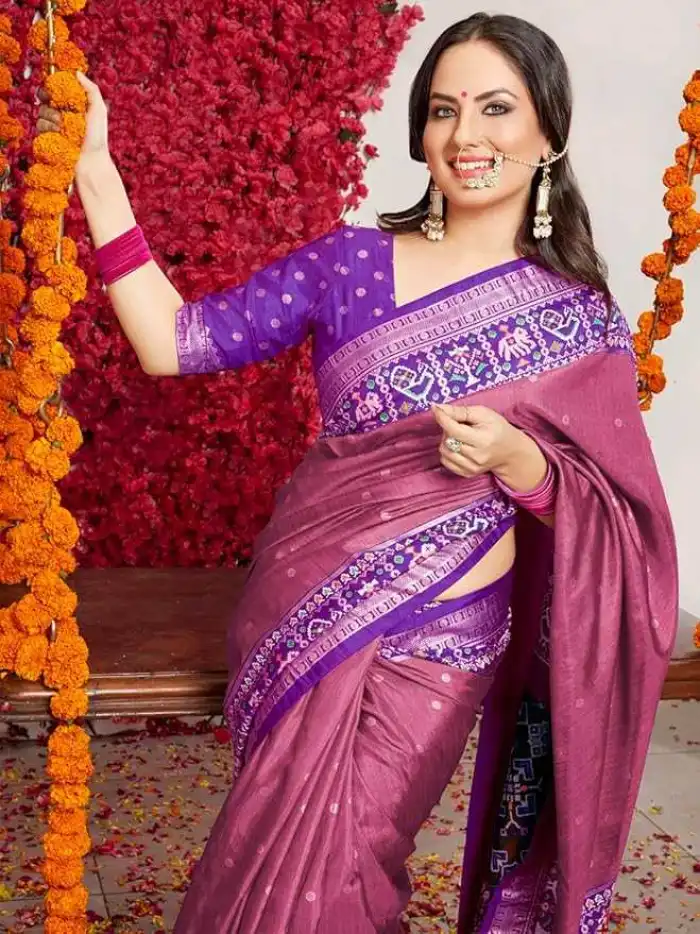 Before
Festive Social Media Posts
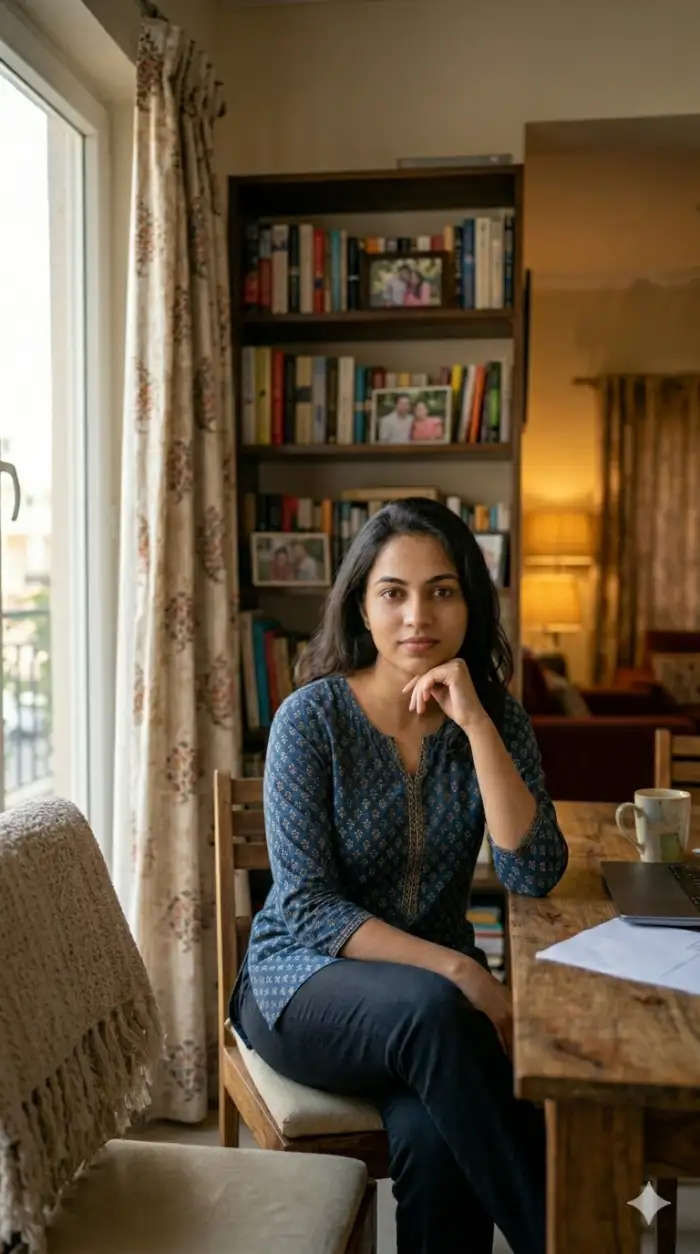
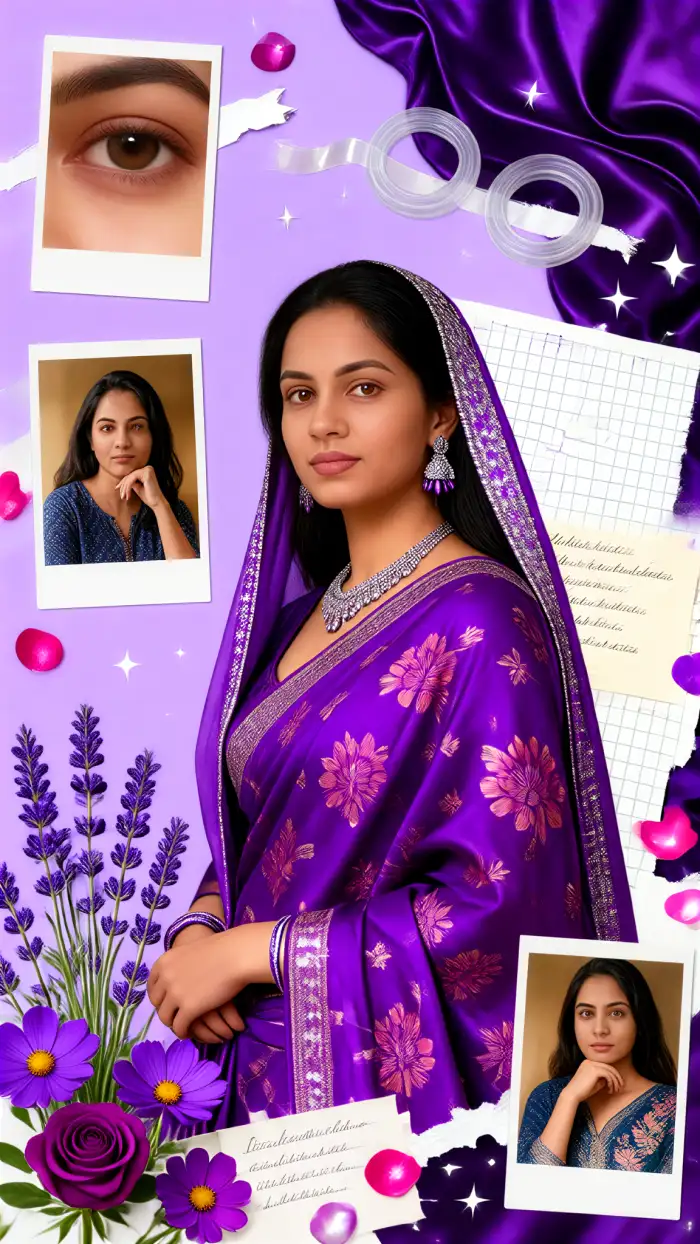
During festivals like Diwali or Durga Puja, you need eye catching content. Vimi helps you create themed portraits that stand out. Apply a festive template with glowing lights or traditional motifs. Generate multiple versions of your purple saree photo in different artistic styles. You can post a series of images or a video carousel to celebrate the season with your followers.
 Before
 After
AfterFashion Portfolio Development
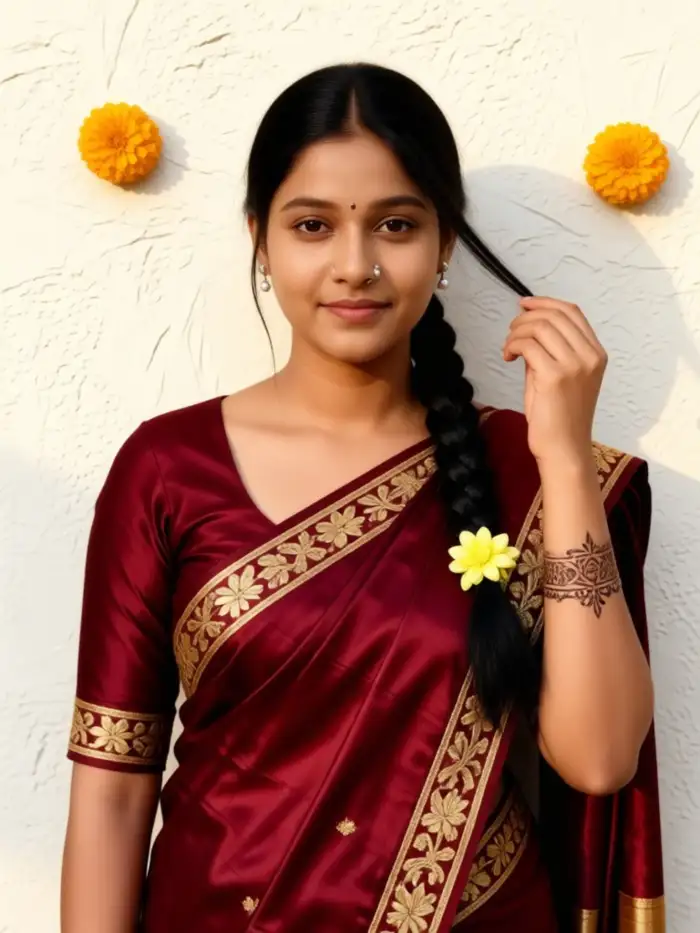
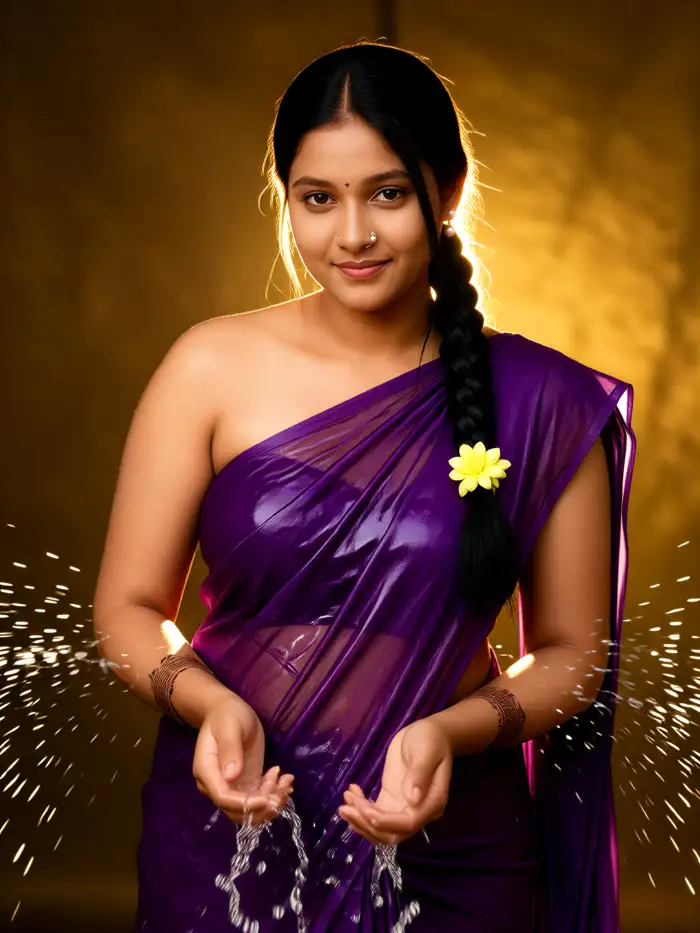
If you are a model, designer, or fashion student, Vimi helps you build a diverse portfolio. Take one purple saree photo and generate multiple artistic renditions. Show your work in realistic photography style, anime form, and oil painting texture. This demonstrates your versatility without needing multiple photoshoots. You get a complete collection from a single image.
 Before
 After
AfterDigital Avatar Creation
Use your purple saree photo to create a consistent digital avatar. Vimi keeps your face, hairstyle, and outfit recognizable across all generated images. You can use this avatar for your social media profile, gaming character, or virtual presence. The AI ensures every new generation looks like the same person in the same attire, just with different artistic treatments.
How to Edit Purple Saree Photos With Vimi?
Create your purple saree AI art in three quick steps using the Vimi mobile app.

Step 01.
Find a style that matches your vision for the purple saree photo. Options include portrait filters, artistic renditions, or animation templates. Pick the one that best suits your creative goal for the image.

Step 02.
Upload your purple saree image into the selected template. Tap the generate button and wait 10 to 20 seconds while the AI processes your photo. The system applies the chosen style while keeping your face, outfit, and overall composition clear and recognizable.

Step 03.
After the generation finishes, review your AI created image or video. If you like the result, tap the download button to save it to your device. You can also share it directly to social platforms like Instagram or WhatsApp from within the app.
YouTube Videos About Purple Saree Photo Editing
Explore in-depth YouTube tutorials and demos that showcase the power and reliability of our AI Generator.
Who Uses AI Purple Saree Photo Editing Online
Ananya Sharma
Vimi made my purple saree photos look like magazine covers. The templates are easy to use and the results come out fast.

Rahul Mehta
I used Vimi to create animated versions of my client’s wedding photos. The face consistency feature saved me hours of editing work.
Priya Patel
I love posting festive outfits on Instagram. Vimi helps me turn my purple saree selfies into unique digital art pieces that get many likes.
Sneha Reddy
I am not good with technology. But Vimi is simple. I pick a template, upload my photo, and get beautiful results in seconds.
Ananya Sharma
Vimi made my purple saree photos look like magazine covers. The templates are easy to use and the results come out fast.
Rahul Mehta
I used Vimi to create animated versions of my client’s wedding photos. The face consistency feature saved me hours of editing work.
Priya Patel
I love posting festive outfits on Instagram. Vimi helps me turn my purple saree selfies into unique digital art pieces that get many likes.
Sneha Reddy
I am not good with technology. But Vimi is simple. I pick a template, upload my photo, and get beautiful results in seconds.
Ananya Sharma
Vimi made my purple saree photos look like magazine covers. The templates are easy to use and the results come out fast.
Rahul Mehta
I used Vimi to create animated versions of my client’s wedding photos. The face consistency feature saved me hours of editing work.
Priya Patel
I love posting festive outfits on Instagram. Vimi helps me turn my purple saree selfies into unique digital art pieces that get many likes.
Sneha Reddy
I am not good with technology. But Vimi is simple. I pick a template, upload my photo, and get beautiful results in seconds.
Frequently Asked Questions
Find clear answers to common questions and get the guidance you need to make the most of our platform, faster and easier.
More Topics You May Like
Explore more topics you may like and discover fresh ideas tailored to your interests.
Vimi Underwater AI Photo Editor: Transform Your Photos Into Ocean-Inspired Art
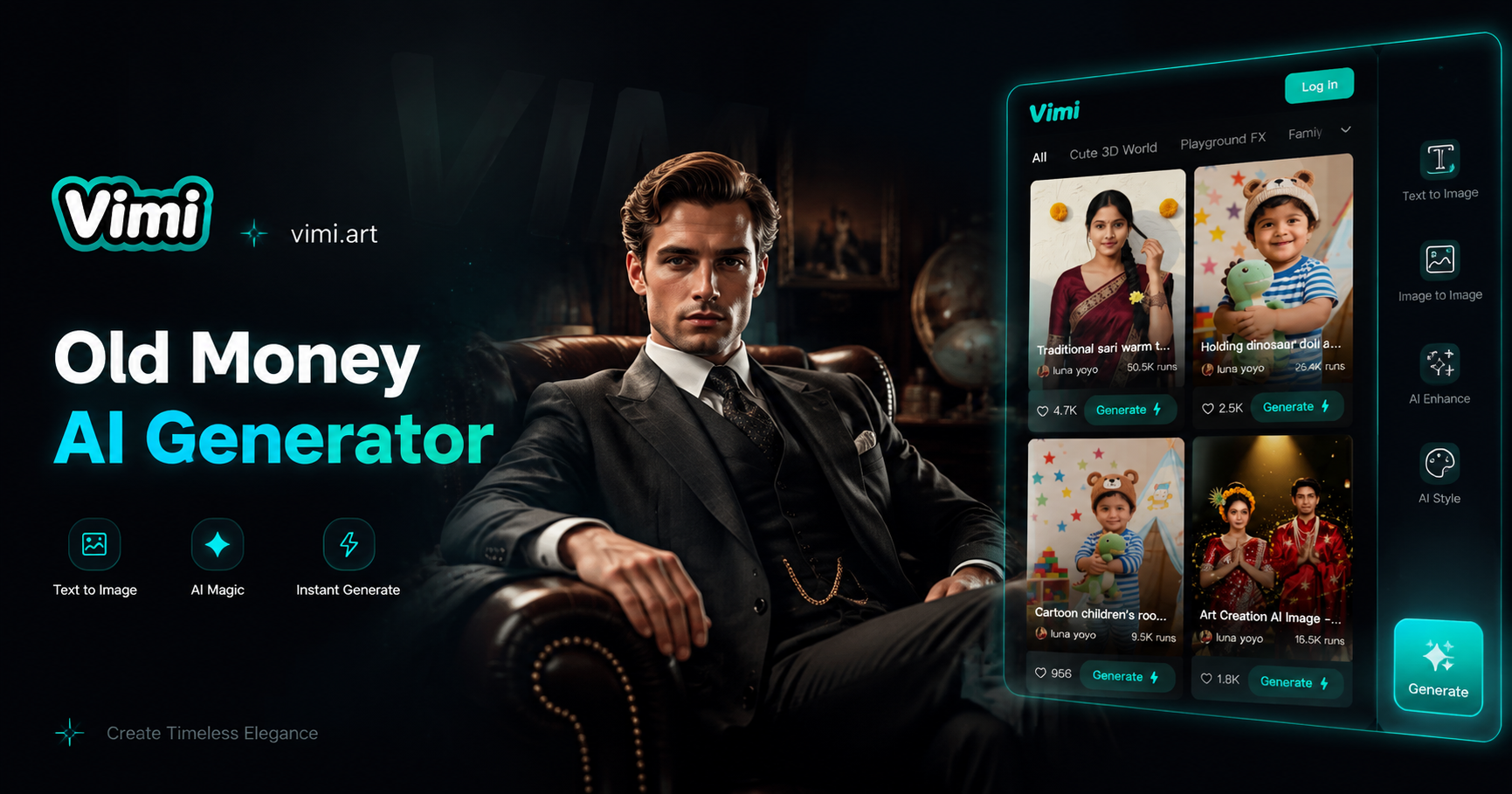
Create Old Money Style Photos with Vimi AI Generator
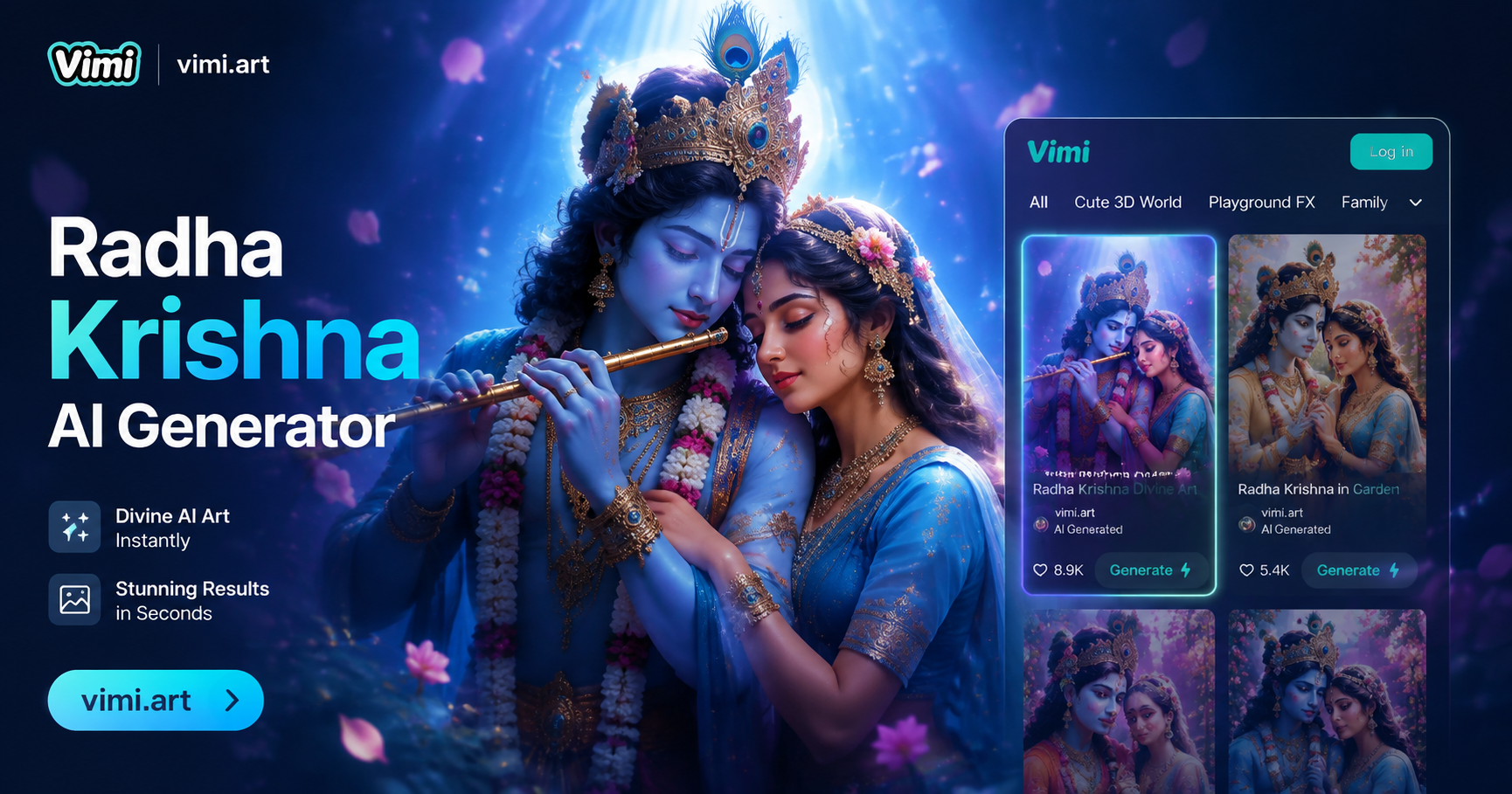
Vimi Radha Krishna AI Photo Generator: Create Divine Portraits Instantly
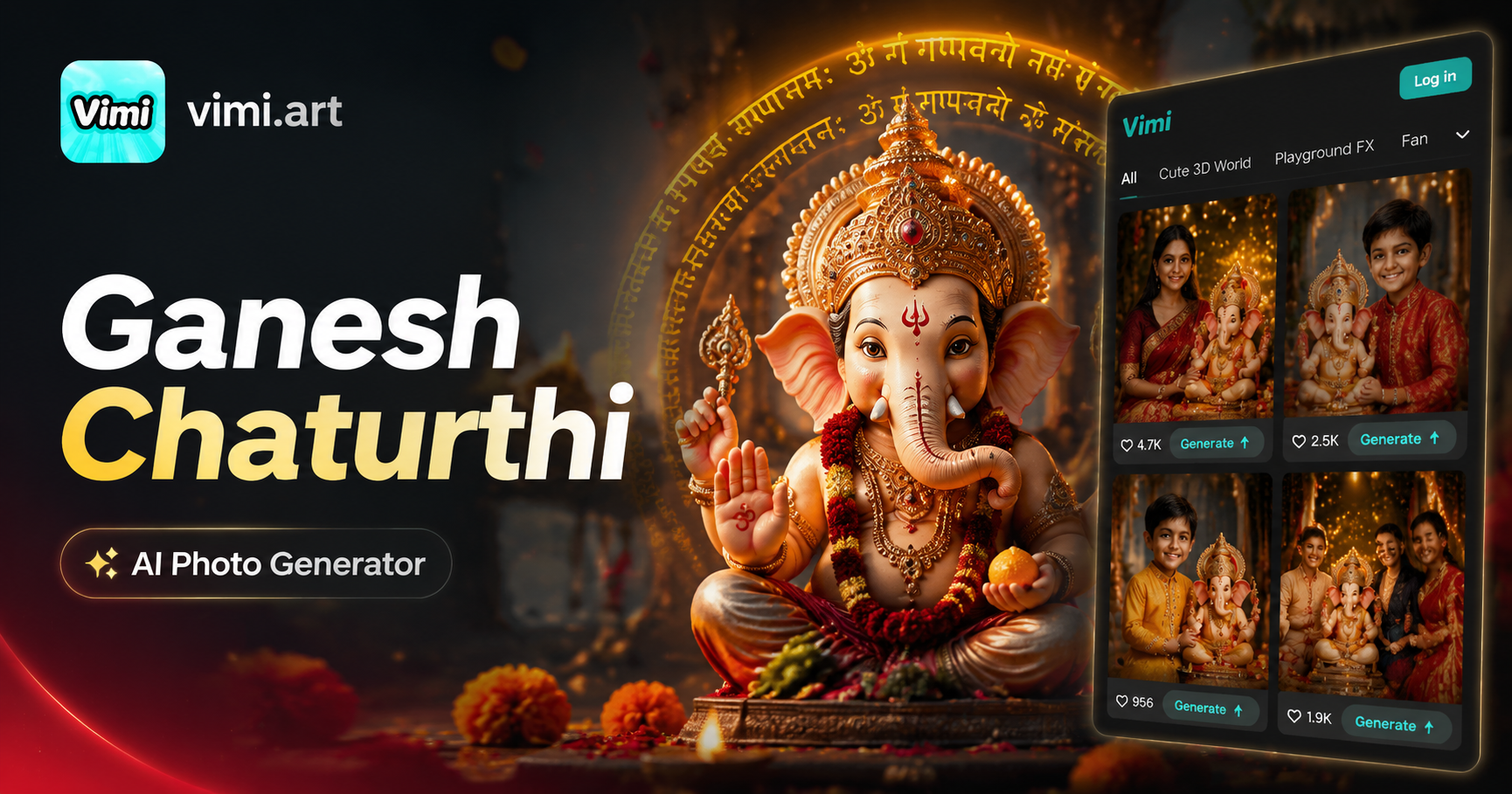
Vimi Ganesh Chaturthi AI Photo Generator
Vimi Underwater AI Photo Editor: Transform Your Photos Into Ocean-Inspired Art
Create Old Money Style Photos with Vimi AI Generator
Vimi Radha Krishna AI Photo Generator: Create Divine Portraits Instantly
Vimi Ganesh Chaturthi AI Photo Generator
Create Your Purple Saree Art Today
Download Vimi and turn your traditional photos into AI powered creative works. Start with one image and explore thousands of styles.
Create Your Purple Saree Art Today
Download Vimi and turn your traditional photos into AI powered creative works. Start with one image and explore thousands of styles.