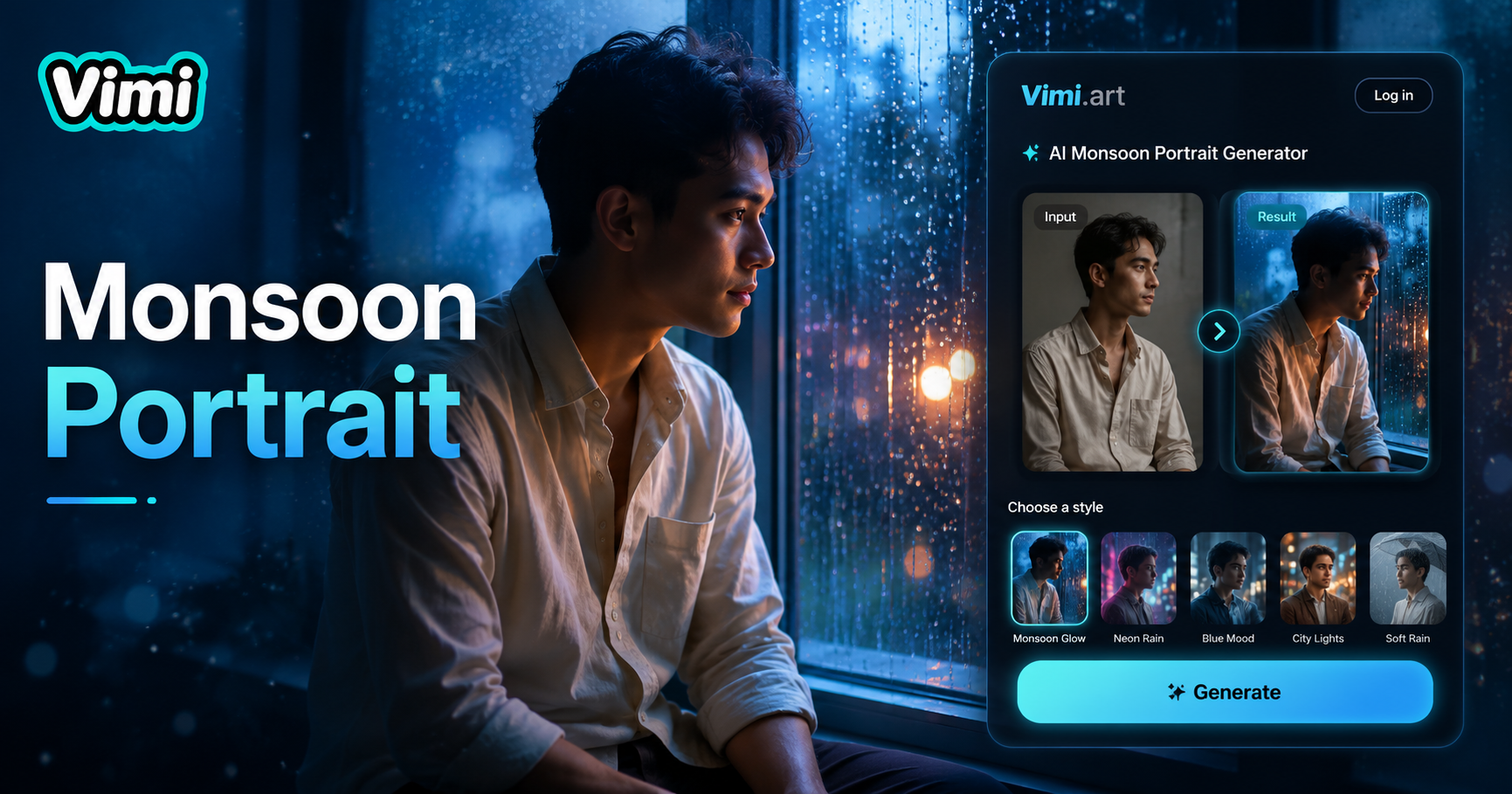
Monsoon Portrait Generator
TropicalRain_Emotional_6
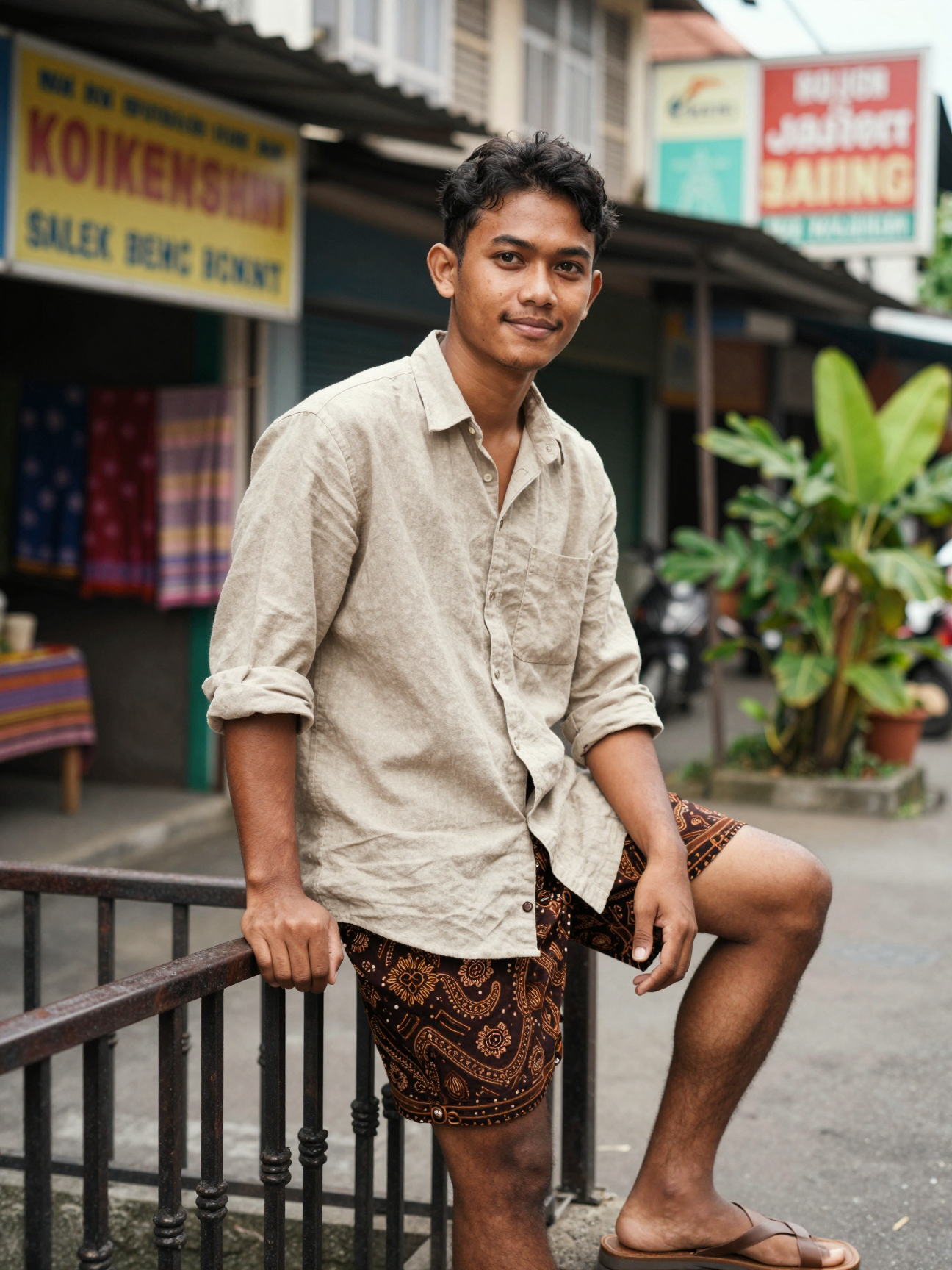
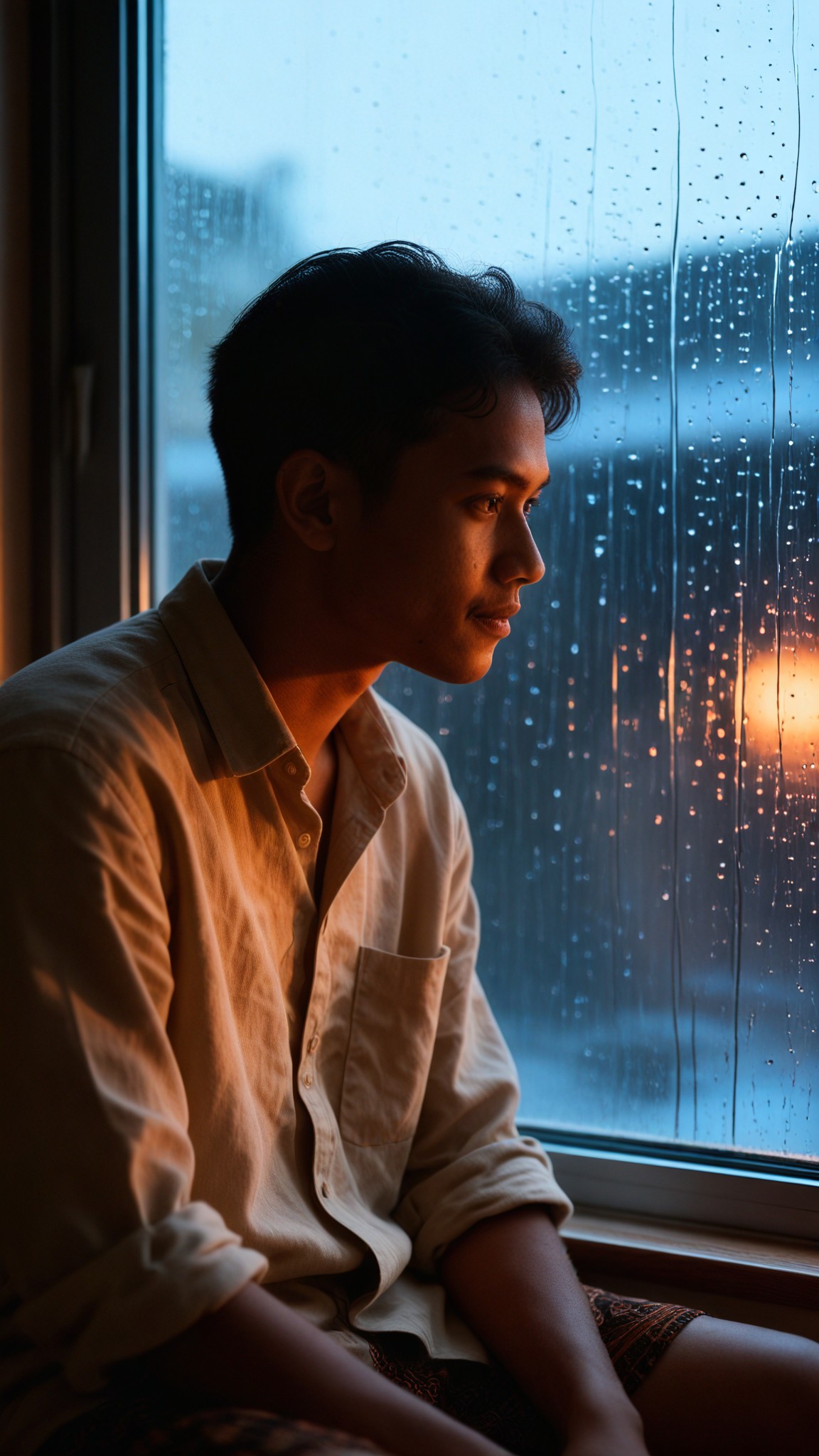

Key Features of Vimi Monsoon Portrait Generator for Rainy Season Art
Discover the core capabilities that make Vimi the best choice for monsoon inspired portrait creation. Each feature is designed for simplicity and speed.
Realistic Rain Effects
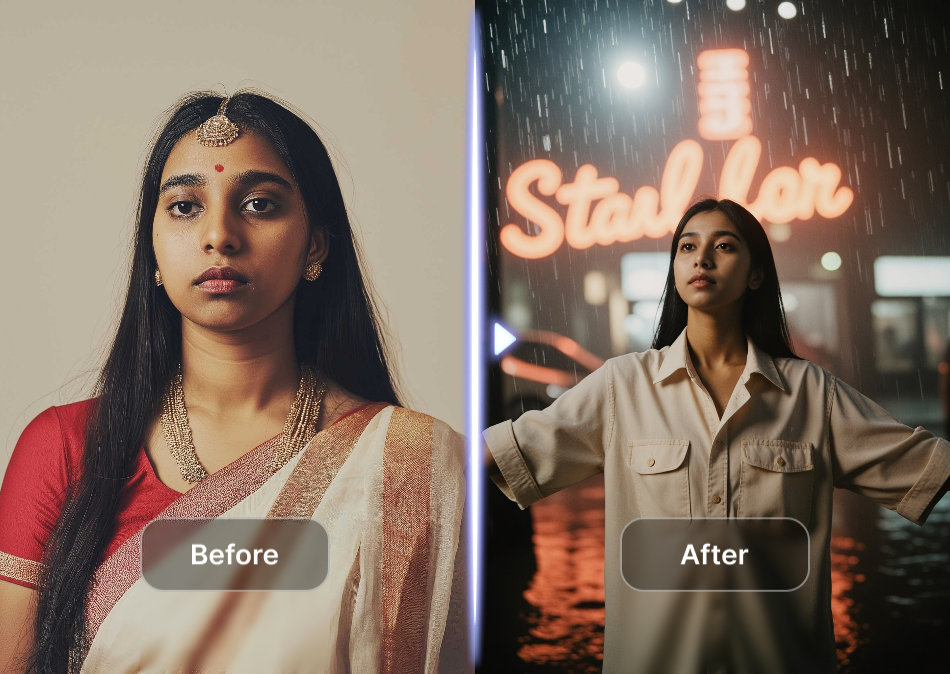
Vimi adds dynamic rain streaks and water droplets to your portraits. The AI places rain naturally across the image, creating depth and movement. You get authentic wet weather atmosphere without complex editing. Each portrait looks like it was captured during an actual monsoon downpour.
Realistic Rain Effects
Vimi adds dynamic rain streaks and water droplets to your portraits. The AI places rain naturally across the image, creating depth and movement. You get authentic wet weather atmosphere without complex editing. Each portrait looks like it was captured during an actual monsoon downpour.
Mood Lighting Adjustments
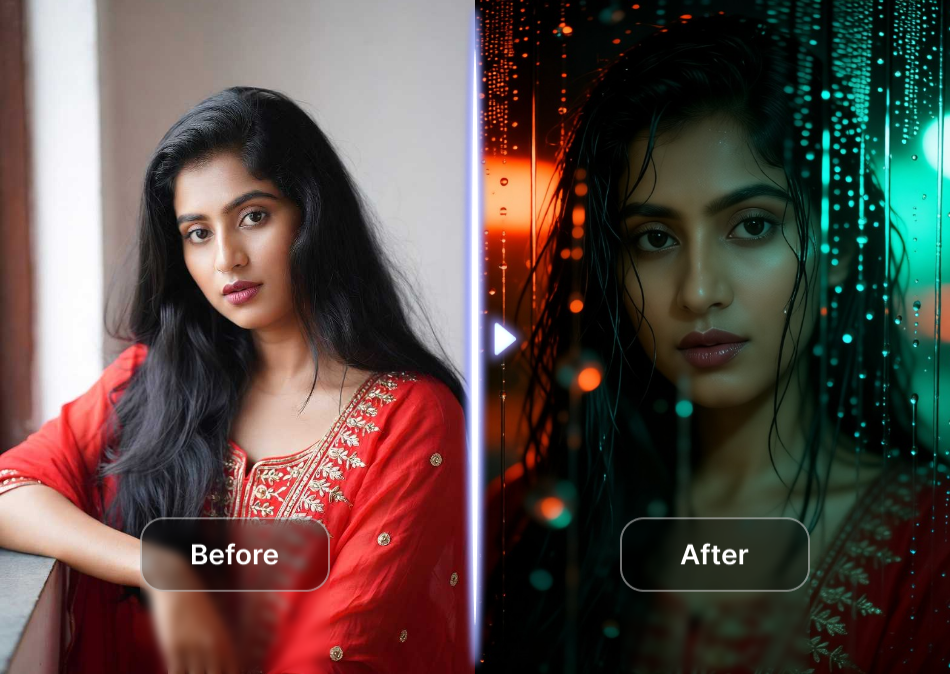
The generator applies soft, diffused lighting typical of overcast rainy days. It adjusts shadows and highlights to match the monsoon mood. Skin tones remain natural while the overall scene takes on a cool, refreshing tone. This creates emotionally rich portraits with professional grade lighting.
Mood Lighting Adjustments
The generator applies soft, diffused lighting typical of overcast rainy days. It adjusts shadows and highlights to match the monsoon mood. Skin tones remain natural while the overall scene takes on a cool, refreshing tone. This creates emotionally rich portraits with professional grade lighting.
Seasonal Color Palettes
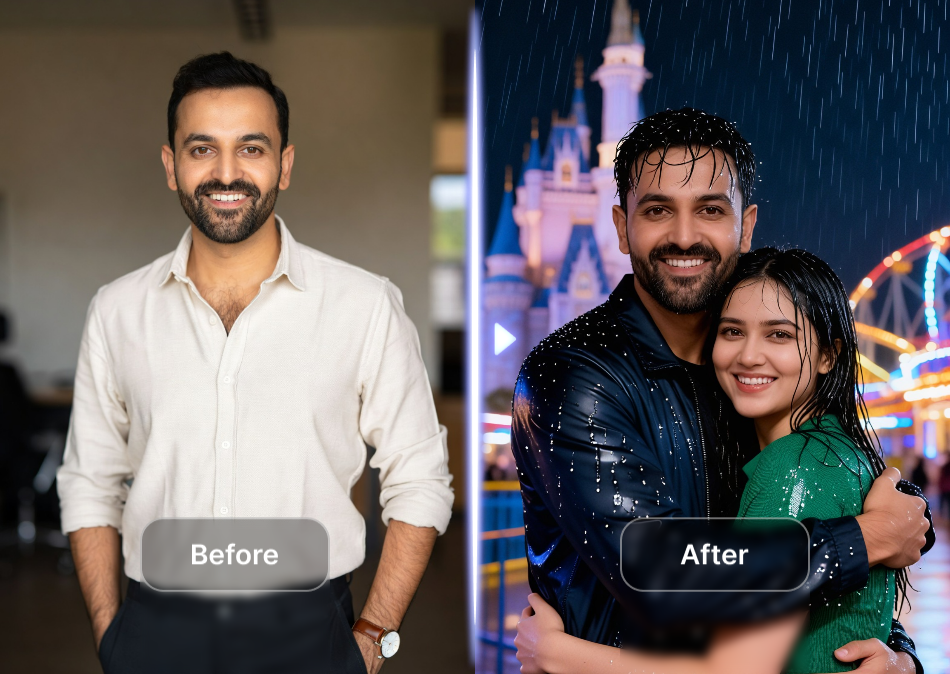
Vimi uses specific color grading inspired by monsoon seasons. Greens become richer, blues deepen, and warm tones soften. The AI enhances these colors to evoke the feeling of rain soaked environments. Your portraits gain a cohesive, artistic look that captures the essence of rainy weather.
Seasonal Color Palettes
Vimi uses specific color grading inspired by monsoon seasons. Greens become richer, blues deepen, and warm tones soften. The AI enhances these colors to evoke the feeling of rain soaked environments. Your portraits gain a cohesive, artistic look that captures the essence of rainy weather.
Why Choose Vimi Monsoon Portrait Generator for Creative Photography
Explore the advantages of using Vimi for your monsoon inspired portrait projects. These benefits make it the ideal tool for both beginners and experienced creators.
Easy Professional Results
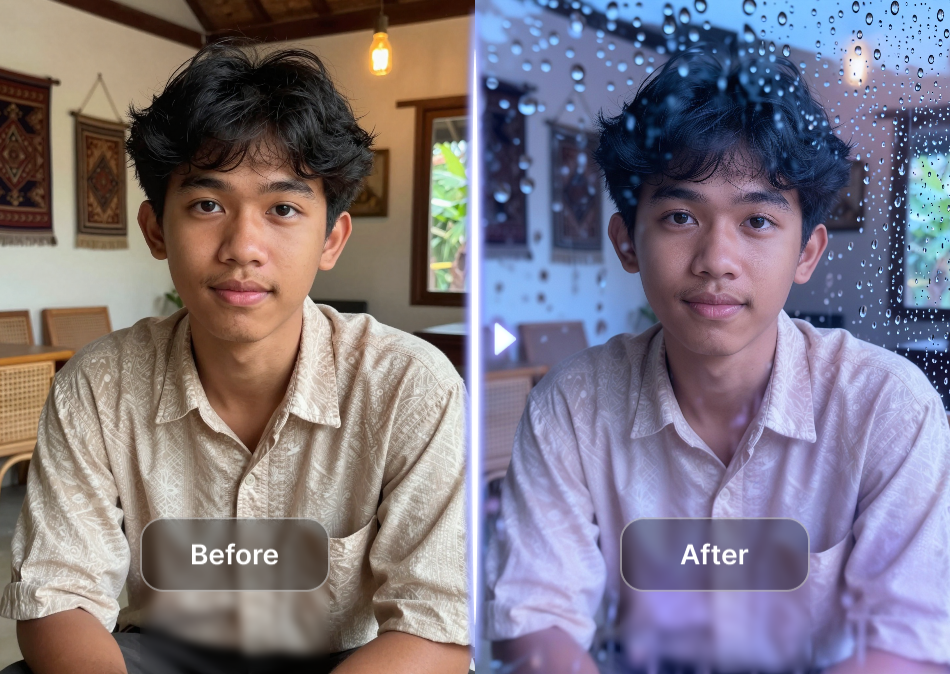
You do not need photography or editing skills to create stunning monsoon portraits. Vimi handles all the technical work automatically. Just select a template and upload your photo. The AI produces professional quality images that look like they came from a studio shoot.
Easy Professional Results
You do not need photography or editing skills to create stunning monsoon portraits. Vimi handles all the technical work automatically. Just select a template and upload your photo. The AI produces professional quality images that look like they came from a studio shoot.
How to Create a Monsoon Portrait with Vimi?
Follow these simple steps to transform your photos into rainy season masterpieces.

Step 01.
Download Vimi from your app store and open it on your mobile device.

Step 02.
Browse the template library and choose your preferred monsoon style, then upload your photo.

Step 03.
Tap generate and wait seconds, then save your image to your device.
Frequently Asked Questions
Find clear answers to common questions and get the guidance you need to make the most of our platform, faster and easier.
More Topics You May Like
Explore more topics you may like and discover fresh ideas tailored to your interests.
AI Kungfu Video Generator
Ai Anime Bride Generator
AI Acrylic Standee Generator
3D Buddy
AI Kungfu Video Generator
Ai Anime Bride Generator
AI Acrylic Standee Generator
3D Buddy
Download Vimi and Start Your Monsoon Portrait Journey
Create atmospheric rainy season portraits with AI powered simplicity. Transform ordinary photos into extraordinary monsoon art today.

Download Vimi and Start Your Monsoon Portrait Journey
Create atmospheric rainy season portraits with AI powered simplicity. Transform ordinary photos into extraordinary monsoon art today.