Minimalist Double Exposure Portrait Maker
Vimi lets you blend two images into one artistic portrait. Choose a double exposure template, upload your photo, and add a landscape or texture. The AI combines them into a clean, modern artwork. All editing happens inside the Vimi mobile app.
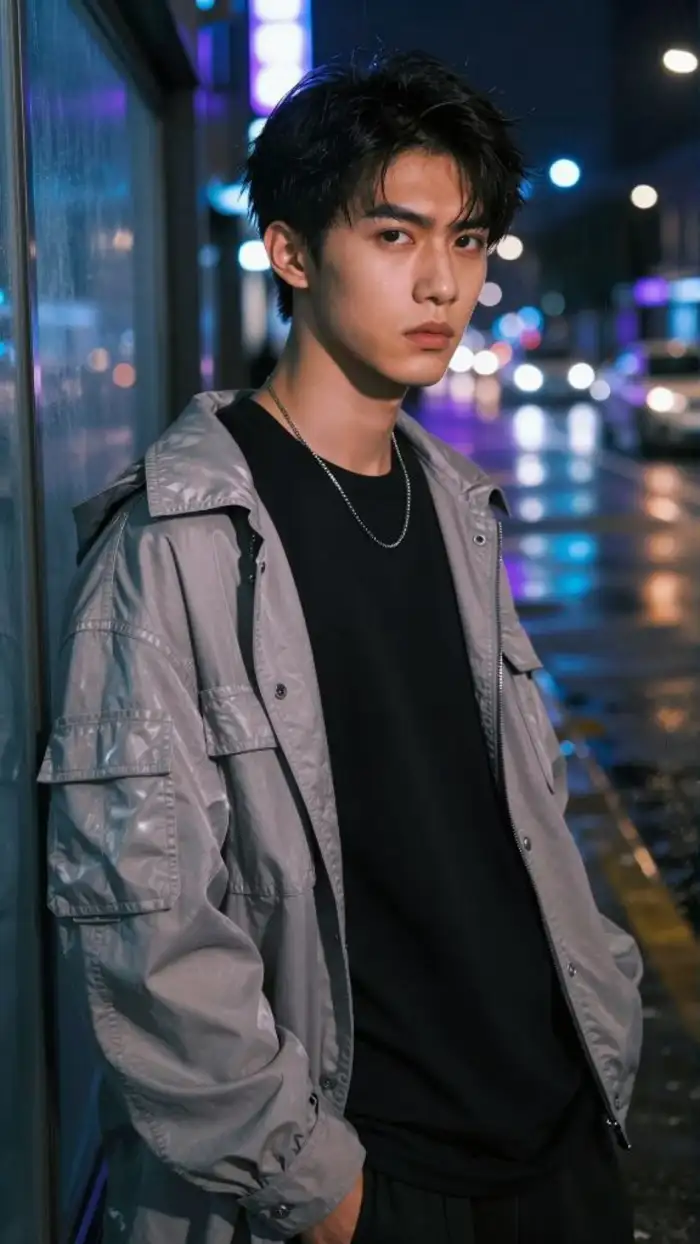 Before
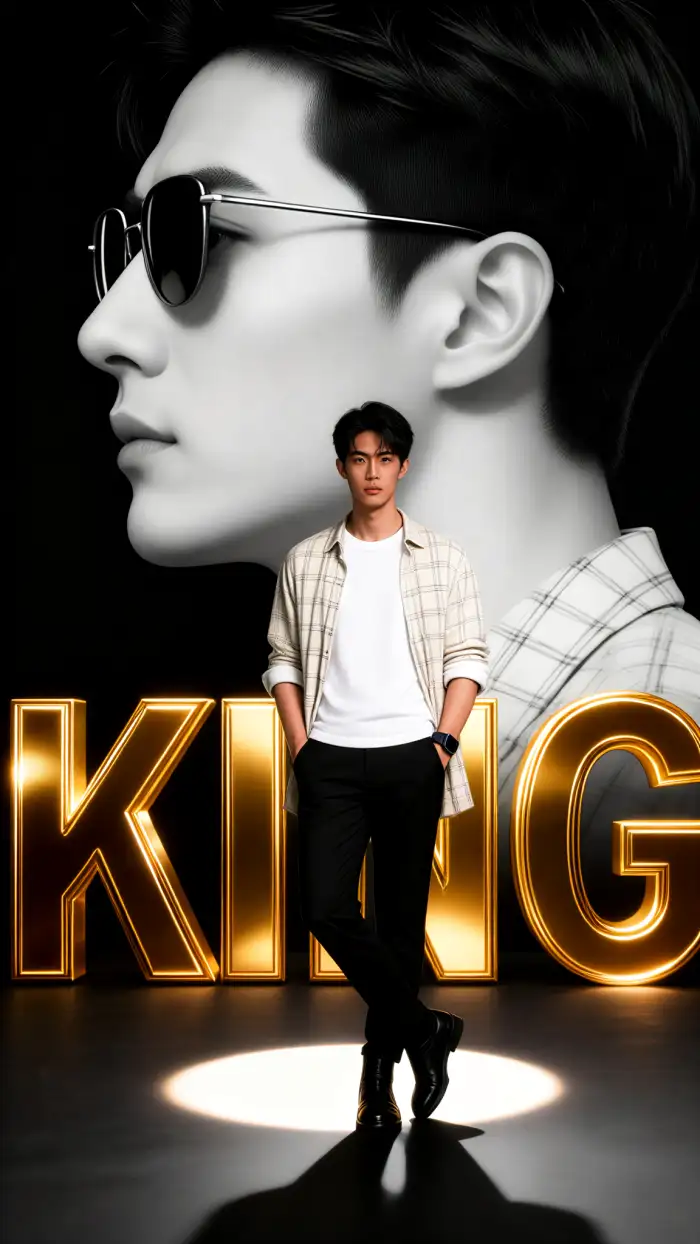 After
After
Vimi Studio
Switch to Vimi Studio on APP for advanced control and unlimited exports.

Explore the Minimalist Double Exposure Portrait Maker
Discover the minimalist double exposure portrait maker filter that perfectly suits you.
Unlimited Ready to Use Double Exposure Templates
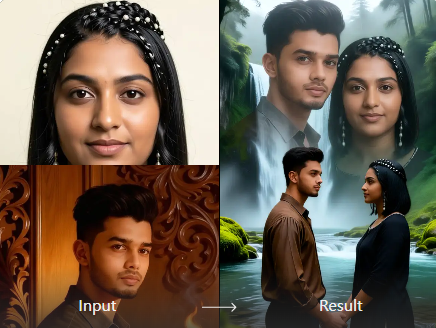
Access our growing library of double exposure overlay textures or upload your own photos. Our AI blends your portrait with the texture while keeping facial features clear and natural. Great double exposure for any portrait, any style, any creative vision you have.
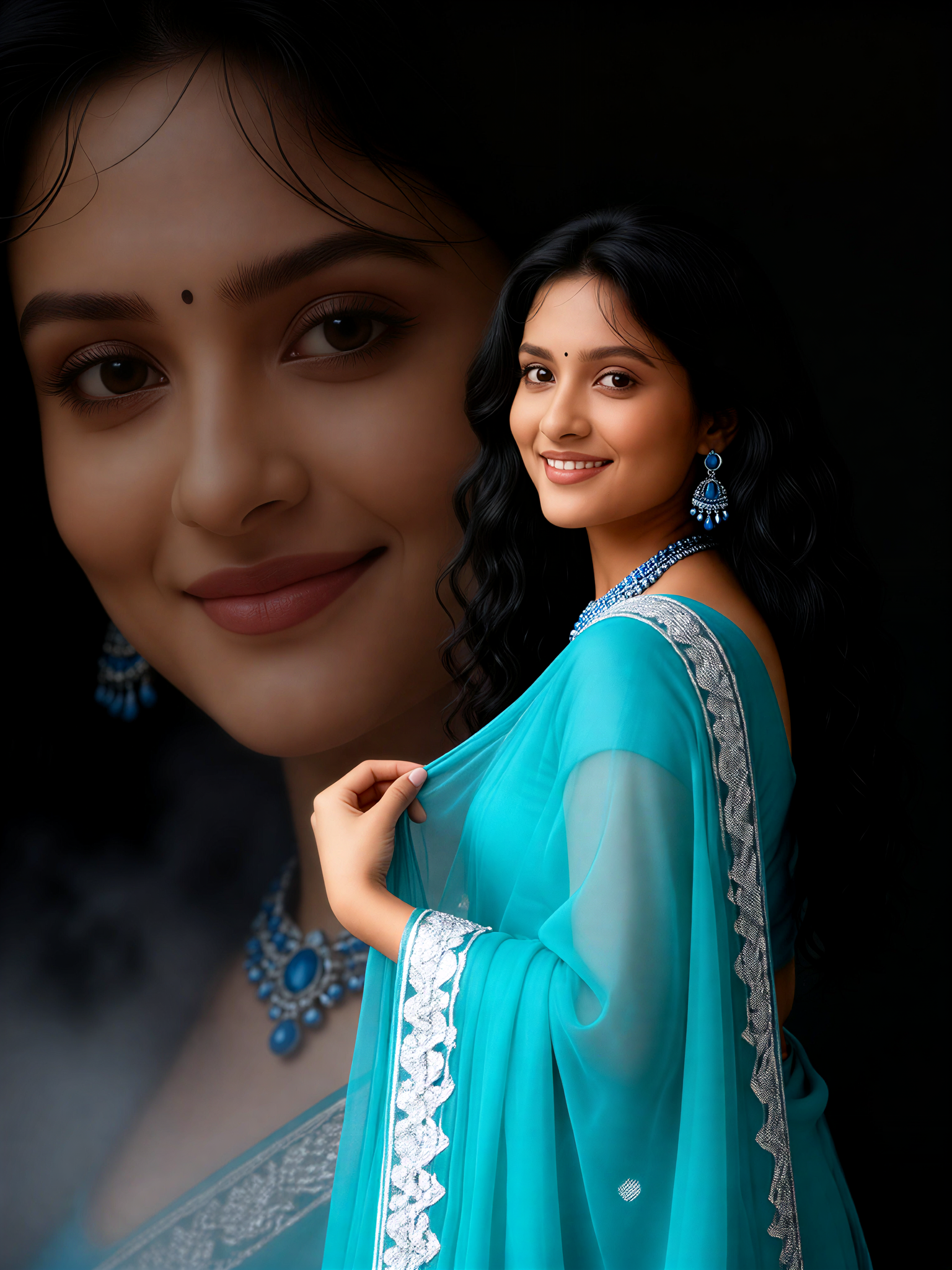
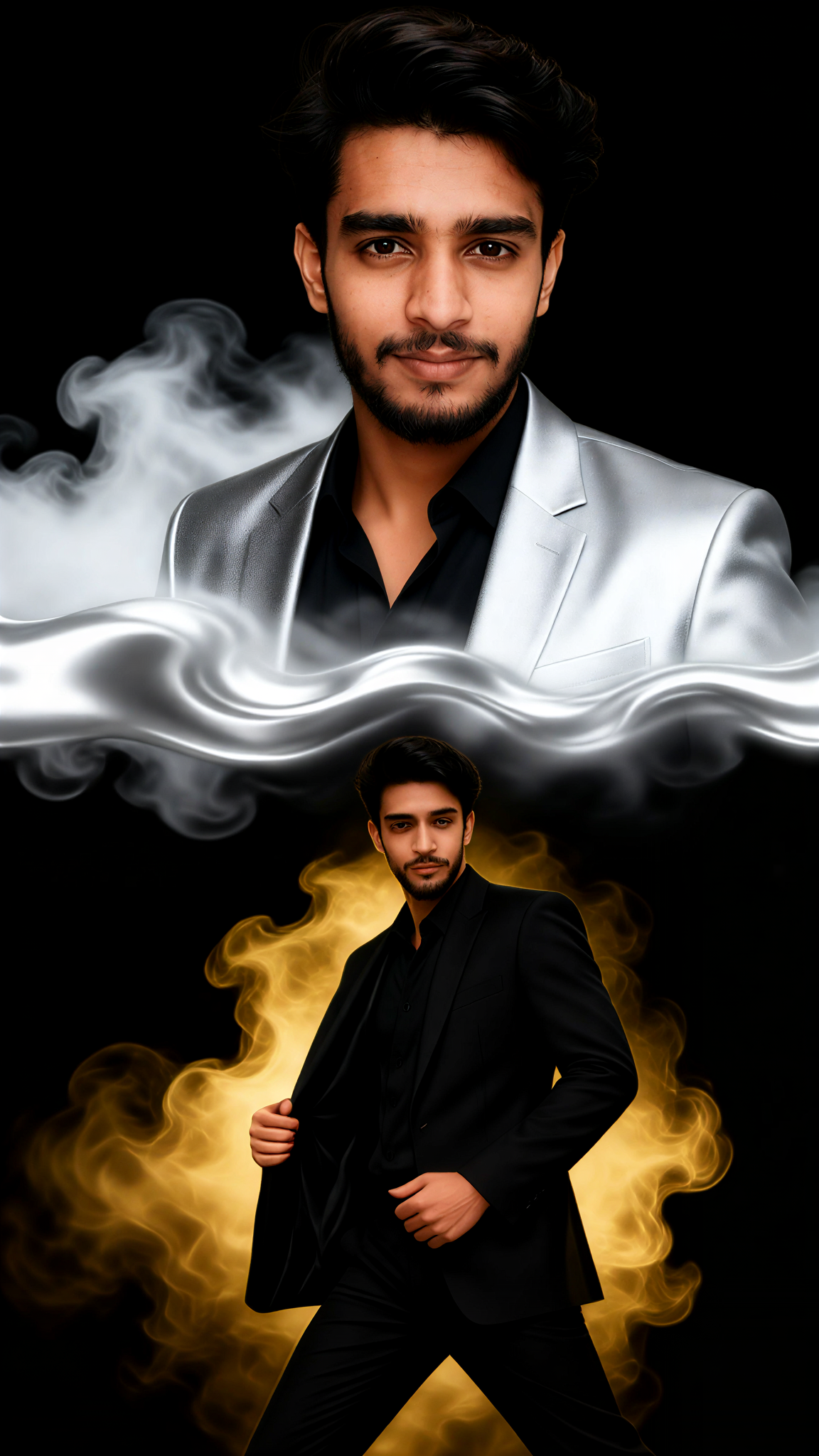
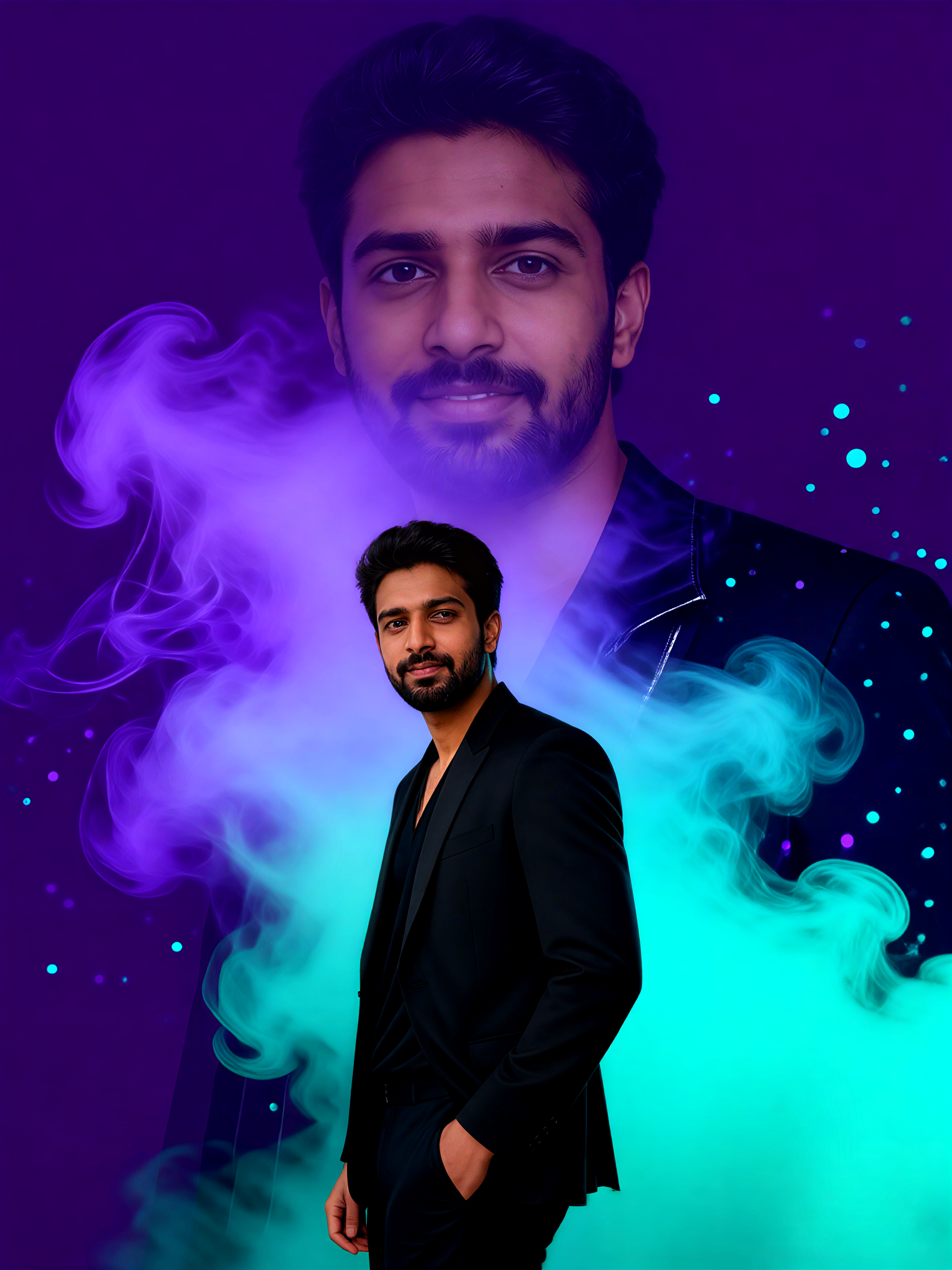
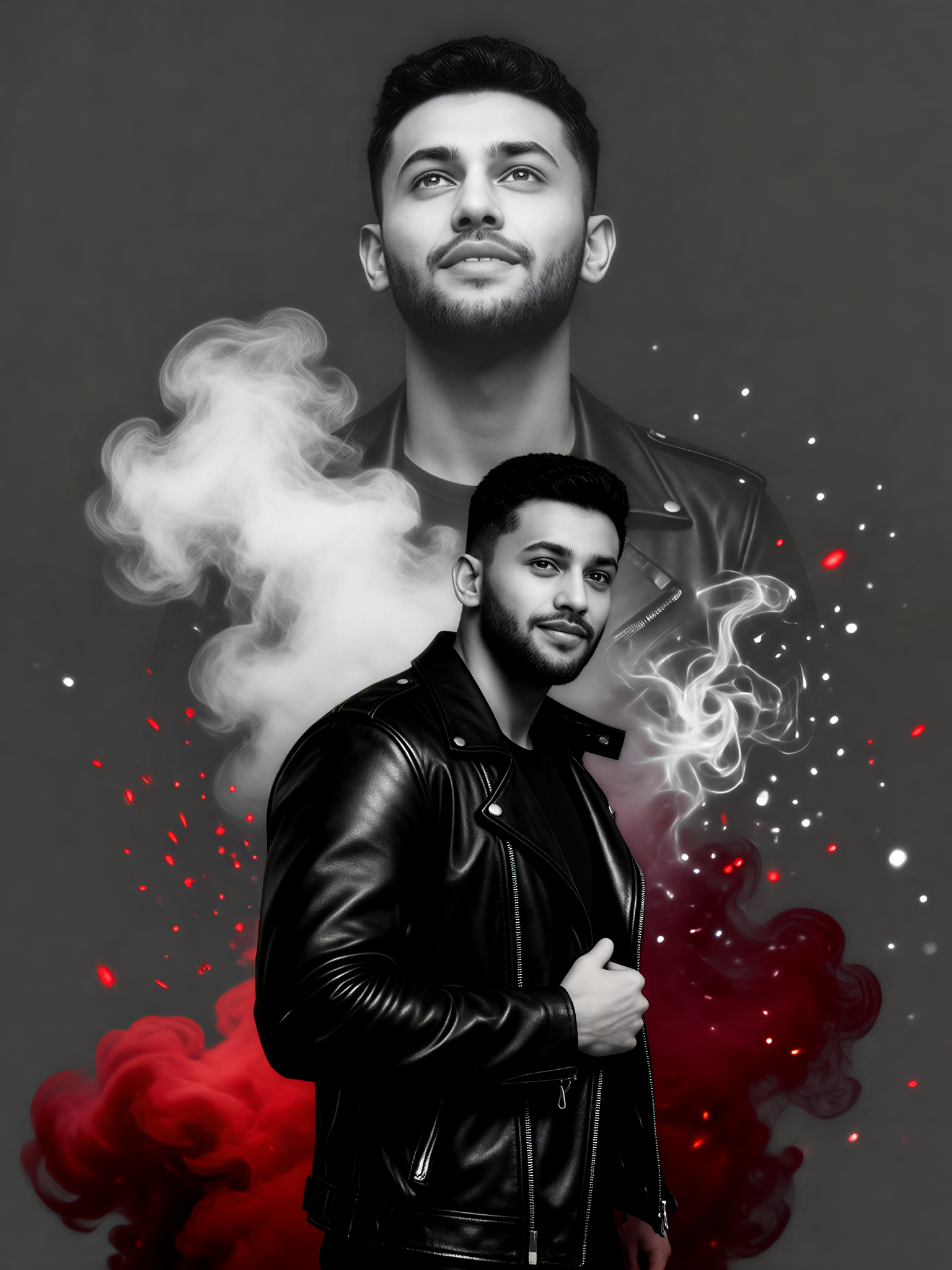

Key Features of Vimi Minimalist Double Exposure Portrait Maker
Explore the core tools that turn your photos into minimalist double exposure art using simple template based workflows.
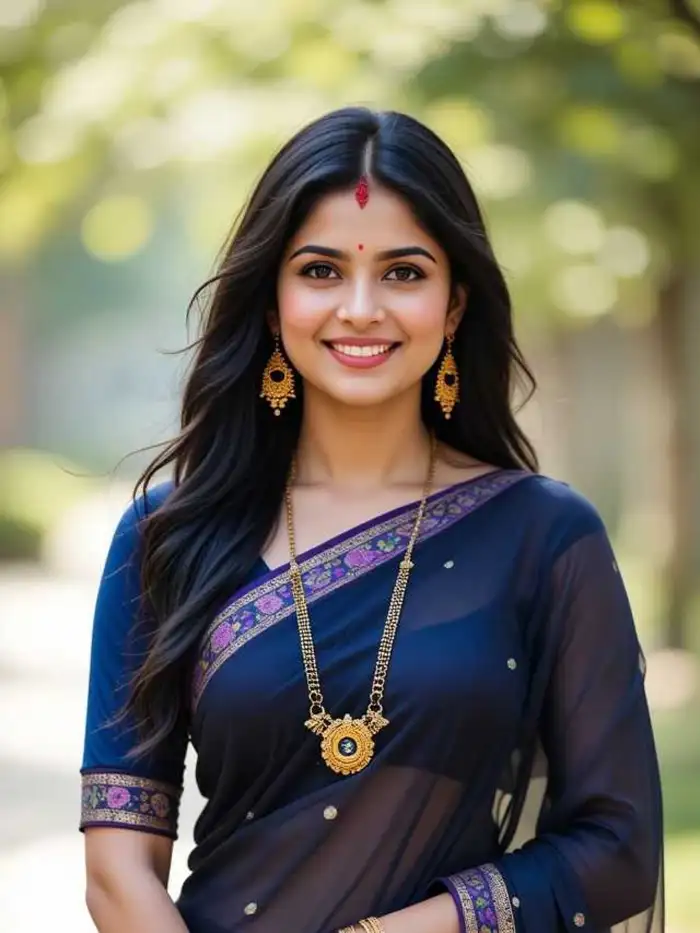 Before
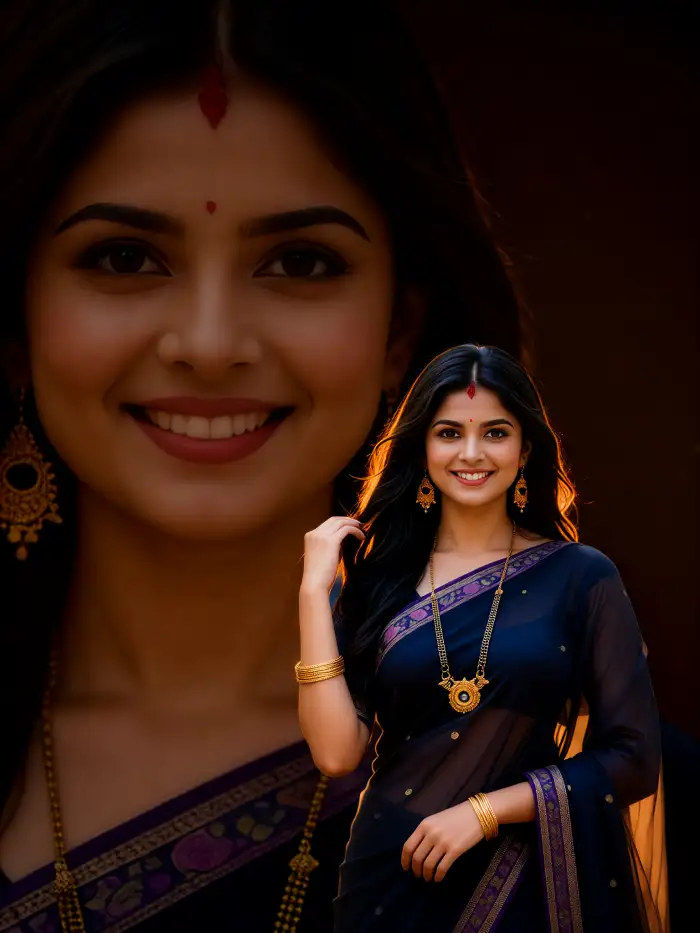 After
AfterOne Tap Template Application
Pick a double exposure template from the Vimi library. Each template comes with preset blend modes and opacity levels. You do not need to adjust layers or masks manually. Just tap apply and the AI sets up the effect instantly.
BeforeAfterOne Tap Template Application
Pick a double exposure template from the Vimi library. Each template comes with preset blend modes and opacity levels. You do not need to adjust layers or masks manually. Just tap apply and the AI sets up the effect instantly.
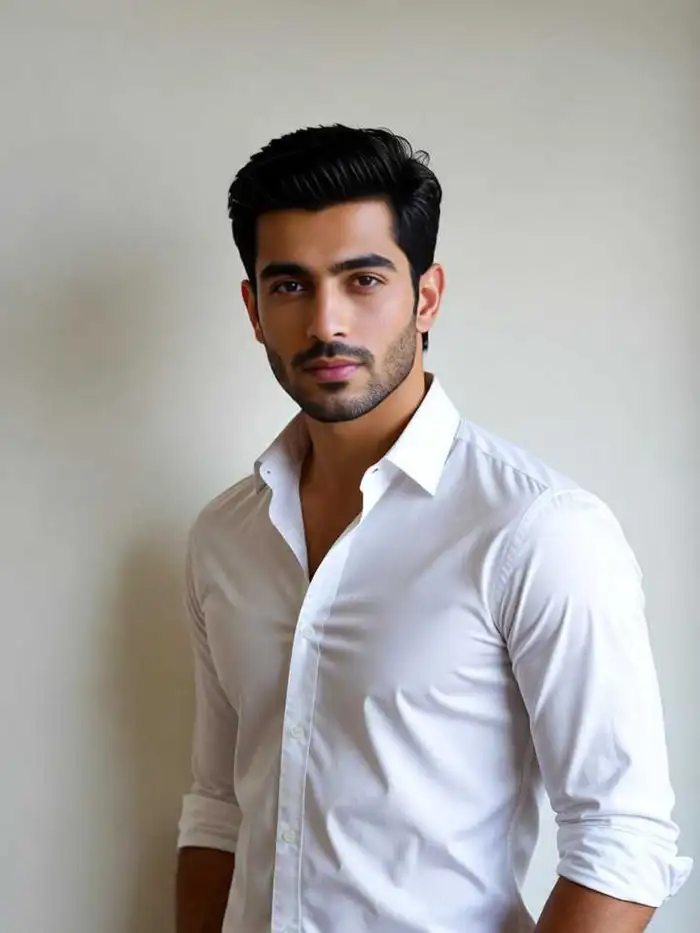 Before
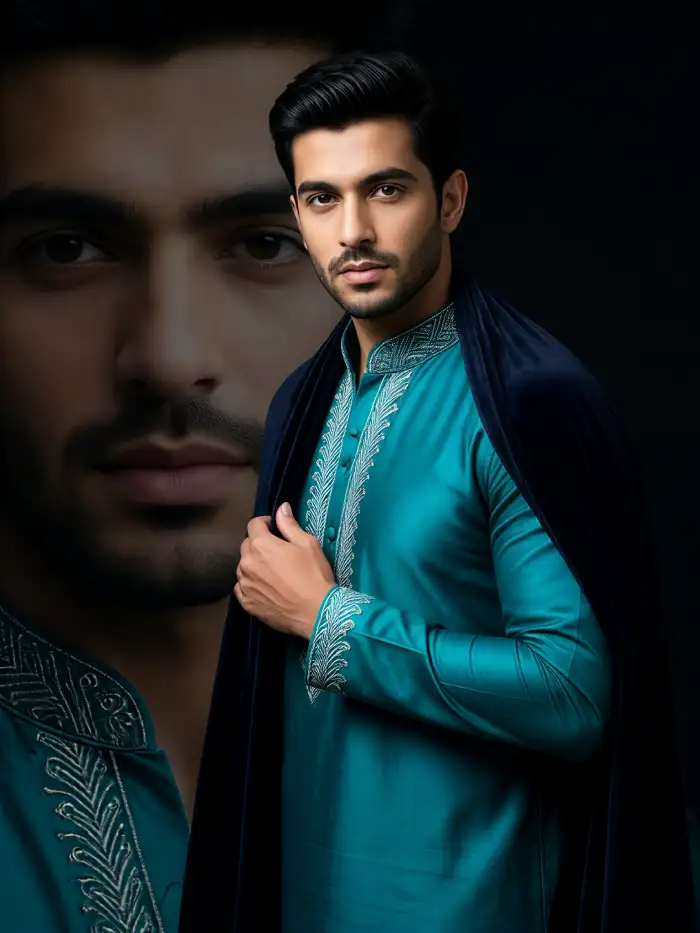 After
AfterAI Powered Face Preservation
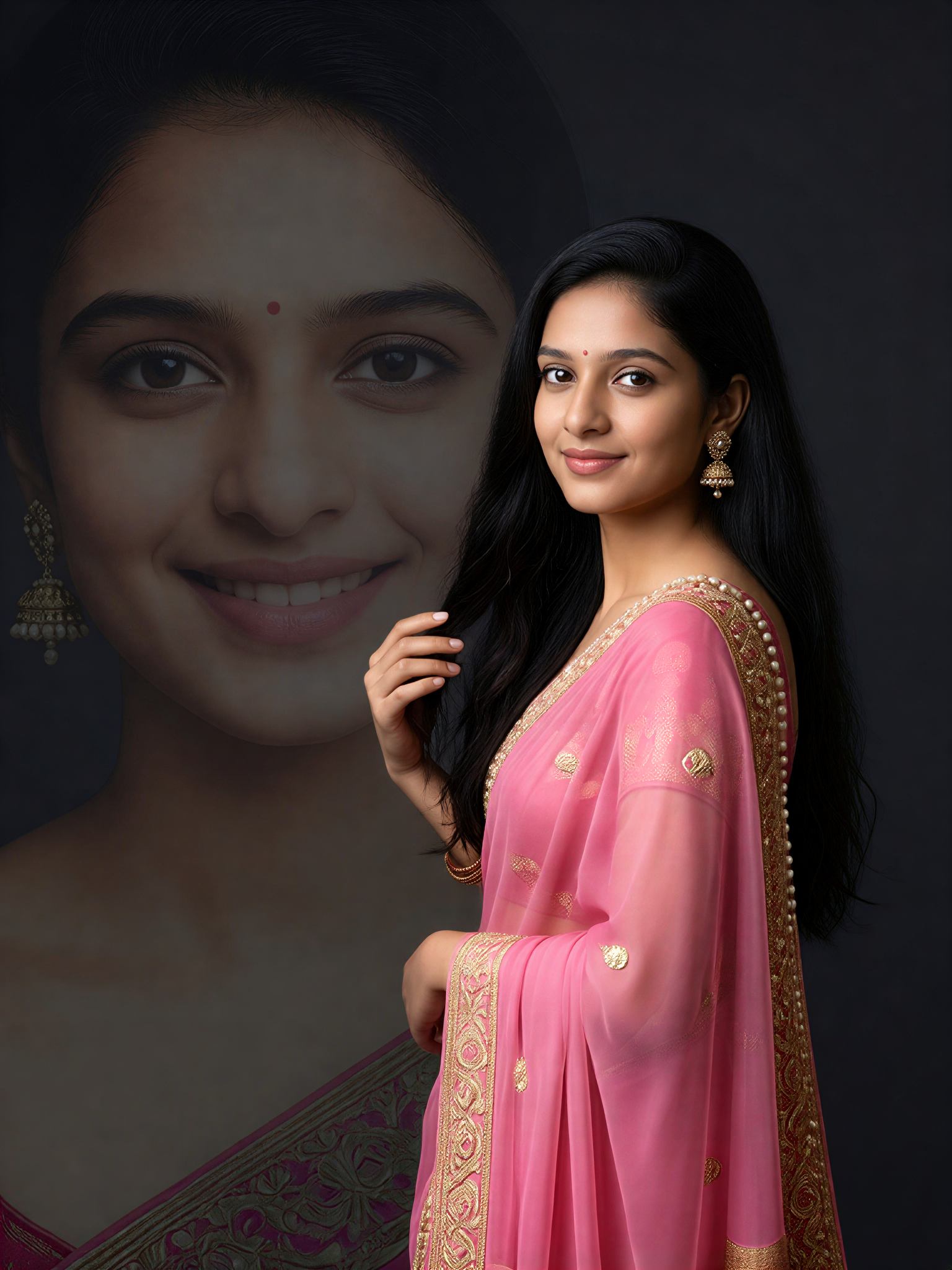
The AI detects your facial features before blending. It keeps your eyes, nose, and mouth clear and natural. The background or texture merges around your face, not over it. Your portrait stays recognizable while the double exposure effect adds artistic depth.
BeforeAfterAI Powered Face Preservation
The AI detects your facial features before blending. It keeps your eyes, nose, and mouth clear and natural. The background or texture merges around your face, not over it. Your portrait stays recognizable while the double exposure effect adds artistic depth.
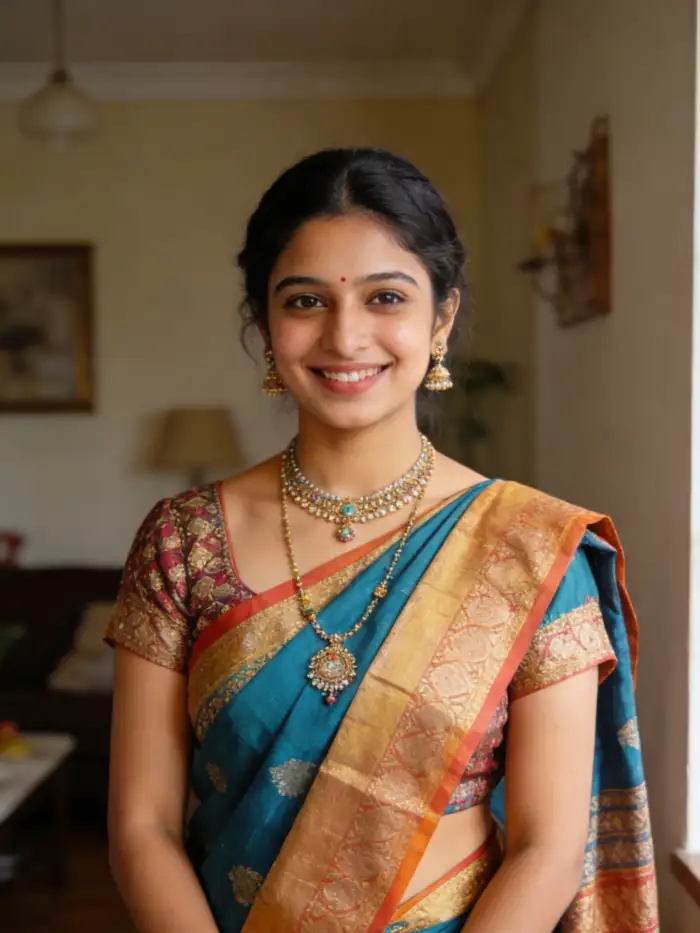 Before
 After
AfterReal Time Blend Preview
See how your photo merges with the chosen texture or scene before you save it. The preview updates as you switch templates. You can compare different styles side by side. This helps you pick the final look without generating multiple drafts.
BeforeAfterReal Time Blend Preview
See how your photo merges with the chosen texture or scene before you save it. The preview updates as you switch templates. You can compare different styles side by side. This helps you pick the final look without generating multiple drafts.
 Before
 After
AfterRich Texture And Scene Library
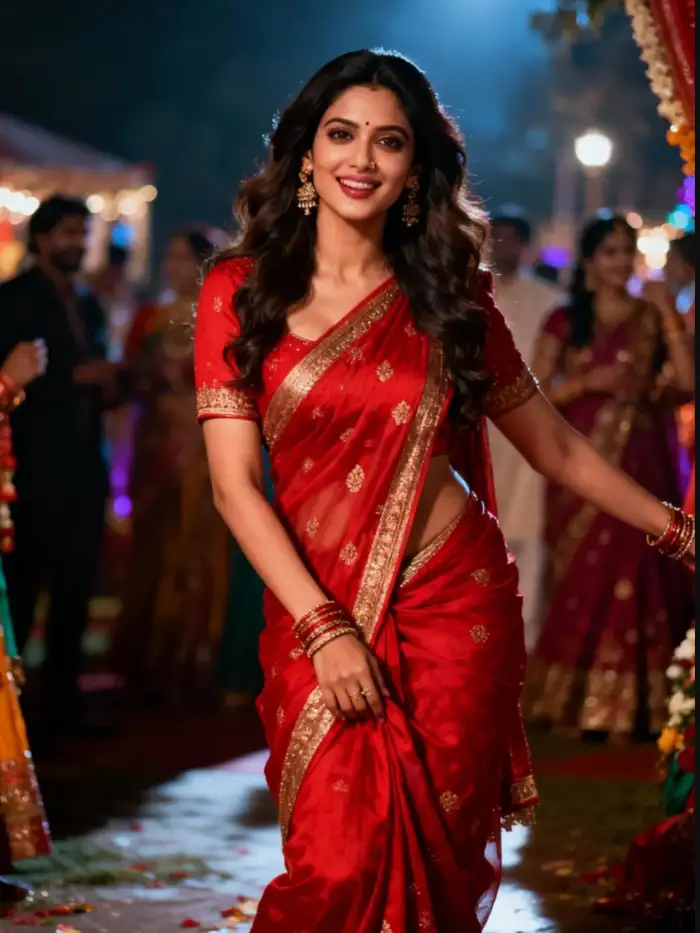
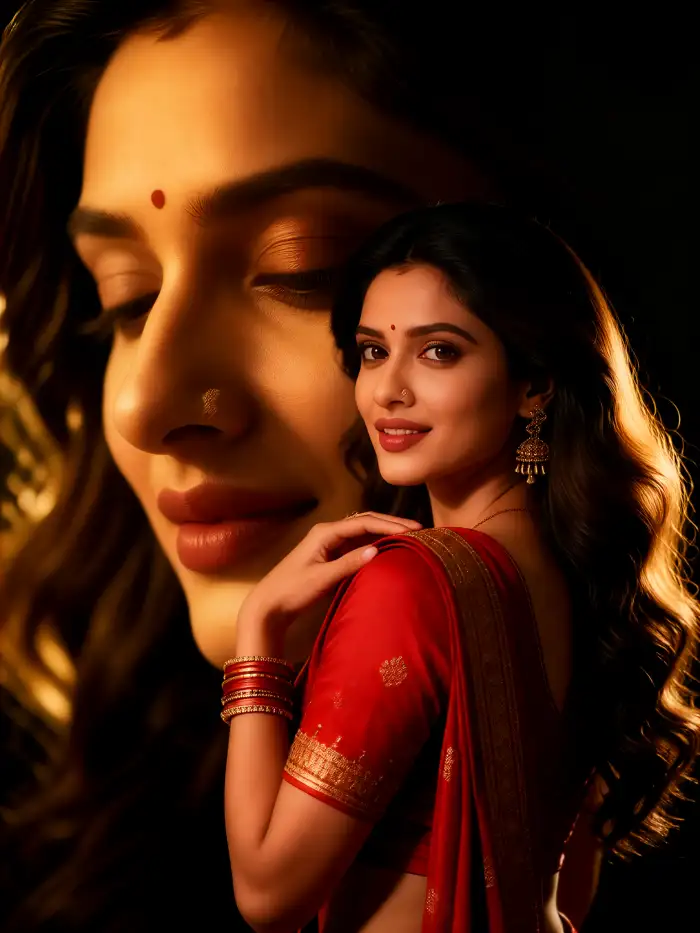
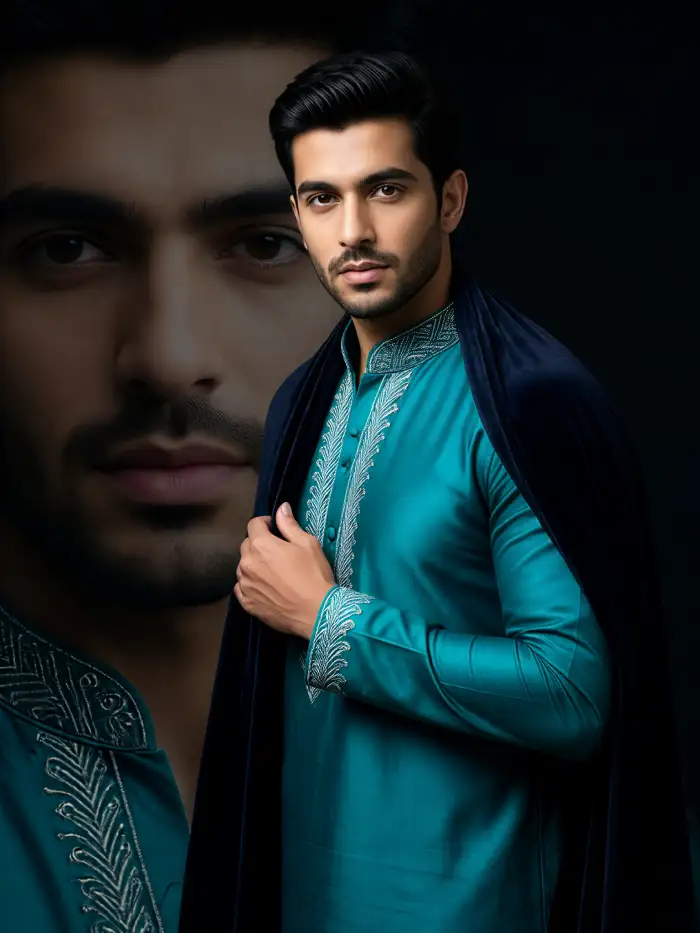
Choose from dozens of overlay options. Pick city skylines, mountain ranges, flower fields, or abstract geometric patterns. Each texture is optimized for double exposure effects. New overlays are added weekly so you always have fresh options.
BeforeAfterRich Texture And Scene Library
Choose from dozens of overlay options. Pick city skylines, mountain ranges, flower fields, or abstract geometric patterns. Each texture is optimized for double exposure effects. New overlays are added weekly so you always have fresh options.
 Before
 After
AfterFast Mobile Only Generation
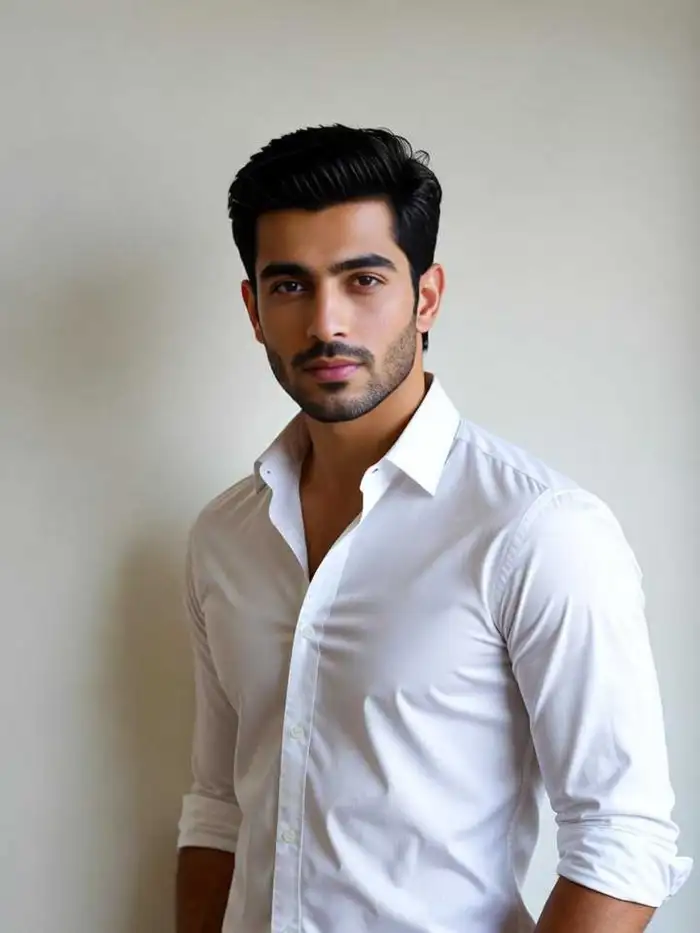
All double exposure creations happen inside the Vimi mobile app. No web based editors or desktop software needed. Select a template, upload your portrait, pick an overlay, and generate in 10 to 20 seconds. The result saves directly to your device.
BeforeAfterFast Mobile Only Generation
All double exposure creations happen inside the Vimi mobile app. No web based editors or desktop software needed. Select a template, upload your portrait, pick an overlay, and generate in 10 to 20 seconds. The result saves directly to your device.
Why Choose Vimi for Minimalist Double Exposure Portraits
You do not need to know Photoshop or layer masking. Vimi handles all the technical blending. The templates do the heavy lifting. You just pick your photo and choose an overlay. The AI produces a professional looking double exposure portrait in under a minute.
Why Choose Vimi for Minimalist Double Exposure Portraits
You do not need to know Photoshop or layer masking. Vimi handles all the technical blending. The templates do the heavy lifting. You just pick your photo and choose an overlay. The AI produces a professional looking double exposure portrait in under a minute.
How To Make A Minimalist Double Exposure Portrait Using Vimi?
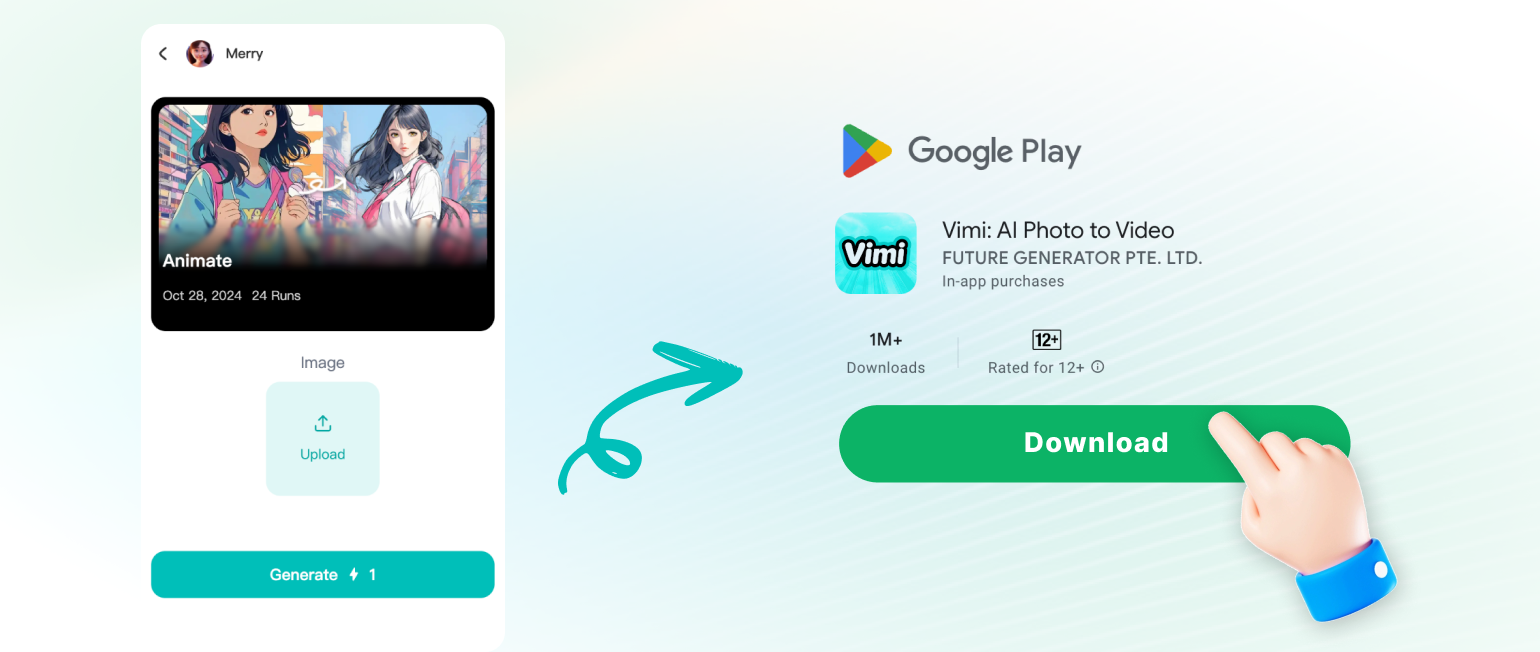
Follow these three quick steps to generate your own double exposure portrait inside the Vimi mobile app.
What Users Say About Vimi Double Exposure Tool
Artistic Results In Seconds
I love how the AI blends textures without losing my face. The city skyline overlay made my profile picture look like gallery art.
Perfect For My Photography Portfolio
I use Vimi to create concept portraits for my clients. The double exposure style adds a creative edge. My clients always ask how I made them.
Great For Consistent Branding
I generated five portraits with different backgrounds but the same face. My Instagram feed looks consistent now. The AI keeps my features stable.
Frequently Asked Questions
Find clear answers to common questions and get the guidance you need to make the most of our platform, faster and easier.
More Topics You May Like
Explore more topics you may like and discover fresh ideas tailored to your interests.
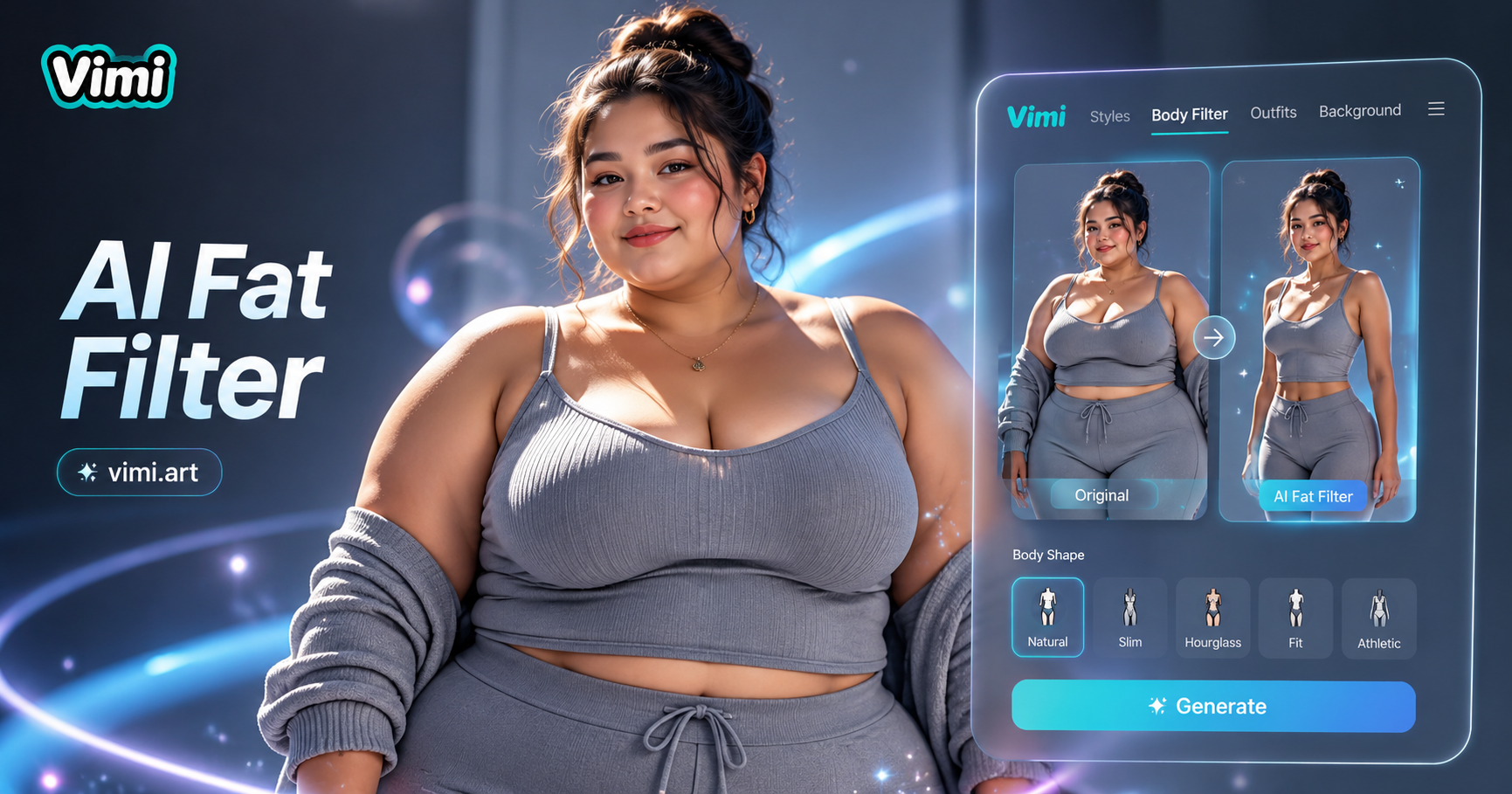
Vimi AI Fat Filter: Add Healthy Weight to Your Photos for Fun
Transform Your Look With The AI Korean Male Hairstyle Generator

Vimi AI Alien Abduction Video Generator: Create Sci Fi Pet Content

Vimi AI Animal Weight Lifting Video Generator: Turn Pets Into Gym Stars
Vimi AI Fat Filter: Add Healthy Weight to Your Photos for Fun
Transform Your Look With The AI Korean Male Hairstyle Generator
Vimi AI Alien Abduction Video Generator: Create Sci Fi Pet Content
Vimi AI Animal Weight Lifting Video Generator: Turn Pets Into Gym Stars
Download Vimi And Start Creating Today
Pick a template, upload your portrait, and let the AI blend it with stunning textures. All inside the Vimi mobile app.
Download Vimi And Start Creating Today
Pick a template, upload your portrait, and let the AI blend it with stunning textures. All inside the Vimi mobile app.