Ai Fat Filter
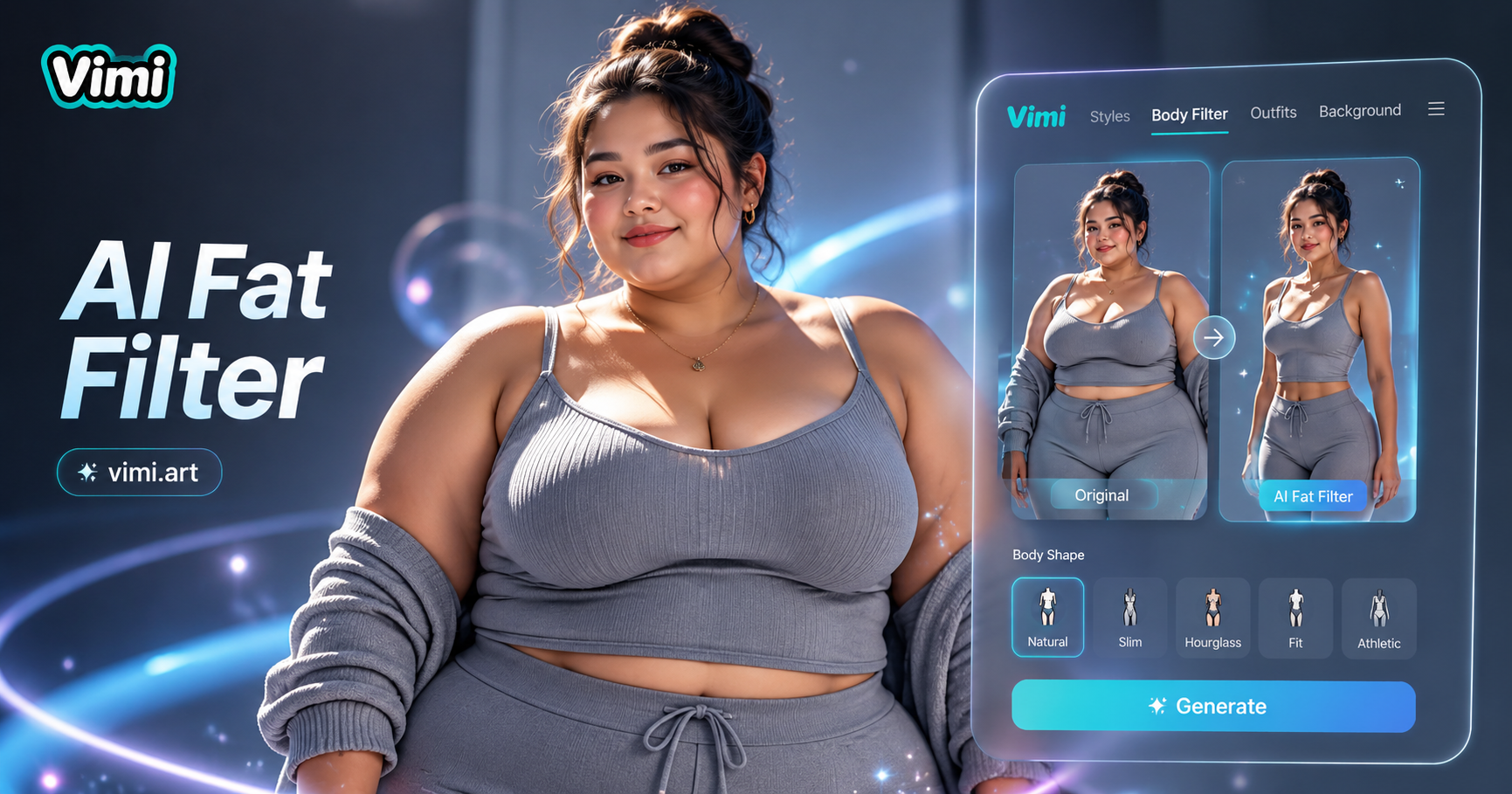
Fat preg dancer

Key Features of Vimi AI Fat Filter That Make Transformation Easy
Find the tools that help you create realistic and entertaining weight gain effects with Vimi's AI powered technology.
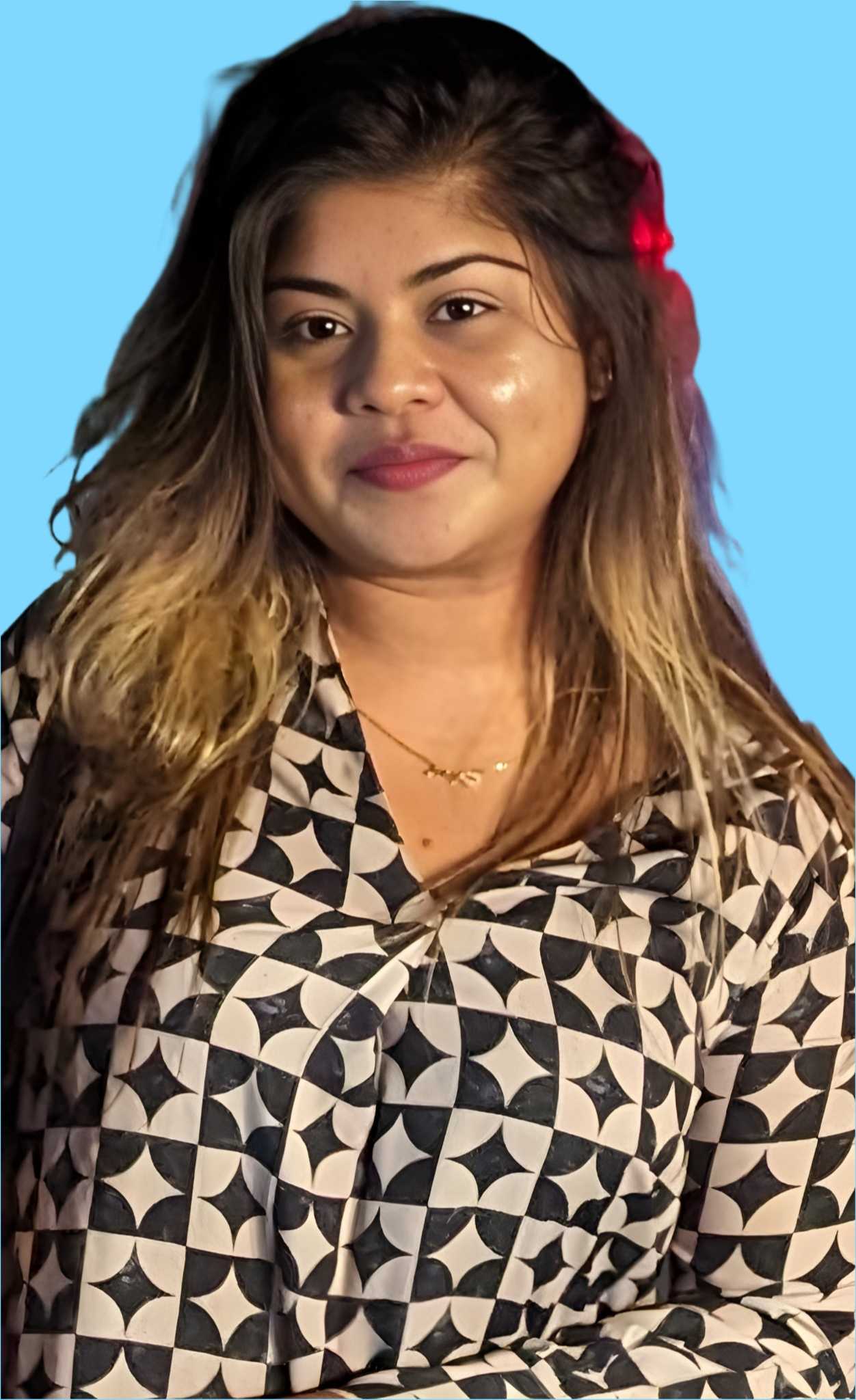
 Before
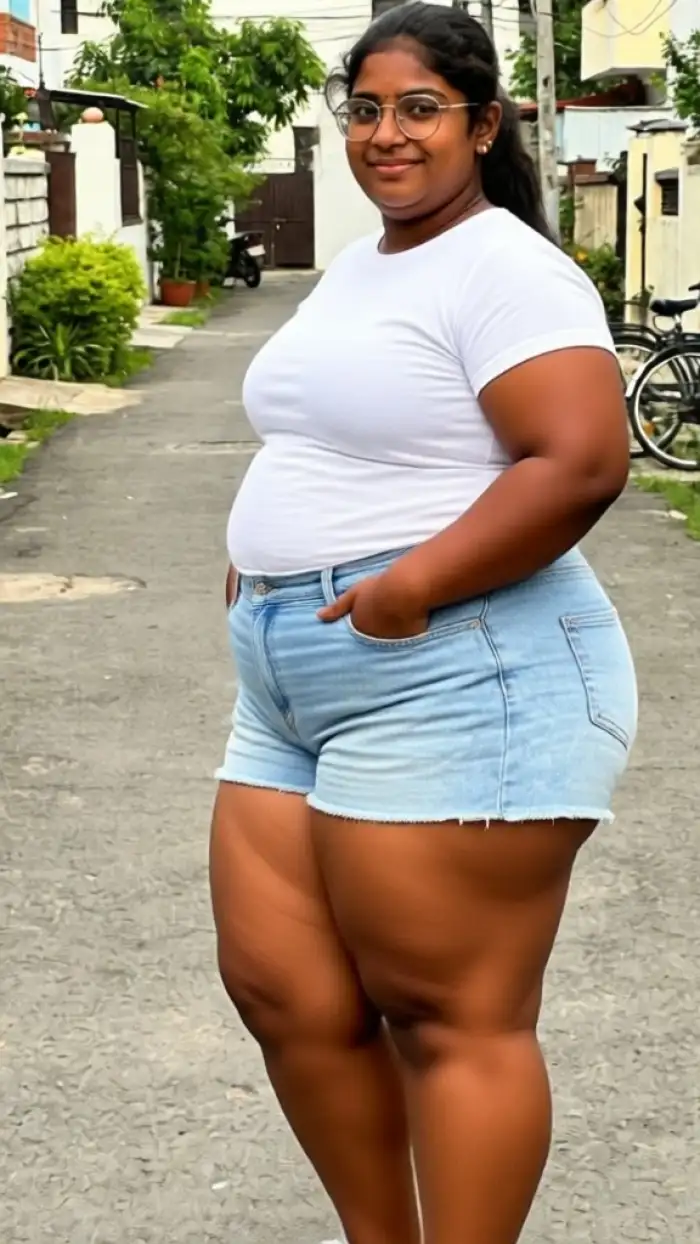 After
AfterSmart Volume Detection
Vimi scans your photo and identifies areas where extra volume would look natural. The AI adds fullness to cheeks, arms, and torso while keeping your original shape recognizable. You get a believable chubbier version of yourself without cartoonish distortion.
BeforeAfterSmart Volume Detection
Vimi scans your photo and identifies areas where extra volume would look natural. The AI adds fullness to cheeks, arms, and torso while keeping your original shape recognizable. You get a believable chubbier version of yourself without cartoonish distortion.
 Before
Adjustable Weight Levels
Choose from multiple intensity settings. Light mode adds a subtle softness. Strong mode creates a dramatic transformation for comedy or character roles. You control exactly how much volume you want to add to each photo.
BeforeAdjustable Weight Levels
Choose from multiple intensity settings. Light mode adds a subtle softness. Strong mode creates a dramatic transformation for comedy or character roles. You control exactly how much volume you want to add to each photo.
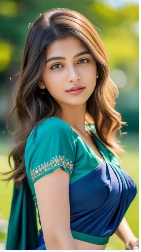 Before
One Tap Template System
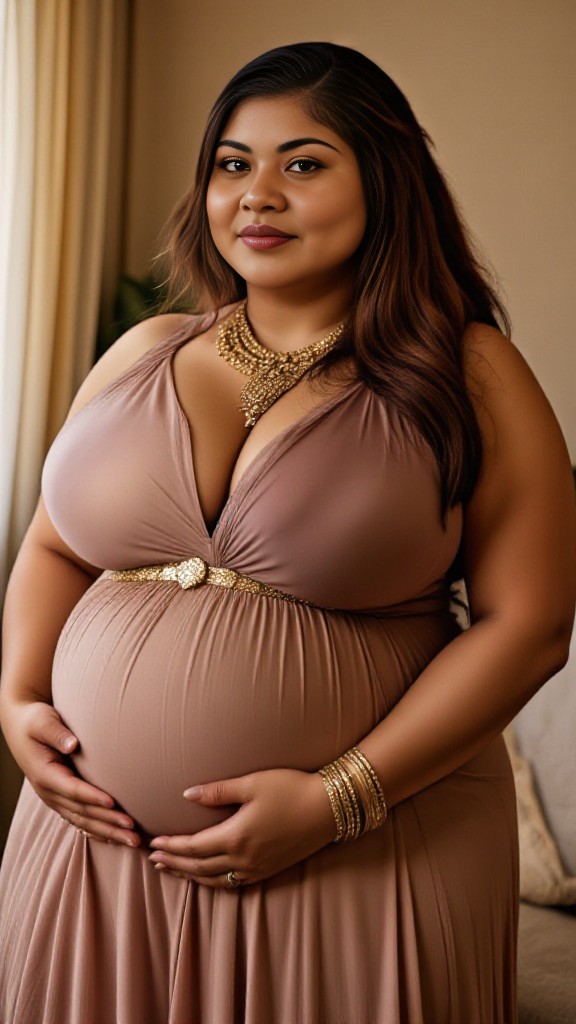
Dozens of weight gain templates are available for different looks. Some mimic pregnancy glow, others create cartoon style chubbiness, and some add a healthy winter weight. Simply tap a template and apply it instantly.
BeforeOne Tap Template System
Dozens of weight gain templates are available for different looks. Some mimic pregnancy glow, others create cartoon style chubbiness, and some add a healthy winter weight. Simply tap a template and apply it instantly.
How to Use Vimi AI Fat Filter in Minutes?
Creating your chubby photo with Vimi takes only a few quick steps. The entire process is simple and fast.

Step 01.
Open your app store, search for Vimi, and install the app on your mobile device. The app works on Android phones.

Step 02.
Browse the template library and select a weight gain template that matches your desired look. Tap the template to activate it for your photo.

Step 03.
Pick a photo from your gallery, tap the Generate button, and wait a few seconds. Review your new image and download it to your device.
Frequently Asked Questions
Find clear answers to common questions and get the guidance you need to make the most of our platform, faster and easier.
Who Uses AI Video Enhancement Online
Rachel Green
I used Vimi to create a pregnancy simulation for my announcement. Everyone thought it was real! The AI added volume so naturally. My family was amazed.

Mark Wilson
Our office had a funny photo day. We all used the fat filter and the results were hilarious. The app kept everyone recognizable but made us all look chubby and cute.

Lena Park
As a cosplayer, I use Vimi to test different character body types. The filter helps me visualize costumes without sewing. It saves me hours of trial and error.

Tom Baker
I love joining TikTok trends. The fat filter made my video go viral because the transformation was so smooth and believable. My followers doubled in a week.
Rachel Green
I used Vimi to create a pregnancy simulation for my announcement. Everyone thought it was real! The AI added volume so naturally. My family was amazed.
Mark Wilson
Our office had a funny photo day. We all used the fat filter and the results were hilarious. The app kept everyone recognizable but made us all look chubby and cute.
Lena Park
As a cosplayer, I use Vimi to test different character body types. The filter helps me visualize costumes without sewing. It saves me hours of trial and error.
Tom Baker
I love joining TikTok trends. The fat filter made my video go viral because the transformation was so smooth and believable. My followers doubled in a week.
Rachel Green
I used Vimi to create a pregnancy simulation for my announcement. Everyone thought it was real! The AI added volume so naturally. My family was amazed.
Mark Wilson
Our office had a funny photo day. We all used the fat filter and the results were hilarious. The app kept everyone recognizable but made us all look chubby and cute.
Lena Park
As a cosplayer, I use Vimi to test different character body types. The filter helps me visualize costumes without sewing. It saves me hours of trial and error.
Tom Baker
I love joining TikTok trends. The fat filter made my video go viral because the transformation was so smooth and believable. My followers doubled in a week.
More Topics You May Like
Explore more topics you may like and discover fresh ideas tailored to your interests.
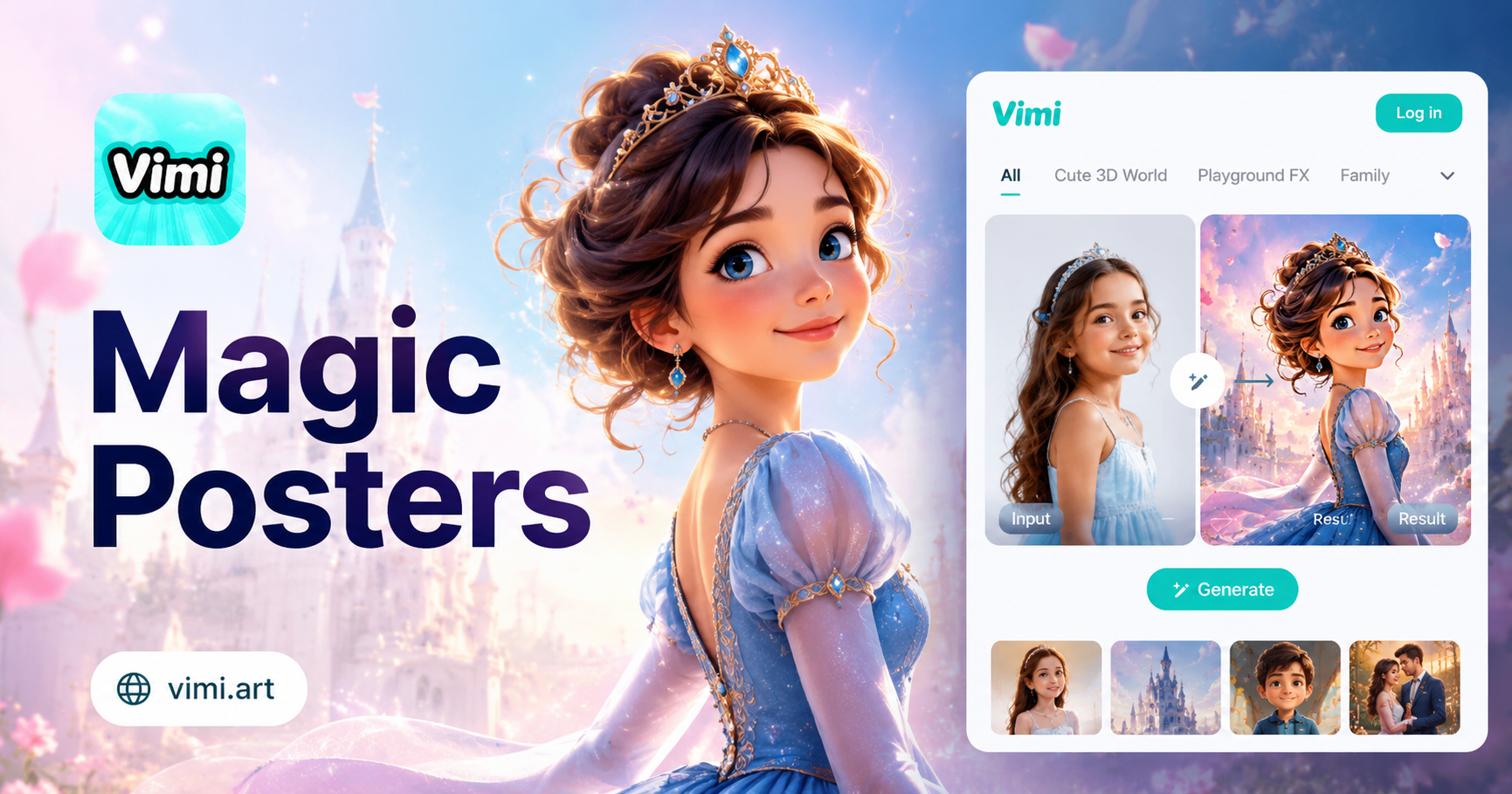
AI Disney Poster Generator
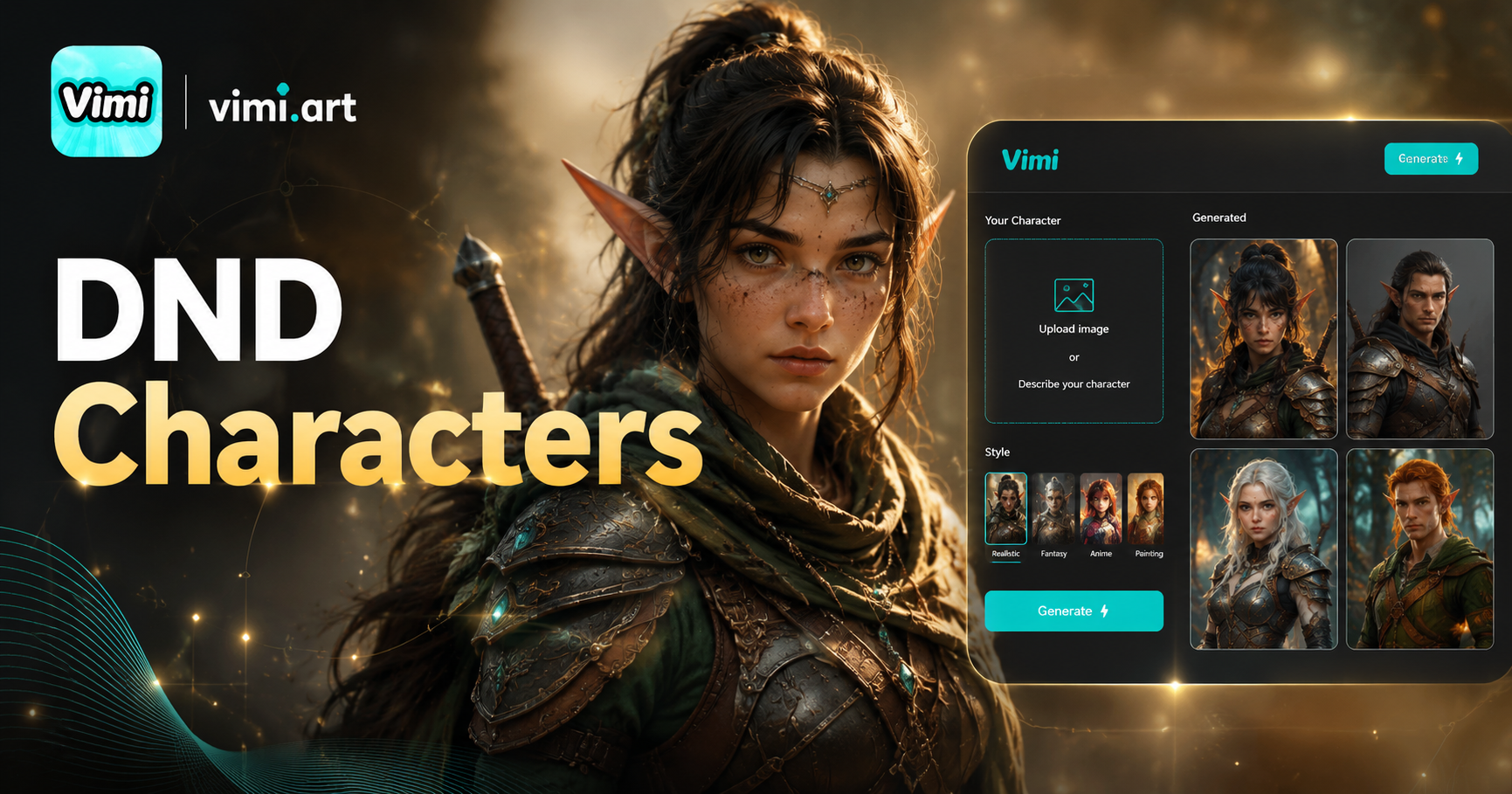
AI DnD Character Generator
AI Nail Art Generator
Cinematic Noir Portrait
AI Disney Poster Generator
AI DnD Character Generator
AI Nail Art Generator
Cinematic Noir Portrait
Transform Your Look with Vimi AI Fat Filter Today
Add natural weight to your portraits in seconds with AI powered templates. Thousands of fun styles await you.
Transform Your Look with Vimi AI Fat Filter Today
Add natural weight to your portraits in seconds with AI powered templates. Thousands of fun styles await you.