Jailer 2 Bomb Blast AI
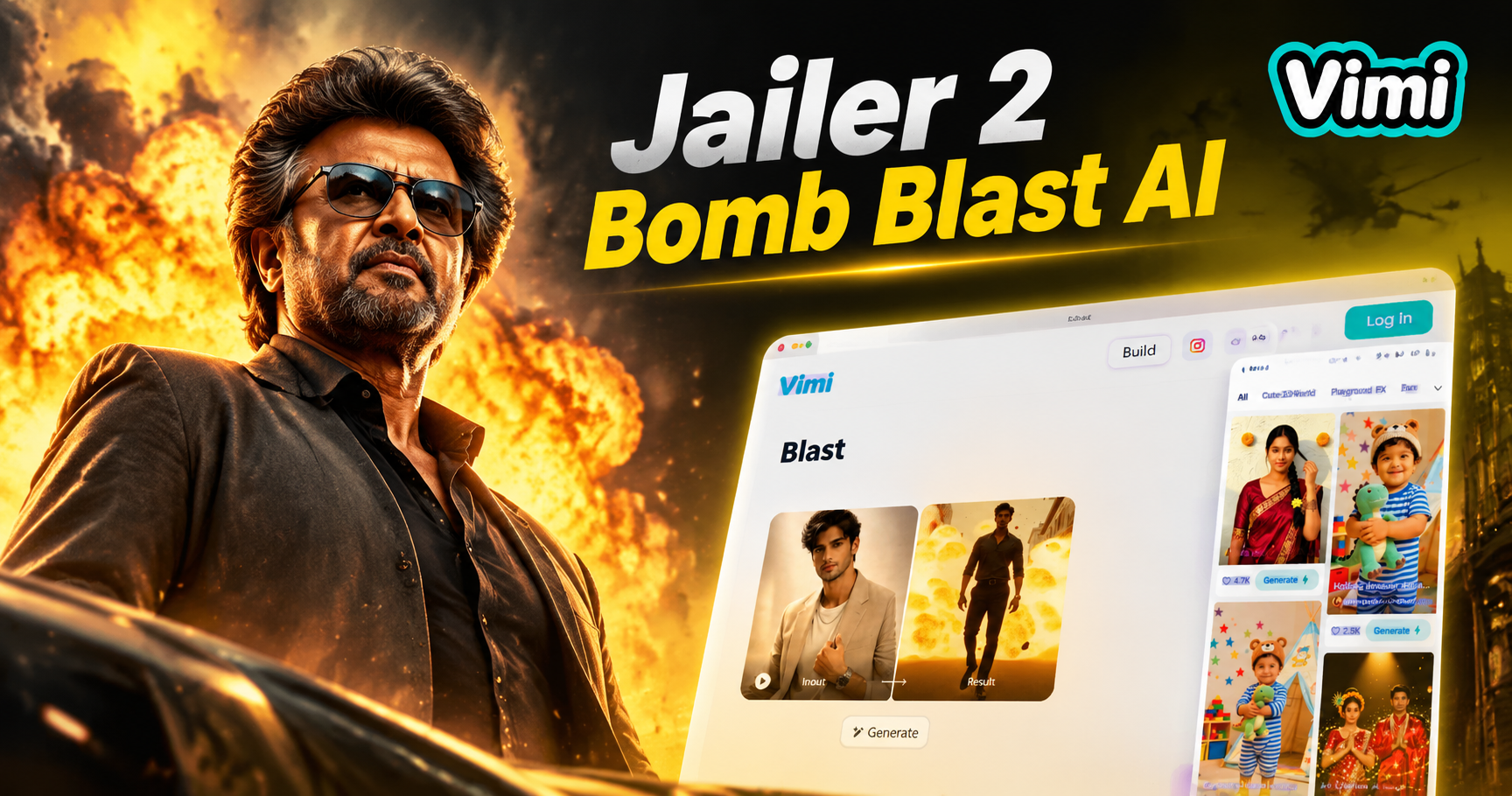
Choose the Jailer 2 Bomb Blast AI Filter
Discover the jailer 2 bomb blast ai filter that perfectly matches your style.
Vimi Filter Recommendation: Jailer 2 Bomb Blast AI
Step into the action with this explosive template. Vimi recreates the intense atmosphere of a blockbuster scene. Upload a single portrait and watch the app add smoke, fire glow, and dramatic lighting around your subject. The result looks like a movie still pulled straight from an action film.

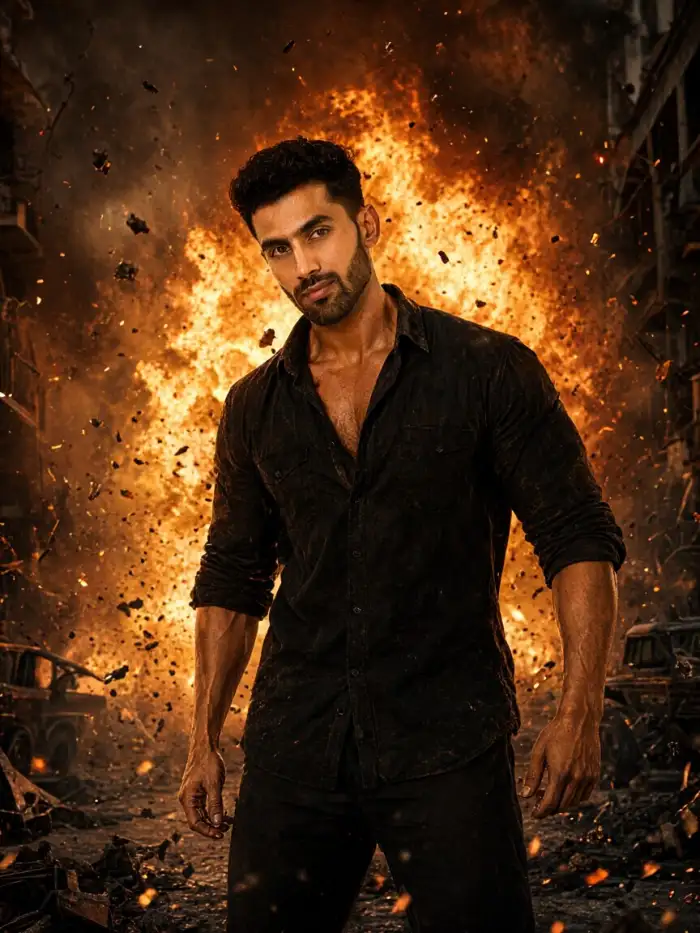
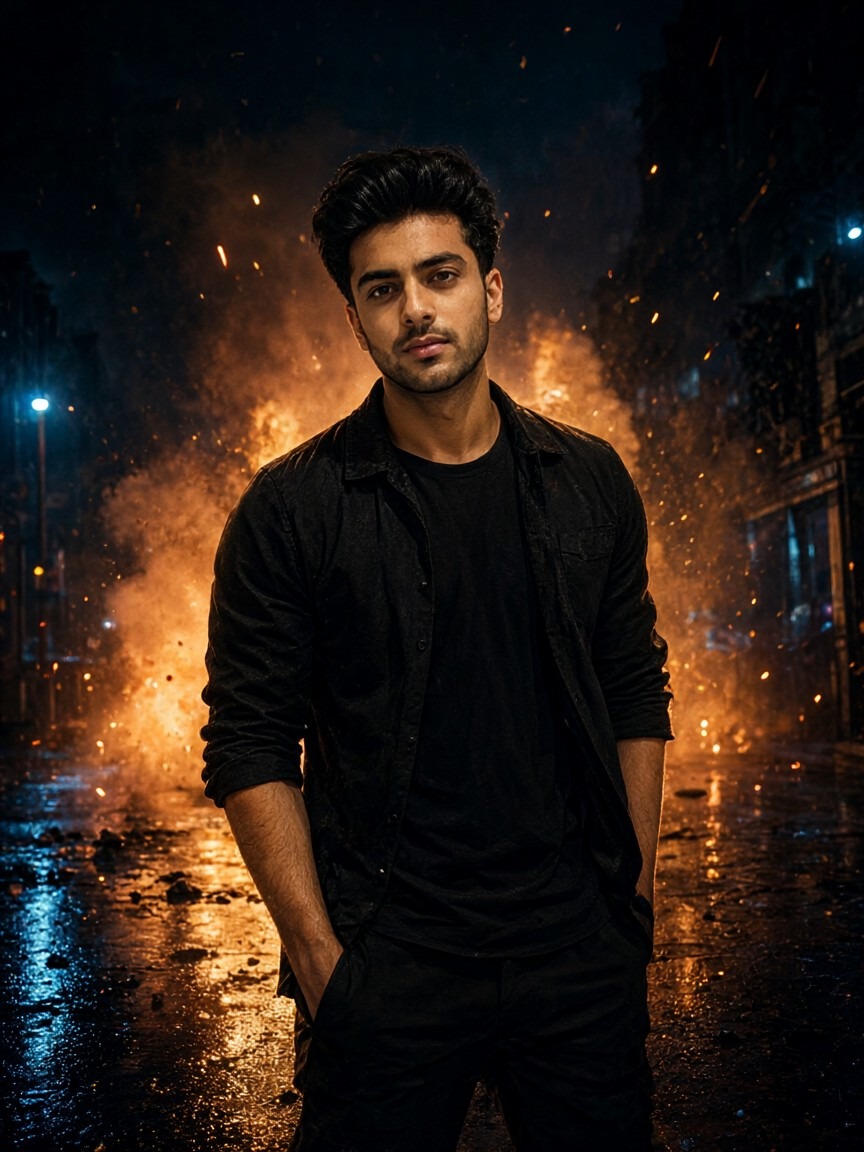
Why Choose Vimi for Jailer 2 Bomb Blast AI
Discover the tools that turn a simple portrait into a cinematic action frame with one tap.
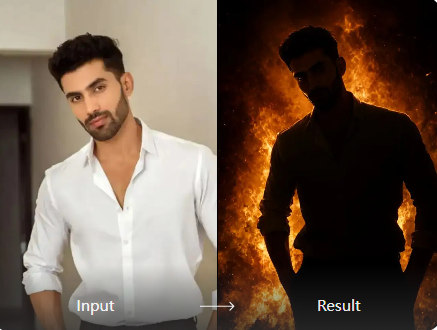
One Tap Effect
The Jailer 2 Bomb Blast AI template works with zero manual editing. Upload one clear portrait and tap generate. The app adds fire, smoke, and film style color grading. You get a finished action photo in under 20 seconds without learning any software.
One Tap Effect
The Jailer 2 Bomb Blast AI template works with zero manual editing. Upload one clear portrait and tap generate. The app adds fire, smoke, and film style color grading. You get a finished action photo in under 20 seconds without learning any software.
Explore Vimi Jailer 2 Bomb Blast AI Use Cases
Find the right moment to use this action template across social media, personal projects, and creative experiments.
 Before
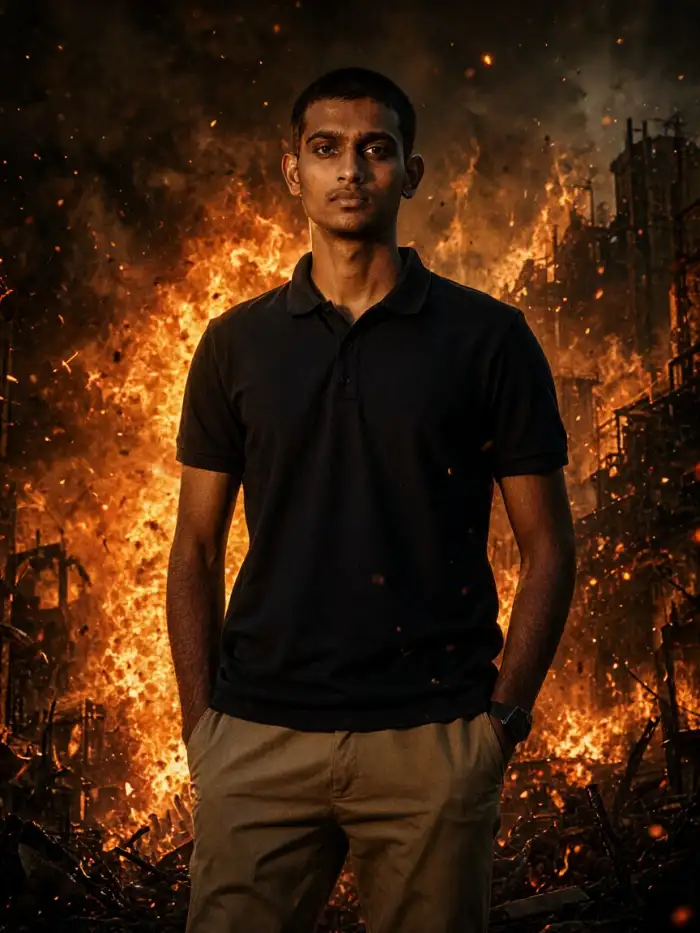 After
Social Media Posts
Create scroll stopping content for Instagram, TikTok, or X. A single portrait becomes a movie style action shot that grabs attention. Use it for profile pictures, story posts, or reaction images. The dramatic lighting and smoke effects make your post stand out in any feed.
BeforeAfterSocial Media Posts
Create scroll stopping content for Instagram, TikTok, or X. A single portrait becomes a movie style action shot that grabs attention. Use it for profile pictures, story posts, or reaction images. The dramatic lighting and smoke effects make your post stand out in any feed.
 Before
Video Loop Creation
Turn your action portrait into a short video loop. Vimi supports image to video generation with the same template. Your character can blink, turn slightly, or move through smoke. The result fits perfectly as a looping background or animated post.
BeforeVideo Loop Creation
Turn your action portrait into a short video loop. Vimi supports image to video generation with the same template. Your character can blink, turn slightly, or move through smoke. The result fits perfectly as a looping background or animated post.
 Before
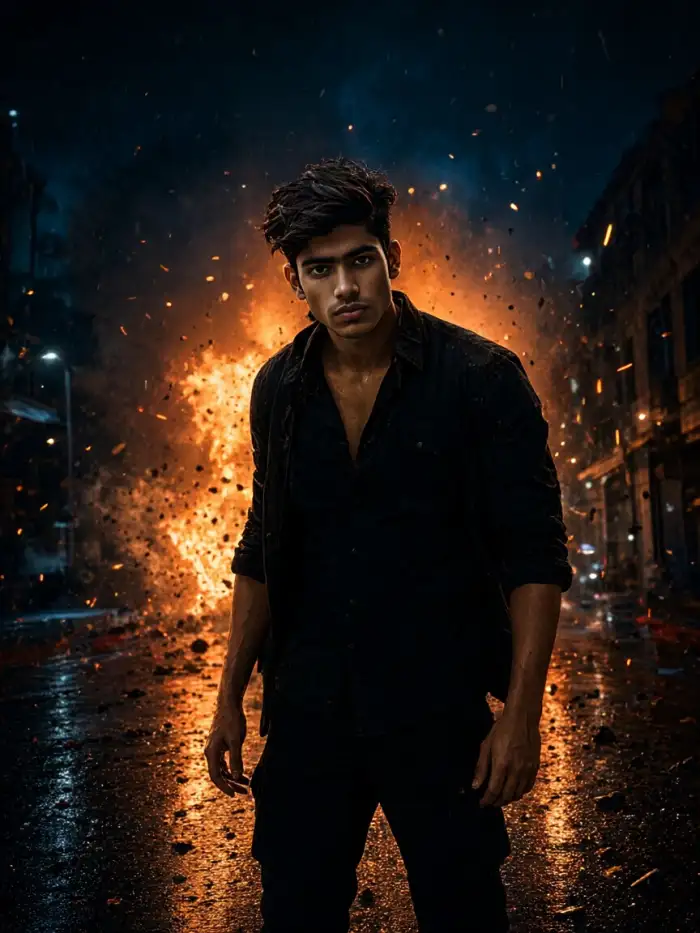 After
Character Series
Build a set of action images with the same face. Vimi keeps your identity consistent across every frame. Create a hero shot, a close up, and a wide scene. Each image looks like part of the same movie. This works well for storytellers and fan creators.
BeforeAfterCharacter Series
Build a set of action images with the same face. Vimi keeps your identity consistent across every frame. Create a hero shot, a close up, and a wide scene. Each image looks like part of the same movie. This works well for storytellers and fan creators.
How to Make Jailer 2 Bomb Blast AI?
Create your action shot in three simple steps using the Vimi mobile app.
YouTube Videos About Jailer 2 Bomb Blast AI Generator
Explore in-depth YouTube tutorials and demos that showcase the power and reliability of our AI Generator.
Frequently Asked Questions
Find clear answers to common questions and get the guidance you need to make the most of our platform, faster and easier.
More Topics You May Like
Explore more topics you may like and discover fresh ideas tailored to your interests.
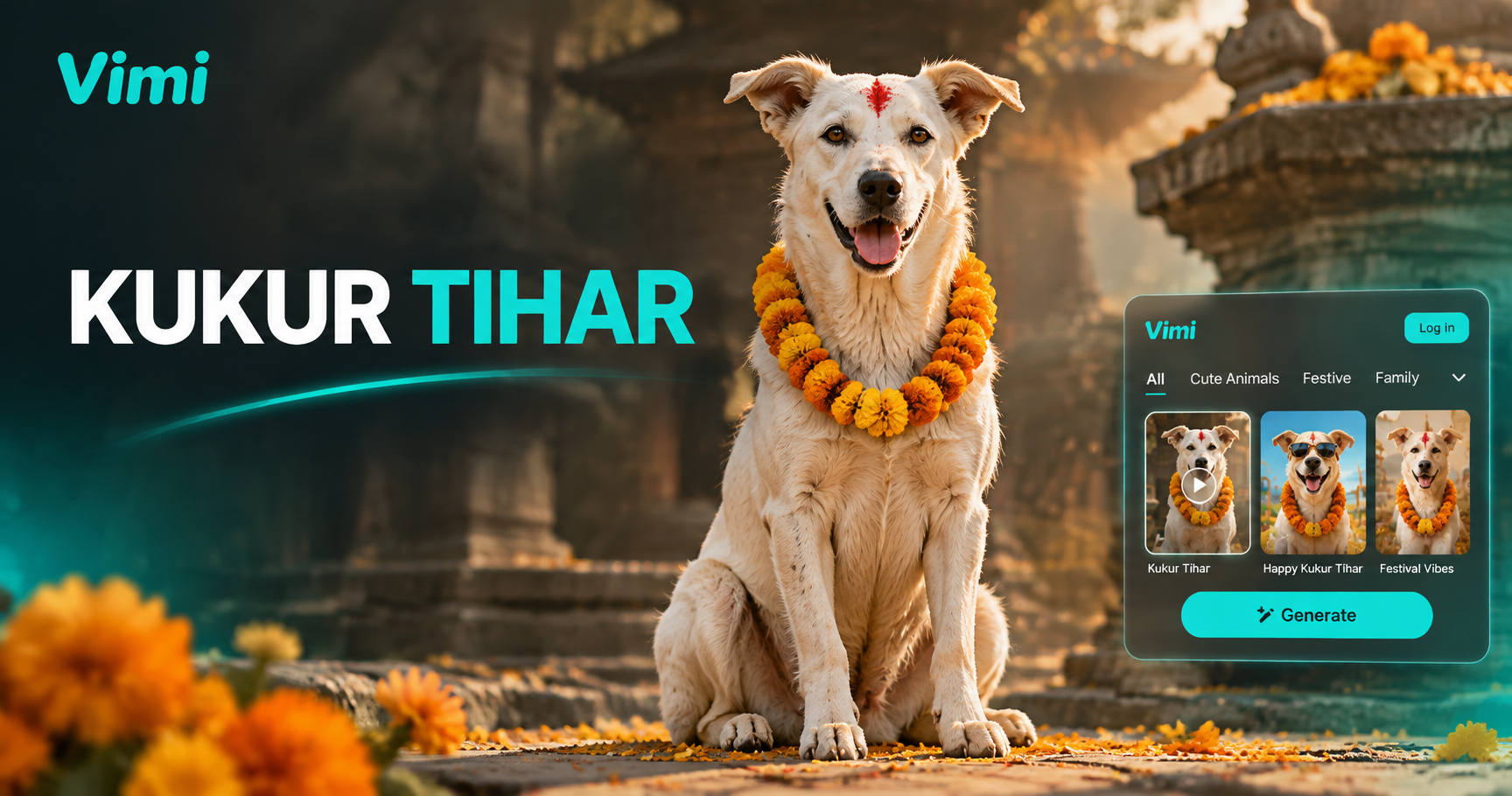
Kukur Tihar AI Video: Animate Your Dog Photo in Vimi
Día de Muertos Mascotas AI on Vimi: Features, Benefits, and App Workflow
Best AI Selfie Generator: Vimi Filters, Templates, And App Workflow

Vimi AI Food Lotto Filter for Quick Meal Decisions
Kukur Tihar AI Video: Animate Your Dog Photo in Vimi
Día de Muertos Mascotas AI on Vimi: Features, Benefits, and App Workflow
Best AI Selfie Generator: Vimi Filters, Templates, And App Workflow
Vimi AI Food Lotto Filter for Quick Meal Decisions
Create Your Action Shot Now
Download Vimi and turn your portrait into a cinematic action scene today.
Create Your Action Shot Now
Download Vimi and turn your portrait into a cinematic action scene today.