Grok AI Ghibli
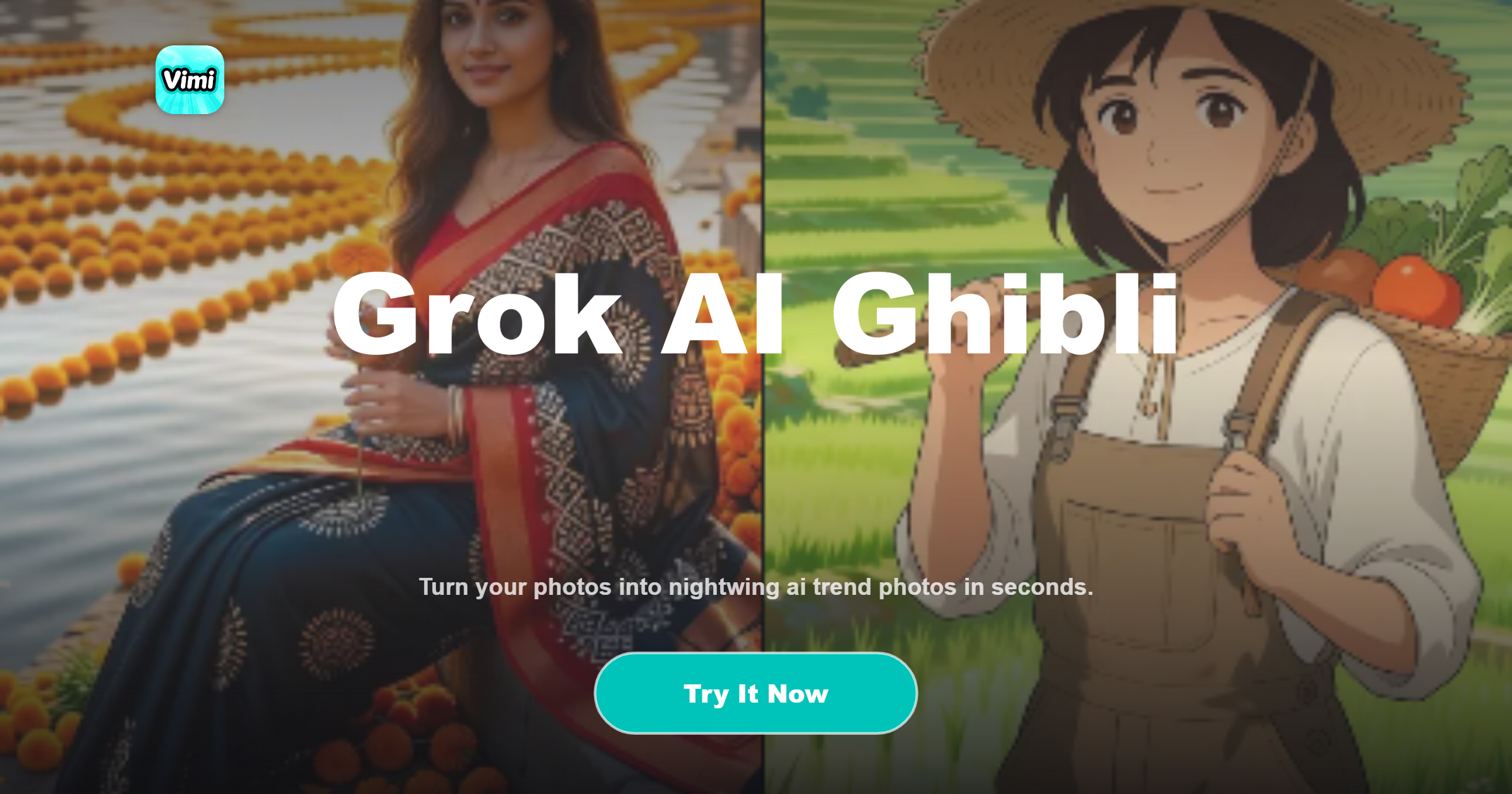
Choose the Grok AI Ghibli Filter
Discover the grok ai ghibli filter that perfectly matches your mood.
Vimi Filter Recommendation: Grok AI Ghibli Style Templates
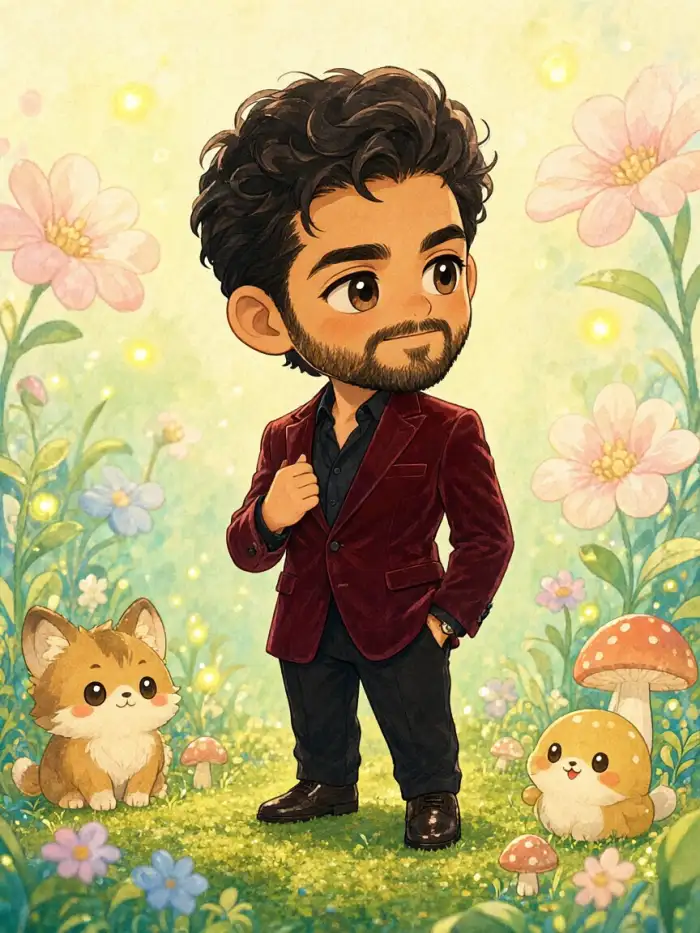
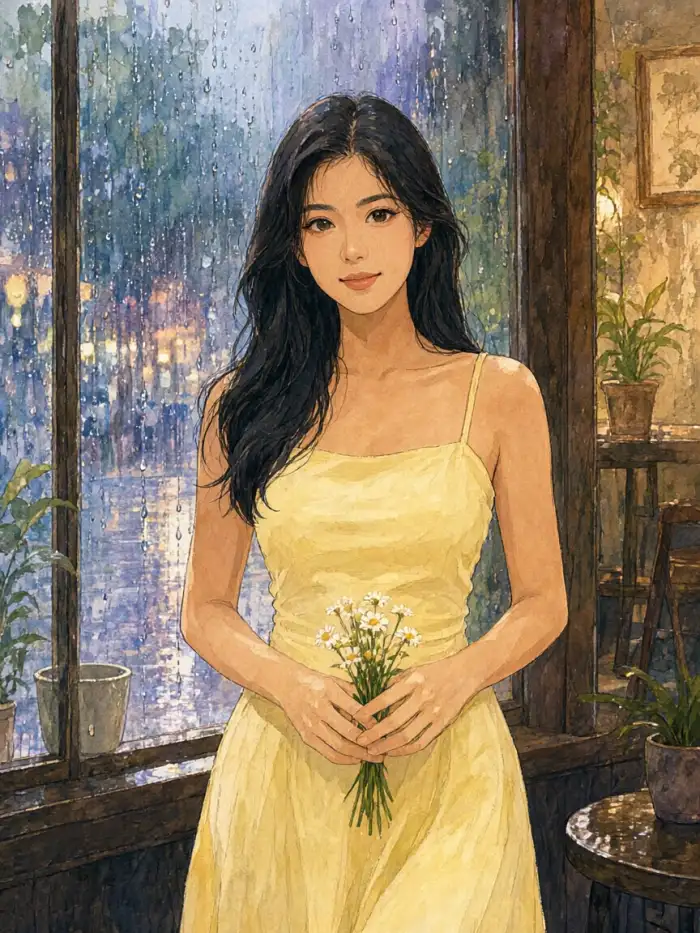
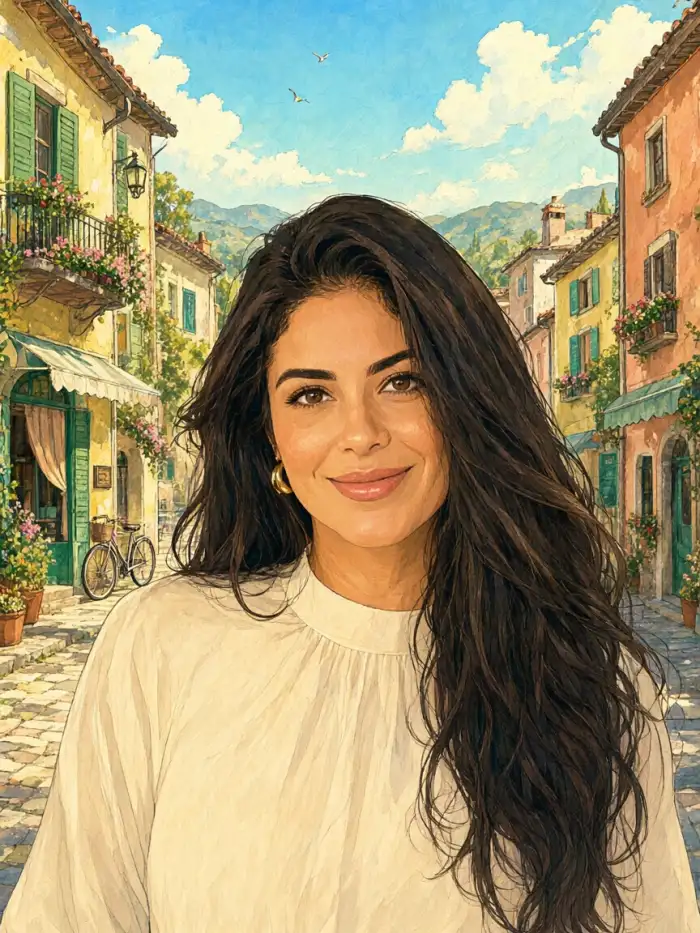
The Grok AI Ghibli filter turns everyday photos into warm animated frames. It keeps facial features clear. It adds soft skies, painted clouds, and gentle line work. Use it for portraits, pets, and group shots.
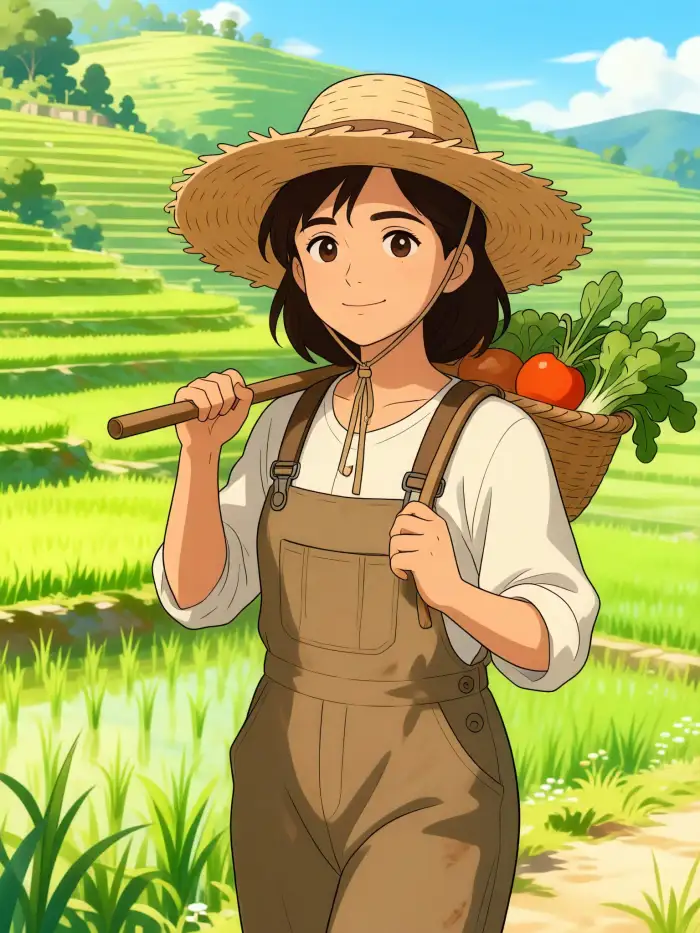
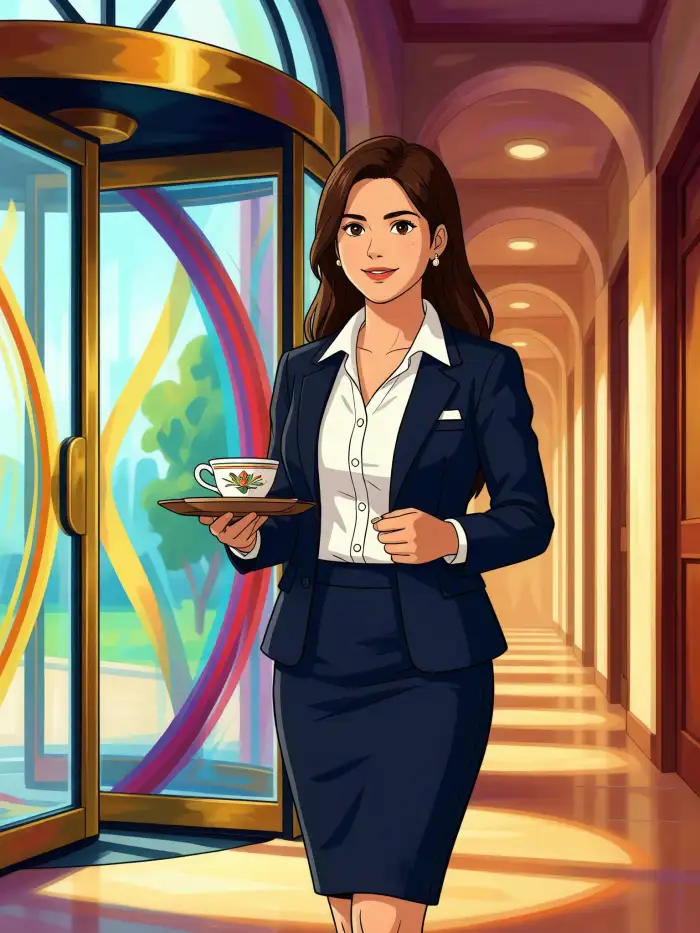
Key Features Of Vimi And Grok AI Ghibli Generator
Explore the main features that help Vimi turn your photos into Grok AI Ghibli style scenes with clear faces and soft painted light.
 Before
 After
One Tap Style Templates
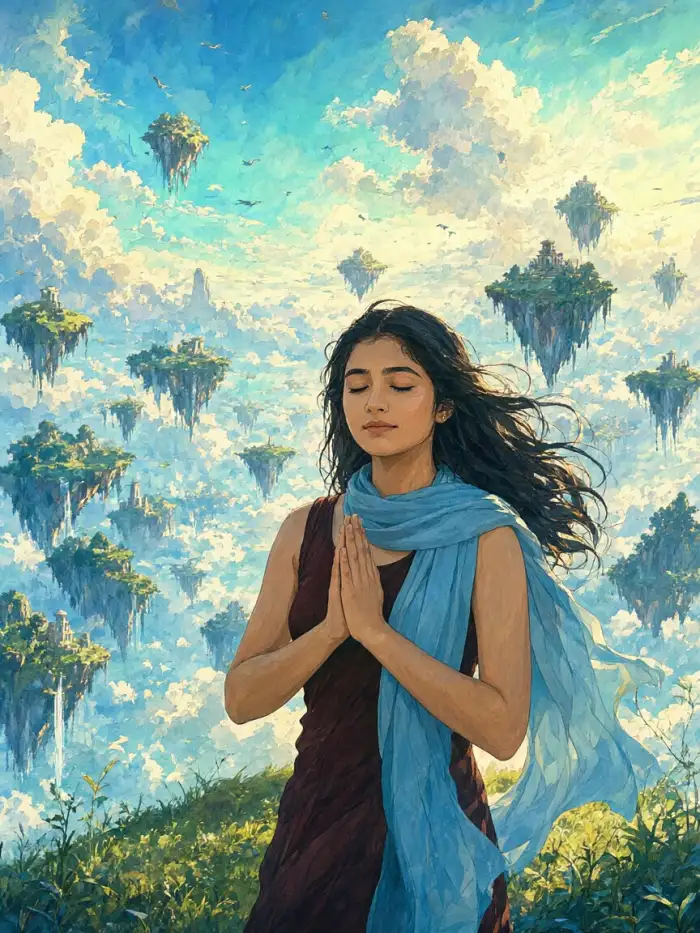
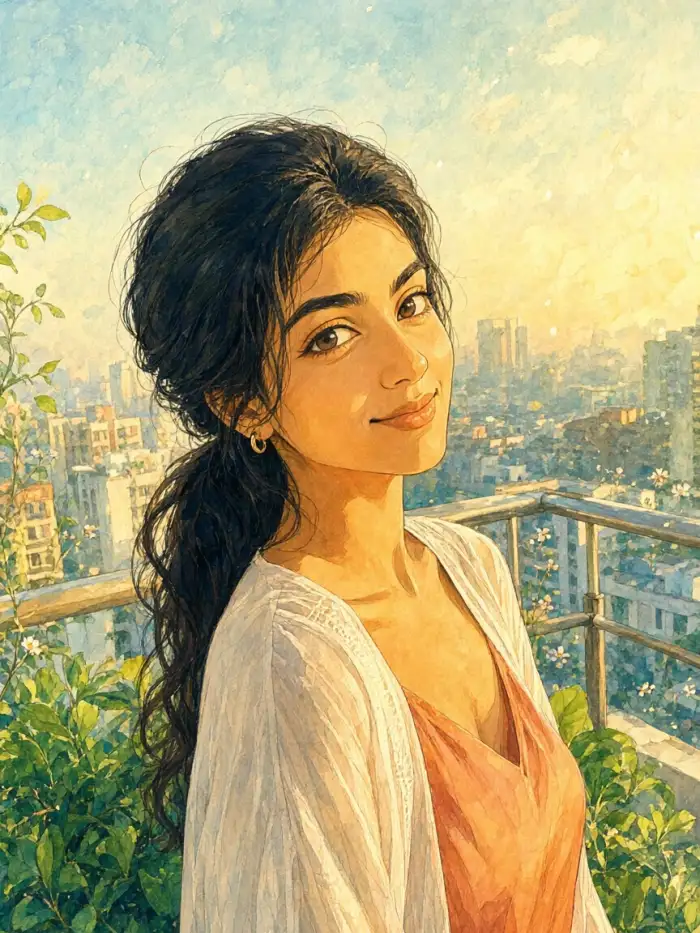
Vimi gives you a large template library. Pick a Grok AI Ghibli style and upload one photo. The app applies soft color, painted clouds, and clean line work. You do not write long prompts. Tap Generate and the app returns a finished image in about 10 to 20 seconds.
BeforeAfterOne Tap Style Templates
Vimi gives you a large template library. Pick a Grok AI Ghibli style and upload one photo. The app applies soft color, painted clouds, and clean line work. You do not write long prompts. Tap Generate and the app returns a finished image in about 10 to 20 seconds.
 Before
 After
Face Detail Stays Clear
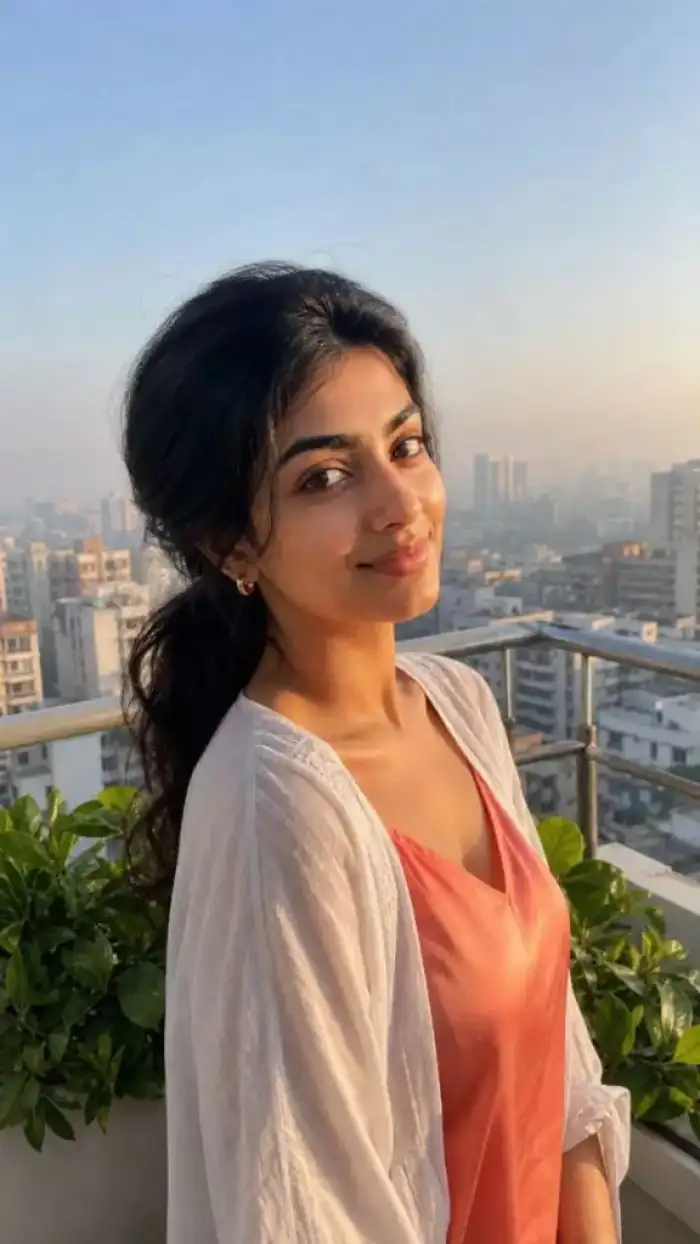
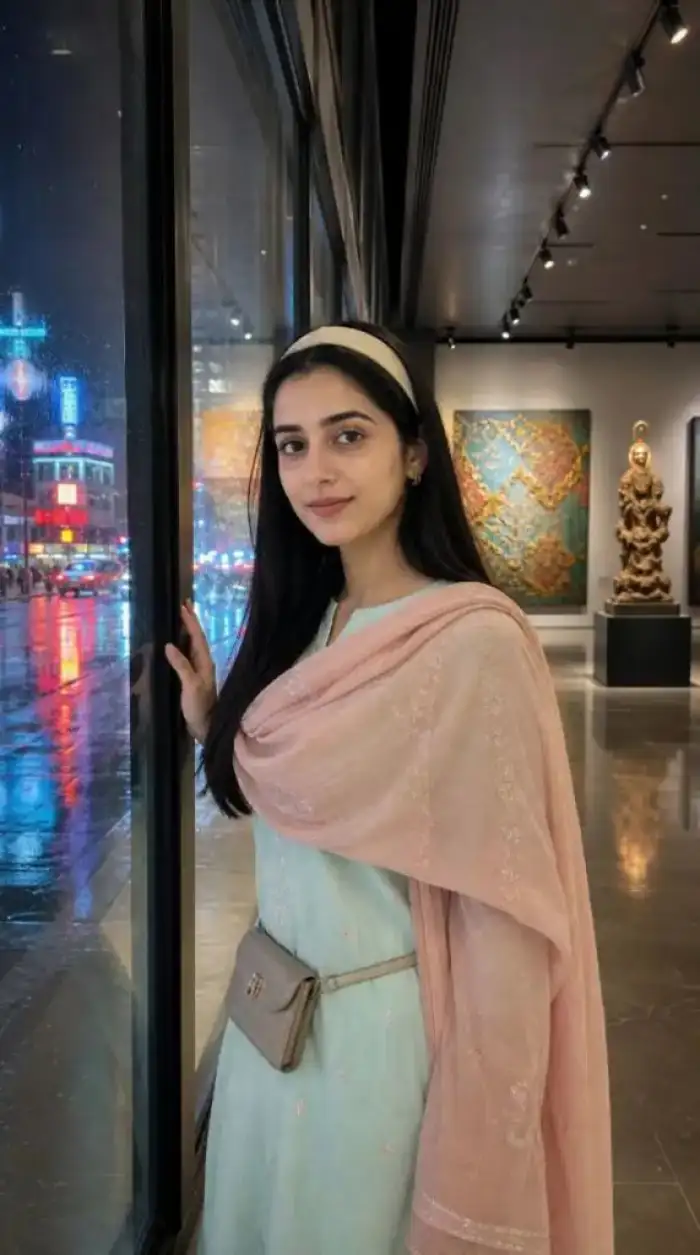
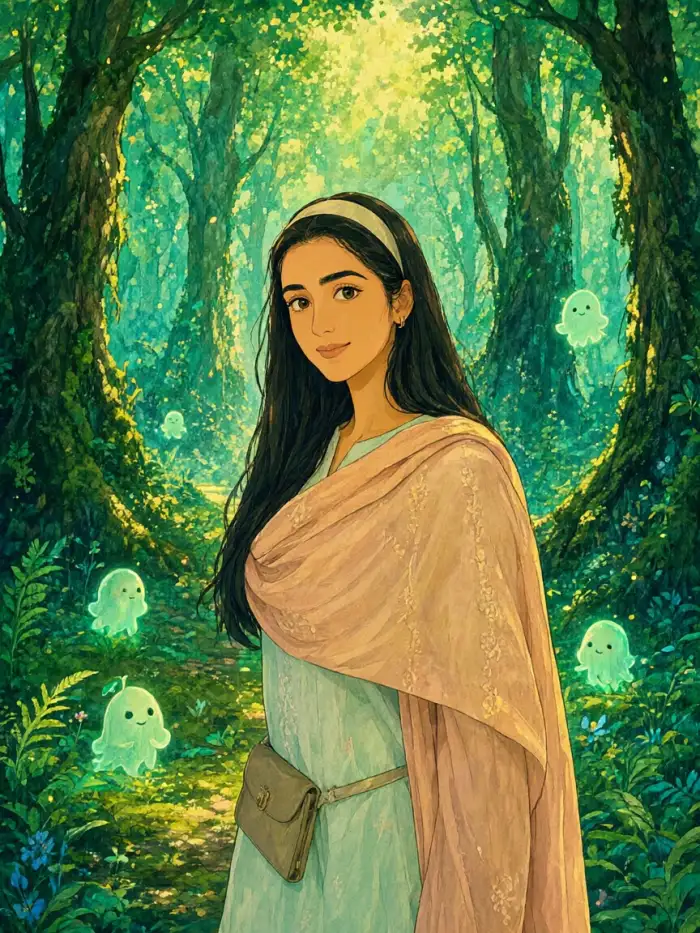
The filter keeps key facial features in place. Eyes, nose, mouth shape, and hairline remain close to the original photo. Skin tones stay natural after the Ghibli color shift. This helps portraits look like the same person. It also supports small expression changes such as a smile or a blink.
BeforeAfterFace Detail Stays Clear
The filter keeps key facial features in place. Eyes, nose, mouth shape, and hairline remain close to the original photo. Skin tones stay natural after the Ghibli color shift. This helps portraits look like the same person. It also supports small expression changes such as a smile or a blink.
 Before
 After
Daily New Ghibli Ideas
Vimi updates its template library with new social media trends. You can find fresh Ghibli style effects for portraits, pets, and couples. Each template is ready to use. Open the app, pick a new effect, and upload your photo. The app handles the rest in seconds.
BeforeAfterDaily New Ghibli Ideas
Vimi updates its template library with new social media trends. You can find fresh Ghibli style effects for portraits, pets, and couples. Each template is ready to use. Open the app, pick a new effect, and upload your photo. The app handles the rest in seconds.
Why Use Vimi for Grok AI Ghibli
Discover the practical reasons people choose Vimi for Grok AI Ghibli style images and short videos on a phone every day.
Fast Results on Mobile
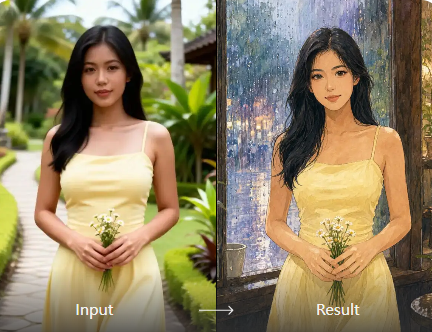
Vimi keeps the full workflow inside the app. You upload a photo, choose a template, and tap Generate. Results arrive in 10 to 20 seconds. You can save the image or video and share it to your personal page. This helps you post a Ghibli style update without extra tools.
Fast Results on Mobile
Vimi keeps the full workflow inside the app. You upload a photo, choose a template, and tap Generate. Results arrive in 10 to 20 seconds. You can save the image or video and share it to your personal page. This helps you post a Ghibli style update without extra tools.
YouTube Videos About Grok AI Ghibli Generator
Explore in-depth YouTube tutorials and demos that showcase the power and reliability of our AI Generator.
Who Uses Grok AI Ghibli Enhancement Online
Mia Chen
I used the Grok AI Ghibli filter on a photo with my sister. The app kept both faces clear. The soft colors looked like a hand painted scene. I posted it on my Vimi page in one tap.

Leo Park
I tried a motion template with my dog photo. The clip showed a small head turn and a blink. It took about 20 seconds. I saved it and shared it with friends.
Ava Singh
I made a set of avatars with the same face. The hair and clothing stayed close across the series. I did not need to write prompts. I picked templates and tapped Generate.
Elena Rossi
I like the daily template updates. I found a new Ghibli style effect for a couple photo. The result arrived fast. I sent it to my personal page and my friend tried the same template.
Mia Chen
I used the Grok AI Ghibli filter on a photo with my sister. The app kept both faces clear. The soft colors looked like a hand painted scene. I posted it on my Vimi page in one tap.
Leo Park
I tried a motion template with my dog photo. The clip showed a small head turn and a blink. It took about 20 seconds. I saved it and shared it with friends.
Ava Singh
I made a set of avatars with the same face. The hair and clothing stayed close across the series. I did not need to write prompts. I picked templates and tapped Generate.
Elena Rossi
I like the daily template updates. I found a new Ghibli style effect for a couple photo. The result arrived fast. I sent it to my personal page and my friend tried the same template.
Frequently Asked Questions
Find clear answers to common questions and get the guidance you need to make the most of our platform, faster and easier.
More Topics You May Like
Explore more topics you may like and discover fresh ideas tailored to your interests.

Vimi AI Map To Video Turns Maps into Moving Stories
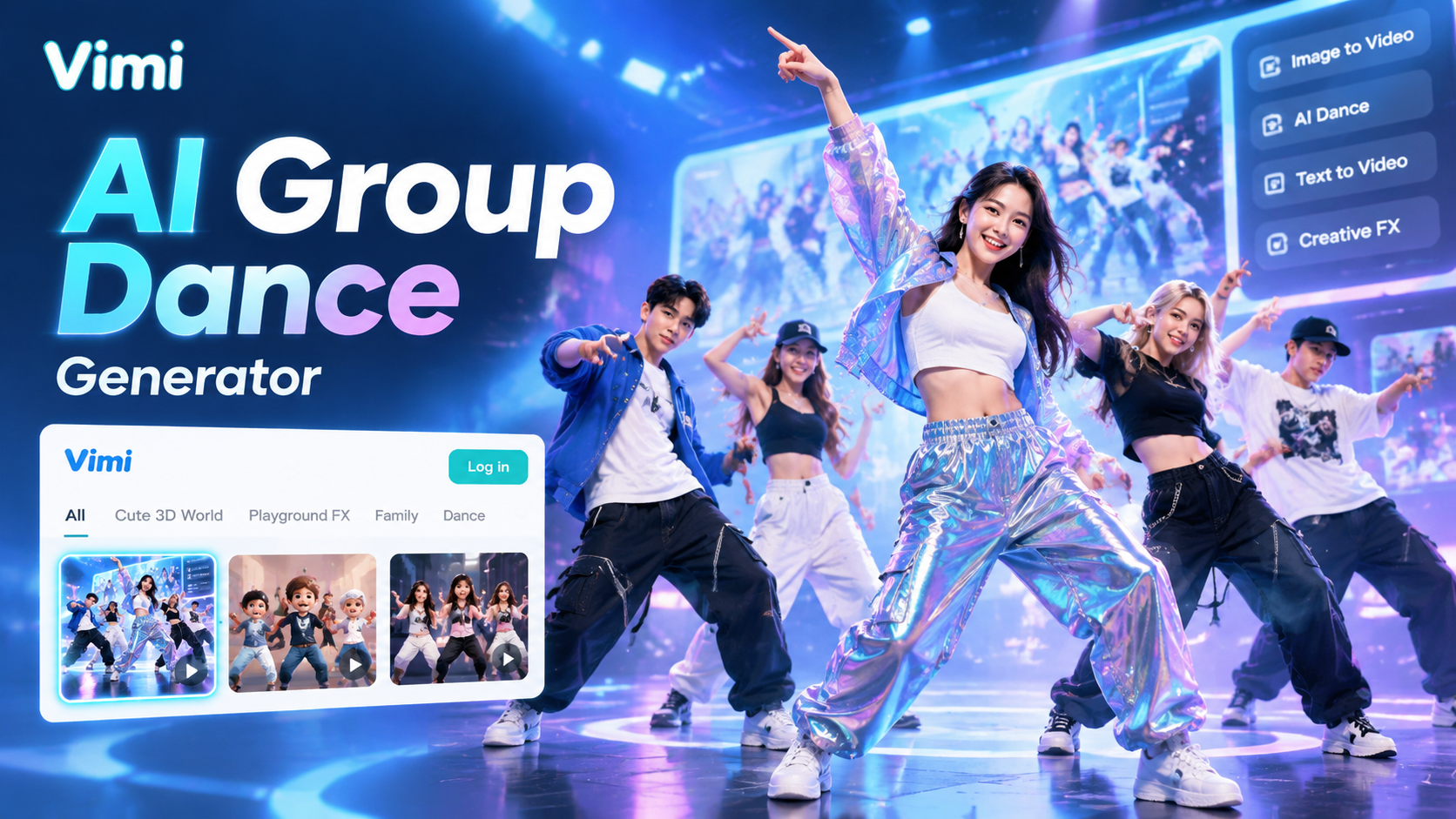
Vimi AI Group Dance Generator: Turn Group Photos Into Dance Videos
Celebrity Country Transformation With Vimi AI Filter
Vimi AI Princess Transformation Review: Turn Your Photos Into Royal Portraits
Vimi AI Map To Video Turns Maps into Moving Stories
Vimi AI Group Dance Generator: Turn Group Photos Into Dance Videos
Celebrity Country Transformation With Vimi AI Filter
Vimi AI Princess Transformation Review: Turn Your Photos Into Royal Portraits
Create Your Grok AI Ghibli Scene Today
Download Vimi and pick a Ghibli template. Make your first image in minutes.
Create Your Grok AI Ghibli Scene Today
Download Vimi and pick a Ghibli template. Make your first image in minutes.