Cinematic Noir Portrait
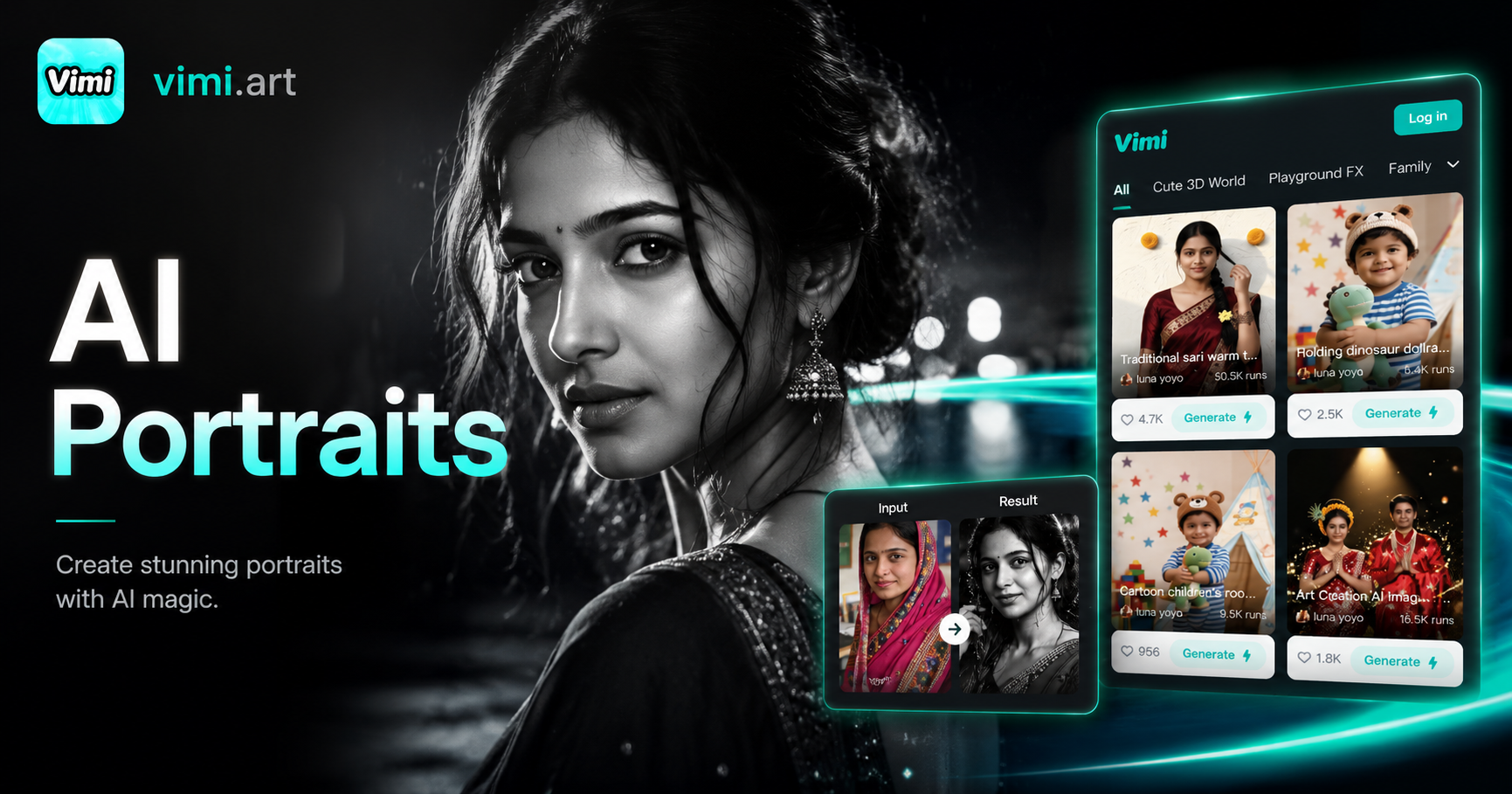
Dual Soul: Noir
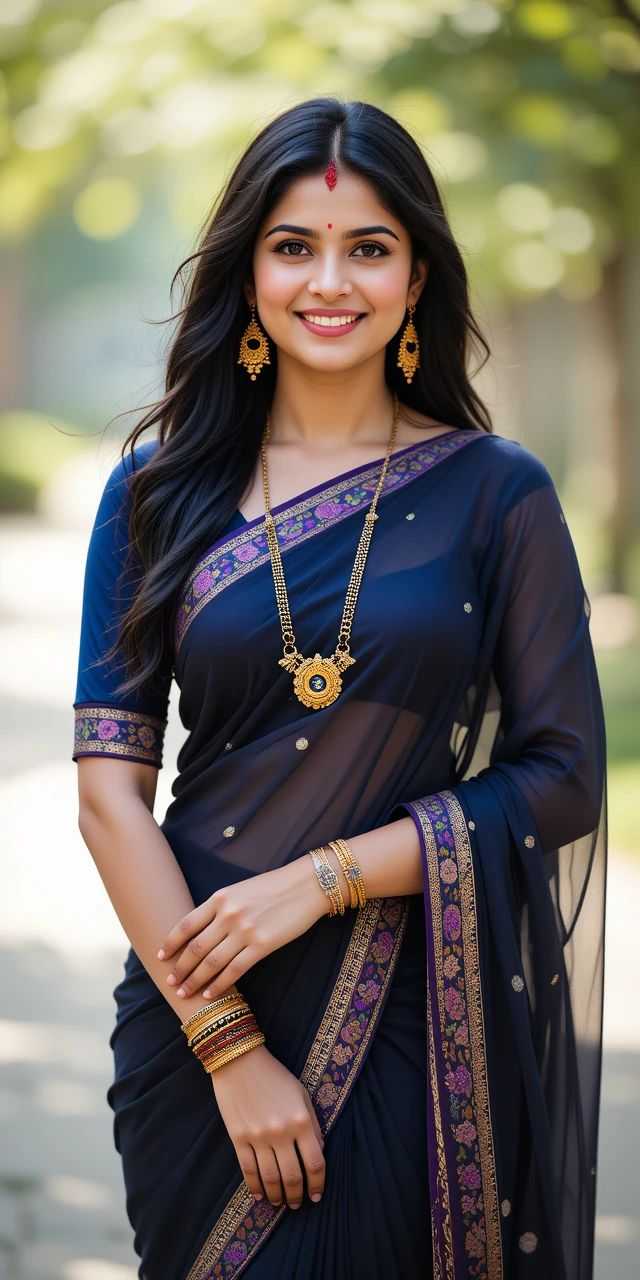
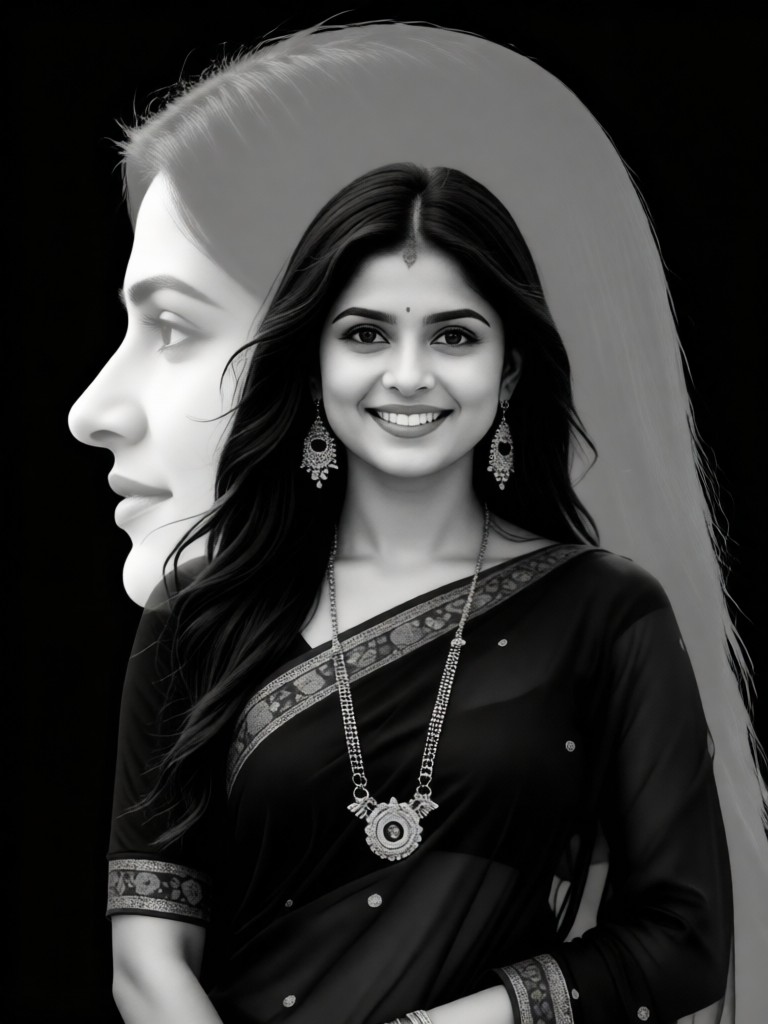

Key Features of Vimi Cinematic Noir Portrait Filter
Discover the powerful tools that make Vimi Cinematic Noir Portrait stand out for creating dramatic black and white images.
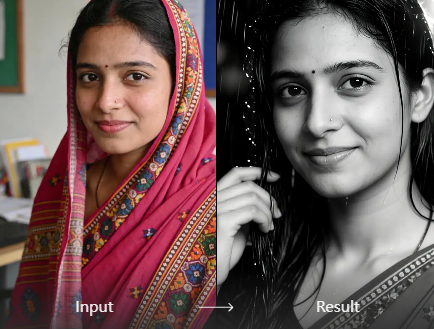
Dramatic Shadow Effects
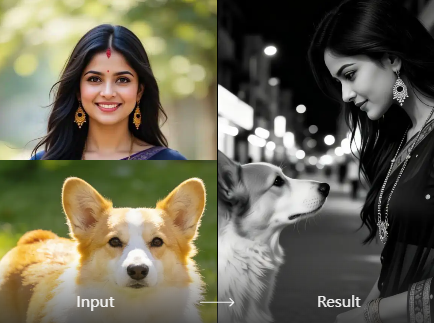
Vimi applies deep shadow effects to your portraits. The AI detects facial features and creates strong contrast between light and dark areas. This gives your photos that classic film noir look with mysterious and moody atmosphere.
Dramatic Shadow Effects
Vimi applies deep shadow effects to your portraits. The AI detects facial features and creates strong contrast between light and dark areas. This gives your photos that classic film noir look with mysterious and moody atmosphere.
Vintage Film Grain
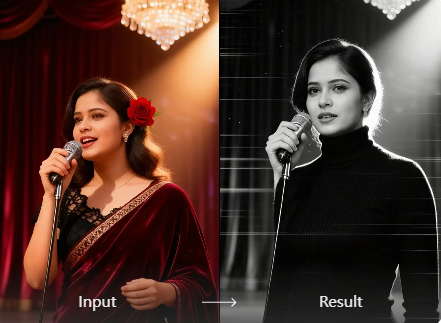
The filter adds authentic film grain texture to every image. This recreates the feel of old cinema photographs. Your portraits look like they were shot on classic movie cameras from the 1940s and 1950s.
Vintage Film Grain
The filter adds authentic film grain texture to every image. This recreates the feel of old cinema photographs. Your portraits look like they were shot on classic movie cameras from the 1940s and 1950s.
One Click Application
Apply the entire noir effect with a single tap. No manual editing or complex adjustments needed. Vimi handles all the contrast, brightness, and texture work automatically. Just upload your photo and the AI does everything.
One Click Application
Apply the entire noir effect with a single tap. No manual editing or complex adjustments needed. Vimi handles all the contrast, brightness, and texture work automatically. Just upload your photo and the AI does everything.
Why Choose Vimi Cinematic Noir Portrait
Learn how Vimi Cinematic Noir Portrait helps you create professional moody images quickly and easily.
Professional Quality Results
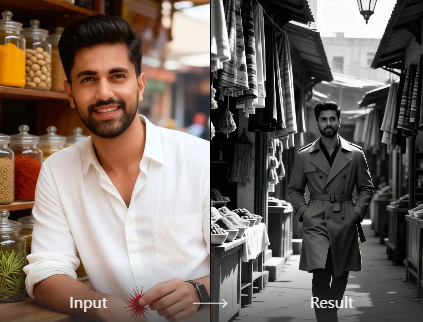
Get cinematic grade portraits without expensive camera equipment or editing software. Vimi replicates the lighting and texture of professional film noir photography. Your photos look like they were taken by a studio photographer with years of experience.
Professional Quality Results
Get cinematic grade portraits without expensive camera equipment or editing software. Vimi replicates the lighting and texture of professional film noir photography. Your photos look like they were taken by a studio photographer with years of experience.
How to Create Cinematic Noir Portrait with Vimi?
Follow these three simple steps to transform your photos into dramatic noir style images using the Vimi app.

Step 01.
Open your device's app store and search for Vimi. Download and install the app on your phone.

Step 02.
Open Vimi and browse the template library. Find Cinematic Noir Portrait in the style collection. Upload the photo you want to transform and tap Generate.

Step 03.
Review your generated noir portrait. Tap the Download button to save the image to your device. Share your creation directly to social media platforms through the app.
Frequently Asked Questions
Find clear answers to common questions and get the guidance you need to make the most of our platform, faster and easier.
More Topics You May Like
Explore more topics you may like and discover fresh ideas tailored to your interests.
AI Blonde Hair Generator
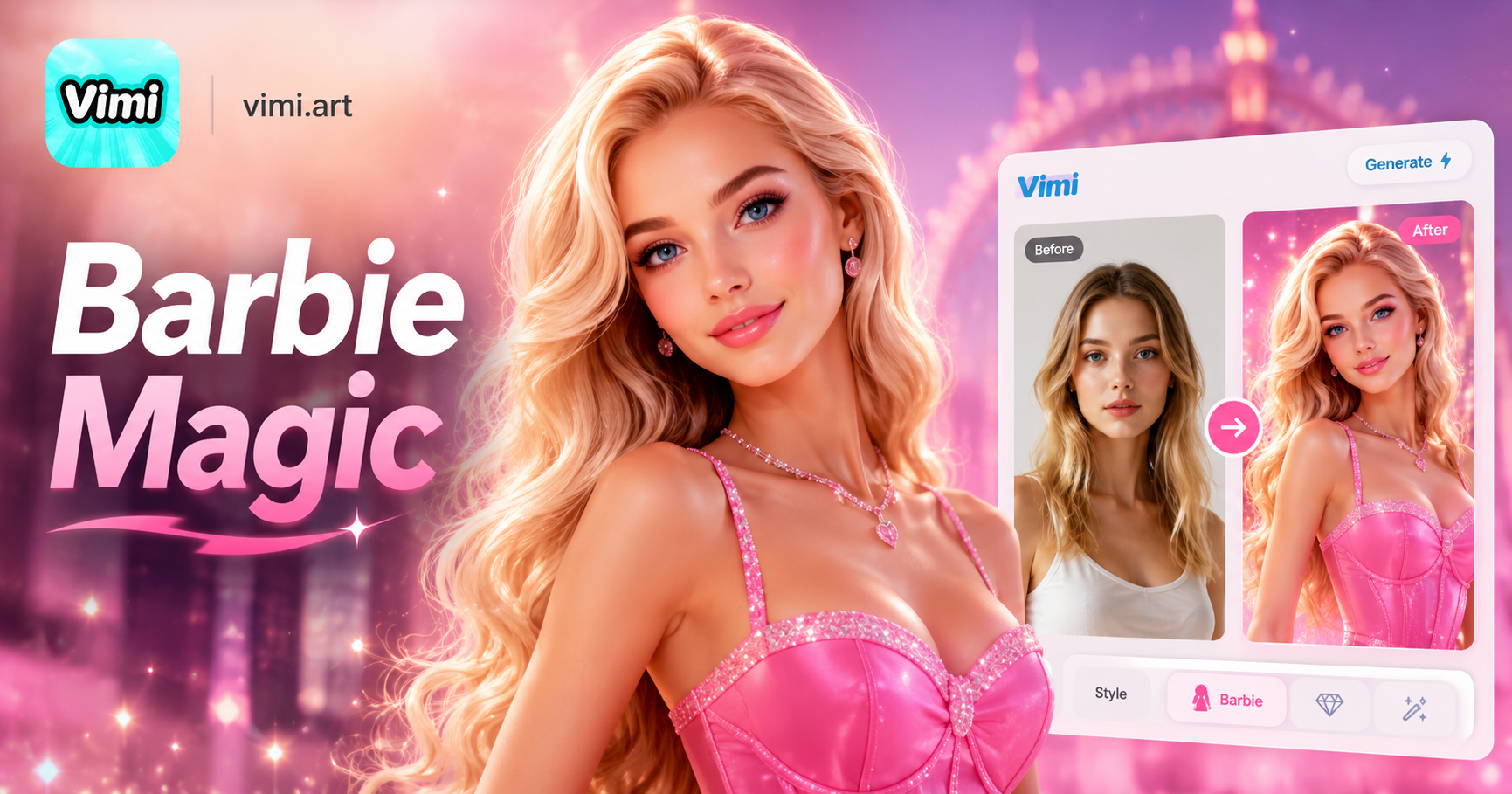
AI Barbie Generator
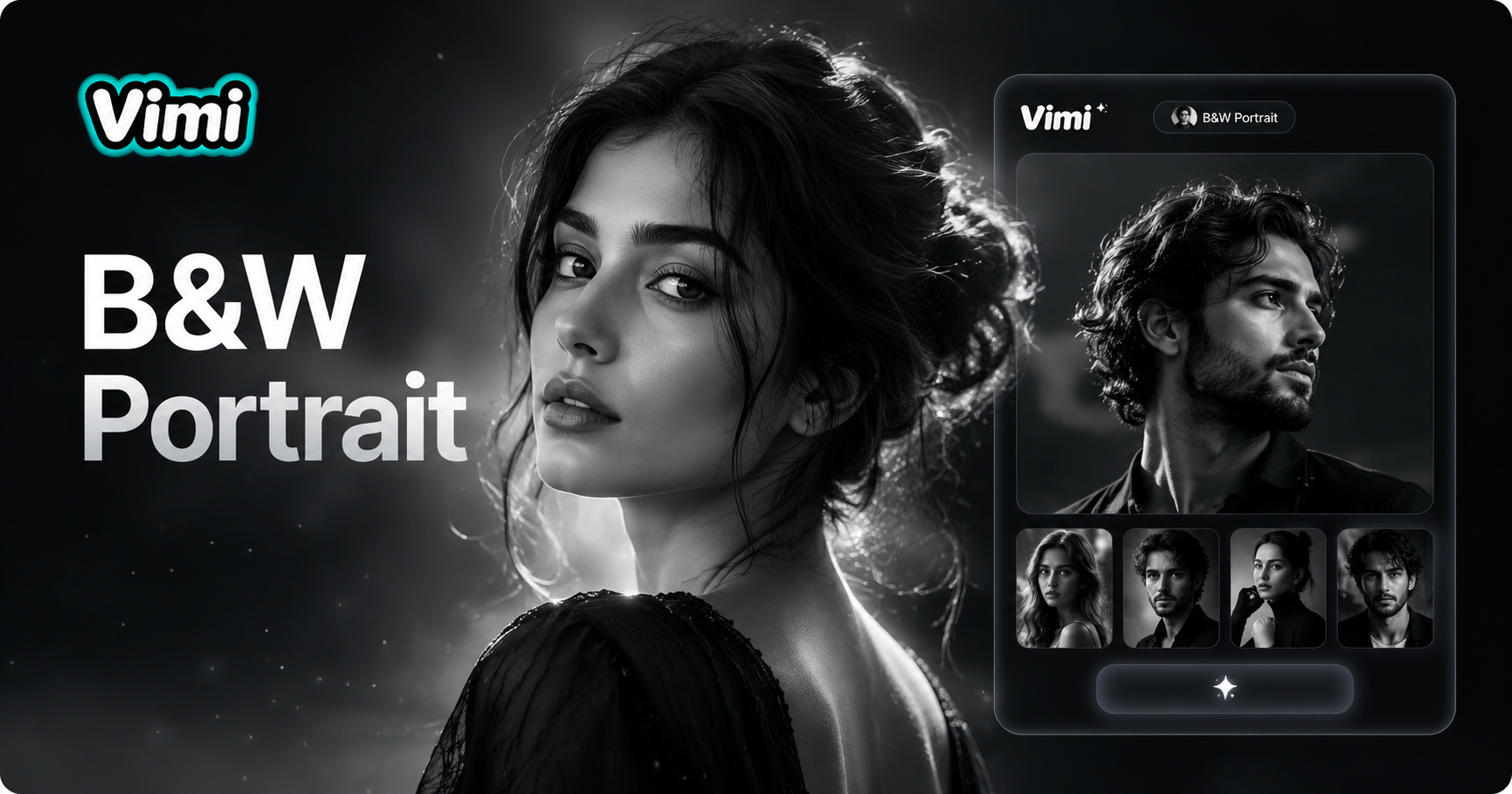
AI Black And White Portrait
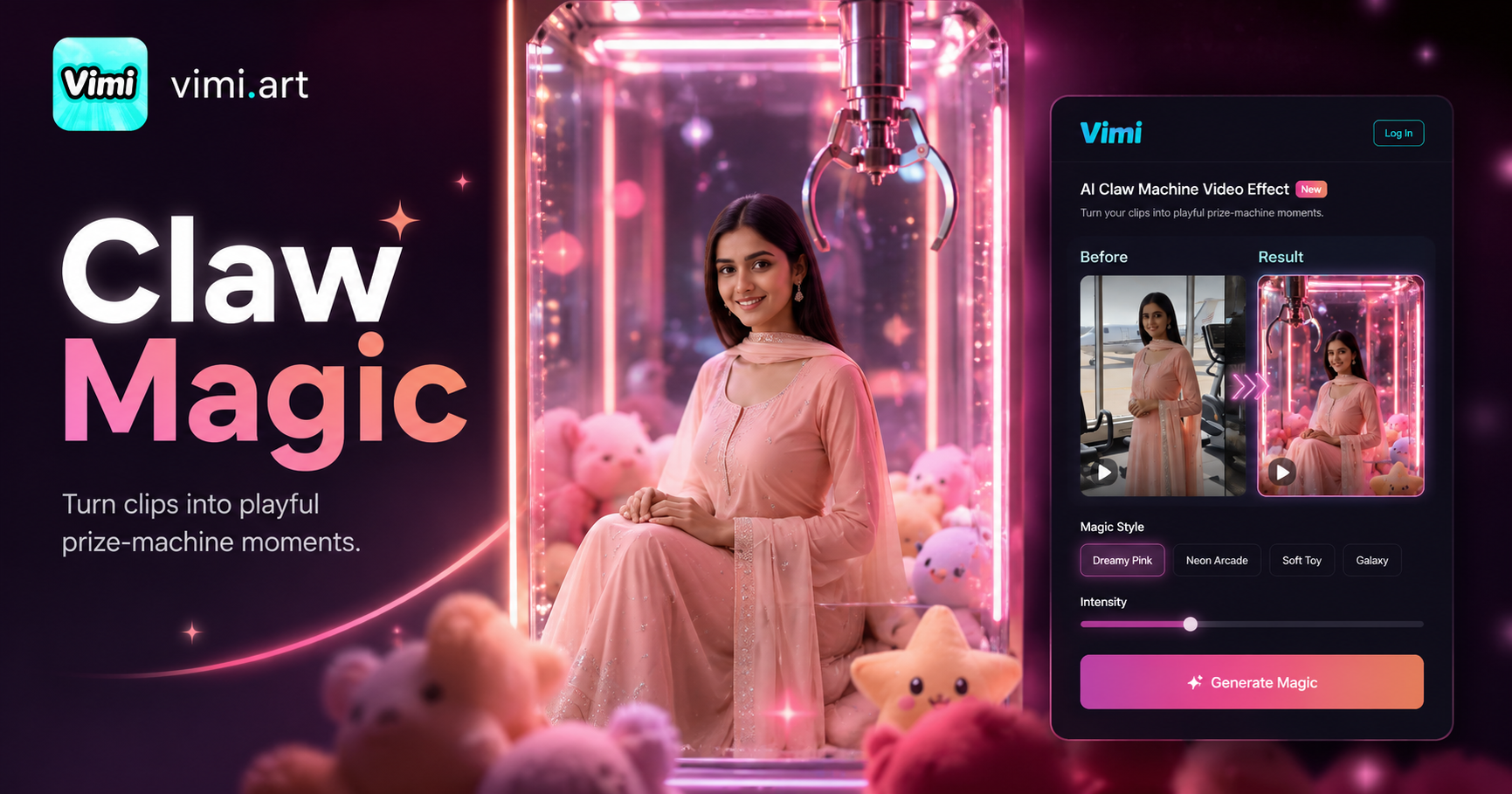
AI Claw Machine Video Effect
AI Blonde Hair Generator
AI Barbie Generator
AI Black And White Portrait
AI Claw Machine Video Effect
Download Vimi and Create Your Noir Portrait Today
Start transforming your photos into dramatic film noir style images. Vimi makes professional effects accessible to everyone with just a few taps.

Download Vimi and Create Your Noir Portrait Today
Start transforming your photos into dramatic film noir style images. Vimi makes professional effects accessible to everyone with just a few taps.