AI Blonde Hair Generator
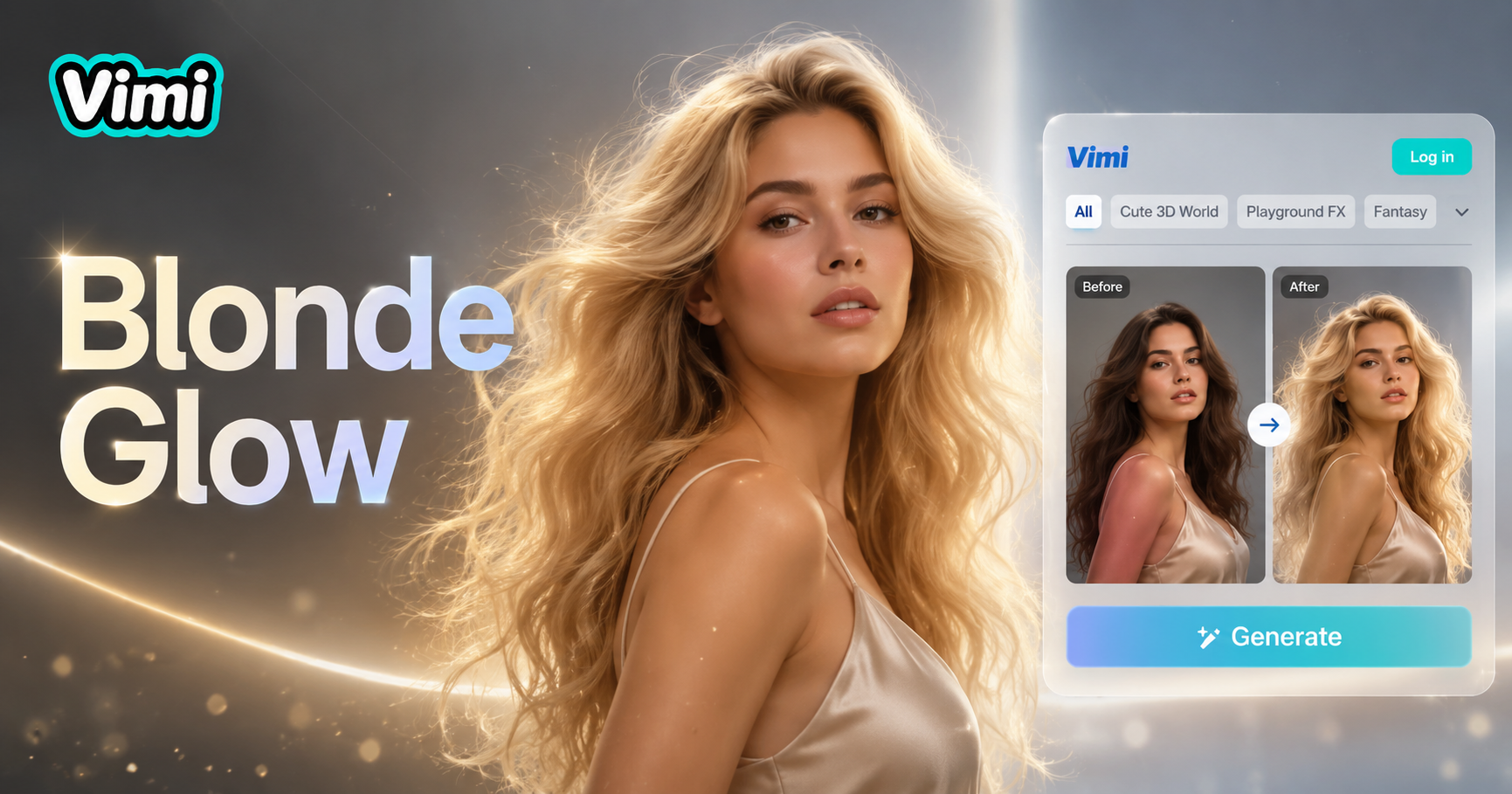
Blonde seductive woman



Why Use Vimi AI Blonde Hair Generator
Discover the advantages of using Vimi AI Blonde Hair Generator for your style exploration.
Test Hair Colors Risk Free
You can see yourself with blonde hair without using dyes or chemicals. The AI shows you exactly how each shade looks on your face. This preview helps you decide if blonde suits you. You avoid expensive salon visits and potential hair damage from coloring experiments.
Test Hair Colors Risk Free
You can see yourself with blonde hair without using dyes or chemicals. The AI shows you exactly how each shade looks on your face. This preview helps you decide if blonde suits you. You avoid expensive salon visits and potential hair damage from coloring experiments.
Key Features of Vimi AI Blonde Hair Generator
Explore the features that make Vimi AI Blonde Hair Generator a practical tool for hair color testing.
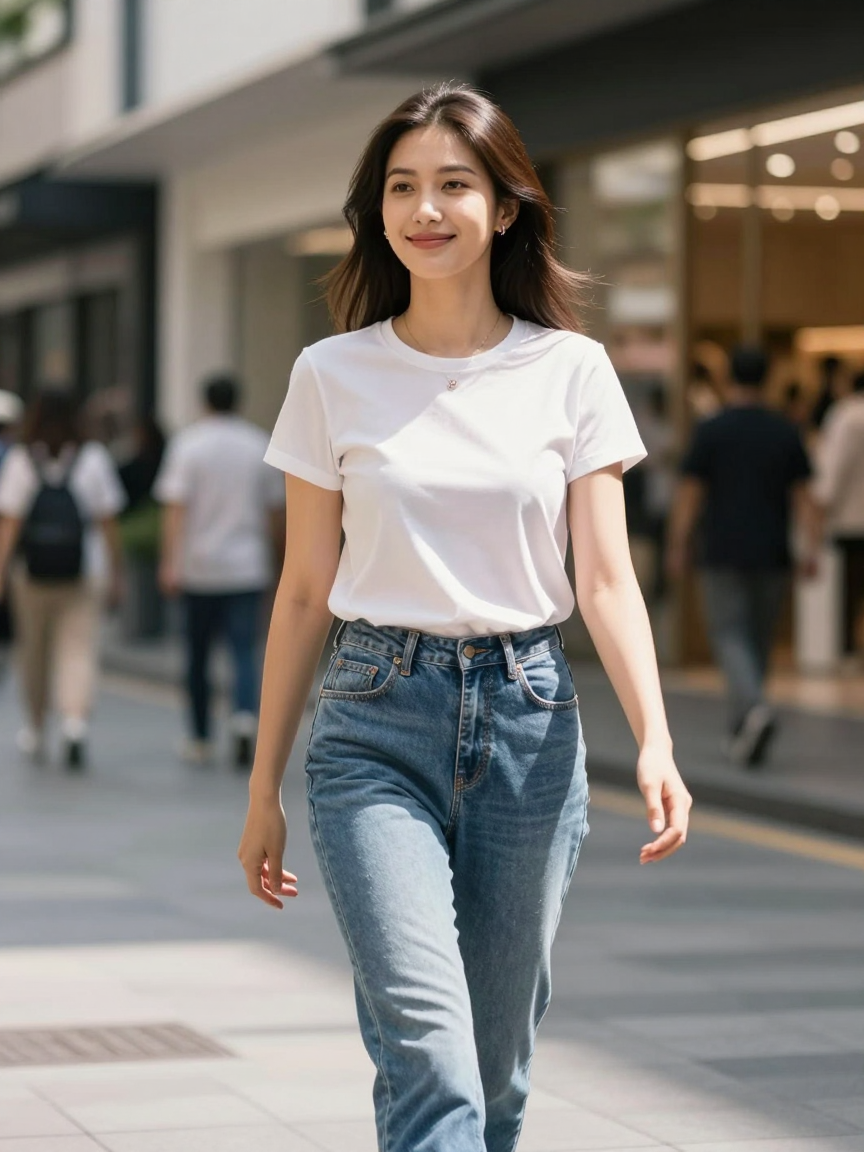 Before
Natural Hair Texture Retention
The AI keeps your original hair texture including curls, waves, or straight styles. The color change applies smoothly without flattening volume or removing strand details. Your hair maintains its natural movement and body. The result looks like real blonde hair, not a flat color overlay.
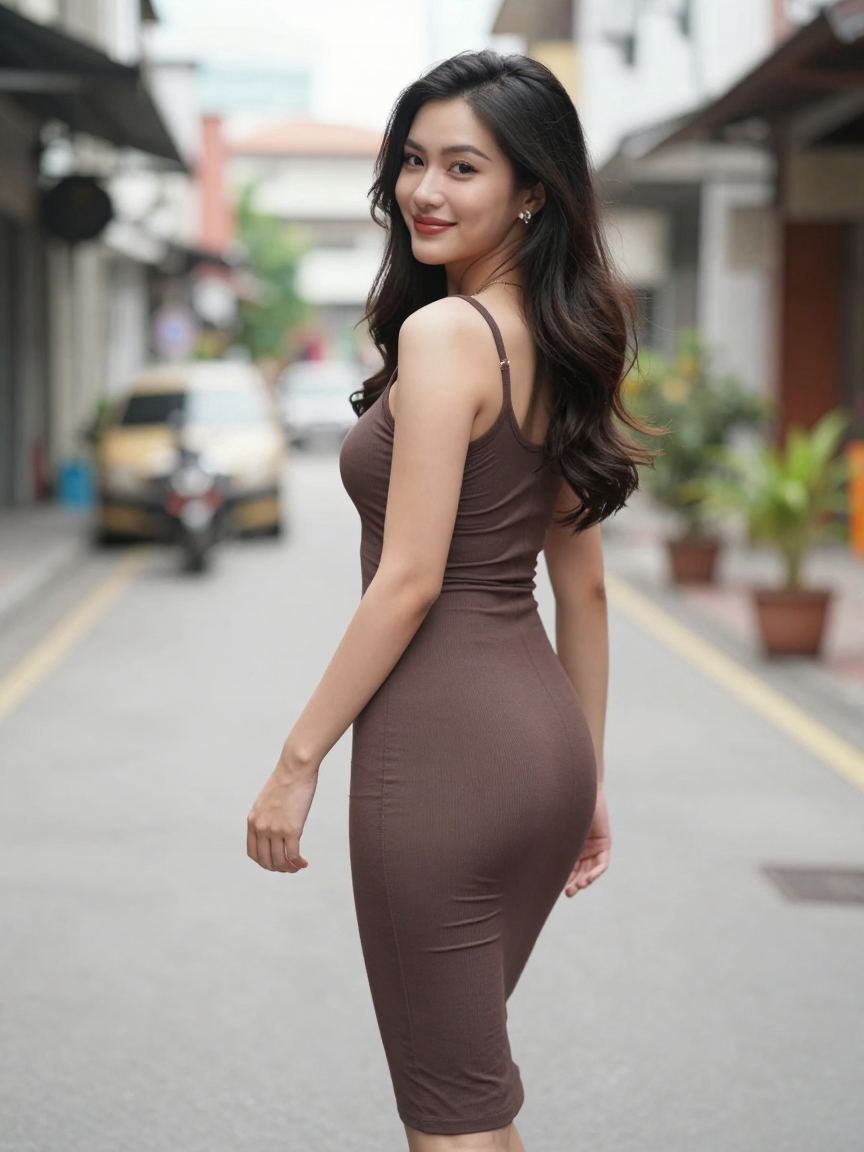 Before
Facial Feature Preservation
Your eyes, nose, mouth, and skin tone remain unchanged. The AI only modifies hair color while keeping your complete facial identity. This preservation ensures the blonde look still resembles you. Friends and family will recognize you immediately in the generated image.
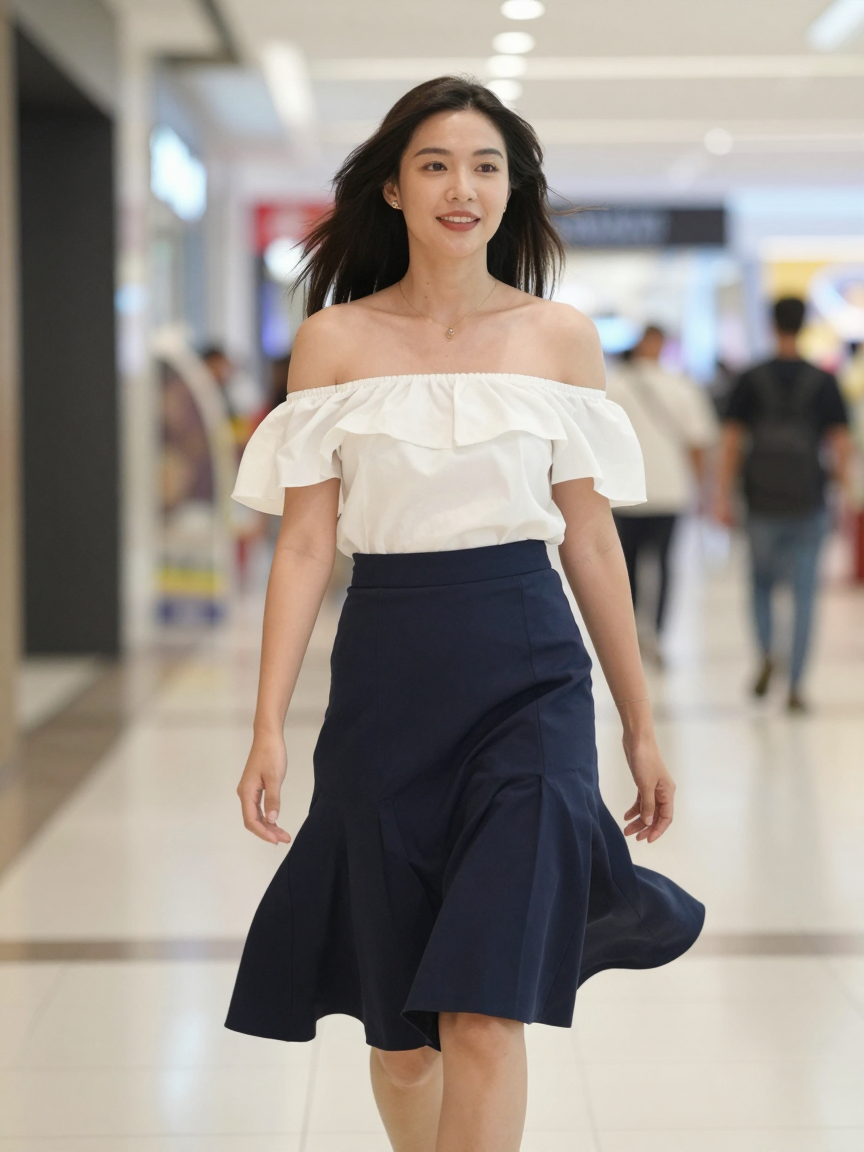 Before
Skin Tone Harmonization
The AI adjusts the blonde shade to complement your skin undertone. Warm blondes pair with warm skin, cool blondes pair with cool skin. This matching creates a harmonious overall look. The result appears balanced and natural instead of harsh or mismatched.
How to Use Vimi AI Blonde Hair Generator?
Follow these steps to change your hair color to blonde using the Vimi app.

Step 01.
Get Vimi from your app store. Open the app and find the blonde hair generator in the template gallery.

Step 02.
Select a clear photo from your camera roll. Choose your preferred blonde shade template. Tap generate and wait 10 to 20 seconds.

Step 03.
Click download to save your blonde hair image. Post it directly to social media or send it to friends from the app.
Frequently Asked Questions
Find clear answers to common questions and get the guidance you need to make the most of our platform, faster and easier.
More Topics You May Like
Explore more topics you may like and discover fresh ideas tailored to your interests.
AI Costume Generator
AI Pandora Avatar Generator
Mosaic Picture Generator
AI Gingerbread House Generator
AI Costume Generator
AI Pandora Avatar Generator
Mosaic Picture Generator
AI Gingerbread House Generator
Get Vimi and Transform Your Hair Color Now
Download Vimi and explore all blonde shades. Your new look is ready to share.
Get Vimi and Transform Your Hair Color Now
Download Vimi and explore all blonde shades. Your new look is ready to share.