Ai Robot Filter
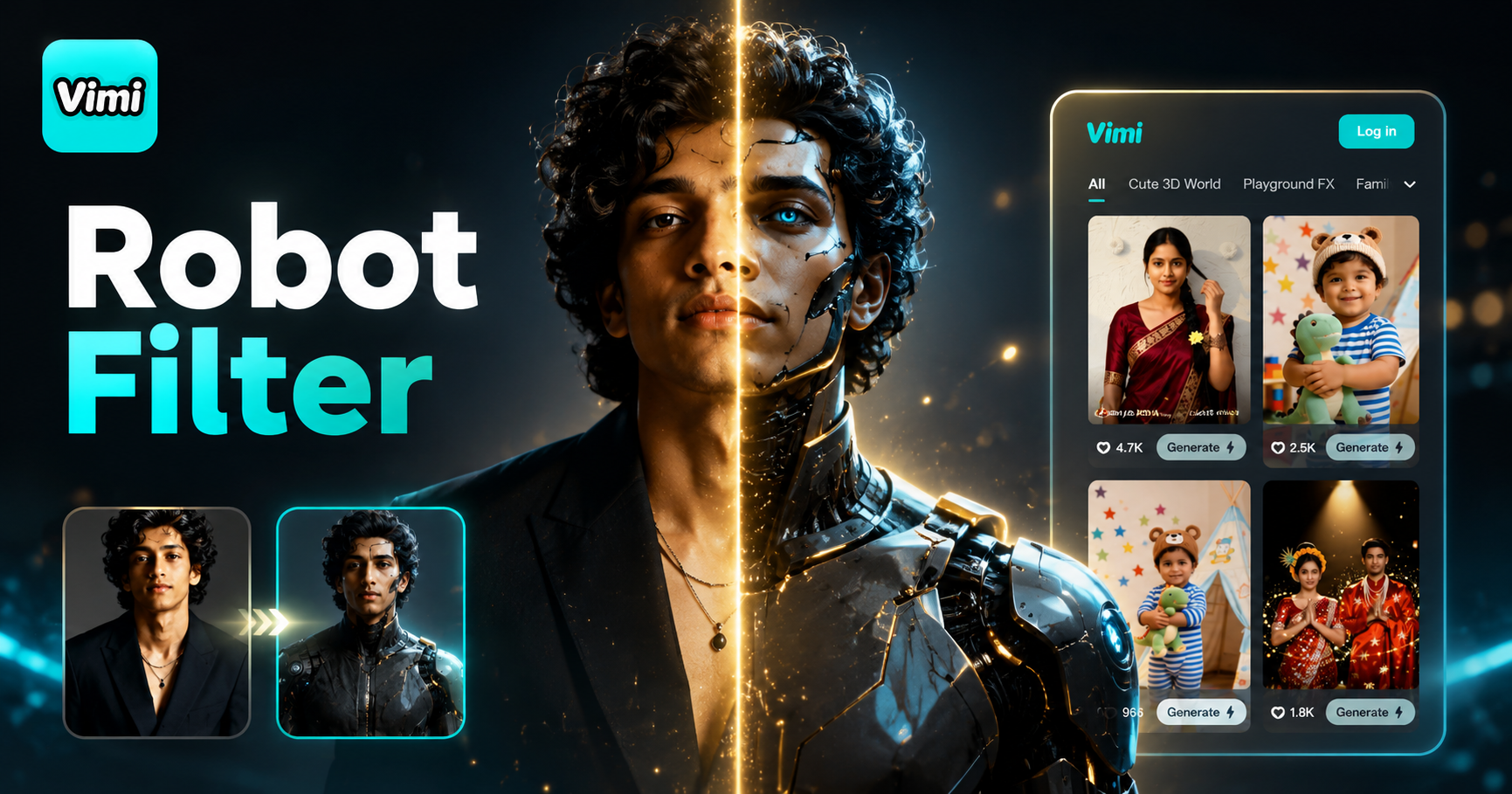
Cyborg Unleashed: Future Fight

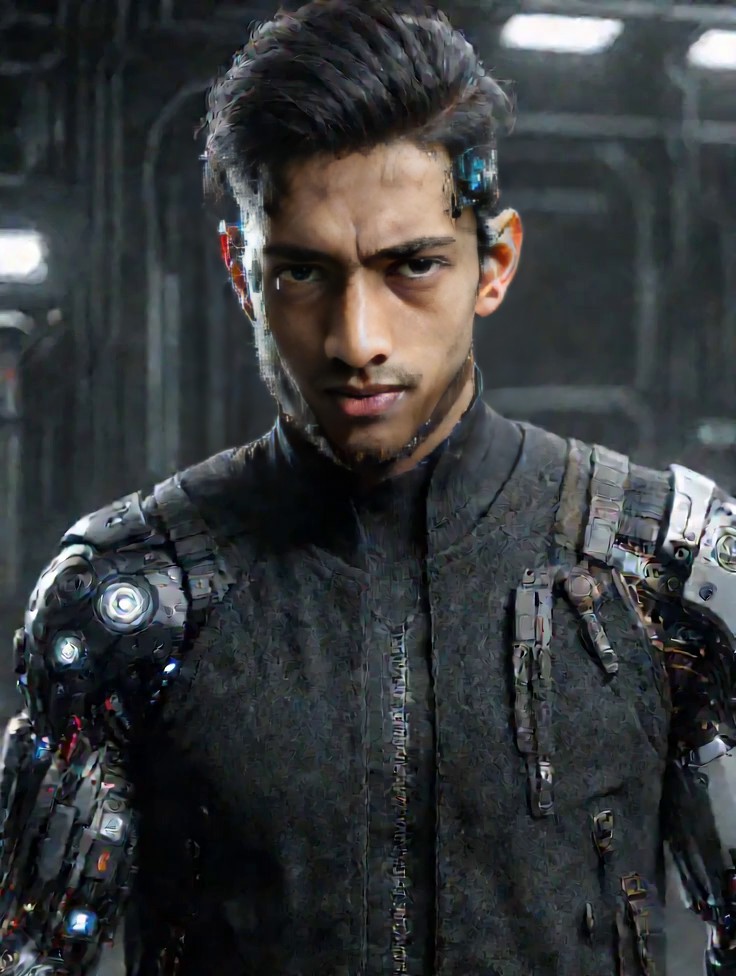

Why Vimi AI Robot Filter Delivers Quick Robot Style Results
Find the fastest way to create robot style visuals with Vimi’s one-tap templates. No editing skills required.
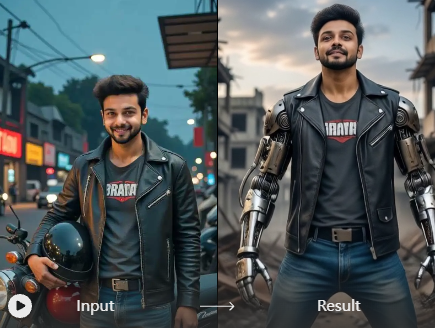
No Learning Curve Required
Vimi removes the complexity of AI tools. You never need to learn prompt engineering or tweak settings. The template first workflow means anyone can create robot style images. Open the app, choose a template, and generate.
No Learning Curve Required
Vimi removes the complexity of AI tools. You never need to learn prompt engineering or tweak settings. The template first workflow means anyone can create robot style images. Open the app, choose a template, and generate.
Explore the Use Cases of Vimi AI Robot Filter for Everyday Creators
Discover how people use robot filters for social media, gaming content, and creative projects.
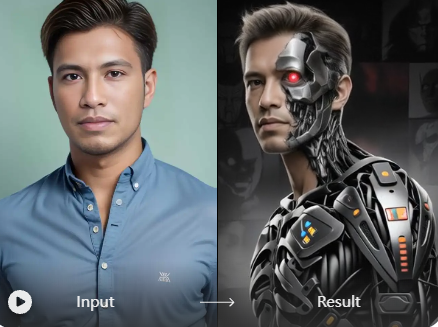
Social Media Profile Photos
Stand out on Instagram, TikTok, and other platforms with a robot-style profile picture. Upload a selfie, apply the robot filter, and generate a unique avatar in seconds. Post it directly to your Vimi profile or download and share across your favorite social channels.
Social Media Profile Photos
Stand out on Instagram, TikTok, and other platforms with a robot-style profile picture. Upload a selfie, apply the robot filter, and generate a unique avatar in seconds. Post it directly to your Vimi profile or download and share across your favorite social channels.
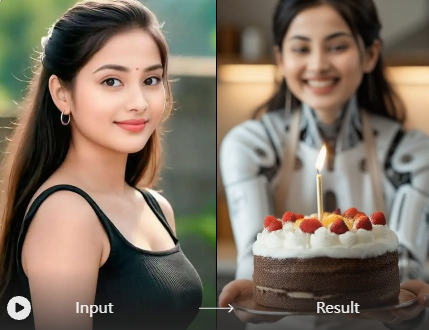
Gaming and Sci Fi Content
Gamers and sci-fi fans can create themed visuals for their channels. Turn your photo into a robot character that matches your gaming persona. Use the generated images for thumbnails, banners, or community posts. The robot style fits perfectly with futuristic and cyberpunk aesthetics.
Gaming and Sci Fi Content
Gamers and sci-fi fans can create themed visuals for their channels. Turn your photo into a robot character that matches your gaming persona. Use the generated images for thumbnails, banners, or community posts. The robot style fits perfectly with futuristic and cyberpunk aesthetics.
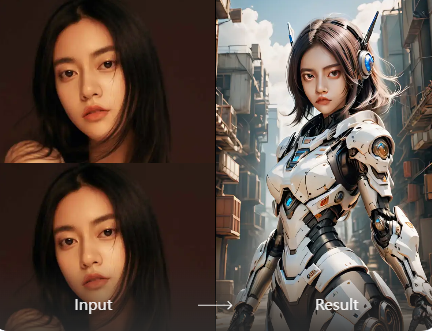
Fun Group Photos with Friends
Upload a group photo and apply the robot filter to everyone in the frame. Vimi identifies each person’s face separately and applies the style without mixing features. Create matching robot avatars for your friend group, team, or family. Share the results on your social feeds.
Fun Group Photos with Friends
Upload a group photo and apply the robot filter to everyone in the frame. Vimi identifies each person’s face separately and applies the style without mixing features. Create matching robot avatars for your friend group, team, or family. Share the results on your social feeds.
How to Make a Robot Style Image with Vimi AI Robot Filter?
Follow these three simple steps to create your robot style image using the Vimi app.

Step 01.
Visit the Vimi website to see filter examples. Click the download button to install the app on your phone.

Step 02.
Open the Vimi app and browse the template library. Find the robot style filter or search for related themes. Upload one photo for the group robot images.

Step 03.
Review your robot style image. Tap Download to save it to your phone. You can also share it directly to social media platforms from within the app.
Frequently Asked Questions
Find clear answers to common questions and get the guidance you need to make the most of our platform, faster and easier.
More Topics You May Like
Explore more topics you may like and discover fresh ideas tailored to your interests.
AI Nail Art Generator
AI Disney Poster Generator
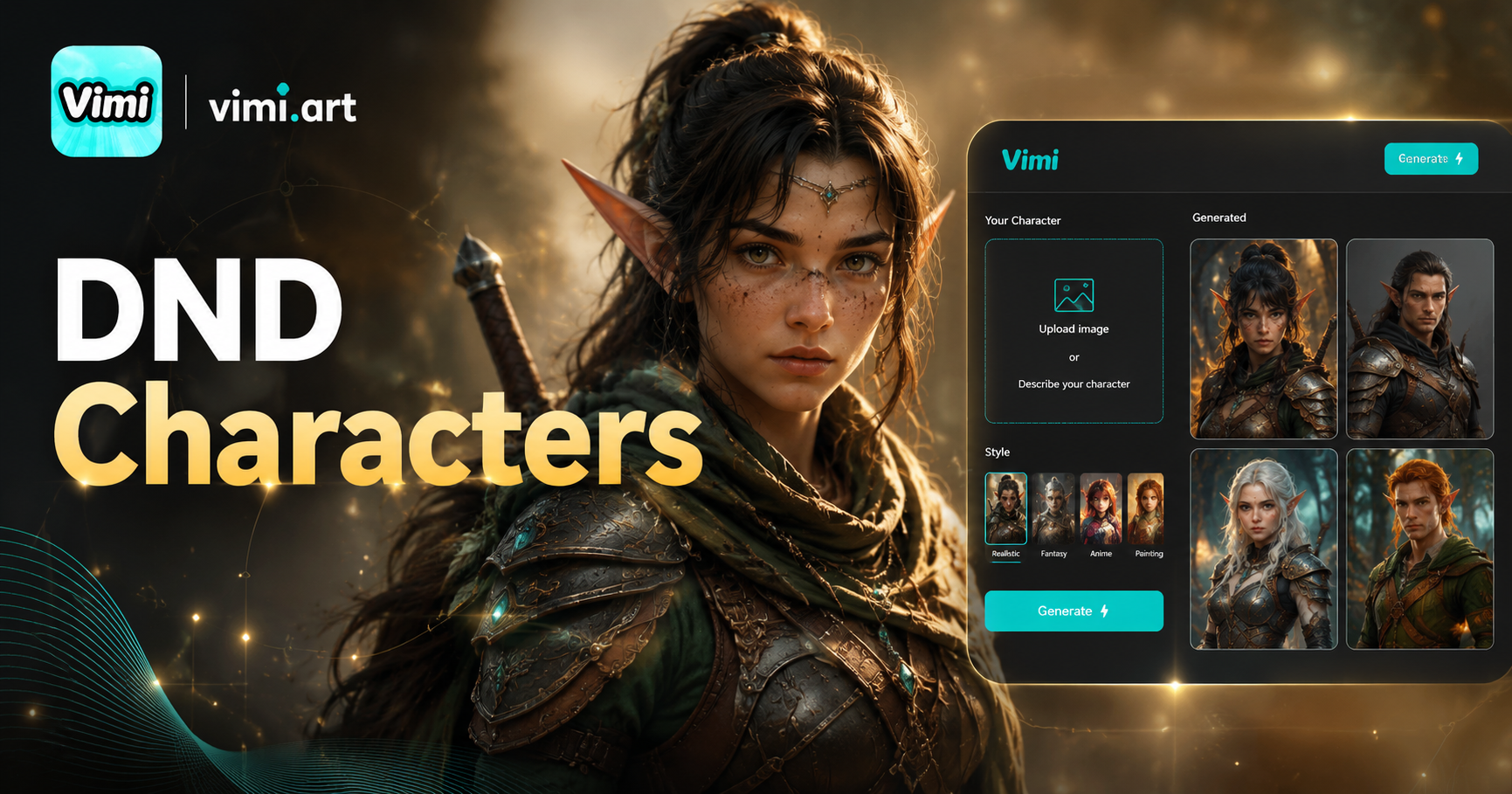
AI DnD Character Generator
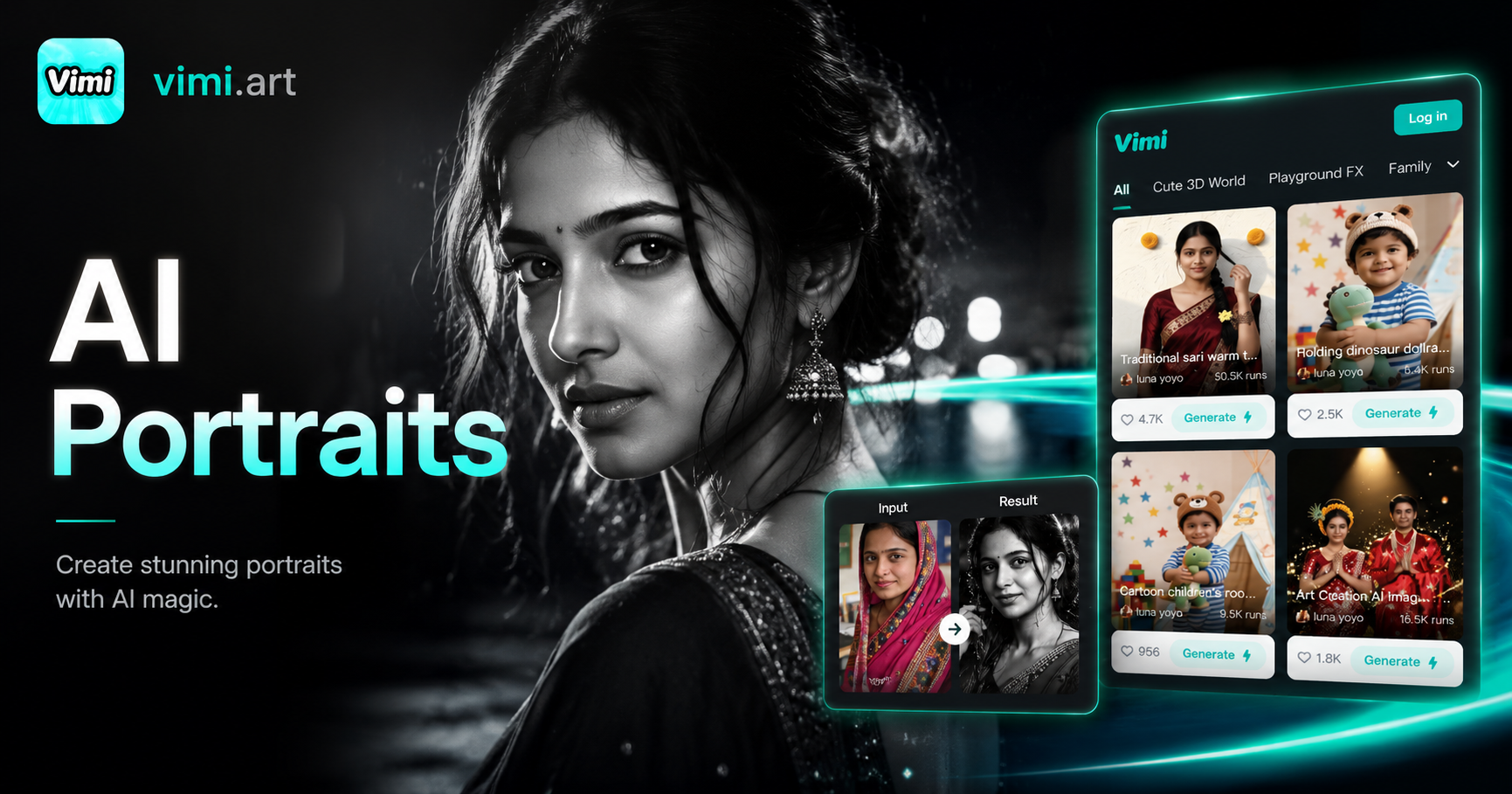
Cinematic Noir Portrait
AI Nail Art Generator
AI Disney Poster Generator
AI DnD Character Generator
Cinematic Noir Portrait
Create Your Robot Style Image with Vimi Today
Download the Vimi app. Choose the robot filter. Generate your futuristic look in seconds.
Create Your Robot Style Image with Vimi Today
Download the Vimi app. Choose the robot filter. Generate your futuristic look in seconds.