AI Red Black Portrait
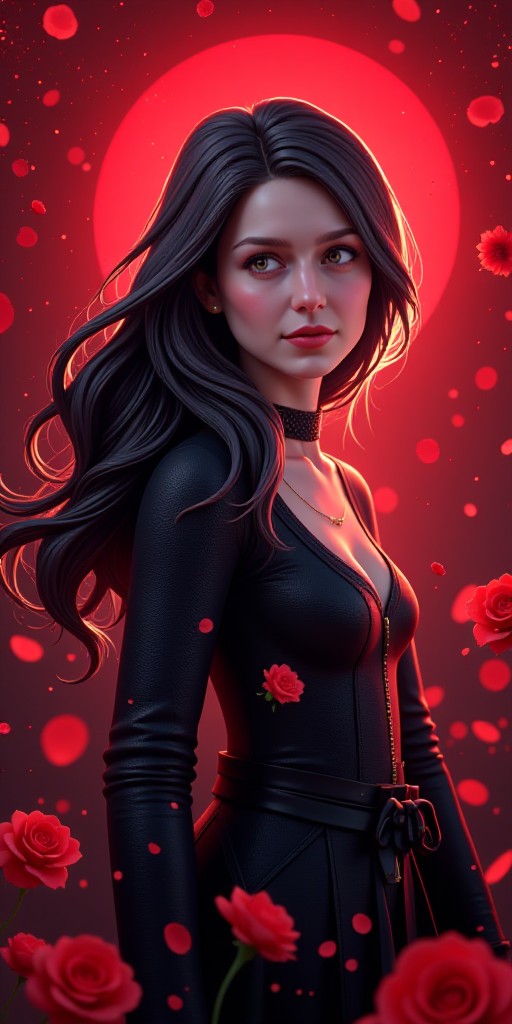
Roses(remix)


Why Choose Vimi AI Red Black Portrait for Bold Imagery
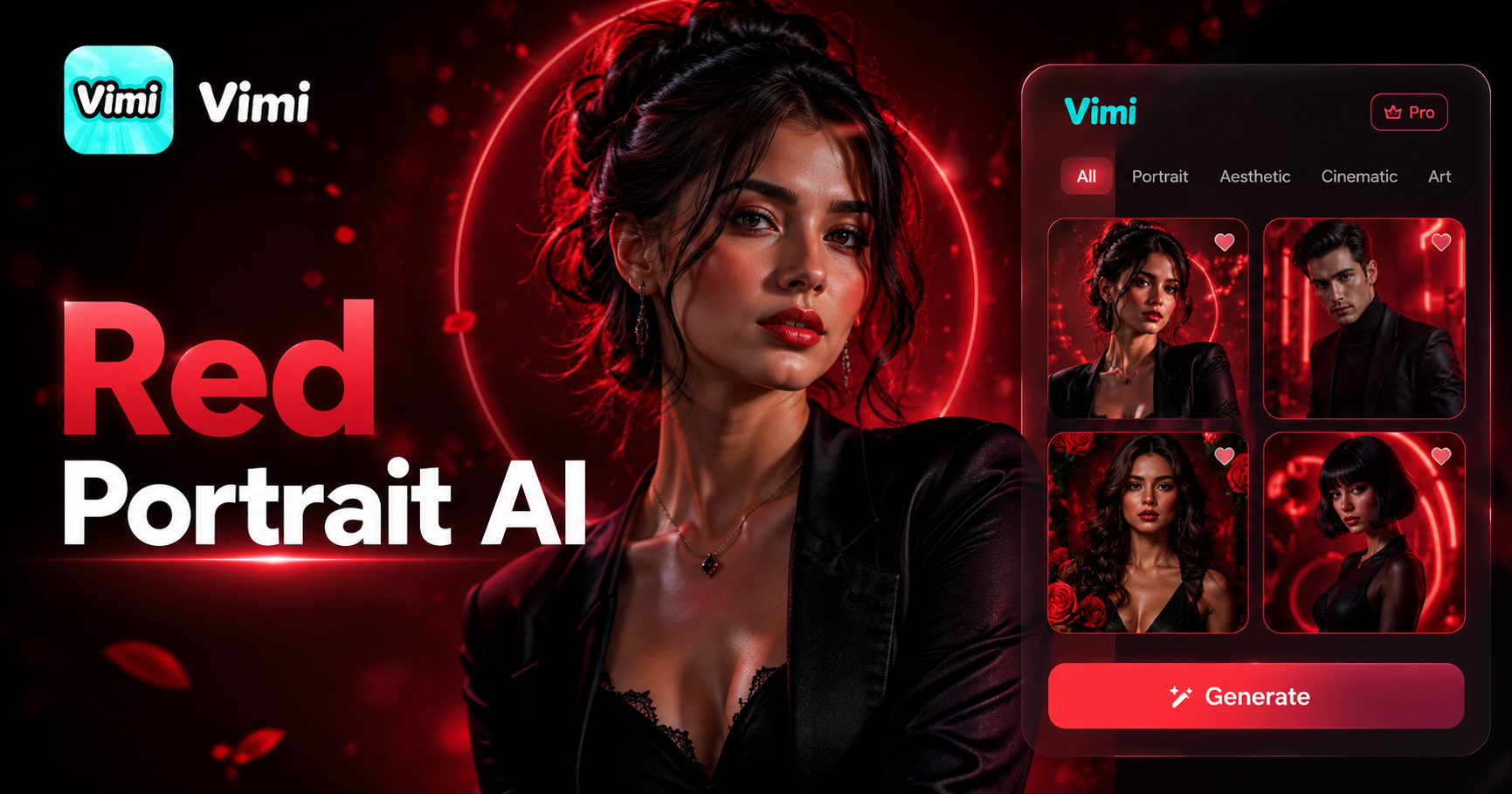
Discover the power of Vimi AI Red Black Portrait to turn your ordinary photos into dramatic, high contrast artwork.
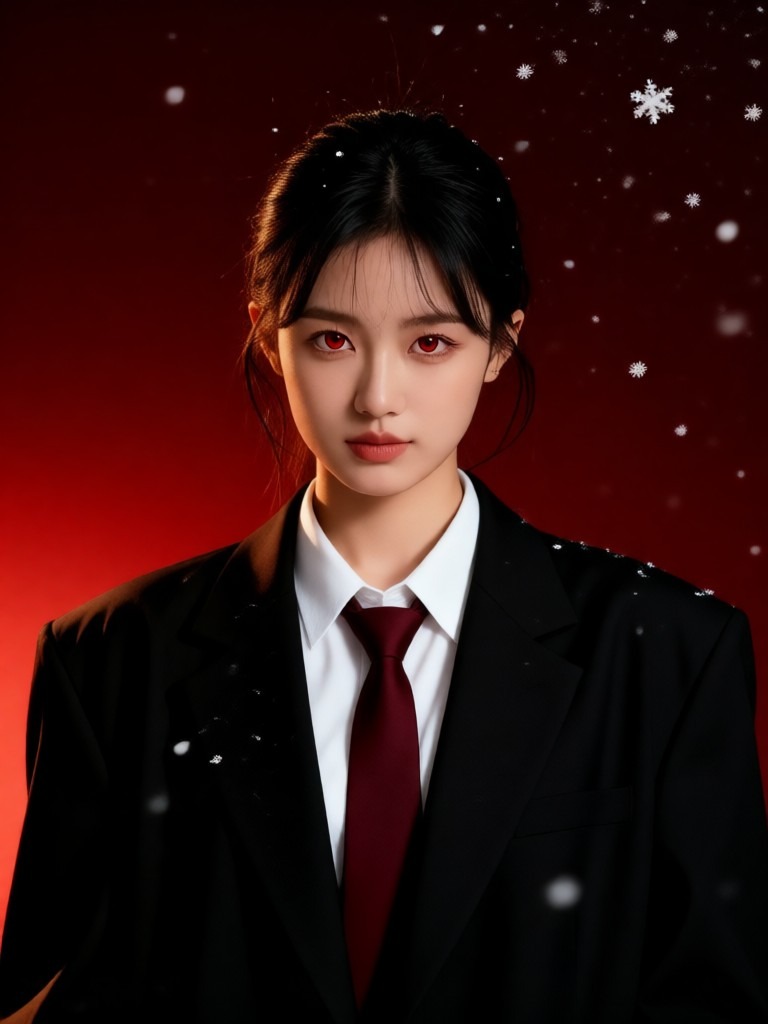
Dramatic Color Transformation
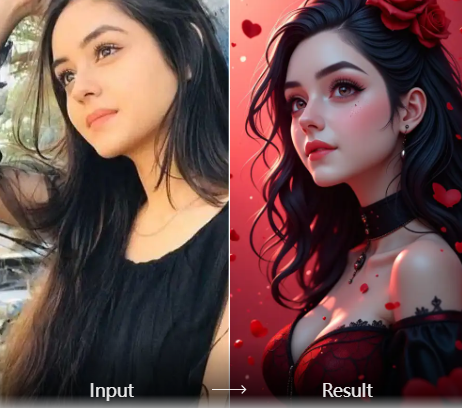
Vimi applies a specific red and black color palette to your photos. The AI analyzes skin tones, lighting, and background elements. It then maps these to deep reds and rich blacks. This creates a bold, editorial look that mimics high fashion photography styles without complex editing software.
Dramatic Color Transformation
Vimi applies a specific red and black color palette to your photos. The AI analyzes skin tones, lighting, and background elements. It then maps these to deep reds and rich blacks. This creates a bold, editorial look that mimics high fashion photography styles without complex editing software.
Explore Application Scenarios for Vimi AI Red Black Portrait
Find the many ways Vimi AI Red Black Portrait enhances your photos across different creative projects and personal uses.
 Before
 After
AfterPersonal Profile Pictures
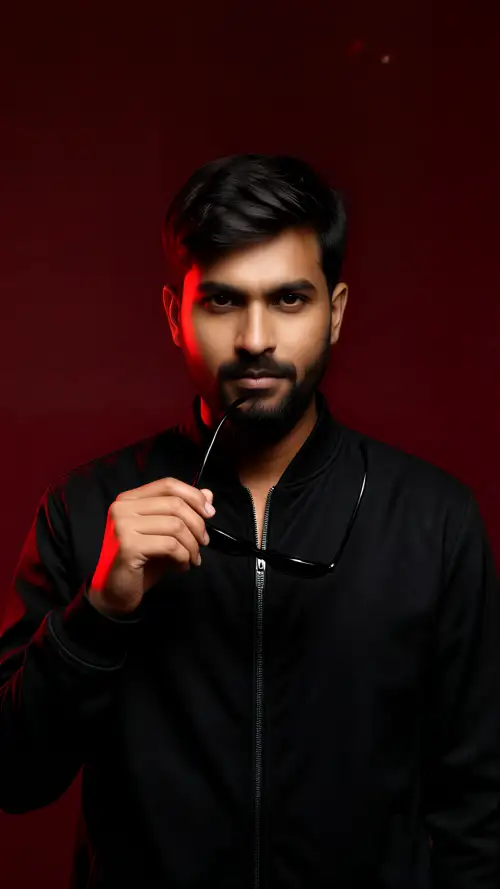
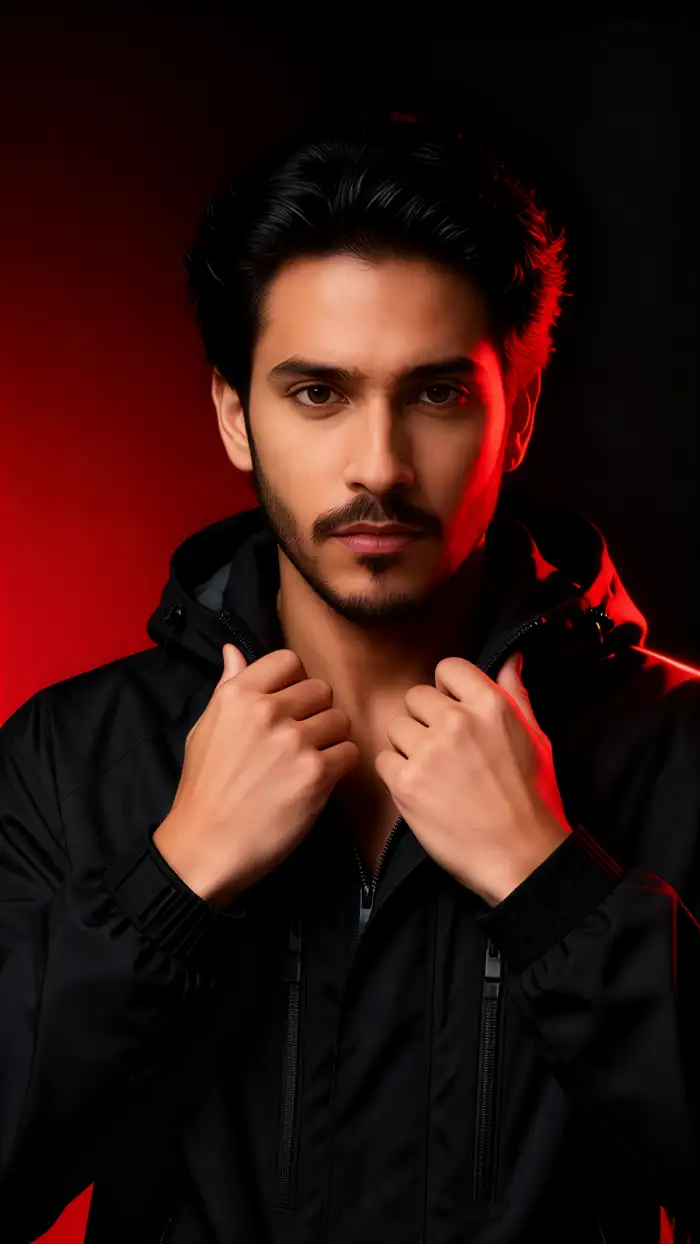
Update your social media profiles with a bold new look. The red black portrait style makes your photo stand out in feeds. It adds a professional, artistic feel to your personal brand. Friends and followers will notice the difference immediately.
 Before
 After
AfterMusic Artist Promos
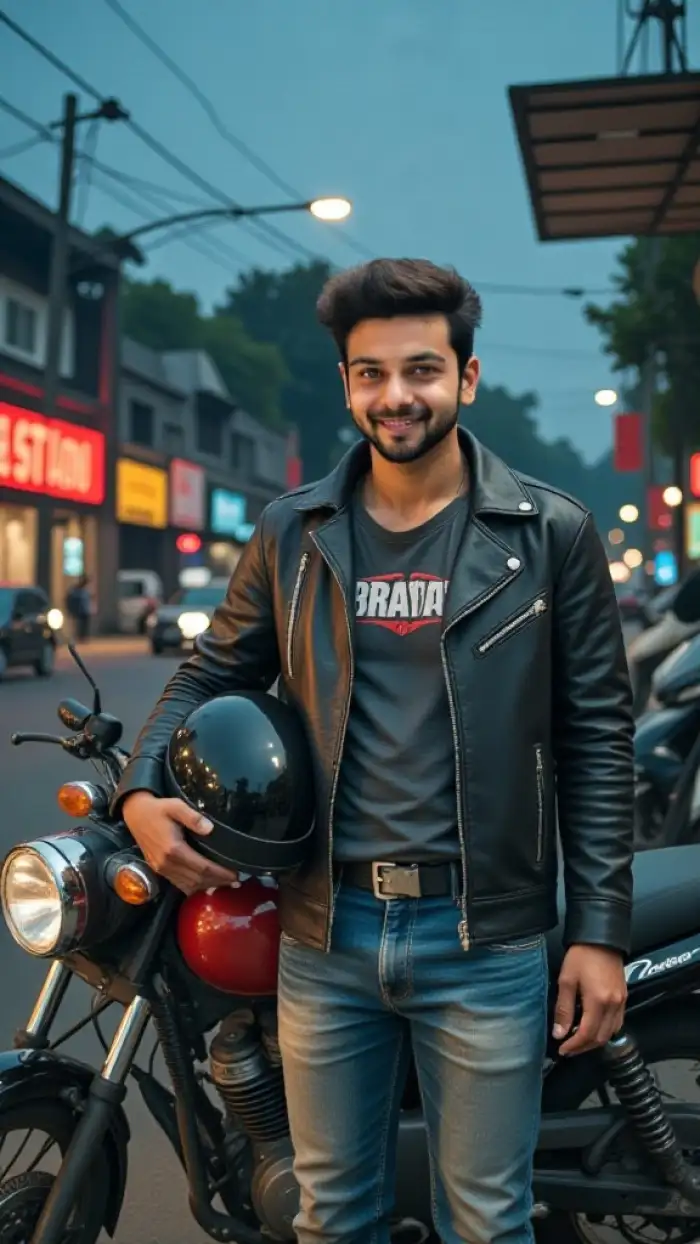
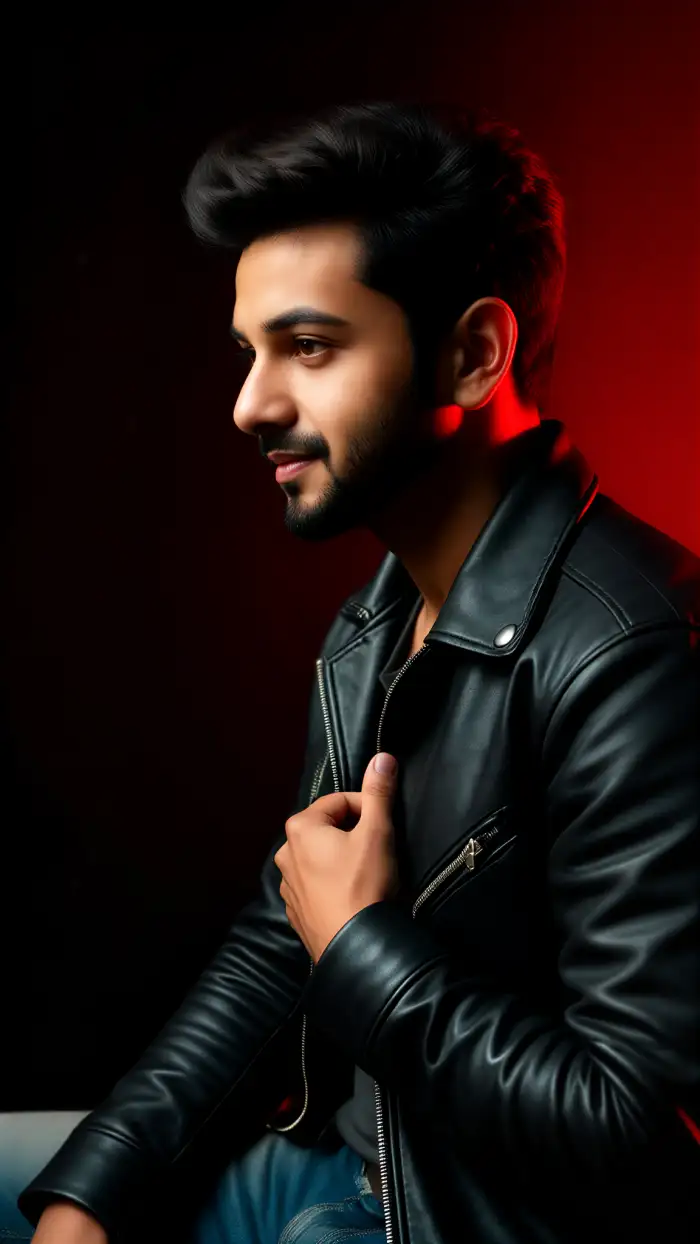
Musicians can create striking promotional images with this filter. The dramatic colors match album artwork aesthetics. Use these portraits for single covers, social media posts, or gig posters. The high contrast style fits rock, electronic, and alternative music genres well.
 Before
 After
AfterFashion Lookbooks
Showcase outfits with dramatic lighting effects. The red black treatment emphasizes clothing textures and silhouettes. It draws attention to your style choices. This works great for personal fashion portfolios or small brand lookbooks.
 Before
 After
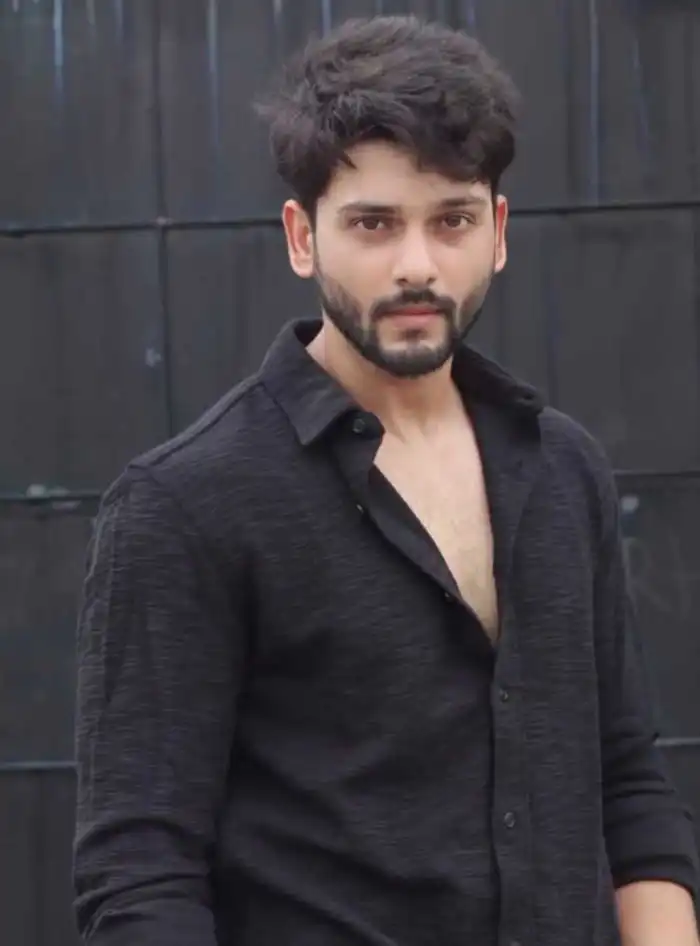
AfterCouple Artistic Shots
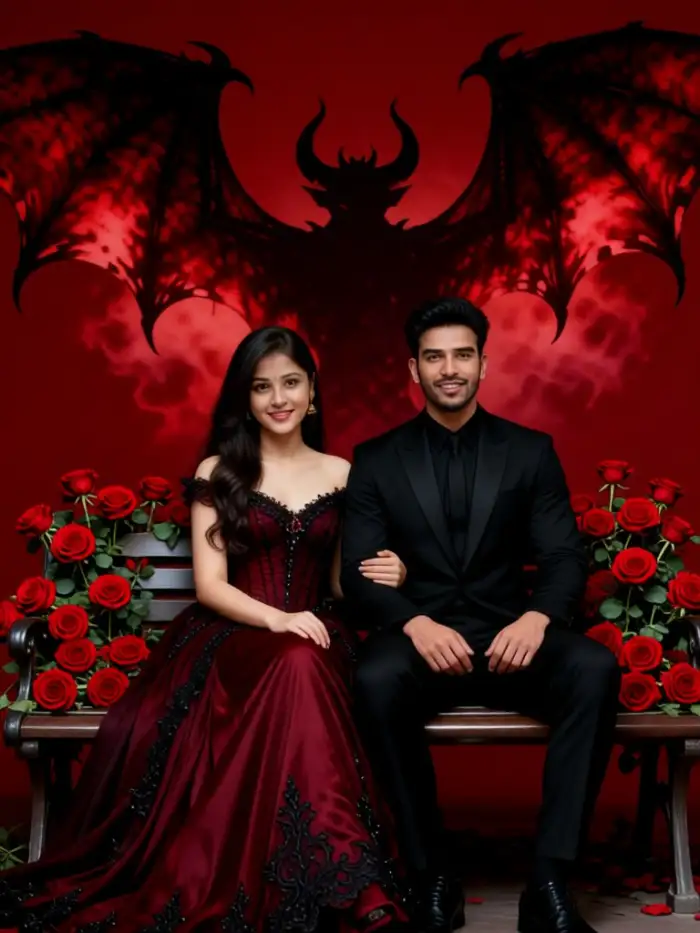
Transform couple photos into dramatic art pieces. The red black filter adds intensity and emotion to portraits. It removes distracting background colors and focuses on expressions. The result is a unified, gallery worthy image for your home or social media.
 Before
 After
AfterSpecial Occasion Memories
Turn event photos into dramatic keepsakes. Anniversary dinners, birthday parties, or formal events look more cinematic with this filter. The red black style adds a timeless quality to your memories. These photos become conversation starters when displayed.
 Before
 After
AfterCreative Social Content
Stand out on social platforms with unique visuals. The red black portrait style looks different from typical filters. It gives your posts a cohesive, artistic theme. Followers will recognize your content style immediately.
How to Make AI Red Black Portrait With Vimi?
Creating your AI Red Black Portrait takes just three simple steps. Vimi handles all the processing for you.

Step 01.
Get Vimi from your app store. Install and open the app on your phone.

Step 02.
Browse the template gallery. Select the red black portrait filter. Upload your photo.

Step 03.
Tap the generate button. Wait 15 seconds. Download your portrait or share it.
Frequently Asked Questions
Find clear answers to common questions and get the guidance you need to make the most of our platform, faster and easier.
More Topics You May Like
Explore more topics you may like and discover fresh ideas tailored to your interests.
AI Disney Poster Generator
AI DnD Character Generator
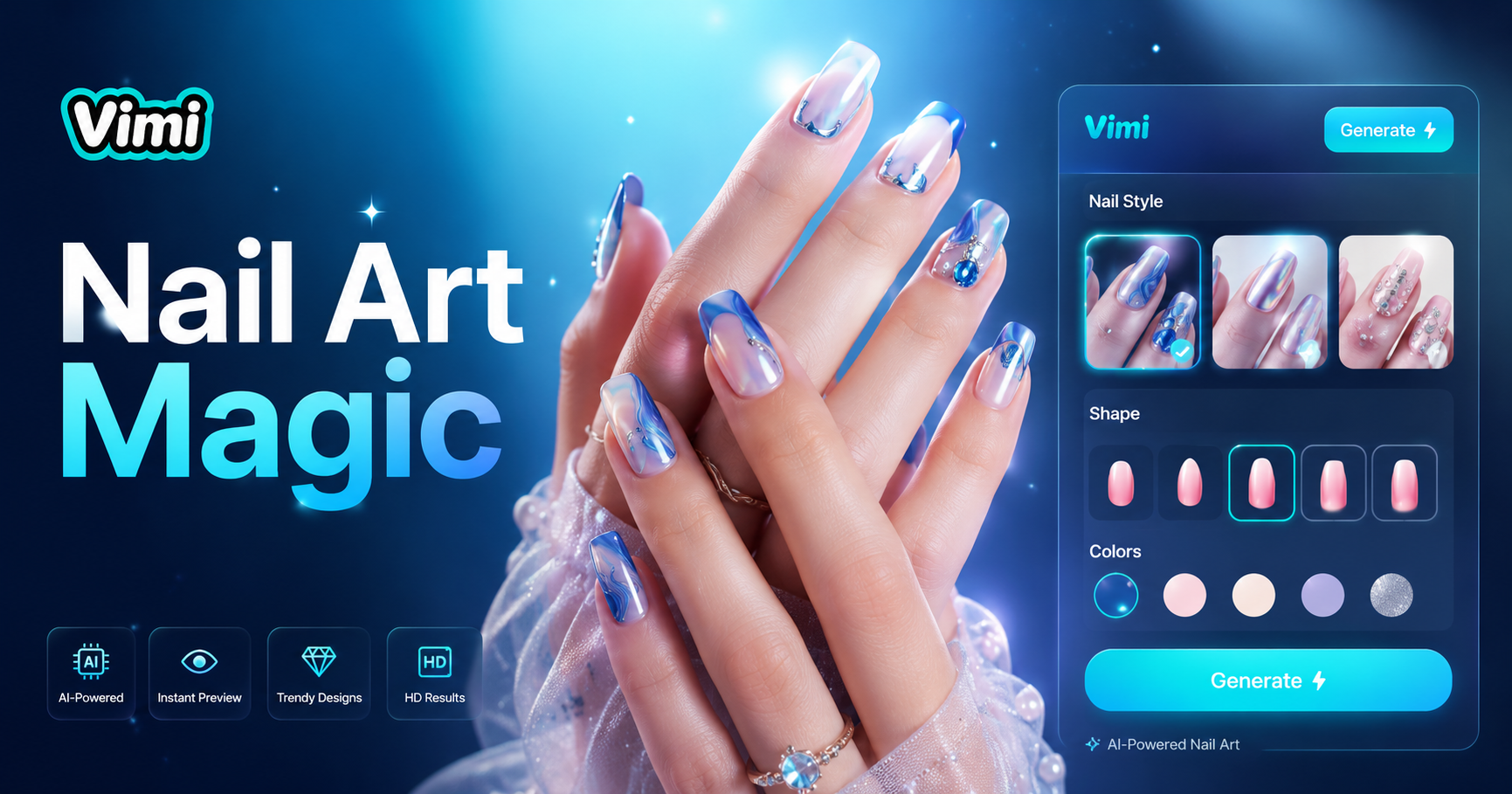
AI Nail Art Generator
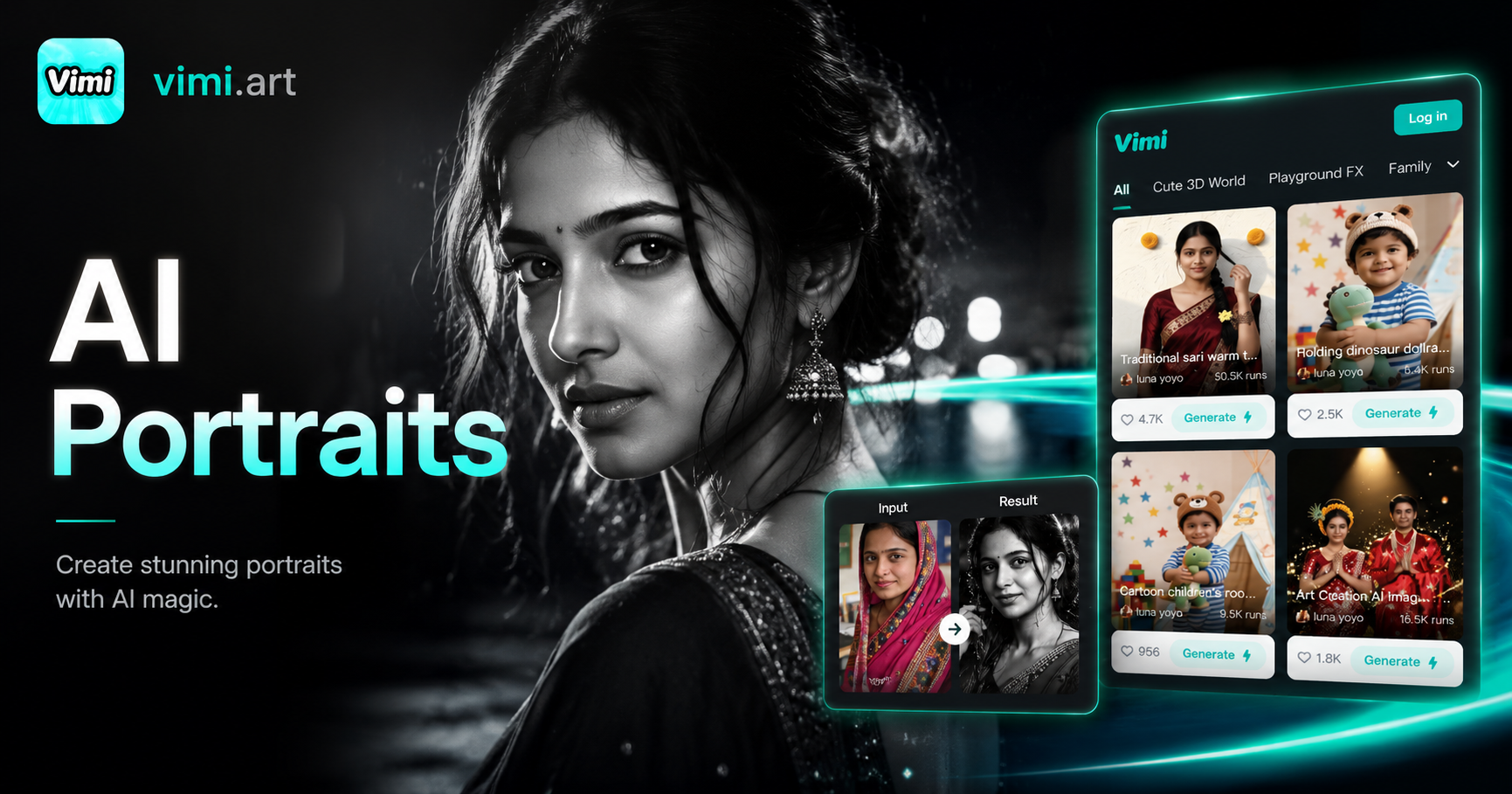
Cinematic Noir Portrait
AI Disney Poster Generator
AI DnD Character Generator
AI Nail Art Generator
Cinematic Noir Portrait
Download Vimi and Create Your Red Black Portrait Today
Get Vimi now. Turn your photos into dramatic red black art in seconds.

Download Vimi and Create Your Red Black Portrait Today
Get Vimi now. Turn your photos into dramatic red black art in seconds.