AI Random Animal Generator
Animal dancing

Key Features of Vimi AI Random Animal Generator
Discover the core tools that turn text into animal art quickly and simply. You do not need any drawing skills or technical knowledge.
One Line Text Input
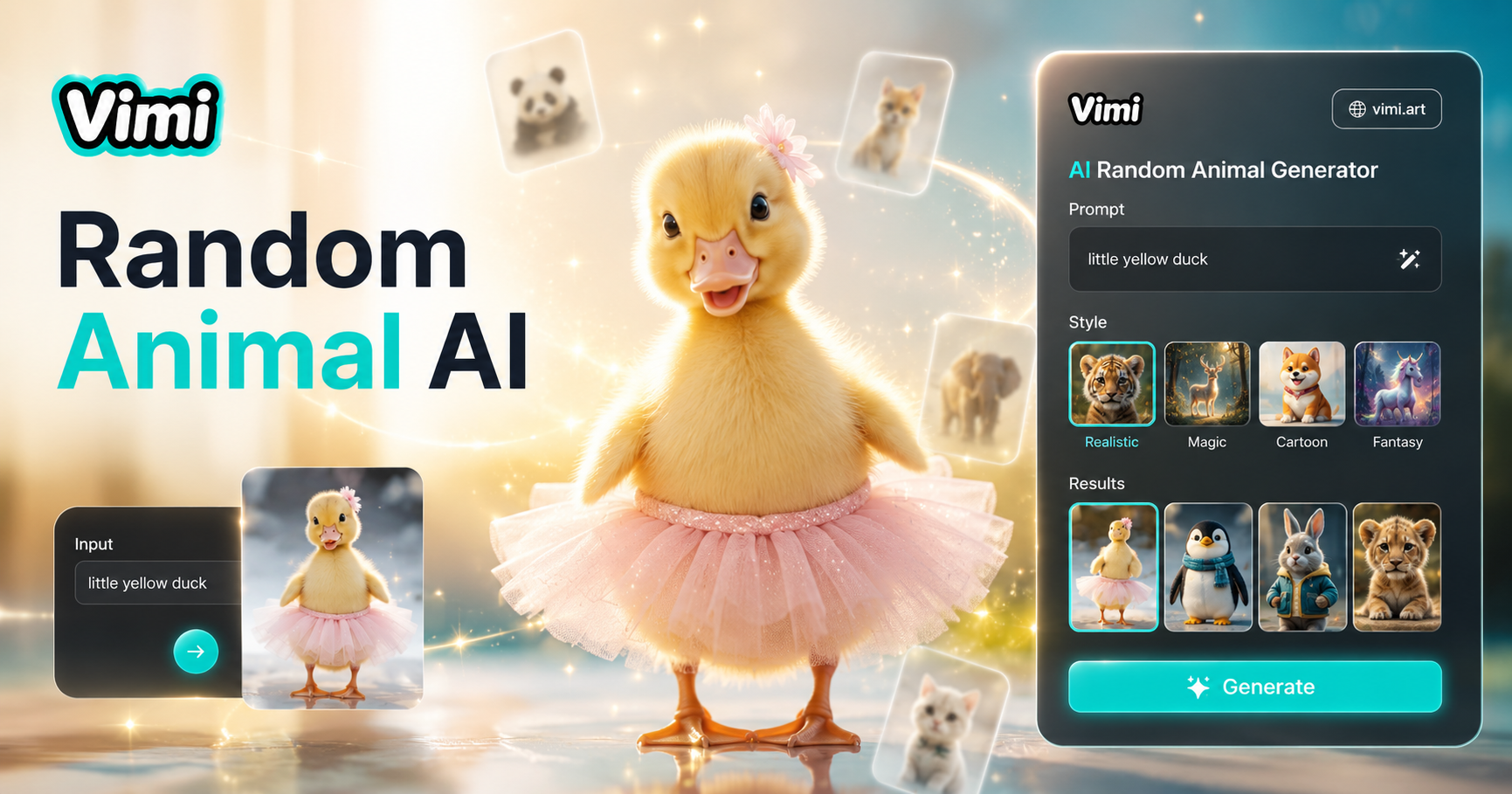
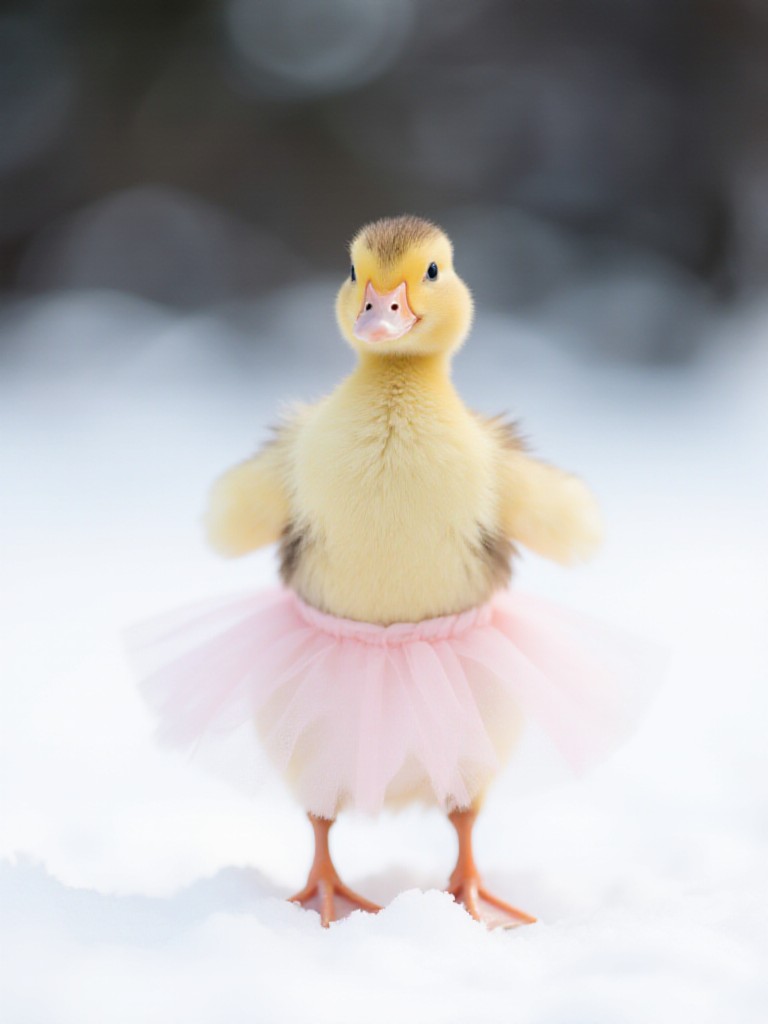
You only need to write one short sentence describing your animal. For example, a fluffy cat with rainbow fur or a dragon made of crystals. Vimi reads your words and creates the image without long prompt engineering.
One Line Text Input
You only need to write one short sentence describing your animal. For example, a fluffy cat with rainbow fur or a dragon made of crystals. Vimi reads your words and creates the image without long prompt engineering.
Fast 10-20 Second Generation
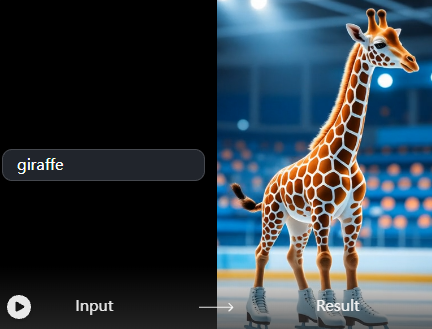
After you write your animal description and pick a template, Vimi generates the image in about 10 to 20 seconds. You do not wait long to see your creative creature come to life on your screen.
Fast 10-20 Second Generation
After you write your animal description and pick a template, Vimi generates the image in about 10 to 20 seconds. You do not wait long to see your creative creature come to life on your screen.
No Complex Parameter Tuning
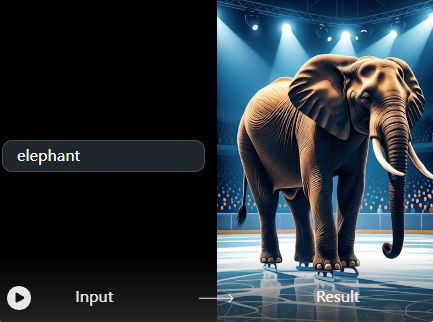
You never need to adjust settings like steps, CFG scale, or seed numbers. Just describe the animal, select a visual style, and tap generate. Vimi handles all the technical work behind the scenes.
No Complex Parameter Tuning
You never need to adjust settings like steps, CFG scale, or seed numbers. Just describe the animal, select a visual style, and tap generate. Vimi handles all the technical work behind the scenes.
Mobile Only App Workflow
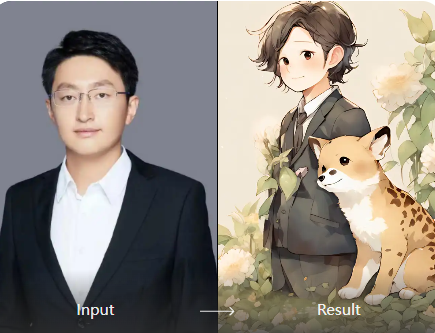
All animal generation happens inside the Vimi mobile app. You download the app, browse templates, type your idea, and generate. Every feature from text to final image is built for your phone.
Mobile Only App Workflow
All animal generation happens inside the Vimi mobile app. You download the app, browse templates, type your idea, and generate. Every feature from text to final image is built for your phone.
How to Use Vimi AI Random Animal Generator?
Create adorable AI baby images in our powerful platform. Follow these steps to generate your first animal image from text.

Step 01.
Go to the Vimi official website from your phone browser. Click the download link to install the Vimi app on your iOS or Android device.

Step 02.
Open the Vimi app and browse the template library. Search for AI Random Animal Generator or a similar filter. Tap on it, then type your animal description into the text box.

Step 03.
Tap the generate button. Wait 10 to 20 seconds for Vimi to create your animal image. Review the result. Tap download to save it to your phone or share it directly to social media.
Frequently Asked Questions
Find clear answers to common questions and get the guidance you need to make the most of our platform, faster and easier.
More Topics You May Like
Explore more topics you may like and discover fresh ideas tailored to your interests.
AI French Kiss Video Generator
AI Celebrity Generator
AI Couple Video Genertaor
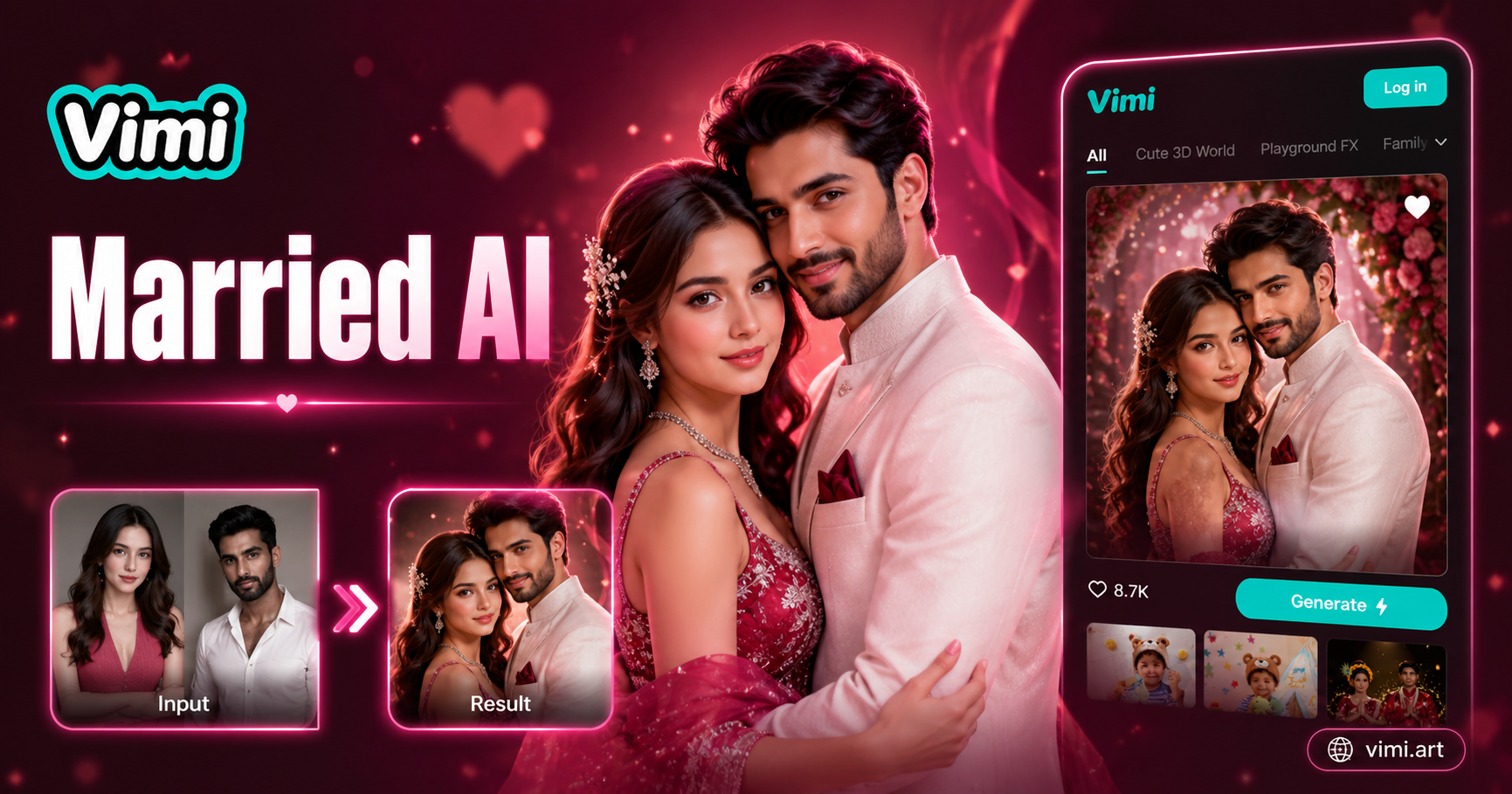
AI Married Couple Generator
AI French Kiss Video Generator
AI Celebrity Generator
AI Couple Video Genertaor
AI Married Couple Generator
Download Vimi And Create Your First Animal Now
Type one sentence. Pick a style. Generate in seconds. Start for free today.
Download Vimi And Create Your First Animal Now
Type one sentence. Pick a style. Generate in seconds. Start for free today.