AI Newspaper Generator
Turn any photo or story into a classic newspaper front page using Vimi. Add headlines, dates, and bylines for a realistic vintage look. Choose from old school, war era, or modern tabloid styles. Download the app and design your own newspaper cover today.
 Before
 After
After
Vimi Studio
Switch to Vimi Studio on APP for advanced control and unlimited exports.

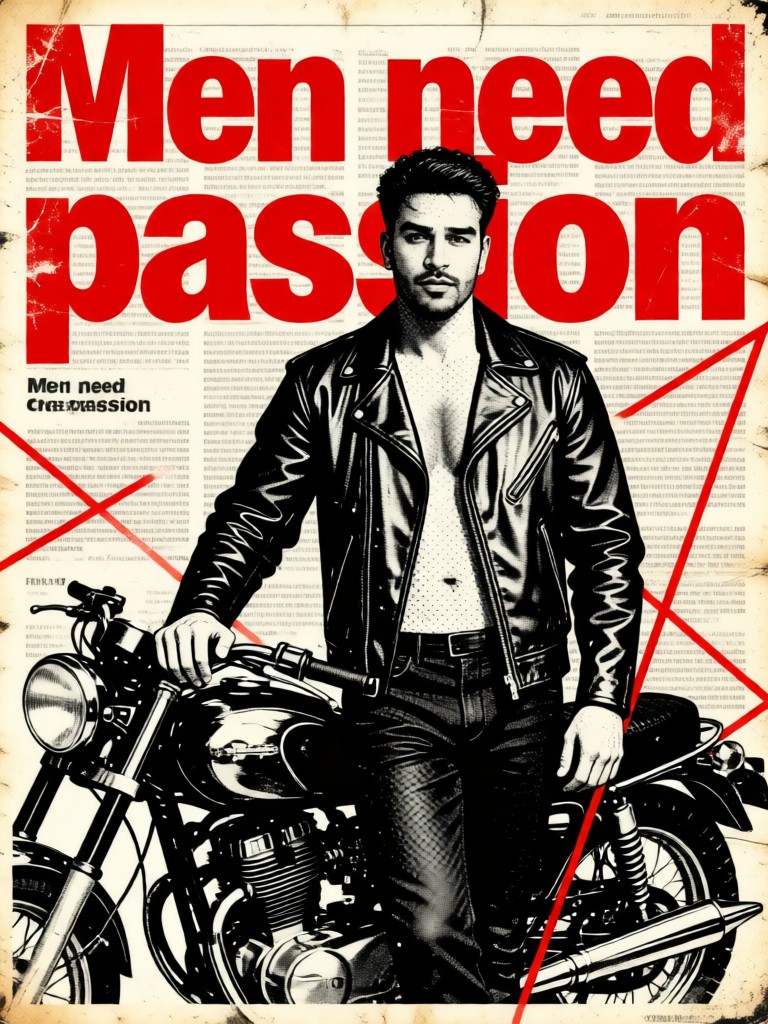
Retro Newspaper - Biker Guy


Key Features of Vimi AI Newspaper Generator
Explore the tools that turn your photos and text into realistic vintage newspaper covers.
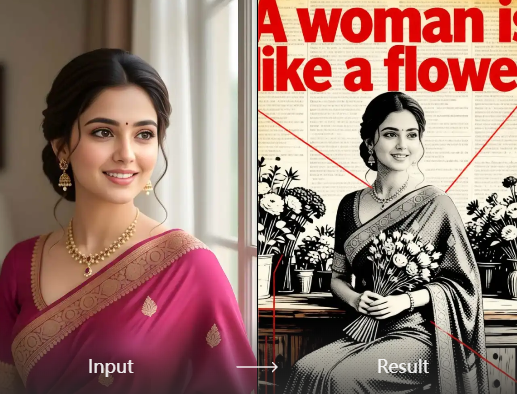
Vintage Newspaper Design
Vimi recreates the look of classic print newspapers. The template adds yellowed paper texture, traditional column layouts, and period appropriate fonts. You get a front page that looks like it came from a historic archive. Each design element matches the style of old school journalism.
Vintage Newspaper Design
Vimi recreates the look of classic print newspapers. The template adds yellowed paper texture, traditional column layouts, and period appropriate fonts. You get a front page that looks like it came from a historic archive. Each design element matches the style of old school journalism.
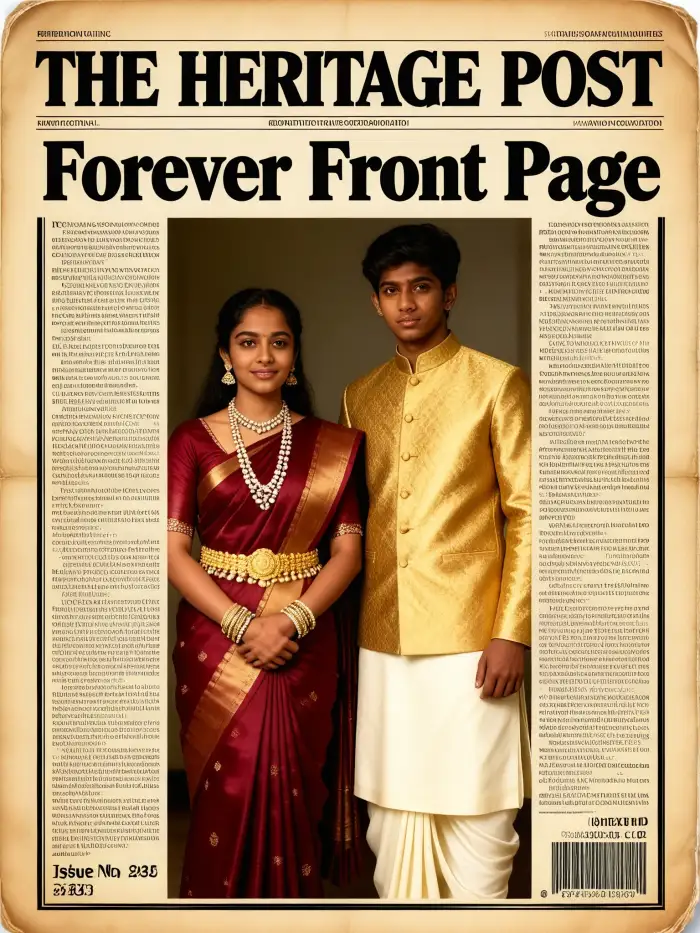
Multiple Aging Filter Styles
Choose from different aging effects for your newspaper. Options include mild yellowing, heavy crease marks, and torn edge effects. Vimi applies these filters to both the paper background and your photo. This gives your cover a genuine aged appearance that looks like a real vintage find.
Multiple Aging Filter Styles
Choose from different aging effects for your newspaper. Options include mild yellowing, heavy crease marks, and torn edge effects. Vimi applies these filters to both the paper background and your photo. This gives your cover a genuine aged appearance that looks like a real vintage find.

Event Recap Generation
Turn a series of photos into a newspaper style recap. Vimi arranges multiple images across the front page layout. You can tell a story through pictures and short captions. This works well for summarizing trips, parties, or historical events in a single visual.
Event Recap Generation
Turn a series of photos into a newspaper style recap. Vimi arranges multiple images across the front page layout. You can tell a story through pictures and short captions. This works well for summarizing trips, parties, or historical events in a single visual.
How to Make a Newspaper with Vimi AI?
Follow these three steps to create your vintage newspaper cover inside the app.

Step 01.
Go to your app store and install Vimi on your mobile device.

Step 02.
Open the app, find the AI Newspaper Generator in the library, and upload your photo. Type your headline and date in the text fields.

Step 03.
Tap Generate. After a few seconds, preview your newspaper cover. Download it to your gallery or share it directly to social media.
Frequently Asked Questions
Find clear answers to common questions and get the guidance you need to make the most of our platform, faster and easier.
More Topics You May Like
Explore more topics you may like and discover fresh ideas tailored to your interests.
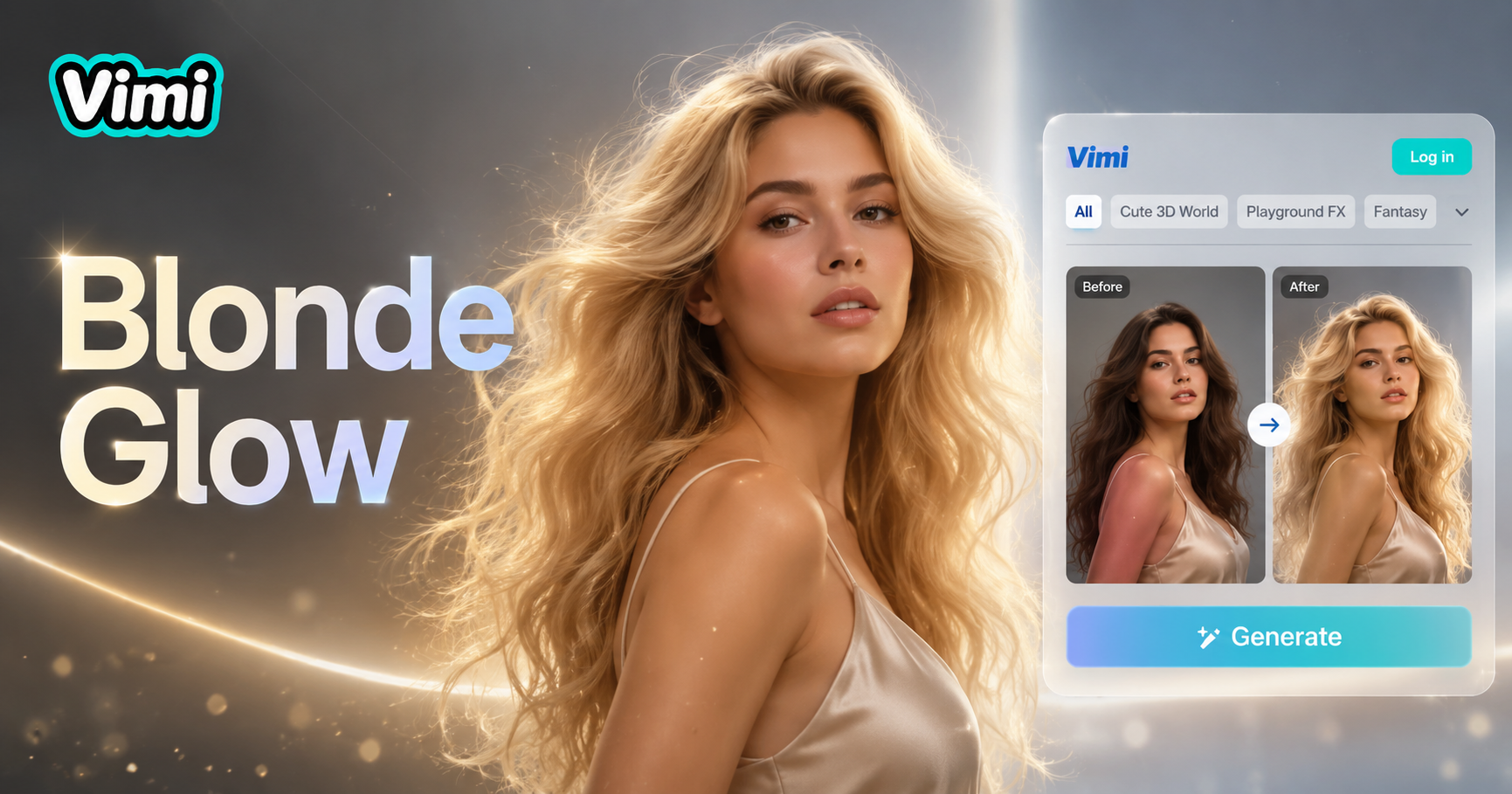
AI Blonde Hair Generator
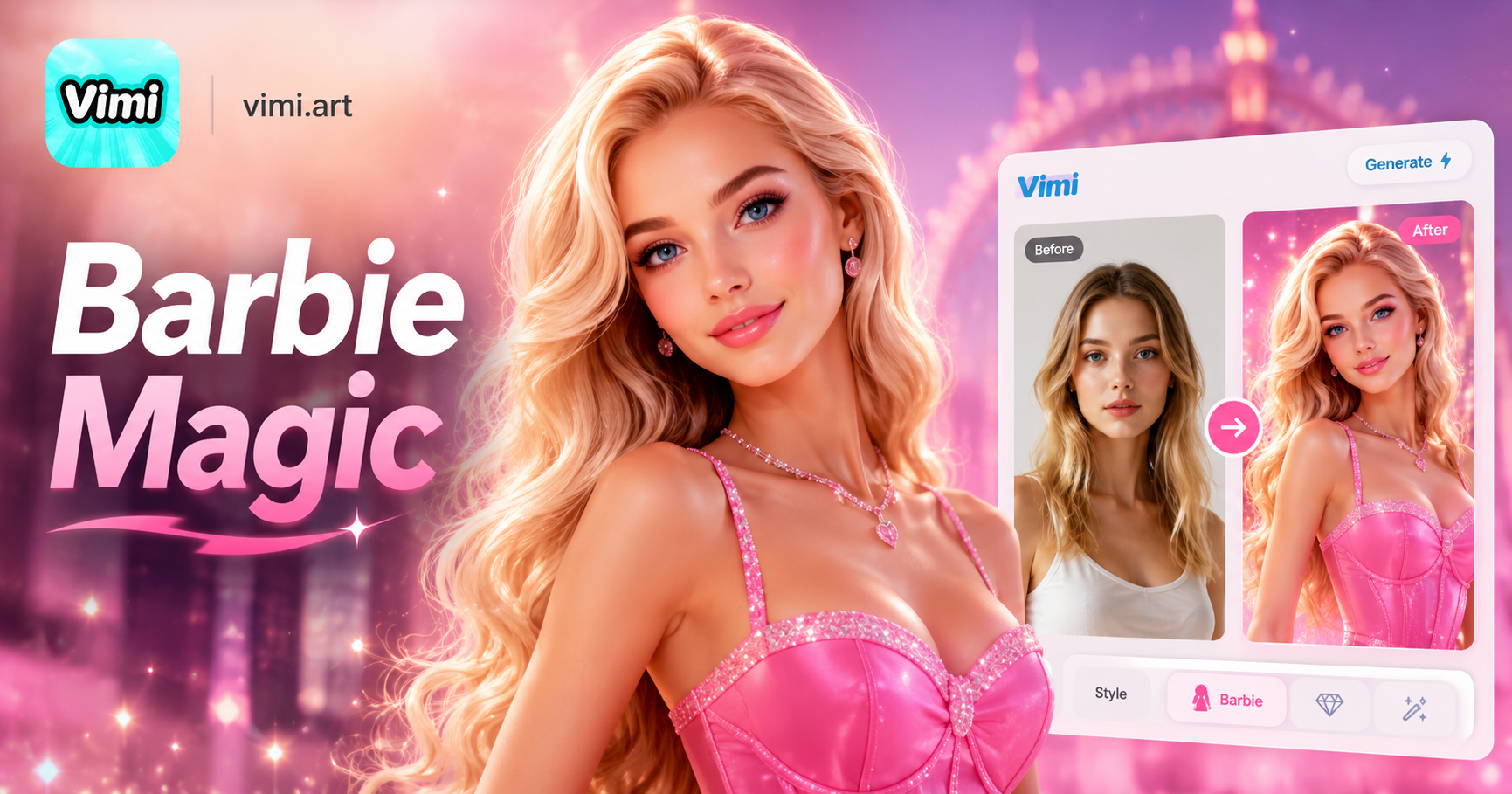
AI Barbie Generator

AI Black And White Portrait
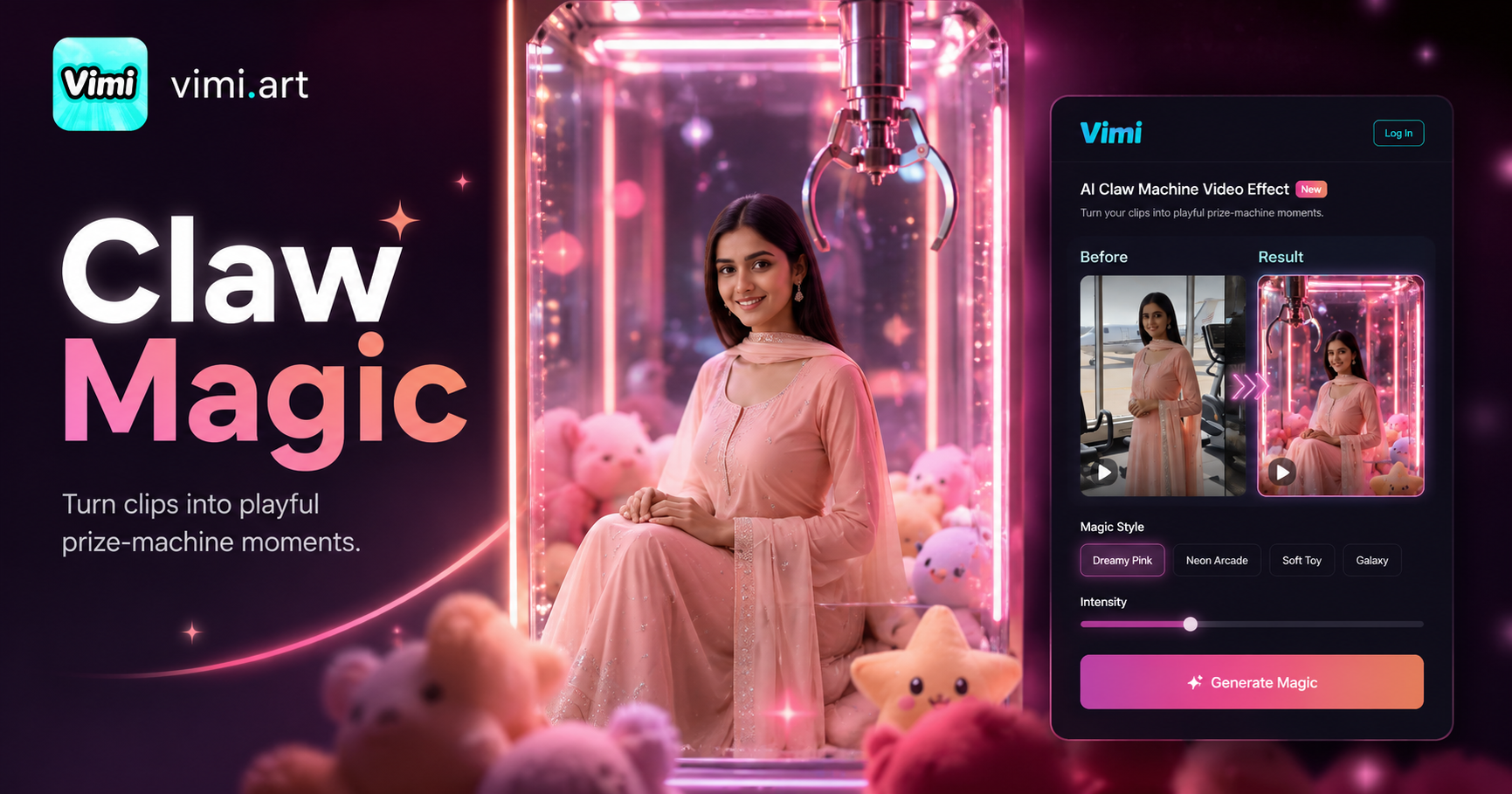
AI Claw Machine Video Effect
AI Blonde Hair Generator
AI Barbie Generator
AI Black And White Portrait
AI Claw Machine Video Effect
Download Vimi and Create Your Newspaper Now
Turn your photos into vintage newspaper covers with the Vimi app. Share your creative front pages with friends in just a few taps.
Download Vimi and Create Your Newspaper Now
Turn your photos into vintage newspaper covers with the Vimi app. Share your creative front pages with friends in just a few taps.