AI Minecraft Video Effect
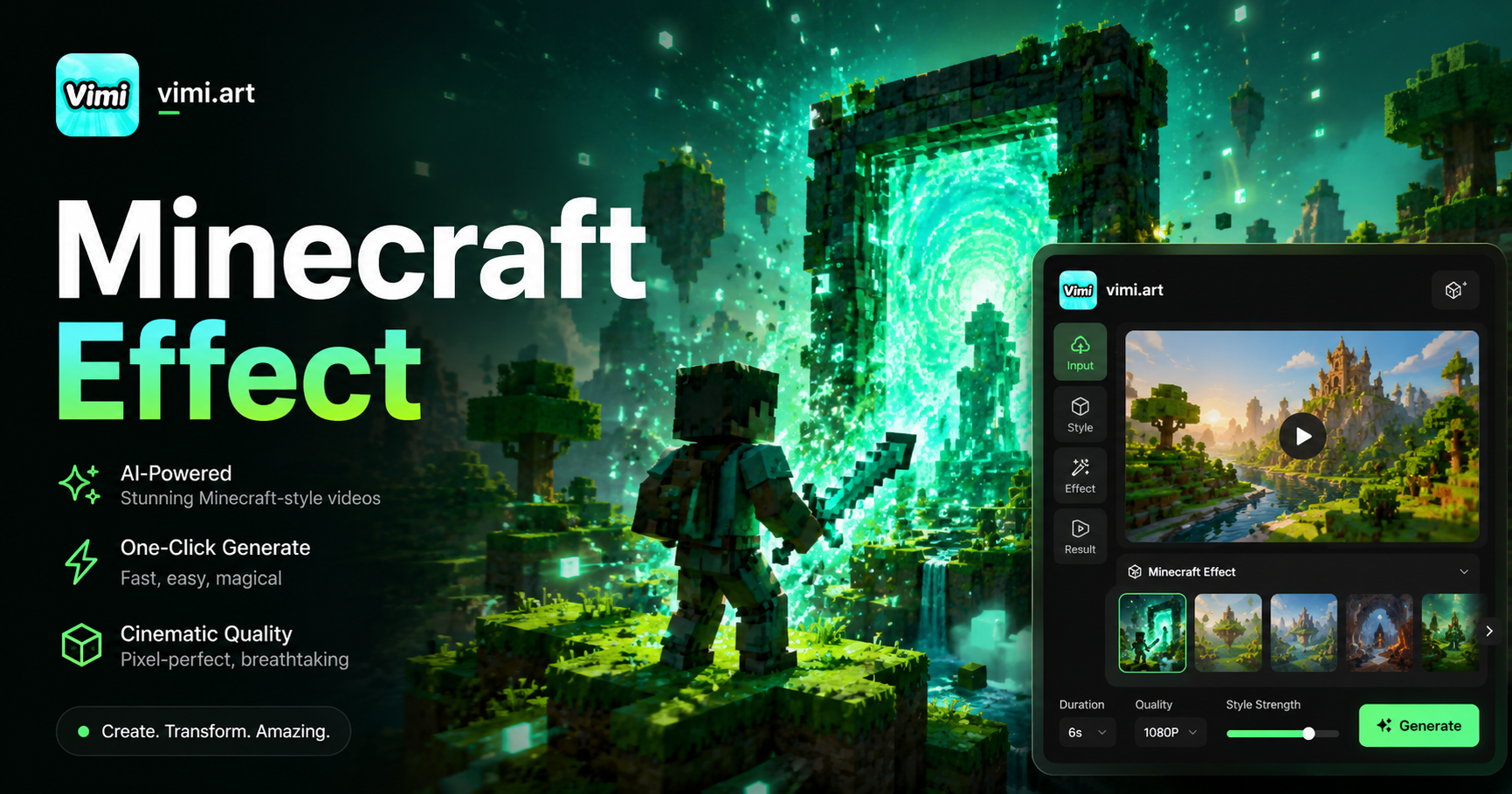
Dynamic Minecraft



Key Features of Vimi AI Minecraft Video Effect
Explore the main functions that make Vimi AI Minecraft Video Effect a creative tool for game style videos.
 Before
Pixelated Texture Conversion
Vimi AI Minecraft Video Effect turns your photos into blocky pixel art. The AI breaks down images into square segments. Each block matches the colors and shapes from your original content. The result looks like a scene from the game world. Your photos become part of a virtual landscape.
 Before
Landscape Style Templates
The app offers templates that mimic different game biomes. You can choose forest, desert, snowy, or cave themes. Each template applies appropriate colors and block patterns. The AI adjusts lighting to match the chosen environment. Your video fits perfectly into the game aesthetic.
 Before
Character Block Adaptation
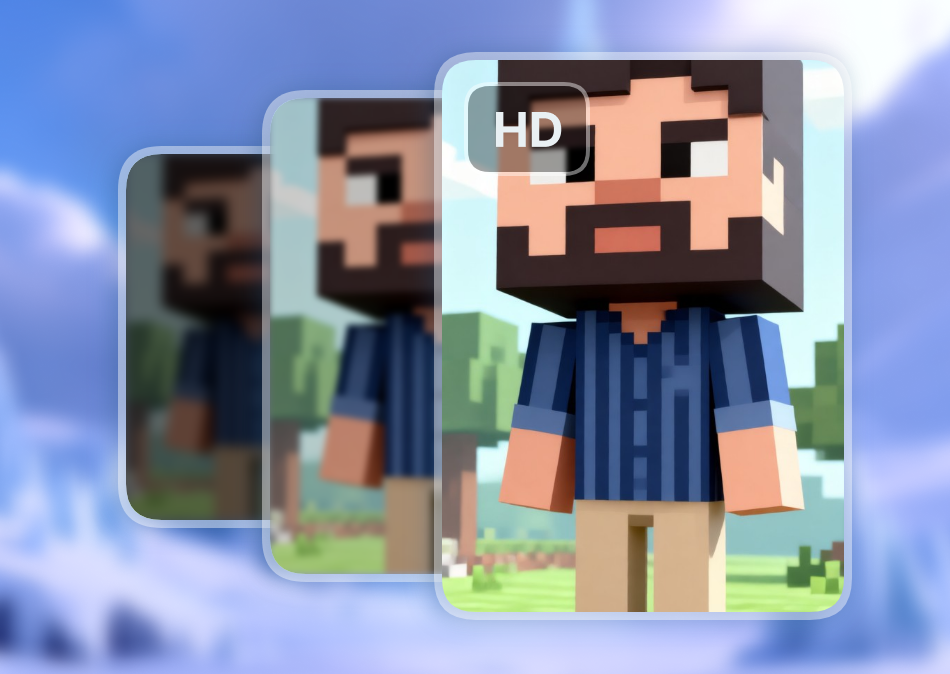
Vimi AI Minecraft Video Effect converts people and animals into block style characters. The AI preserves recognizable features while applying square shapes. Your face or pet remains identifiable in the pixelated style. This creates a fun version of yourself or your friends in block form.
Benefits of Using Vimi AI Minecraft Video Effect for Creators
Learn how Vimi AI Minecraft Video Effect helps you create entertaining game style content.
Appeal to Gaming Communities
Game fans love content that matches their favorite titles. Vimi AI Minecraft Video Effect creates videos that resonate with this audience. Your content stands out in gaming forums and social groups. The block style attracts attention from players and fans. You connect with a passionate and engaged community.
Appeal to Gaming Communities
Game fans love content that matches their favorite titles. Vimi AI Minecraft Video Effect creates videos that resonate with this audience. Your content stands out in gaming forums and social groups. The block style attracts attention from players and fans. You connect with a passionate and engaged community.
How to Generate Minecraft Style Videos with Vimi AI?
Follow these three steps to create your block style video using Vimi AI Minecraft Video Effect.

Step 01.
Open your phone's app store and search for Vimi. Install the application on your device. The app works on both iOS and Android phones.

Step 02.
Launch the app and browse the template collection. Find the AI Minecraft Video Effect filter. Upload your photo or video and tap generate.

Step 03.
Check the generated video on your screen. Tap download to store it on your phone. You can also share it directly to your social media accounts.
Frequently Asked Questions
Find clear answers to common questions and get the guidance you need to make the most of our platform, faster and easier.
More Topics You May Like
Explore more topics you may like and discover fresh ideas tailored to your interests.
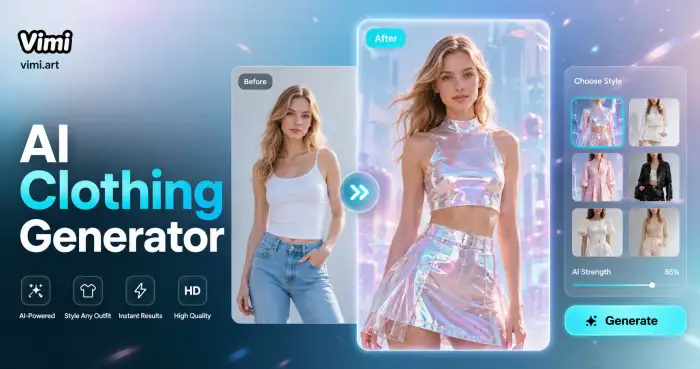
AI Costume Generator
AI Pandora Avatar Generator
Mosaic Picture Generator
AI Gingerbread House Generator
AI Costume Generator
AI Pandora Avatar Generator
Mosaic Picture Generator
AI Gingerbread House Generator
Try Vimi AI Minecraft Video Effect Today
Turn your photos into block worlds, create fun content, and share with friends. Start your game style video today.
Try Vimi AI Minecraft Video Effect Today
Turn your photos into block worlds, create fun content, and share with friends. Start your game style video today.