AI Disney Pixar Poster Generator
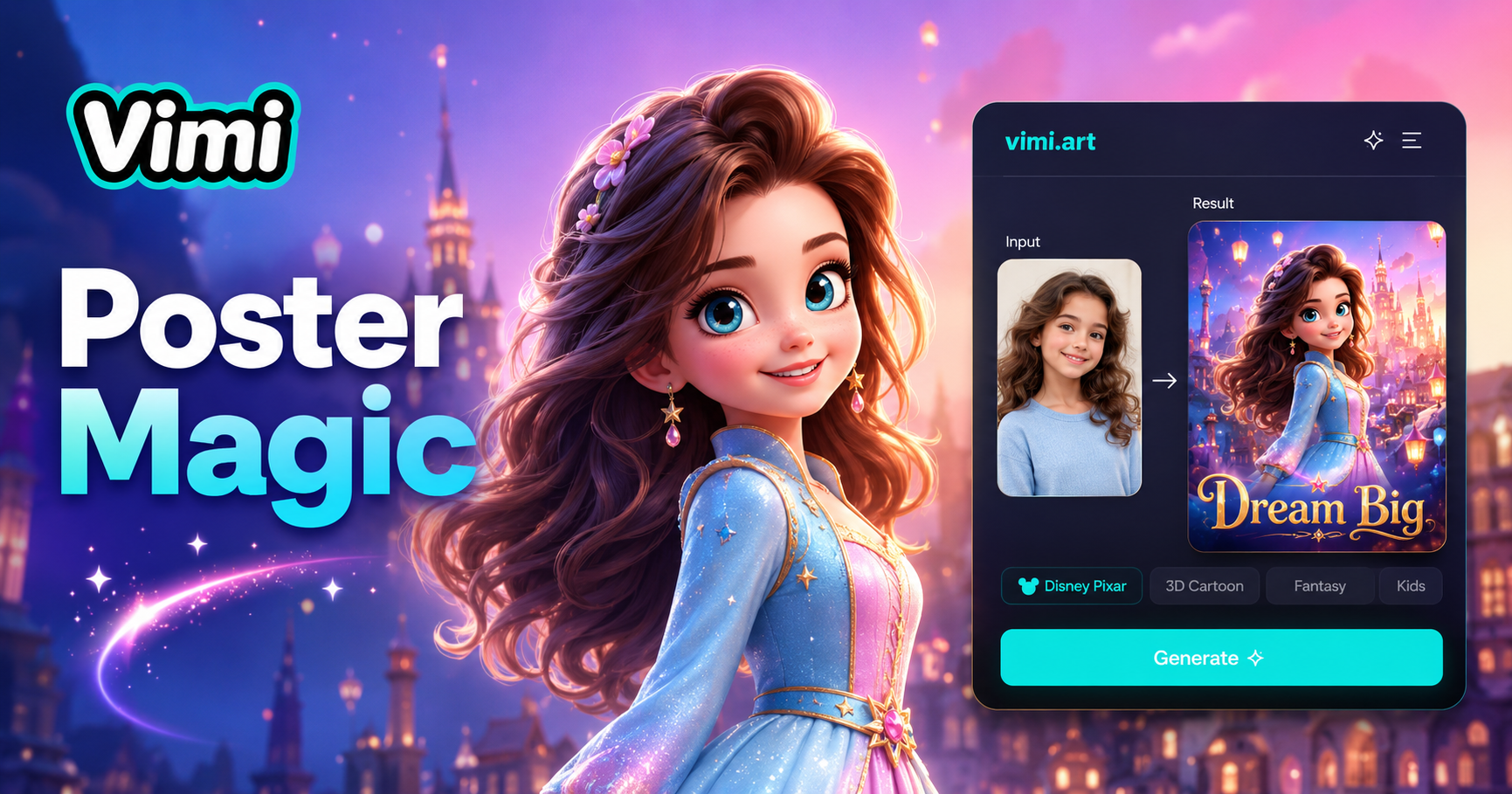
3D Pixar
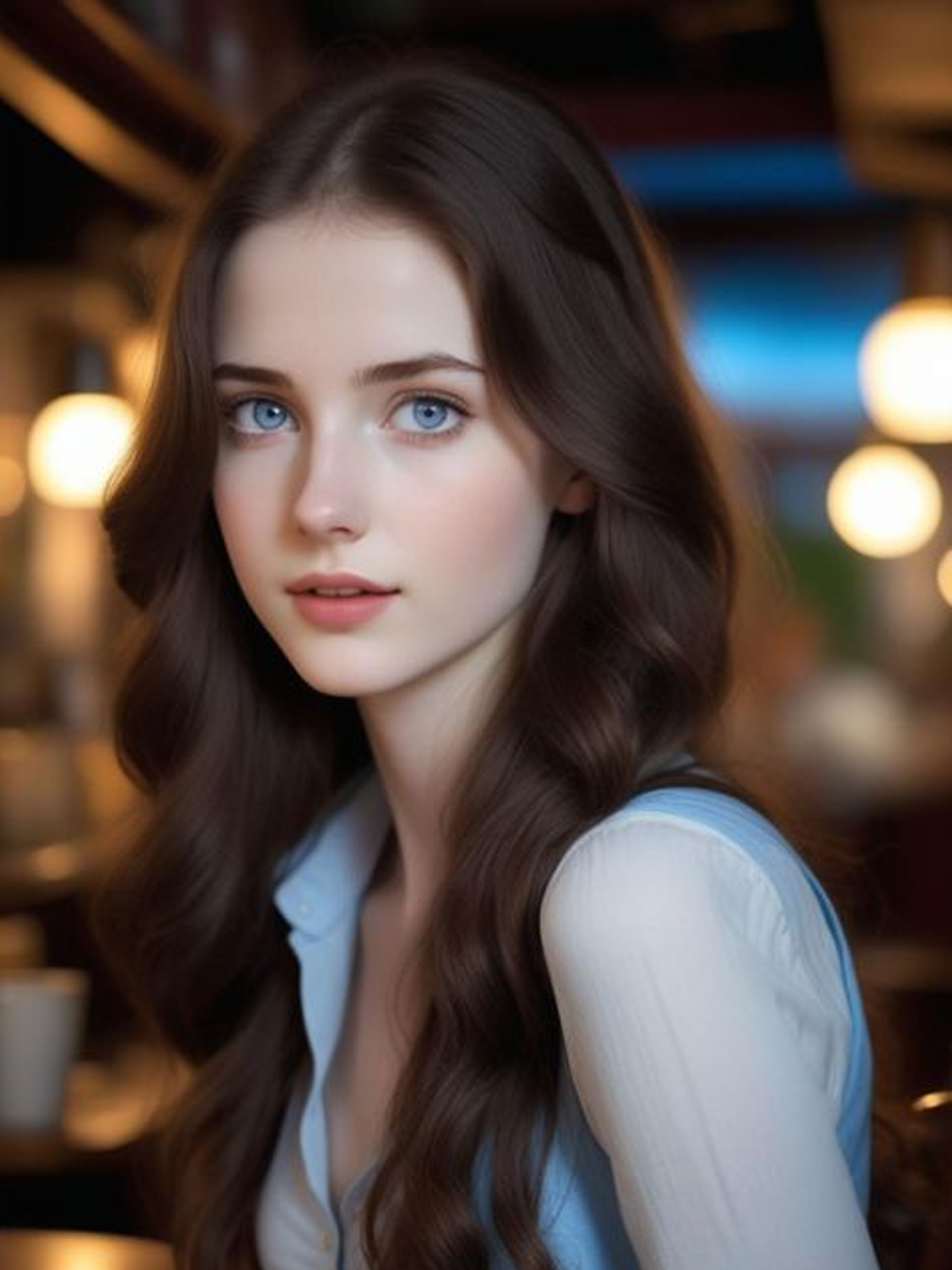
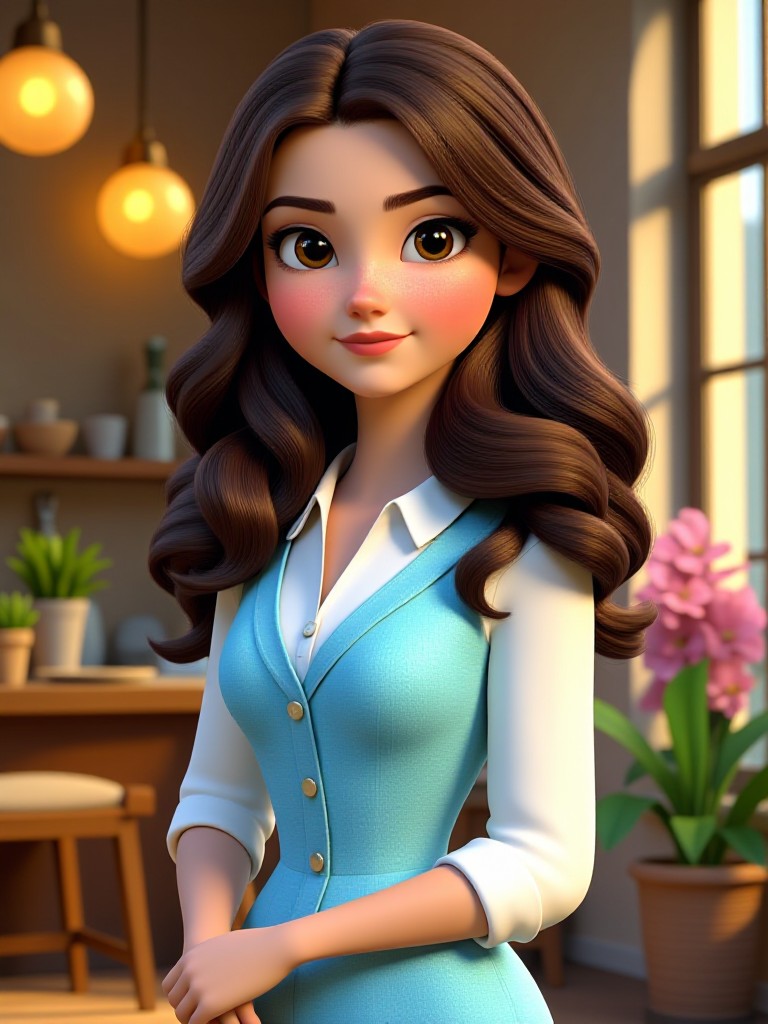

Benefits of Using Vimi AI Disney Pixar Poster Generator
Explore the advantages of choosing Vimi for turning your photos into animated movie style posters.
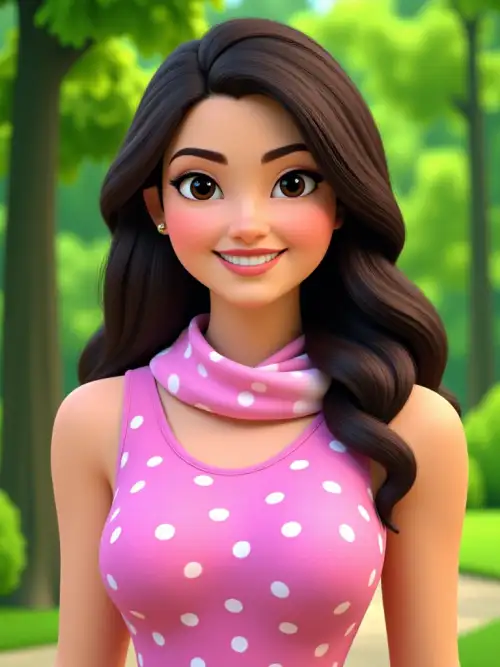
Save Time and Effort
Traditional design software takes hours to learn and use. Vimi removes that learning curve completely. You get a professional Disney Pixar style poster in under 20 seconds. No design skills needed. No expensive software to buy. Just your photo and a few taps on your mobile device.
Access Professional Quality Styles
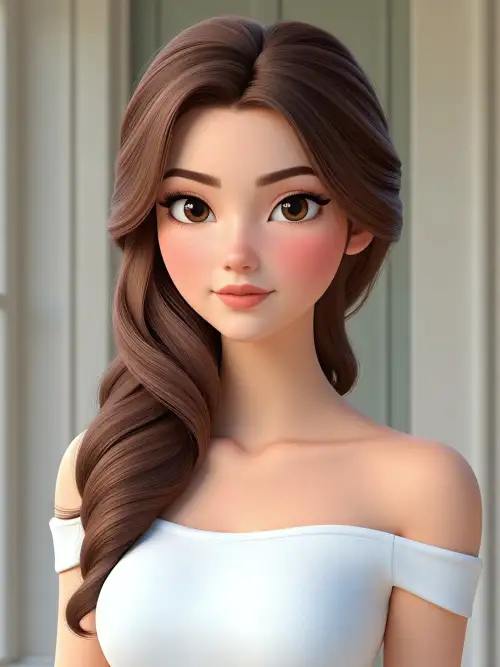
Vimi's template library includes styles that look like they came from a major animation studio. You can recreate the warm, emotional look of classic animated films. The AI applies lighting, color grading, and texture effects that make your photos look like official movie posters from your favorite animated features.
Share and Get Inspired
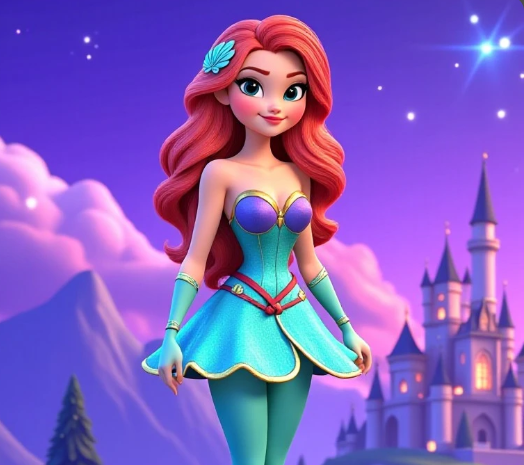
Every poster you make can be shared instantly on your Vimi profile. Browse what other creators are making with the Disney Pixar style templates. When you find a poster you like, use the same template for your own photo. This creates a fun cycle of creativity and inspiration within the Vimi community.
How to Use Vimi AI Disney Pixar Poster Generator?
Start creating your animated movie style posters with this quick three step guide.

Step 01.
Open your mobile app store and search for Vimi. Download and install the app on your phone.

Step 02.
Open the Vimi app and browse the template library. Find the Disney Pixar poster style you like.

Step 03.
Tap Download to save it to your phone. You can also share it directly to your Vimi profile or other social platforms.
Who Uses AI Disney Pixar Poster Generator

Sarah Mitchell
Vimi made me look like a character from my favorite animated movie. The poster quality surprised me. I showed it to my family and they all wanted one too. Now we have matching animated posters on our phones.

James Rodriguez
I used Vimi to create a group poster for our team event. Everyone was impressed with how the AI kept each person's features clear. No one looked strange or mixed up. The process took less than a minute.

Emily Chen
The template library is huge. I found exactly the animated style I wanted. The poster came out looking like a real movie advertisement. I have already made five different posters using different templates from Vimi.

Michael Thompson
I am not good with design apps but Vimi made it simple. Choose a template, upload a photo, and wait. That is all I had to do. The result looked professional and my friends asked how I made it.
Sarah Mitchell
Vimi made me look like a character from my favorite animated movie. The poster quality surprised me. I showed it to my family and they all wanted one too. Now we have matching animated posters on our phones.
James Rodriguez
I used Vimi to create a group poster for our team event. Everyone was impressed with how the AI kept each person's features clear. No one looked strange or mixed up. The process took less than a minute.
Emily Chen
The template library is huge. I found exactly the animated style I wanted. The poster came out looking like a real movie advertisement. I have already made five different posters using different templates from Vimi.
Michael Thompson
I am not good with design apps but Vimi made it simple. Choose a template, upload a photo, and wait. That is all I had to do. The result looked professional and my friends asked how I made it.
Sarah Mitchell
Vimi made me look like a character from my favorite animated movie. The poster quality surprised me. I showed it to my family and they all wanted one too. Now we have matching animated posters on our phones.
James Rodriguez
I used Vimi to create a group poster for our team event. Everyone was impressed with how the AI kept each person's features clear. No one looked strange or mixed up. The process took less than a minute.
Emily Chen
The template library is huge. I found exactly the animated style I wanted. The poster came out looking like a real movie advertisement. I have already made five different posters using different templates from Vimi.
Michael Thompson
I am not good with design apps but Vimi made it simple. Choose a template, upload a photo, and wait. That is all I had to do. The result looked professional and my friends asked how I made it.
Frequently Asked Questions
Find clear answers to common questions and get the guidance you need to make the most of our platform, faster and easier.
More Topics You May Like
Explore more topics you may like and discover fresh ideas tailored to your interests.
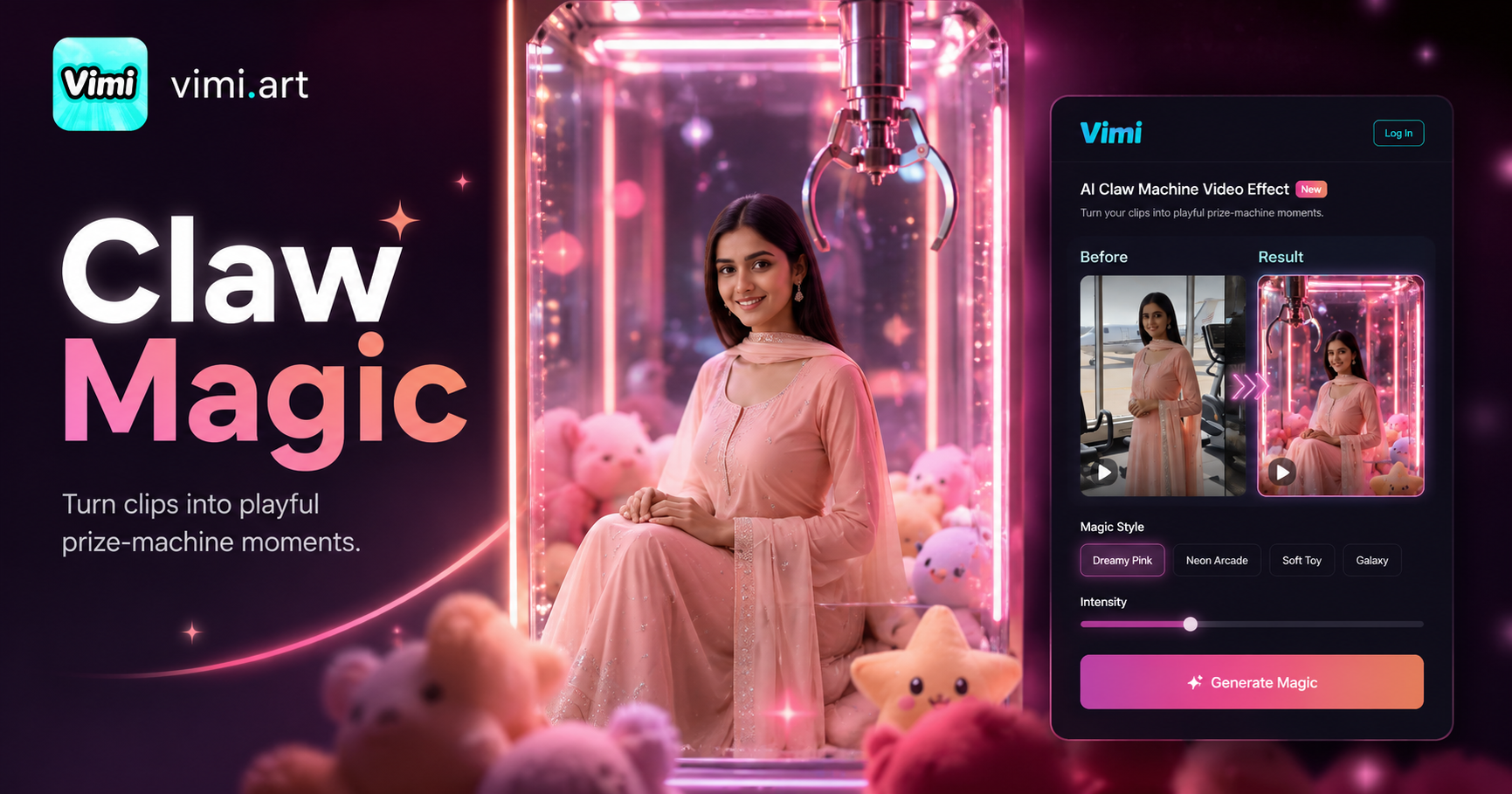
AI Claw Machine Video Effect
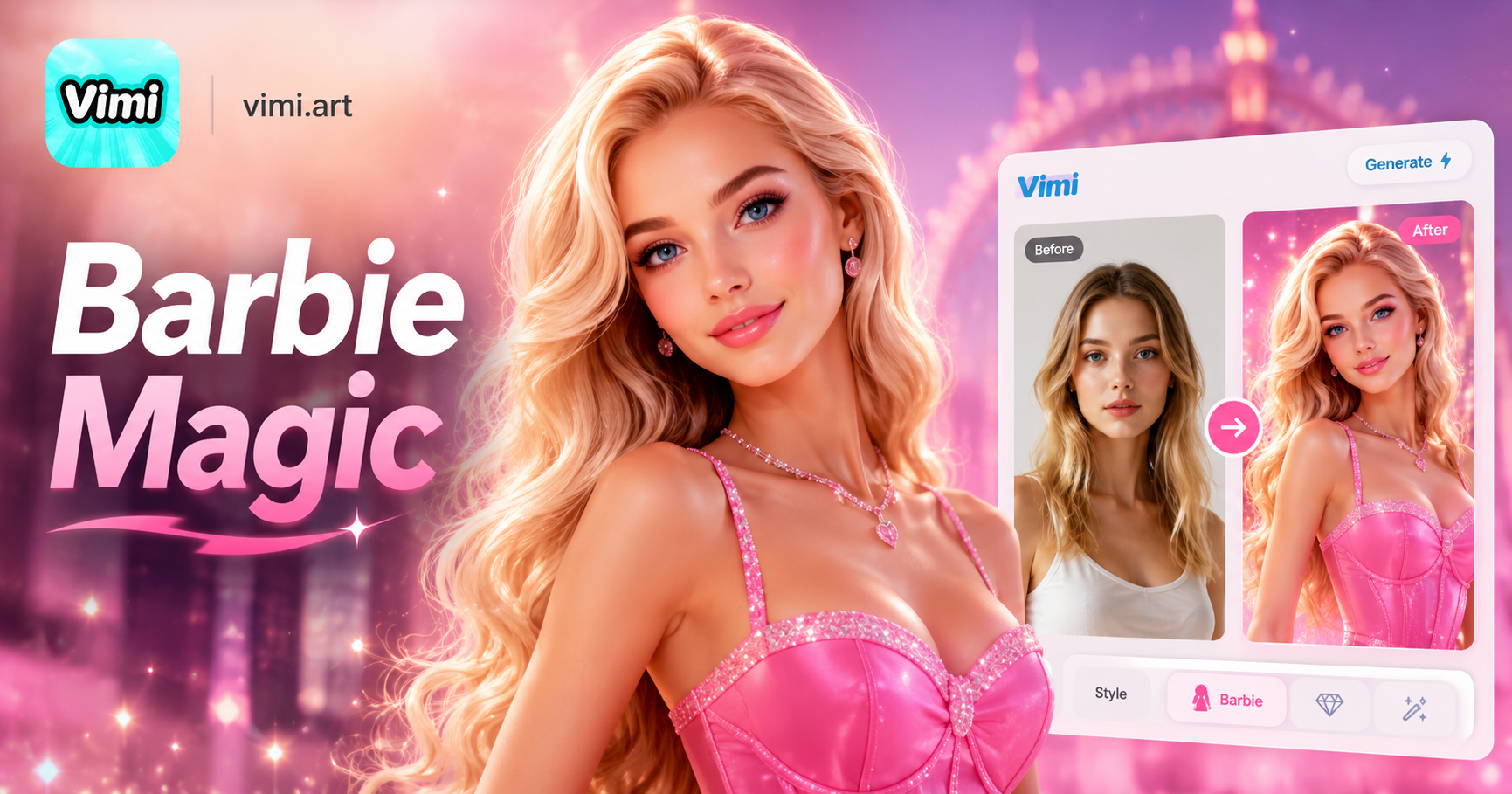
AI Barbie Generator
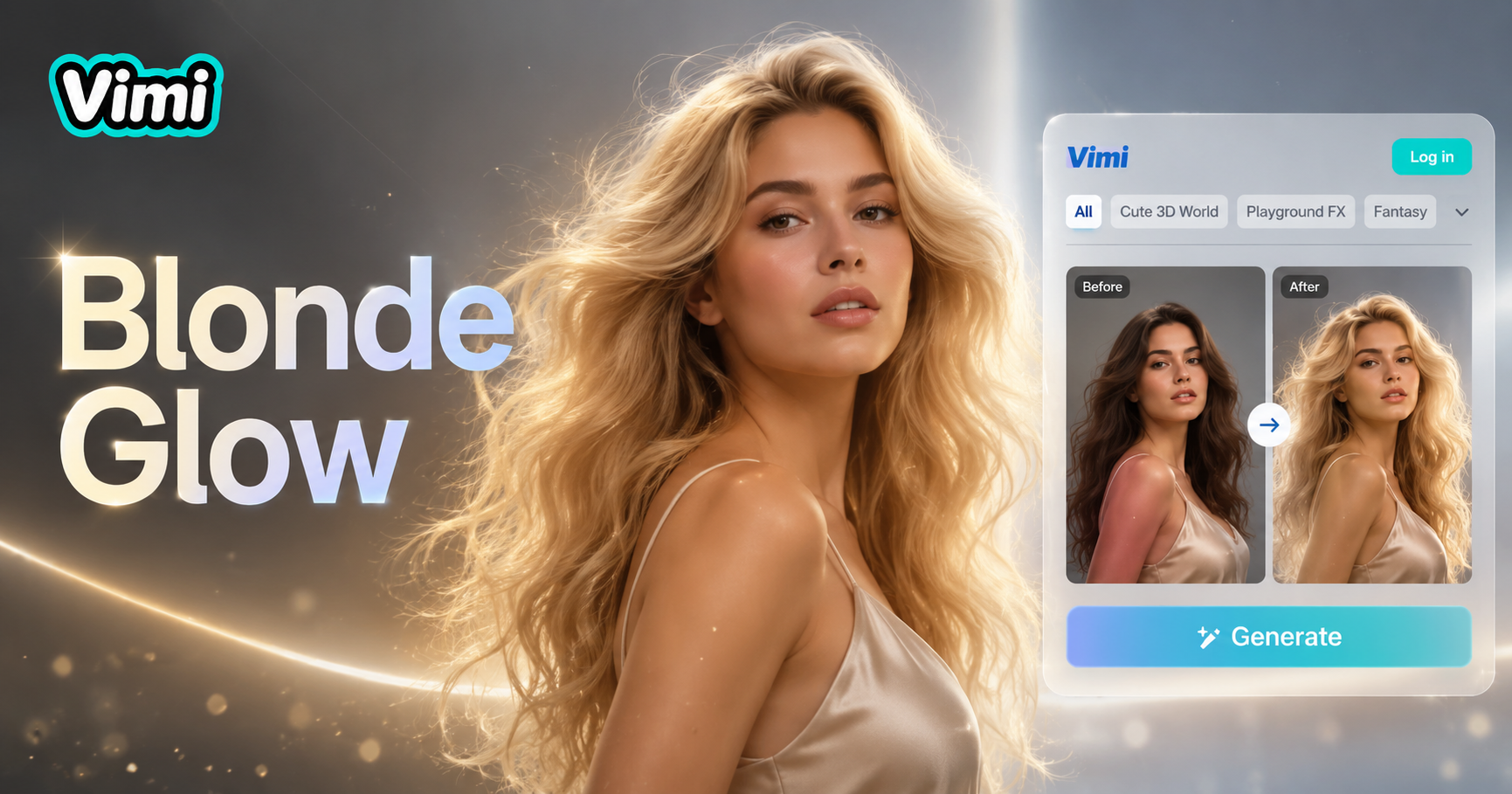
AI Blonde Hair Generator
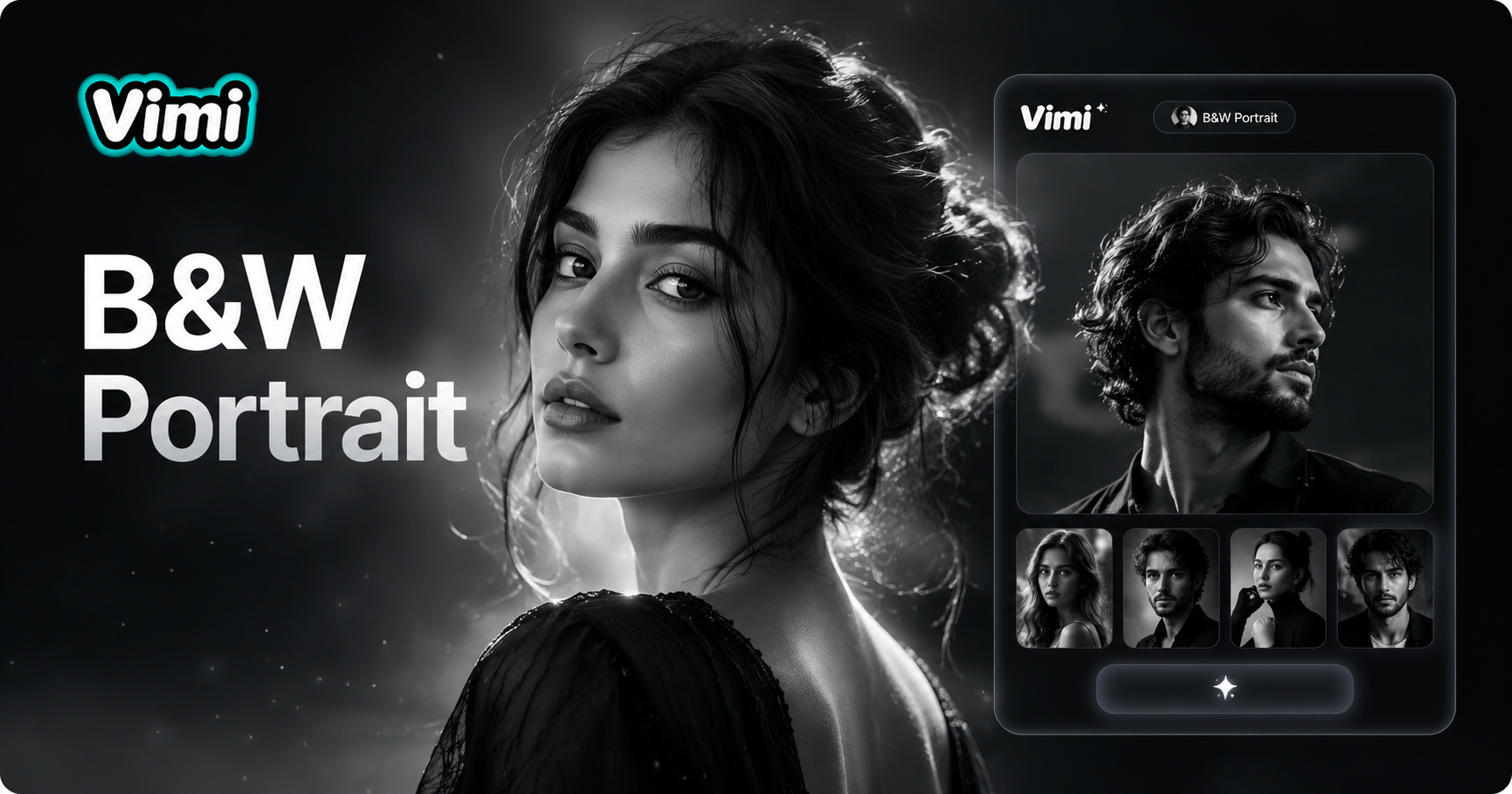
AI Black And White Portrait
AI Claw Machine Video Effect
AI Barbie Generator
AI Blonde Hair Generator
AI Black And White Portrait
Create Your Animated Movie Poster With Vimi Today
Download Vimi and turn your photos into Disney Pixar style posters in seconds. No design skills needed, just choose a template and generate.
Create Your Animated Movie Poster With Vimi Today
Download Vimi and turn your photos into Disney Pixar style posters in seconds. No design skills needed, just choose a template and generate.