AI Cricket Video
Vimi turns cricket photos and short clips into shareable AI cricket videos inside the App. Pick a template, upload one or more images, and generate action clips, team moments, or celebration scenes in minutes. Browse thousands of style templates, keep faces consistent, and post results to your public Vimi profile.
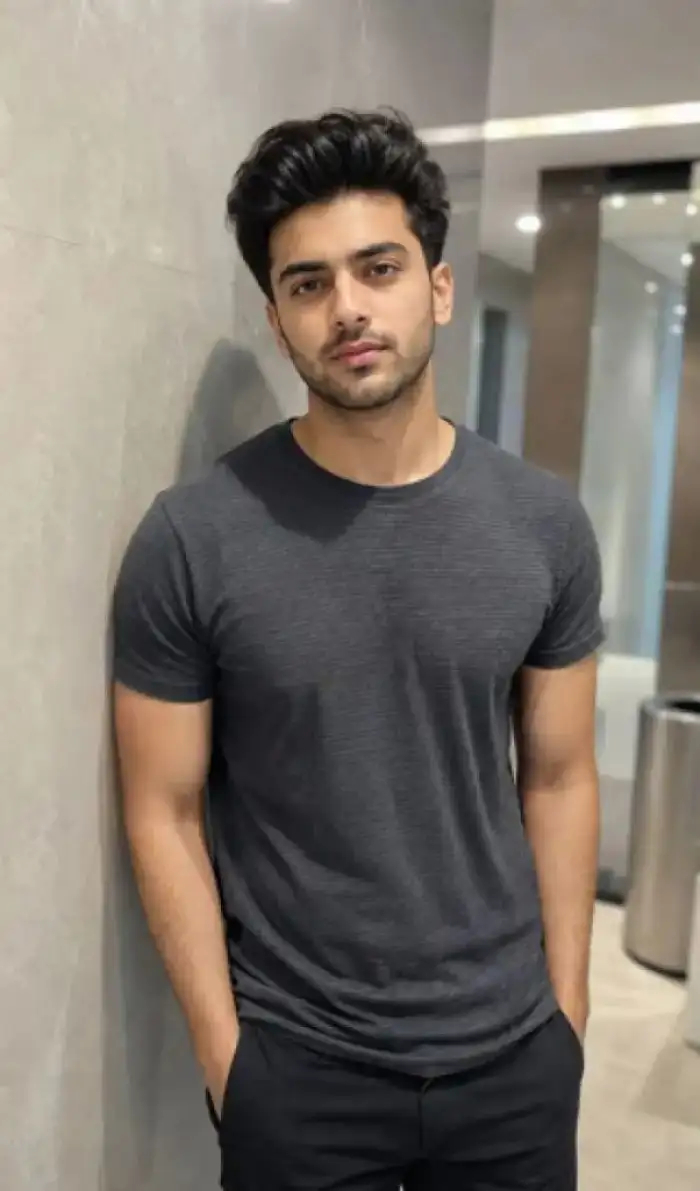 Before

Vimi Studio
Switch to Vimi Studio on APP for advanced control and unlimited exports.

Choose the AI Cricket VideoFilter That Suits You
Discover the ai cricket video filter that perfectly matches your style and mood.
Vimi AI Cricket Video Filters to Try
Look for Cricket Match Highlight, Team Portrait, Action Pose, Stadium Cheer, and Celebration Clip. Each template gives you a clear starting point. Upload a photo, choose a look, and let the App build the clip.
Why Vimi AI Cricket Video Templates Save Time
Vimi packages video generation as templates. Choose a cricket look, upload a photo, and tap Generate. The App handles motion, framing, and style. Results arrive in about seconds. You skip prompt writing and manual editing. This keeps each cricket video quick to produce.
Why Vimi AI Cricket Video Templates Save Time
Vimi packages video generation as templates. Choose a cricket look, upload a photo, and tap Generate. The App handles motion, framing, and style. Results arrive in about seconds. You skip prompt writing and manual editing. This keeps each cricket video quick to produce.
Explore Vimi AI Cricket Video Use Cases Today
Discover the cricket scenes, team moments, and social clips you can build with Vimi templates and your own photos today.
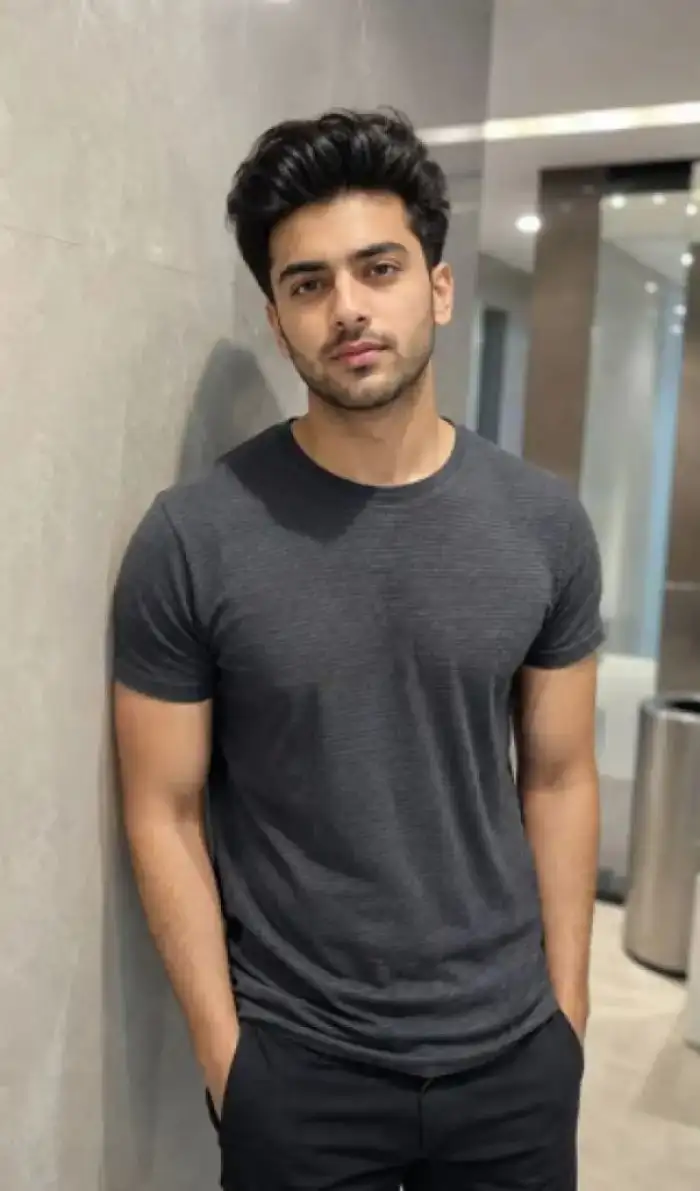 Before
Cricket Match Highlight Clips
Turn one cricket photo into a short match style clip. Pick a highlight template, upload the image, and let Vimi add camera motion and stadium atmosphere. The App keeps the player’s face clear. Use it for pre match posts, fan edits, or personal cricket archives. Share the result from your Vimi profile.
 Before
Cricket Superstar Video Template
Choose the Cricket Superstar template and upload a clear player photo. Vimi adds a star player look with short motion and stadium style framing. The App keeps the face visible and returns a clip in about 10 to 20 seconds. Download it quickly or share it from your Vimi profile.
 Before
Cricket Action Pose Videos
Use a clear cricket photo as the base. Choose an action pose template for batting, bowling, or fielding looks. Vimi adds motion and keeps the main subject stable. You can create simple short clips for practice logs, fan posts, or player introductions. The App handles the video steps after upload.
 Before
Stadium Cheer Crowd Moments
Start with a photo from the stands or a player portrait. Pick a stadium cheer template and upload the image. Vimi adds crowd motion, light changes, and short cheering effects. The result fits match day posts, fan group updates, or cricket event recaps. You can publish it directly from the App.
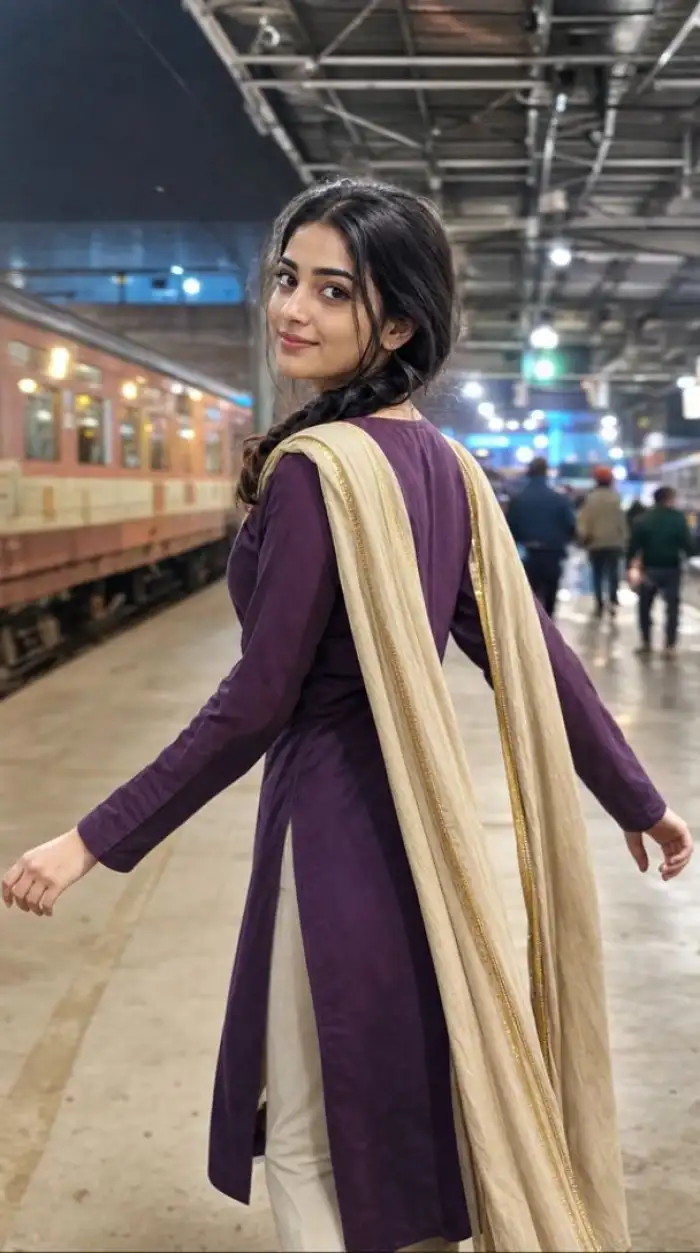 Before
Celebration Clip for Fans
Create a cricket celebration video from one photo. Choose a celebration template, upload the image, and tap Generate. Vimi adds movement that suits the scene. Use it for wicket moments, match wins, or fan greetings. The App saves the clip for download and one tap sharing to your social channels.
 Before
Stadium Champion Video Template
Pick the Stadium Champion template and upload one cricket photo. Vimi adds champion style motion, crowd light, and short stadium framing. The main player stays clear during the clip. Results arrive in 10 to 20 seconds. Save the video quickly or post it to your Vimi profile for local fans.
YouTube Videos About AI Cricket Video Generator
Explore in-depth YouTube tutorials and demos that showcase the power and reliability of our AI Generator.
Here is What People Think About Us
Team Intro in One Upload
I used a group photo for our club intro. Vimi kept every player’s face clear in the short clip. The template took me about three minutes from upload to download. I shared it to our team group chat.
Clear Match Day Edits
I make match day posts from one player photo. The highlight template adds motion and stadium light. The face stays clear. I download the clip and post it from my phone.
Useful for Player Portraits
I tested the action pose templates for player intros. The App kept the main subject stable and the clip short. I could publish it to the Vimi profile without saving first. It fits our weekly cricket recap.
Frequently Asked Questions
Find clear answers to common questions and get the guidance you need to make the most of our platform, faster and easier.
More Topics You May Like
Explore more topics you may like and discover fresh ideas tailored to your interests.
Best AI Selfie Generator: Vimi Filters, Templates, And App Workflow

Vimi AI Food Lotto Filter for Quick Meal Decisions
Vimi 90S Video Filter: Retro Clips Made in The App
Swap Gender in Photos with the Best AI Tools
Best AI Selfie Generator: Vimi Filters, Templates, And App Workflow
Vimi AI Food Lotto Filter for Quick Meal Decisions
Vimi 90S Video Filter: Retro Clips Made in The App
Swap Gender in Photos with the Best AI Tools
Create Your Cricket Video Today
Download Vimi and pick a cricket template. Generate your video in the App.
Create Your Cricket Video Today
Download Vimi and pick a cricket template. Generate your video in the App.