AI Catwalk Generator
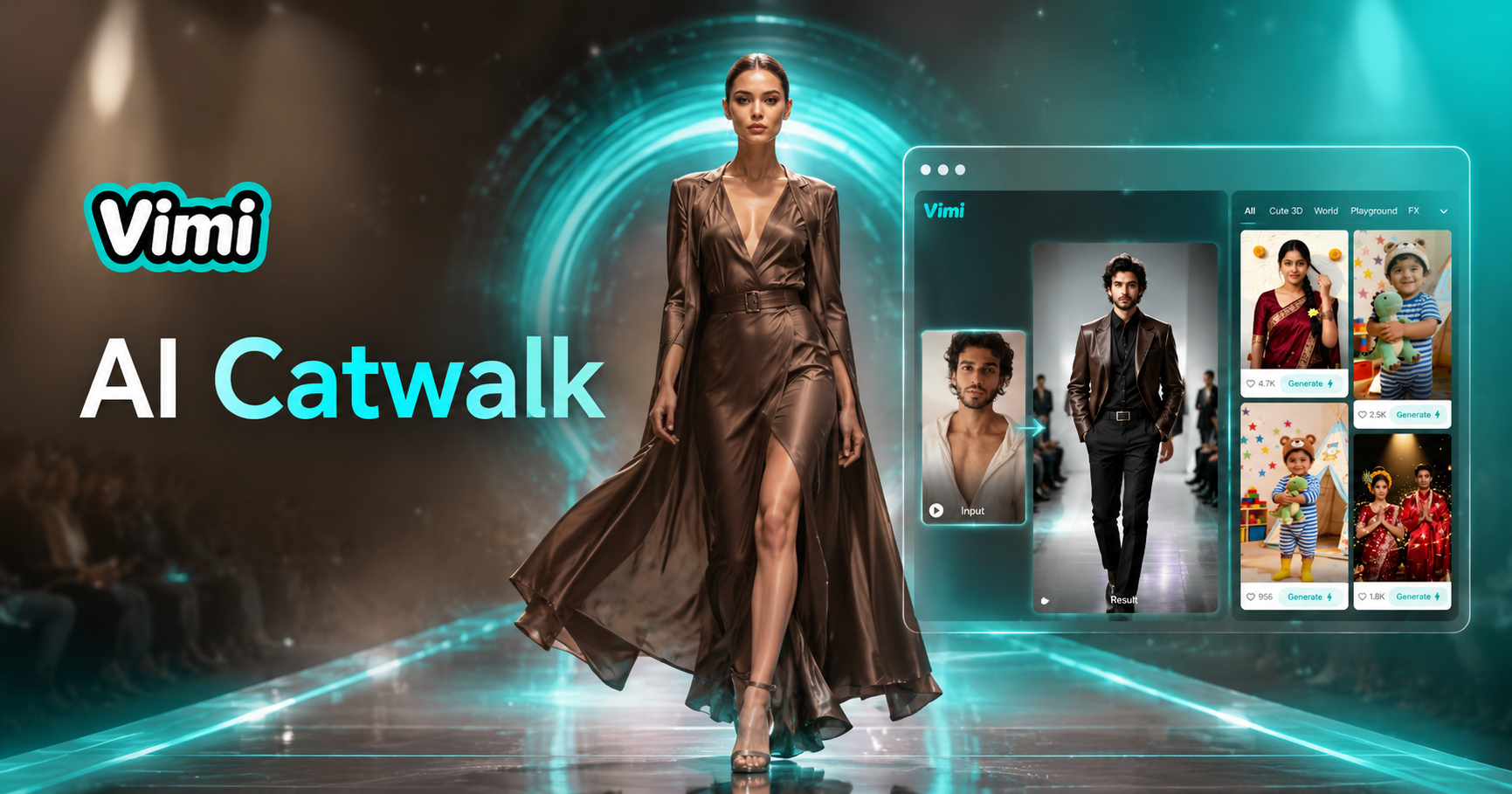
Catwalk


Why Use Vimi AI Catwalk Generator
Explore how Vimi AI Catwalk Generator helps you create fashion content faster and easier than traditional methods.
Create Runway Videos Without Equipment
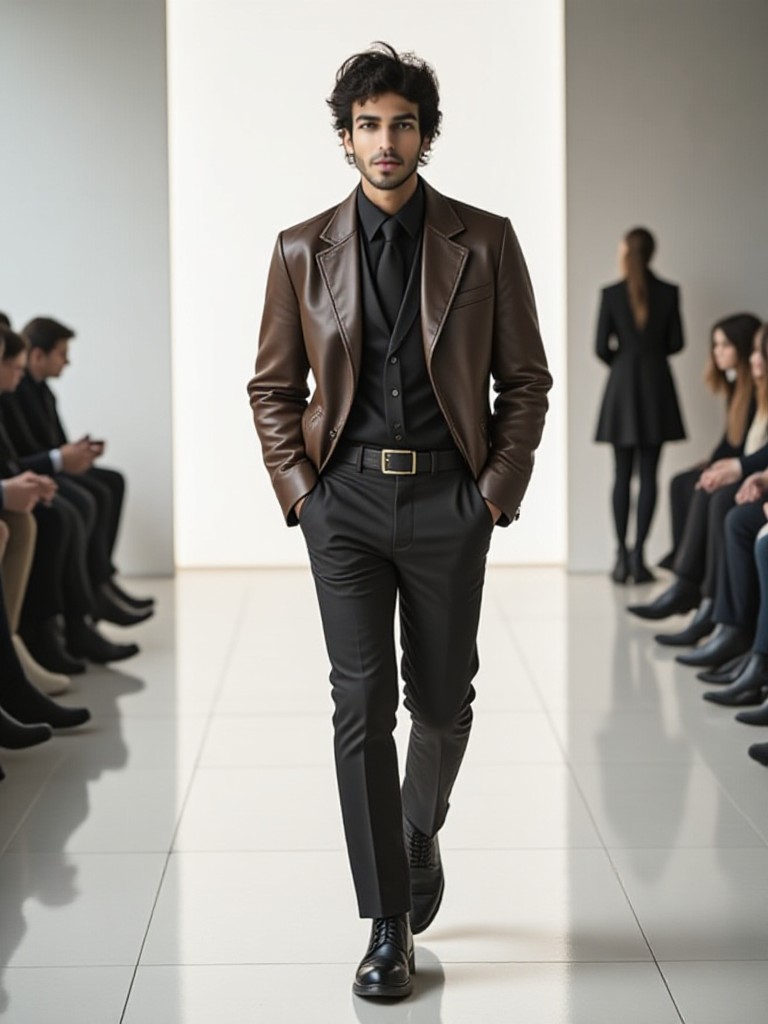
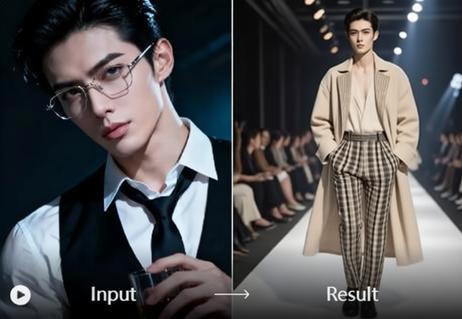
You do not need a camera crew, lighting equipment, or a physical runway. Vimi generates everything from a single photo. This saves you thousands of dollars in production costs and eliminates the need for professional models or studio rentals. Anyone can create fashion content from their phone.
Create Runway Videos Without Equipment
You do not need a camera crew, lighting equipment, or a physical runway. Vimi generates everything from a single photo. This saves you thousands of dollars in production costs and eliminates the need for professional models or studio rentals. Anyone can create fashion content from their phone.
Explore the Use Cases and Applications of Vimi AI
Find how Vimi AI Catwalk Generator serves different users across fashion, content creation, and personal projects.
 Before
Fashion Bloggers and Influencers
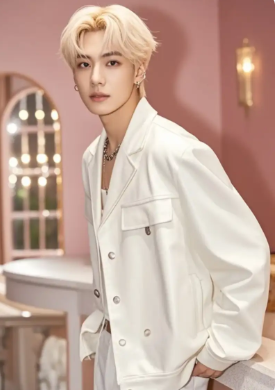
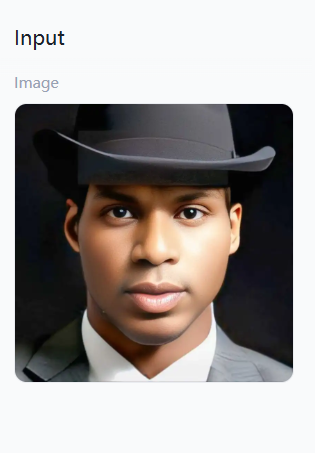
Fashion content creators use Vimi to produce daily outfit showcase videos without hiring models or renting studios. Upload a photo of yourself wearing an outfit and generate a runway video to share with followers. This keeps your feed fresh and engaging with minimal effort.
 Before
Small Fashion Brands and Boutiques
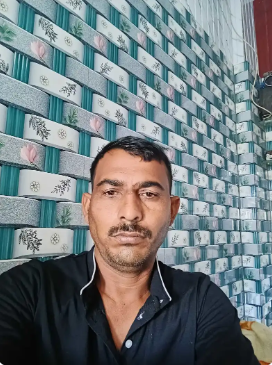
Small clothing brands showcase their products on virtual models walking down digital runways. This helps online stores present garments in motion without expensive photoshoots. Customers see how clothing moves and flows, which increases purchase confidence and reduces return rates.
 Before
Personal Social Media Content
Everyday users create fun runway videos of themselves, friends, or family members. Turn casual photos into glamorous fashion show moments for birthdays, special occasions, or just for entertainment. Share these videos on social media to impress friends and followers with creative content.
How to Make a Catwalk Video with Vimi AI?
Creating your first catwalk video takes just three simple steps. Follow this guide to get started.

Step 01.
Download the Vimi app from your app store. The app contains all catwalk templates and generation tools.

Step 02.
Browse the template library and select a catwalk style. Upload your photo and tap the generate button.

Step 03.
Review your generated runway video. Tap download to save it to your device or share directly to social media.
Frequently Asked Questions
Find clear answers to common questions and get the guidance you need to make the most of our platform, faster and easier.
More Topics You May Like
Explore more topics you may like and discover fresh ideas tailored to your interests.
AI Disney Poster Generator
AI DnD Character Generator
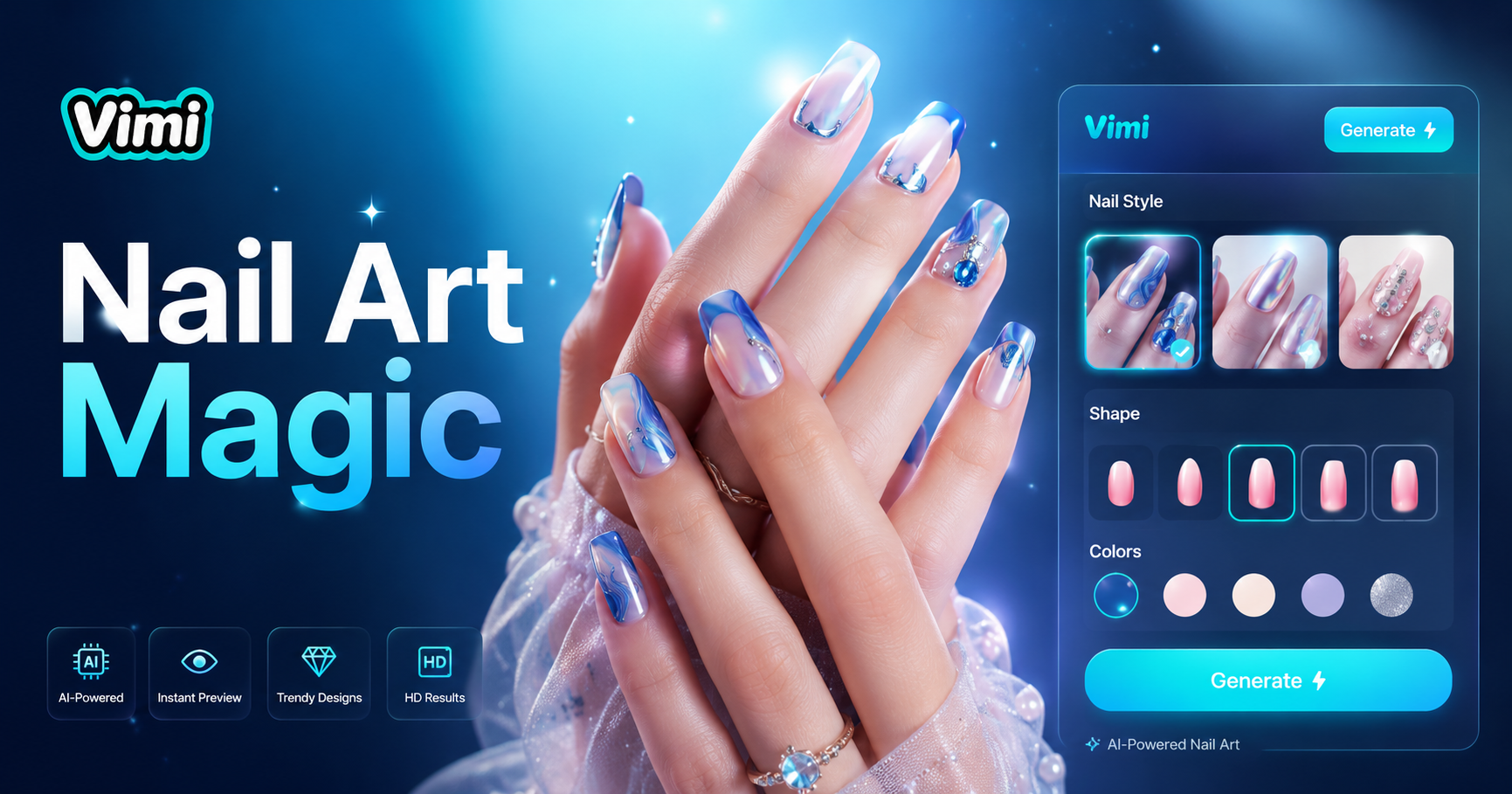
AI Nail Art Generator
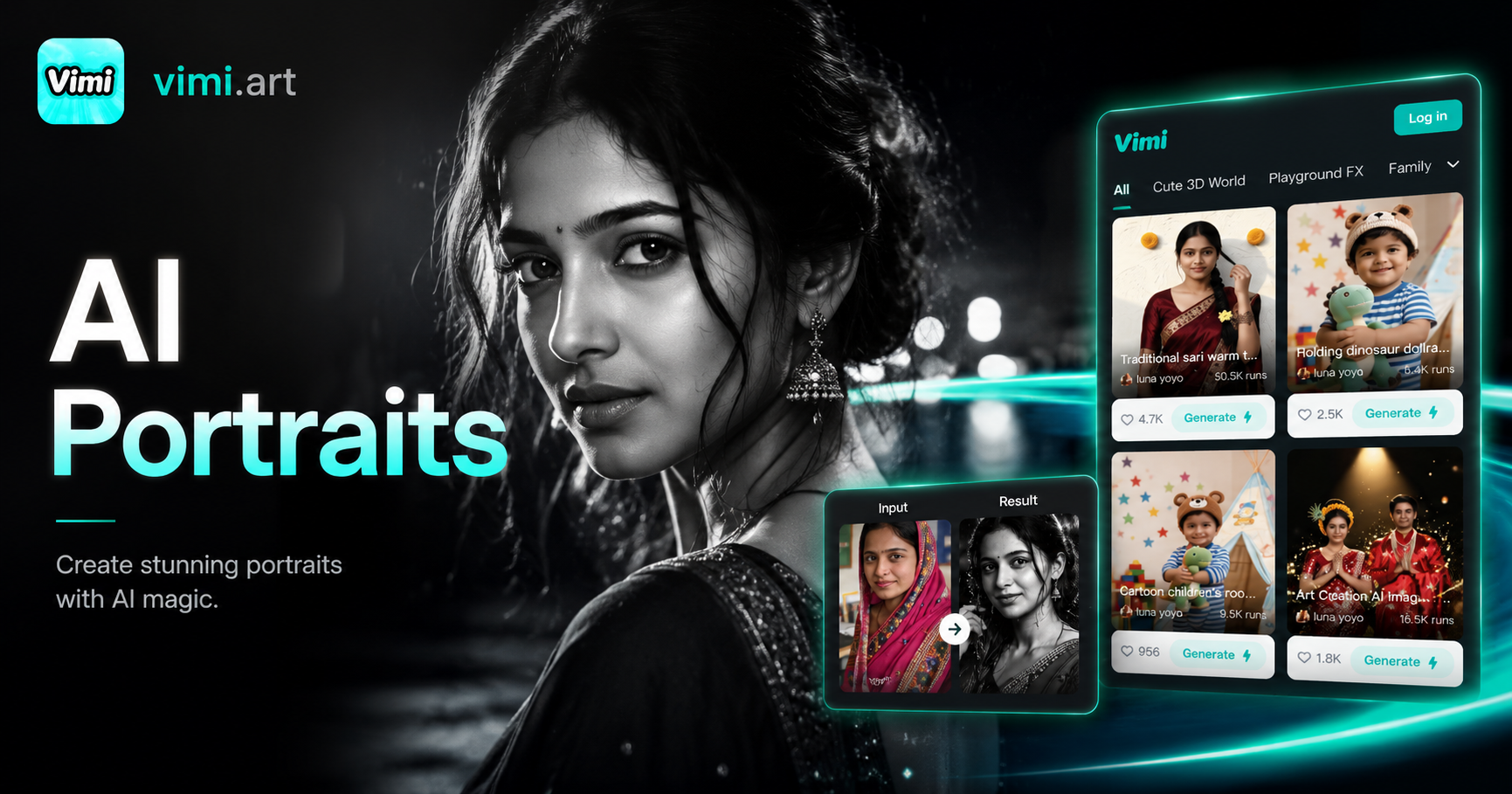
Cinematic Noir Portrait
AI Disney Poster Generator
AI DnD Character Generator
AI Nail Art Generator
Cinematic Noir Portrait
Download Vimi and Start Your Catwalk Journey Today
Create professional runway videos from your photos in seconds. No equipment. No editing skills. Just your photo and Vimi.
Download Vimi and Start Your Catwalk Journey Today
Create professional runway videos from your photos in seconds. No equipment. No editing skills. Just your photo and Vimi.