AI Beard Generator
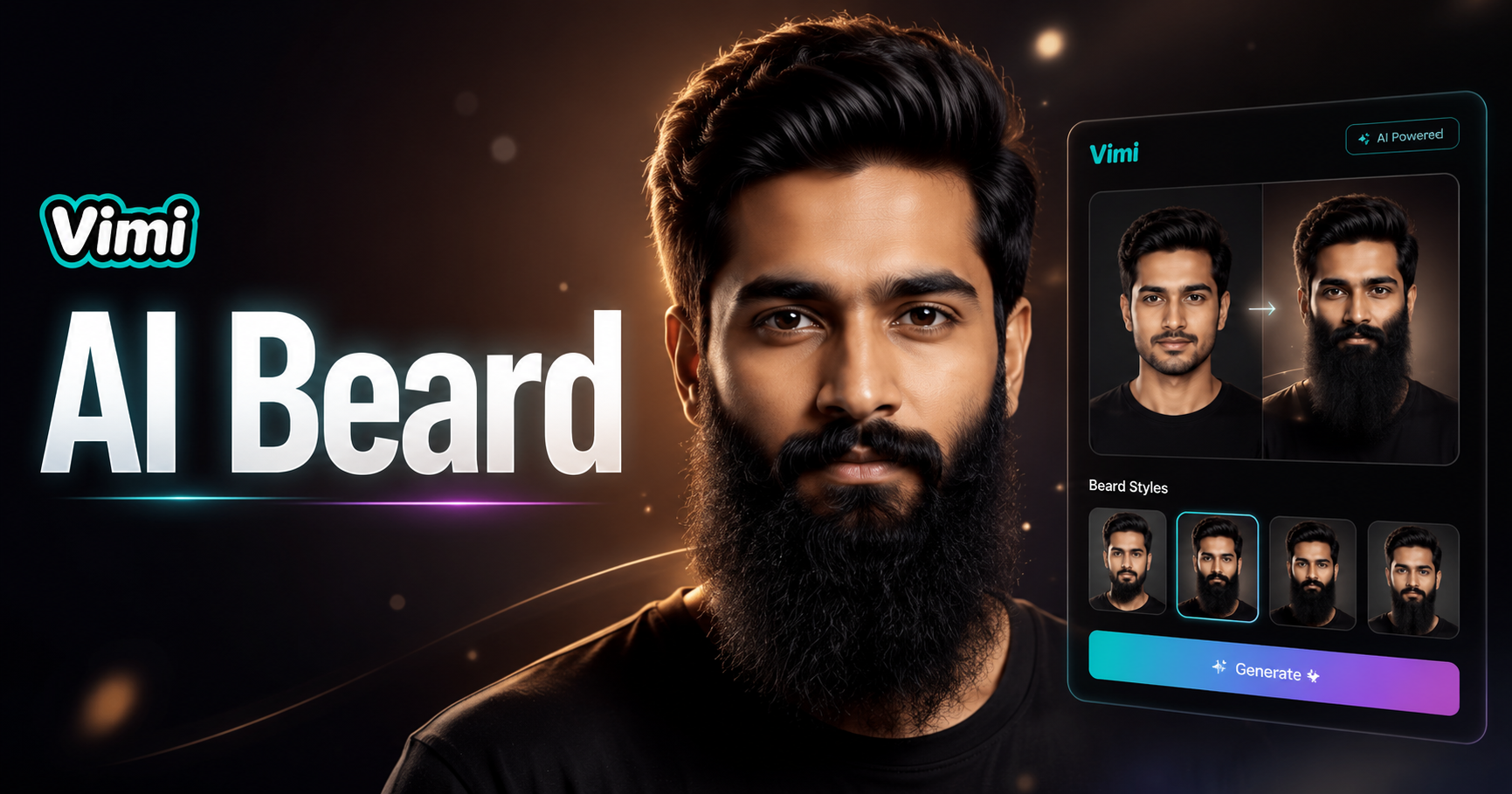
I want to grow a beard-v



Key Features of Vimi AI Beard Generator for Facial Hair Styles
Discover the core capabilities that make Vimi the go to tool for AI powered beard generation and photo transformation.
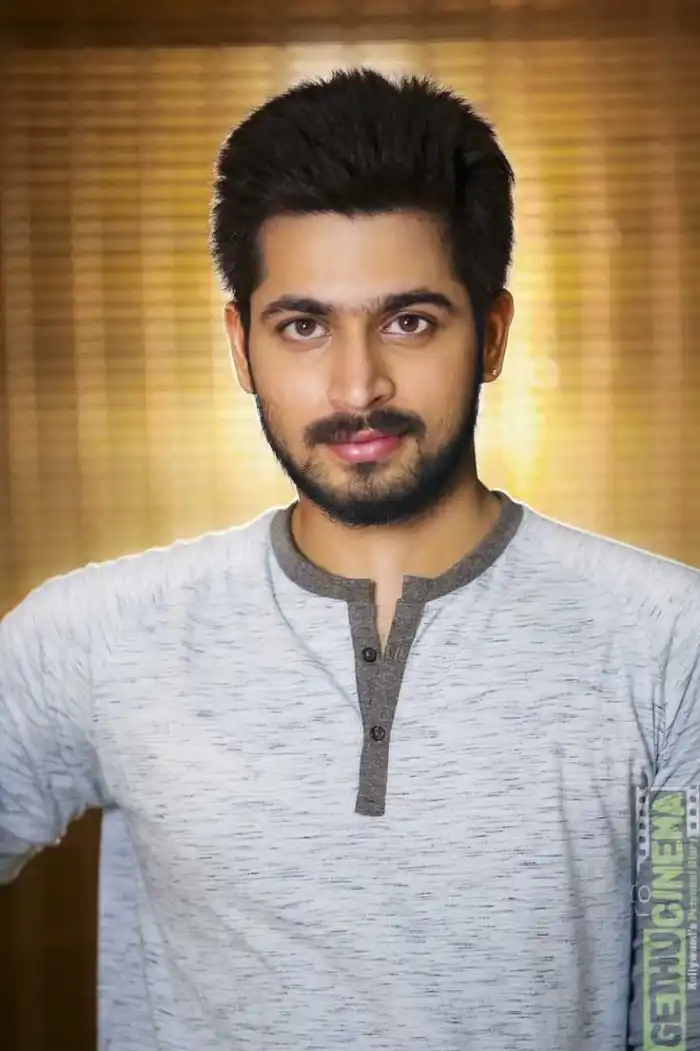 Before
Multiple Beard Style Templates
Choose from dozens of beard styles including full beards, goatees, mustaches, and light stubble. Each template matches different face shapes. The library includes classic looks, modern styles, and trendy facial hair designs. You can try multiple styles without committing to a real shave.
 Before
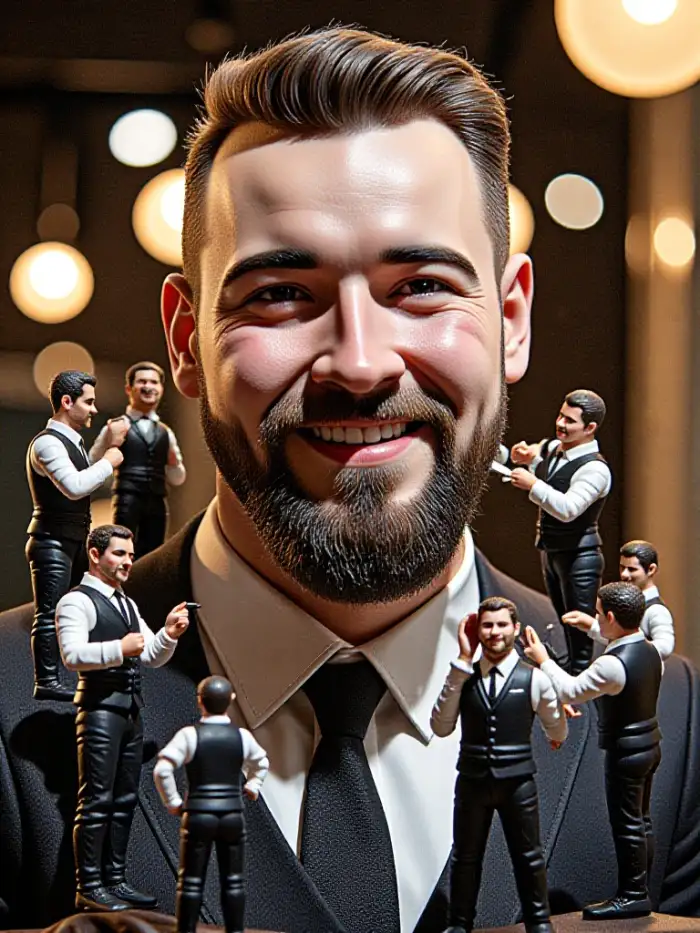 After
AfterSmart Face Shape Matching
The AI analyzes your face structure before adding the beard. It adjusts the beard shape, thickness, and position to fit your jawline naturally. The results look realistic because the system considers your face proportions. This eliminates the fake or pasted on appearance common with basic editing tools.
 Before
 After
AfterPreserve Original Photo Quality
Vimi maintains the resolution of your original image. The beard effect blends with the lighting and skin tone of your photo. You get a clean, professional output suitable for profile pictures or print use. The AI does not reduce image clarity during the generation process.
How to Generate AI Beard Styles with Vimi AI Beard Generator?
Follow these three simple steps to add realistic facial hair to any photo using the Vimi app. The whole process takes less than a minute.

Step 01.
Open your app store and search for Vimi. Download and install the app on your mobile phone. The app works on both iOS and Android devices.

Step 02.
Browse the beard style templates and select one that fits your look. Upload your photo and tap generate. The AI processes your image in 10 to 20 seconds.

Step 03.
Review the generated image with your new beard. Tap download to save it to your device. You can also post directly to your Vimi profile.
Who Uses AI Beard Generator Online

David R
Vimi gave me the perfect beard style for my new profile picture. The AI matched my face shape better than any app I have tried before.

Mark T
I tested five different beard styles in under two minutes. The speed and quality are impressive. My friends thought I actually grew a new beard.

Chris P
The goatee template looks so natural. Vimi saved me from making a real shaving mistake. I can try risky styles without any commitment.
Alex S
I used Vimi to add beards to my whole team for a fun group photo. The AI handled everyone perfectly. No mixed faces or distortion.
David R
Vimi gave me the perfect beard style for my new profile picture. The AI matched my face shape better than any app I have tried before.
Mark T
I tested five different beard styles in under two minutes. The speed and quality are impressive. My friends thought I actually grew a new beard.
Chris P
The goatee template looks so natural. Vimi saved me from making a real shaving mistake. I can try risky styles without any commitment.
Alex S
I used Vimi to add beards to my whole team for a fun group photo. The AI handled everyone perfectly. No mixed faces or distortion.
David R
Vimi gave me the perfect beard style for my new profile picture. The AI matched my face shape better than any app I have tried before.
Mark T
I tested five different beard styles in under two minutes. The speed and quality are impressive. My friends thought I actually grew a new beard.
Chris P
The goatee template looks so natural. Vimi saved me from making a real shaving mistake. I can try risky styles without any commitment.
Alex S
I used Vimi to add beards to my whole team for a fun group photo. The AI handled everyone perfectly. No mixed faces or distortion.
Frequently Asked Questions
Find clear answers to common questions and get the guidance you need to make the most of our platform, faster and easier.
More Topics You May Like
Explore more topics you may like and discover fresh ideas tailored to your interests.
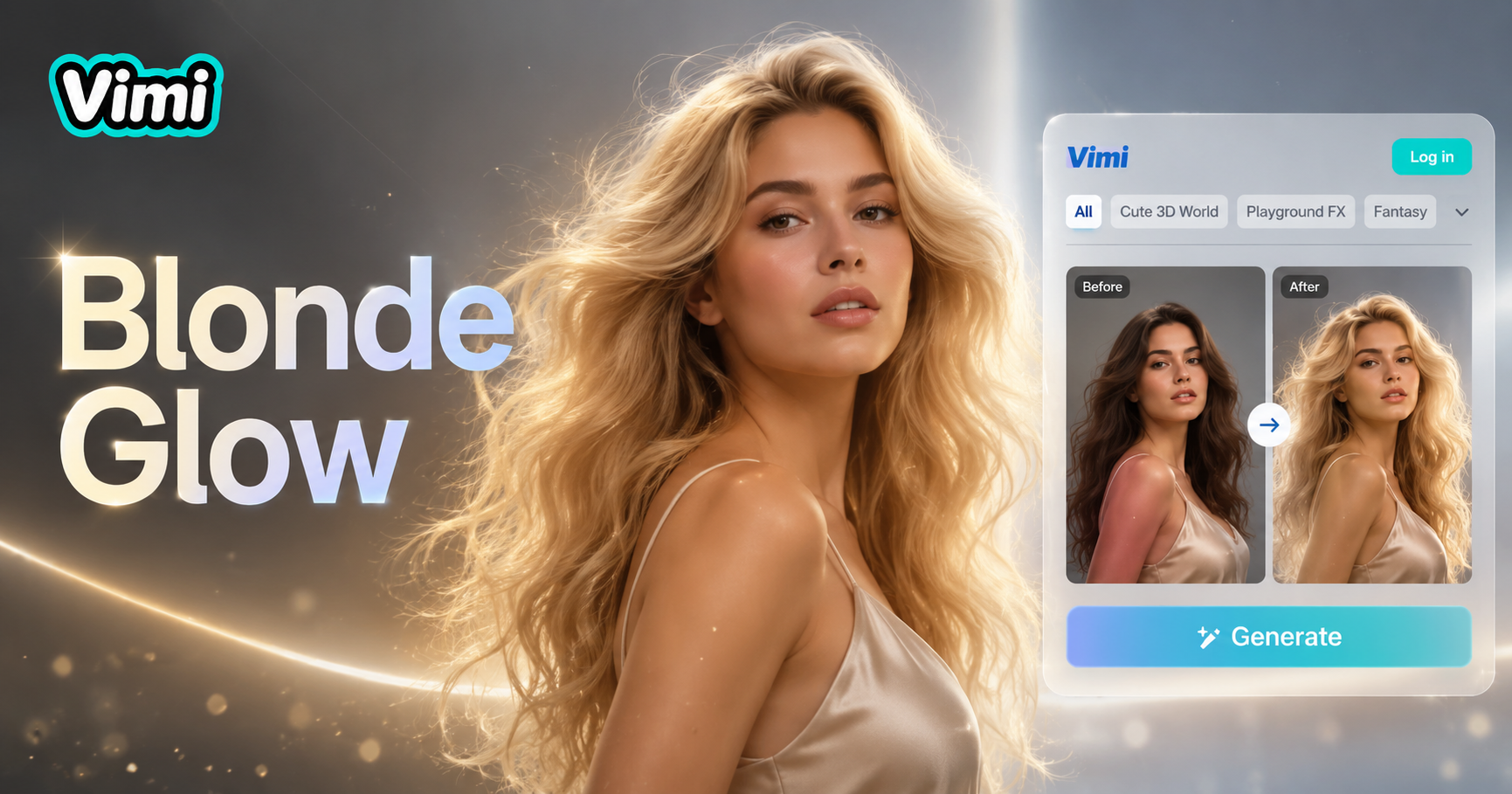
AI Blonde Hair Generator
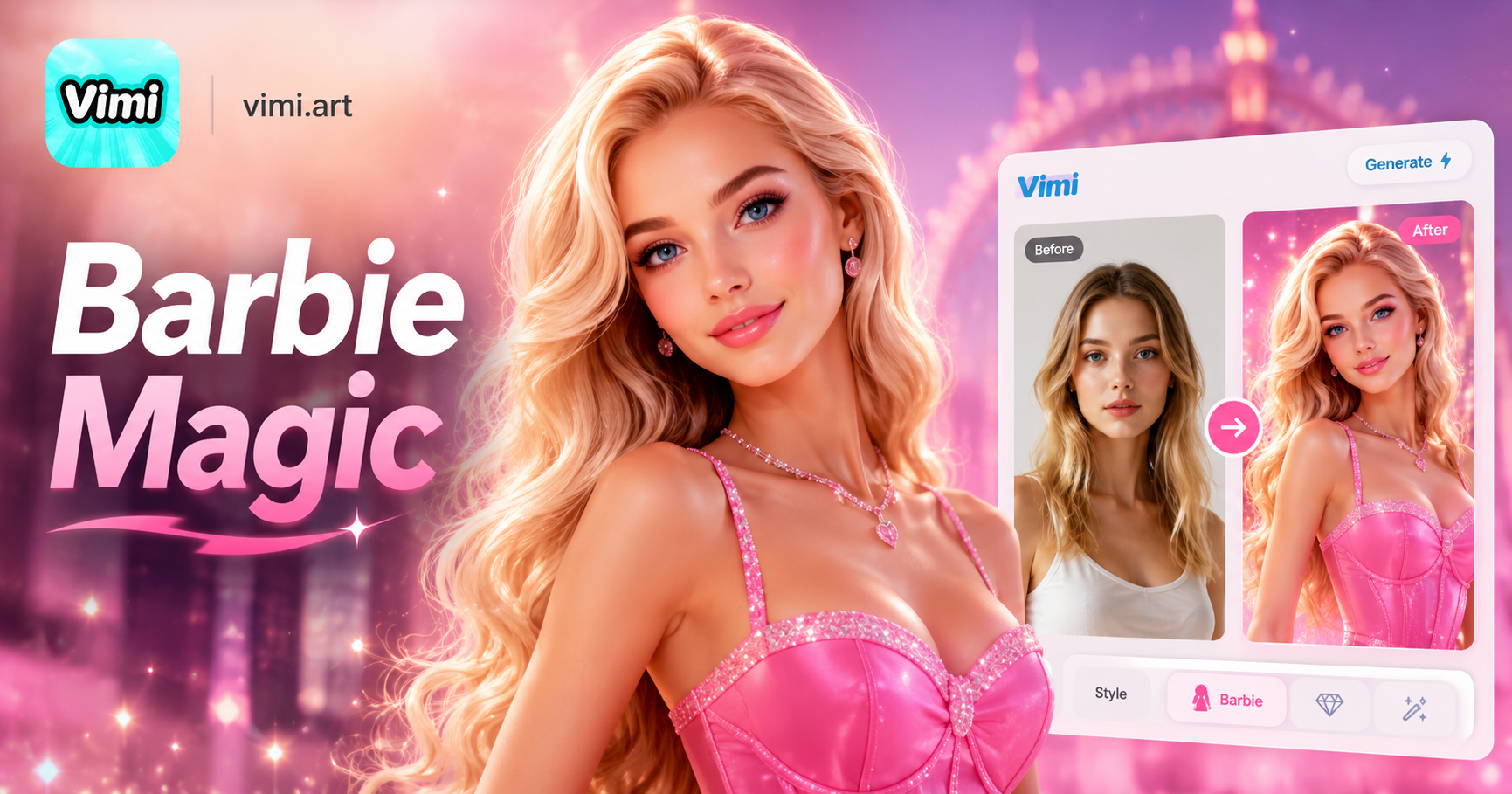
AI Barbie Generator
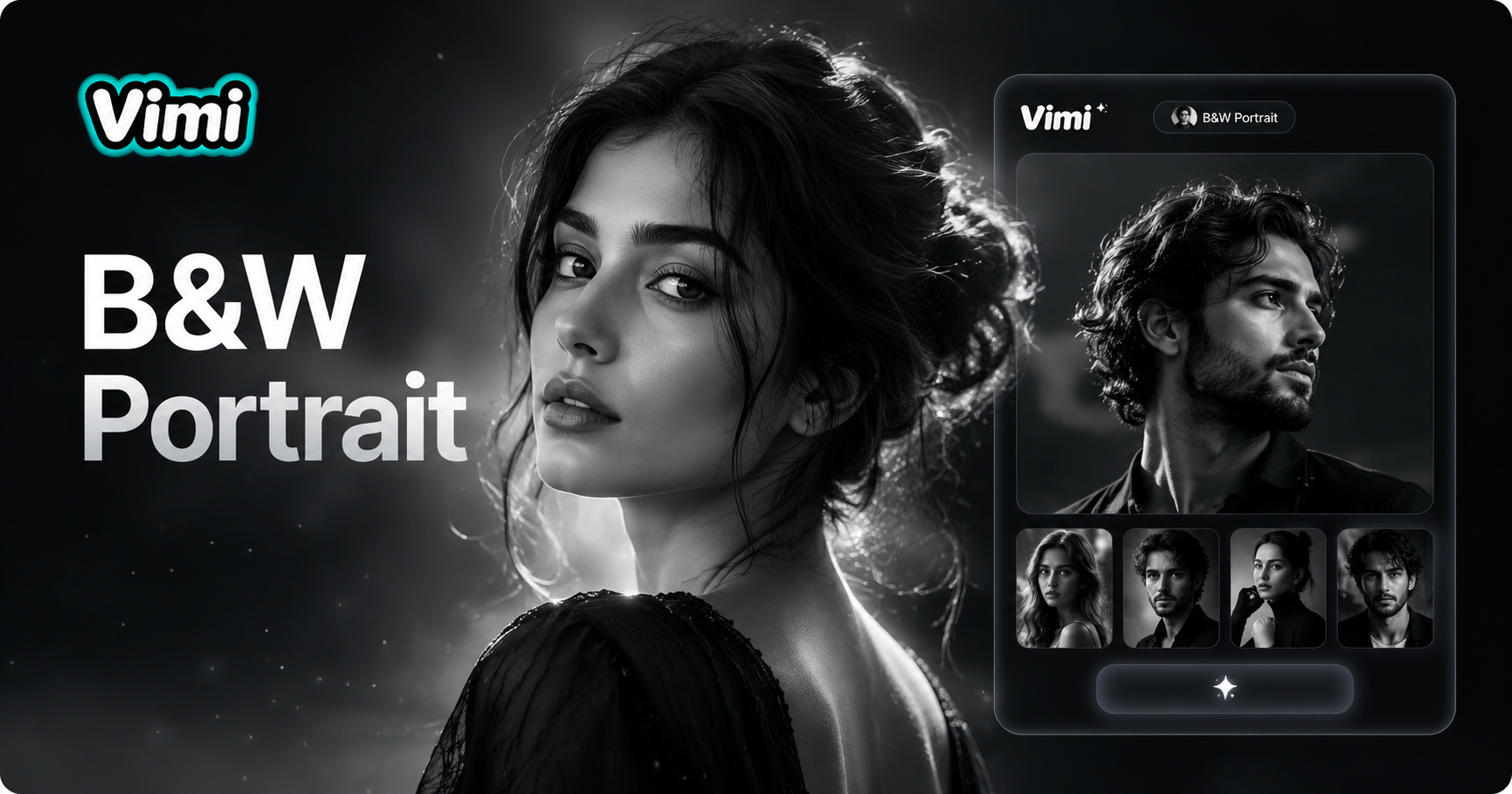
AI Black And White Portrait

AI Claw Machine Video Effect
AI Blonde Hair Generator
AI Barbie Generator
AI Black And White Portrait
AI Claw Machine Video Effect
Download Vimi and Try Your New Beard Look Now
Get the Vimi app and add the perfect beard to your photo in seconds. Choose your style and generate today.
Download Vimi and Try Your New Beard Look Now
Get the Vimi app and add the perfect beard to your photo in seconds. Choose your style and generate today.