Ai Baby Podcast Generator
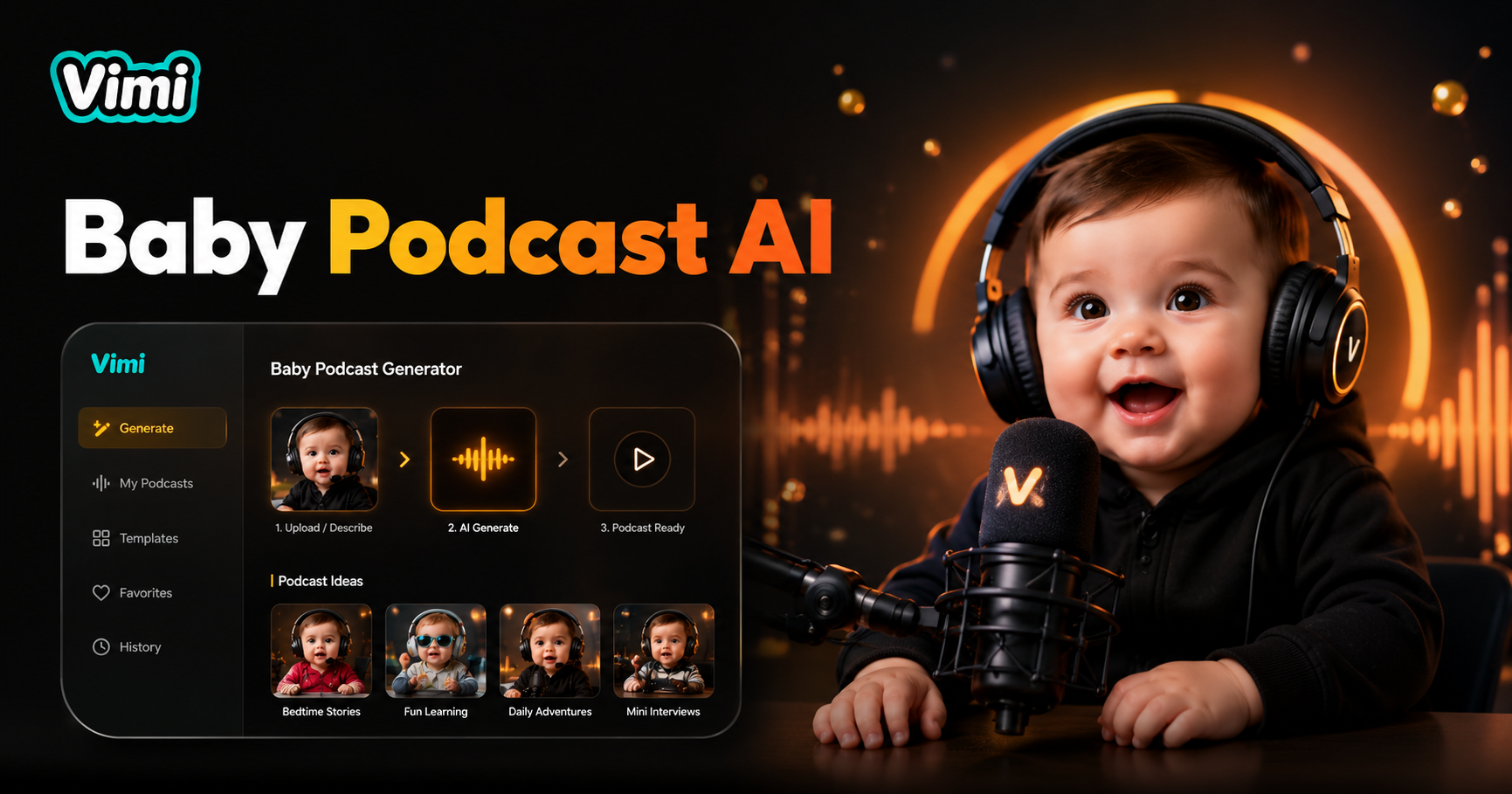
Baby anchor:13



Why Use Vimi for AI Baby Podcast Generator Videos
Discover the benefits of using Vimi's mobile app for creating baby podcast content. This tool makes video creation accessible to everyone.
Easy Video Creation for Everyone
Vimi removes complex editing steps. You do not need video production experience. Just pick a photo, add text, and select a voice. The app handles everything else. This makes it perfect for parents and creators who want quick, professional-looking videos without learning difficult software.
Easy Video Creation for Everyone
Vimi removes complex editing steps. You do not need video production experience. Just pick a photo, add text, and select a voice. The app handles everything else. This makes it perfect for parents and creators who want quick, professional-looking videos without learning difficult software.
Key Features of Vimi AI Baby Podcast Generator
Find the key features that make Vimi the best tool for generating baby podcast videos from photos. These functions work together to deliver high-quality animated content with minimal effort.
Instant Video Generation
Upload a photo, choose a voice, and add your script. Vimi generates a talking baby video in 10 to 20 seconds. The AI matches lip movements to your chosen script. The process is quick and requires no technical skills. You get a ready to share video immediately.
Instant Video Generation
Upload a photo, choose a voice, and add your script. Vimi generates a talking baby video in 10 to 20 seconds. The AI matches lip movements to your chosen script. The process is quick and requires no technical skills. You get a ready to share video immediately.
Style Template Integration
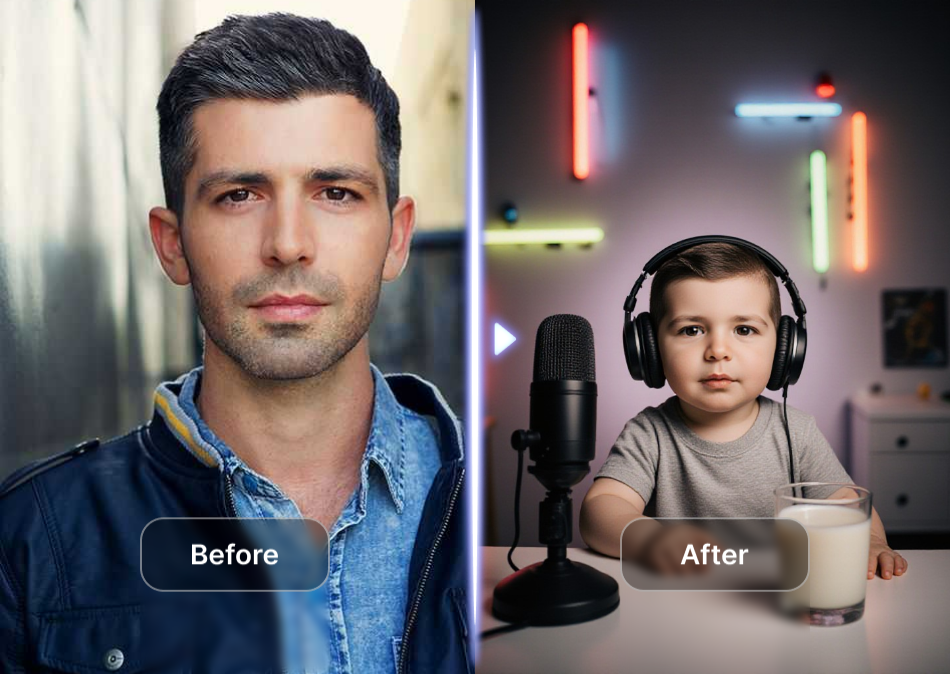
Apply different visual styles to your baby podcast videos. Choose from cartoon, realistic, or artistic filters. The templates change the entire look of your video. Vimi includes styles that work best for baby content. You can switch templates without re uploading photos.
Style Template Integration
Apply different visual styles to your baby podcast videos. Choose from cartoon, realistic, or artistic filters. The templates change the entire look of your video. Vimi includes styles that work best for baby content. You can switch templates without re uploading photos.
Social Sharing Tools
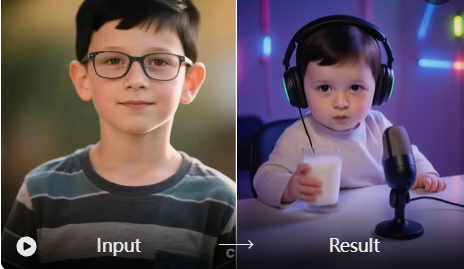
Share your generated videos directly from the app. Post to Instagram, TikTok, Facebook, or other platforms. Vimi includes one-click sharing buttons. You can also save videos to your device for later use. The app supports multiple output formats for different platforms.
Social Sharing Tools
Share your generated videos directly from the app. Post to Instagram, TikTok, Facebook, or other platforms. Vimi includes one-click sharing buttons. You can also save videos to your device for later use. The app supports multiple output formats for different platforms.
How to Make an AI Baby Podcast Generator Video Using Vimi?
This section shows you how to create a talking baby video from your photos. The process takes only a few minutes.

Step 01.
Get the Vimi app from your device's official store. Install it and open the application.

Step 02.
Browse the template library in the app. Search for AI Baby Podcast Generator or related filters. Select the template you want.

Step 03.
Upload your baby photo. Type your desired script.The AI creates your talking video. You can then download it or share it directly to social media.
Frequently Asked Questions
Find clear answers to common questions and get the guidance you need to make the most of our platform, faster and easier.
More Topics You May Like
Explore more topics you may like and discover fresh ideas tailored to your interests.
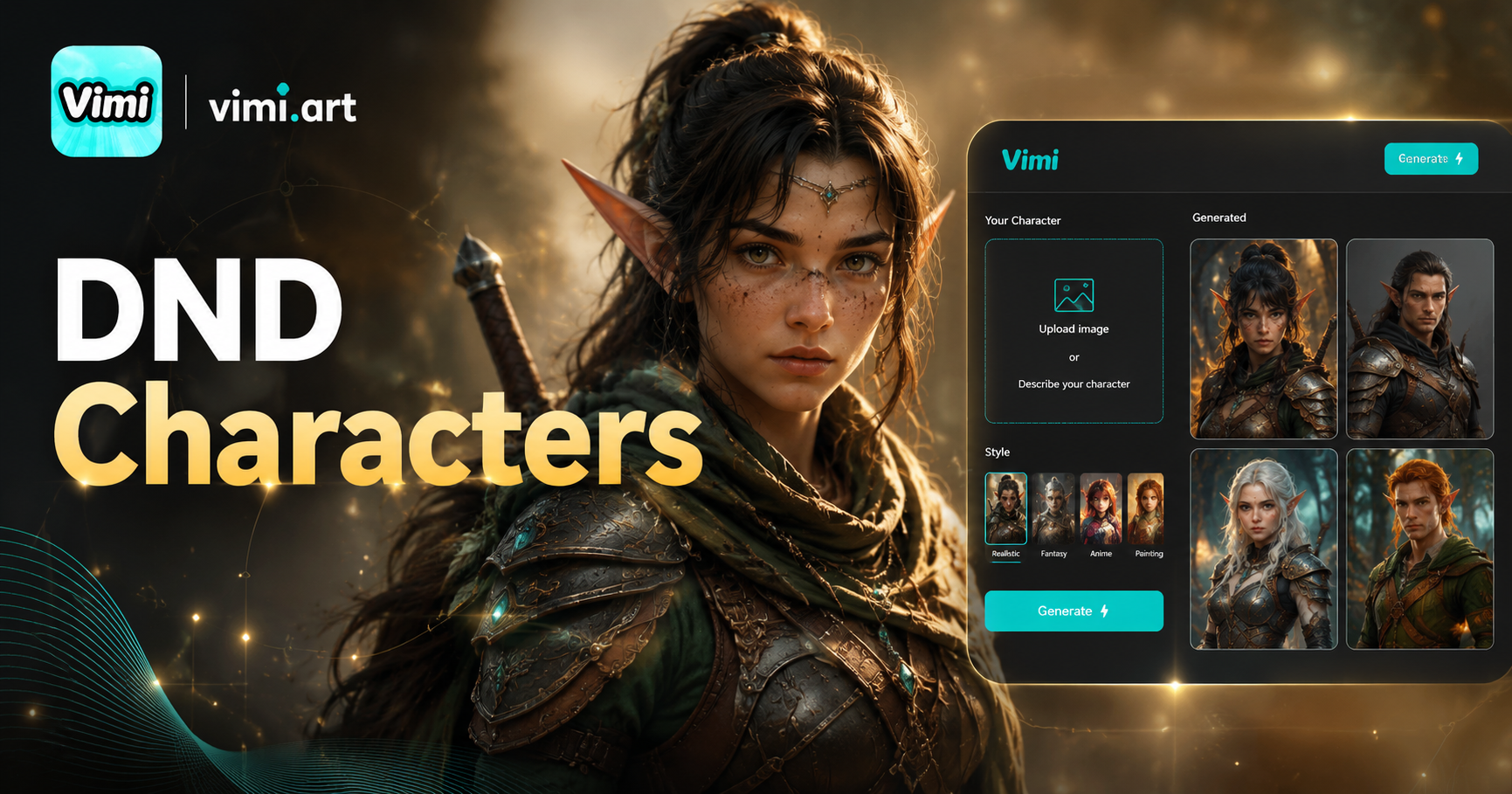
AI DnD Character Generator
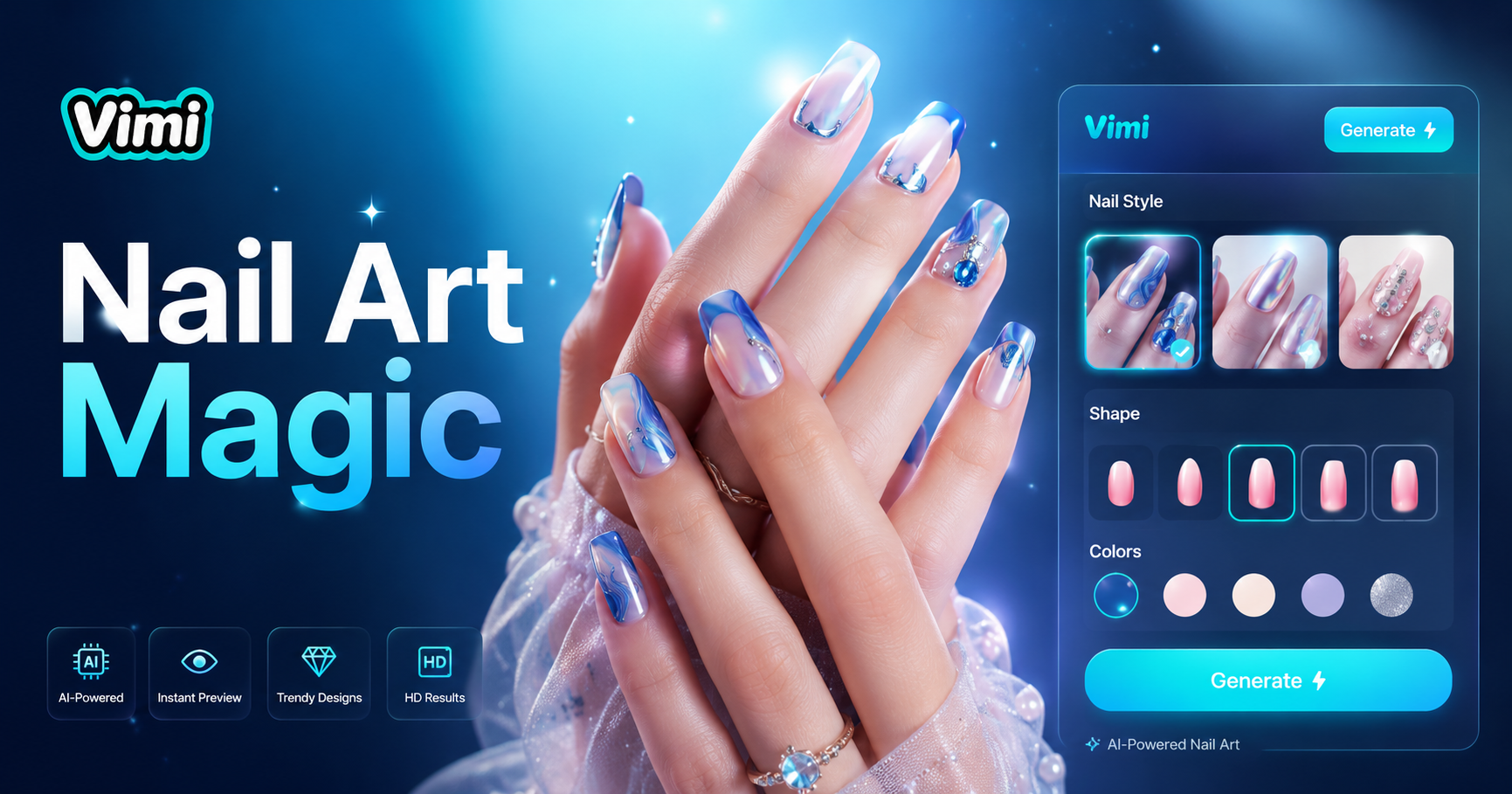
AI Nail Art Generator
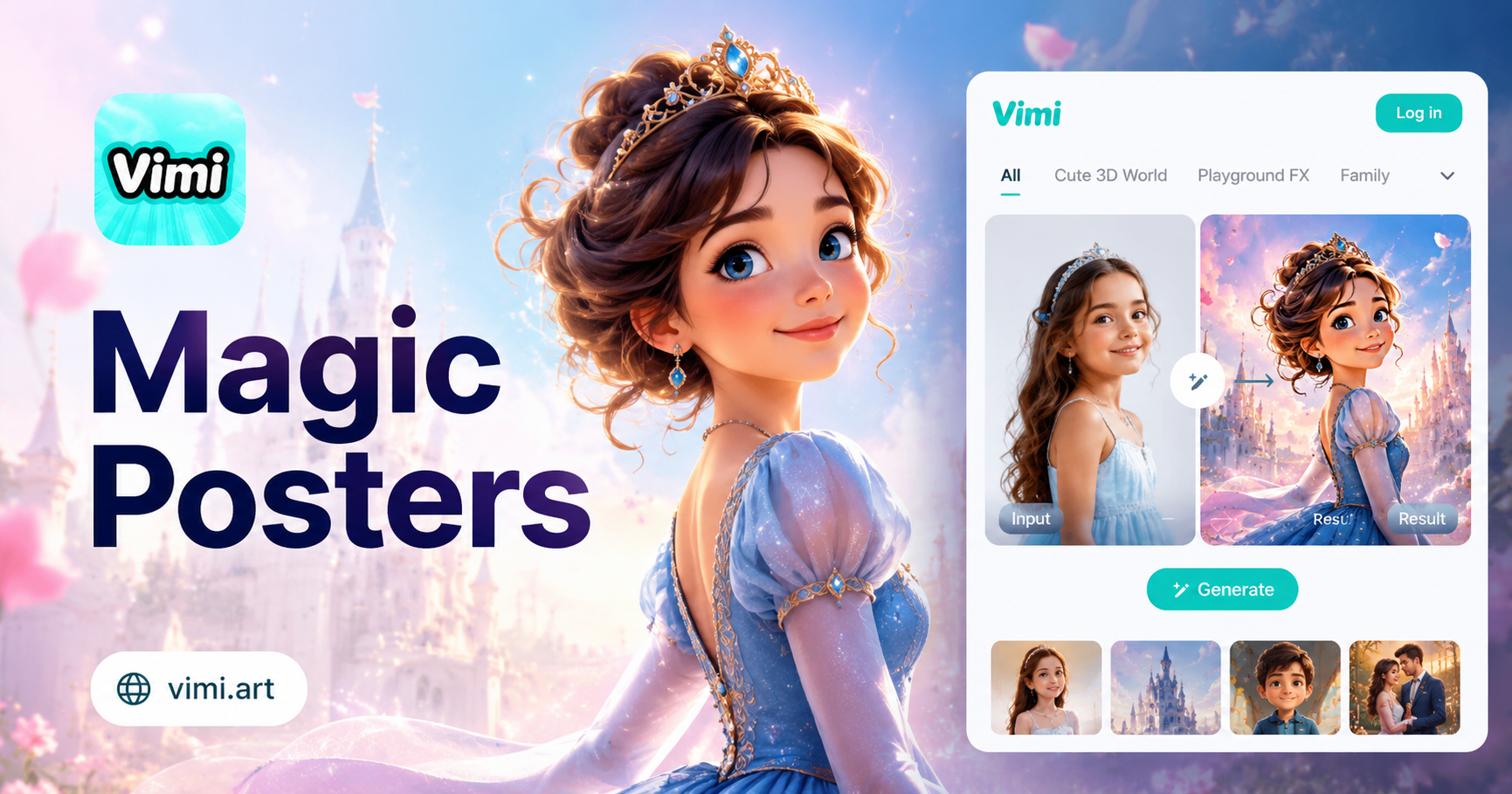
AI Disney Poster Generator
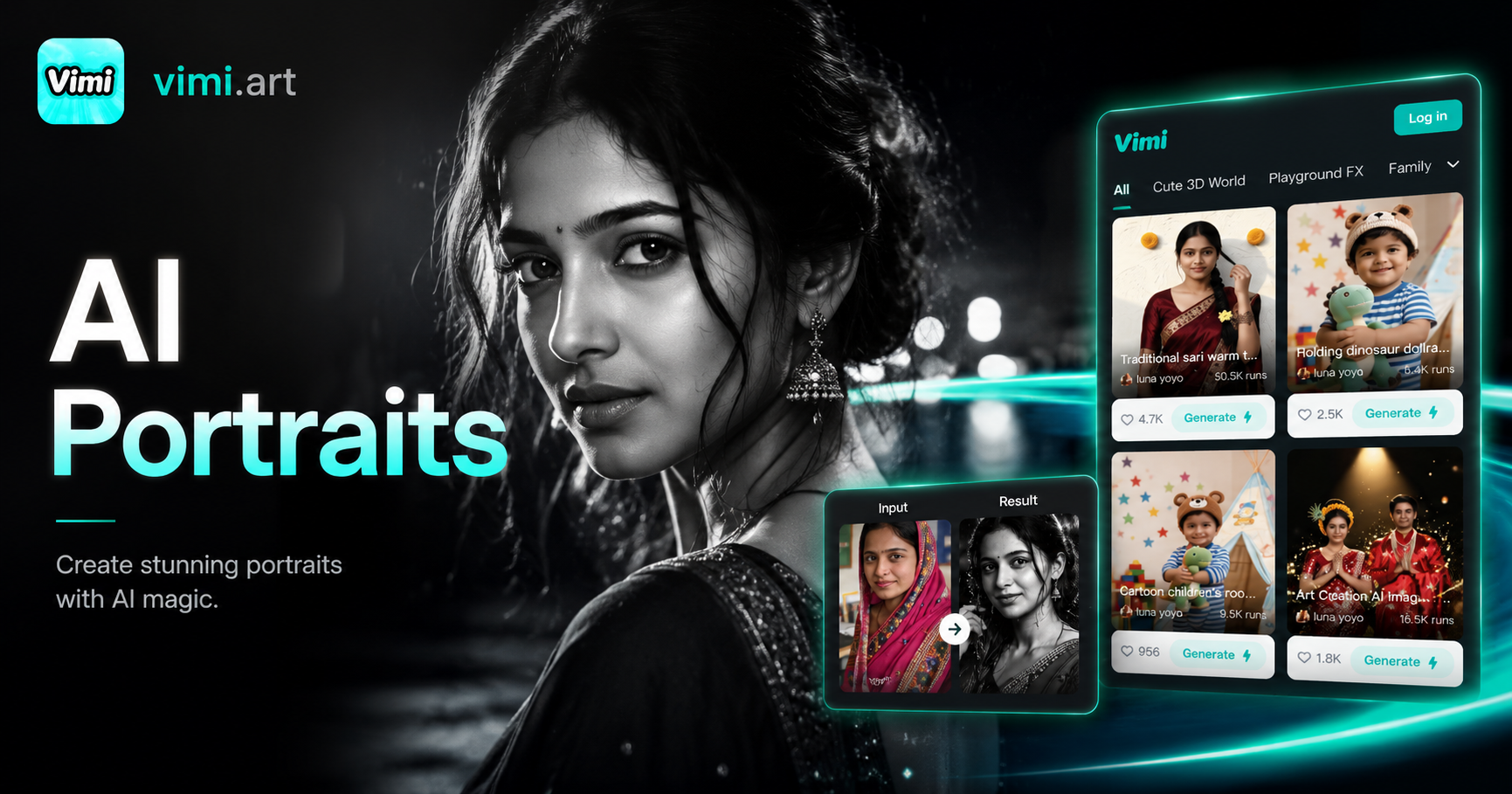
Cinematic Noir Portrait
AI DnD Character Generator
AI Nail Art Generator
AI Disney Poster Generator
Cinematic Noir Portrait
Create Your AI Baby Podcast Video Today
Download Vimi now and turn your baby photos into talking videos. It takes less than a minute to get started.

Create Your AI Baby Podcast Video Today
Download Vimi now and turn your baby photos into talking videos. It takes less than a minute to get started.