AI Angelic Generator
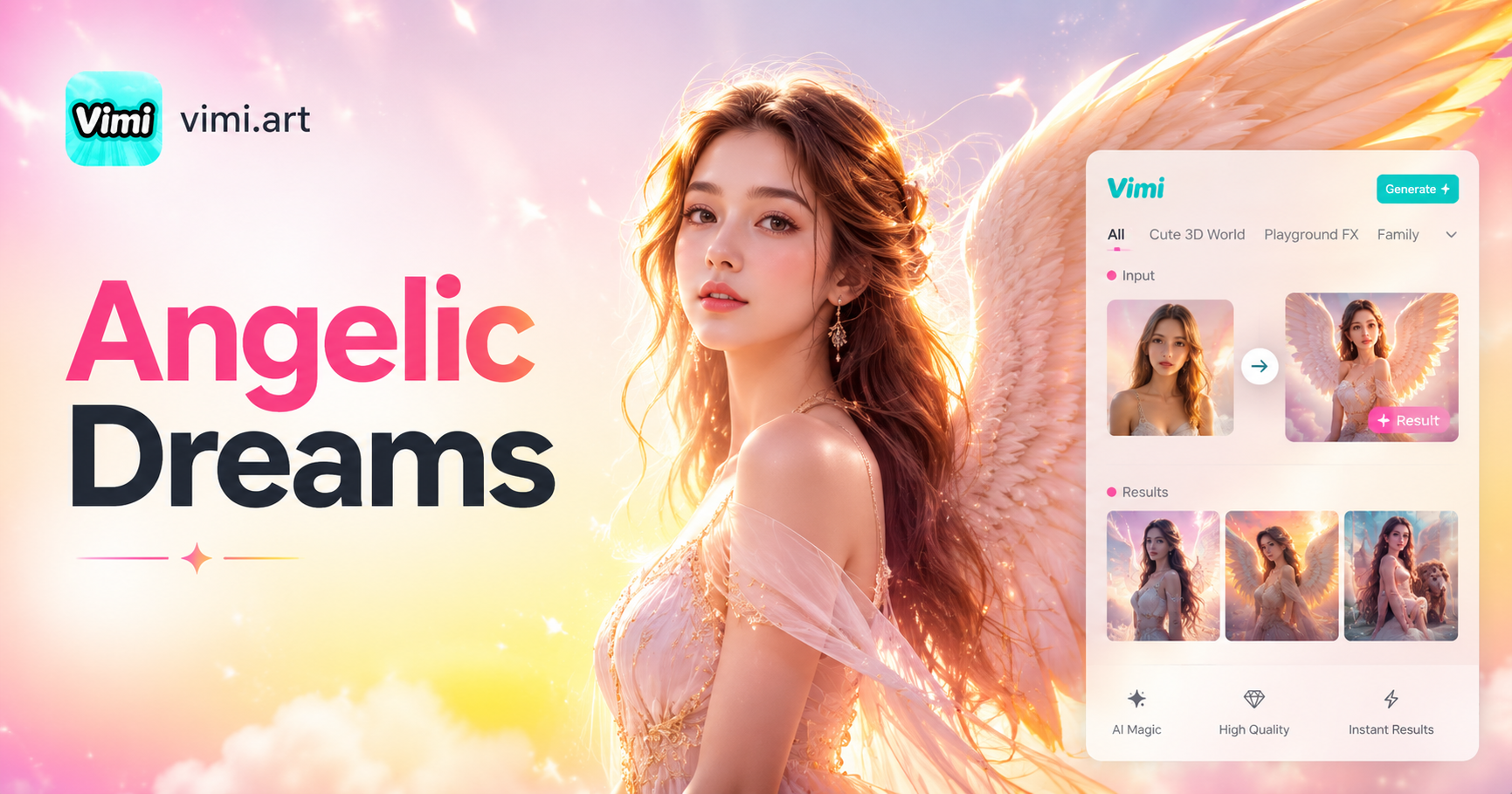
Choose the AI Angelic Generator Filter That Suits You Best
Discover the AI Angelic Generator filter that perfectly matches your style and mood.
Why Using Vimi AI Angelic Generator for Your Creations
Discover the advantages that make Vimi the preferred choice for generating angelic art and avatars with artificial intelligence.
Create Unique Angelic Profile Pictures
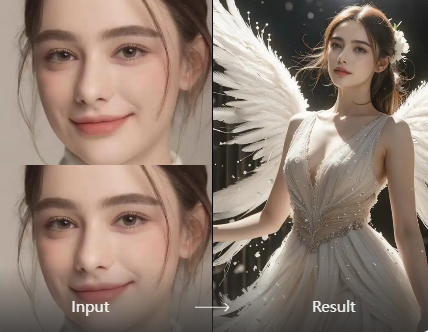
Stand out on social media with custom angelic avatars that capture attention. Vimi transforms your everyday photos into ethereal angel portraits with wings and heavenly lighting. Your profile pictures become conversation starters that express creativity and individuality. Friends will ask how you created such unique divine images.
Create Unique Angelic Profile Pictures
Stand out on social media with custom angelic avatars that capture attention. Vimi transforms your everyday photos into ethereal angel portraits with wings and heavenly lighting. Your profile pictures become conversation starters that express creativity and individuality. Friends will ask how you created such unique divine images.
Explore the Use Cases of Vimi AI Angelic Generator
Discover the various ways you can apply Vimi AI Angelic Generator across different scenarios and creative needs.
 Before
 After
AfterSocial Media Content Creation
Create eye catching angelic avatars and themed posts for Instagram, TikTok, and Facebook. Vimi helps content creators produce unique visual content that stands out in crowded feeds. Angelic images generate high engagement and curiosity. Post your transformations and watch your followers grow as they discover your heavenly AI generated content.
 Before
 After
AfterPersonal Artistic Expression
Express your creativity by transforming ordinary photos into angelic artworks. Vimi provides a creative outlet for anyone interested in fantasy art, religious themes, or ethereal aesthetics. Experiment with different angelic styles from classical to modern. Build a personal collection of divine images that reflect your artistic vision and spiritual interests.
 Before
 After
AfterGifts and Personalized Greetings
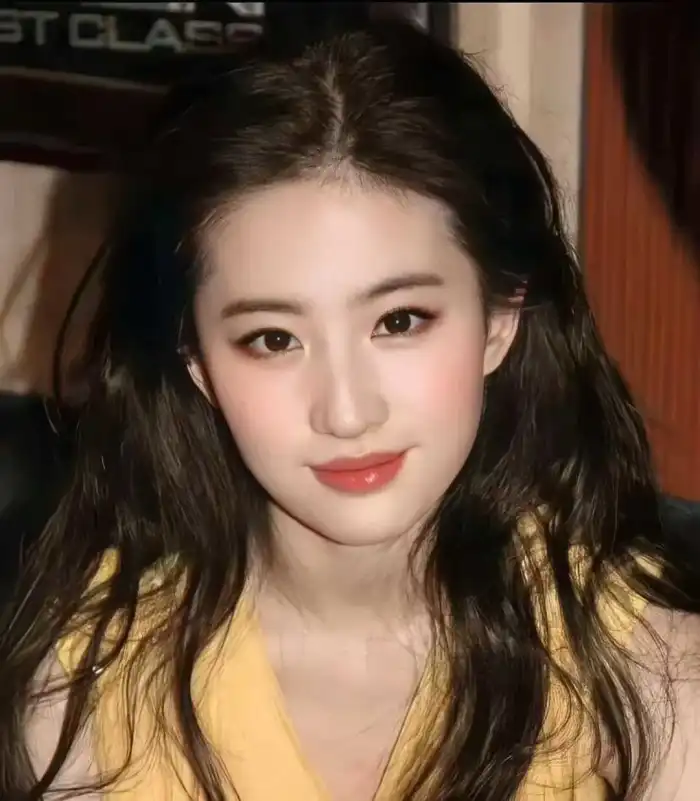
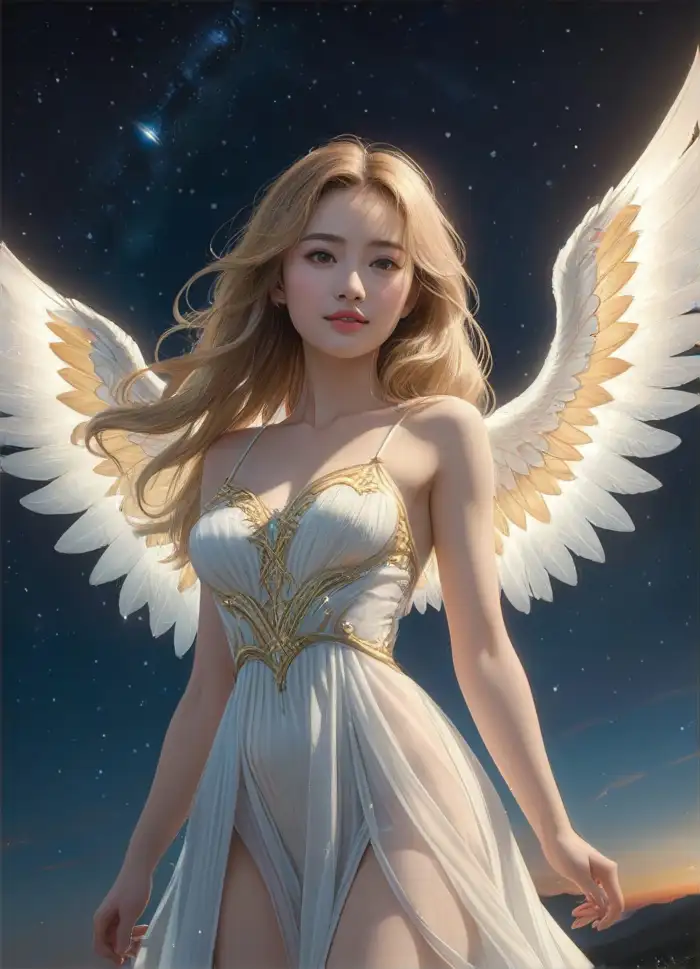
Create personalized angelic portraits as thoughtful gifts for friends and family. Transform a loved one's photo into a guardian angel artwork for birthdays, holidays, or special occasions. These unique personalized creations carry deep emotional meaning. Recipients appreciate the time and creativity invested in making their own heavenly portrait.
How to Generate Angelic Images with Vimi AI Angelic Generator?
Follow these simple steps to create your own angelic artworks using the Vimi App. The entire process takes less than one minute from start to finish.

Step 01.
Visit your Google Play Store to download and install the Vimi App on your mobile device. Open the App after installation to begin your angelic creation journey. The App is free to download and easy to navigate.

Step 02.
Browse the template library and choose your preferred angelic style template. Upload one or multiple photos you want to transform. Tap the Generate button and wait 10 to 20 seconds for the AI to create your angelic artwork.

Step 03.
Tap Download to save it to your device gallery. You can also share your creation directly to social media platforms or post it to your Vimi personal homepage for the community to see and appreciate.
Frequently Asked Questions
Find clear answers to common questions and get the guidance you need to make the most of our platform, faster and easier.
More Topics You May Like
Explore more topics you may like and discover fresh ideas tailored to your interests.
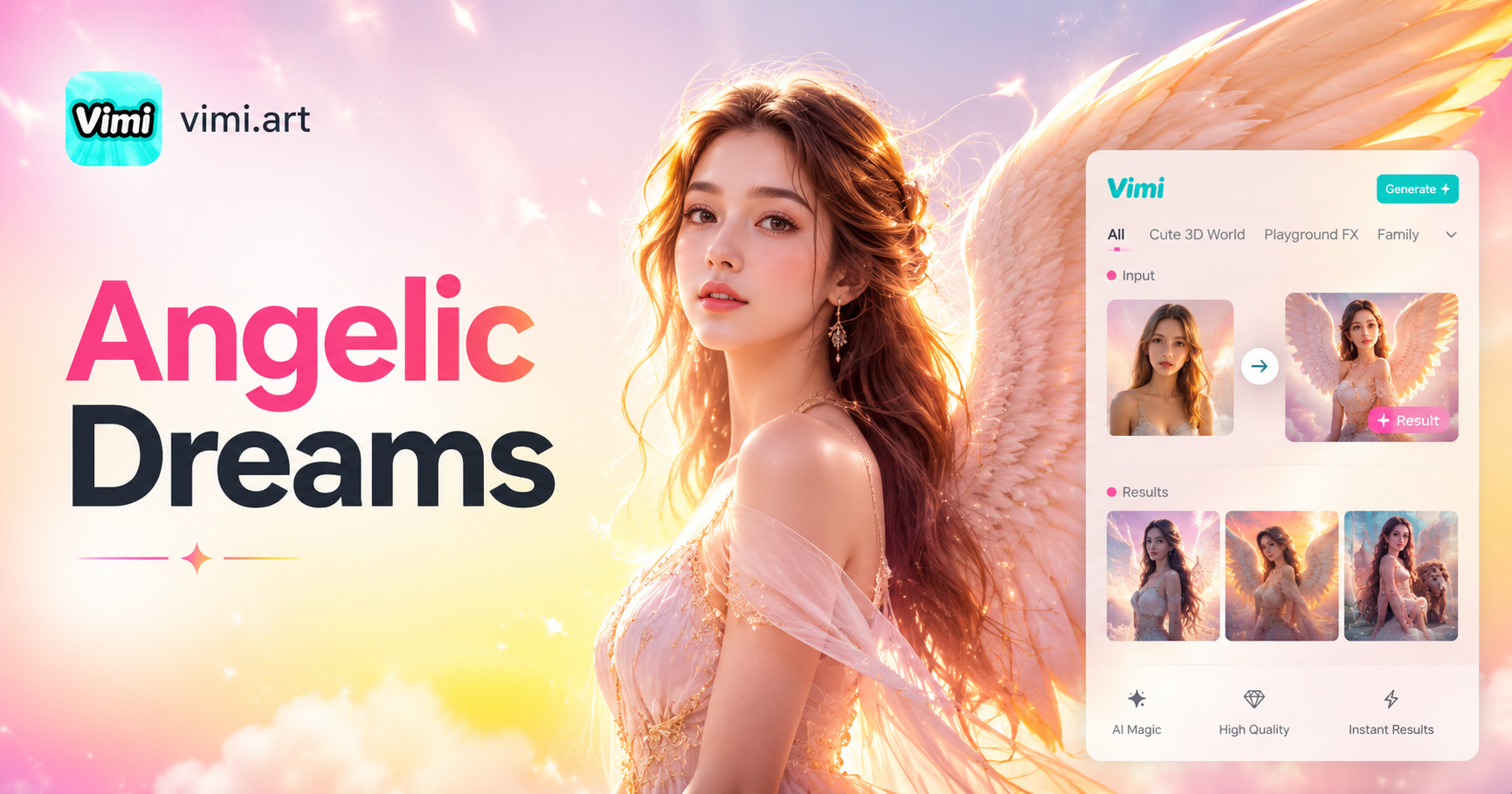
Vimi AI Angelic Generator: Create Ethereal Angelic Avatars & Art Description
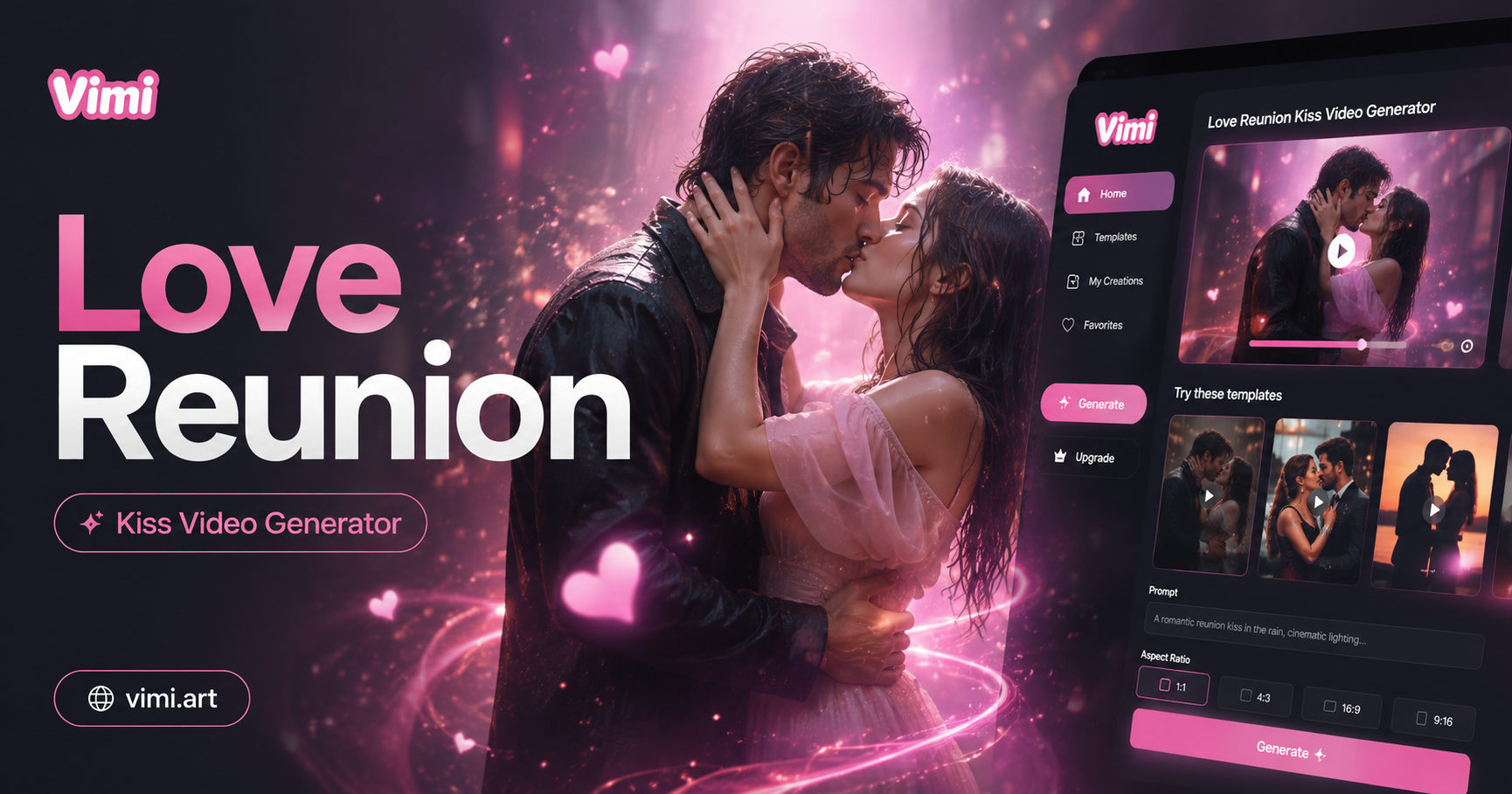
Create a Love Reunion Kiss Video with Vimi AI
Vimi AI Angelic Generator: Create Ethereal Angelic Avatars & Art Description
Create a Love Reunion Kiss Video with Vimi AI
Transform Your Photos Into Angelic Art Today
Download Vimi App and generate your first angelic masterpiece now. Experience the easiest way to create heavenly AI angel artworks on your mobile device.
Transform Your Photos Into Angelic Art Today
Download Vimi App and generate your first angelic masterpiece now. Experience the easiest way to create heavenly AI angel artworks on your mobile device.