AI 3d Comic Portrait Generator
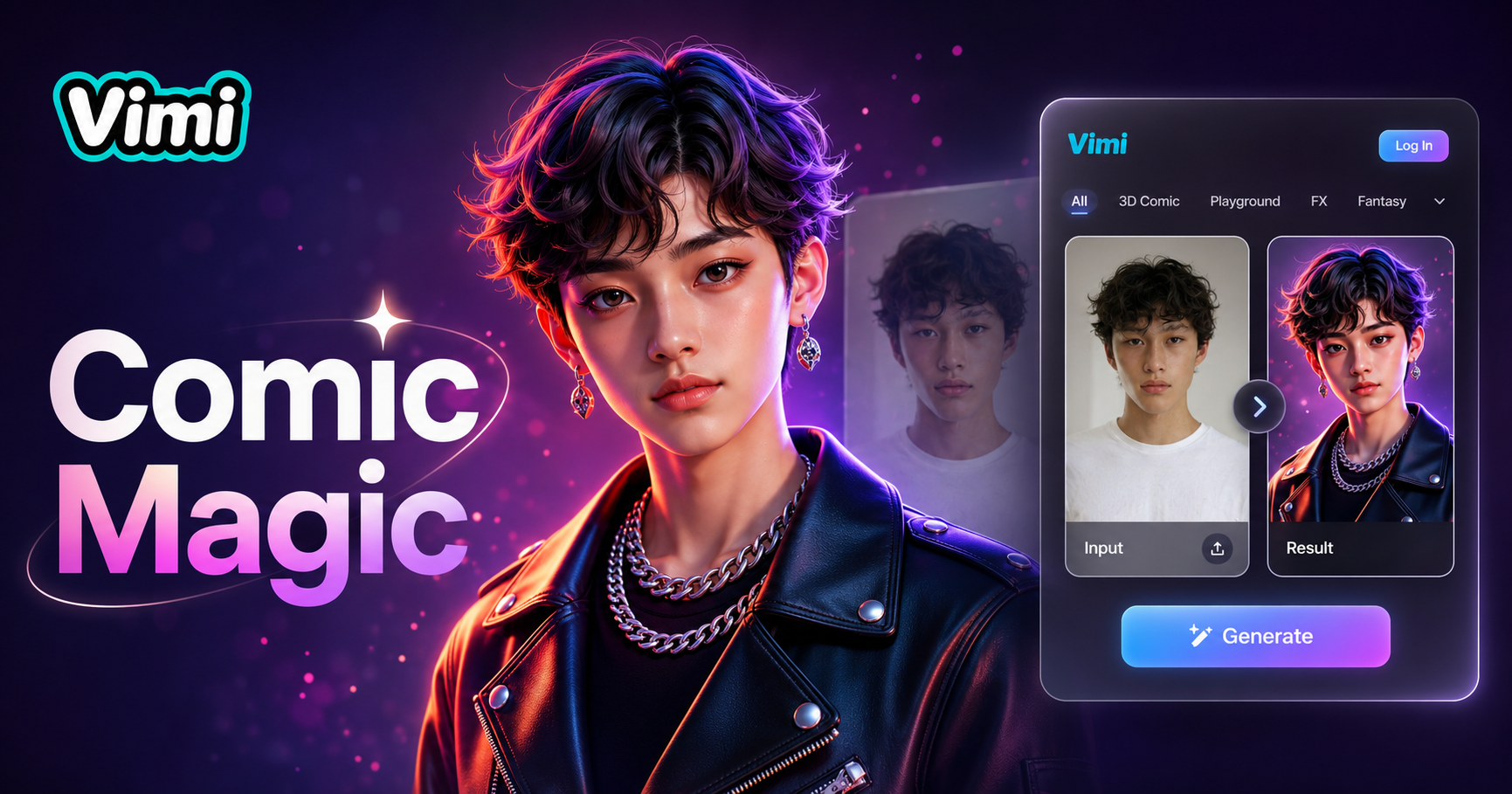
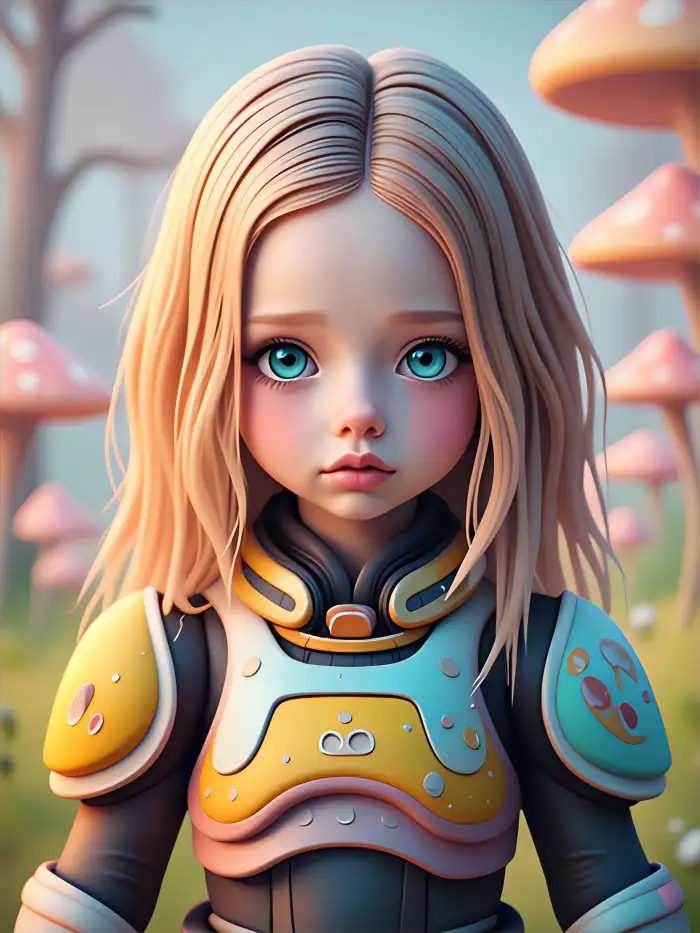
Cool 3D Portrait

Explore Use Cases of Vimi AI 3d Comic Portrait Generator
See how Vimi AI 3d Comic Portrait Generator fits into different creative scenarios.
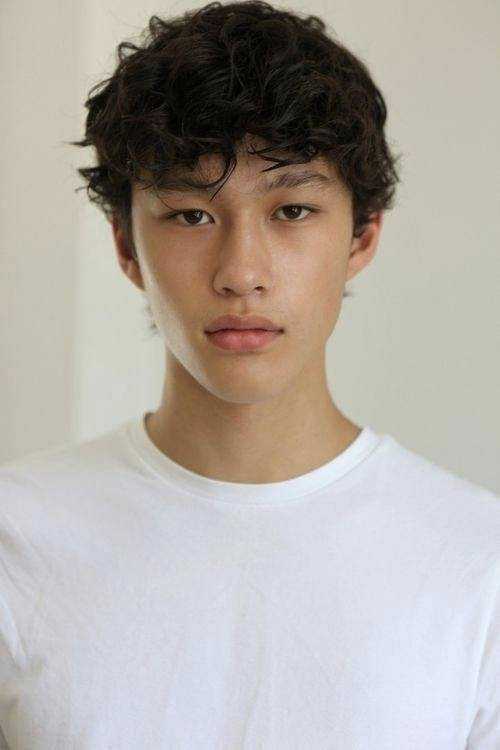
 Before
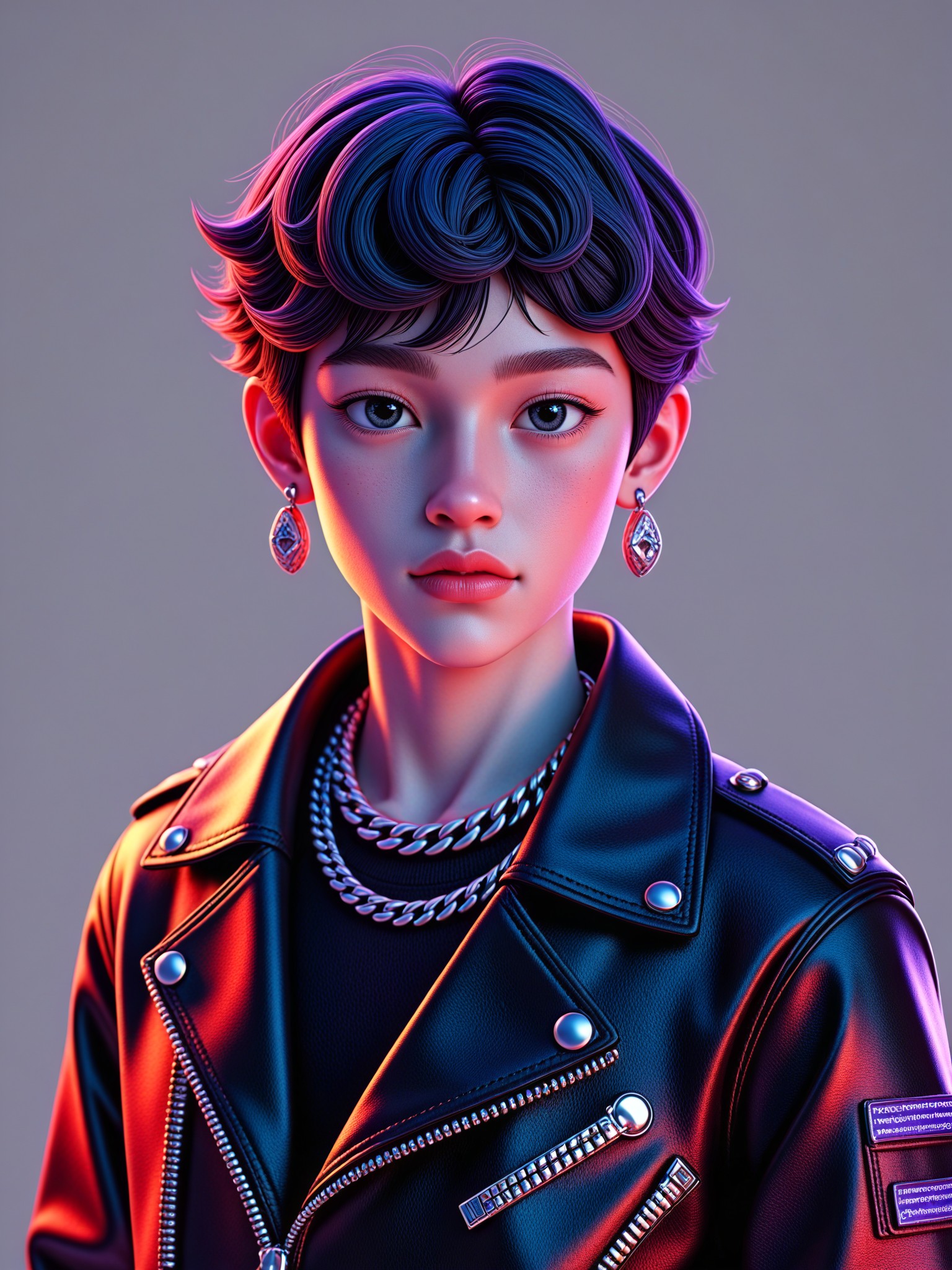
 After
AfterSocial Media Avatar Creation
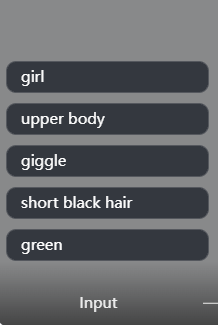
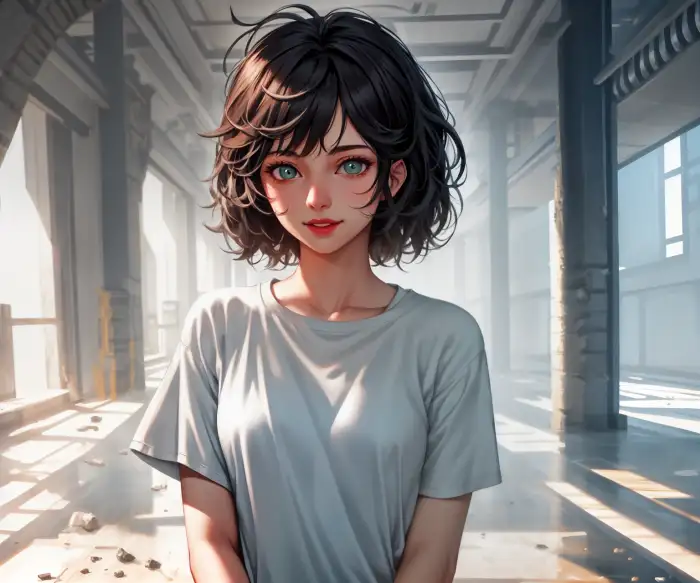
Create a memorable avatar for your Instagram, TikTok, or Discord profile. The 3D comic effect makes your avatar stand out from standard photos. Update your avatar regularly with different comic styles to keep your profile fresh and interesting for your followers.
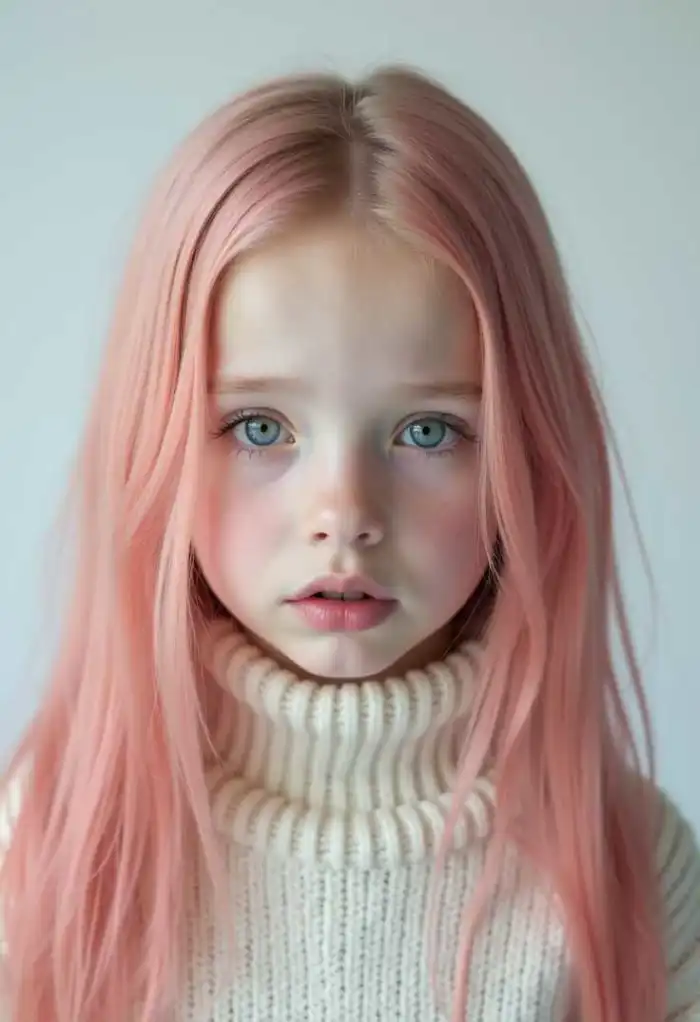
 Before
 After
AfterPersonalized Gift Making
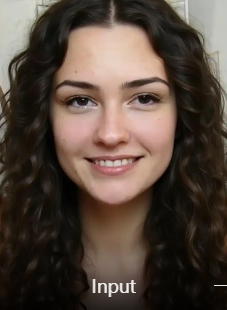
Turn a friend or family photo into a 3D comic portrait for a unique gift. Print the portrait on a mug, phone case, or canvas. The comic style adds a fun, artistic touch that makes the gift feel special and personal for any occasion.
 Before
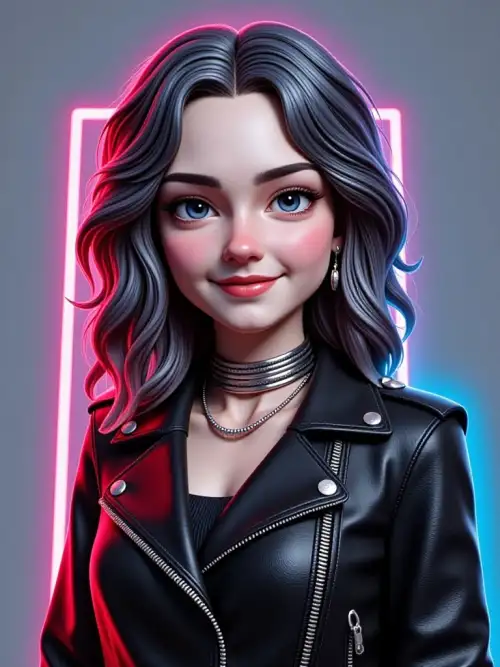 After
AfterGaming Profile Representation
Gamers can create comic style portraits that match their gaming personas. Use these portraits as profile pictures on gaming platforms. The 3D effect adds a professional look that fits gaming communities. Show off your character style with a custom comic portrait.
Why Use Vimi AI 3d Comic Portrait Generator
Discover the advantages of using Vimi AI 3d Comic Portrait Generator for your creative projects.
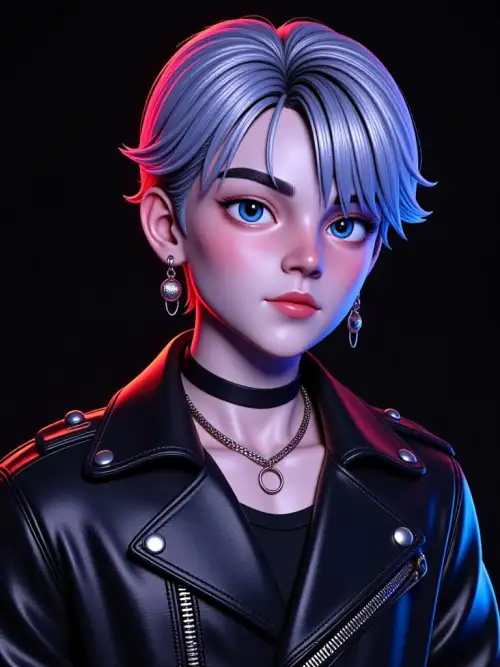
Refresh Your Profile Pictures
Stand out on social media with a unique 3D comic portrait. Your profile picture becomes a conversation starter that shows your personality. Friends will ask how you created such a distinctive image. Update your look anytime with different comic styles available in the app.
Refresh Your Profile Pictures
Stand out on social media with a unique 3D comic portrait. Your profile picture becomes a conversation starter that shows your personality. Friends will ask how you created such a distinctive image. Update your look anytime with different comic styles available in the app.
How to Create Vimi AI 3d Comic Portrait Generator?
Follow these simple steps to make your own 3D comic portrait using the Vimi app.

Step 01.
Download Vimi from the Google Play Store and open it. Browse the template library to find the 3D comic portrait generator.

Step 02.
Choose a clear photo from your camera roll. Select your preferred comic style template. Tap generate and wait 10 to 20 seconds for processing.

Step 03.
Click download to save your 3D comic portrait video. Share it directly to social media or send it to friends from the app.
Frequently Asked Questions
Find clear answers to common questions and get the guidance you need to make the most of our platform, faster and easier.
More Topics You May Like
Explore more topics you may like and discover fresh ideas tailored to your interests.
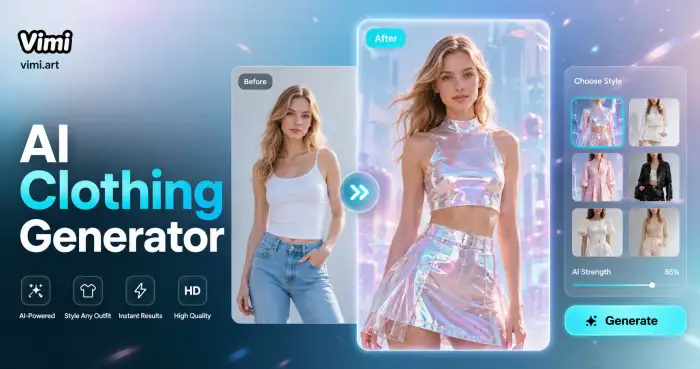
AI Costume Generator
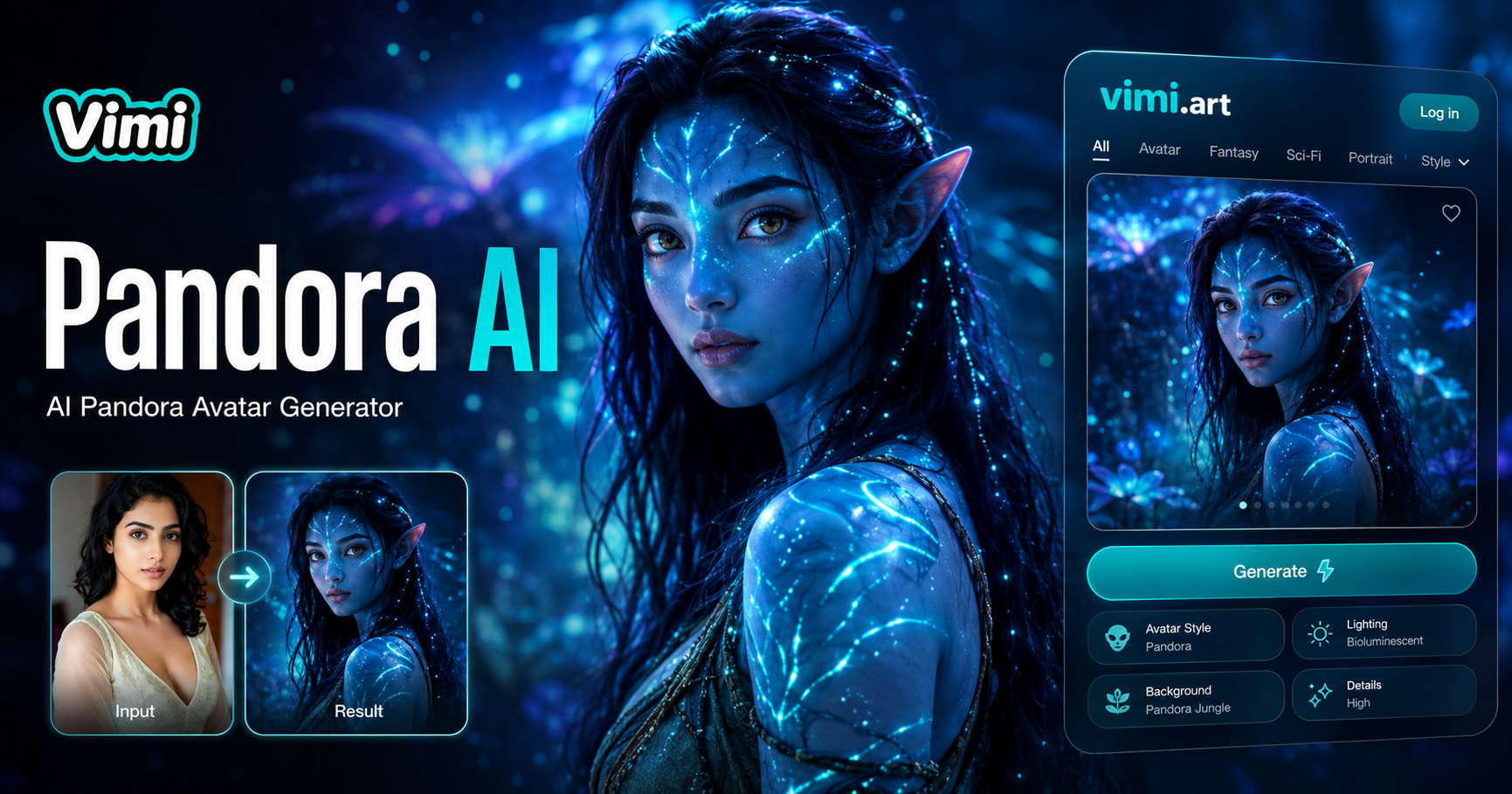
AI Pandora Avatar Generator
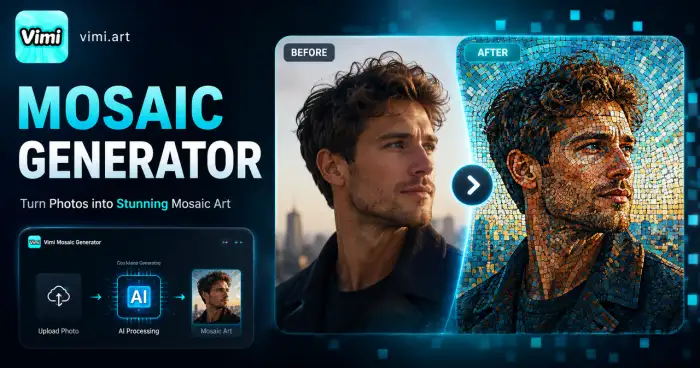
Mosaic Picture Generator
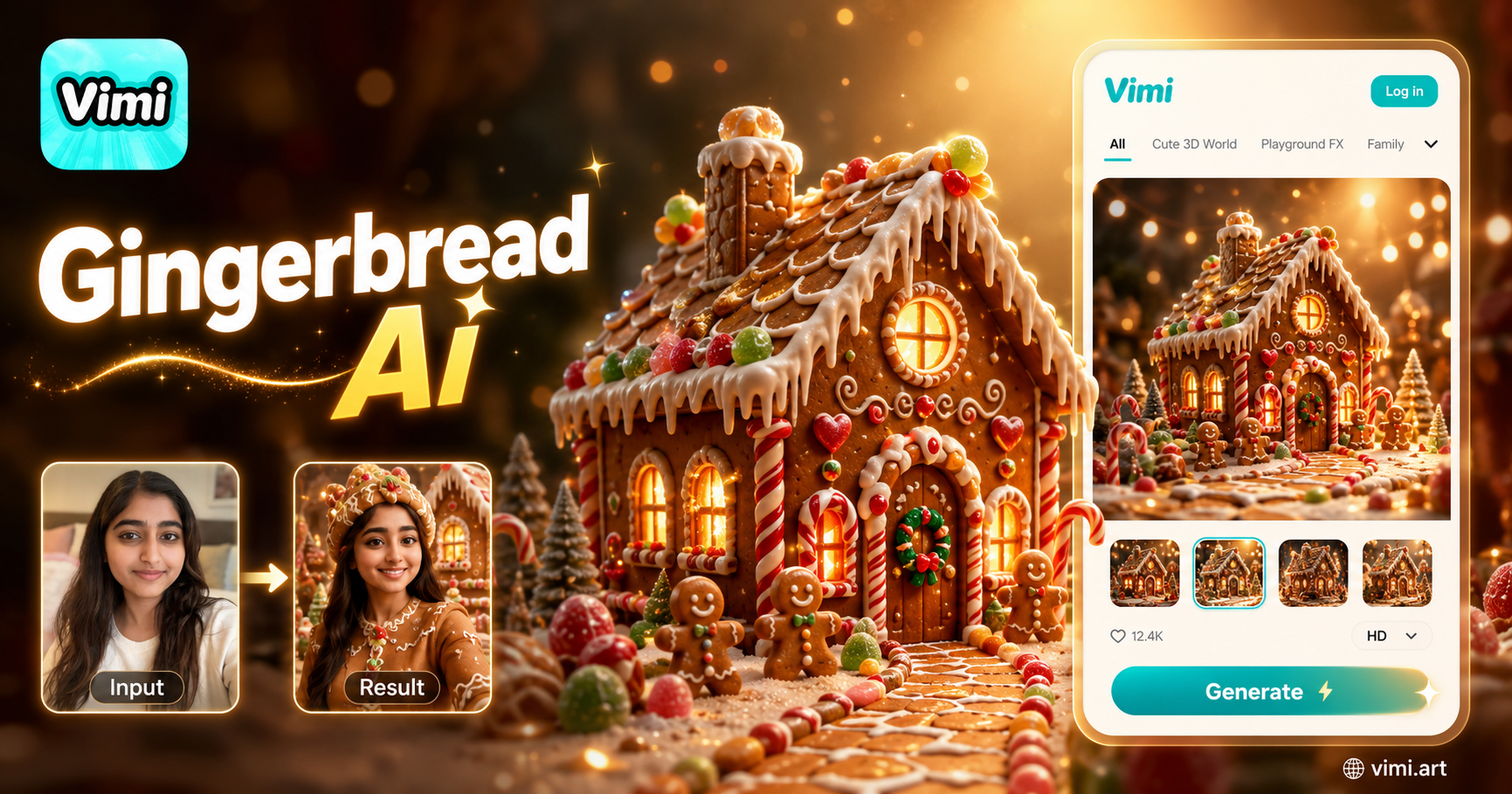
AI Gingerbread House Generator
AI Costume Generator
AI Pandora Avatar Generator
Mosaic Picture Generator
AI Gingerbread House Generator
Get Vimi and Make Your Comic Portrait Today
Apply the latest viral effects to videos and images effortlessly. Turn your selfie into a 3D comic portrait right now.
Get Vimi and Make Your Comic Portrait Today
Apply the latest viral effects to videos and images effortlessly. Turn your selfie into a 3D comic portrait right now.