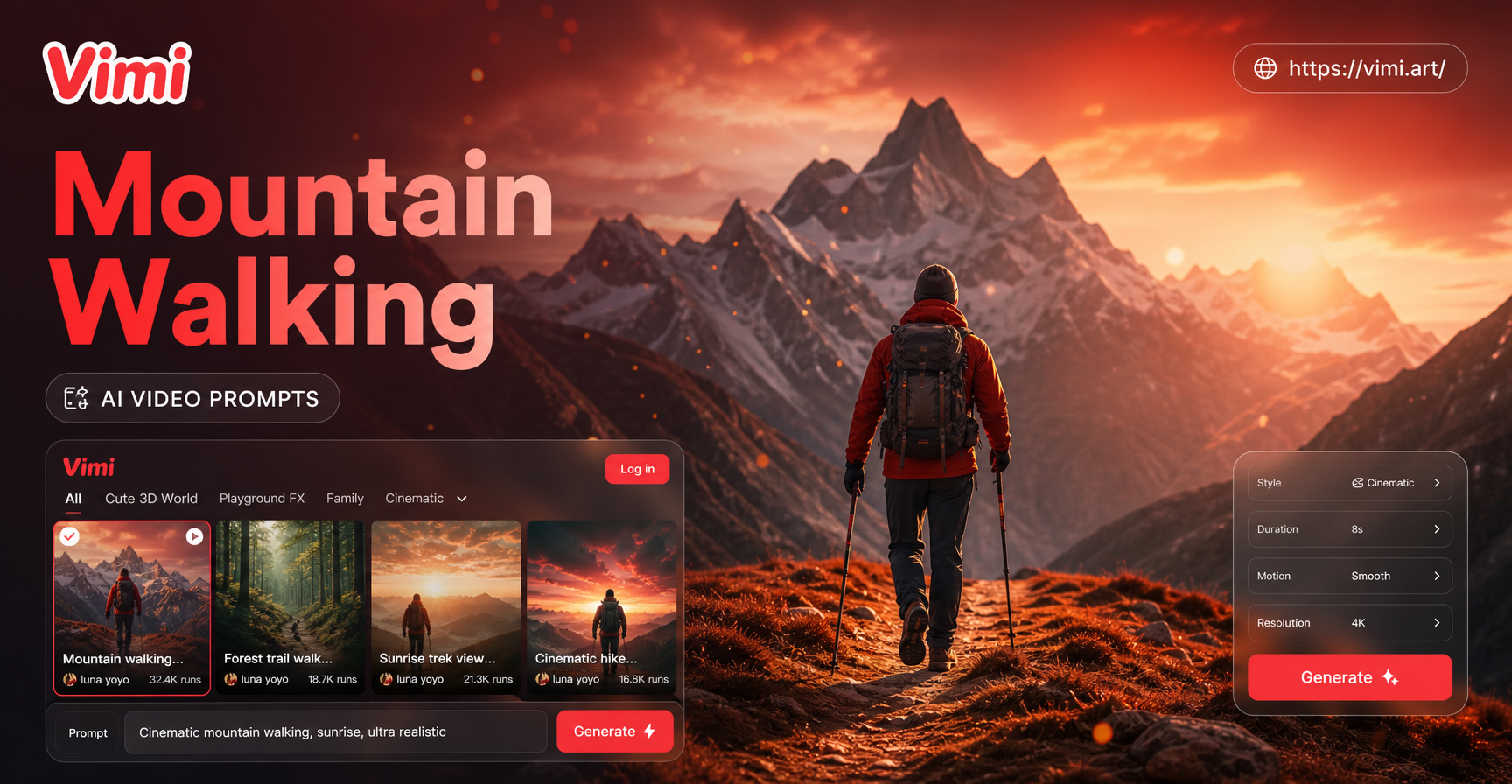
Mountain walking AI video prompts you can copy
Start with a clear photo of the walker on a visible path. Then describe one continuous action, the terrain, camera position, and what must stay unchanged. These prompts are written for image-to-video tools; adjust wording if your chosen Vimi template offers only preset motion rather than a free-text prompt field.
All-purpose prompt: “Use the uploaded photo as the identity and clothing reference. The same adult walks forward at an unhurried pace on a mountain path for one continuous shot. Alternate left and right steps; each boot makes contact with the ground before the other lifts. Keep the face, outfit, backpack, path, and mountain horizon consistent. Camera follows from a steady three-quarter angle. Natural daylight, gentle wind in the clothing, no cuts, no extra people, no sudden camera rotation.”
Pick a scene, then change only the details you need
The bracketed details are editable. Keep the action short and specific. For a portrait output, frame the walker head-to-boot and leave room above the head and below the feet.
1. Himalayan trail at sunrise
“Animate the adult in the uploaded photo walking uphill on a broad Himalayan trail at sunrise. Three measured steps, boots landing on dry gravel, light jacket moving in a mild breeze. Keep the person's face and clothing unchanged. Snow peaks remain in the distance while the camera tracks slowly from the side at walking speed. One continuous shot; no jump, no trekking pole appearing from nowhere.”
2. Western Ghats monsoon greenery
“The same adult walks carefully along a wide, damp mountain path in the Western Ghats. Two or three steady steps around shallow puddles; shoes stay on the path. Mist drifts behind the hills and nearby leaves move lightly. Camera follows from behind at shoulder height. Preserve the uploaded person's identity, outfit, and backpack. No heavy rain covering the face, no cliff-edge movement.”
3. Ladakh high-desert path
“The uploaded adult walks at a relaxed pace across a wide, stable path in a Ladakh-inspired high-desert landscape. Small dust movement follows each grounded footstep. Keep the same face, jacket, sunglasses if present, and bag. A low side-tracking camera reveals layered mountains and clear daylight. Continuous walking, consistent shadow direction, no vehicle or extra person.”
4. Solo walker, rear view
“From the uploaded full-body photo, show the same walker moving away from the camera along a wide mountain trail. The backpack sways subtly with alternating steps. Camera stays behind and moves forward slowly; the ridge and path remain fixed. Keep clothing colours and body proportions consistent. No turn toward the camera, no scene change.”
5. Couple on a safe ridge path
“Use the uploaded photo of two consenting adults. They walk side by side on a broad mountain path, matching a comfortable pace without crossing legs or merging hands. Preserve both faces, their positions from left to right, and their clothes. The camera tracks gently alongside them; mountains stay in the background. One uninterrupted shot, no extra people.”
6. Friends approaching a viewpoint
“Animate the adults in the source photo taking two slow steps toward a mountain viewpoint on level ground. Keep each person's face, outfit, and left-to-right order distinct. The camera makes a small forward push while the group remains in frame. Gentle wind, stable horizon, natural daylight. No new people, no duplicated limbs, no sudden pose change.”
7. Cinematic over-the-shoulder approach
“The same adult walks forward along a broad stony trail while the camera follows over one shoulder. Show two grounded steps and a slight shift of the backpack straps. The distant peaks grow only subtly larger. Preserve identity and clothing from the photo; keep the trail continuous and the horizon steady. No drone jump or abrupt zoom.”
8. Vertical Reel with a reveal
“Create a vertical mountain-walking clip from the uploaded full-body photo. The same adult takes three natural steps on a safe path. Begin with a medium shot, then gently widen to show the landscape without cutting. Keep the face, clothing, and footwear consistent, and retain empty space above for a later caption. Steady camera, natural light, no text generated inside the video.”
Make a still photo easier to animate
Choose a photo where the person is visible from head to footwear, the path is unobstructed, and the legs do not overlap. A side or three-quarter view makes the direction of travel easier to describe. If the source is a close-up portrait, ask for a restrained upper-body movement instead of inventing a full-body walk. For two or more people, specify their left-to-right order and whether they walk together or one behind the other.
Write the motion in this order: subject + action + ground contact + camera + environment + continuity constraints. For example, “The same person takes two steps uphill; each shoe lands on the path; the camera tracks from the side; wind moves the jacket; face and horizon stay consistent.” A single short shot is easier to inspect than a prompt that demands a hike, drone orbit, weather change, and summit reveal at once. These are prompt-design recommendations, not guaranteed model behaviours.
Turn the photo into a video with Vimi
Vimi describes its Image to Video AI effect as a way to animate still photos. Its broader AI Video Generator page is another relevant route. Neither link is presented here as a dedicated “Mountain Walking” effect.
- Open the image-to-video effect and upload a photo you have permission to use.
- Choose a landscape or portrait format that suits where the clip will be shared. Check the live interface for available format and motion controls.
- If a text prompt field is available, paste one prompt above and replace the bracketed setting or subject details. If the selected template has fixed motion, pick the closest walking or gentle-movement option instead.
- Generate a short clip, then inspect feet, hands, face, backpack straps, trail edges, and the horizon frame by frame before sharing.
- If the gait or identity drifts, shorten the action to two steps, simplify the camera movement, or use a clearer source photo. Repeat with one change at a time.
Fix the most common visual problems
| What you see | Prompt or input change |
|---|---|
| Feet slide instead of stepping | Ask for two alternating steps and explicit shoe-to-ground contact; choose a source that shows footwear. |
| The person changes identity | Repeat “same face and clothing as uploaded photo”; reduce camera rotation and avoid a far-away face crop. |
| The mountain shifts or melts | Keep the camera steady or use a slow side track; remove simultaneous zoom, orbit, and weather changes. |
| A backpack or trekking pole appears unexpectedly | Name only accessories already visible in the source photo and say “no new objects.” |
| Two walkers merge | Keep both people apart in the input, specify left-to-right order, and ask for two or three steps only. |
| The clip feels static | Ask for one measurable movement: steps, jacket movement, or a small camera track, rather than “cinematic motion.” |
Share the scene without overstating it
For Instagram Reels or YouTube Shorts, a vertical composition gives the walker room to move while leaving space for your own caption. A landscape version can work when the mountain setting matters more than the person. Treat these as composition choices, not promises about Vimi export options. Do not label an AI-generated walk as footage of a real trek, and get consent from anyone identifiable in the source photo. Check Vimi's current terms for pricing, usage rights, and commercial use before publishing sponsored work.
Ready to animate a walking photo? Try Vimi with one clear image and one concise motion prompt. Review the result before posting.