Turn Photo Into Christmas Card
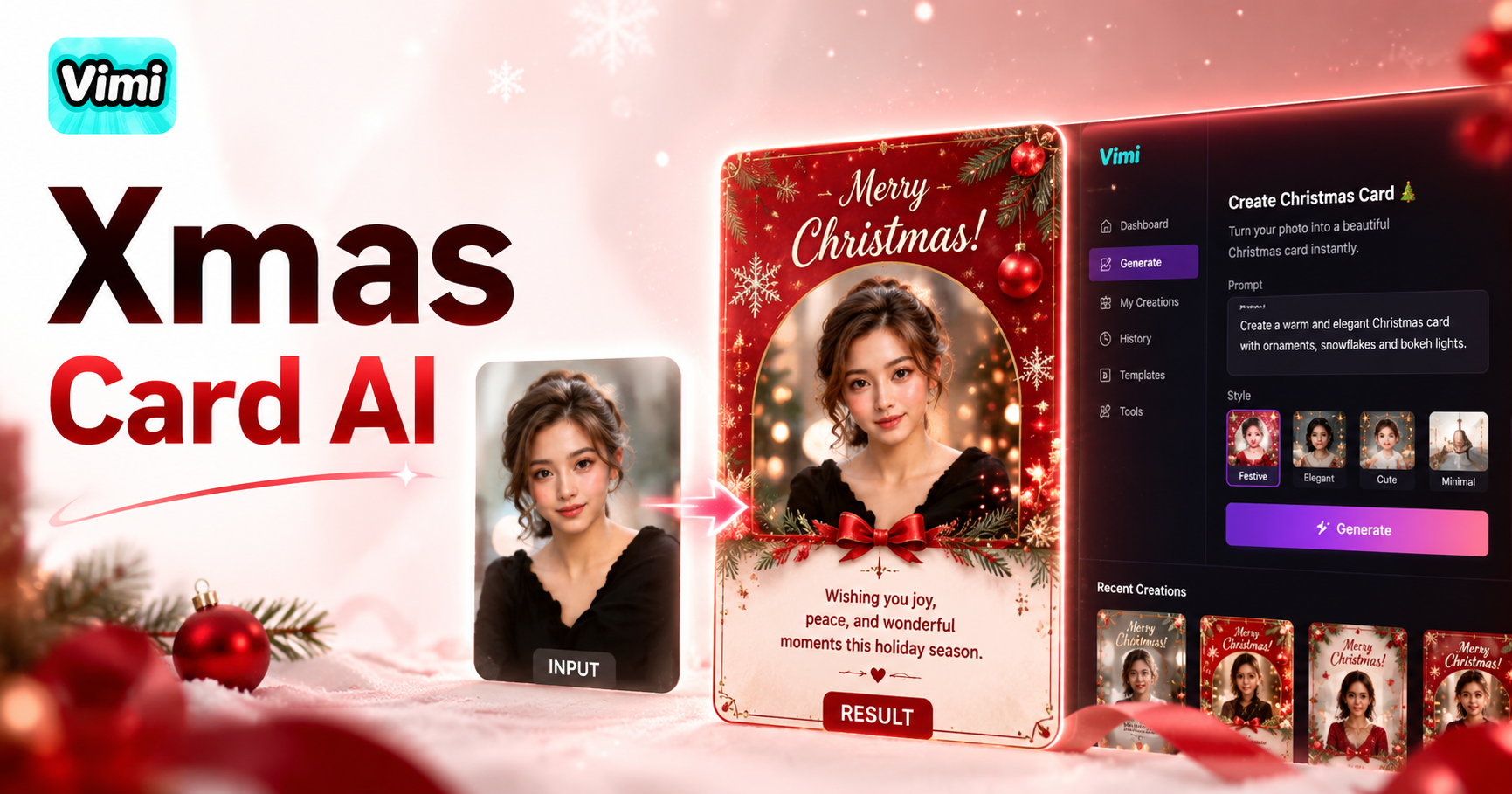
Christmas Card

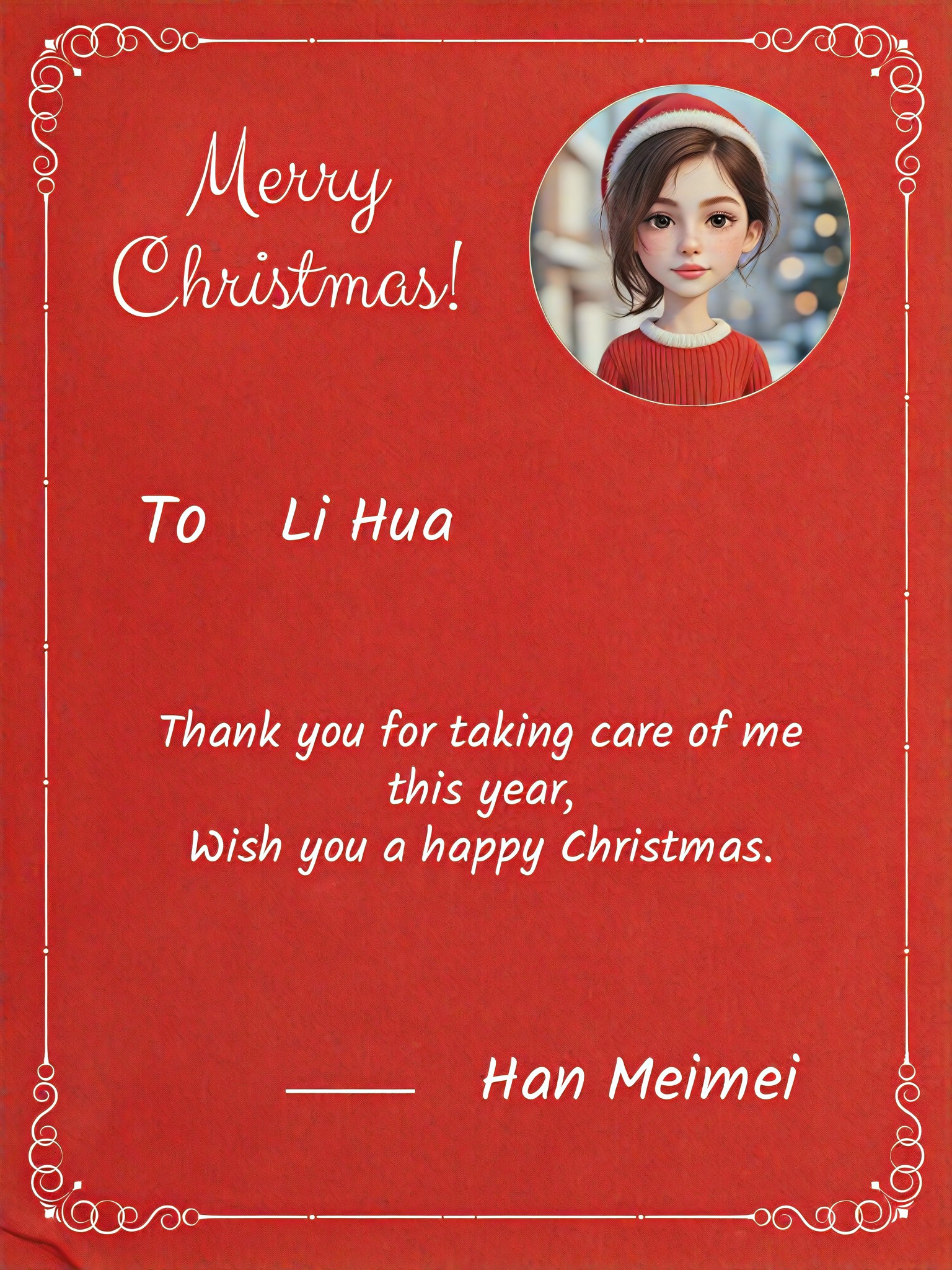

Unlimited Ready to Use Christmas Card Templates
Access our growing library of AI Christmas card templates or use your own photo. Choose from different festive designs including snow scenes, Santa hats, wreaths, and cozy fireplaces.



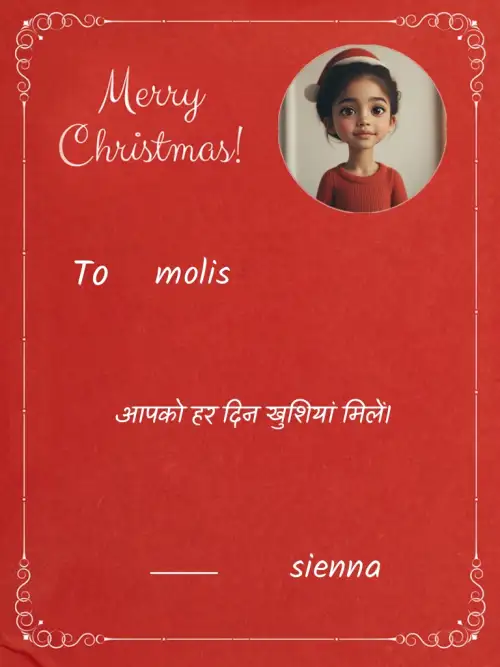
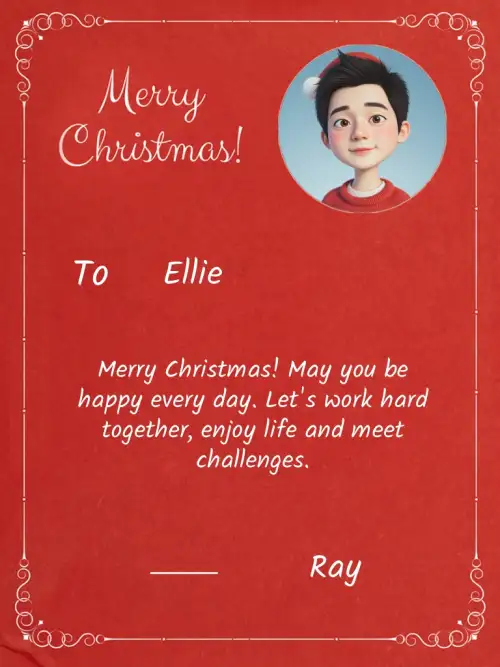
Vimi Turn Photo Into Christmas Card: Why It Saves You Time
Turn your ideas into reality with a flexible and powerful platform. Discover how Vimi removes the hard work from holiday card making.

Share Instantly
After generation, tap the share icon. Send your card directly to WhatsApp, iMessage, or Instagram. You can also post it to your Vimi public profile for friends to see and reuse your template.
Share Instantly
After generation, tap the share icon. Send your card directly to WhatsApp, iMessage, or Instagram. You can also post it to your Vimi public profile for friends to see and reuse your template.
How to Turn a Photo Into a Christmas Card Using Vimi
Follow these steps inside the Vimi App. No computer or design experience needed.

Step 01.
Visit the Vimi official website. Click the download button. Install the app on your phone.

Step 02.
Open Vimi and browse the holiday section. Search Christmas Card.Pick a template like Snowy Family or Fireplace Frame. Upload one photo or a group picture.

Step 03.
Tap the generate button. Wait seconds. Your Christmas card appears. Click Download to save it. Or tap Share to send directly to friends or social media.
Frequently Asked Questions
Find clear answers to common questions and get the guidance you need to make the most of our platform, faster and easier.
More Topics You May Like
Explore more topics you may like and discover fresh ideas tailored to your interests.
AI Model Girl Generator

Ai Saree Generator

AI Office Setting Generator
Vtuber AI Generator
AI Model Girl Generator
Ai Saree Generator
AI Office Setting Generator
Vtuber AI Generator
Turn Your Photo Into a Christmas Card Today
Download Vimi. Pick a template. Get your card in 10 seconds. Share it with family and friends.

Turn Your Photo Into a Christmas Card Today
Download Vimi. Pick a template. Get your card in 10 seconds. Share it with family and friends.