Sumpah Pemuda AI Photo Editing
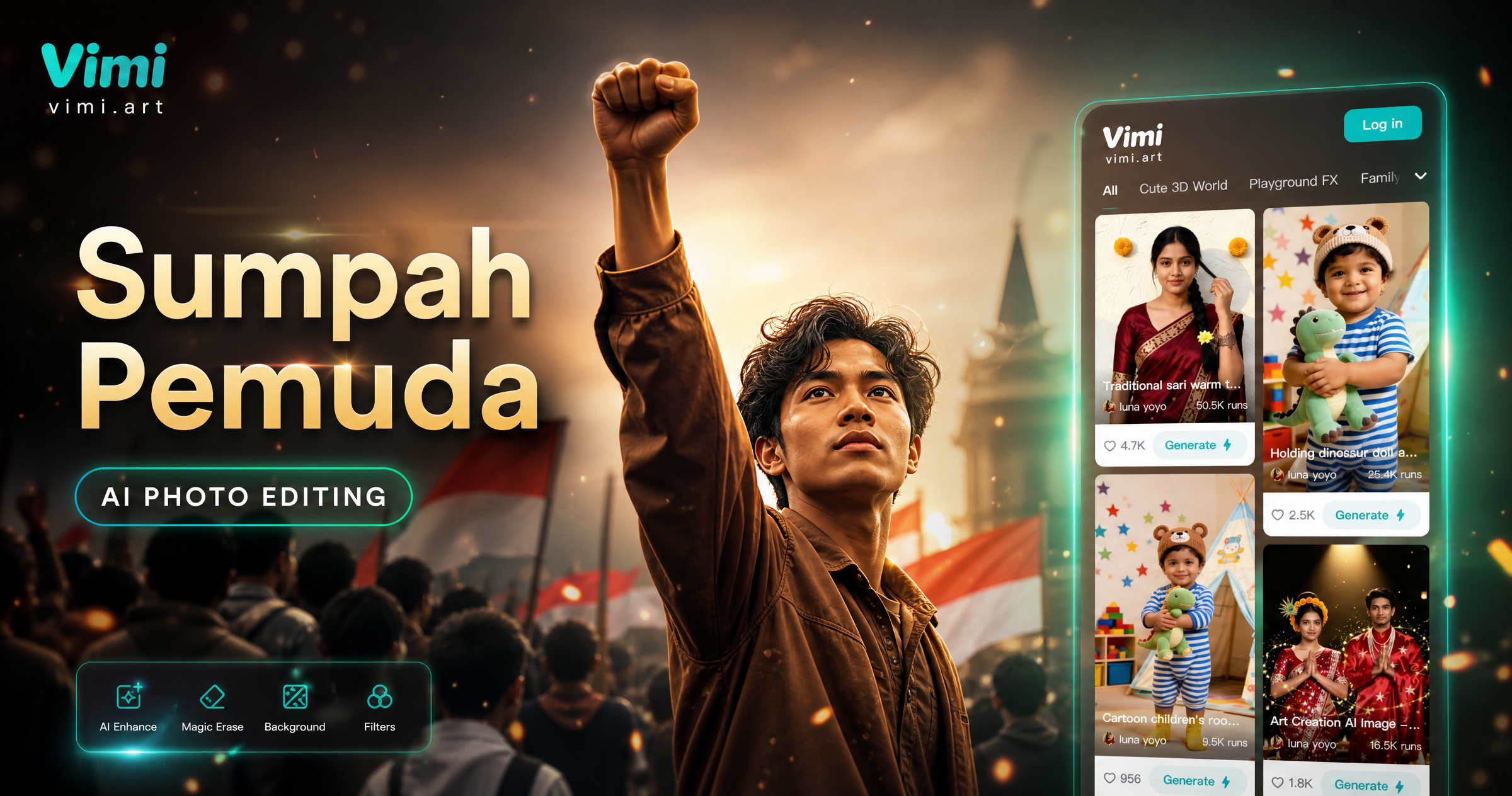
Explore the Sumpah Pemuda AI Photo Editing Filter
Discover the sumpah pemuda ai photo editing filter that perfectly matches your style.
Vimi Sumpah Pemuda AI Photo Editing Filters to Try
These filters turn personal photos into respectful Youth Pledge tributes. You can choose vintage posters, heroic portraits, group scenes, or short videos. Each style uses ready templates inside the Vimi app.


Key Features of Vimi Sumpah Pemuda AI Photo Editing
Discover the key tools that help you turn everyday portraits into Sumpah Pemuda themed images inside the Vimi app quickly.
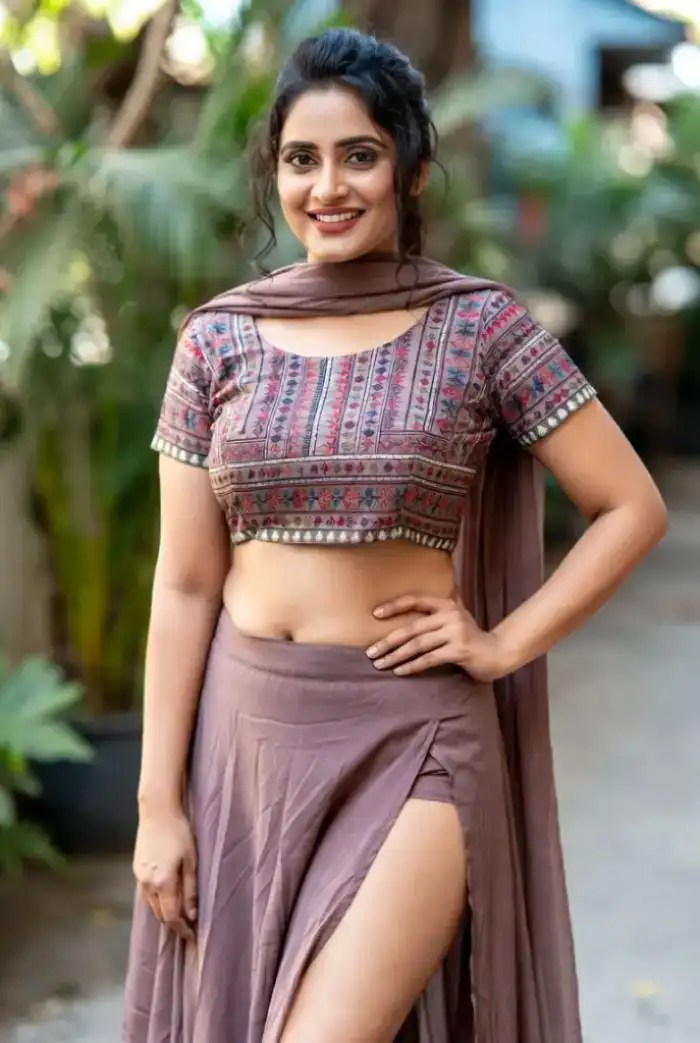 Before
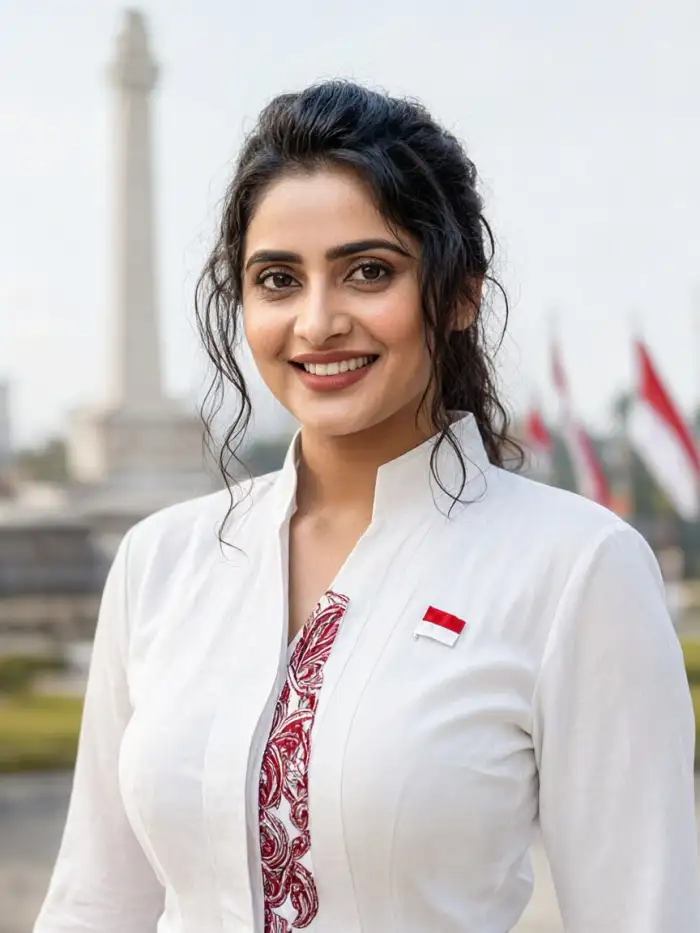 After
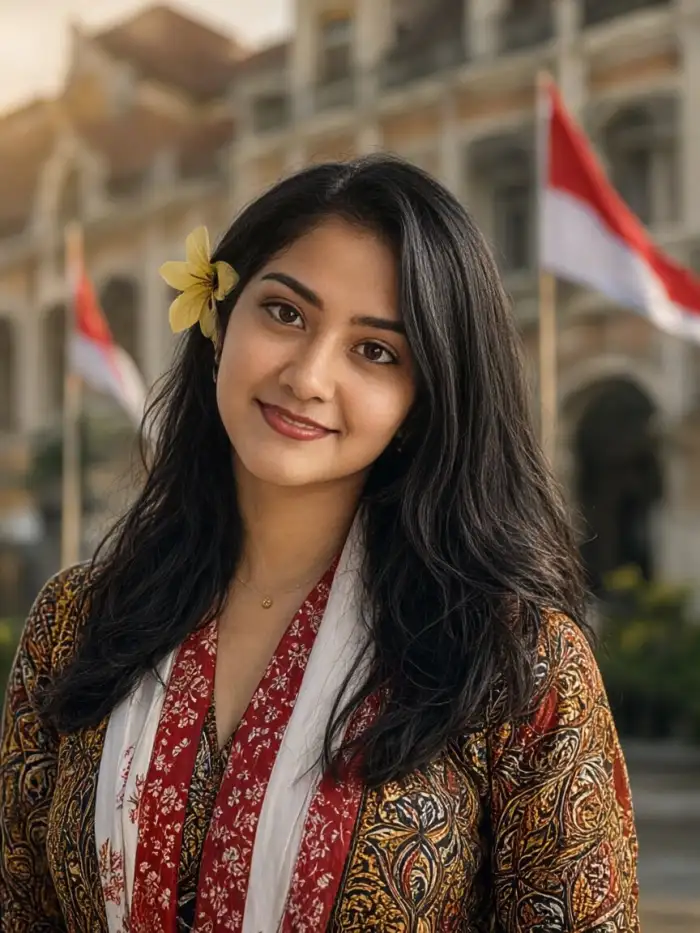
Photo to Photo Editing
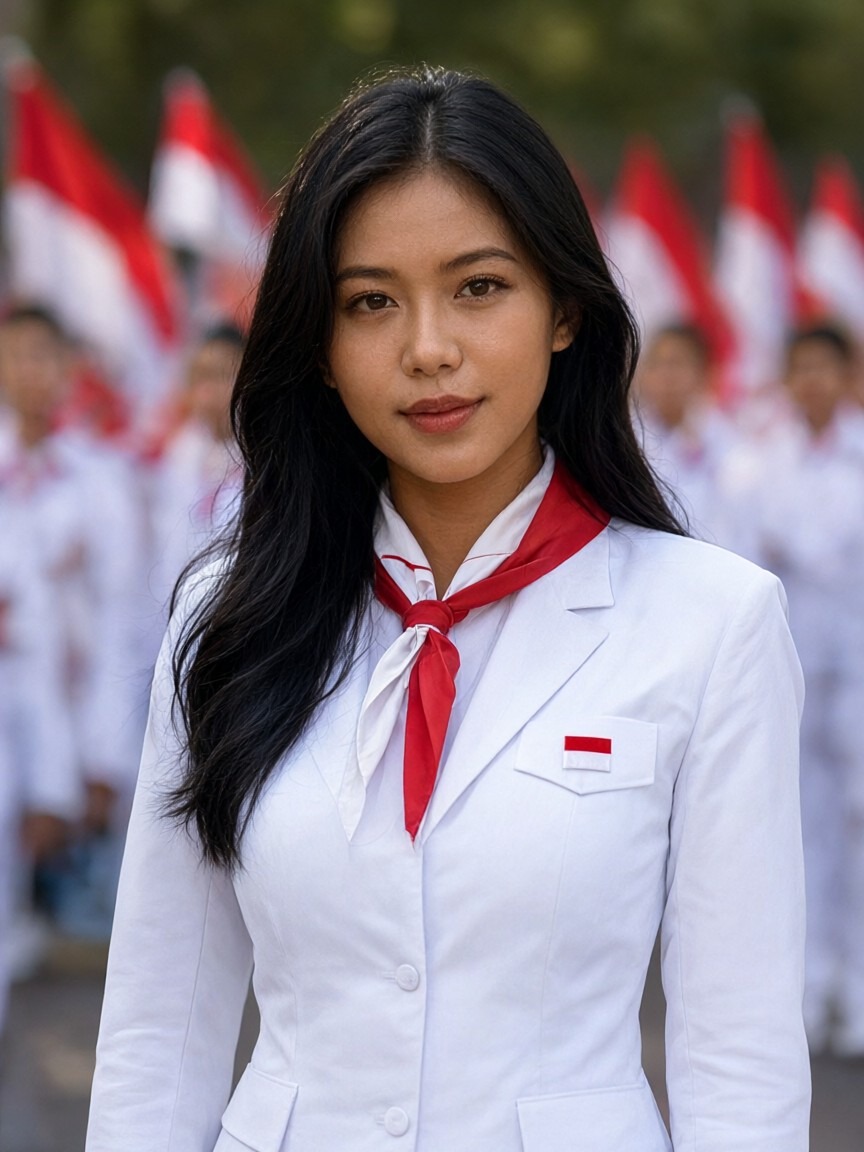
Upload a portrait or a family photo. Vimi keeps the main facial features while applying a Sumpah Pemuda visual style. You can choose vintage black and white, painted poster, or documentary color. The app changes lighting, clothing texture, and background while protecting the person's identity.
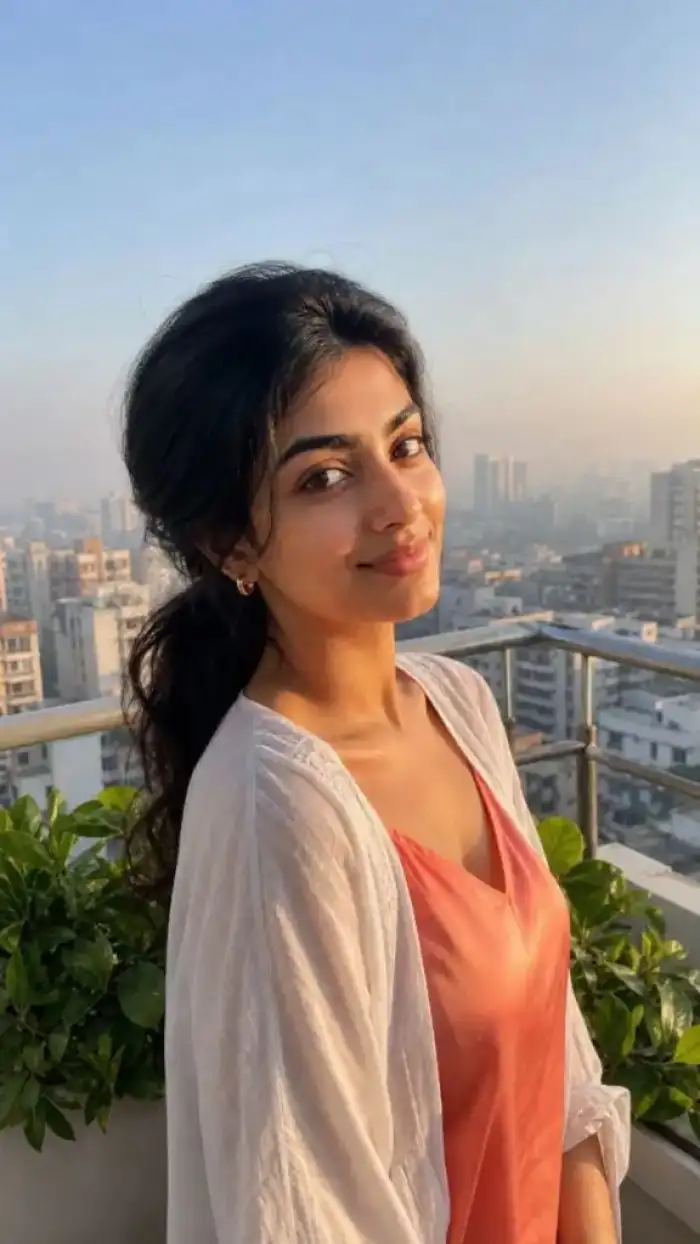 Before
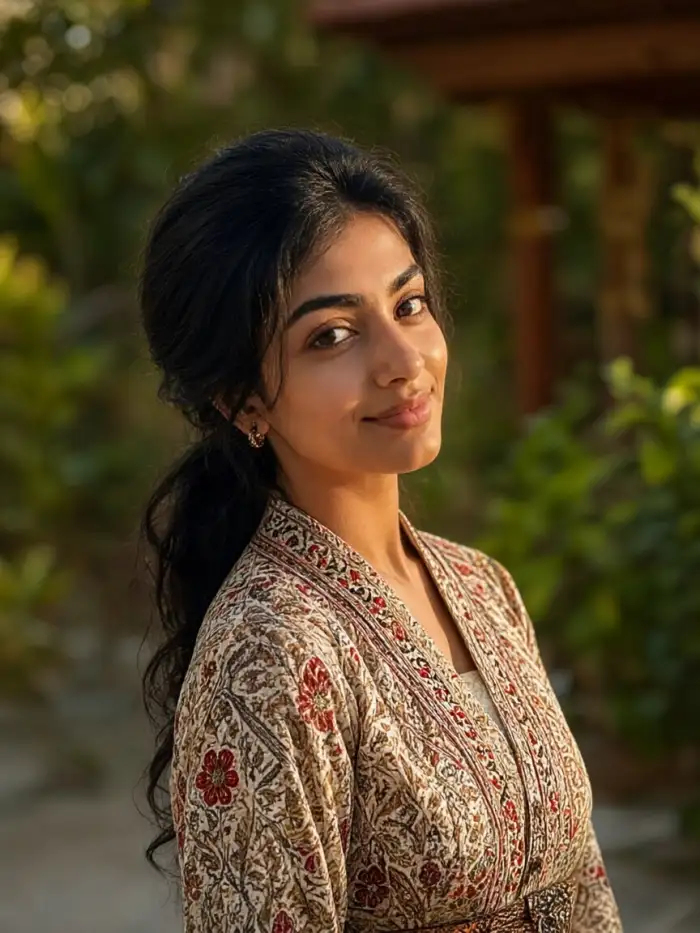 After
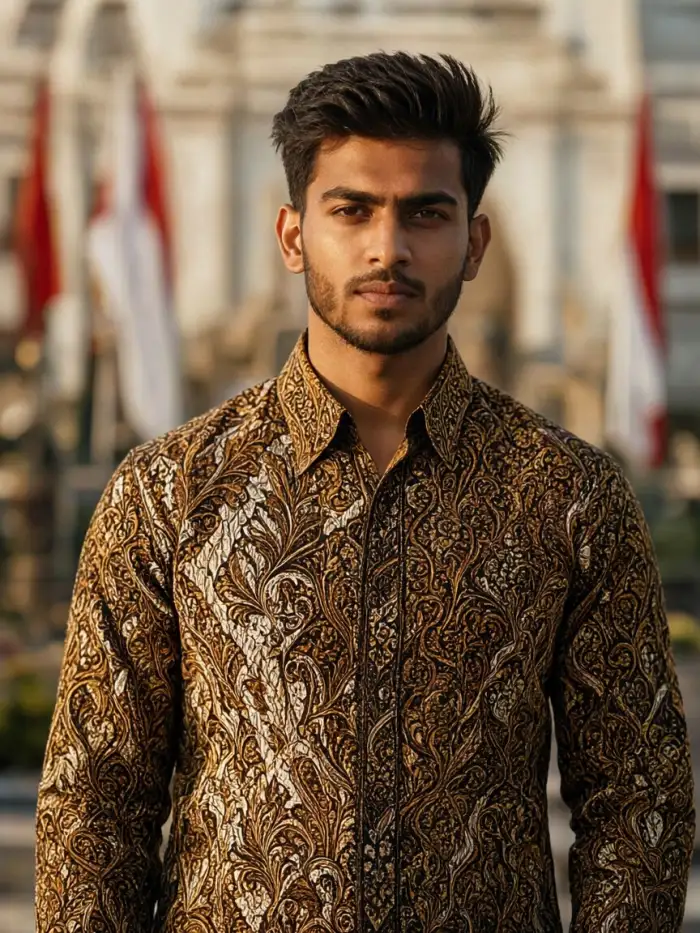
Large Style Template Library
Vimi offers more than 21000 filters and templates. You can find Sumpah Pemuda posters, retro news prints, heroic paintings, and group photo layouts. Each template is ready to use. Pick one, upload a photo, and tap Generate. New templates arrive daily for current social media trends.
 Before
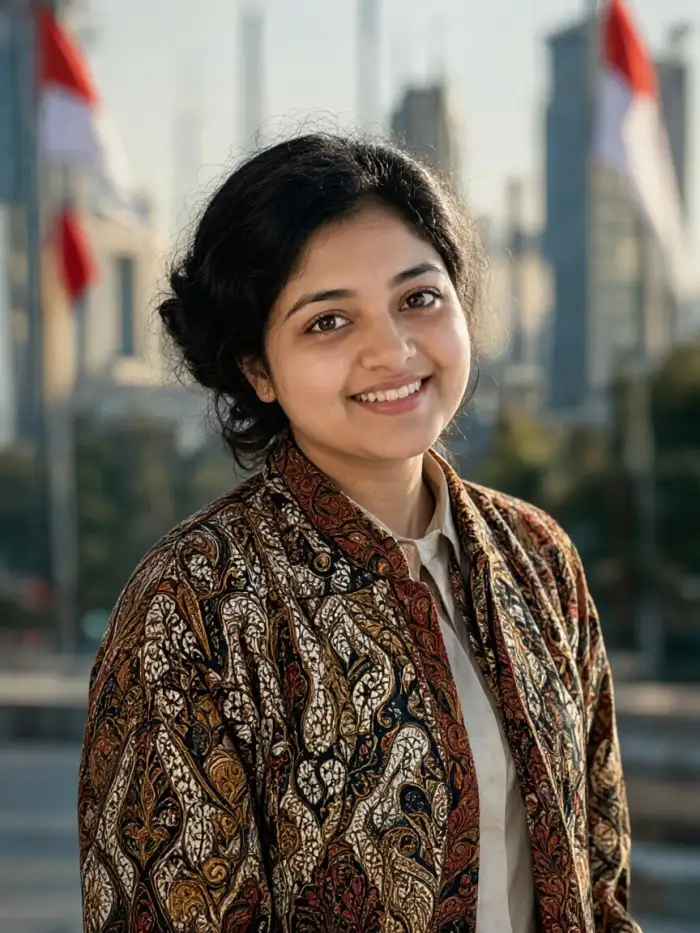 After
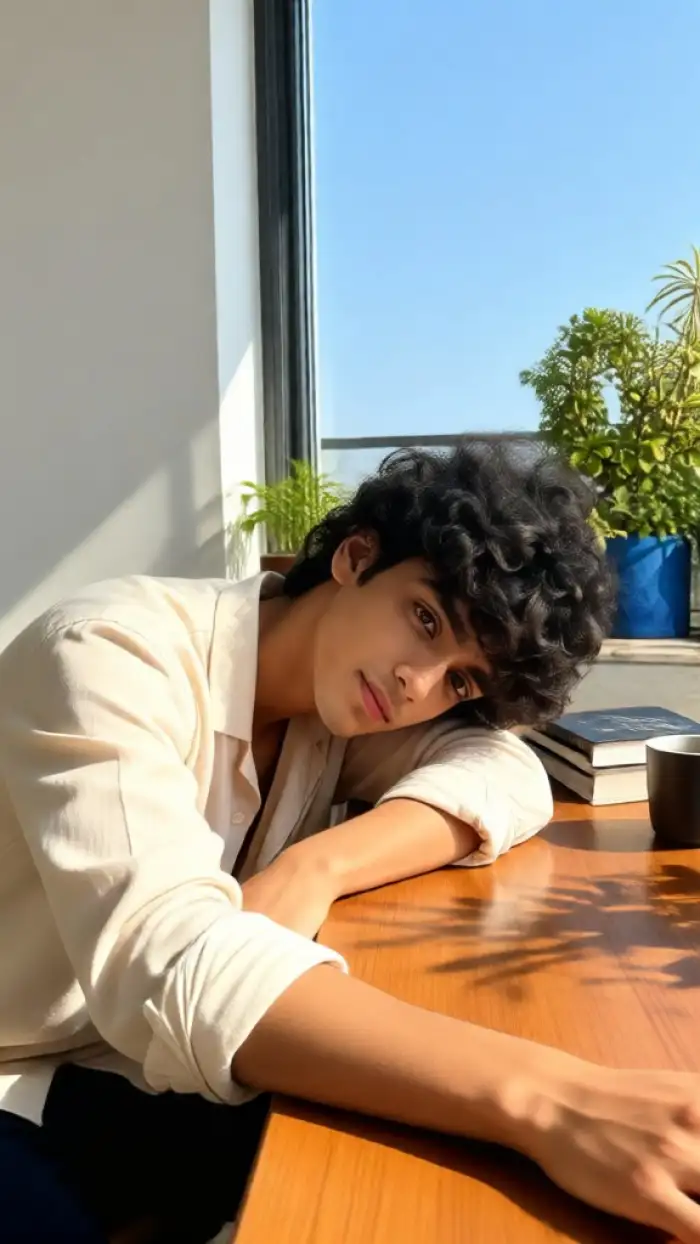
Character Consistency Control
Create a series of images with the same person. Vimi keeps facial features, hairstyle, and clothing consistent across each result. You can adjust small expressions like smiling, blinking, or looking ahead. This helps build digital avatars, profile sets, and story posts for Sumpah Pemuda campaigns.
Why Use Vimi for Sumpah Pemuda AI Photo Editing
Explore the benefits that make Vimi a practical choice for youth pledge tributes and personal creative projects on mobile today.
Easy for All Users
Vimi removes complex prompt writing and parameter settings. You pick a template, upload a photo, and tap Generate. The app handles style, lighting, and detail. This makes Sumpah Pemuda AI photo editing simple for students, teachers, and families who want a respectful tribute image quickly.
How to Use Vimisumpah Pemuda AI Photo Editing?
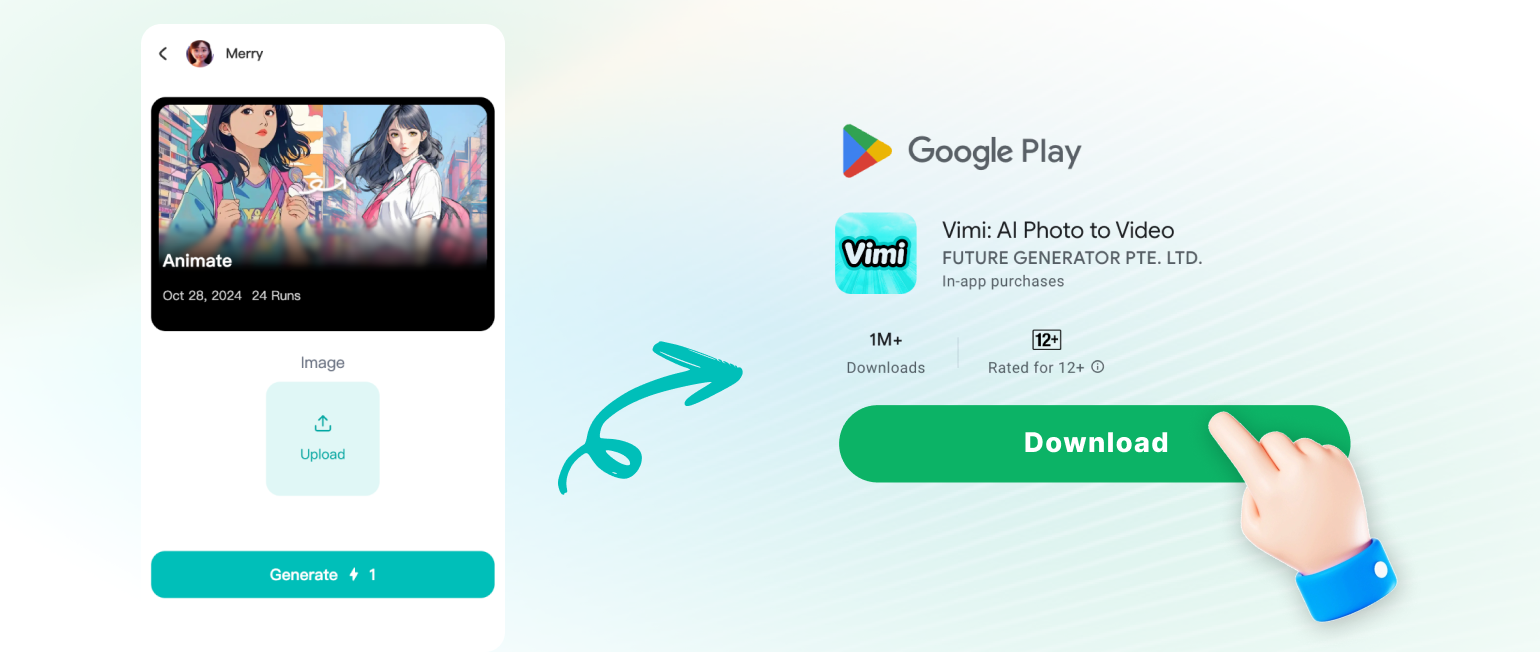
You can create a Sumpah Pemuda themed edit in three steps. Preview filters, generate in the Vimi app, then save and share your result.
YouTube Videos About Sumpah Pemuda AI Photo Editing
Explore in-depth YouTube tutorials and demos that showcase the power and reliability of our AI Generator.
Frequently Asked Questions
Find clear answers to common questions and get the guidance you need to make the most of our platform, faster and easier.
Who Uses Sumpah Pemuda AI Photo Editing Enhancement Online
Maya Putri
I used the Sumpah Pemuda poster template for a school event. The app kept my friends'faces clear in the group photo. I shared it to my profile in one tap.

Rizky Pratama
The vintage news print filter gave my family photo a 1928 look. I did not need to write a long prompt. The result came out in about 15 seconds.

Clara Wijaya
I made a short video from an old portrait. The small smile effect looked natural. I saved it and posted it for Youth Pledge Day.
Bima Saputra
Our team needed a united front image for a class project. Vimi kept every person visible. The background changed without mixing our faces.
Maya Putri
I used the Sumpah Pemuda poster template for a school event. The app kept my friends'faces clear in the group photo. I shared it to my profile in one tap.
Rizky Pratama
The vintage news print filter gave my family photo a 1928 look. I did not need to write a long prompt. The result came out in about 15 seconds.
Clara Wijaya
I made a short video from an old portrait. The small smile effect looked natural. I saved it and posted it for Youth Pledge Day.
Bima Saputra
Our team needed a united front image for a class project. Vimi kept every person visible. The background changed without mixing our faces.
More Topics You May Like
Explore more topics you may like and discover fresh ideas tailored to your interests.

Vimi Jean Claude Van Damme AI Dance Filter Guide for Photo And Video

Vimi Hotel Lobby AI Video Trend Guide for Mobile Creators
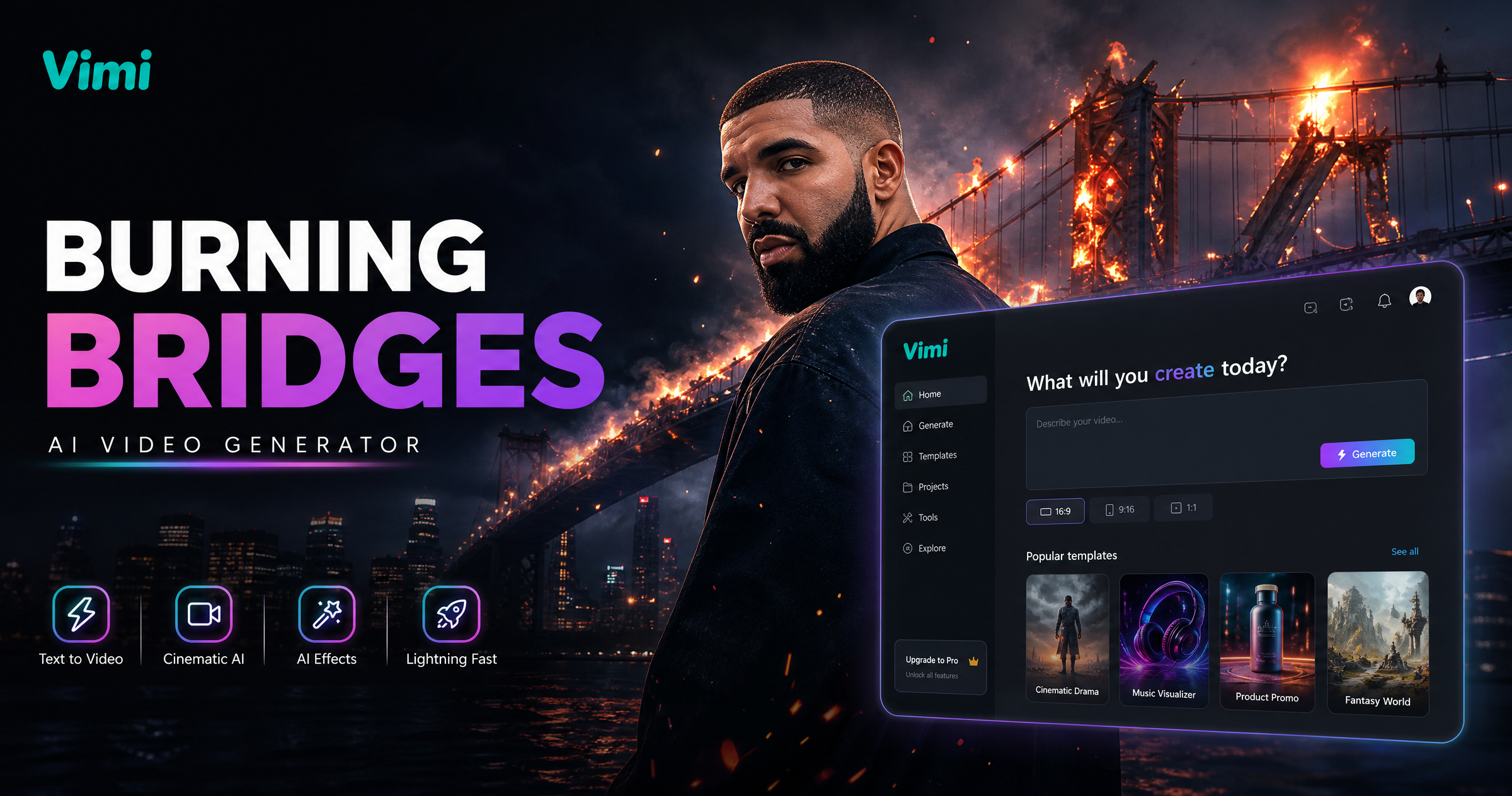
Drake Burning Bridges AI Video Generator: A Vimi Filter Guide
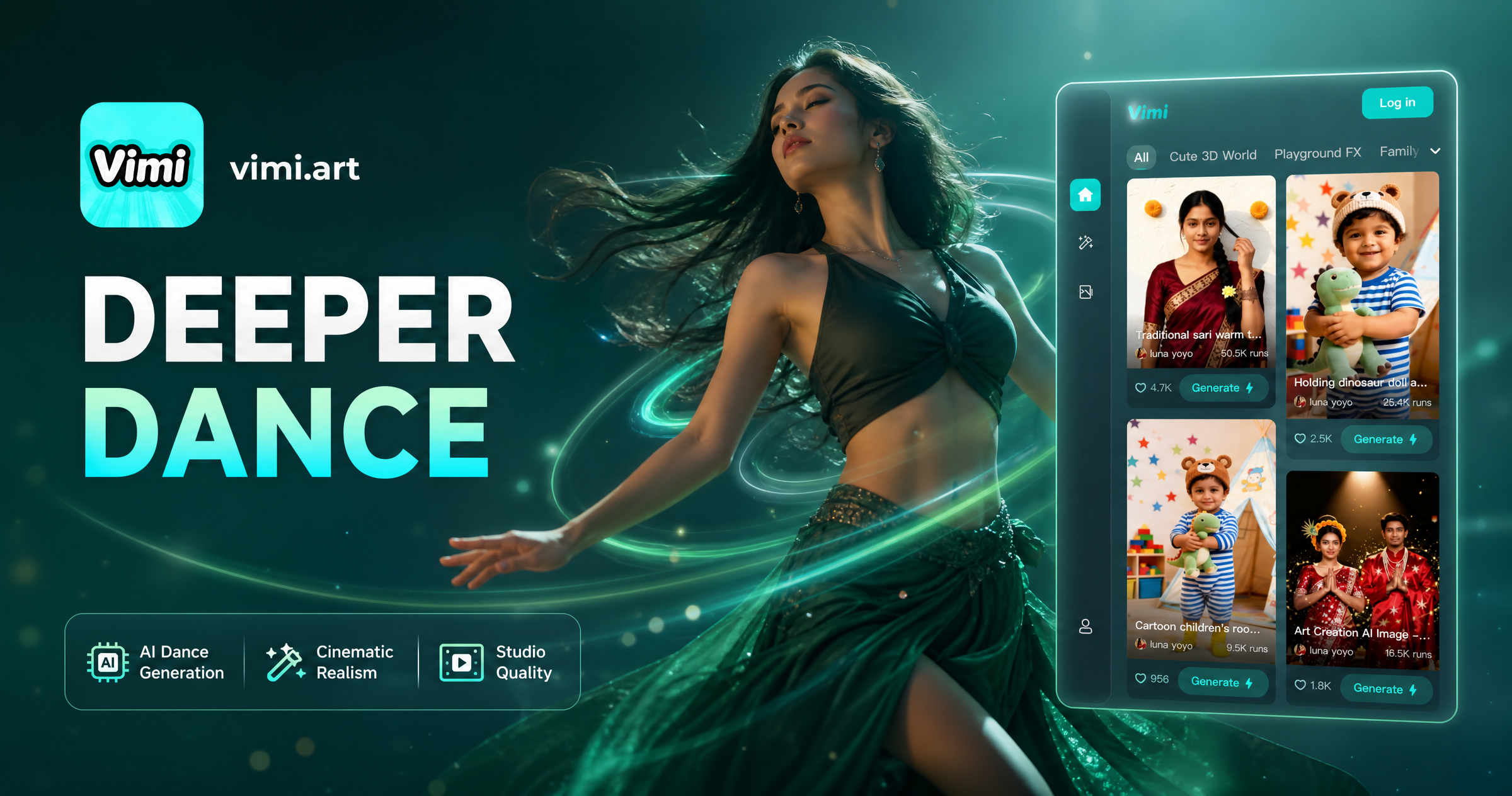
Zwiya Deeper Dance Filter on Vimi: Turn Photos into Dance Videos
Vimi Jean Claude Van Damme AI Dance Filter Guide for Photo And Video
Vimi Hotel Lobby AI Video Trend Guide for Mobile Creators
Drake Burning Bridges AI Video Generator: A Vimi Filter Guide
Zwiya Deeper Dance Filter on Vimi: Turn Photos into Dance Videos
Create Your Sumpah Pemuda Edit Today
Download Vimi and open the filter library. Generate your historical photo in seconds.

Create Your Sumpah Pemuda Edit Today
Download Vimi and open the filter library. Generate your historical photo in seconds.