Skin Tone Changer

Change Skin Color
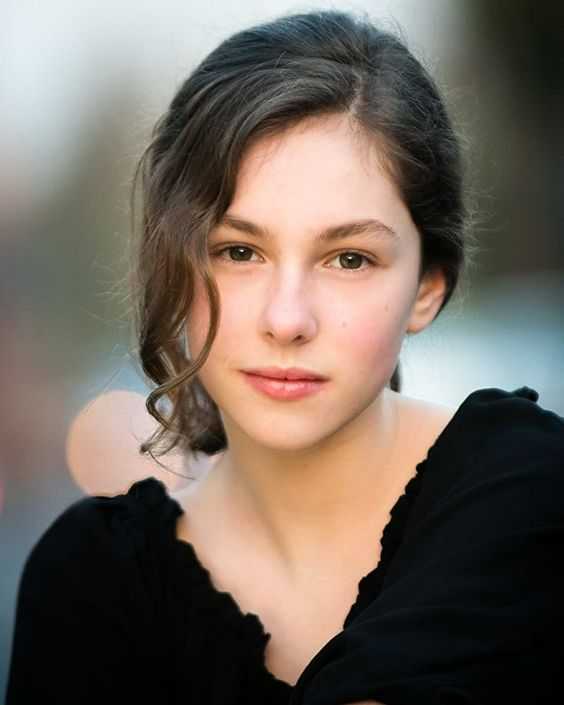
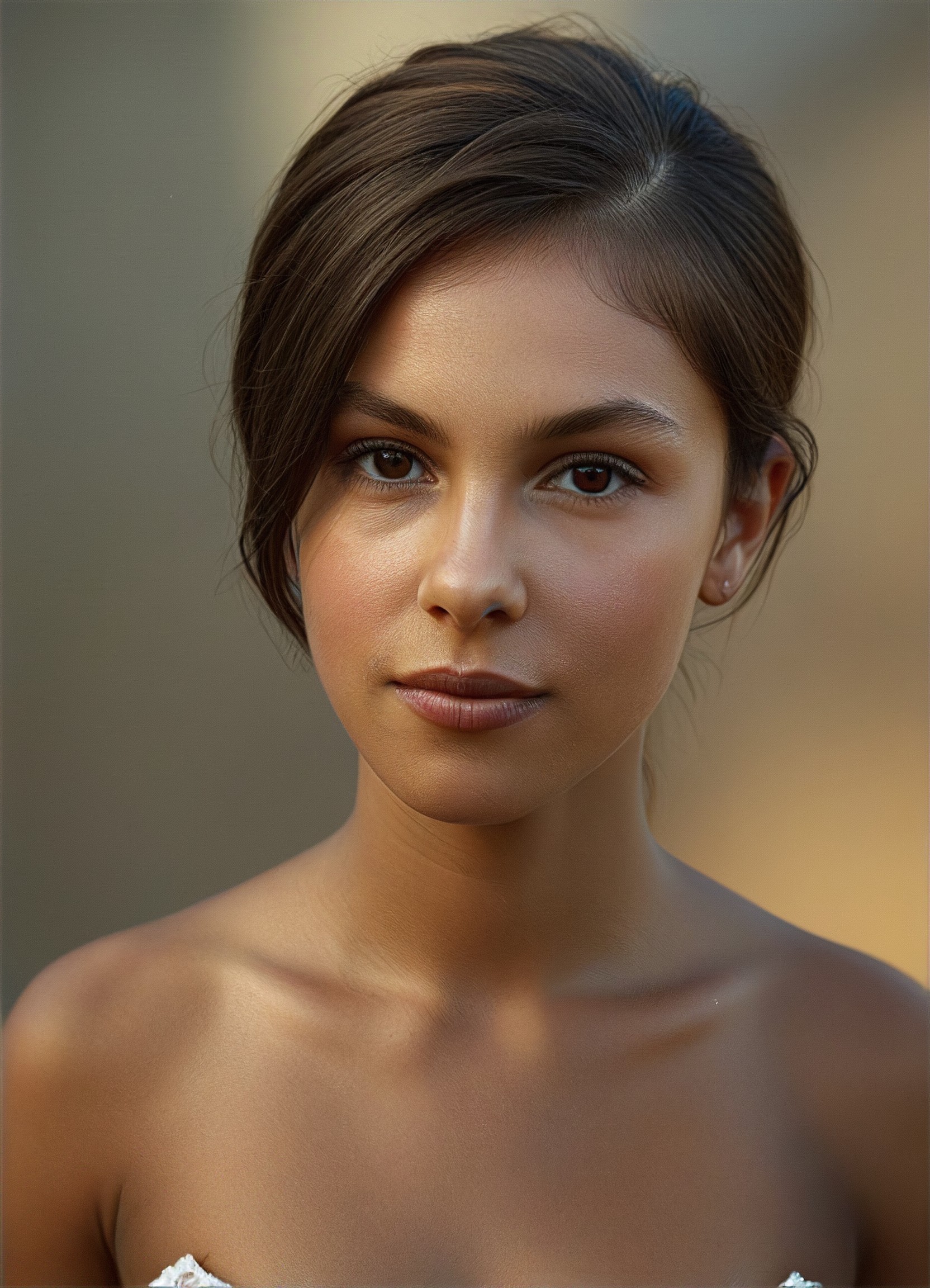

Skin Tone, Reimagined as Light, Mood, and Identity
With Vimi’s AI skin tone changer, you can change skin color online free and instantly explore how different skin tones reshape the atmosphere of a portrait.


Why Skin Tone Transformation Matters
In photography, beauty editing, and digital content creation, skin tone is not just cosmetic, it defines the entire visual language of an image.
Vimi AI Skin Tone Changer
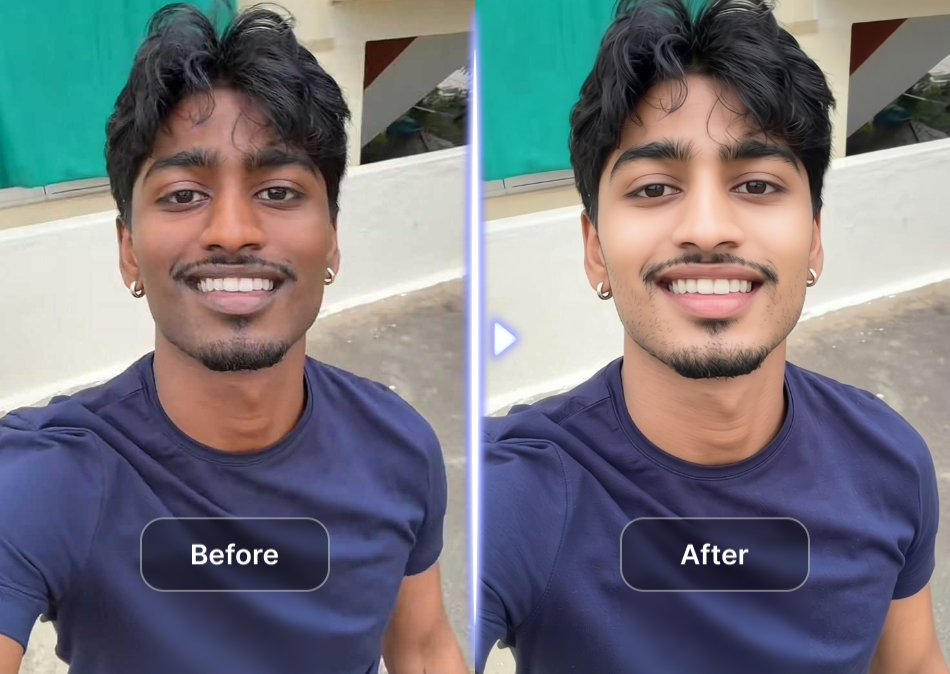
Yet most tools fail in two ways: Skin looks overly smoothed or artificial. Tone changes break facial harmony and lighting consistency. Vimi is built to solve exactly this. It allows creators to explore natural skin tone variation while keeping every portrait photorealistic, balanced, and emotionally consistent.
Vimi AI Skin Tone Changer
Yet most tools fail in two ways: Skin looks overly smoothed or artificial. Tone changes break facial harmony and lighting consistency. Vimi is built to solve exactly this. It allows creators to explore natural skin tone variation while keeping every portrait photorealistic, balanced, and emotionally consistent.
How to Use Vimi Skin Tone Changer?
A professional grade result, without professional complexity.

Step 01.
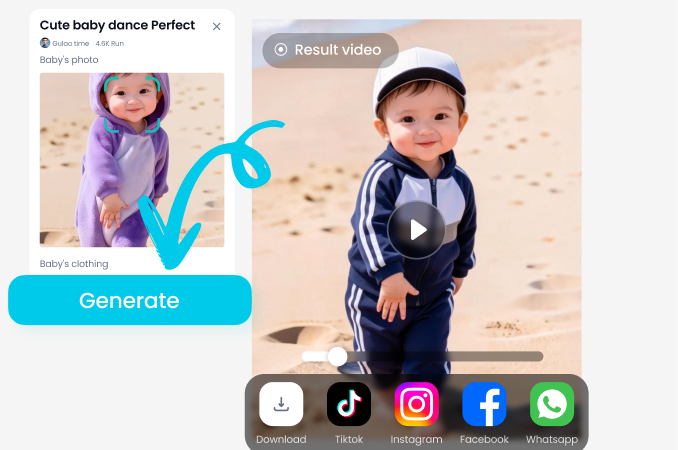
Get started by downloading our app to easily generate AI skin tone changer images anytime.
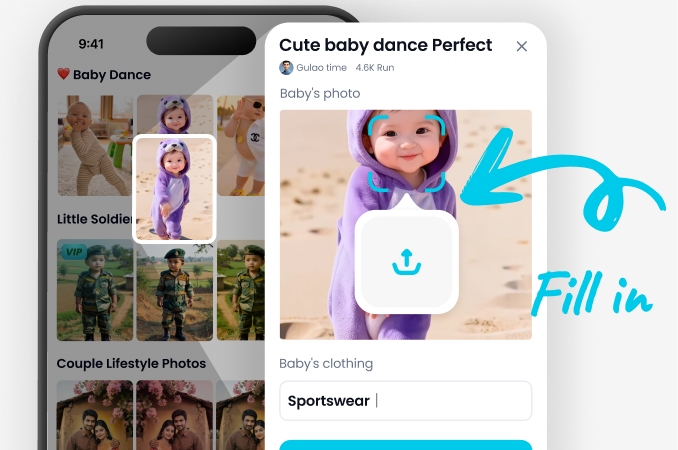
Step 02.
Select filters and move across a curated spectrum of tones from porcelain light to deep warm bronze.
Step 03.
Create your AI skin tone changer images and try your first transformation.
Key Features of Vimi AI Skin Tone Changer
Download Vimi App and experience precision driven AI skin tone editing.

Realistic Skin Tone Rendering
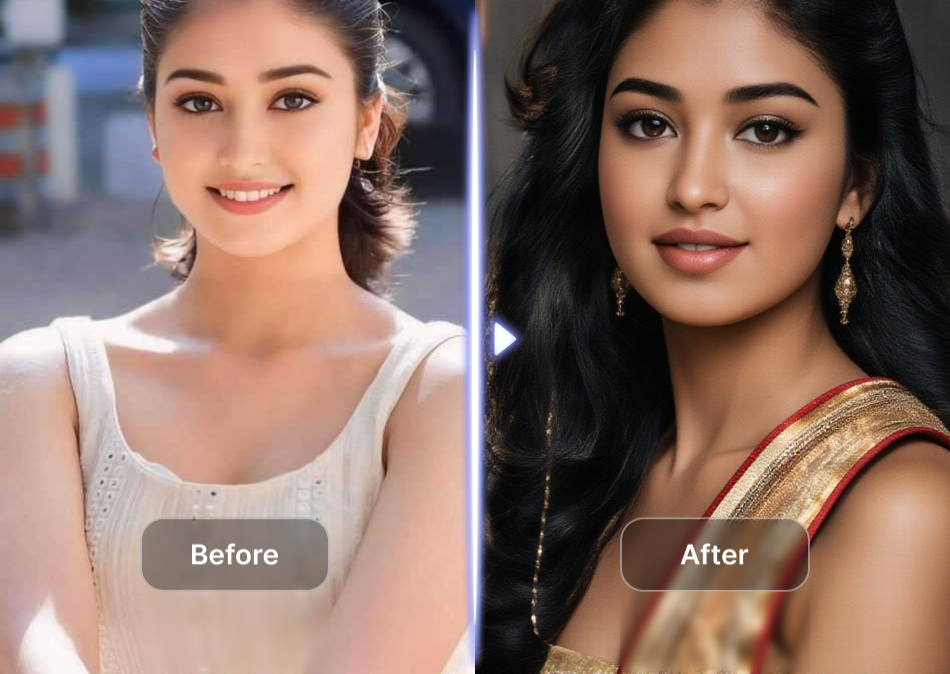
Vimi preserves natural undertones instead of flattening them. Each result keeps depth, warmth, and human variation.
Realistic Skin Tone Rendering
Vimi preserves natural undertones instead of flattening them. Each result keeps depth, warmth, and human variation.
High Fidelity Facial Preservation
Facial identity remains untouched. Eyes, structure, expression. Everything stays true to the original portrait.
High Fidelity Facial Preservation
Facial identity remains untouched. Eyes, structure, expression. Everything stays true to the original portrait.

Balanced Lighting Adaptation
Skin tone is recalculated based on scene lighting, ensuring no cut and paste color overlay effect.
Balanced Lighting Adaptation
Skin tone is recalculated based on scene lighting, ensuring no cut and paste color overlay effect.
Frequently Asked Questions
Find clear answers to common questions and get the guidance you need to make the most of our platform, faster and easier.
More Topics You May Like
Explore more topics you may like and discover fresh ideas tailored to your interests.
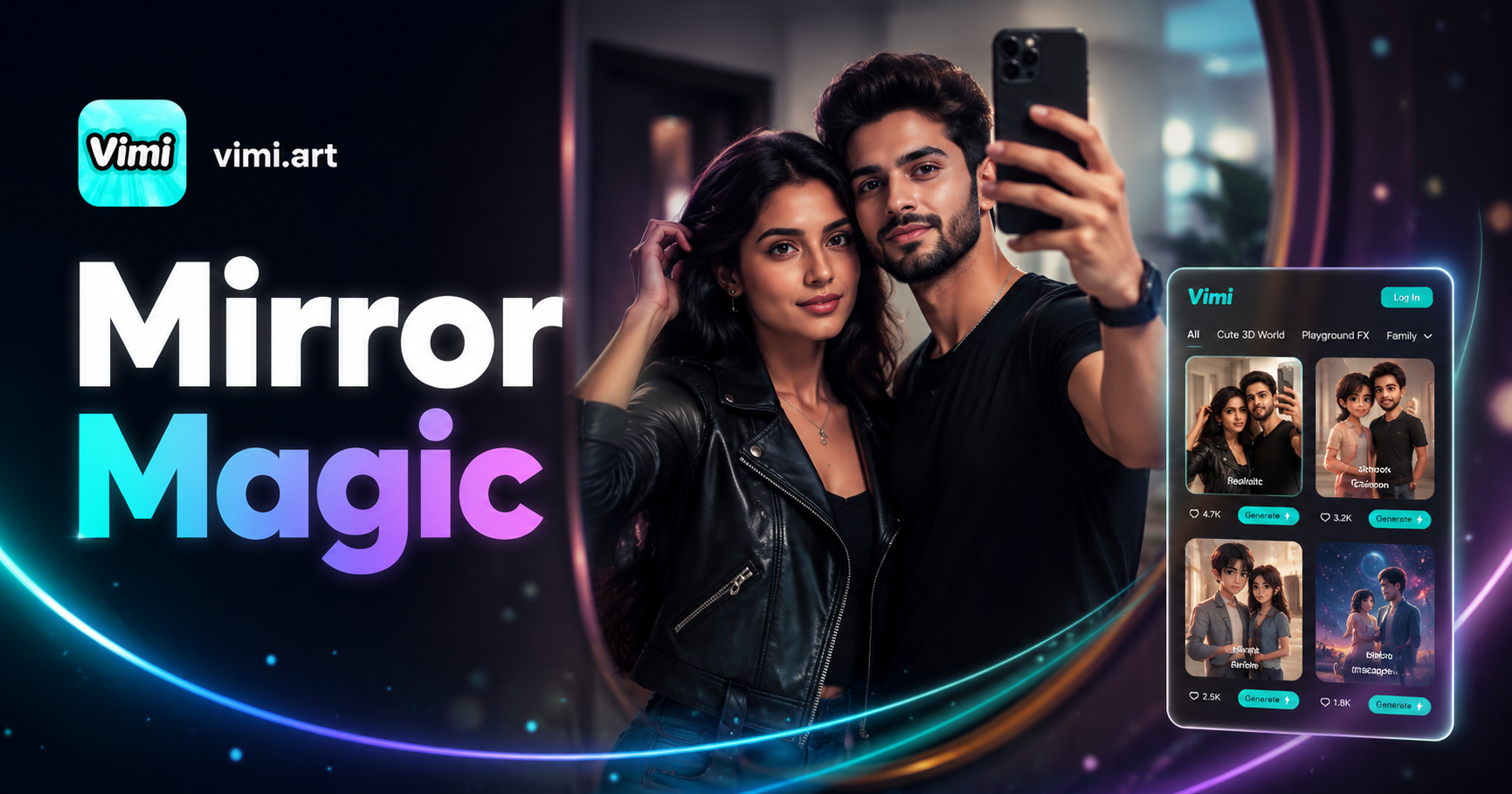
Couple Mirror Selfie

World Cup Baby Effects

Ai Digital Avatar Generator

Ai Raksha Bandhan Card Design Generator
Couple Mirror Selfie
World Cup Baby Effects
Ai Digital Avatar Generator
Ai Raksha Bandhan Card Design Generator
Download Vimi App Now
Explore how different skin tones reshape emotion, light, and identity, one image at a time.
Download Vimi App Now
Explore how different skin tones reshape emotion, light, and identity, one image at a time.