AI Six Pack Generator
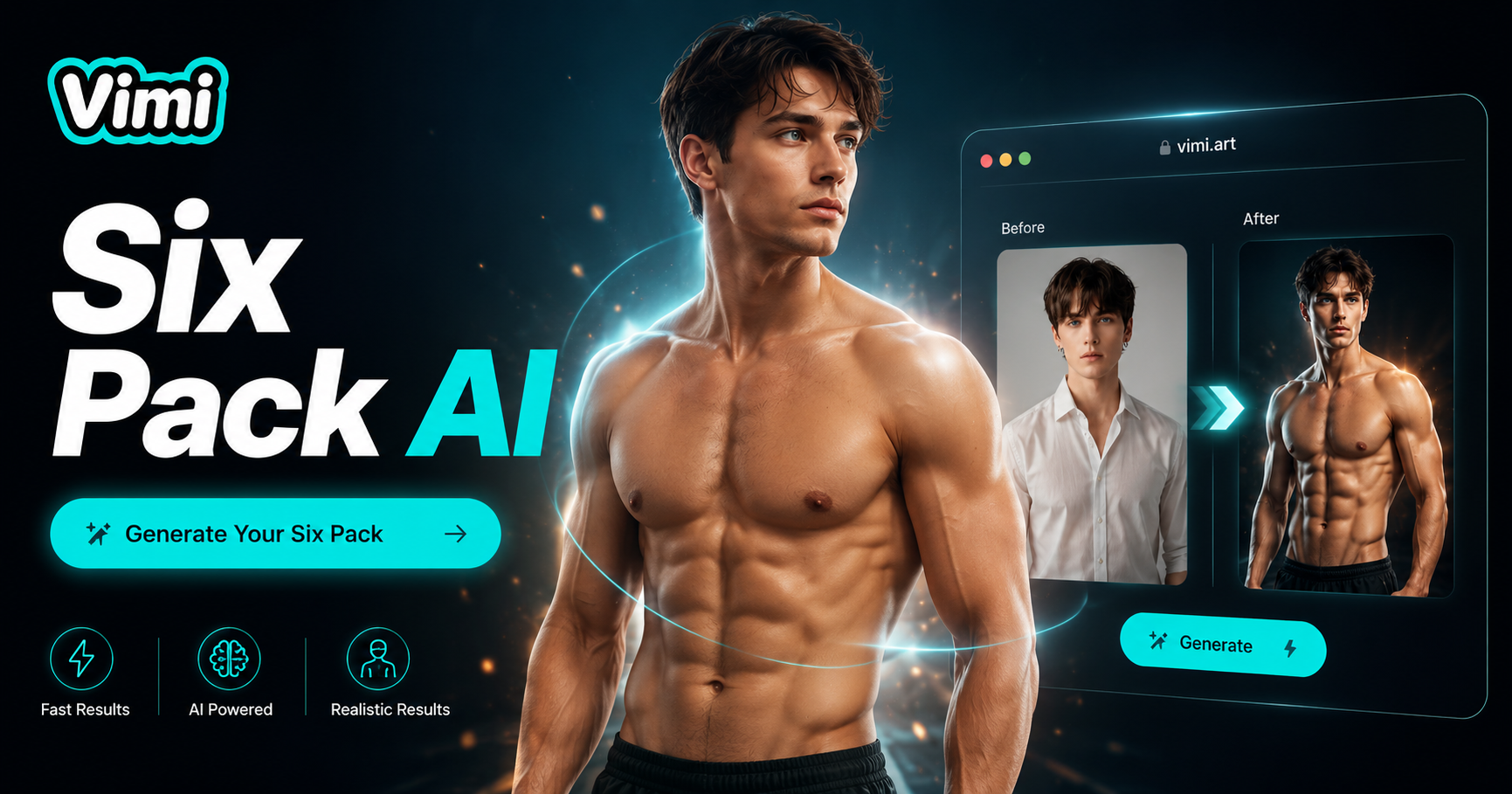
Choose Your Six Pack AI Filter
Find the ab style that matches your fitness goal, from lean cut to deep defined.
YouTube Videos About AI Six Pack Ai Generator
Watch step by step videos showing how to add realistic abs to your photos using different templates and intensity options.
Key Features Of Vimi Six Pack AI Filter
Find the five tools that build realistic abs on your photos.
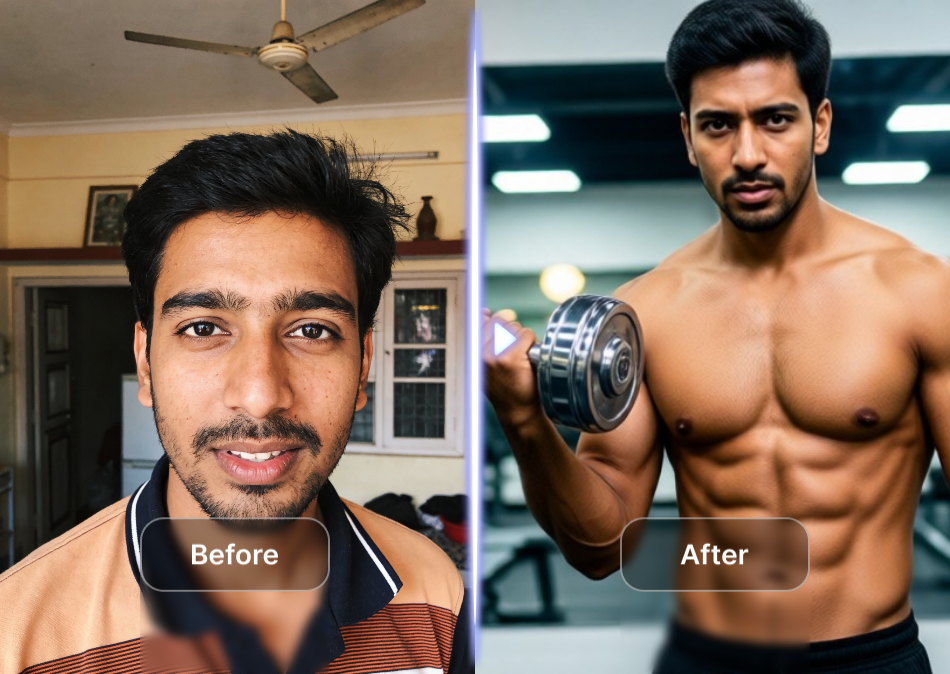
Single Photo Upload
You only need one clear photo of your torso. Upload a shirtless chest shot or a picture with a tight shirt. Vimi detects your body shape and skin tone automatically. No need for multiple angles or before after pairs.
Single Photo Upload
You only need one clear photo of your torso. Upload a shirtless chest shot or a picture with a tight shirt. Vimi detects your body shape and skin tone automatically. No need for multiple angles or before after pairs.
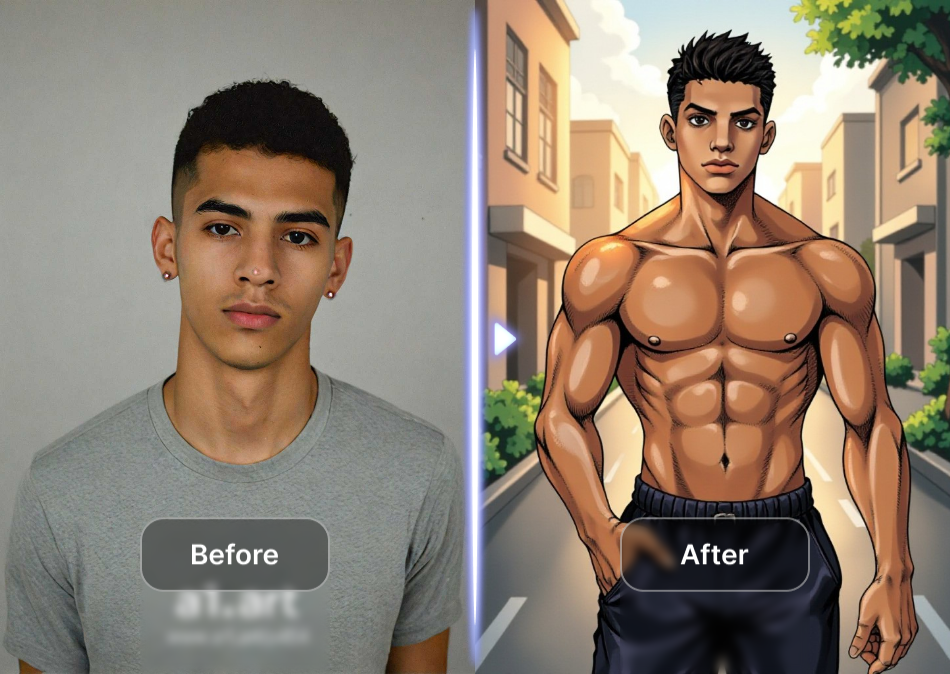
Eight Ab Templates
Choose from 8 different six pack styles including lean cut, bulky muscle, athletic V taper, and fitness model. Each template changes ab size, spacing, and definition level. Preview each style before generating to match your goal look.
Eight Ab Templates
Choose from 8 different six pack styles including lean cut, bulky muscle, athletic V taper, and fitness model. Each template changes ab size, spacing, and definition level. Preview each style before generating to match your goal look.
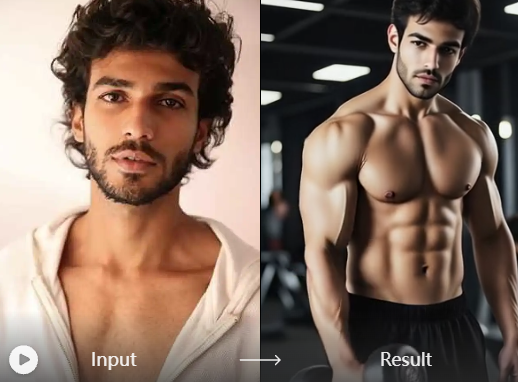
Natural Skin Match
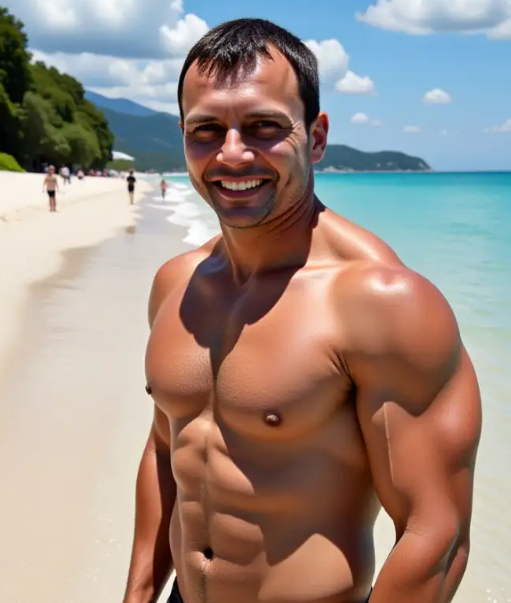
Vimi analyzes your original skin color, lighting direction, and shadow placement. The generated abs blend into your photo with matching highlights and shadows. No obvious cutout edges or color mismatch between abs and surrounding skin.
Natural Skin Match
Vimi analyzes your original skin color, lighting direction, and shadow placement. The generated abs blend into your photo with matching highlights and shadows. No obvious cutout edges or color mismatch between abs and surrounding skin.
Light To Defined Control
Each template has different intensity options: light shadow, medium cut, or deep defined. Light option creates subtle muscle lines. Deep option adds sharp separation between ab blocks. Adjust after generation without restarting.
Light To Defined Control
Each template has different intensity options: light shadow, medium cut, or deep defined. Light option creates subtle muscle lines. Deep option adds sharp separation between ab blocks. Adjust after generation without restarting.
Frequently Asked Questions
Find clear answers to common questions and get the guidance you need to make the most of our platform, faster and easier.
More Topics You May Like
Explore more topics you may like and discover fresh ideas tailored to your interests.
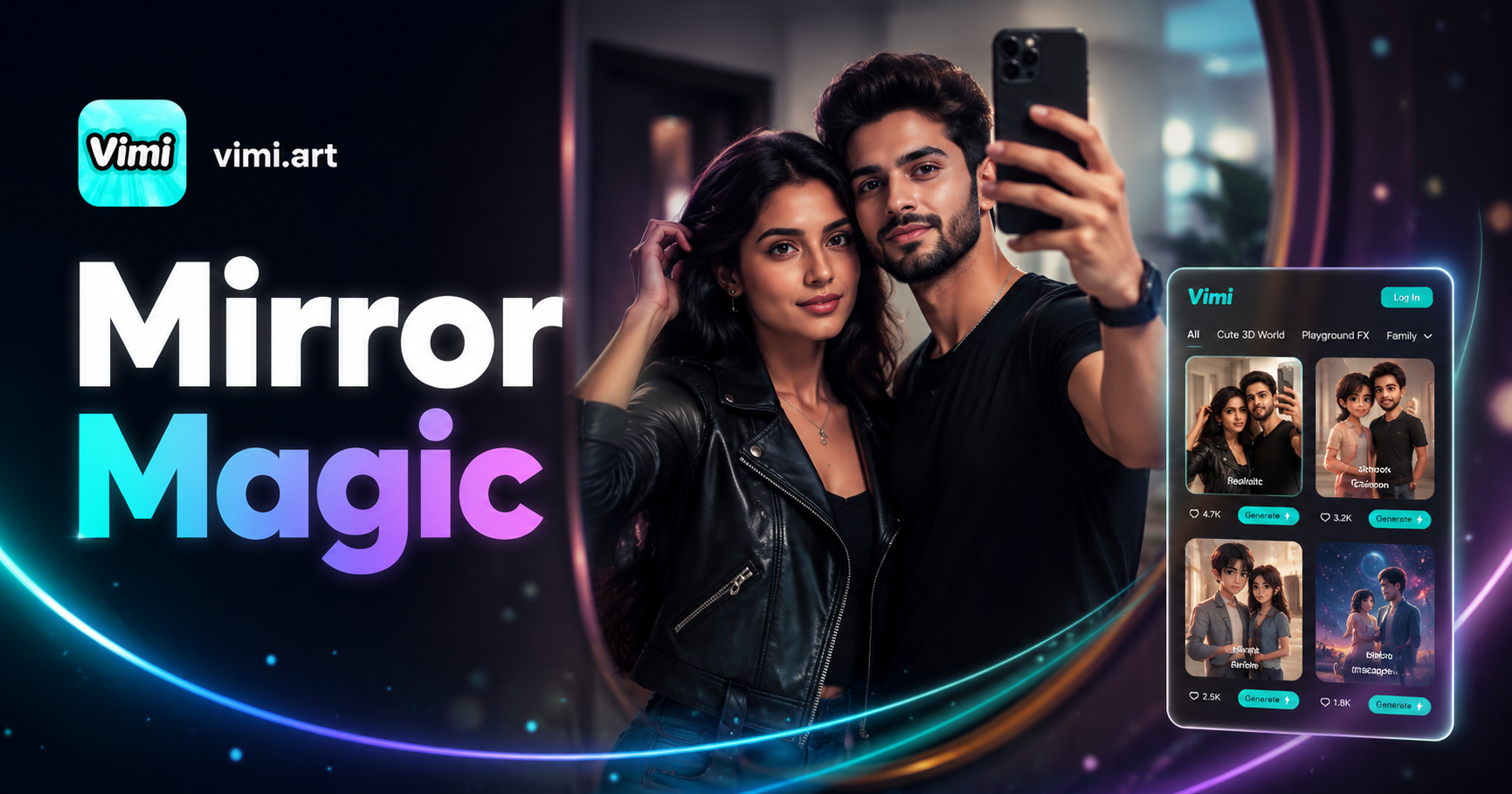
Couple Mirror Selfie

World Cup Baby Effects
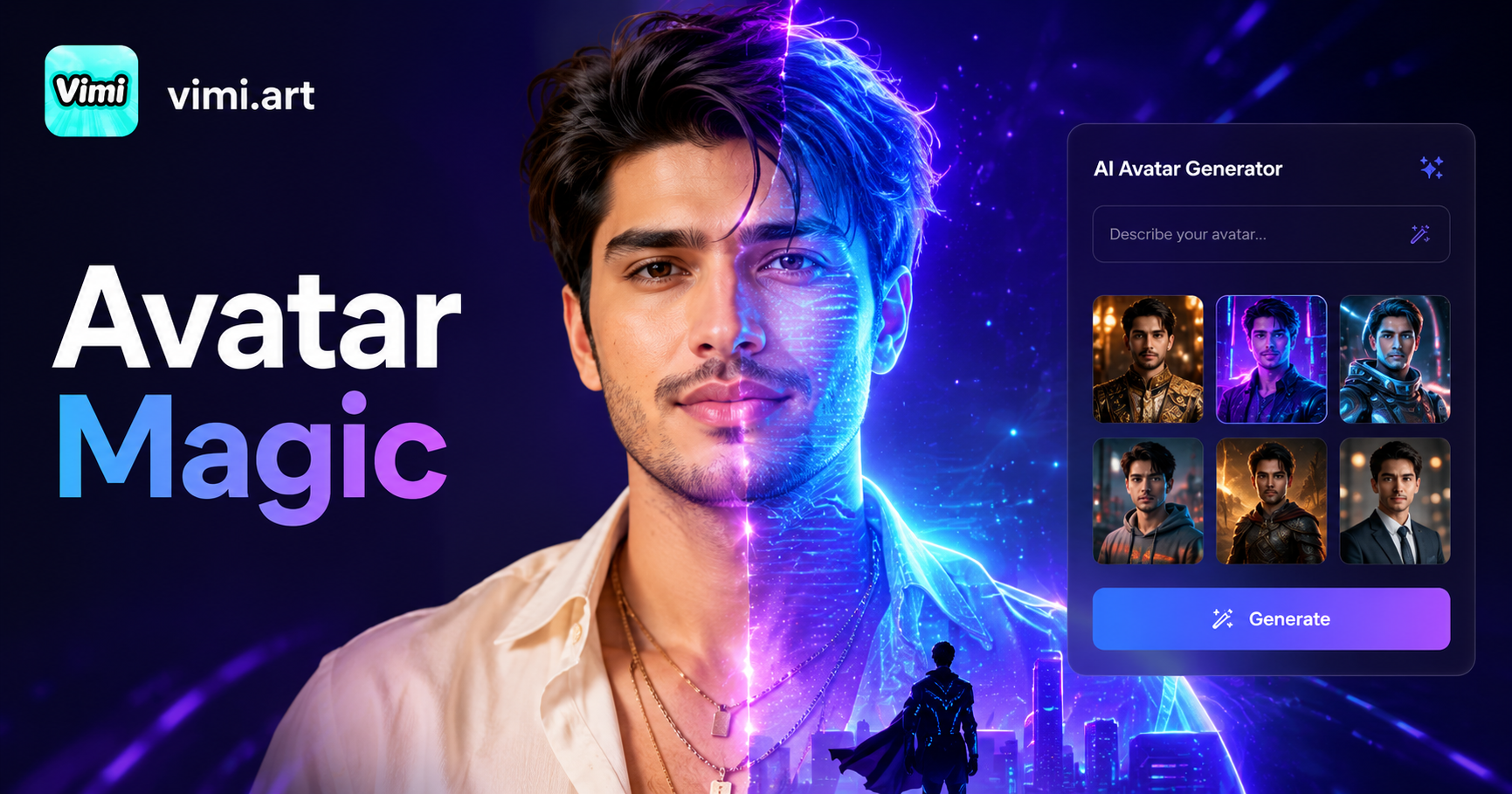
Ai Digital Avatar Generator

Ai Raksha Bandhan Card Design Generator
Couple Mirror Selfie
World Cup Baby Effects
Ai Digital Avatar Generator
Ai Raksha Bandhan Card Design Generator
Download Vimi And Get Your Six Pack Now
Create realistic abs in seconds without a single sit up.
Download Vimi And Get Your Six Pack Now
Create realistic abs in seconds without a single sit up.