Retro Game Art Generator
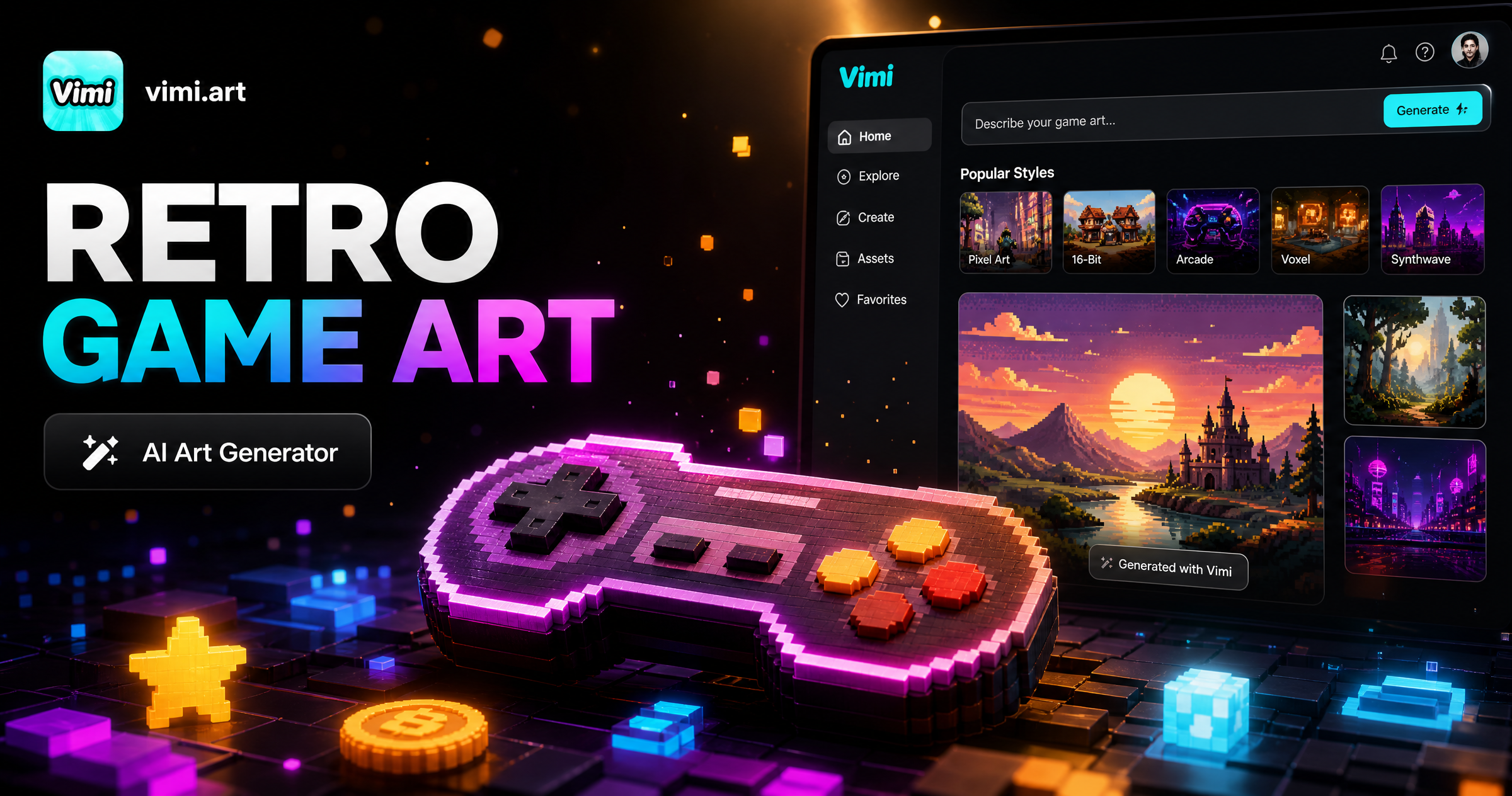
Choose the Retro Game Art Generator Filter
Discover the retro game art generator filter that perfectly matches your style.
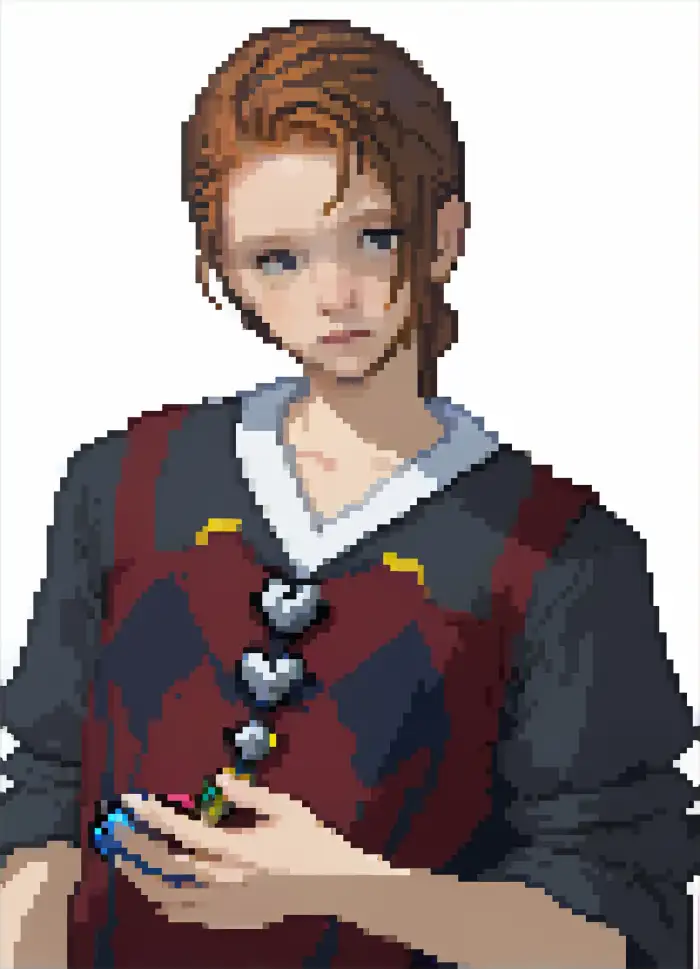
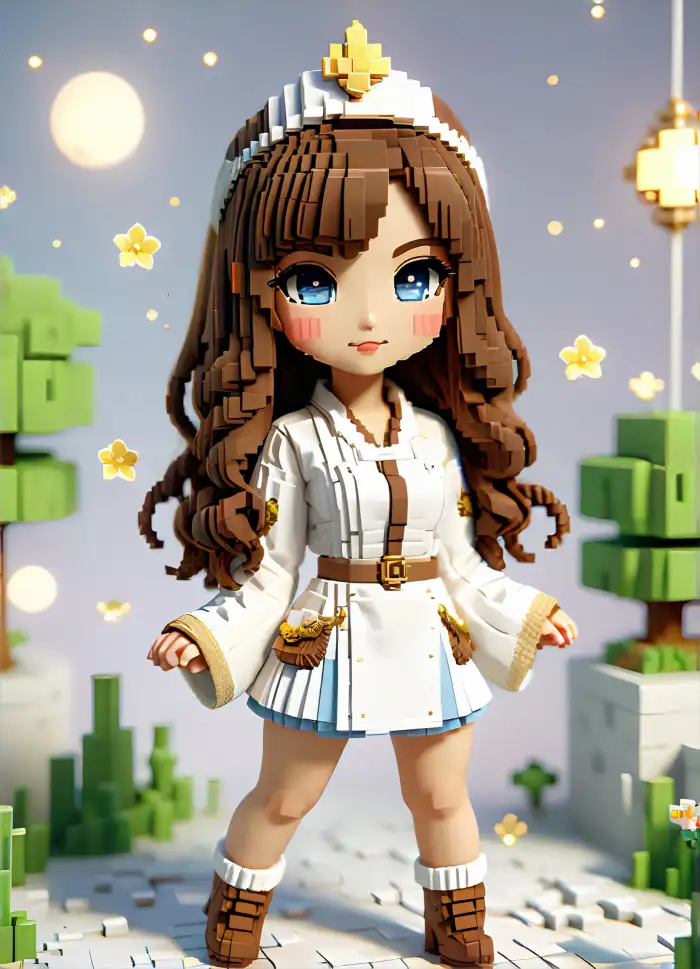
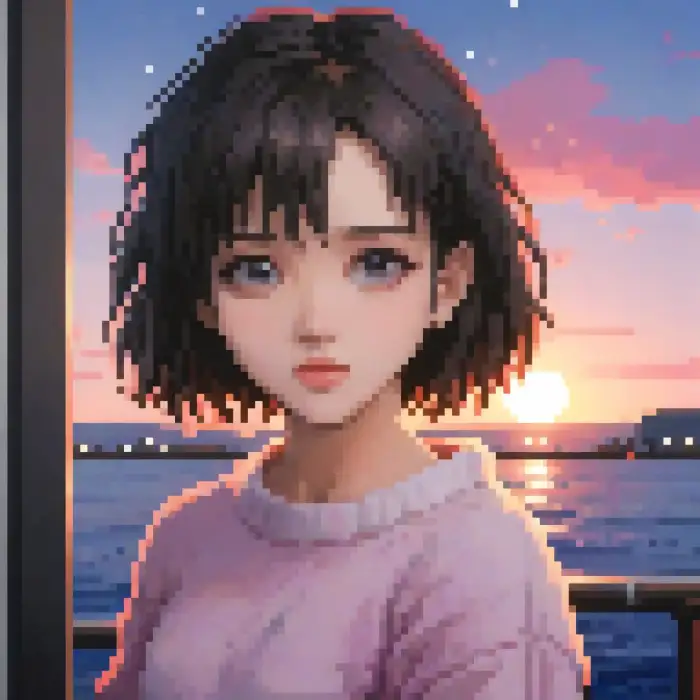
Popular Retro Game Art Styles for Download
Download retro game art style references and recreate the motion with AI in minutes. Turn your photos into classic 8-bit pixel characters or arcade heroes in minutes.


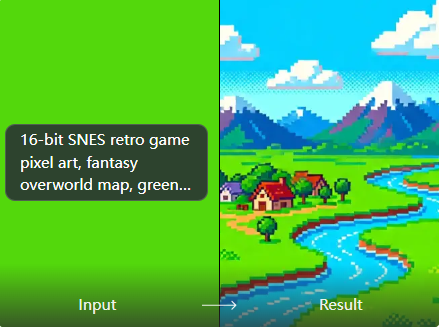
Why Use Vimi for Retro Game Art Generation
Vimi removes the need for complex software. You do not need to learn pixel art or drawing. The AI handles everything. You just select the style and upload your photo. The app delivers a finished game character image in about 15 seconds.
Why Use Vimi for Retro Game Art Generation
Vimi removes the need for complex software. You do not need to learn pixel art or drawing. The AI handles everything. You just select the style and upload your photo. The app delivers a finished game character image in about 15 seconds.
Explore the Use Cases of Retro Game Art with Vimi
Find the many ways you can use retro game art for personal projects and social media.
 Before
 After
AfterGaming Profile Pictures
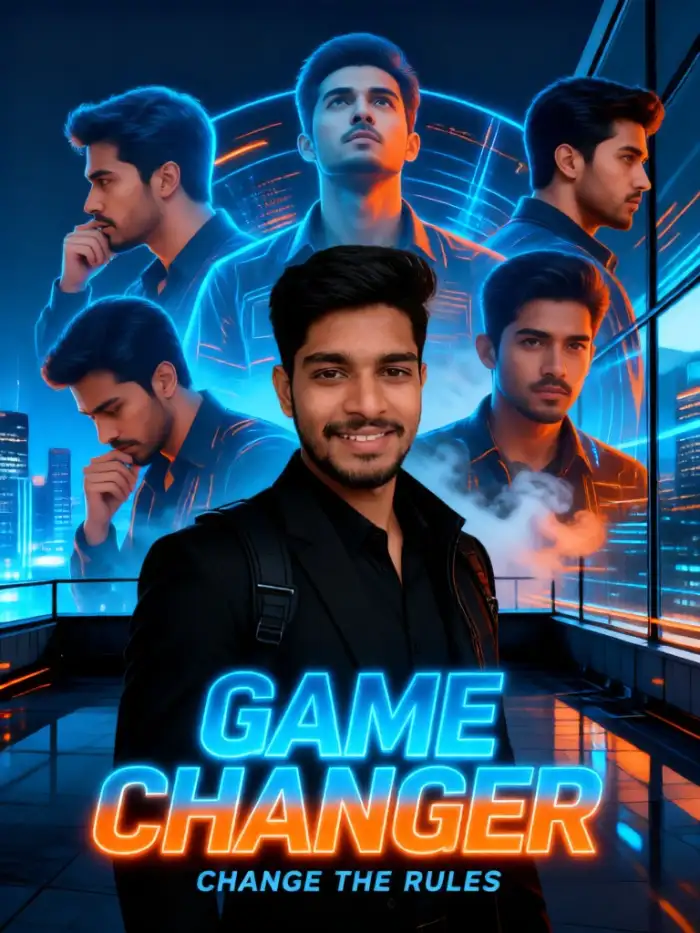
Many gamers want a unique online identity. Use Vimi to create a retro avatar. This avatar stands out on gaming forums or social platforms. It shows your love for classic games. A custom pixel portrait is more memorable than a standard photo.
BeforeAfterGaming Profile Pictures
Many gamers want a unique online identity. Use Vimi to create a retro avatar. This avatar stands out on gaming forums or social platforms. It shows your love for classic games. A custom pixel portrait is more memorable than a standard photo.
 Before
 After
AfterContent Creation for Streamers
Streamers need eye catching visuals for their channels. Vimi helps you create retro game art for thumbnails or overlays. This style grabs attention. It fits perfectly with retro gaming streams. You can quickly make custom art for each stream without any design skills.
BeforeAfterContent Creation for Streamers
Streamers need eye catching visuals for their channels. Vimi helps you create retro game art for thumbnails or overlays. This style grabs attention. It fits perfectly with retro gaming streams. You can quickly make custom art for each stream without any design skills.
 Before
 After
AfterPersonalized Merchandise
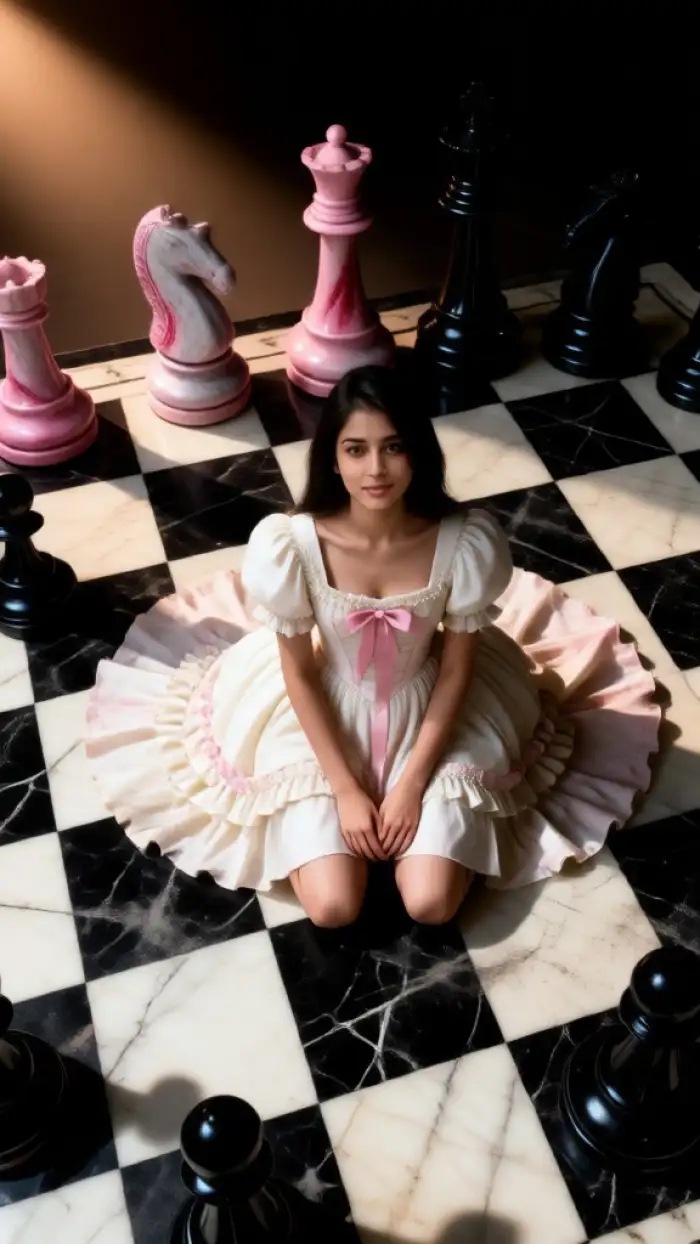
You can use Vimi to create a retro game logo or character of yourself. This design can go on a t shirt or a mug. It makes a fun gift for a friend. The pixel art style looks great on printed items. It adds a personal touch that people enjoy.
BeforeAfterPersonalized Merchandise
You can use Vimi to create a retro game logo or character of yourself. This design can go on a t shirt or a mug. It makes a fun gift for a friend. The pixel art style looks great on printed items. It adds a personal touch that people enjoy.
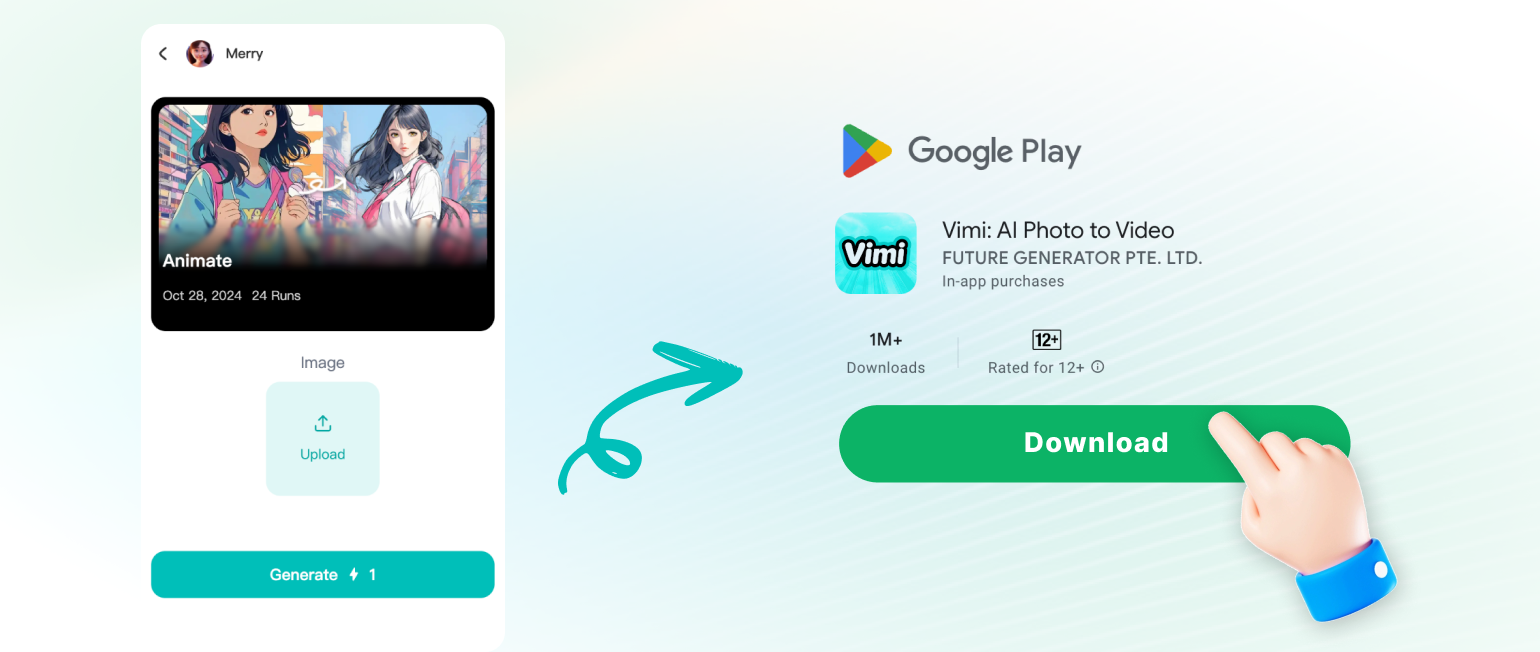
How to Create Retro Game Art with Vimi?
Follow these three simple steps to turn your photo into a retro game style character.
YouTube Videos About AI Retro Game Art Generator
Explore in-depth YouTube tutorials and demos that showcase the power and reliability of our AI Generator.
Who Uses AI Retro Game Art Generator Online

Mark T
The 8 bit hero filter is so cool. I used it for my streaming avatar. Everyone in the chat loved it.

Sarah K
I made a retro version of my family photo. It was a fun surprise for my dad who loves old games.

James L
This is the easiest tool I have found. I am not an artist, but Vimi made me look like a pixel pro.

Emily R
I used the arcade style for my YouTube thumbnail. My views went up because it caught people's eyes.
Mark T
The 8 bit hero filter is so cool. I used it for my streaming avatar. Everyone in the chat loved it.
Sarah K
I made a retro version of my family photo. It was a fun surprise for my dad who loves old games.
James L
This is the easiest tool I have found. I am not an artist, but Vimi made me look like a pixel pro.
Emily R
I used the arcade style for my YouTube thumbnail. My views went up because it caught people's eyes.
Mark T
The 8 bit hero filter is so cool. I used it for my streaming avatar. Everyone in the chat loved it.
Sarah K
I made a retro version of my family photo. It was a fun surprise for my dad who loves old games.
James L
This is the easiest tool I have found. I am not an artist, but Vimi made me look like a pixel pro.
Emily R
I used the arcade style for my YouTube thumbnail. My views went up because it caught people's eyes.
Frequently Asked Questions
Find clear answers to common questions and get the guidance you need to make the most of our platform, faster and easier.
More Topics You May Like
Explore more topics you may like and discover fresh ideas tailored to your interests.

Vimi Buwan ng Wika Photo Edit: Create Filipino Themed Portraits
Vimi Baju Kurung Photo Edit: Create Stunning Traditional Looks with AI
Create Maulid Nabi AI Photos & Videos With Vimi App
Vimi Merdeka AI Video: Create Indonesian Themed Content with AI
Vimi Buwan ng Wika Photo Edit: Create Filipino Themed Portraits
Vimi Baju Kurung Photo Edit: Create Stunning Traditional Looks with AI
Create Maulid Nabi AI Photos & Videos With Vimi App
Vimi Merdeka AI Video: Create Indonesian Themed Content with AI
Turn Your Photos Into Retro Game Art
Download Vimi now and create your own pixel character in seconds. Enjoy the nostalgia of retro games with a personal twist.

Turn Your Photos Into Retro Game Art
Download Vimi now and create your own pixel character in seconds. Enjoy the nostalgia of retro games with a personal twist.