Photo to Video Avatar
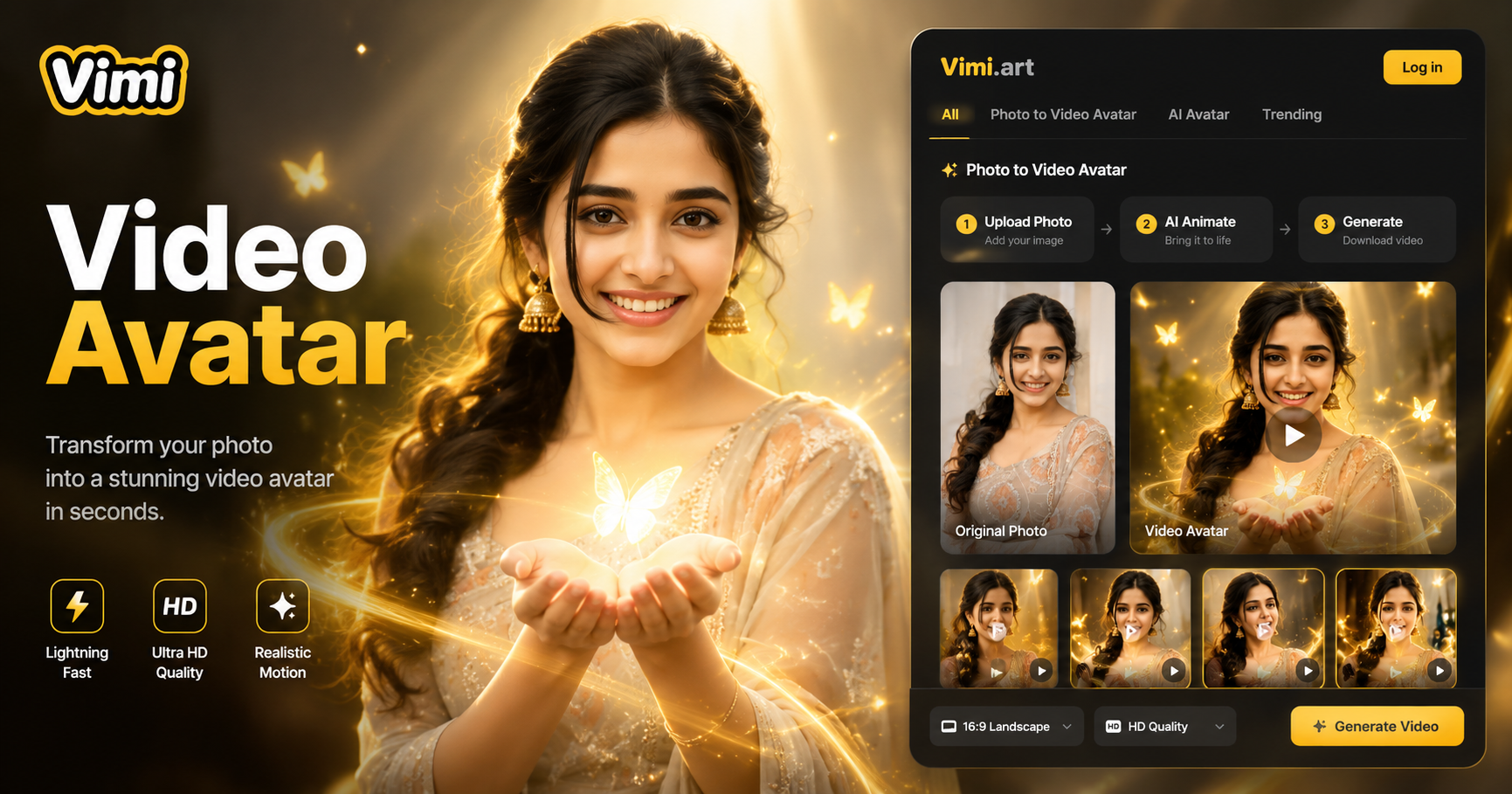
Pick Your Photo To Video Avatar Filter
Choose a motion template that fits your portrait. Blink, smile, or head turn from one photo in 10 seconds.
Watch Photo To Video Avatar Creations
Browse videos made by other users. See how a single face becomes a living avatar. Copy any template you like.
Where Vimi Photo To Video Avatar Brings Your Pictures To Life
Discover the most creative and practical ways to make the most of your living avatar. From social media content to personalized greetings, explore the top uses that bring your digital self to life.
Social Media Profile Videos
Make your profile stand out with a moving avatar. Upload one selfie and watch it blink, smile, or tilt its head. Your friends see a living version of you instead of a static photo. Great for TikTok, Instagram, and LinkedIn.
Social Media Profile Videos
Make your profile stand out with a moving avatar. Upload one selfie and watch it blink, smile, or tilt its head. Your friends see a living version of you instead of a static photo. Great for TikTok, Instagram, and LinkedIn.
Bring Old Family Photos Alive
Scan a printed photo from 10 years ago. Vimi adds gentle motion like a slow blink or a soft smile. The person keeps their original look while the video adds warmth. Share memories with relatives who miss seeing them move.
Bring Old Family Photos Alive
Scan a printed photo from 10 years ago. Vimi adds gentle motion like a slow blink or a soft smile. The person keeps their original look while the video adds warmth. Share memories with relatives who miss seeing them move.
Create Greeting Card Videos
Turn a birthday photo into a short video greeting. The person in the photo can wave or wink. Send it as an e-card. No need to film anything new. Just pick the template, upload the face photo, and generate in seconds.
Create Greeting Card Videos
Turn a birthday photo into a short video greeting. The person in the photo can wave or wink. Send it as an e-card. No need to film anything new. Just pick the template, upload the face photo, and generate in seconds.
Pet Photo To Video Avatar
Your dog or cat does not need to sit still for a video. Upload one clear pet photo. Vimi makes the pet turn its head, twitch an ear, or open its mouth slightly. Share the cute avatar on social media without chasing your pet around.
Pet Photo To Video Avatar
Your dog or cat does not need to sit still for a video. Upload one clear pet photo. Vimi makes the pet turn its head, twitch an ear, or open its mouth slightly. Share the cute avatar on social media without chasing your pet around.
How To Create Your Vimi Photo To Video Avatar In 3 Simple Steps
Create an adorable photo to video avatar in just a few simple steps.

Step 01.
Open your Google Play store. Search Vimi. Download and install the free app on your phone.
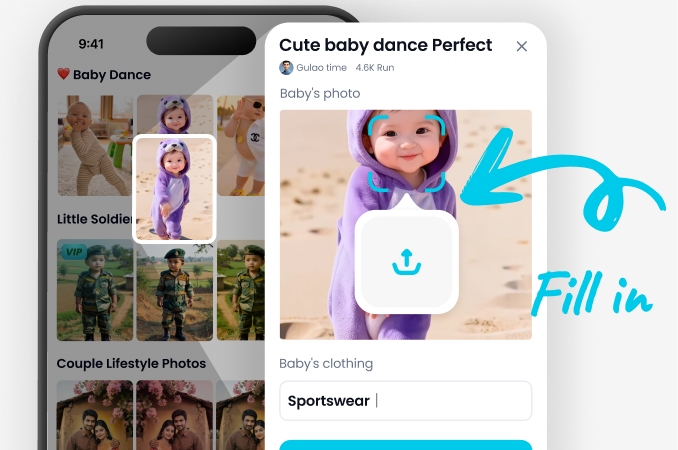
Step 02.
Browse the template library. Find Photo to Video Avatar category. Upload your portrait or group photo. Tap Generate.
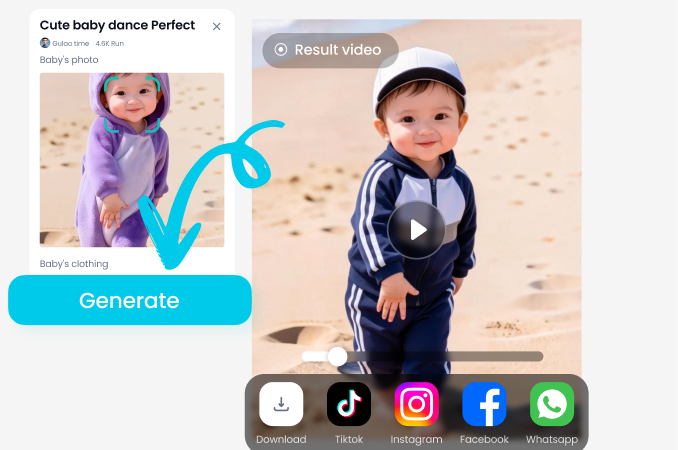
Step 03.
Wait just a few seconds. Preview the video. Tap Download to save to your phone. Or share directly to TikTok, Instagram, or your Vimi profile.
What Users Say About Vimi Photo To Video Avatar
Sarah
I used Vimi to turn my podcast headshot into an avatar that blinks and smiles. My Instagram engagement went up. People stop scrolling when they see a face that moves.

David
My mom lives in another country. I scanned her old photo with me as a kid. Vimi made both of us blink and smile in the video. She cried happy tears.

Emma
We made avatars for our entire 8 person team from one group photo. Vimi kept every face separate. No weird mixing. The nodding animation looks natural.

James
My cat hates cameras. I tried 20 times to get a video. One photo into Vimi gave me a purring head turn avatar in 15 seconds. Best tool ever.
Sarah
I used Vimi to turn my podcast headshot into an avatar that blinks and smiles. My Instagram engagement went up. People stop scrolling when they see a face that moves.
David
My mom lives in another country. I scanned her old photo with me as a kid. Vimi made both of us blink and smile in the video. She cried happy tears.
Emma
We made avatars for our entire 8 person team from one group photo. Vimi kept every face separate. No weird mixing. The nodding animation looks natural.
James
My cat hates cameras. I tried 20 times to get a video. One photo into Vimi gave me a purring head turn avatar in 15 seconds. Best tool ever.
Sarah
I used Vimi to turn my podcast headshot into an avatar that blinks and smiles. My Instagram engagement went up. People stop scrolling when they see a face that moves.
David
My mom lives in another country. I scanned her old photo with me as a kid. Vimi made both of us blink and smile in the video. She cried happy tears.
Emma
We made avatars for our entire 8 person team from one group photo. Vimi kept every face separate. No weird mixing. The nodding animation looks natural.
James
My cat hates cameras. I tried 20 times to get a video. One photo into Vimi gave me a purring head turn avatar in 15 seconds. Best tool ever.
Frequently Asked Questions
Find clear answers to common questions and get the guidance you need to make the most of our platform, faster and easier.
More Topics You May Like
Explore more topics you may like and discover fresh ideas tailored to your interests.

Ai Saree Generator
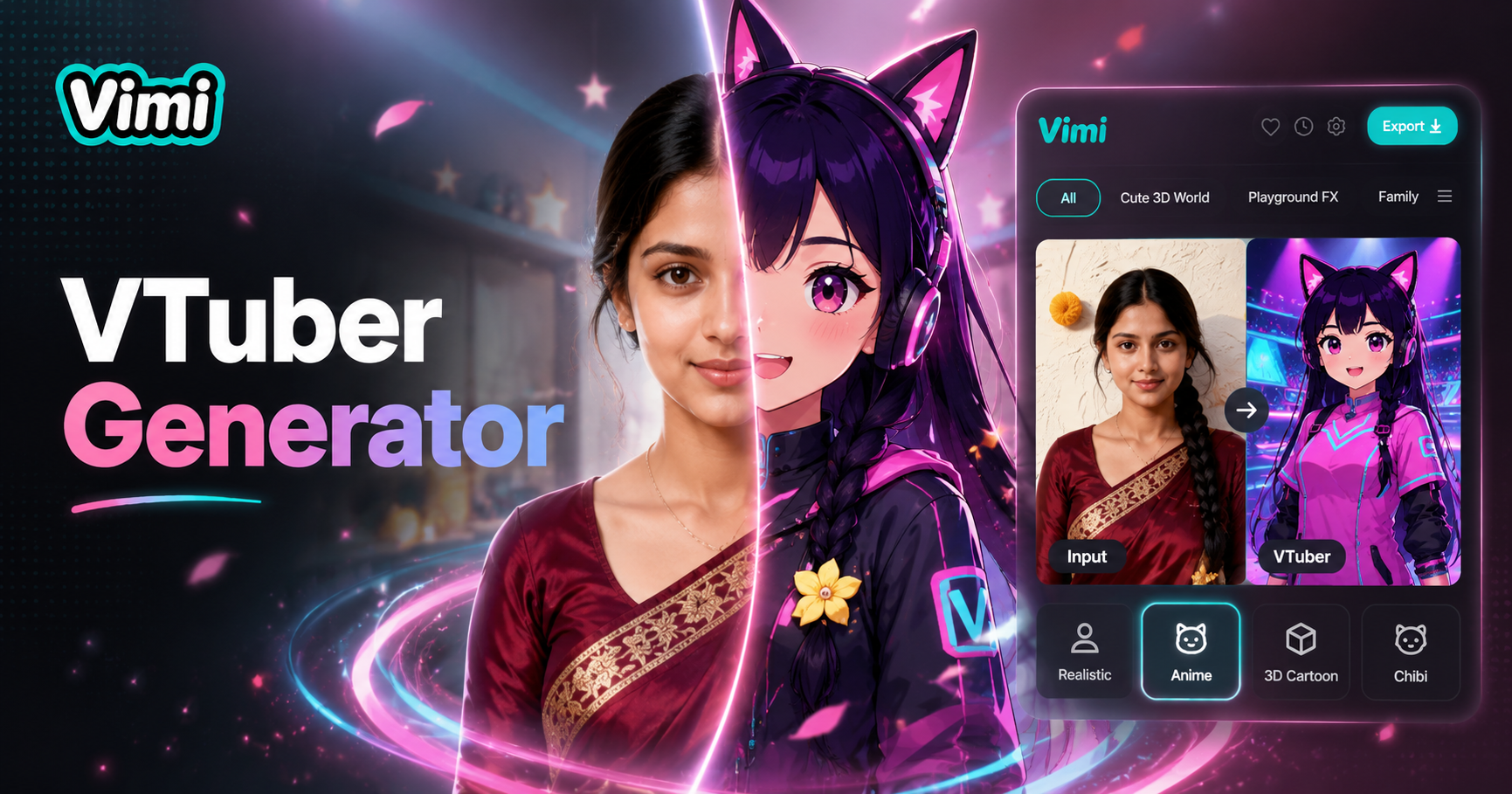
Vtuber AI Generator
AI Model Girl Generator
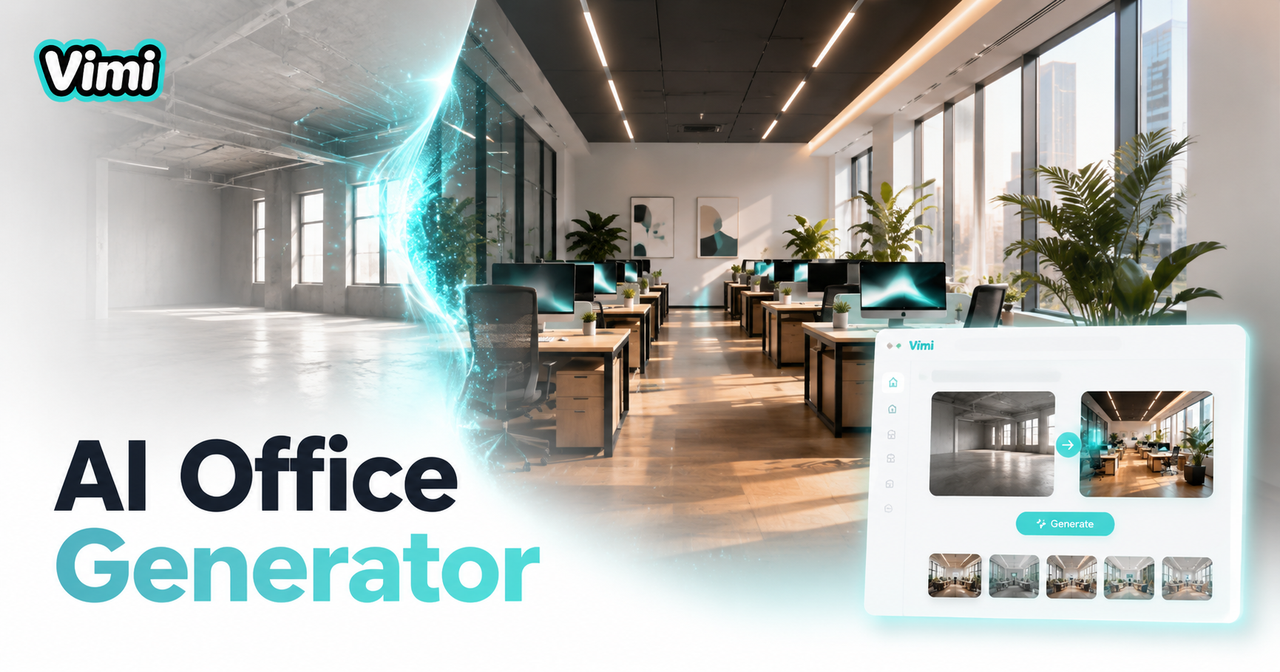
AI Office Setting Generator
Ai Saree Generator
Vtuber AI Generator
AI Model Girl Generator
AI Office Setting Generator
Start Your Avatar Story Today
Turn one photo into a living video. Download Vimi and create your first moving avatar in under one minute.

Start Your Avatar Story Today
Turn one photo into a living video. Download Vimi and create your first moving avatar in under one minute.