Long Exposure AI Photo Editor
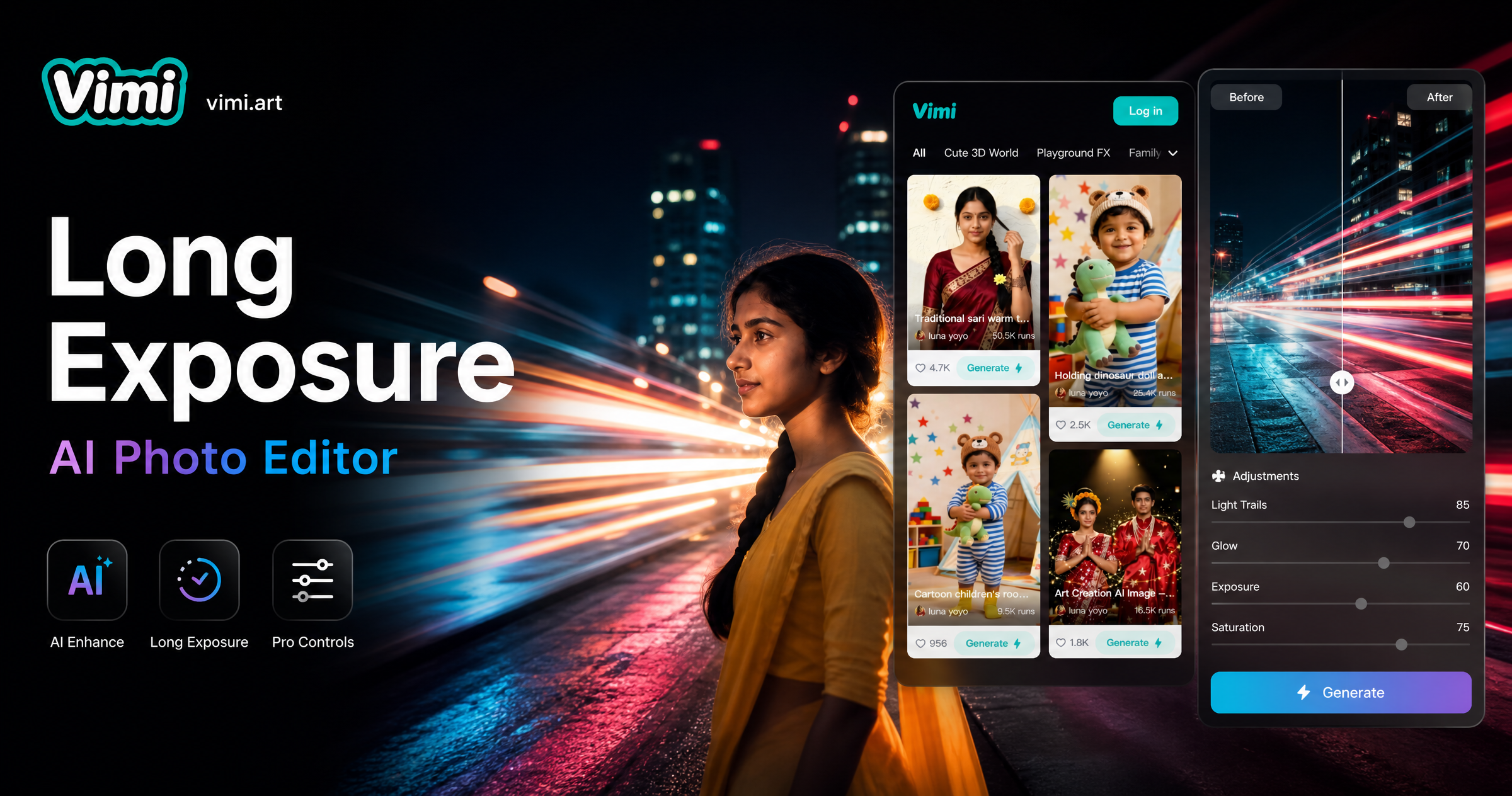
Choose the Long Exposure AI Photo Editor Filter
Discover the long exposure ai photo editor filter that perfectly matches your style and mood.
Top Long Exposure AI Filters You Should Try
Vimi offers a range of long exposure AI filters that turn your ordinary photos into dynamic visual stories. The app updates its template library regularly so you always have fresh options to explore.
Key Features of Vimi Long Exposure AI Photo Editor
Find the core features that make Vimi the go to long exposure AI photo editor for mobile creators.
 Before
 After
AfterInstant AI Light Trail Generation
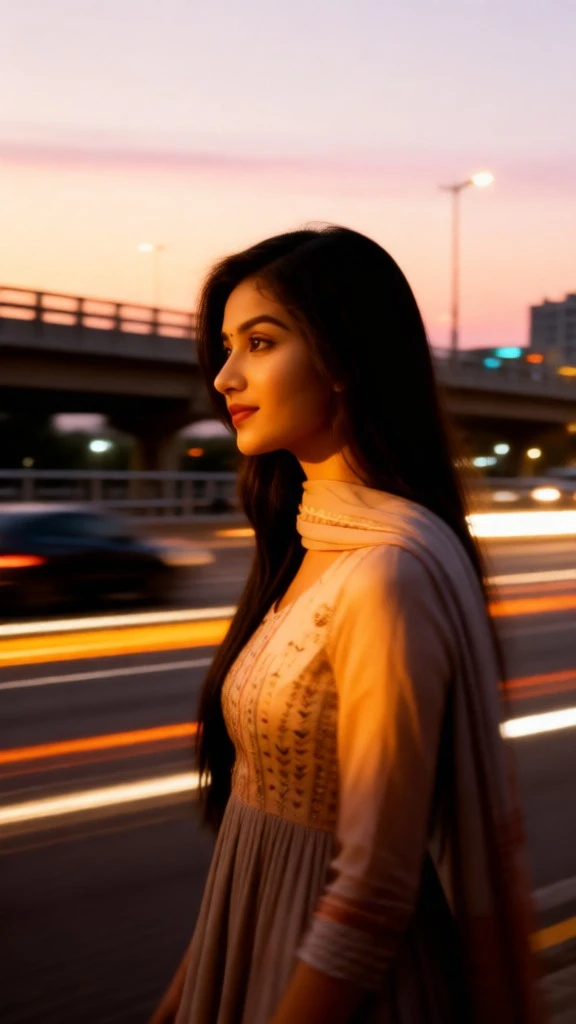
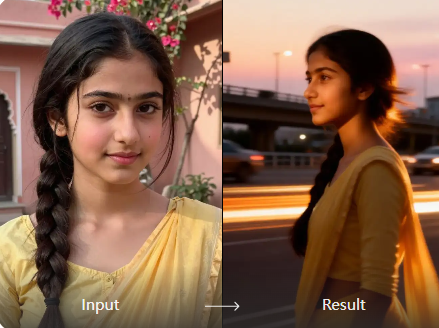
Vimi converts static city night shots into dynamic light trail scenes within seconds. The AI identifies moving light sources in your photo and extends them into smooth, flowing trails. This effect mimics the look of a long camera exposure without requiring any manual settings or editing skills.
 Before
 After
AfterMotion Blur & Silky Water Effects
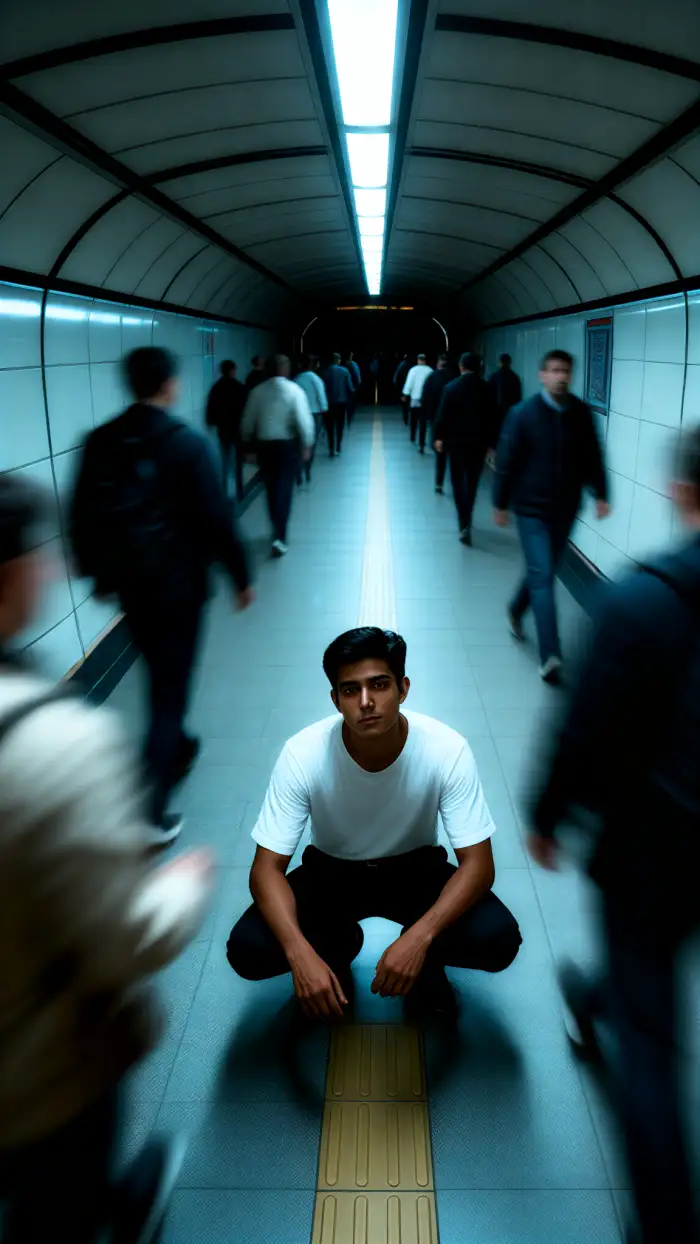
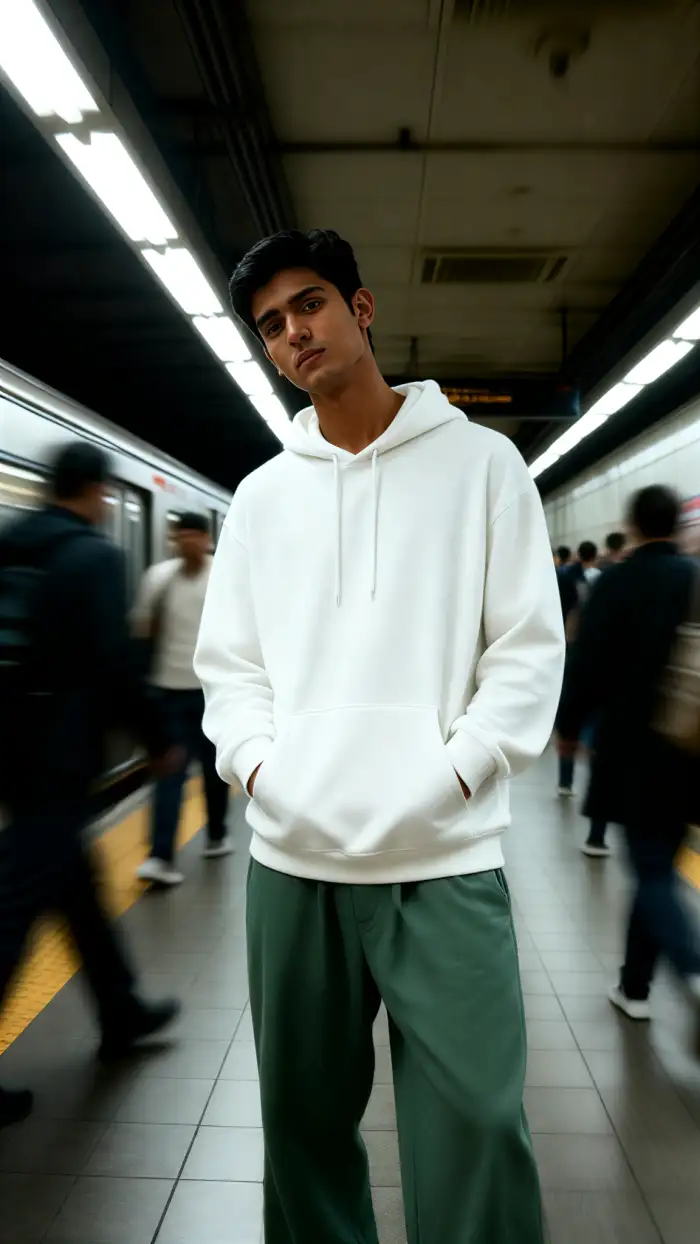
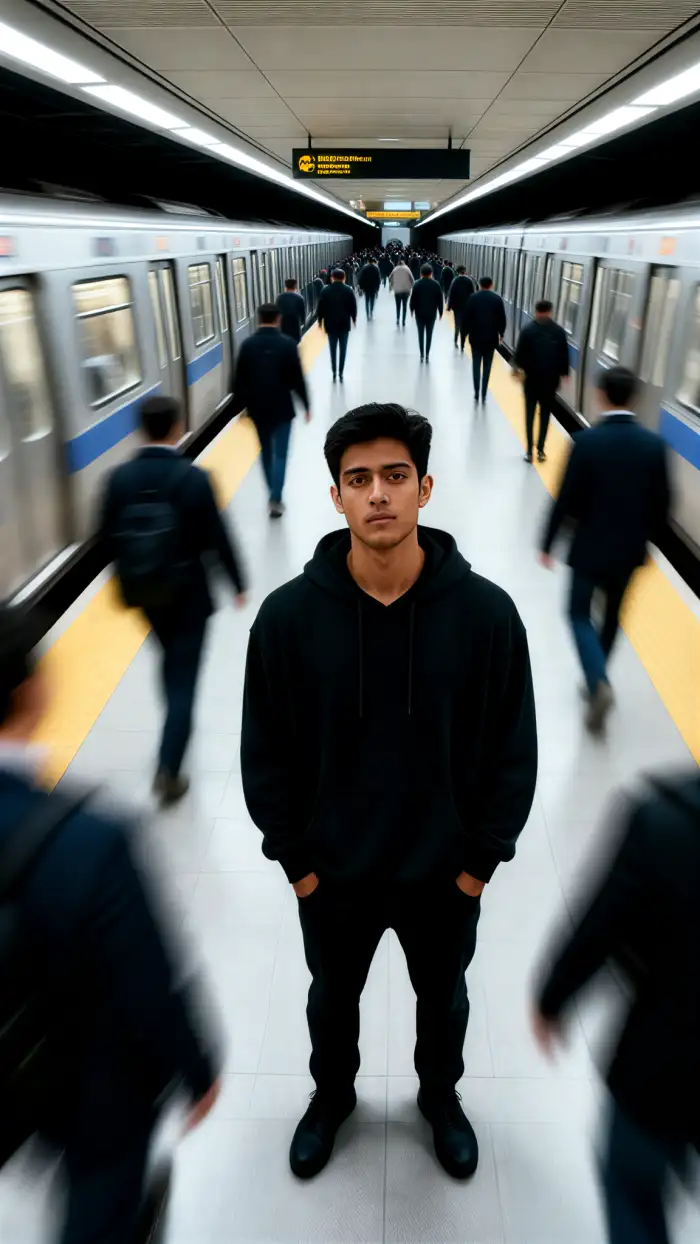
You can turn busy street scenes into blurred motion masterpieces or transform waterfalls into silky smooth flows. The AI detects movement patterns in your image and applies realistic blur effects. This gives your photos the feel of a slow shutter speed shot taken with a professional camera.
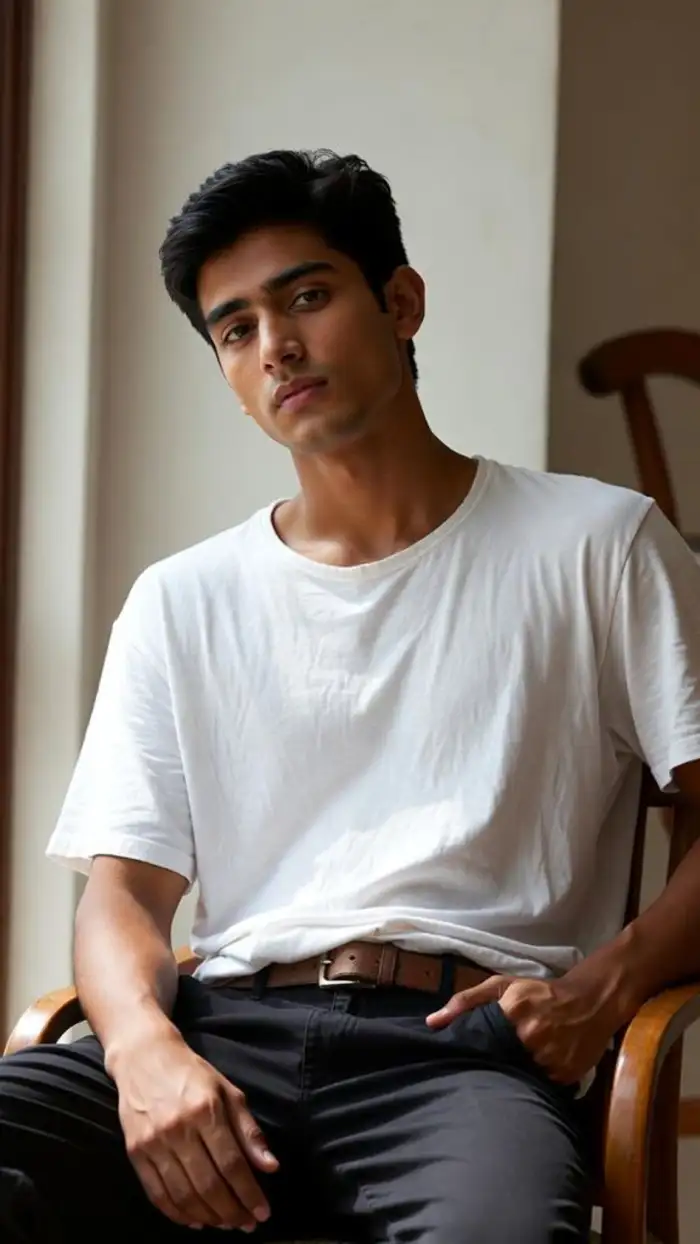 Before
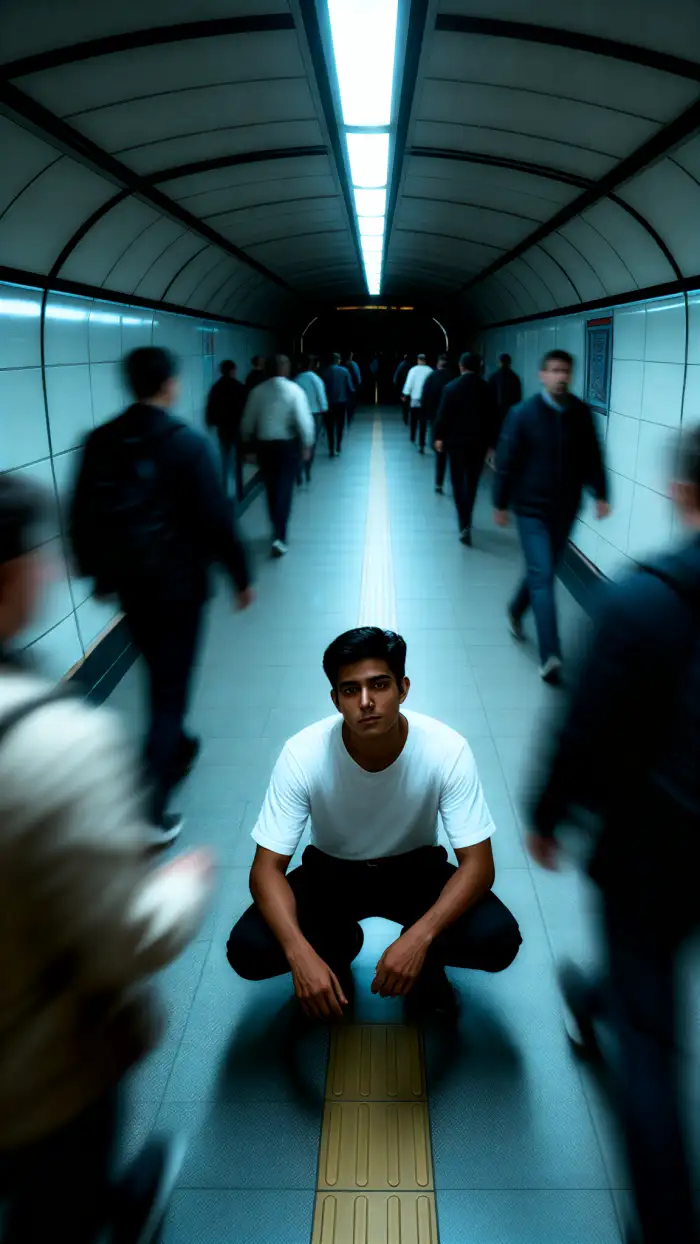 After
AfterNight Mode & Low Light Enhancement
Vimi automatically brightens dark areas while preserving the natural mood of your night scenes. The AI reduces noise and enhances visible details so your long exposure photos look clean and sharp. This feature works best for evening cityscapes, neon signs, and starlit skies.
Why Use Vimi Long Exposure AI Photo Editor
Discover the practical benefits of using Vimi to create long exposure AI photos for personal and professional use.
Achieve Consistent Visual Quality Every Time
Vimi applies the same professional grade AI processing to every image you upload. This means you get reliable results across different photos and sessions. Whether you are editing one image or a hundred, the output quality stays consistent. Your long exposure photos will always look polished and cohesive.
Achieve Consistent Visual Quality Every Time
Vimi applies the same professional grade AI processing to every image you upload. This means you get reliable results across different photos and sessions. Whether you are editing one image or a hundred, the output quality stays consistent. Your long exposure photos will always look polished and cohesive.
How to Use Vimi Long Exposure AI Photo Editor in Minutes?
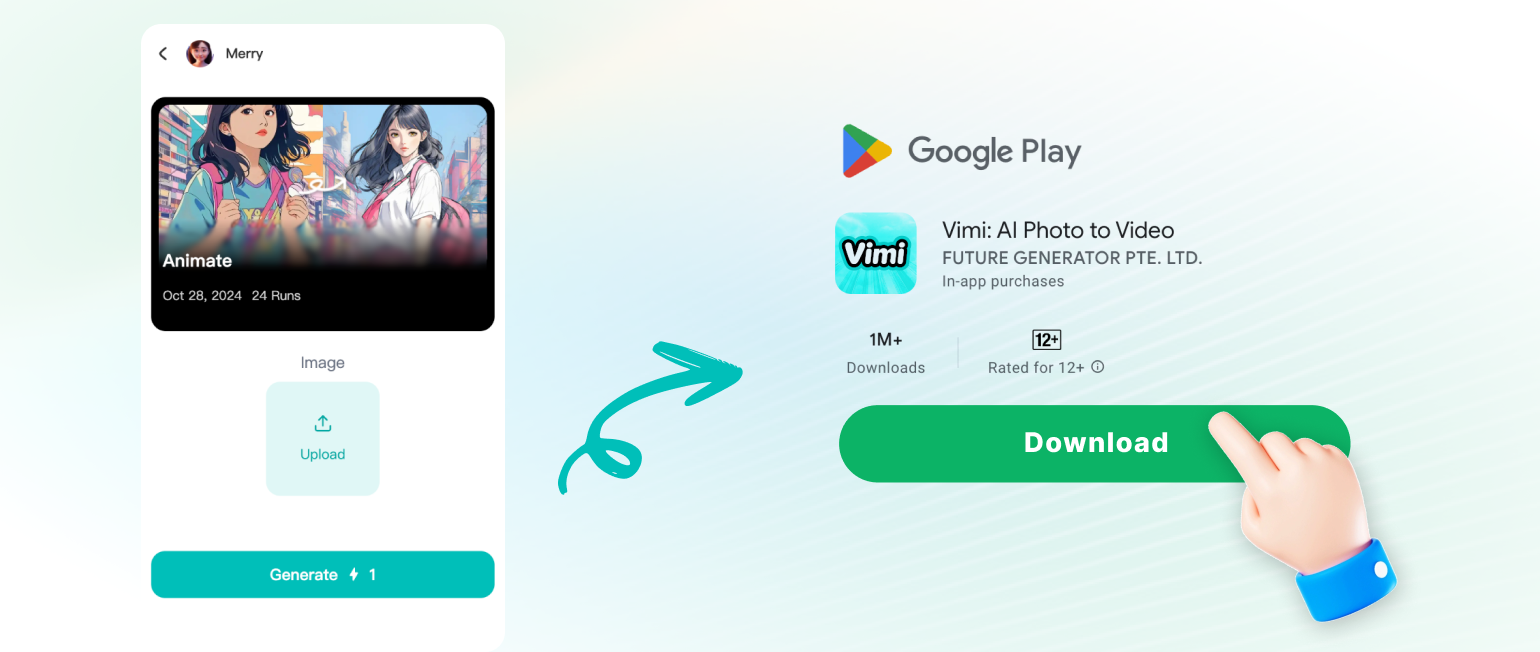
Follow these three simple steps to generate your first long exposure AI photo using the Vimi app.
YouTube Videos About Long Exposure AI Photo Editor Generator
Explore in-depth YouTube tutorials and demos that showcase the power and reliability of our AI Generator.
Here is What People Think About Us
A Game Changer for Night Photography
The light trail effects are incredibly realistic. I do not need to carry my heavy camera gear anymore when I travel. The app does all the work for me.
Perfect for My Social Media Content
My Instagram engagement went up after I started posting long exposure city shots from Vimi. People always ask me how I get these effects. I tell them it is just one tap.
Saves Me Hours of Editing Time
I used to spend hours in editing software trying to create motion blur effects. Vimi does it in 10 seconds. This app is now a permanent part of my creative toolkit.
Frequently Asked Questions
Find clear answers to common questions and get the guidance you need to make the most of our platform, faster and easier.
More Topics You May Like
Explore more topics you may like and discover fresh ideas tailored to your interests.
Create Buwan Ng Wika AI Infographic with Vimi Templates
Janmashtami AI Photo Generator: Create Divine Krishna Images With Vimi
Vimi Filipino Heroes AI Portrait: Create Stunning Hero Portraits in Minutes
Create Independence Day Style Videos with Vimi Merdeka AI
Create Buwan Ng Wika AI Infographic with Vimi Templates
Janmashtami AI Photo Generator: Create Divine Krishna Images With Vimi
Vimi Filipino Heroes AI Portrait: Create Stunning Hero Portraits in Minutes
Create Independence Day Style Videos with Vimi Merdeka AI
Create Stunning Long Exposure Photos with Vimi Today
Turn your ordinary photos into dynamic light trails, silky water scenes, and motion blur masterpieces. Get the app and create your first image now.

Create Stunning Long Exposure Photos with Vimi Today
Turn your ordinary photos into dynamic light trails, silky water scenes, and motion blur masterpieces. Get the app and create your first image now.