Hari Pahlawan AI Photo Editing
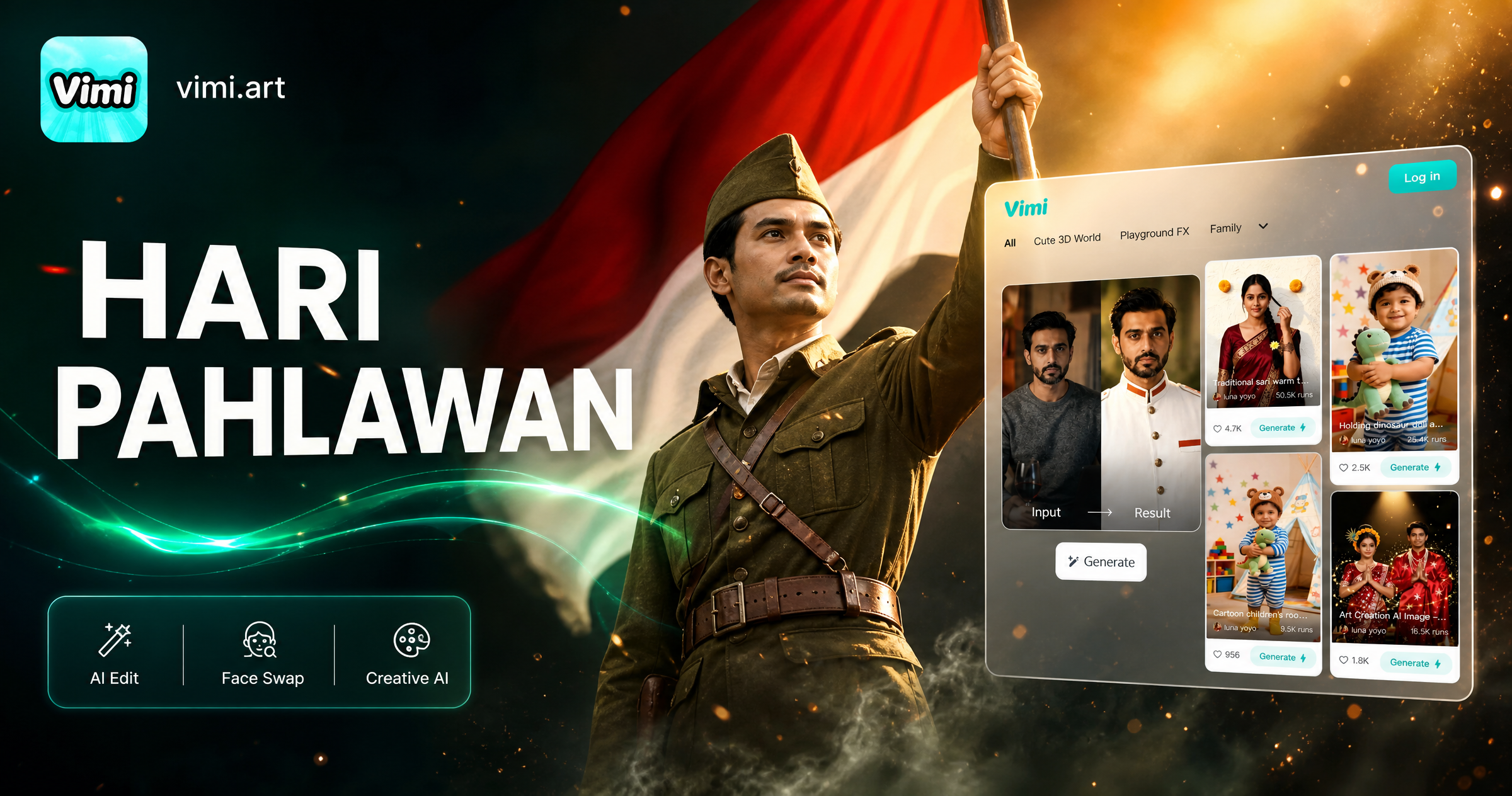
Choose the Hari Pahlawan AI Photo Editing Filter
Discover the hari pahlawan ai photo editing filter that perfectly matches your style and mood.
Hari Pahlawan AI Photo Editing Filter on Vimi Templates
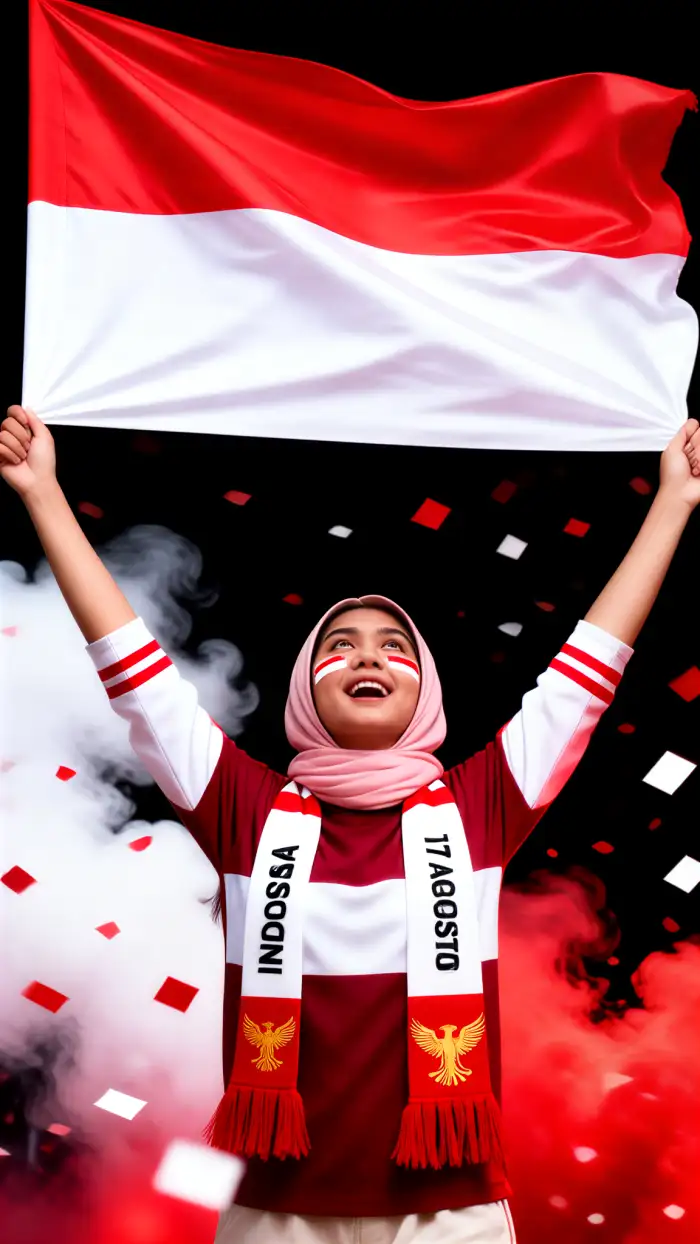
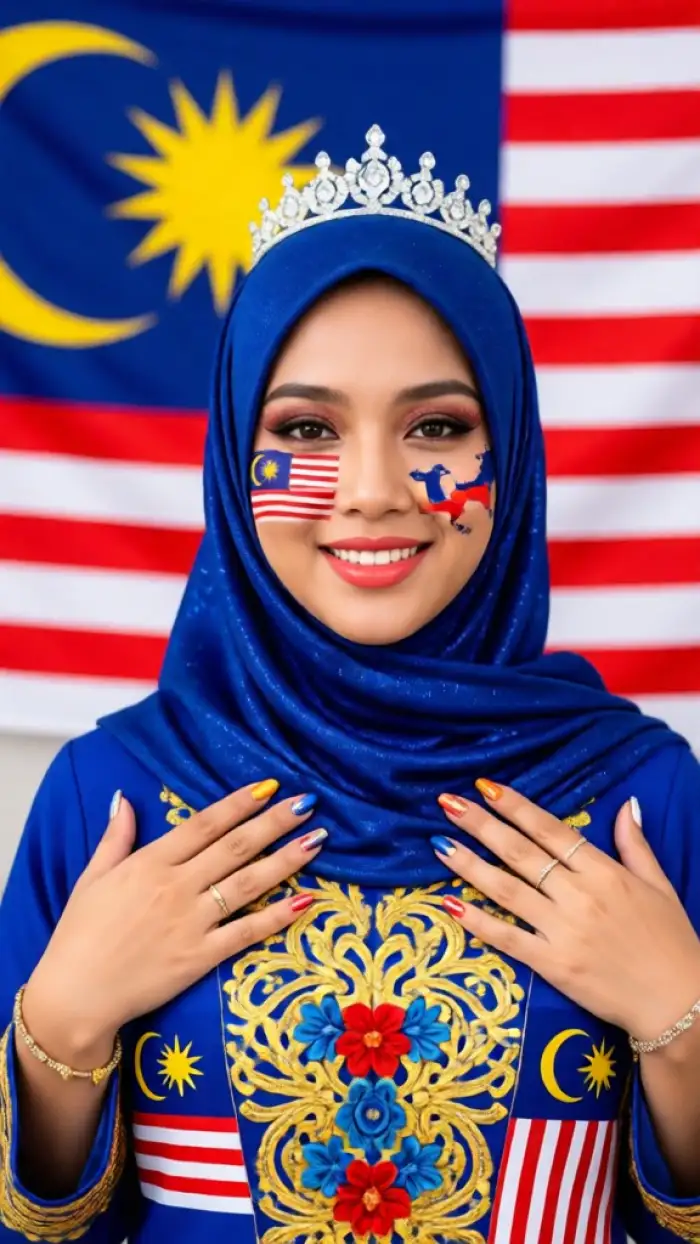
Vimi offers a Hari Pahlawan filter for hero day portraits. It turns one photo into a vintage poster, soldier style, or flag scene. You can preview examples on the official page. Download the Vimi app to create the full image or video.
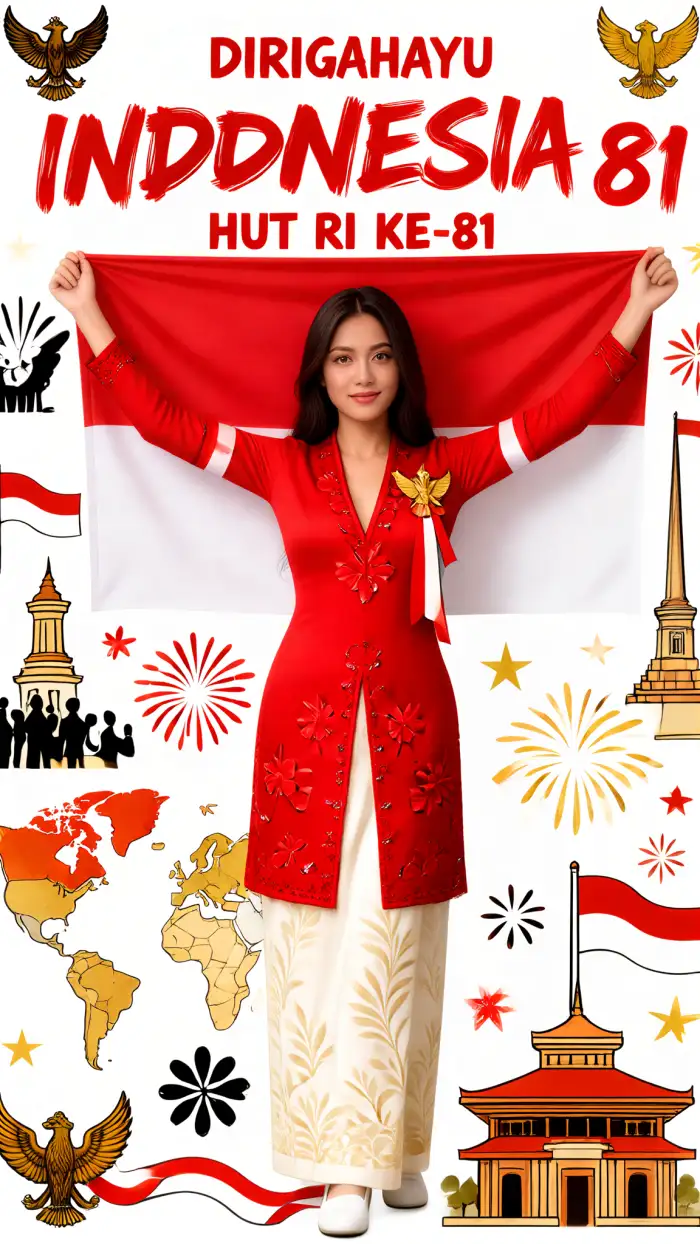
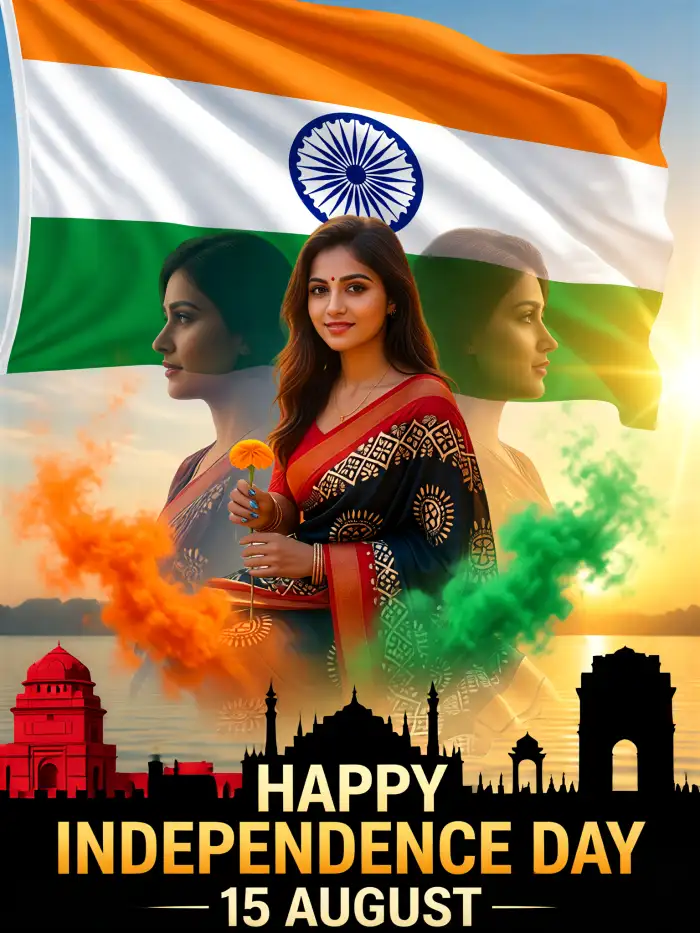
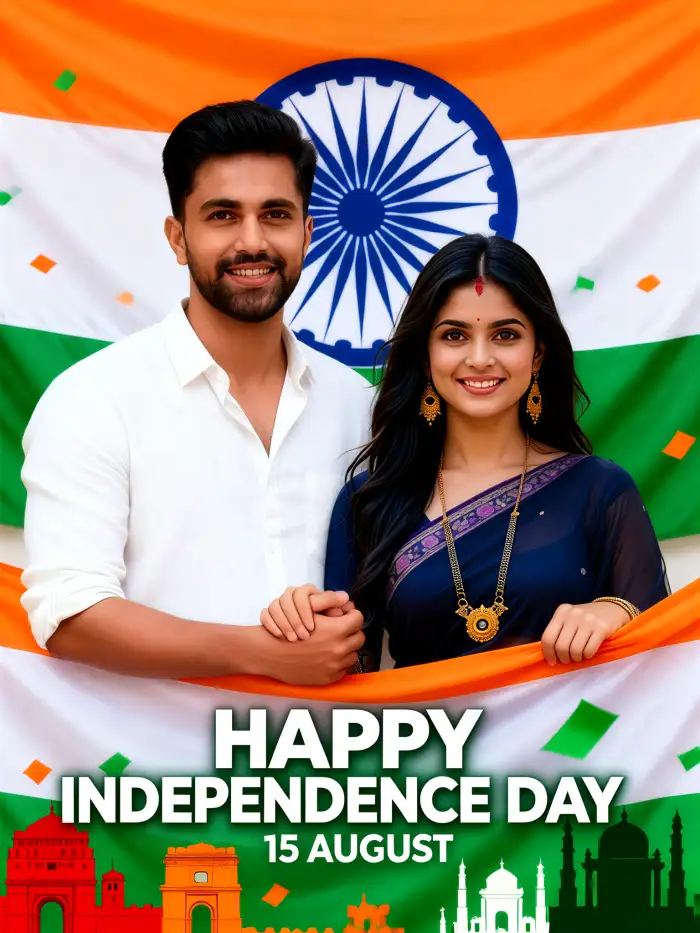
Key Features of Vimi for Hari Pahlawan AI Photo Editing
Discover the main tools that shape Hari Pahlawan AI Photo Editing inside Vimi and support fast mobile creation for daily use.
 Before
 After
Image to Image Editing
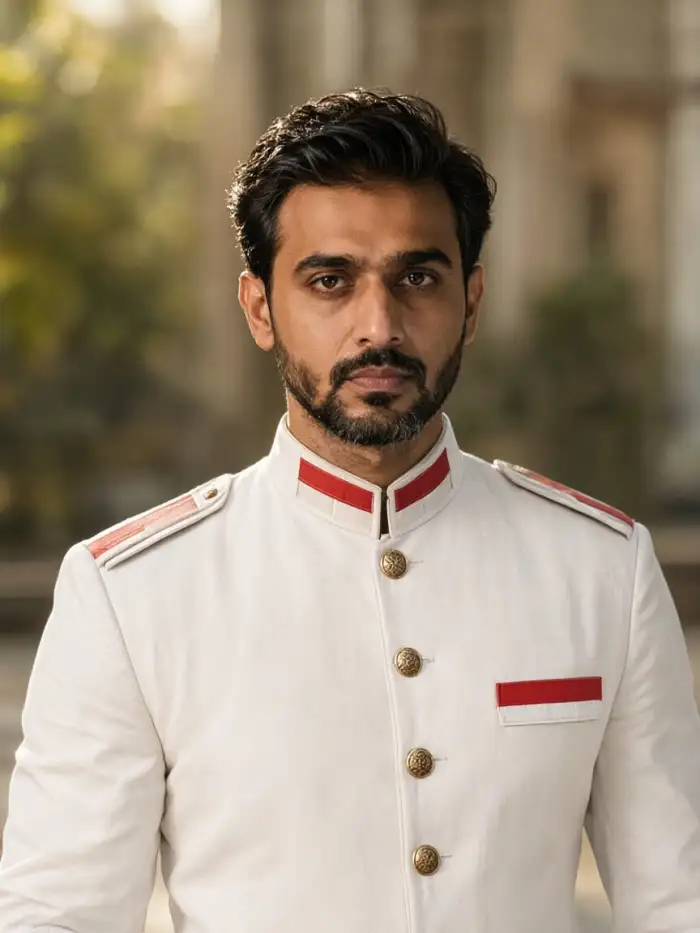
Upload a personal photo as a reference. Vimi keeps the main facial features while adding a Hari Pahlawan style. The filter can create vintage tones, uniforms, flags, and poster textures. This helps you honor the theme while still looking like yourself. Results arrive in seconds.
BeforeAfterImage to Image Editing
Upload a personal photo as a reference. Vimi keeps the main facial features while adding a Hari Pahlawan style. The filter can create vintage tones, uniforms, flags, and poster textures. This helps you honor the theme while still looking like yourself. Results arrive in seconds.
 Before
Video Generation Templates for Heroes
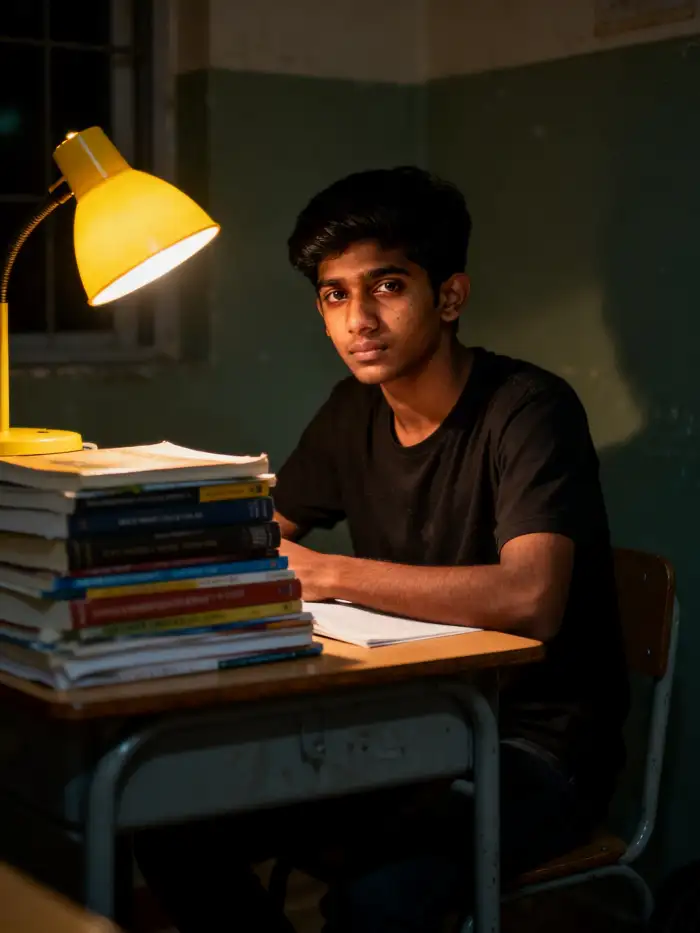
Turn a still photo into a moving Hari Pahlawan tribute. Vimi can add blinking, smiling, or head turning motions. It also creates short narrative clips with flag waves and parade scenes. Popular video templates include old photo revival and Ghibli style animation. Wait 10 to 20 seconds for output.
BeforeVideo Generation Templates for Heroes
Turn a still photo into a moving Hari Pahlawan tribute. Vimi can add blinking, smiling, or head turning motions. It also creates short narrative clips with flag waves and parade scenes. Popular video templates include old photo revival and Ghibli style animation. Wait 10 to 20 seconds for output.
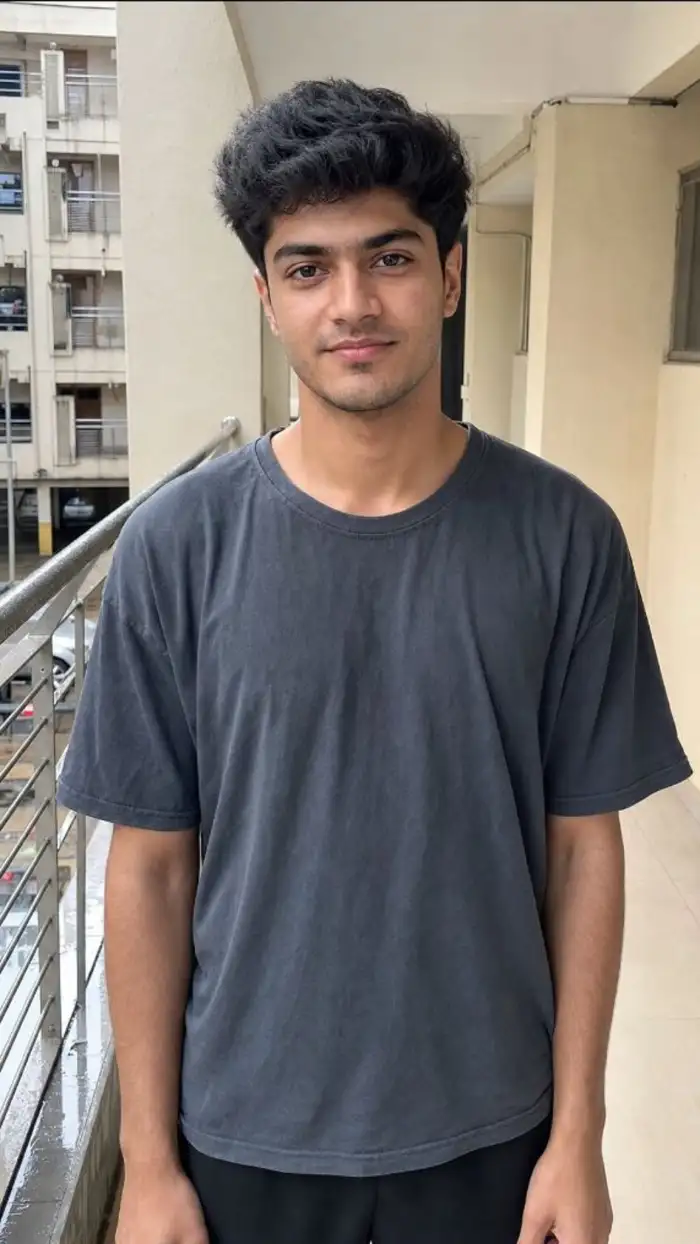 Before
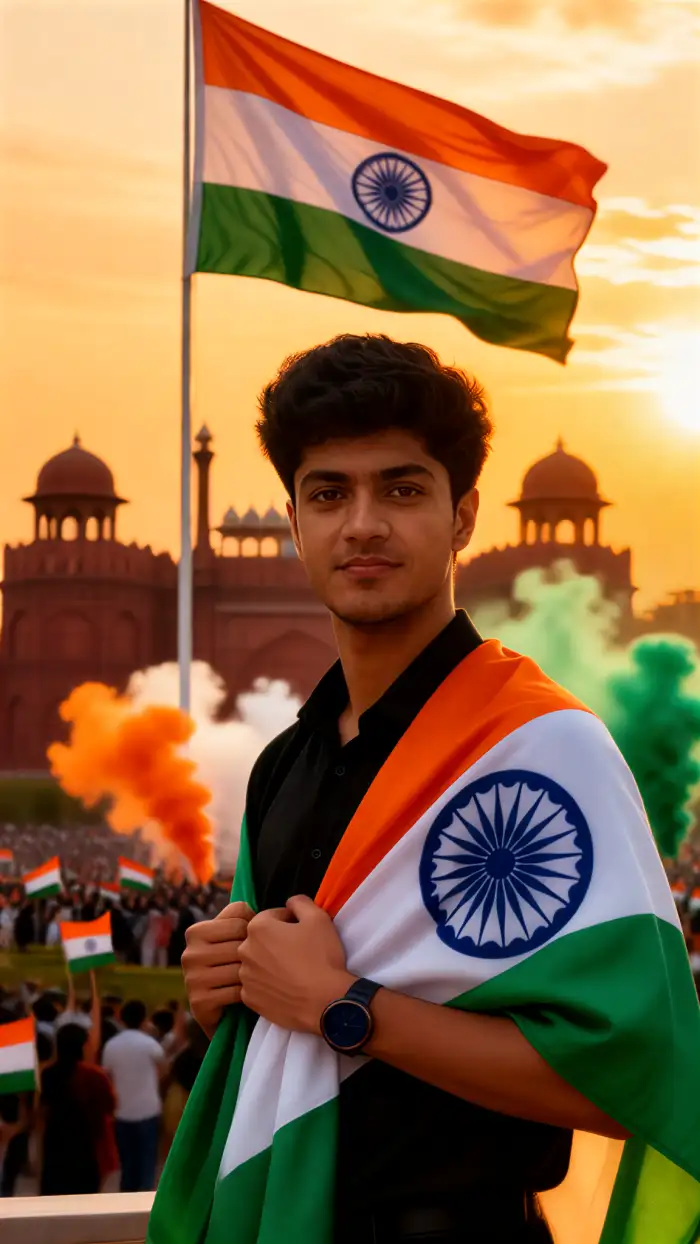 After
Character Consistency Tools for Portraits
Create a series of Hari Pahlawan images with the same face. Vimi keeps facial features, hair, and clothing consistent across each output. You can control small expressions like a smile, blink, or open mouth. Basic poses include standing, sitting, and hugging. This suits digital avatars and themed albums.
BeforeAfterCharacter Consistency Tools for Portraits
Create a series of Hari Pahlawan images with the same face. Vimi keeps facial features, hair, and clothing consistent across each output. You can control small expressions like a smile, blink, or open mouth. Basic poses include standing, sitting, and hugging. This suits digital avatars and themed albums.
Why Use Vimi for Hari Pahlawan AI Photo Editing
Explore the practical benefits that make Hari Pahlawan AI Photo Editing simple for mobile creators and social sharing today with Vimi.
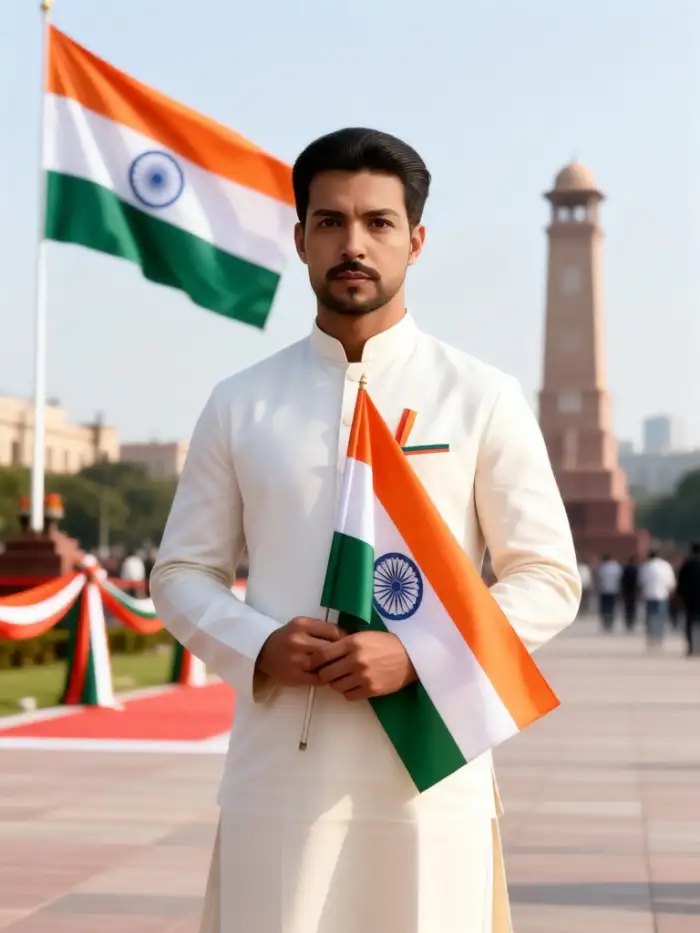
Fast Mobile Creation Flow
All core tools live in the Vimi app. You do not need to write long prompts or adjust many settings. Pick a template, upload one or more photos, then tap Generate. The app returns a finished image or video in 10 to 20 seconds. You can post it right away.
Fast Mobile Creation Flow
All core tools live in the Vimi app. You do not need to write long prompts or adjust many settings. Pick a template, upload one or more photos, then tap Generate. The app returns a finished image or video in 10 to 20 seconds. You can post it right away.
How to Use Vimi Hari Pahlawan AI Photo Editing?
This guide shows how to make Hari Pahlawan edits in Vimi. Follow three short steps from preview to download.
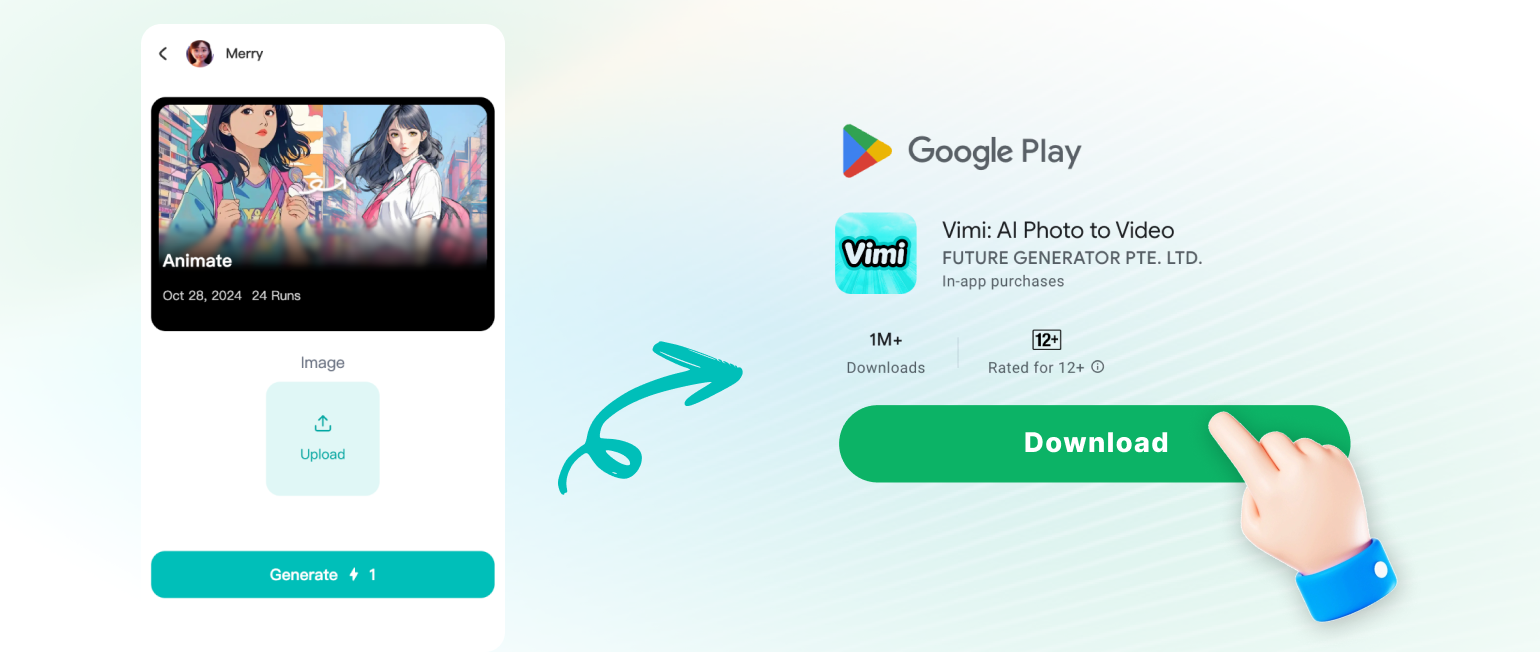
YouTube Videos About Hari Pahlawan AI Photo Editing Generator
Explore in-depth YouTube tutorials and demos that showcase the power and reliability of our AI Generator.
Frequently Asked Questions
Find clear answers to common questions and get the guidance you need to make the most of our platform, faster and easier.
More Topics You May Like
Explore more topics you may like and discover fresh ideas tailored to your interests.
Vimi Jean Claude Van Damme AI Dance Filter Guide for Photo And Video
Vimi Hotel Lobby AI Video Trend Guide for Mobile Creators
Drake Burning Bridges AI Video Generator: A Vimi Filter Guide
Zwiya Deeper Dance Filter on Vimi: Turn Photos into Dance Videos
Vimi Jean Claude Van Damme AI Dance Filter Guide for Photo And Video
Vimi Hotel Lobby AI Video Trend Guide for Mobile Creators
Drake Burning Bridges AI Video Generator: A Vimi Filter Guide
Zwiya Deeper Dance Filter on Vimi: Turn Photos into Dance Videos
Create Hari Pahlawan Edits In Vimi Today
Download Vimi And Make Hero Day Portraits. Preview filters on the official page. Then download the app for full creation.

Create Hari Pahlawan Edits In Vimi Today
Download Vimi And Make Hero Day Portraits. Preview filters on the official page. Then download the app for full creation.