Hari Malaysia Photo Edit
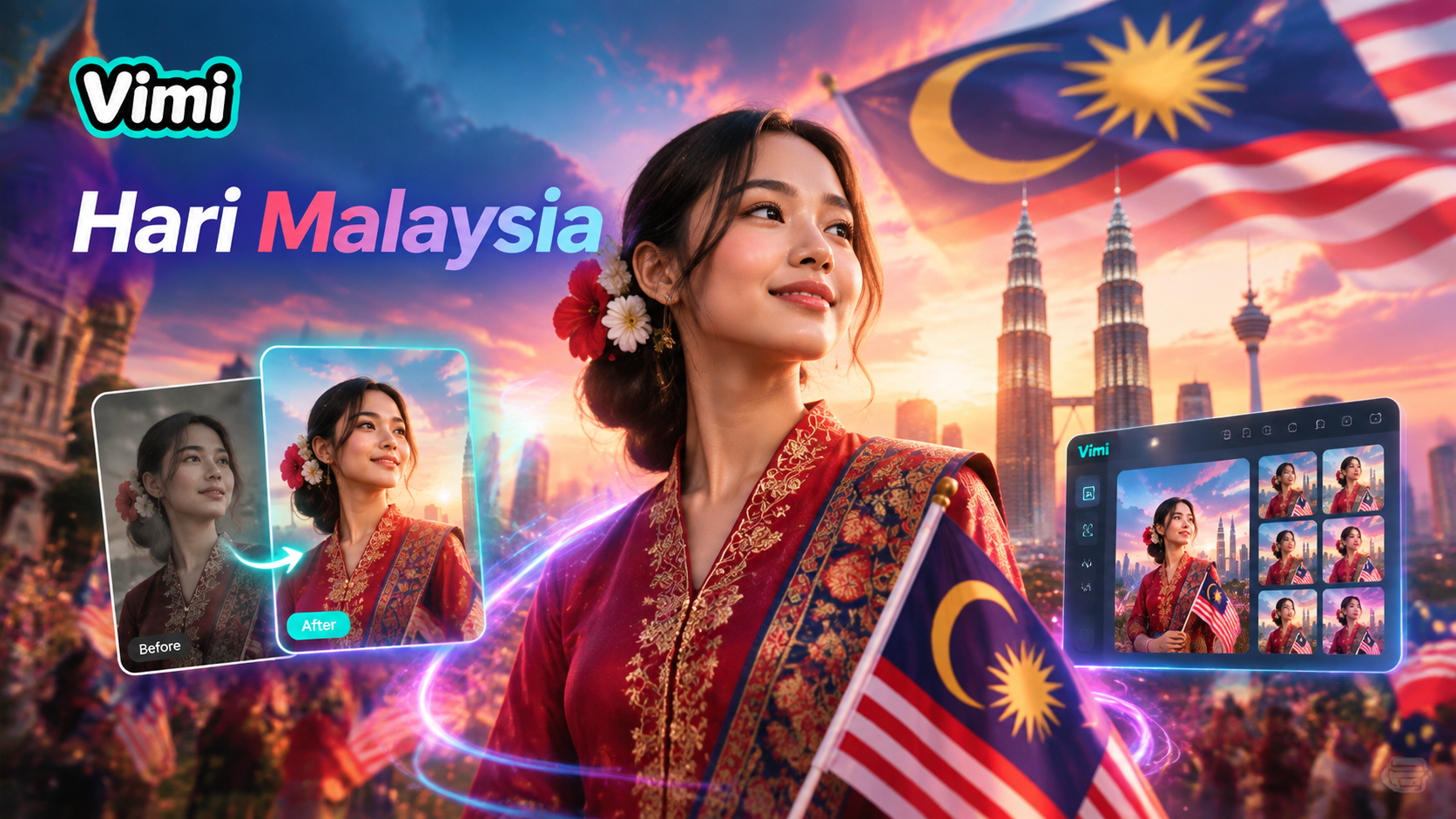
Choose the Filter That Suits You Best
Discover the hari malaysia photo edit filter that perfectly matches your style and mood.
Vimi Hari Malaysia Photo Edit Filters
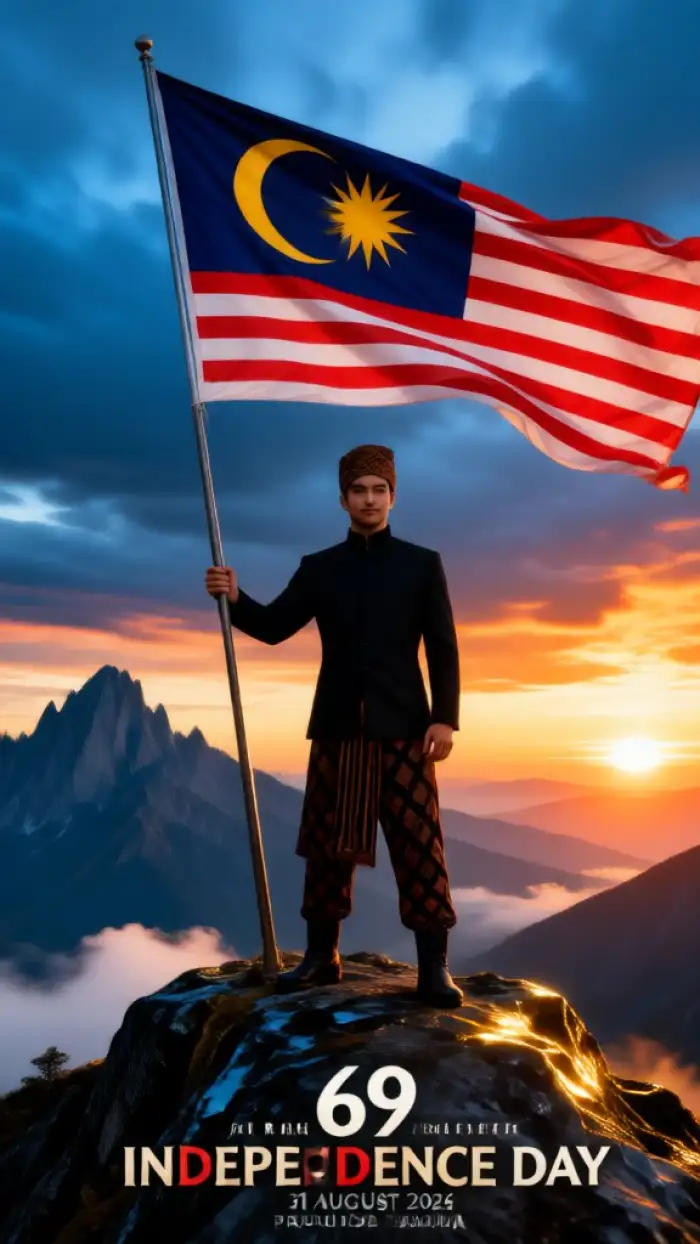
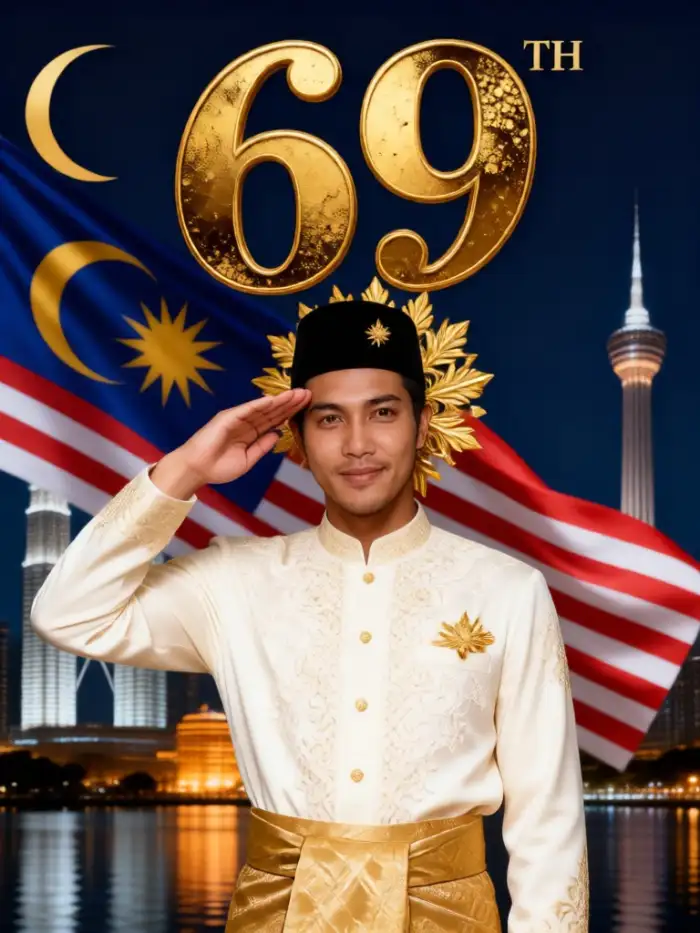
Vimi offers Hari Malaysia photo edit filters for patriotic portraits, family group photos, and short celebration videos. You can add flag colors, festive backgrounds, traditional outfits, and group poses. Each filter works as a template. Upload a photo, tap Generate, and view the result in seconds.
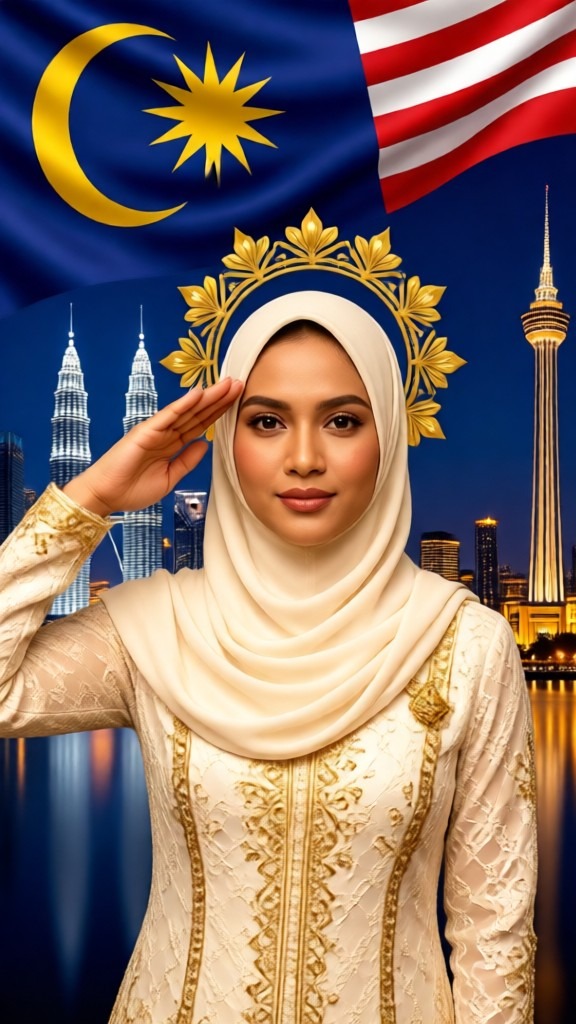
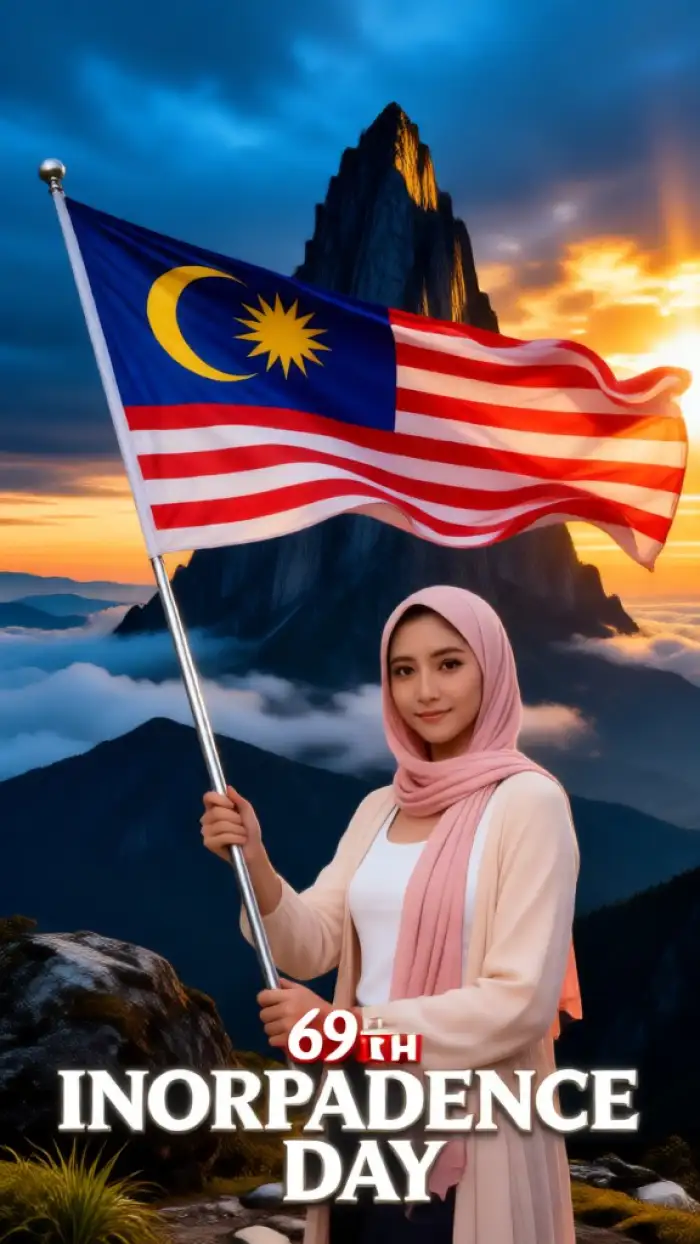
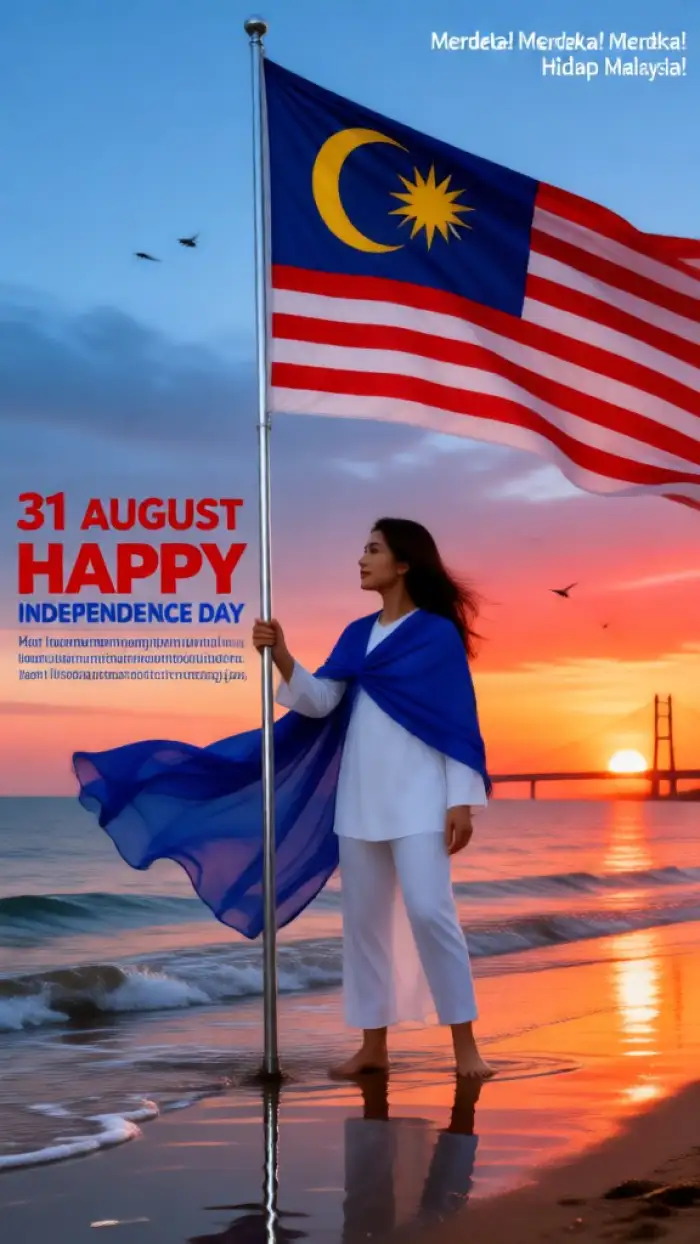
Key Features of Vimi for Hari Malaysia Photo Edit
Explore the main tools that help you create Hari Malaysia photo edits in Vimi with simple taps and ready templates.
 Before
 After
AfterPhoto to Photo Styles
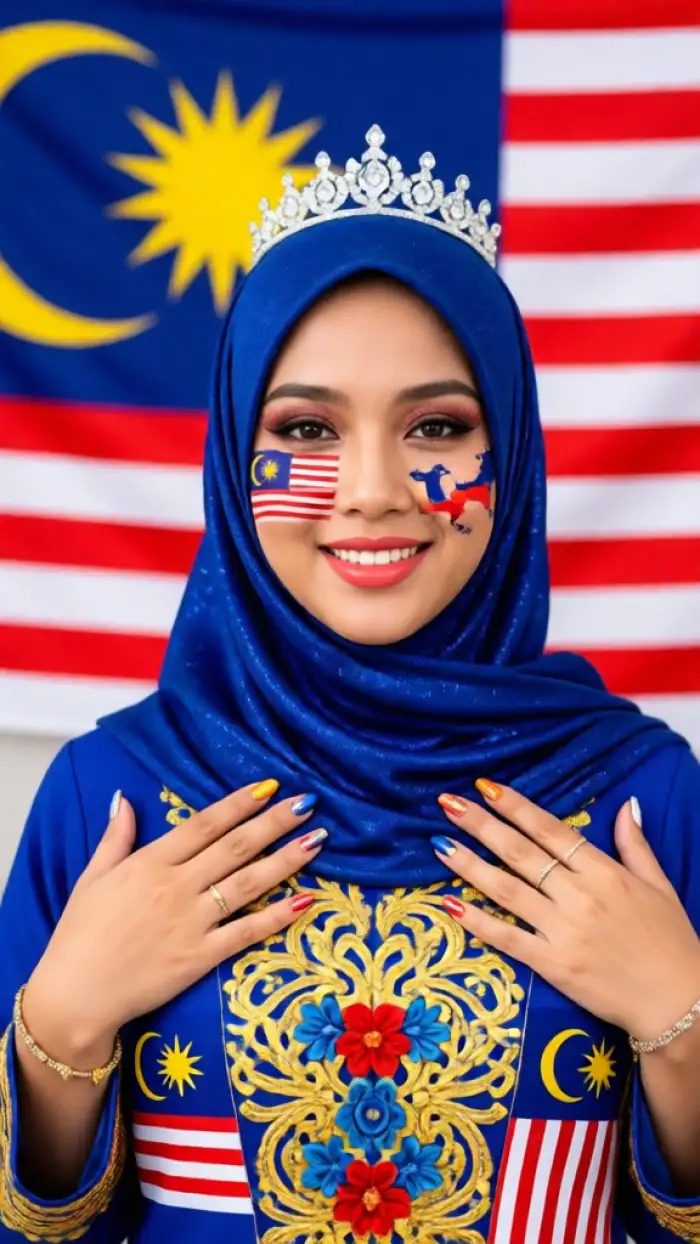
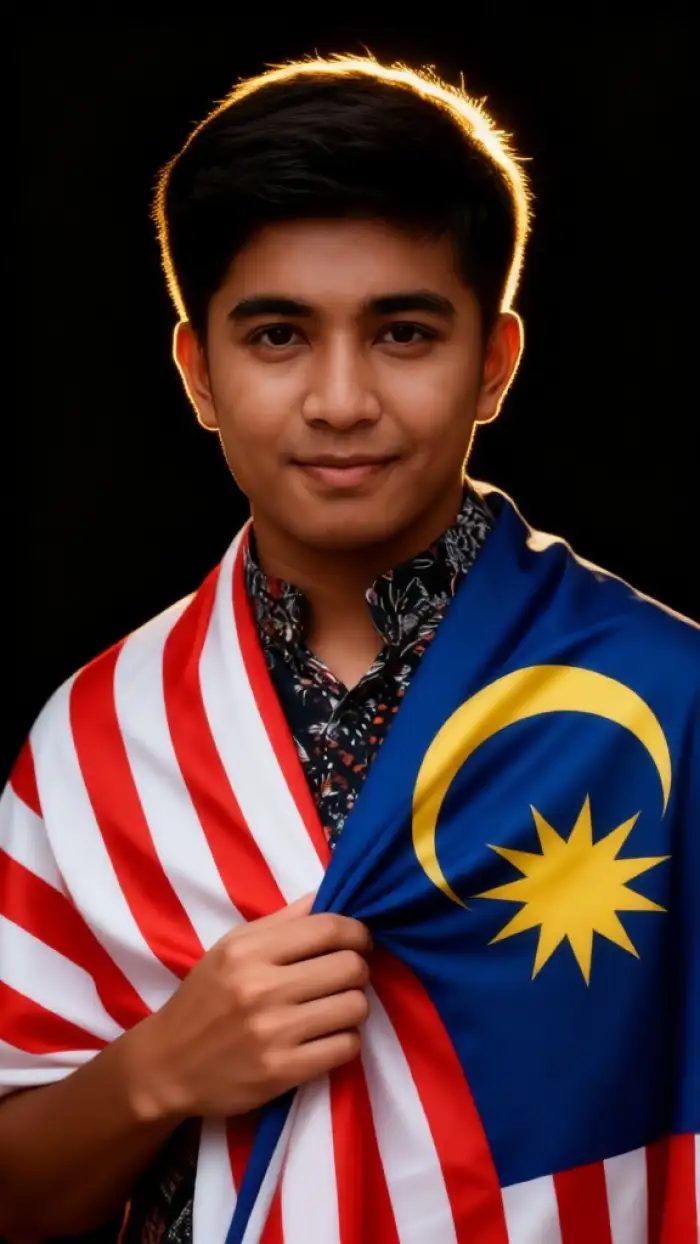
Upload a personal photo as a reference. Vimi keeps the main facial features while adding Hari Malaysia themes. You can try traditional outfits, flag color lighting, or festive backdrops. The result still looks like you. This works well for profile pictures, greeting cards, and family portraits.
BeforeAfterPhoto to Photo Styles
Upload a personal photo as a reference. Vimi keeps the main facial features while adding Hari Malaysia themes. You can try traditional outfits, flag color lighting, or festive backdrops. The result still looks like you. This works well for profile pictures, greeting cards, and family portraits.
 Before
 After
AfterCommunity Sharing And Reuse
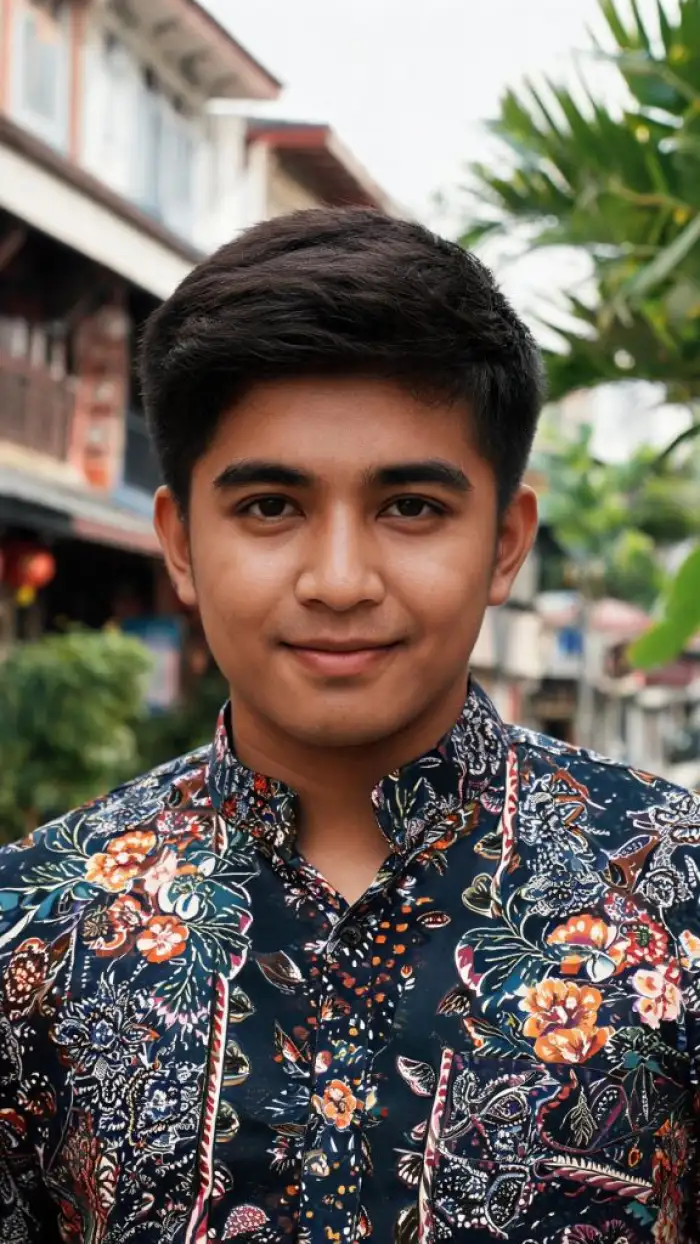
Publish each Hari Malaysia image or video to your Vimi profile with one tap. Your public page collects all posts into a personal portfolio. Other creators can like, comment, and reuse your template. This creates a loop from creation to sharing to remixing. Private posting is also available.
BeforeAfterCommunity Sharing And Reuse
Publish each Hari Malaysia image or video to your Vimi profile with one tap. Your public page collects all posts into a personal portfolio. Other creators can like, comment, and reuse your template. This creates a loop from creation to sharing to remixing. Private posting is also available.
 Before
 After
AfterCharacter Consistency And Control
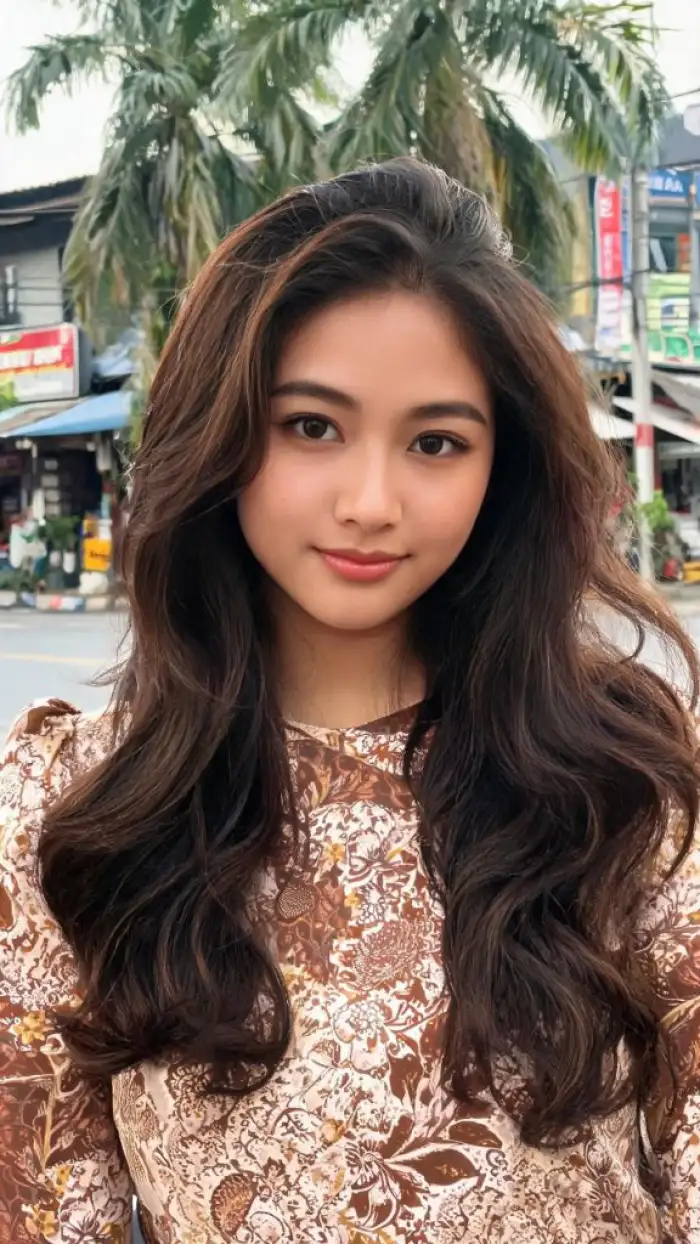
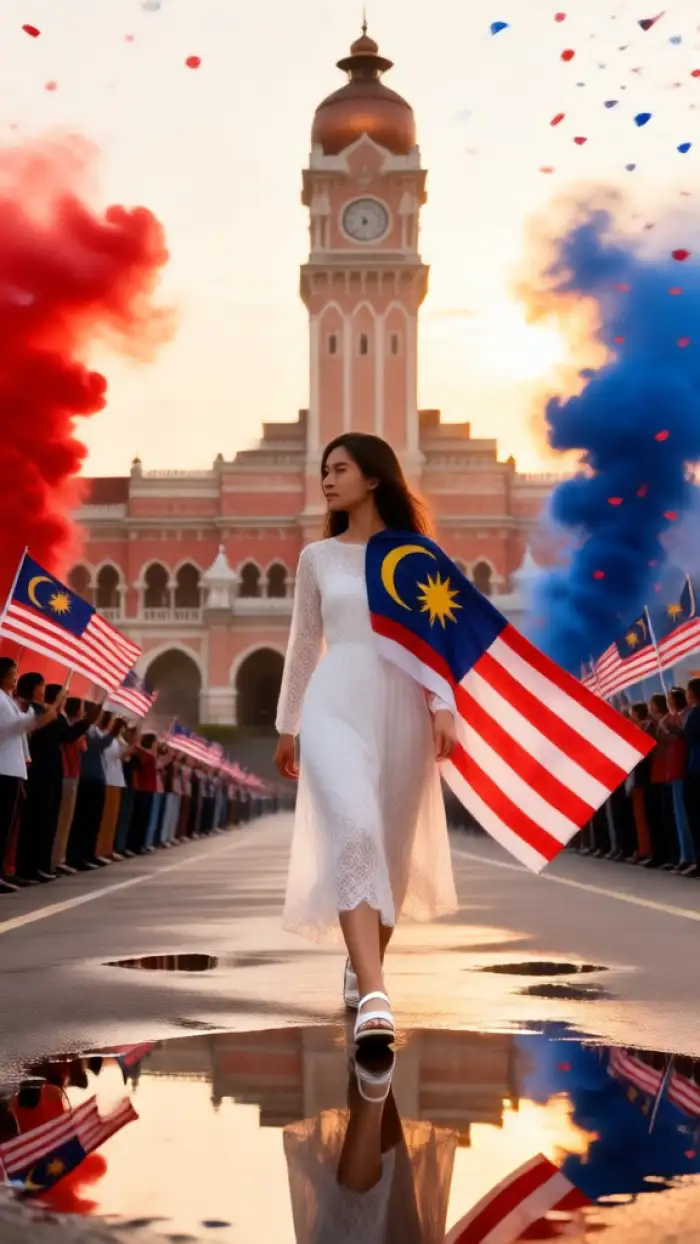
Create a series of images or videos with the same person. Vimi keeps facial features, hairstyle, and clothing consistent across each result. You can guide small expressions like smiles, blinks, and open mouths. You can set poses such as standing, sitting, or hugging. This helps build digital avatars and albums.
BeforeAfterCharacter Consistency And Control
Create a series of images or videos with the same person. Vimi keeps facial features, hairstyle, and clothing consistent across each result. You can guide small expressions like smiles, blinks, and open mouths. You can set poses such as standing, sitting, or hugging. This helps build digital avatars and albums.
Why Use Vimi for Hari Malaysia Photo Edit
Discover the clear benefits that make Vimi a practical choice for Hari Malaysia photo edits on your phone every day.
Easy Editing for Everyone
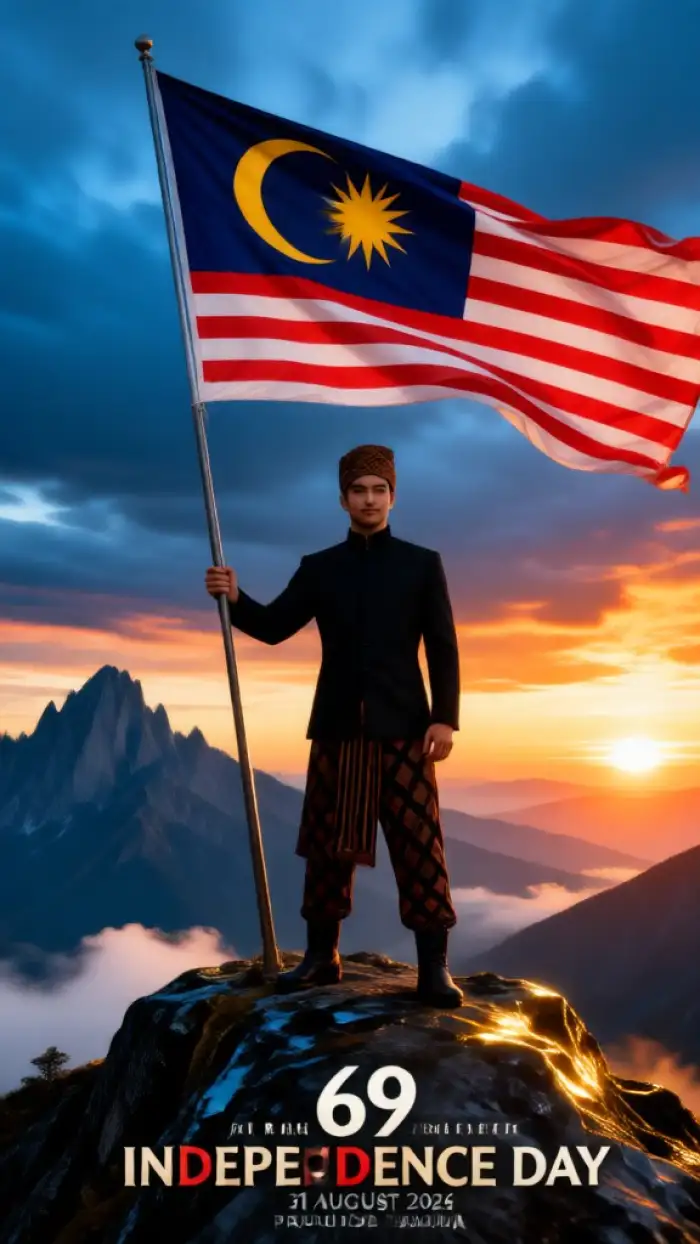
Vimi uses templates instead of complex settings. You do not need to write prompts or adjust sliders. Pick a Hari Malaysia filter, upload a photo, and tap Generate. The App finishes most edits in 10 to 20 seconds. This keeps the process simple for beginners and busy users.
Easy Editing for Everyone
Vimi uses templates instead of complex settings. You do not need to write prompts or adjust sliders. Pick a Hari Malaysia filter, upload a photo, and tap Generate. The App finishes most edits in 10 to 20 seconds. This keeps the process simple for beginners and busy users.
How to Use Vimi Hari Malaysia Photo Edit?
You can create a Hari Malaysia photo edit in three simple steps. First preview the filter, then use the App, and finally save your result.

Step 01.
Open Vimi to view Hari Malaysia filter previews. Tap the Vimi download link and install the App on your phone.

Step 02.
Browse the Vimi template library in the App. Pick a Hari Malaysia photo edit filter. Upload one or more photos from your phone.

Step 03.
Tap Generate and wait 10 to 20 seconds. When you like the result, tap Download. Share it to social platforms with one tap.
YouTube Videos About Hari Malaysia Photo Edit Generator
Explore in-depth YouTube tutorials and demos that showcase the power and reliability of our AI Generator.
Frequently Asked Questions
Find clear answers to common questions and get the guidance you need to make the most of our platform, faster and easier.
More Topics You May Like
Explore more topics you may like and discover fresh ideas tailored to your interests.
Photo With Ganesh Ji AI: Create Divine Festival Images With Vimi
Cricket Team Poster Maker: Create Professional Cricket Posters with AI
Vimi Ganpati Close Up AI Photo: Create Stunning Ganesh Chaturthi Portraits in Seconds
Magical Butterfly AI Photo Editing: Transform Your Photos with Vimi
Photo With Ganesh Ji AI: Create Divine Festival Images With Vimi
Cricket Team Poster Maker: Create Professional Cricket Posters with AI
Vimi Ganpati Close Up AI Photo: Create Stunning Ganesh Chaturthi Portraits in Seconds
Magical Butterfly AI Photo Editing: Transform Your Photos with Vimi
Create Your Hari Malaysia Photo Edit Today
Download Vimi and pick a festive template. Upload a photo and tap Generate. Stay ahead of trends and create content everyone will notice.
Create Your Hari Malaysia Photo Edit Today
Download Vimi and pick a festive template. Upload a photo and tap Generate. Stay ahead of trends and create content everyone will notice.