Halloween Pet AI
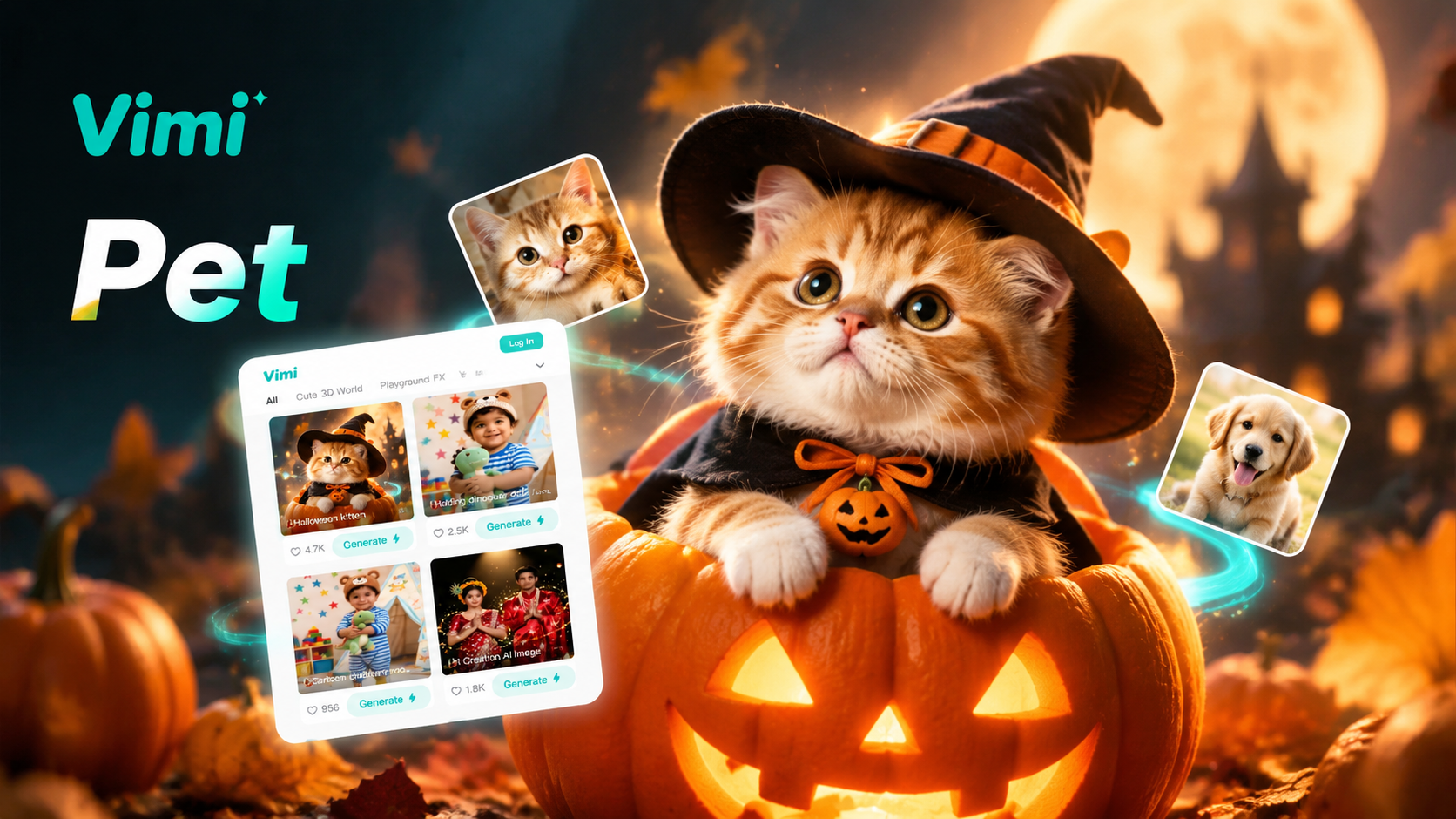
Explore the Halloween Pet AI Filter
Discover the halloween pet ai filter that perfectly matches your style and mood.
Halloween Pet AI Filters to Try First
Start with Halloween Horror Pet Look, Magical Witch Pet Style, Haunted Doll Pet Portrait, Halloween Royalty Pet Look, Ghost Pet Photo Effect, and Vampire Pet Night Scene. Each template shows a preview before you upload. Pick one look, add a pet photo, and tap Generate. The app returns a still image or a short video in seconds.
Why Vimi Makes Halloween Pet AI Easy
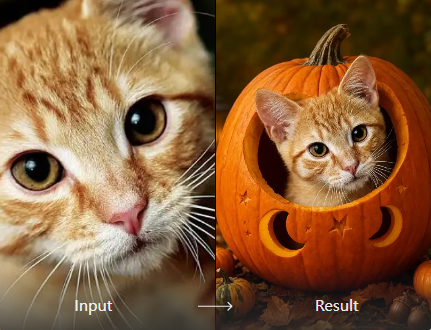
Upload one clear pet photo. Vimi keeps your pet's face, fur pattern, and body shape while adding a Halloween costume, mood, or setting. You choose a template and tap Generate. The result appears in seconds as a still image or a short video for your app profile.
Why Vimi Makes Halloween Pet AI Easy
Upload one clear pet photo. Vimi keeps your pet's face, fur pattern, and body shape while adding a Halloween costume, mood, or setting. You choose a template and tap Generate. The result appears in seconds as a still image or a short video for your app profile.
Explore Vimi Halloween Pet AI Use Cases
Explore the six pet looks below and see how each Vimi template fits a different Halloween mood or social post.
 Before
 After
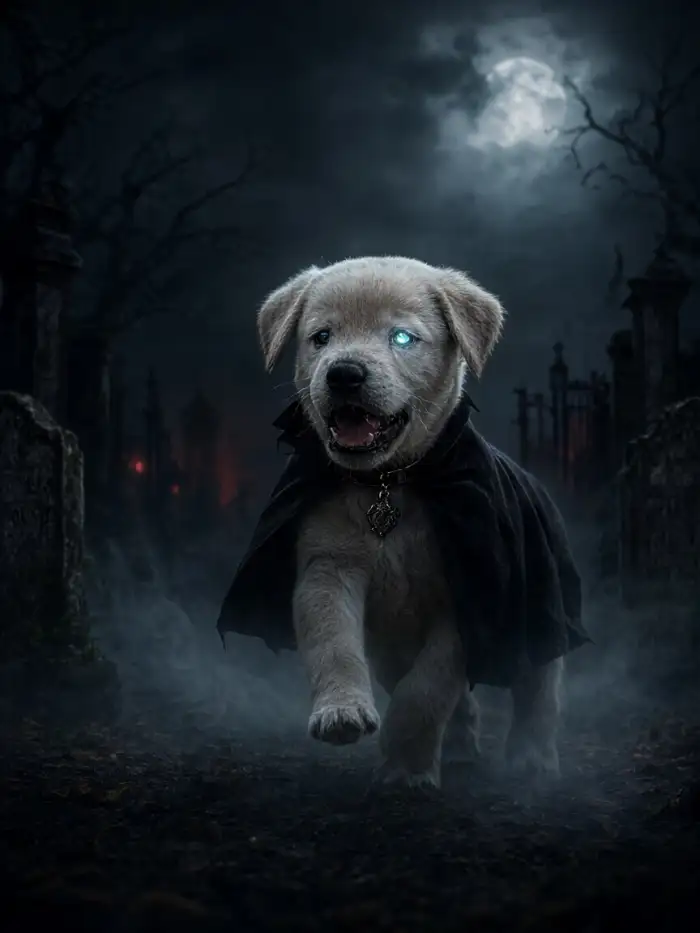
Halloween Horror Pet Look
Use this template when you want a scary movie mood without a photo shoot. Upload a clear pet photo and Vimi adds dim light, fog, cracked textures, and a dark background. The pet's face and fur stay recognizable. Save the still image for a party invite or share a short clip in the Vimi community.
 Before
 After
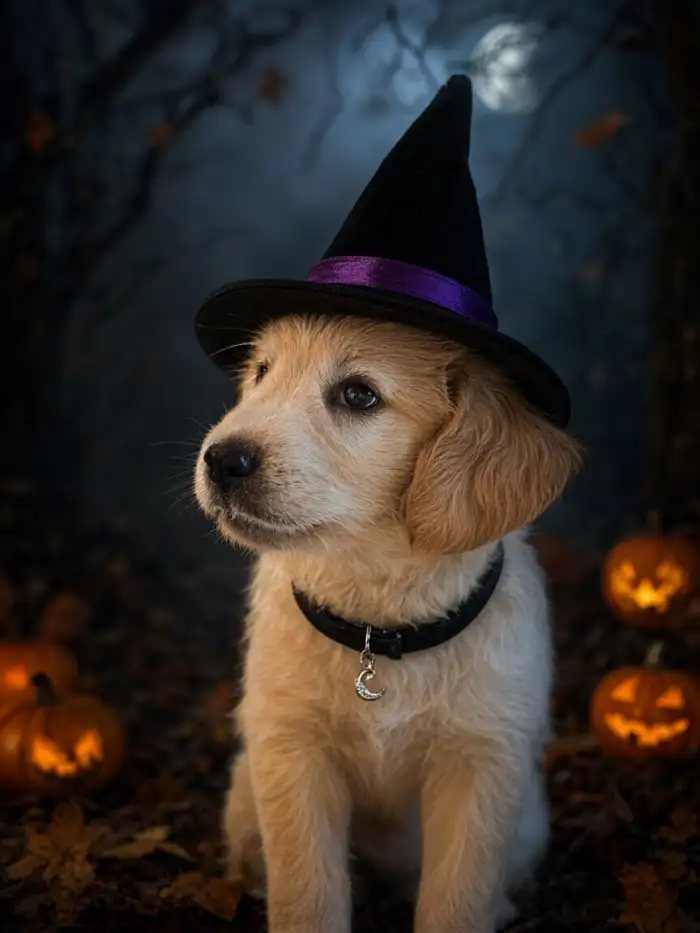
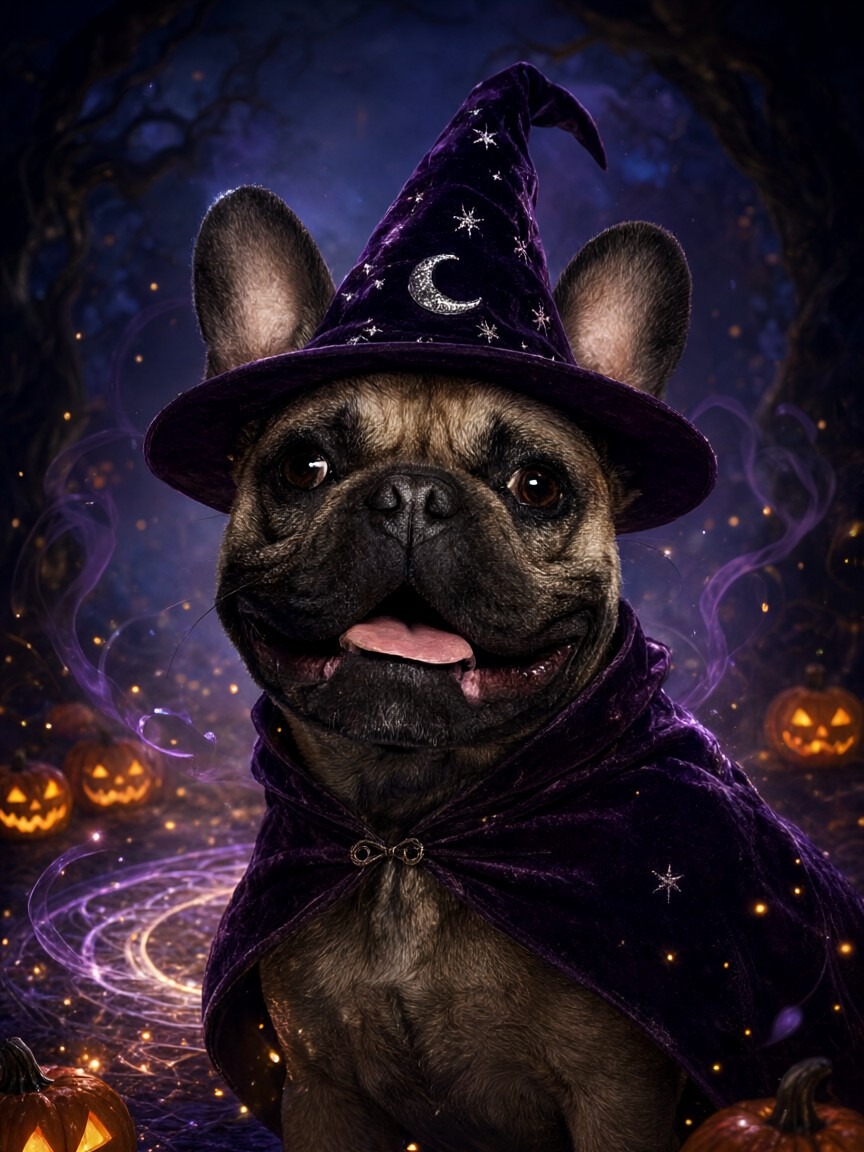
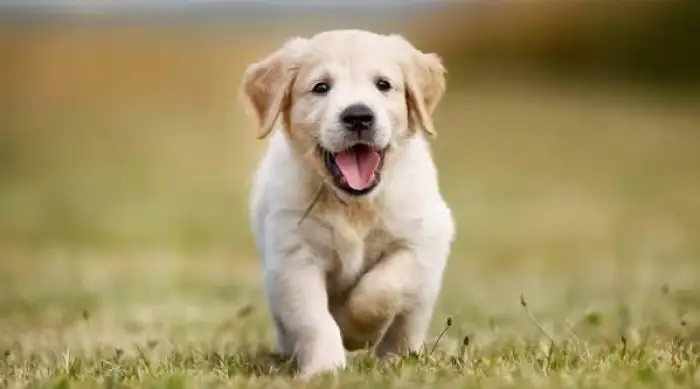
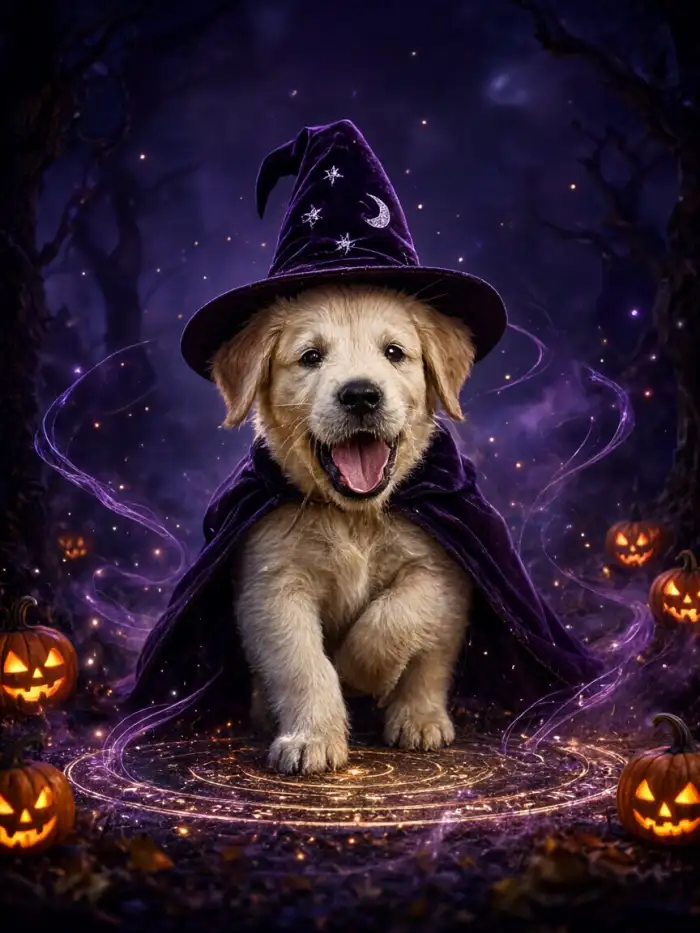
Magical Witch Pet Style
Choose this look for a friendly witch theme. Vimi adds a pointed hat, small stars, soft colored light, and a simple costume while keeping your pet's eyes and markings visible. Upload one photo, pick the template, and tap Generate. The result works well for profile pictures and greeting cards inside Vimi.
 Before
 After
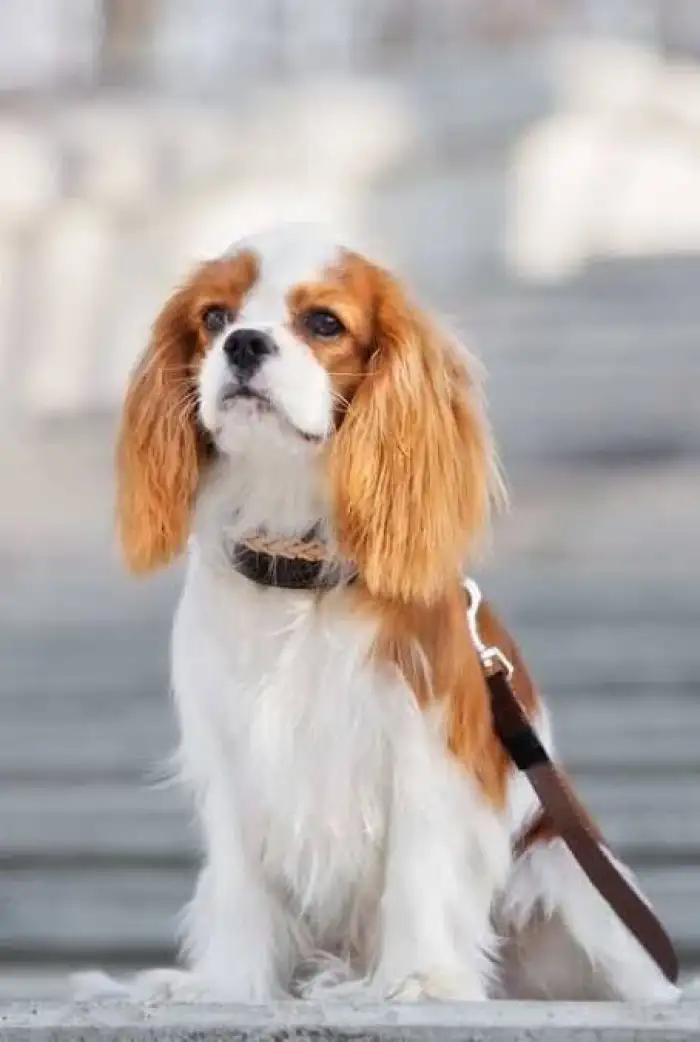
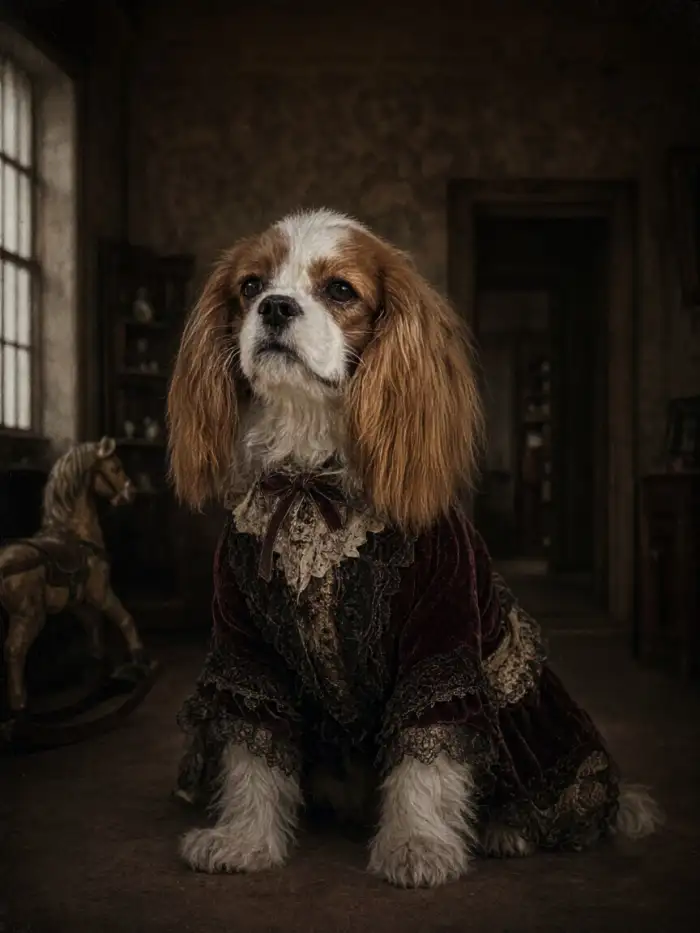
Haunted Doll Pet Portrait
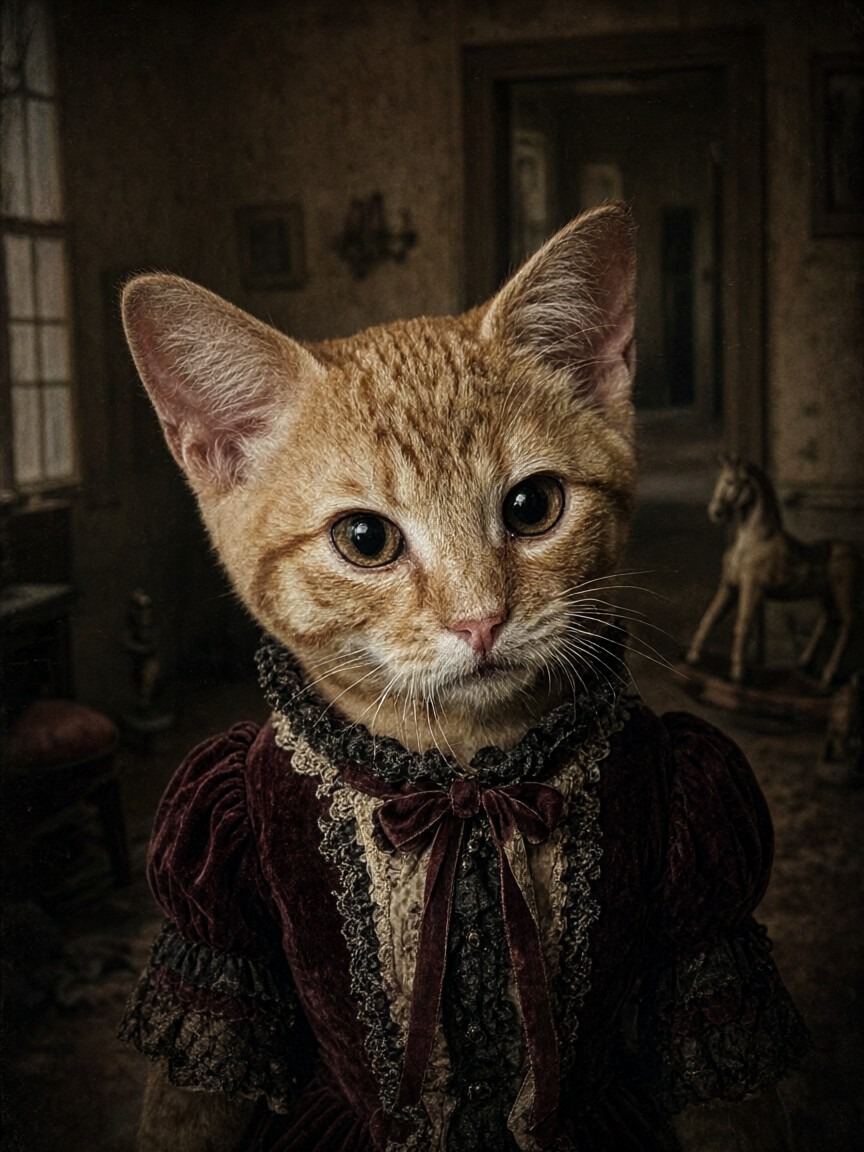
This template gives your pet a vintage doll mood. Vimi adds stitched details, pale tones, and a soft frame while keeping the original face shape. Use it for a playful costume post or a short story clip. Upload one front facing photo for clearer facial details and stronger results in the app.
 Before
 After
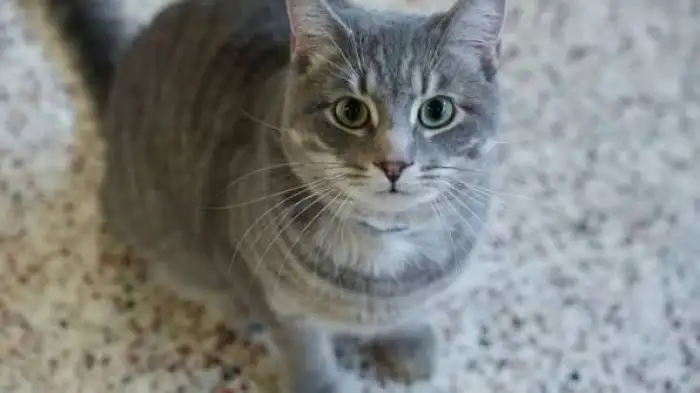
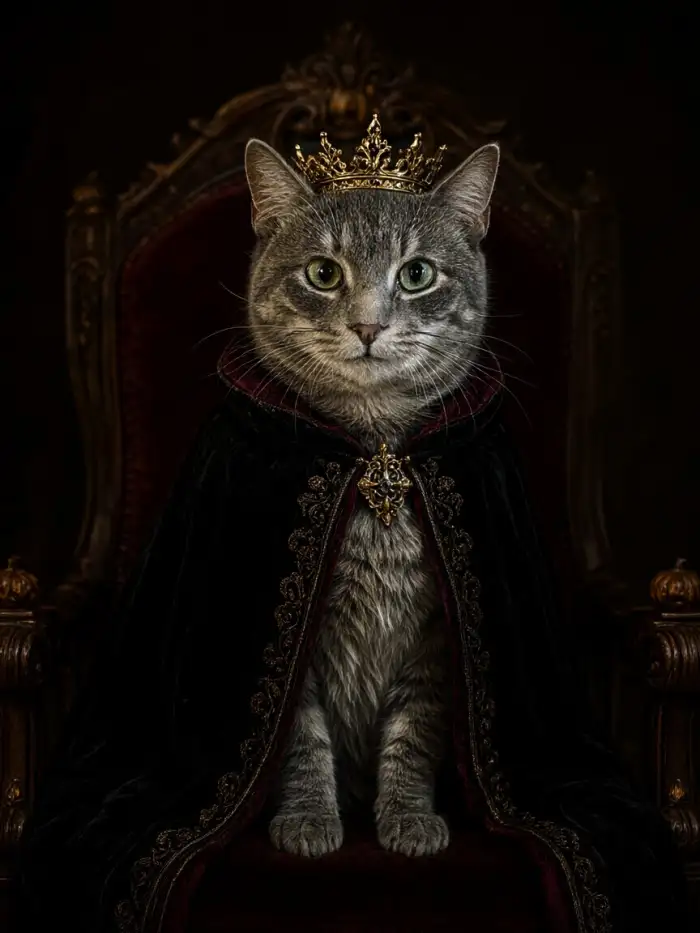
Halloween Royalty Pet Look
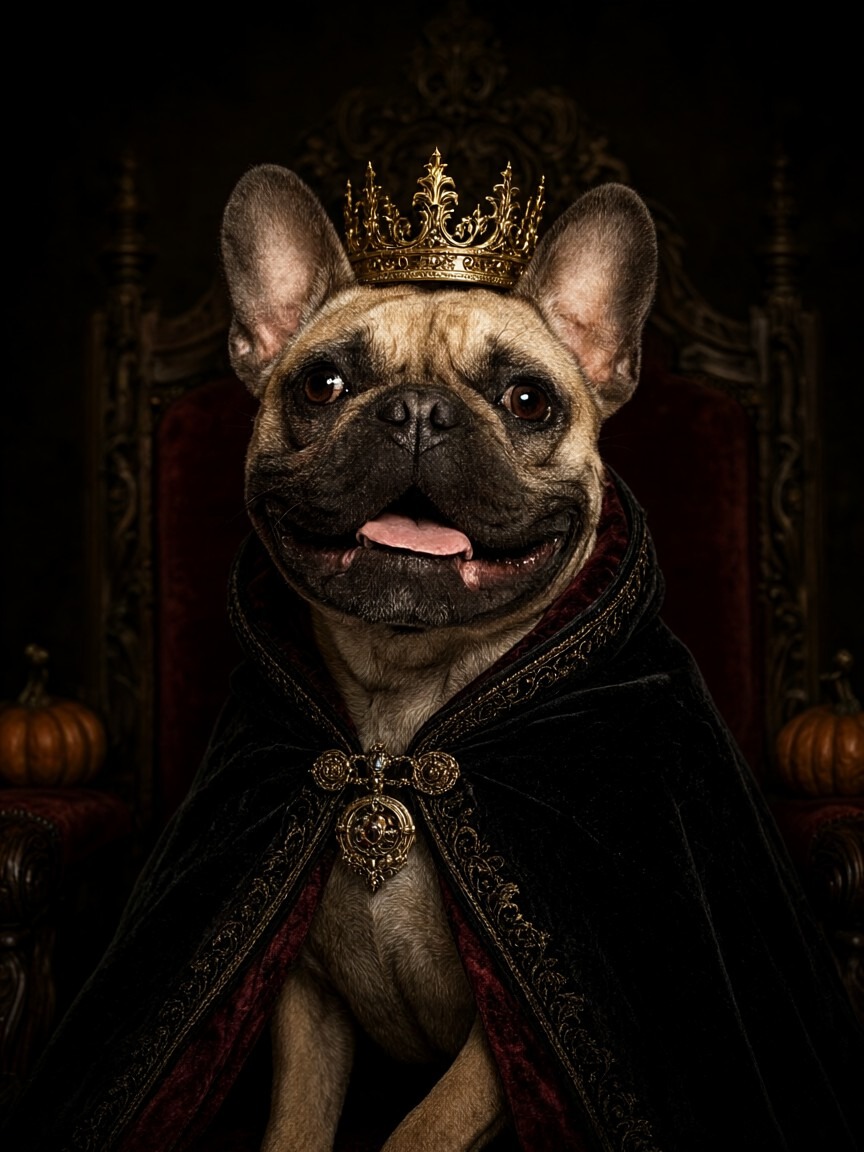
Pick this template for a crown and cape scene. Vimi places your pet in a rich costume with deep colors, gold details, and a staged background. The original face stays clear. Use the still image for a family card or turn it into a short video for your Vimi profile and group chat.
 Before
 After
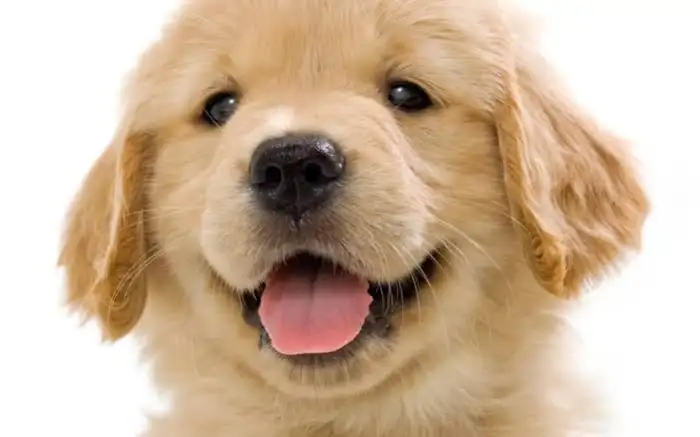
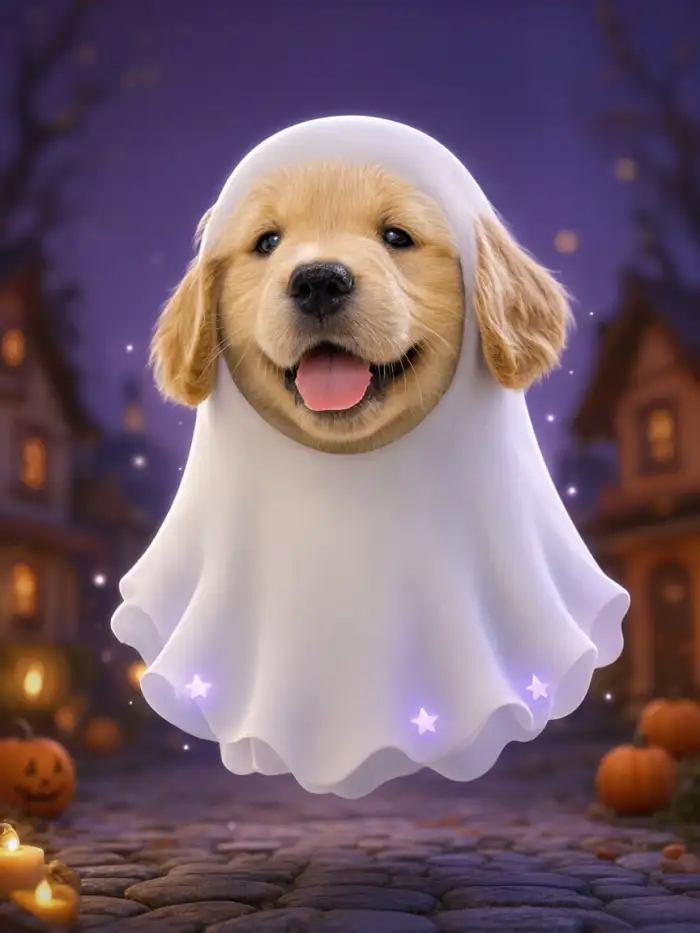
Ghost Pet Photo Effect
Use this effect for a soft ghost theme. Vimi adds a light haze, floating shapes, and a night setting while keeping your pet's face and fur pattern intact. Upload a photo with one pet for a clean outline. Then share the image or short clip in the Vimi app community.
 Before
 After
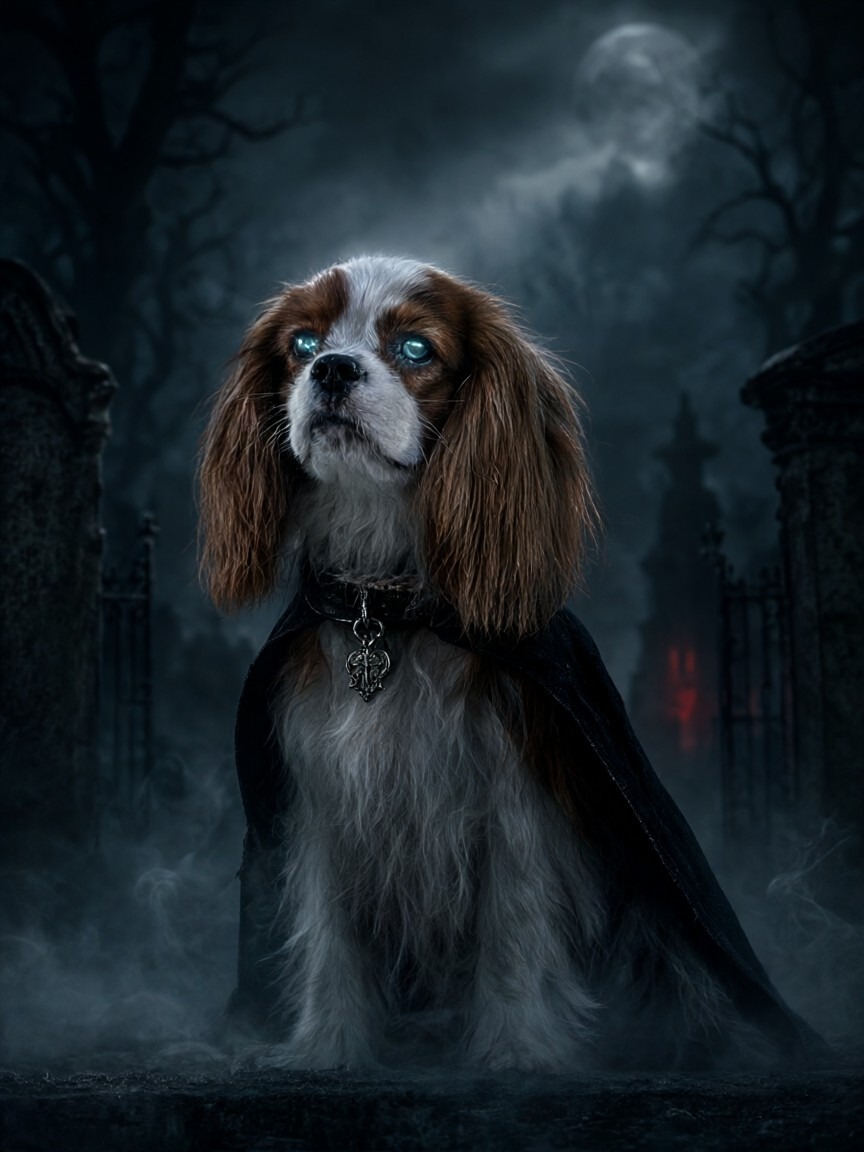
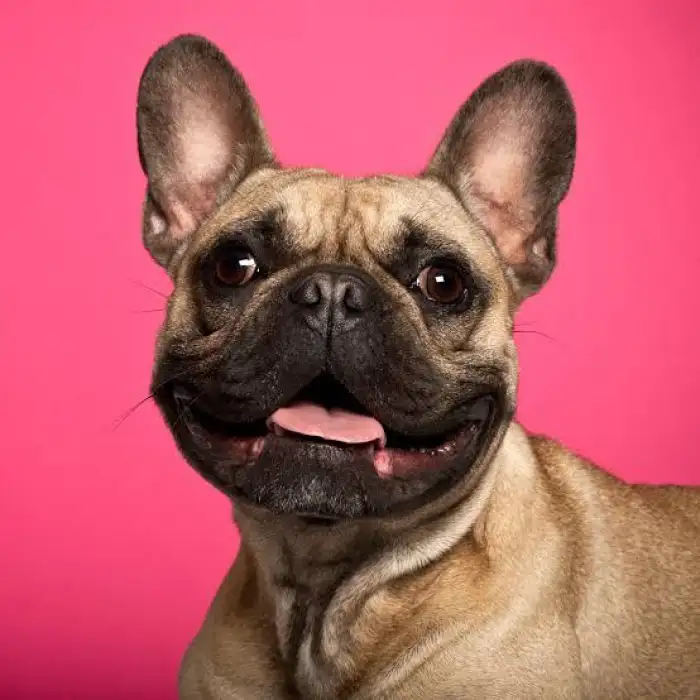
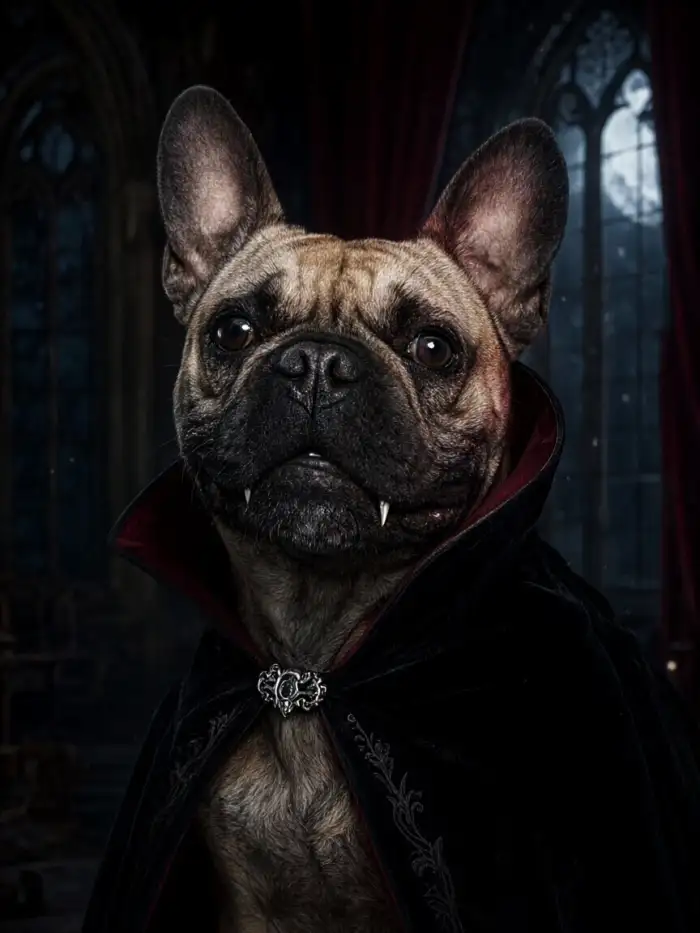
Vampire Pet Night Scene
Choose this scene for a classic vampire mood. Vimi adds a dark cape, small fangs, red light, and a night background while keeping your pet's natural face. Upload one clear photo and pick the template. Save the image for a party post or share a short clip with friends in Vimi.
How to Make VimiHalloween Pet AI Photos?
Open the Vimi filter gallery link to preview Halloween Pet AI styles. Then use the mobile app to create, save, and share your pet result in three short steps.

Step 01.
Open Vimi to preview Halloween Pet AI filters, then follow the App download prompt on your phone.
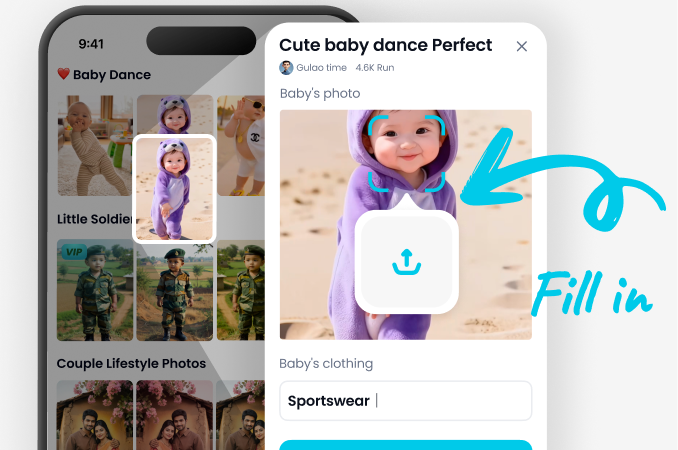
Step 02.
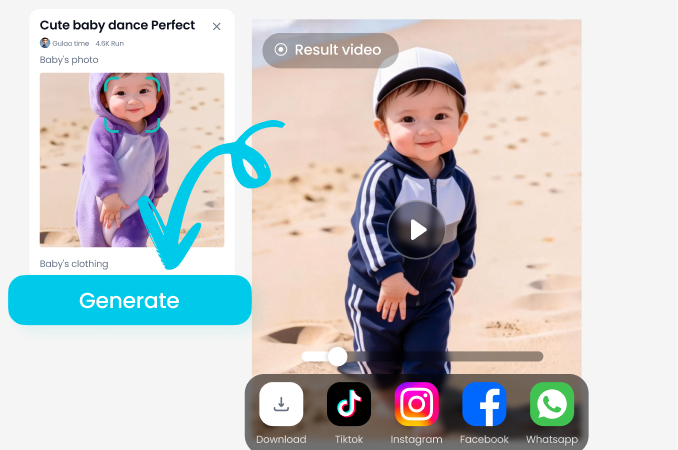
Download and open the Vimi app, choose a Halloween Pet AI template, upload one pet photo, and tap Generate.
Step 03.
Wait about 10 to 20 seconds, tap Download to save the result, then share it to your social platforms or Vimi profile.
YouTube Videos About Halloween Pet AI Generator
Explore in-depth YouTube tutorials and demos that showcase the power and reliability of our AI Generator.
Frequently Asked Questions
Find clear answers to common questions and get the guidance you need to make the most of our platform, faster and easier.
Who Uses Halloween Pet AI Enhancement Online
Maya R
I used the Vampire Pet Night Scene on my black cat. The app kept her face and fur markings clear while adding the cape and red light. I saved the image and posted it to my Vimi profile in one step.

Daniel K
The Haunted Doll Pet Portrait was easy to try. I uploaded one front facing photo of my dog and tapped Generate. The stitched details showed up without changing his eye color. My friends asked which template I used.

Leo M
I made a short ghost clip from a photo of my rabbit. The outline stayed clean and the floating shapes moved in a soft way. I shared it to my social feed from the app. The whole process took about 20 seconds.

Hannah T
I like the Magical Witch Pet Style for quick profile updates. I choose a template, upload a photo, and get a new image in seconds. The hat and stars sit on the pet without covering the face. I also posted it to the Vimi community.
Maya R
I used the Vampire Pet Night Scene on my black cat. The app kept her face and fur markings clear while adding the cape and red light. I saved the image and posted it to my Vimi profile in one step.
Daniel K
The Haunted Doll Pet Portrait was easy to try. I uploaded one front facing photo of my dog and tapped Generate. The stitched details showed up without changing his eye color. My friends asked which template I used.
Leo M
I made a short ghost clip from a photo of my rabbit. The outline stayed clean and the floating shapes moved in a soft way. I shared it to my social feed from the app. The whole process took about 20 seconds.
Hannah T
I like the Magical Witch Pet Style for quick profile updates. I choose a template, upload a photo, and get a new image in seconds. The hat and stars sit on the pet without covering the face. I also posted it to the Vimi community.
Maya R
I used the Vampire Pet Night Scene on my black cat. The app kept her face and fur markings clear while adding the cape and red light. I saved the image and posted it to my Vimi profile in one step.
Daniel K
The Haunted Doll Pet Portrait was easy to try. I uploaded one front facing photo of my dog and tapped Generate. The stitched details showed up without changing his eye color. My friends asked which template I used.
Leo M
I made a short ghost clip from a photo of my rabbit. The outline stayed clean and the floating shapes moved in a soft way. I shared it to my social feed from the app. The whole process took about 20 seconds.
Hannah T
I like the Magical Witch Pet Style for quick profile updates. I choose a template, upload a photo, and get a new image in seconds. The hat and stars sit on the pet without covering the face. I also posted it to the Vimi community.
More Topics You May Like
Explore more topics you may like and discover fresh ideas tailored to your interests.
Ganpati AI Video: Create Divine Ganesha Videos Instantly
Spooky AI Costume Generator: Try On Virtual Halloween Looks
Karwa Chauth AI Photo Generator: Festive Portraits in Minutes
Hug My Younger Self AI: A Healing Photo Trend
Ganpati AI Video: Create Divine Ganesha Videos Instantly
Spooky AI Costume Generator: Try On Virtual Halloween Looks
Karwa Chauth AI Photo Generator: Festive Portraits in Minutes
Hug My Younger Self AI: A Healing Photo Trend
Create Halloween Pet AI With Vimi
Upload one pet photo. Get a new Halloween look in seconds. Stay ahead of trends and create content everyone will notice.
Create Halloween Pet AI With Vimi
Upload one pet photo. Get a new Halloween look in seconds. Stay ahead of trends and create content everyone will notice.