canva
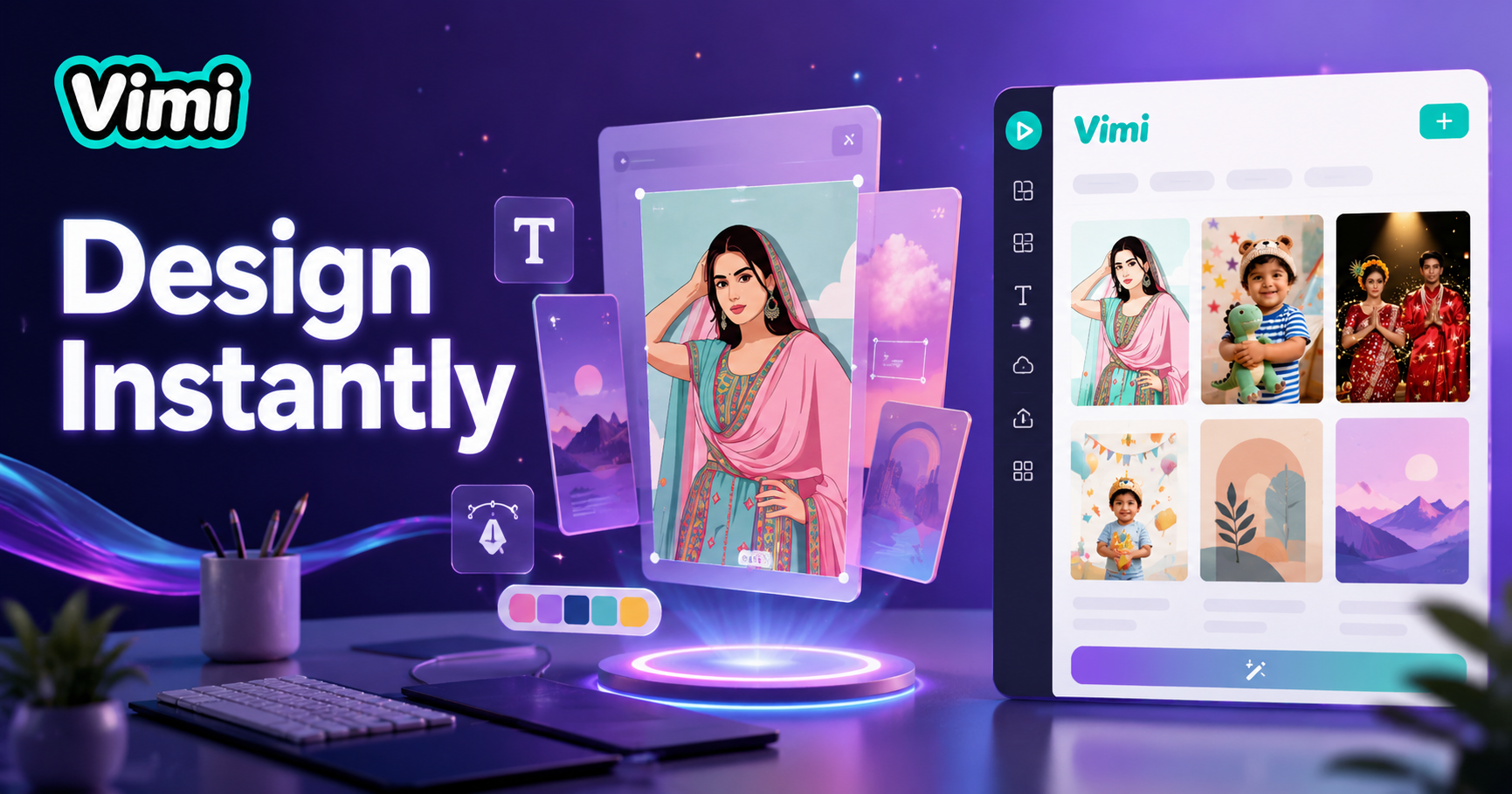
Benefits of Choosing Vimi Over Canva for Image Creation
Find the key advantages that make Vimi a strong alternative to Canva for AI powered image generation.
 Before
 After
AfterNo Design Skills Required
Canva requires you to arrange elements, choose fonts, and adjust layouts manually. Vimi removes all these steps. You simply select a template and upload a photo. The AI generates a complete image automatically. Anyone can create professional visuals without any design training or experience.
 Before
 After
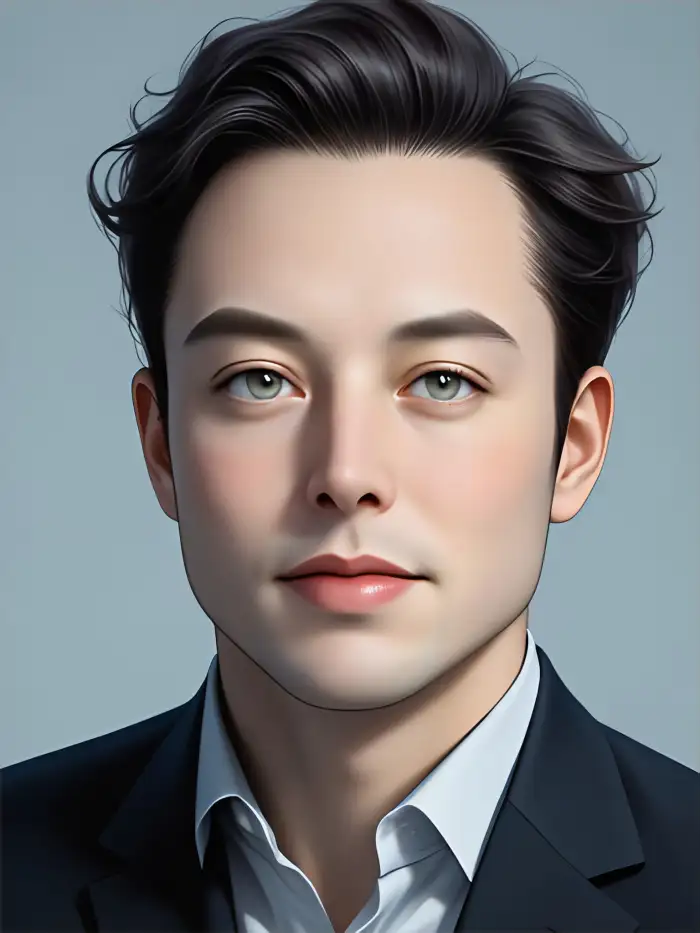
AfterFaster Image Generation Process
Creating an image in Canva takes several minutes of dragging and adjusting. Vimi generates finished images in 10 to 20 seconds. The AI handles everything from style application to color matching. You get a ready to use image almost instantly. This speed lets you create more content in less time.
 Before
 After
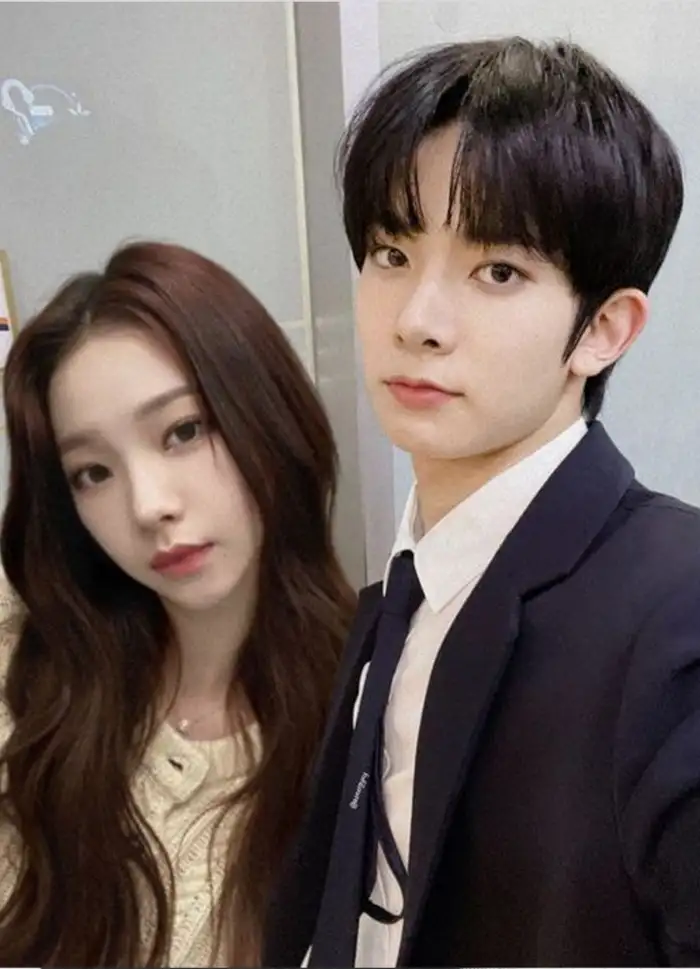
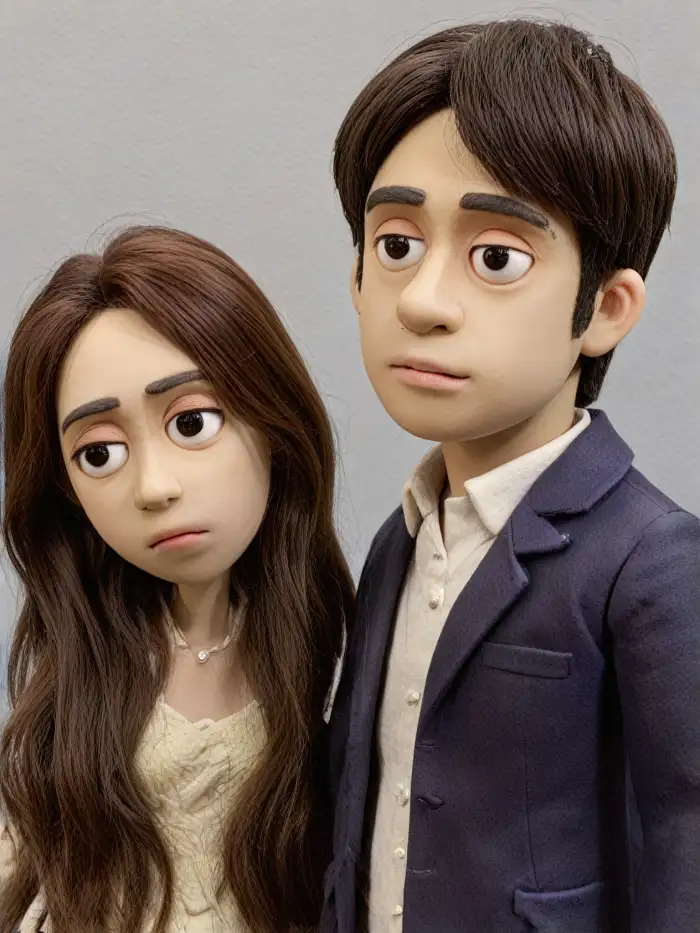
AfterAI Handles the Creative Work
Canva gives you tools but you still do the creative work. Vimi actively generates new visuals based on your input. The AI applies style transfers, adds effects, and transforms photos into artwork. You do not need to make creative decisions. The technology does all the heavy lifting for you.
Application Scenarios for Vimi Compared to Canva
Explore situations where Vimi provides unique advantages over Canva for different user needs.
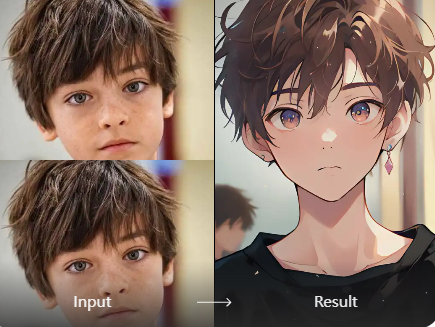
Quick Social Media Content
Social media managers need content fast. Canva requires manual design work for each post. Vimi generates fresh images instantly from photos or text. A single template produces a complete social graphic in seconds. This allows you to maintain active social channels without spending hours on design.
Quick Social Media Content
Social media managers need content fast. Canva requires manual design work for each post. Vimi generates fresh images instantly from photos or text. A single template produces a complete social graphic in seconds. This allows you to maintain active social channels without spending hours on design.
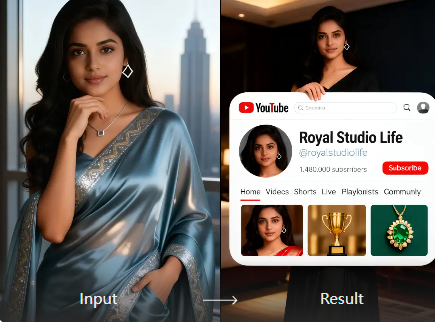
Personal Branding Visuals
Individuals building personal brands need consistent, high quality images. Canva offers templates but you must customize each one. Vimi generates unique visuals with consistent style across all images. The AI maintains your facial features and applies the same aesthetic to every photo. Your brand identity stays uniform without extra effort.
Personal Branding Visuals
Individuals building personal brands need consistent, high quality images. Canva offers templates but you must customize each one. Vimi generates unique visuals with consistent style across all images. The AI maintains your facial features and applies the same aesthetic to every photo. Your brand identity stays uniform without extra effort.
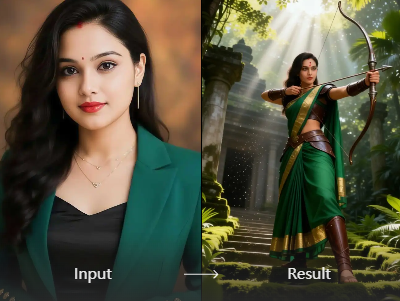
Educational and Classroom Projects
Teachers and students create visuals for assignments and presentations. Canva requires learning design principles and tool navigation. Vimi simplifies the process to template selection and photo upload. Students generate Egypt style images, fantasy scenes, or historical visuals quickly. The focus stays on learning content rather than design skills.
Educational and Classroom Projects
Teachers and students create visuals for assignments and presentations. Canva requires learning design principles and tool navigation. Vimi simplifies the process to template selection and photo upload. Students generate Egypt style images, fantasy scenes, or historical visuals quickly. The focus stays on learning content rather than design skills.
How to Use Vimi Instead of Canva?
Generate images faster with Vimi. Just follow these three steps to create visuals without manual design work.

Step 01.
Open your app store and download the Vimi mobile application. The app works on iOS and Android devices. Installation takes less than a minute.

Step 02.
Browse the template library and select any style you like. Upload your photo from the device gallery. Tap generate to start AI processing.

Step 03.
Wait 10 to 20 seconds for the AI to finish. Preview your generated image. Tap Download to save or share directly to social platforms.
Who Uses Vimi AI Video Enhancement Online

Laura H
I switched from Canva to Vimi for my social media images. Vimi generates finished posts in seconds while Canva took me 15 minutes each time. My content output has tripled since the switch.

Thomas B
Canva requires too much manual work for someone with no design background. Vimi does everything automatically. I just upload a photo and pick a style. The results look professional without any effort.

Michelle K
I use both tools but Vimi saves me so much time. For quick image generation, Vimi is my first choice. Canva stays useful for documents and layouts. Each tool has its place in my workflow.

Patricia M
Vimi's AI generation feels like magic compared to Canva's manual process. The style transfer works accurately and keeps my facial features intact. I have created over 50 images in the past week alone.
Laura H
I switched from Canva to Vimi for my social media images. Vimi generates finished posts in seconds while Canva took me 15 minutes each time. My content output has tripled since the switch.
Thomas B
Canva requires too much manual work for someone with no design background. Vimi does everything automatically. I just upload a photo and pick a style. The results look professional without any effort.
Michelle K
I use both tools but Vimi saves me so much time. For quick image generation, Vimi is my first choice. Canva stays useful for documents and layouts. Each tool has its place in my workflow.
Patricia M
Vimi's AI generation feels like magic compared to Canva's manual process. The style transfer works accurately and keeps my facial features intact. I have created over 50 images in the past week alone.
Laura H
I switched from Canva to Vimi for my social media images. Vimi generates finished posts in seconds while Canva took me 15 minutes each time. My content output has tripled since the switch.
Thomas B
Canva requires too much manual work for someone with no design background. Vimi does everything automatically. I just upload a photo and pick a style. The results look professional without any effort.
Michelle K
I use both tools but Vimi saves me so much time. For quick image generation, Vimi is my first choice. Canva stays useful for documents and layouts. Each tool has its place in my workflow.
Patricia M
Vimi's AI generation feels like magic compared to Canva's manual process. The style transfer works accurately and keeps my facial features intact. I have created over 50 images in the past week alone.
Frequently Asked Questions
Find clear answers to common questions and get the guidance you need to make the most of our platform, faster and easier.
More Topics You May Like
Explore more topics you may like and discover fresh ideas tailored to your interests.
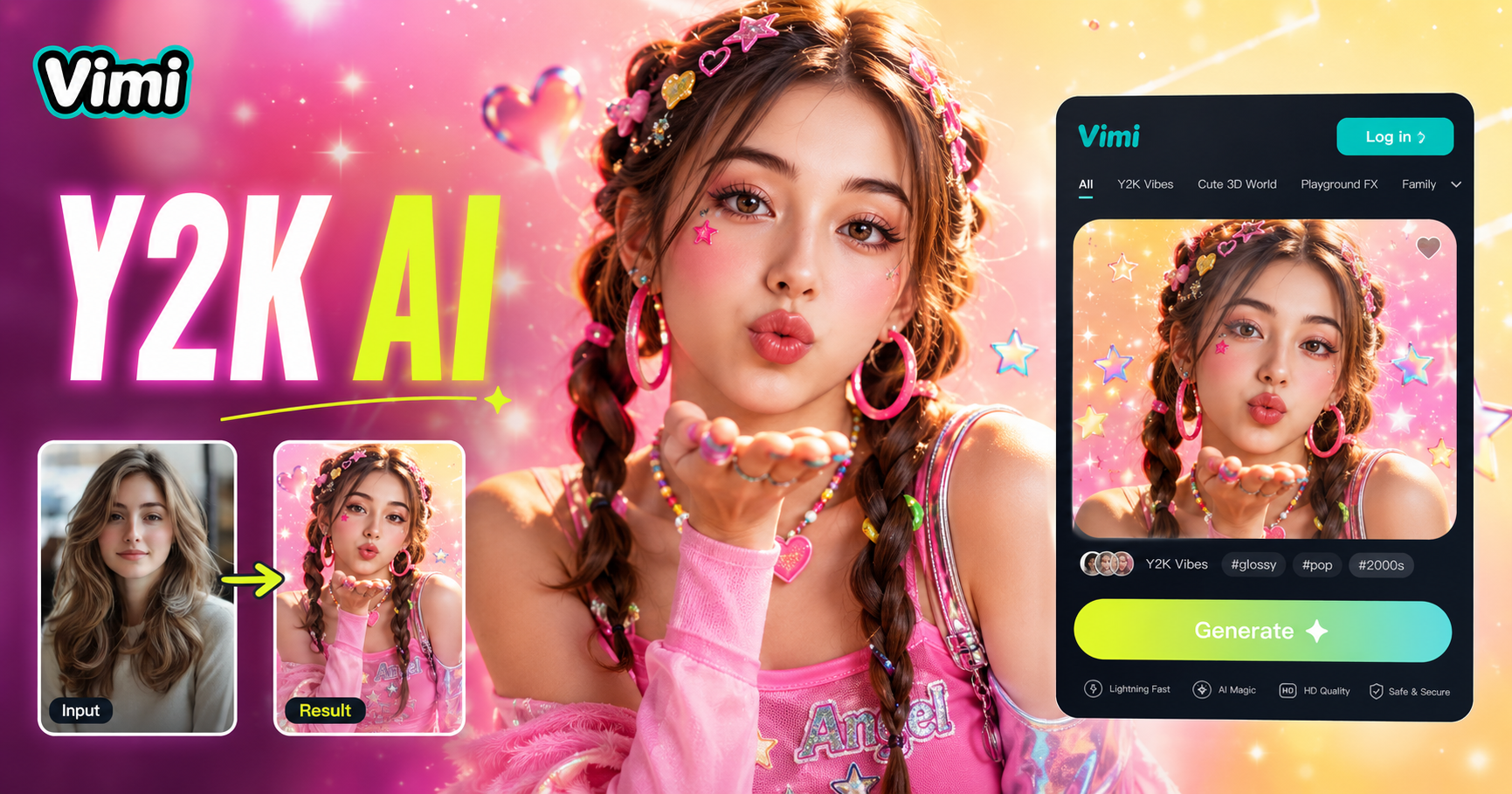
AI Y2k Generator
AI Zoom Out Video Effect
AI Catwalk With Animal
AI Hair Growth
AI Y2k Generator
AI Zoom Out Video Effect
AI Catwalk With Animal
AI Hair Growth
Generate Images Faster with Vimi Today
Download Vimi and create professional images without design skills. Start generating in seconds and share your creations instantly.
Generate Images Faster with Vimi Today
Download Vimi and create professional images without design skills. Start generating in seconds and share your creations instantly.